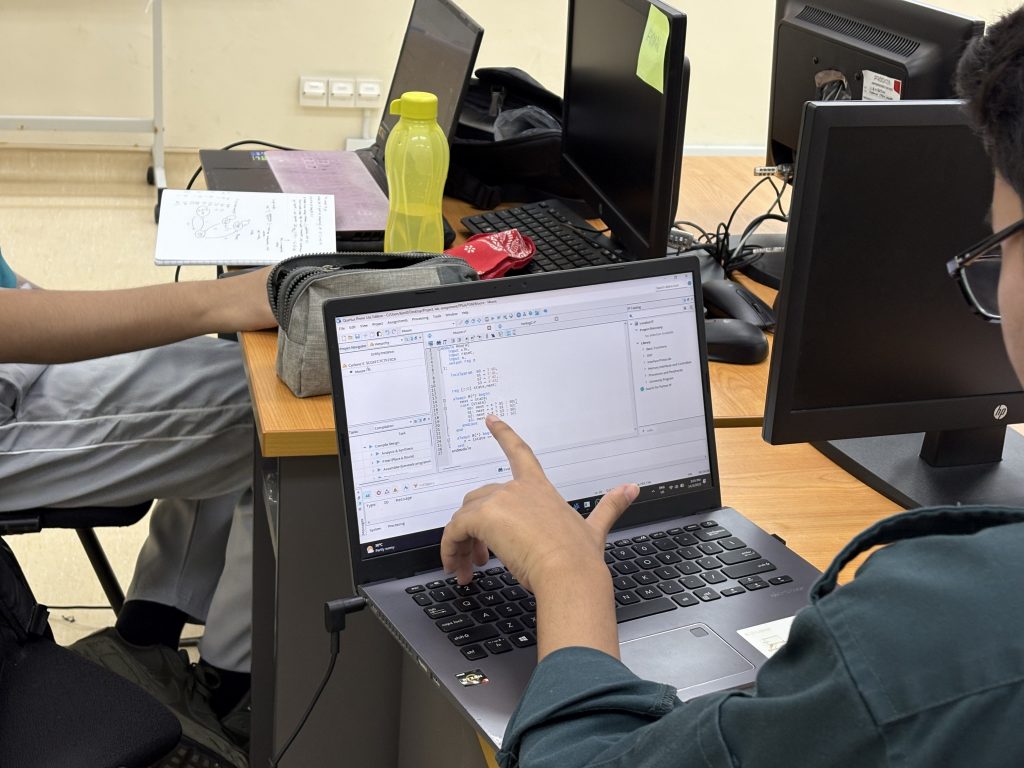
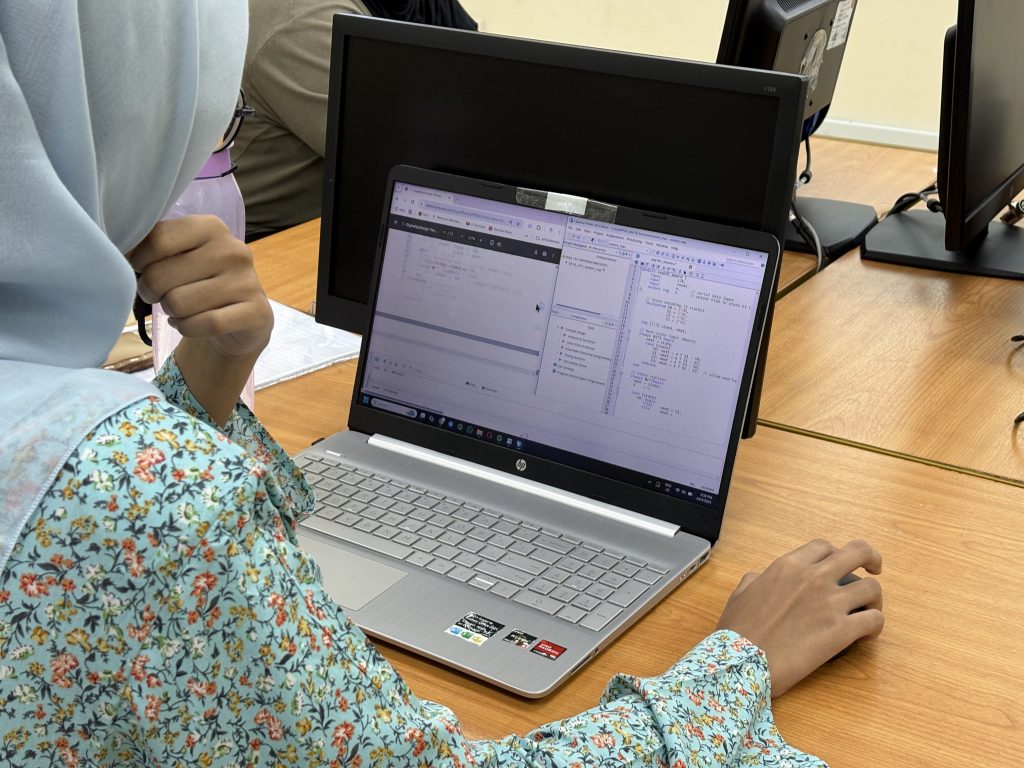
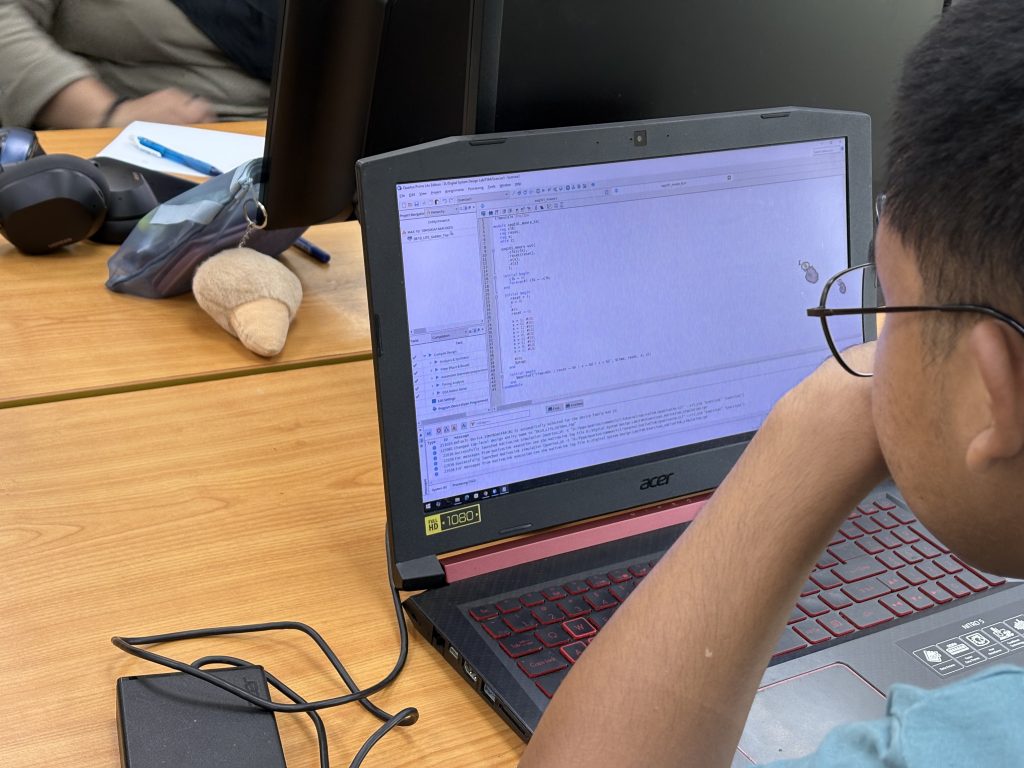
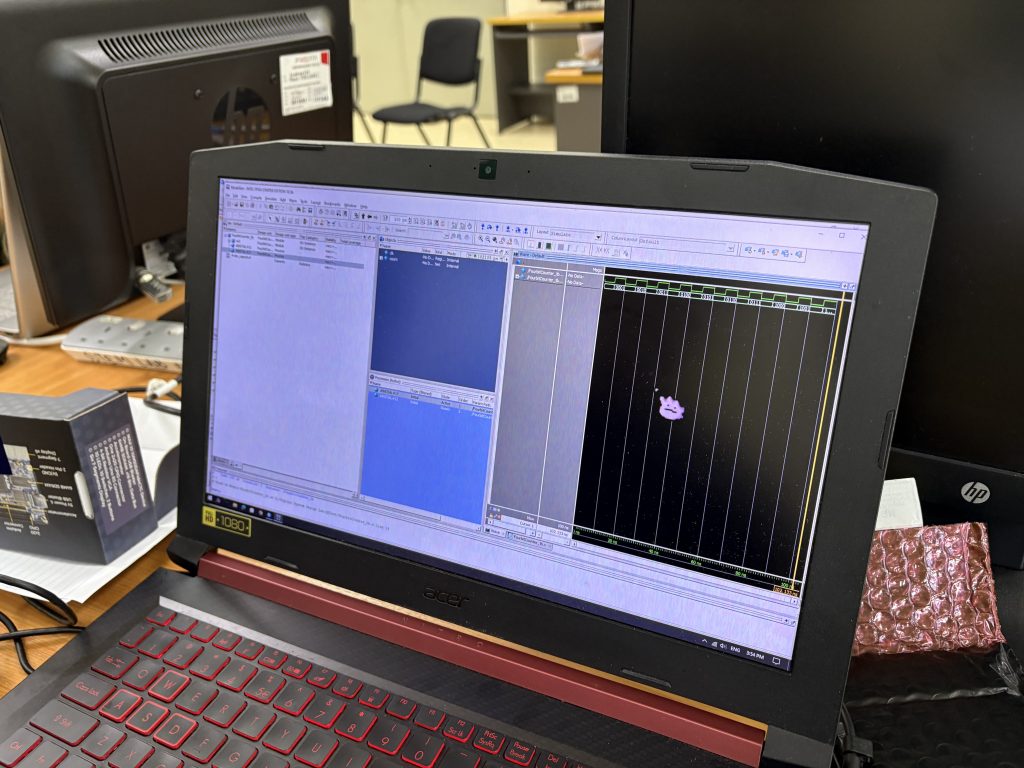
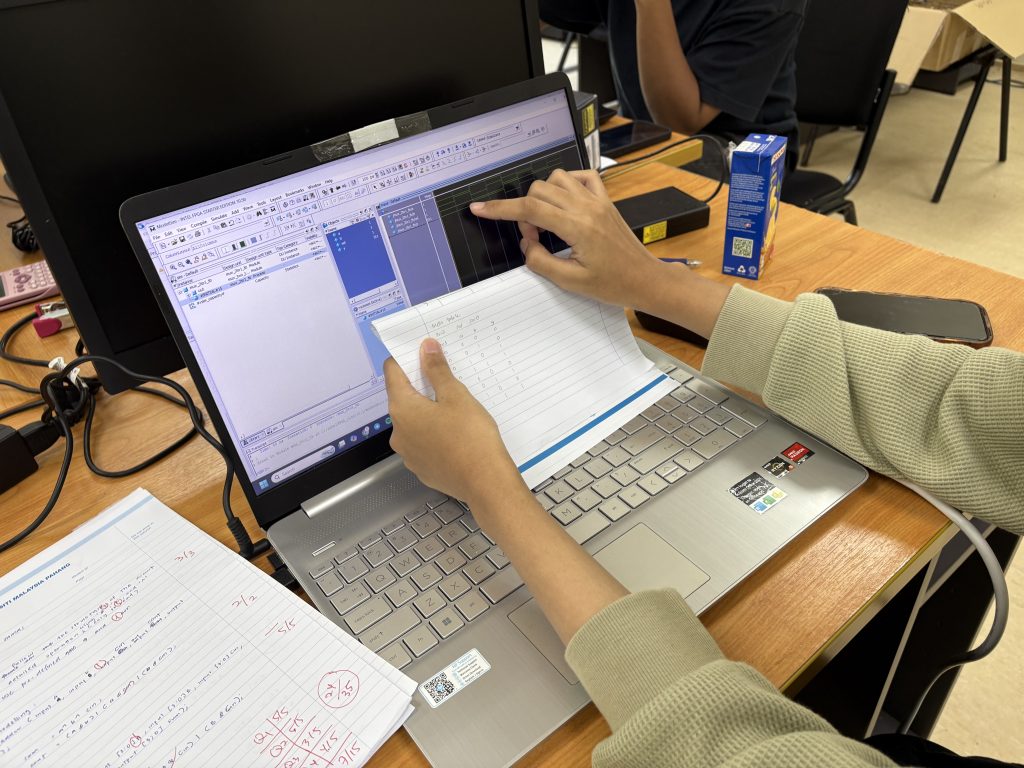
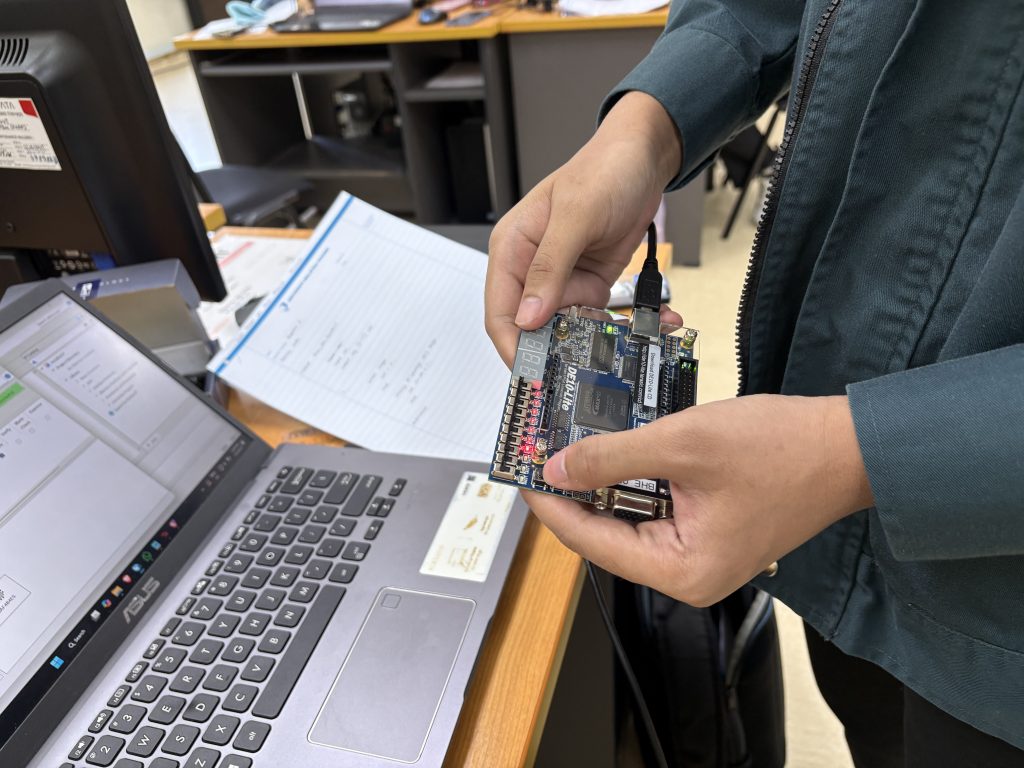
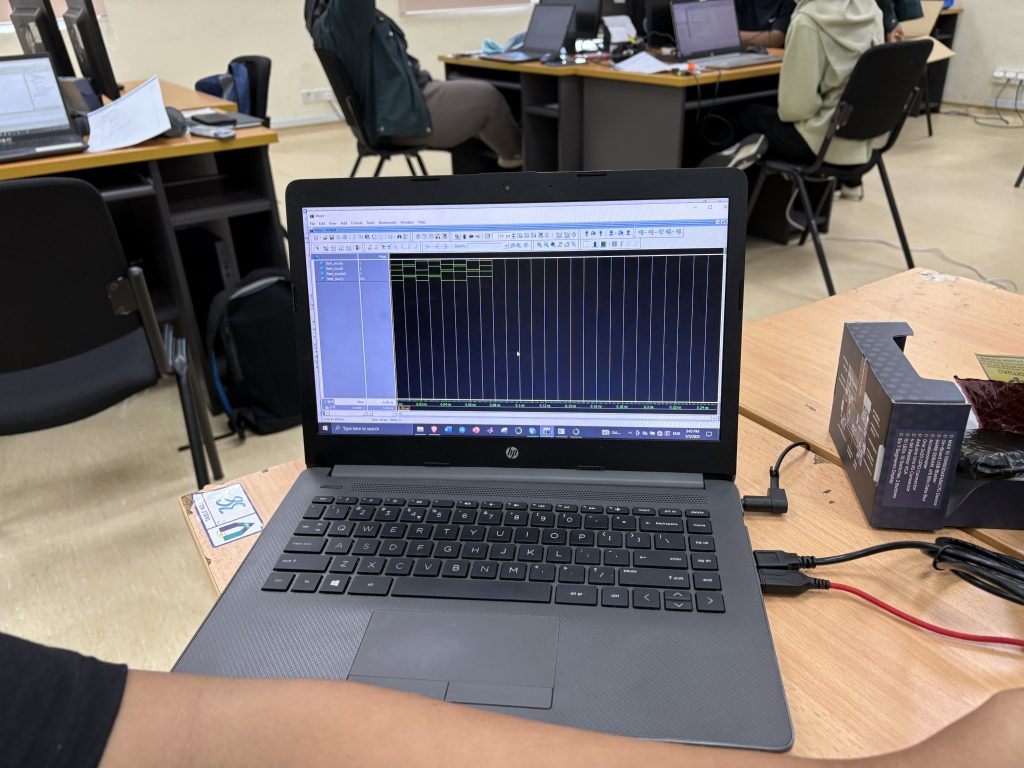
Week 1 – BHE3233 BTS443 – Digital System Design – Introduction to FPGA Design

Welcome to Week 1 of BHE3233 Digital System Design and BTE4433 Electronic System Design!
Whether you are aiming to master the intricacies of digital logic or build complex electronic systems, this semester will take you on a journey from writing abstract code to deploying robust, optimized physical hardware.
To kick things off, let’s take a bird’s-eye view of the entire course roadmap (Modules 1, 2, and 3), and then dive into the core topics covered this week in Chapter 1: Introduction to IC Design and HDL Environment.
The Course Roadmap: What to Expect This Semester
Our curriculum is structured into three progressive modules that mirror the industry-standard FPGA design workflow:
      1. Module 1: Fundamentals of IC and HDL Design This module lays the groundwork.
        • You will explore the digital design abstraction hierarchy—from behavioral down to physical implementation levels.
        • You will be introduced to Hardware Description Languages (HDL), specifically Verilog, learning its syntax and various modeling styles (structural, dataflow, and behavioral).
        • Most importantly, you will learn how to verify your digital circuits before touching any hardware by constructing testbenches and performing functional simulations using ModelSim.
      2. Module 2: RTL Design and Synthesis Once you know how to write and simulate Verilog, Module 2 focuses on transformation.
        • You will learn how Register Transfer Level (RTL) designs are synthesized into actual hardware components.
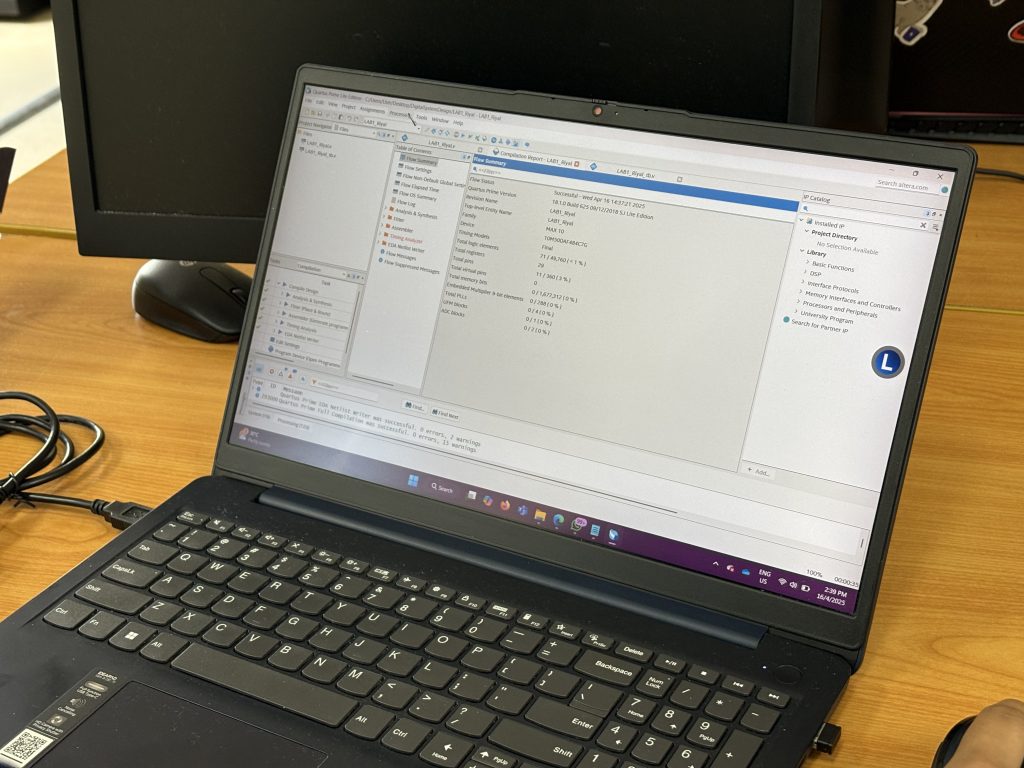
        • We will explore technology mapping and gate-level netlist generation using Intel Quartus Prime tools, teaching you how to analyze compilation reports and evaluate resource utilization.
      3. Module 3: Timing Analysis and Design Optimization Synthesizing code into gates is only half the battle; the hardware must also run at the correct speed.
        • This final module emphasizes practical hardware deployment on the Altera DE10-Lite FPGA board.
        • You will dive into Static Timing Analysis (STA), learning about critical paths, setup and hold times, and slack.
        • You will also apply optimization techniques like pipelining to hit timing closure before presenting your final capstone project.

Week 1 Deep Dive: Chapter 1 Overview

This week, we begin with Chapter 1: Introduction to IC Design and HDL Environment, which sets the stage for everything you will build.
    1. The Evolution of Logic Devices
      • Before modern FPGAs (Field-Programmable Gate Arrays) dominated the market, engineers relied on older programmable logic devices.
      • We start by gaining a historical perspective on the evolution from early PLAs (Programmable Logic Arrays), PALs (Programmable Array Logic), and PLDs (Programmable Logic Devices) to the highly advanced FPGA systems we use today.   
    2. FPGAs vs. Microcontrollers vs. ASICs
      • Why use an FPGA? We compare FPGAs against standard Microcontrollers (MCUs) and Application-Specific Integrated Circuits (ASICs).
        1. Microcontrollers execute instructions sequentially and have fixed architectures, making them great for embedded control but slower for massive computations.
        2. ASICs are highly optimized for specific tasks and boast high performance, but they are expensive to develop and their hardware cannot be changed once fabricated.
        3. FPGAs offer the best of both worlds: they provide high parallel processing power and are highly reconfigurable, meaning you can reprogram their internal logic to suit different designs at a moderate cost.


3. Design Abstraction Levels

Modern digital design is too complex to build gate-by-gate. Instead, we use different abstraction levels to manage complexity:

      • Behavioral Modeling

Describes the algorithm or behavior using high-level programming constructs (like if-else and case statements).

      • Dataflow Modeling

Describes how data moves through the circuit using Boolean expressions and continuous assignments.

      • Structural Modeling (Gate-Level)

Explicitly describes how individual components and logic gates are wired together physically.

4. The FPGA Design Flow

Bringing a digital concept to life requires a strict engineering workflow. This week, we cover the general steps you will repeat throughout the semester:

      1. Design Entry
        • Writing your Verilog HDL code to describe the circuit.
      2. Synthesis
        • The Quartus software translates your high-level HDL into a gate-level netlist, optimizing the logic and mapping it to the FPGA’s specific resources (like Look-Up Tables and Flip-Flops).
      3. Implementation
        • The software physically places the logic blocks on the FPGA chip and routes the microscopic wires between them.
      4. Timing Analysis
        • Checking to ensure the physical routing delays don’t violate strict timing rules (setup and hold times).
      5. Bitstream Generation
        • Generating a .sof binary configuration file that gets downloaded to the FPGA to physically program it.

5. Our Hardware and Software Environment

To accomplish all of this, we will be getting hands-on with industry-standard tools:

      1. The Hardware
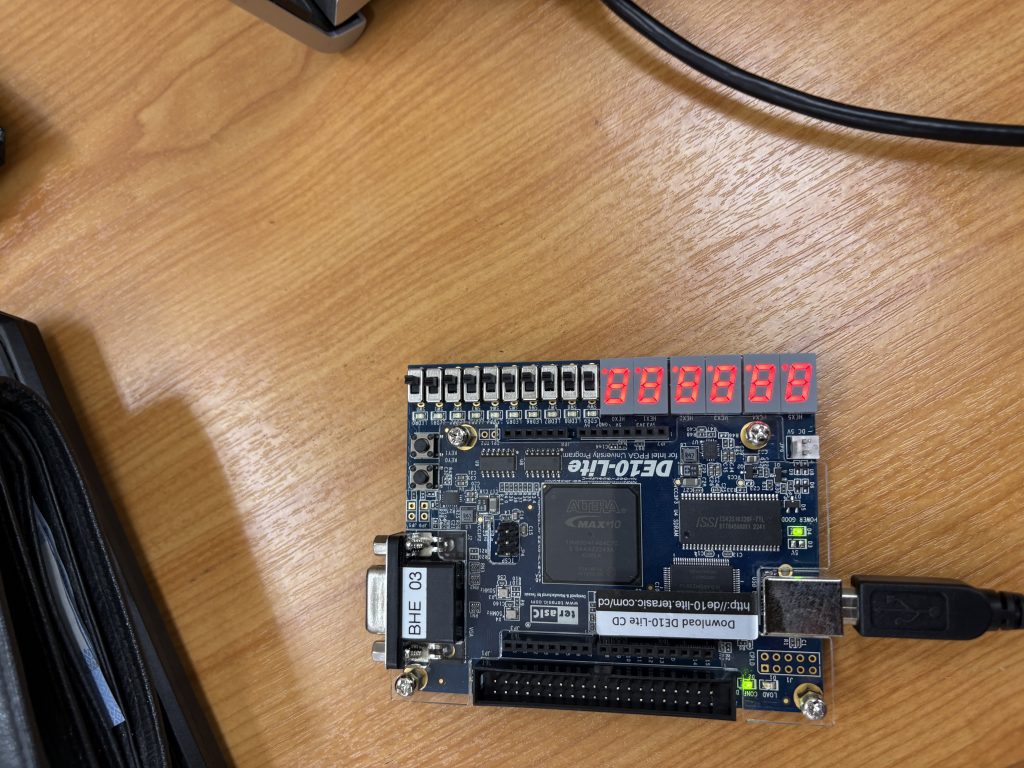
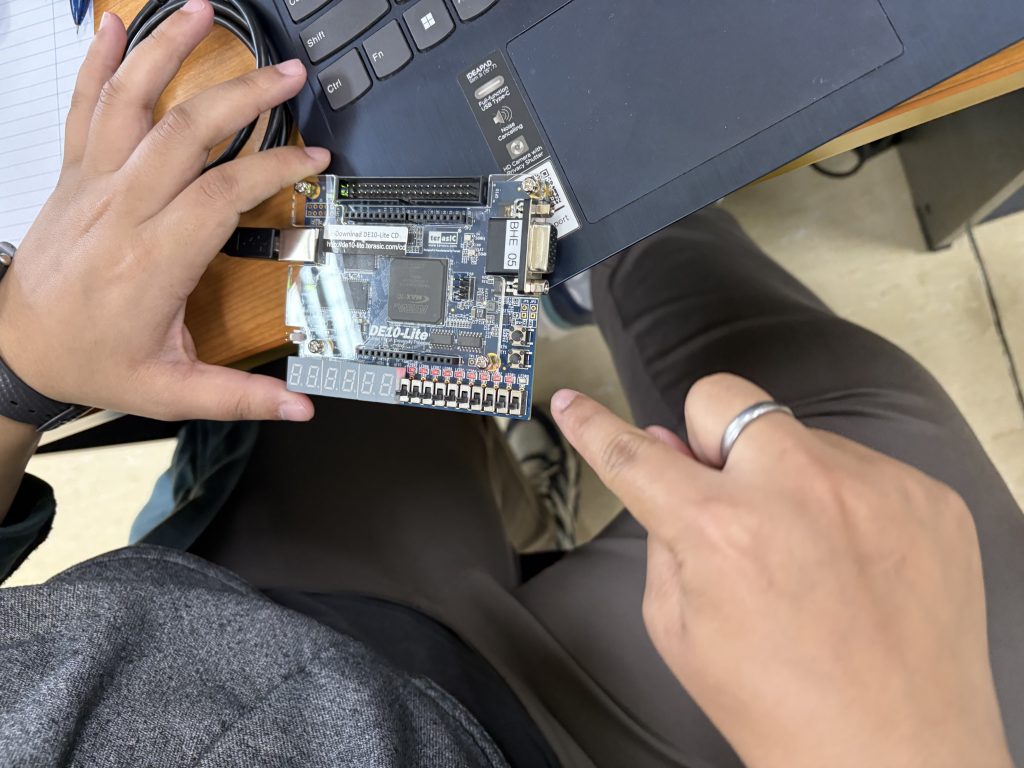
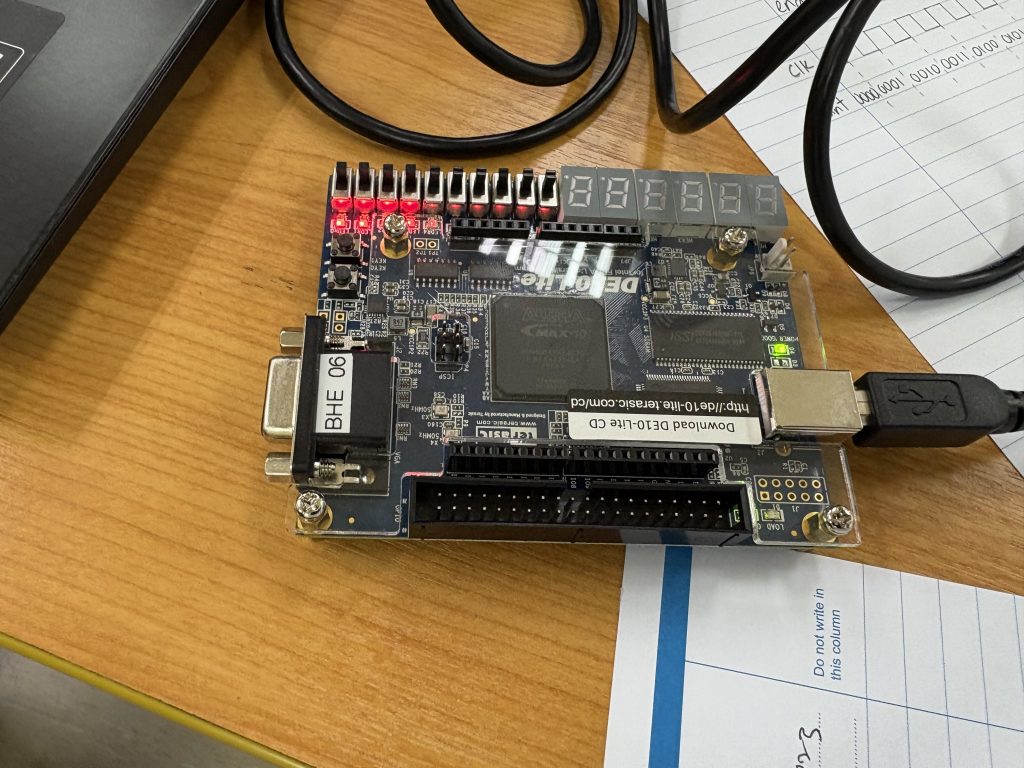
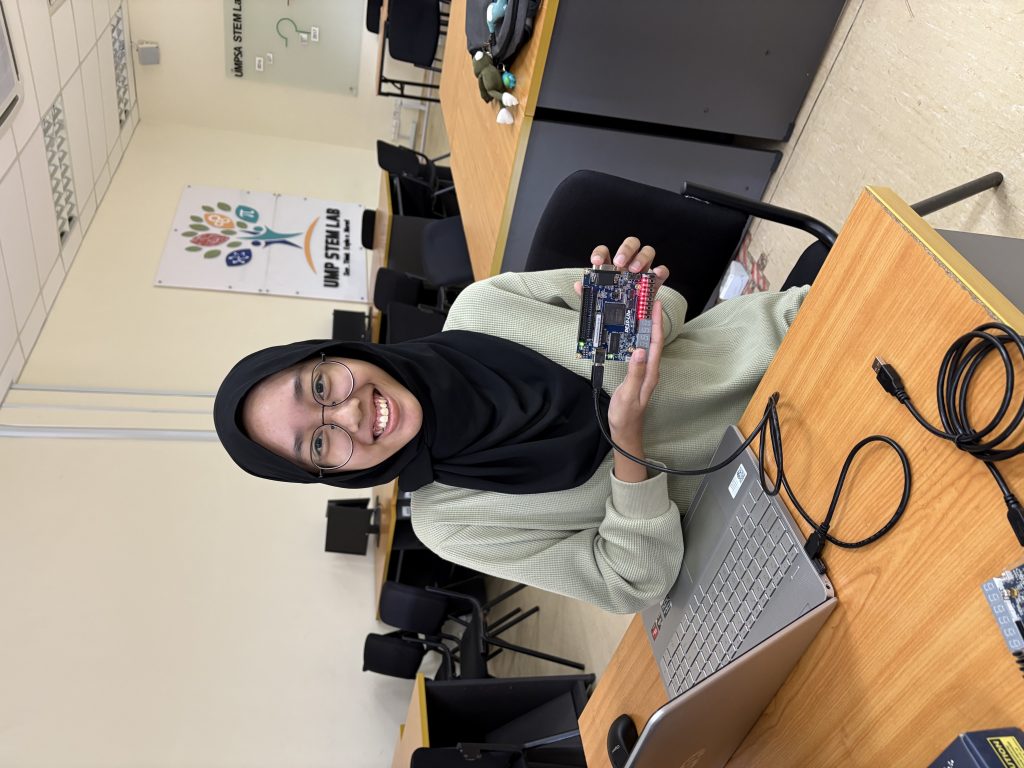
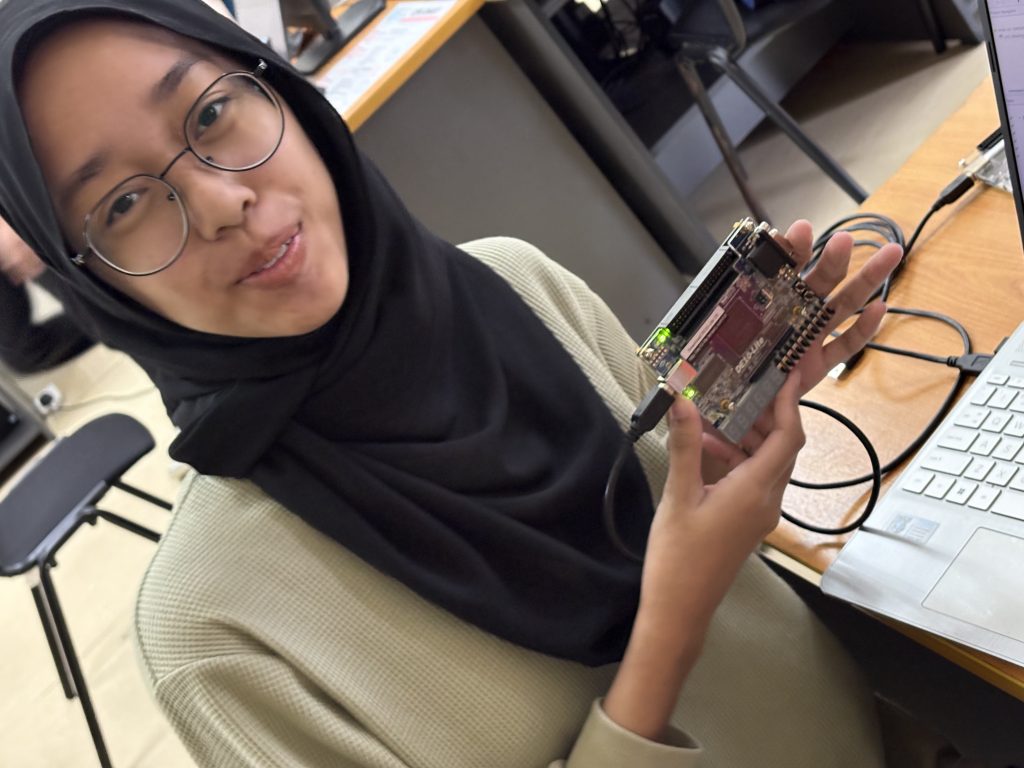
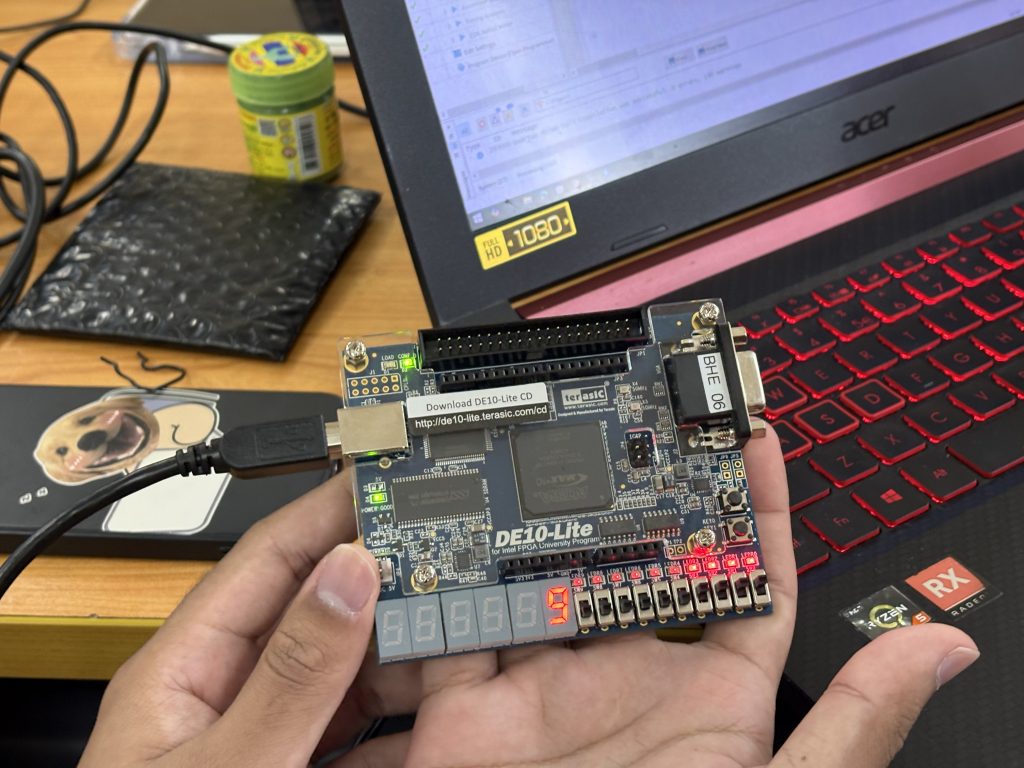
        • The DE10-Lite Development Board, powered by an Intel MAX 10 FPGA. It comes packed with switches, LEDs, 7-segment displays, and plenty of I/O for our projects.
      2. The Software
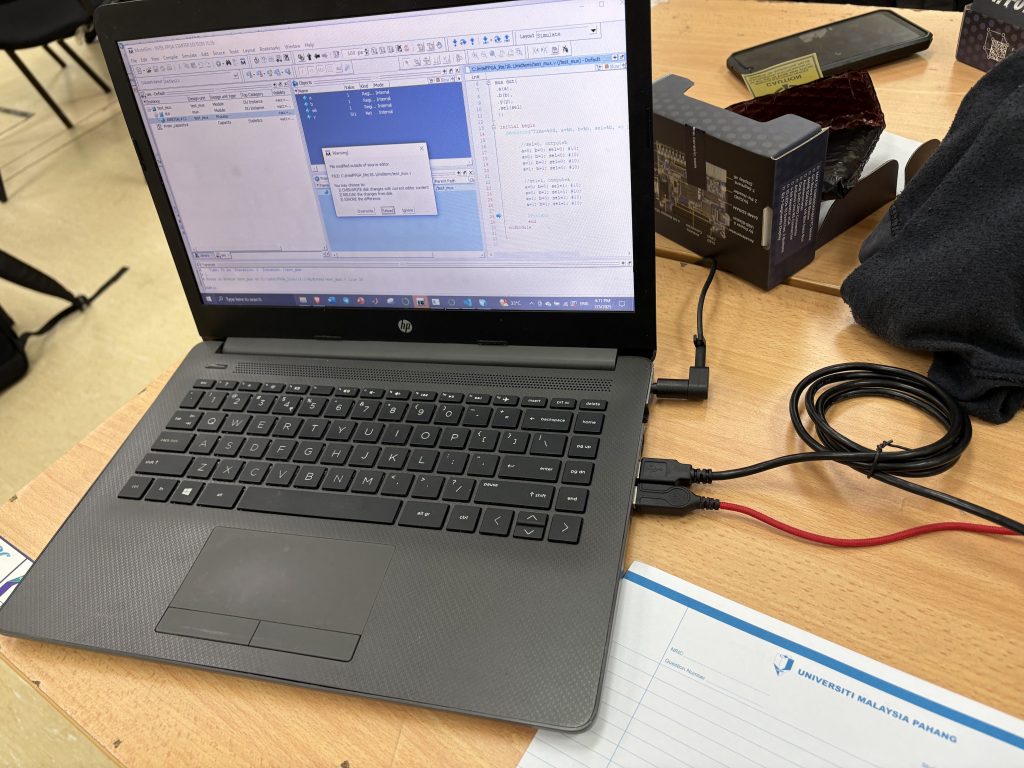
        • You will learn to navigate Intel Quartus Prime Lite Edition for compiling and synthesizing your code, alongside ModelSim for running your vital pre-hardware functional simulations.


Take time this week to install Quartus Prime and ModelSim, familiarize yourself with the software interfaces, and review the DE10-Lite board documentation.Next week, we will start writing real Verilog HDL code and designing our first digital circuits!

Learning from Practice – Reflections on a Sharing Session with Prof Hilman

I recently attended a sharing session by Prof Hilman on research and teaching technology in Electronic Engineering, and it left a strong impression, particularly in terms of how much care and thought he puts into his teaching.

What stood out most was Prof Hilman’s creativity and long-term commitment to his classroom. Over the years, he has developed a series of learning kits that are used across different levels of the programme, from first year right up to final year. These kits are not one-size-fits-all; instead, they are modular, covering topics ranging from analog electronics and RF to sensor design. You can clearly see that they were built with progression in mind, allowing students to grow into the complexity of the subject rather than being overwhelmed by it.

Having developed teaching kits myself, mainly for mini robotics, embedded systems, and IoT, I found myself very much on the same page. Designing kits for teaching is rewarding, but it also comes with its own set of challenges, especially when it comes to deciding how much to give students and how much to leave for them to figure out on their own.

When I talk about “giving everything,” I’m referring to situations where kits / modules that are highly prepared: dedicated PCBs, predefined functional blocks, and ready-to-use modules. This certainly helps students get started more quickly and reduces frustration. At the same time, we sometimes forget that designing those things, like laying out a PCB or deciding how a circuit or functions (in software programming) should be structured, is also an important part of learning.

On the other end of the spectrum is giving students only the bare minimum and expecting them to build everything from scratch. While this can be very powerful for learning, it is not always easy to manage in a real classroom. Students learn at different speeds, and ensuring that everyone can keep up within a fixed semester timeline can be quite challenging.

This is something I’ve often thought about through the lens of the white‑box versus black‑box approach, which I also discussed in my earlier works on tiered scaffolding approaches in Python Slider Game and the STEMCube platform. Both approaches have their place, and the real question is how to strike the right balance.

During the session, I raised this question with Prof Hilman, and we had a good discussion around it. What I found particularly insightful was his view that modularity helps bridge the gap between these two extremes. By designing kits in modules, we can decide which parts are “given” and which parts students are encouraged to develop themselves. As students progress, more of the system can be opened up to them. This makes the learning process more flexible and helps accommodate different learning paces within the same class.

We also touched briefly on the role of AI in analog design, especially during the early design and optimisation stages. While still an evolving area, it sparked an interesting discussion about how such tools might eventually support both teaching and research in electronics engineering.

Overall, the session was a good reminder that effective teaching innovation doesn’t come from choosing one extreme over another, but from carefully designing learning experiences that evolve with students. Prof Hilman’s modular approach is a practical example of how this balance can be achieved, and it’s certainly something I will continue to reflect on in my own teaching practice.

Nurul – March 9th

BHE3233 – Week 12 – Project Development

It’s project time =)

This semester in BHE3233 – Digital System Design, we’re exploring practical world of digital hardware by implementing real-time, embedded digital systems using the DE10-Lite FPGA board. Building on the fundamentals of Verilog, FSMs, and RTL design we’ve covered, students now have the opportunity to apply their knowledge through these exciting hands-on projects. Each project emphasizes different aspects of digital design—from FSM sequencing to pipelining and datapath architecture.

These projects were carefully curated to cover a wide range of course outcomes, from combinational and sequential logic design to system-level implementation using FSMs and RTL pipelines. Students not only reinforce theoretical understanding but also gain confidence in developing real-time FPGA applications using Verilog on the DE10-Lite board.

Before jumping into their projects, the students have already completed structured labs covering:-

        • FSM design and simulation

        • RTL pipelining

        • Clocking and timing constraints

        • Static timing analysis

        • 7-segment display interfacing

        • Debouncing and switch inputs

These foundational skills are directly applicable to the project implementations.

Here’s a detailed look at the 6 project titles offered this semester:-

1. Morse Code Encoder and LED Blinker

Objective – Design a finite state machine (FSM)-based system that converts input characters (A-Z, 0-9) into Morse code and blinks an LED accordingly.

Key Features –

      • Input a hardcoded message (or via DIP switches)

      • FSM handles character-to-Morse conversion (dot and dash)

      • LED blinks in Morse timing format

      • Optional – Display current character on a 7-segment display during encoding

Learning Outcomes – FSM design, output timing control, sequential logic, user interaction.

2. Basic 8-bit RISC CPU Implementation

Objective – Build a basic 8-bit CPU that supports core instructions such as ADD, SUB, LOAD, STORE, and JMP.

Key Features –

  • 4 to 8 general-purpose registers

  • Instruction decoder and ALU unit

  • ROM-based instruction memory and RAM-based data storage

  • Output status or values via LEDs or 7-segment display

Learning Outcomes – Datapath design, FSM for control unit, memory interfacing, and simple instruction architecture.

3. Parallel Multiplier Using RTL Pipelining

Objective – Design a high-speed 8-bit parallel multiplier using RTL pipelining techniques.

Key Features –

  • Inputs via DIP switches or pushbuttons

  • Multi-stage pipelining of partial products

  • Output result on 7-segment displays

  • Compare pipelined design with pure combinational multiplier in terms of:-

      1. Critical path delay

      2. Maximum clock frequency

      3. FPGA logic utilization

      4. Throughput

Learning Outcomes – Pipelined architecture, latency vs. throughput, performance analysis.

4. Digital Stopwatch with Lap Function

Objective – Create a stopwatch with basic timing functions and lap time capture.

Key Features:

      1. Start/Stop/Reset controls via pushbuttons

      2. FSM-based timing logic

      3. 4-digit multiplexed 7-segment display

      4. Capture and display lap time on button press

Learning Outcomes – Sequential system design, timing counters, 7-segment multiplexing, user interface design.

5. Password-Protected Digital Lock

Objective – Develop a digital locking system with password protection using FSM.

Key Features –

  • User password entry via DIP switches

  • Status feedback through LEDs or 7-segment

  • Lock/unlock logic with real-time comparison

  • Optional: Add retry limit and lockout on failed attempts

Learning Outcomes – FSM logic, comparison algorithms using shift registers, and embedded security logic.

6. Dice Game Controller

Objective – Simulate a simple 2-player dice game with visual feedback and turn-based logic.

Key Features –

  • Pushbutton to initiate dice roll

  • Use LFSR (Linear Feedback Shift Register) to generate pseudo-random numbers (1–6)

  • Output displayed using 7-segment or LED

  • FSM handles player turns and win conditions

Learning Outcomes – Random number generation using LFSR, FSM game logic, 7-segment display control.


Today, each group presented their project progress. Well done!

  • Functional demo on the DE10-Lite board

  • Timing and performance analysis

  • Challenges and solutions in design

Looking forward to final outcome and submission in Kalam!


BHE3233 – Week 10 – Static Timing Analysis


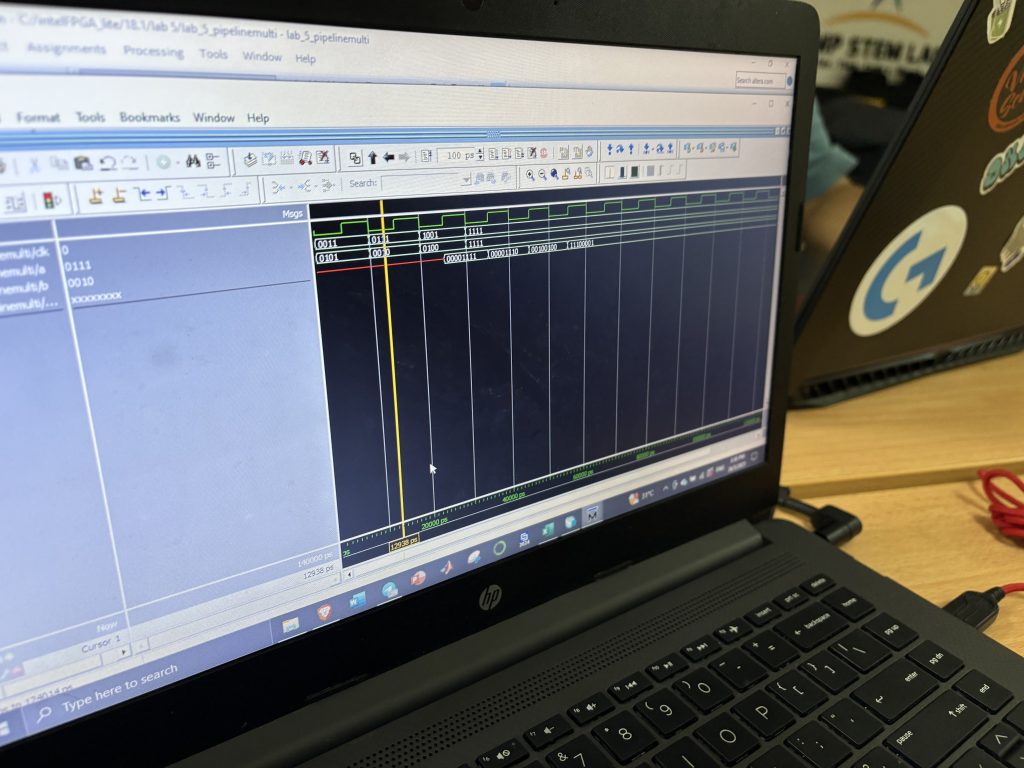
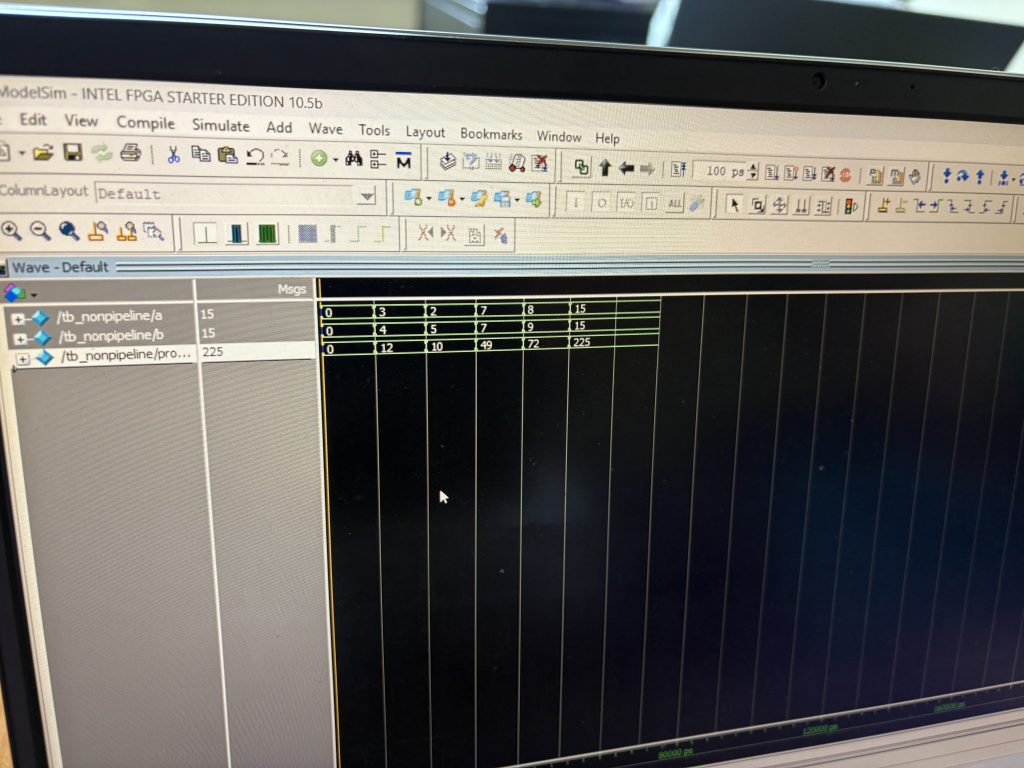
Today we look into one of the most critical yet often overlooked topics in FPGA design – Static Timing Analysis (STA). Understanding STA is key to ensuring that your digital design works not only functionally but also reliably at speed. To ground this theoretical topic, students also completed Lab 5, where they compared pipelined and non-pipelined multipliers and analyzed timing and performance parameters.

What Is Static Timing Analysis?

Static Timing Analysis is a method used to determine if a digital circuit will operate correctly at the target clock frequency without needing simulation input vectors. It uses timing constraints and logic paths to compute:

  • Setup time

  • Hold time

  • Propagation delay

  • Rise and fall times

  • Clock skew

  • Critical path delay

  • Maximum clock frequency

The goal is to verify that all data signals arrive where they need to, on time, under worst-case conditions.

Key Timing Parameters Explained

To help visualize the concept, we used a simple design involving two D Flip-Flops (FF1 and FF2) connected through a combinational logic block composed of two logic gates.

1. Setup Time

This is the minimum time the data must be stable before the clock edge arrives at FF2. If violated, data may not be correctly latched.

2. Hold Time

The data must remain stable after the clock edge. If violated, metastability may occur.

3. Propagation Delay

This is the time taken for the signal to travel through the logic gates between FF1 and FF2. It’s dependent on the type and number of gates.

4. Rising/Falling Time

The transition period from low to high or high to low in the signal waveform. Faster transitions are better for minimizing timing uncertainty.

5. Clock Skew

This occurs when the clock arrives at FF1 and FF2 at slightly different times. Clock skew can reduce the effective timing margin.

Example in Class Two Flip-Flops and Logic Path

Imagine a logic path between FF1 (source) and FF2 (destination)

FF1 ----> [AND Gate] ---> [OR Gate] ---> FF2

Let’s assume-

  • Propagation delay through AND = 2ns

  • Propagation delay through OR = 3ns

  • Setup time of FF2 = 1ns

  • Clock skew = 0.5ns

Then, the total delay from FF1 to FF2 is –

2ns (AND) + 3ns (OR) = 5ns

To meet setup time, the clock period must be at least:

arduino
Total delay + Setup time + Skew = 5ns + 1ns + 0.5ns = 6.5ns

This gives a maximum clock frequency of:

1 / 6.5ns ≈ 153.8 MHz

Lab 5 – Pipelining vs Non-Pipelining in Multiplier Design

In Lab 5, students implemented and tested two versions of a multiplier:

  • Non-Pipelined Multiplier – Straightforward, all computation happens in one clock cycle.

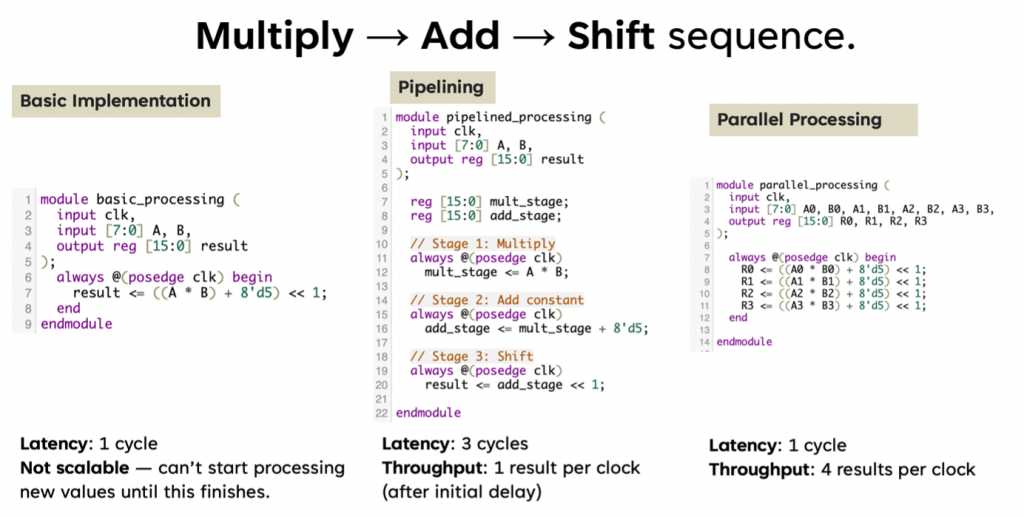
  • Pipelined Multiplier – Operation split into multiple stages with registers (flip-flops) in between.

They then analyzed the following performance metrics – (hypothetically =))

Parameter Non-Pipelined Pipelined
Critical Path Delay Higher Lower
Max Clock Frequency Lower Higher
FPGA Logic Utilization Lower Higher
Throughput Lower Higher (1 output per cycle after latency)
  • Pipelining reduces the critical path delay, allowing the design to run at a much higher clock frequency.

  • While pipelining increases the logic utilization (more flip-flops), the throughput improves significantly, making it ideal for high-speed applications like real-time data processing in picosatellites or image processing.

  • Static timing analysis helps quantify the improvements, giving insight into real performance beyond just functional correctness.

See you next week for your FPGA project development =)

BHE3233 – Week 9 – Finite State Machine

Today’s class focused on one of the core topics in digital system design—Finite State Machines (FSM)—through an engaging and practical activity: building a 101 sequence detector using a Moore machine.

We began with a recap of FSM fundamentals—specifically the Moore machine, where outputs are solely determined by the current state. This conceptual understanding paved the way for the day’s main activity: designing and testing a sequence detector that identifies the binary pattern 101.

Key areas explored:

  1. State transition diagrams and state encoding

  2. Implementation using case statements

  3. Exploring both dataflow-style FSM and conditional (if-else) statement-based FSMs

  4. Synthesizing and testing using Quartus Prime

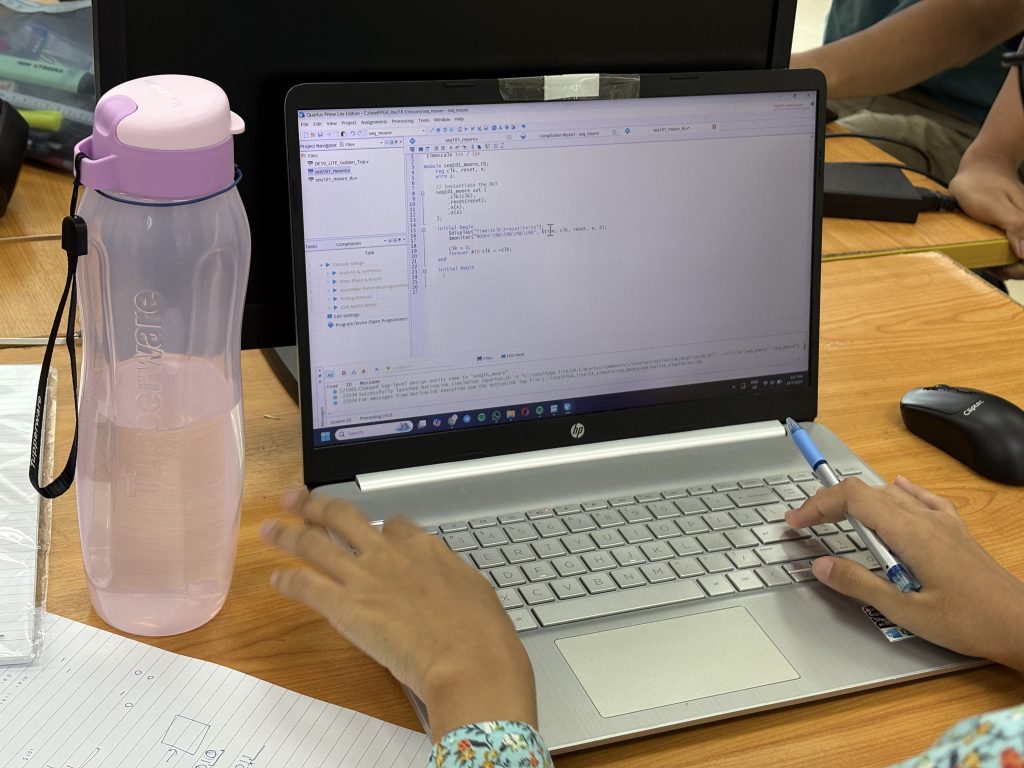
Students designed the FSM in Verilog using Quartus. The Moore machine was structured with three states to detect the pattern:

  1. S0 – Initial state

  2. S1 – Received ‘1’

  3. S2 – Received ‘10’

When the full sequence 101 was detected, the FSM output went high.

always @(posedge clk or posedge reset) begin
if (reset)
state <= S0;
else begin
case(state)
S0: state <= (in == 1) ? S1 : S0;
S1: state <= (in == 0) ? S2 : S1;
S2: state <= (in == 1) ? S1 : S0;
endcase
end
end

Simulation and Testbench Creation

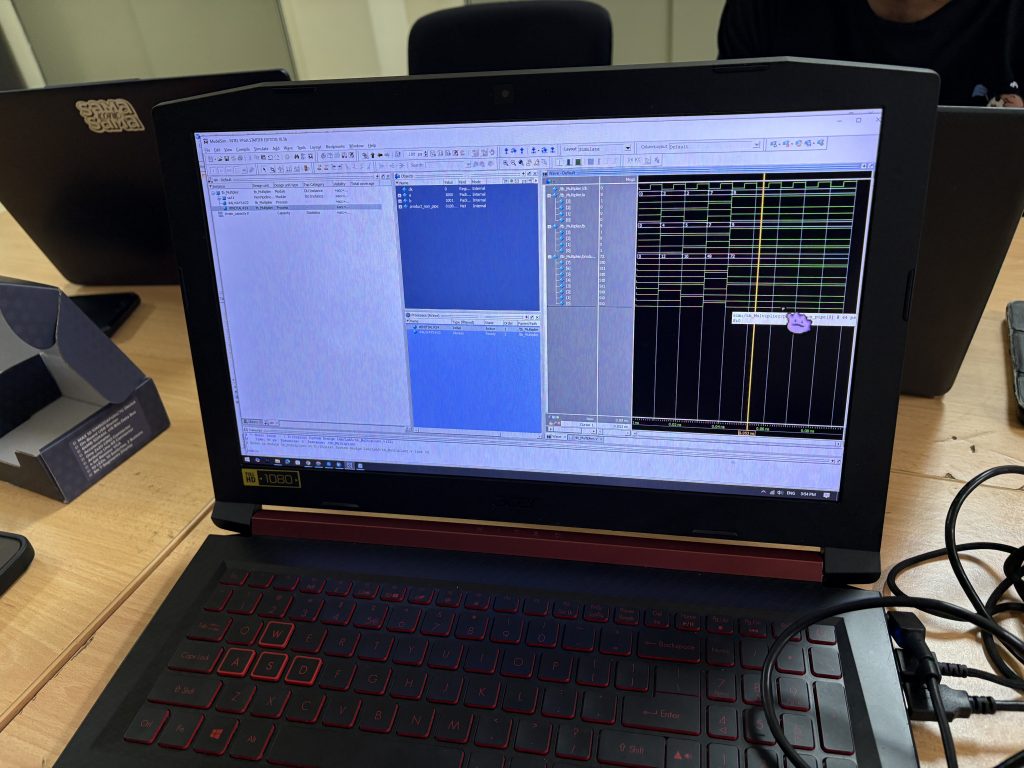
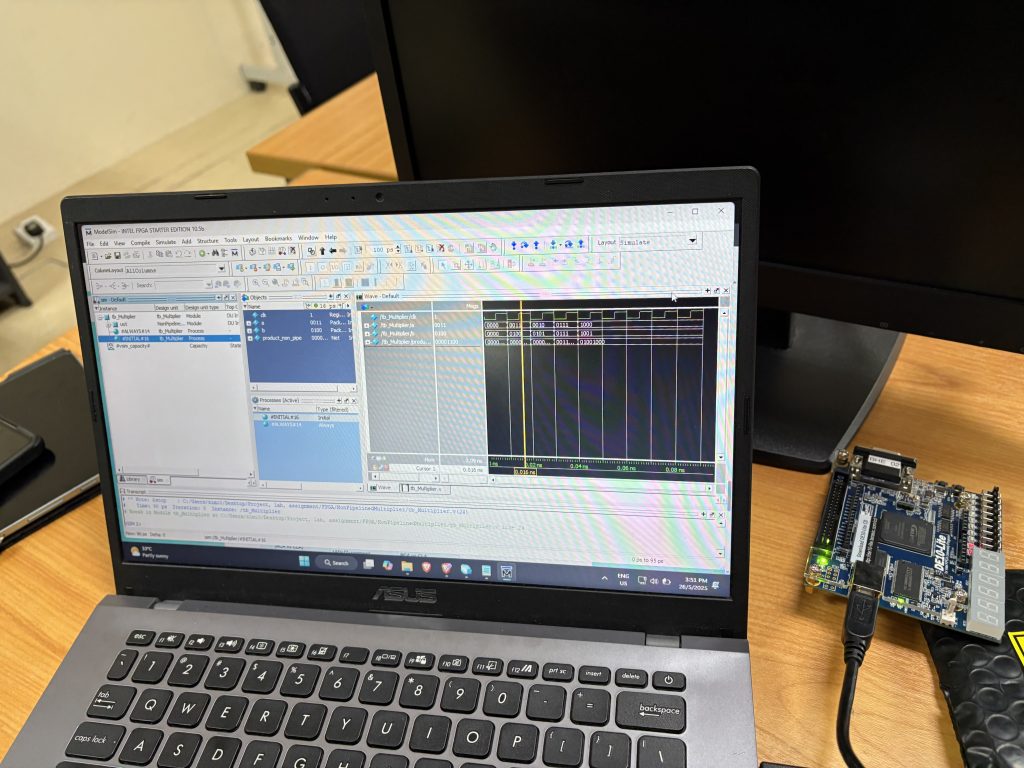
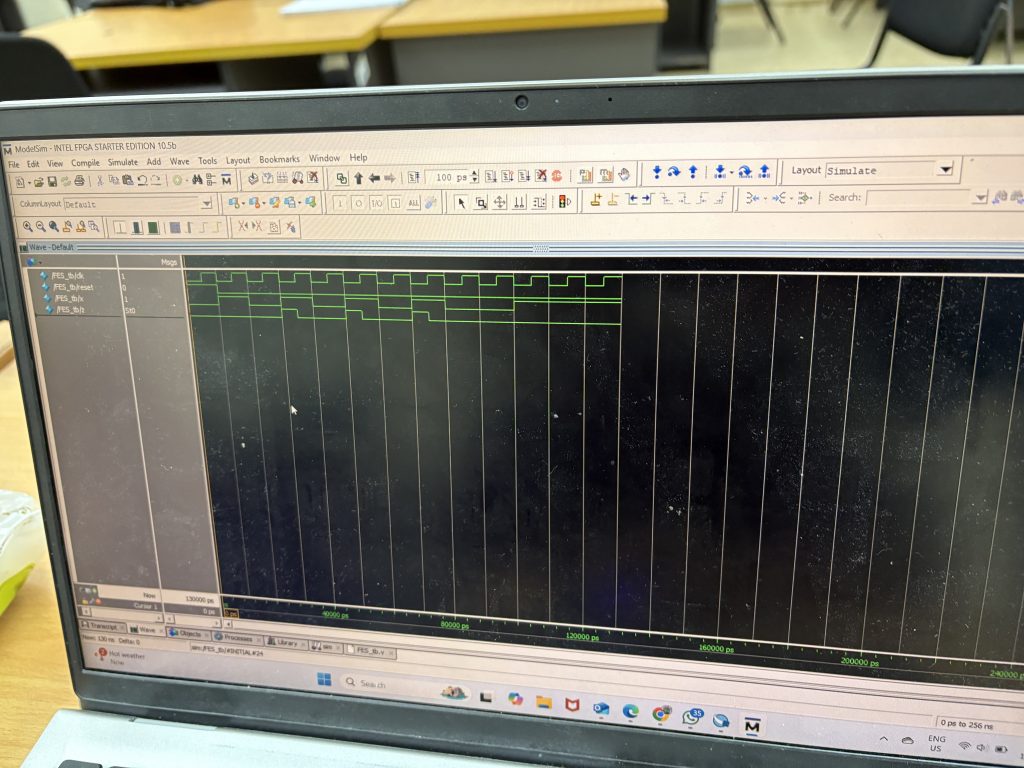
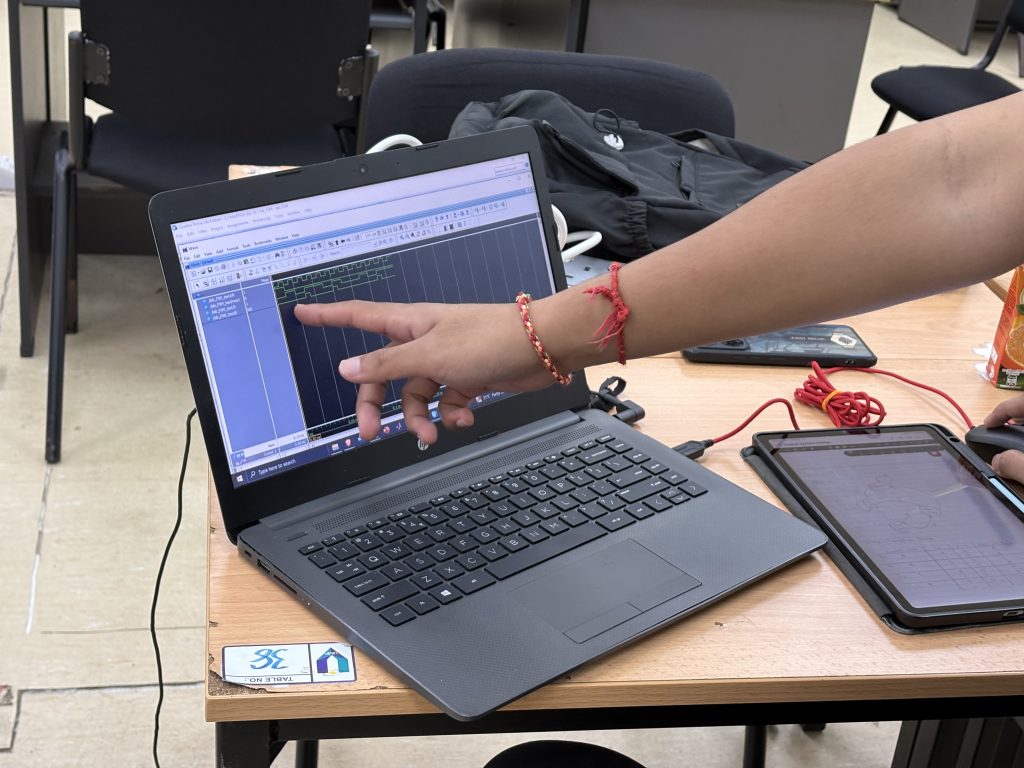
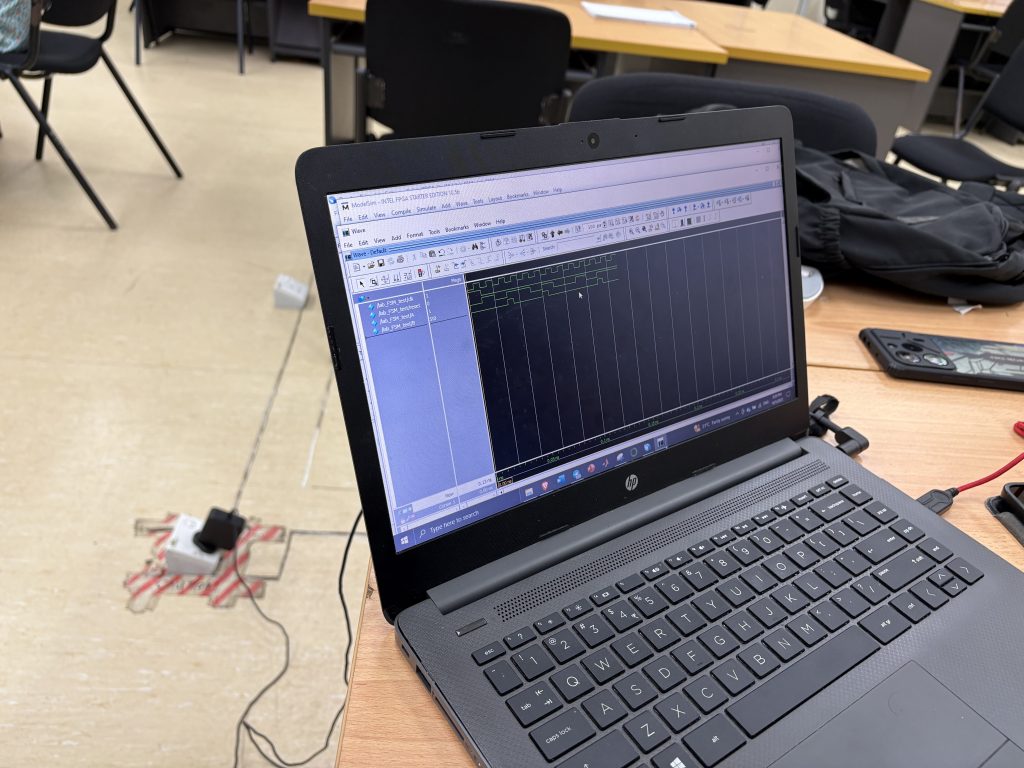
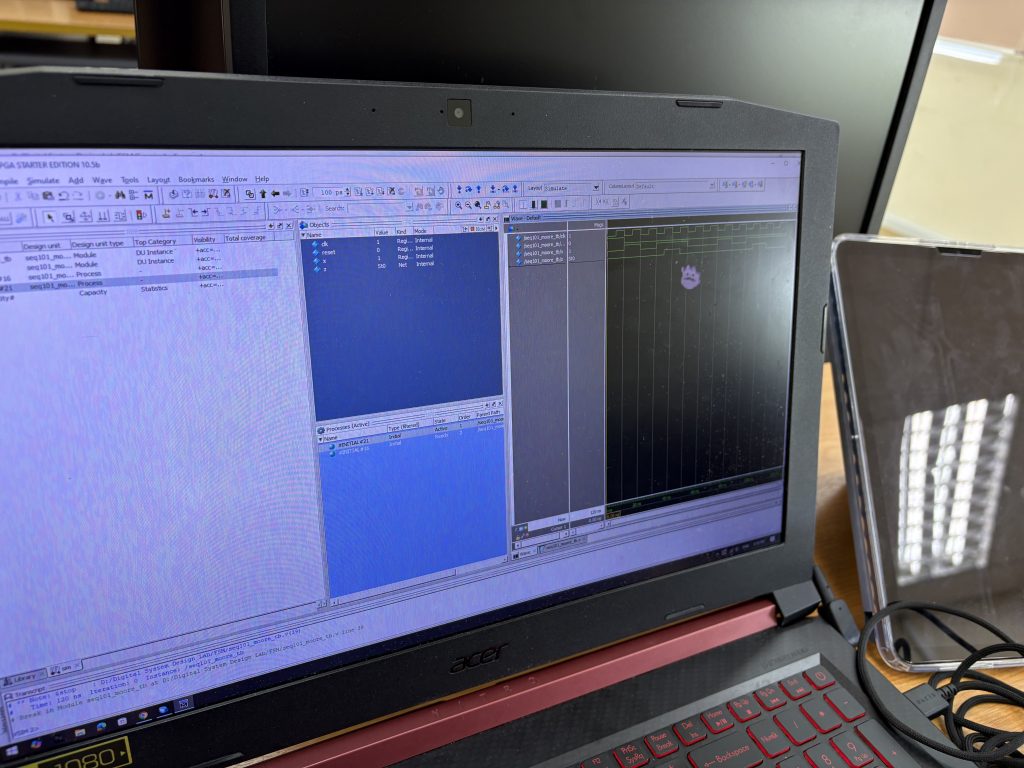
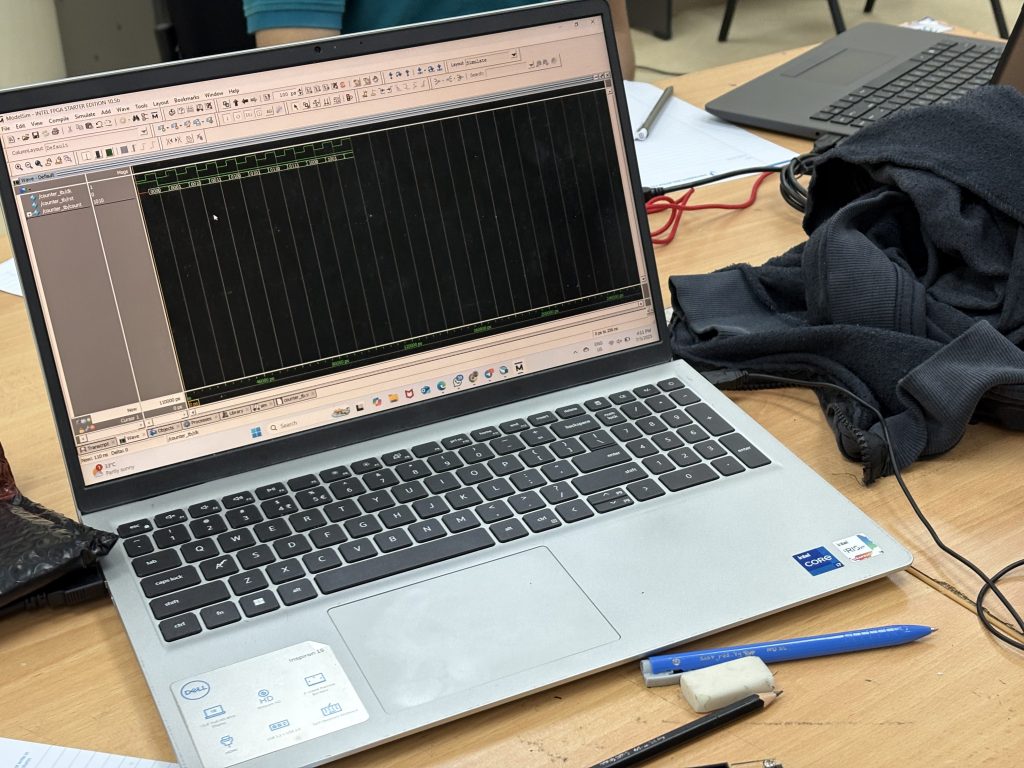
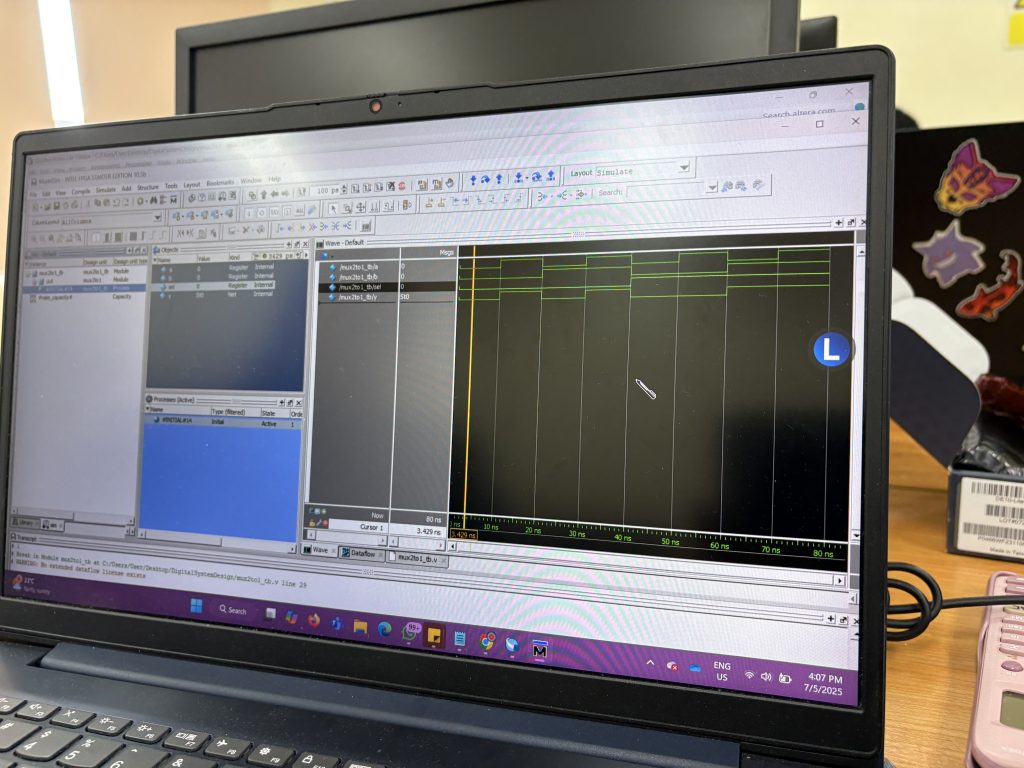
To validate the design, students created testbenches that simulated input sequences. Using ModelSim, they:

  • Applied a sequence of 0s and 1s to the in input

  • Monitored state transitions

  • Verified output pulses when 101 was detected

This phase helped students understand the role of simulation in design verification and how FSMs react to clocked inputs in real time.

The case statement simplified FSM implementation, especially when compared to nested conditional (if-else) logic. They also discussed how a well-structured FSM can lead to clean, readable, and maintainable RTL code—an essential practice in real-world design.

Learning Outcomes

By the end of the session, students were able to:

  1. Describe and implement Moore FSMs in Verilog

  2. Translate a sequence detection problem into state transitions

  3. Use Quartus for synthesis and ModelSim for simulation

  4. Compare dataflow FSM vs. conditional FSM modeling

BHE3233 Digital Systems Design – Week 6 – Running LED, Switch & Testbench Simulation

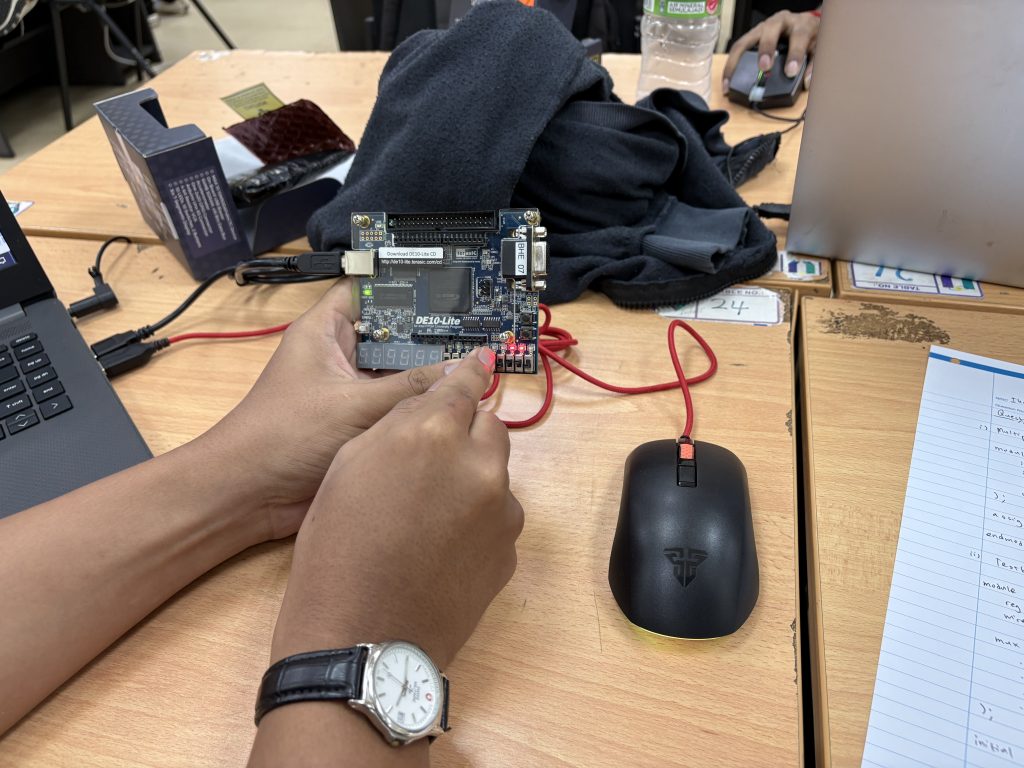
This week, students in the BHE3233: Hardware Description Language course took on three lab activities using the Altera DE10-Lite FPGA board. These labs were designed to deepen their understanding of digital logic design, from real hardware control to simulation-level debugging using testbenches.

Lab 1 Recap: LED Blinking with Verilog

Students developed a Verilog module to blink the 10 onboard LEDs one at a time in sequence, based on a timing counter. The project introduced:

  • always @(posedge clk)

  • Counter logic for delay generation

  • reg and assign statements for driving output

  • Pin assignment in Quartus


Lab 2 Recap: Real-Time LED Control Using Slider Switches

Students mapped the 10 slider switches directly to the 10 LEDs using basic combinational logic. This hands-on activity helped reinforce:

  • Use of continuous assignment (assign)

  • Bit-wise mapping between inputs and outputs

  • How to apply pin mapping in Quartus for SW[9:0] and LED[9:0]

Lab 3 Preview: Writing a Testbench & Understanding Timing Diagrams

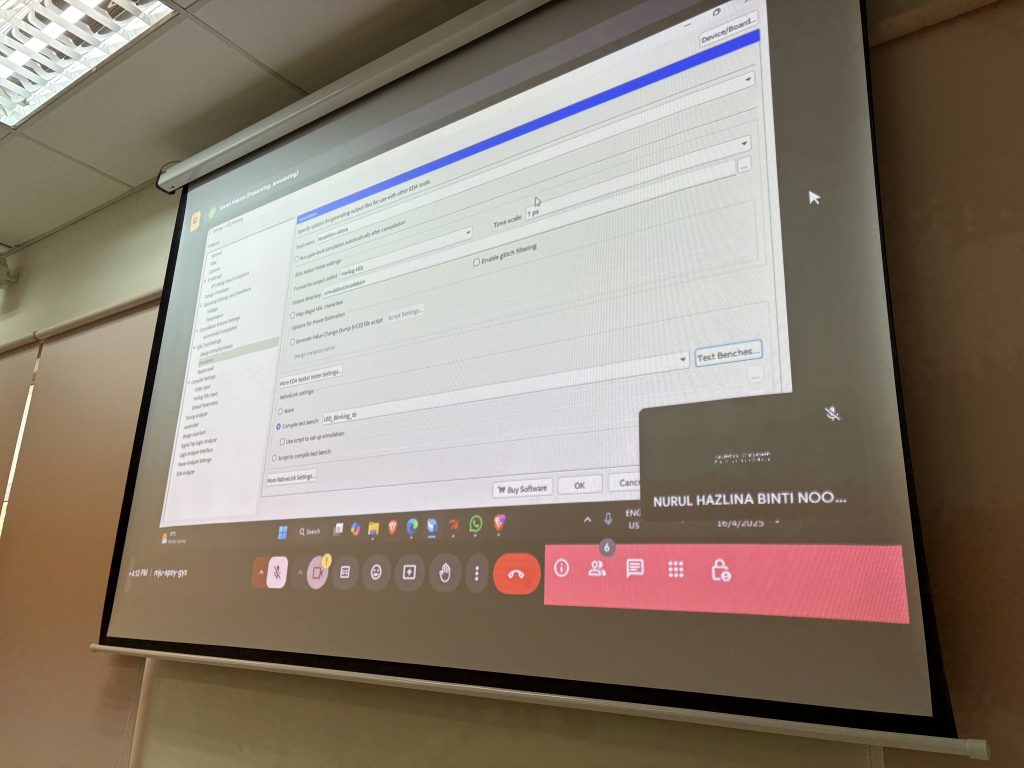
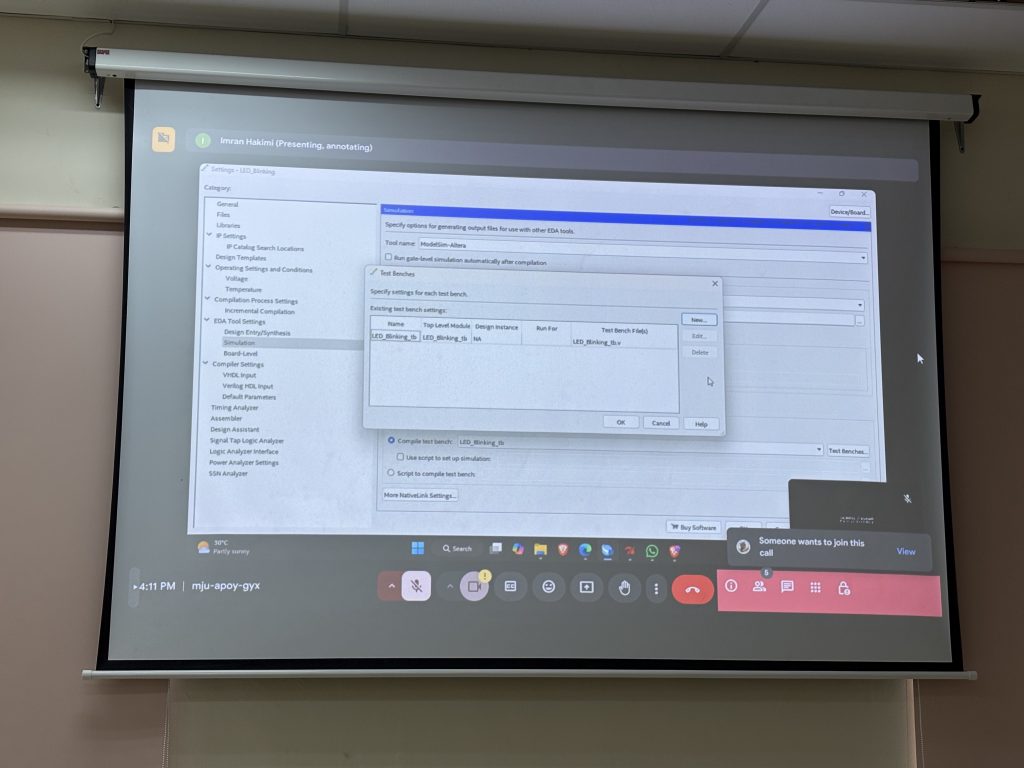
To develop a testbench for both Lab 1 (LED Blinking) and Lab 2 (Switch to LED) designs, simulate the behavior using ModelSim, and interpret the timing diagram (waveform) to verify correct functionality.

  1. ModelSim (Intel FPGA Edition) for running simulations

  2. Waveform viewer for analyzing signal transitions over time

To Do

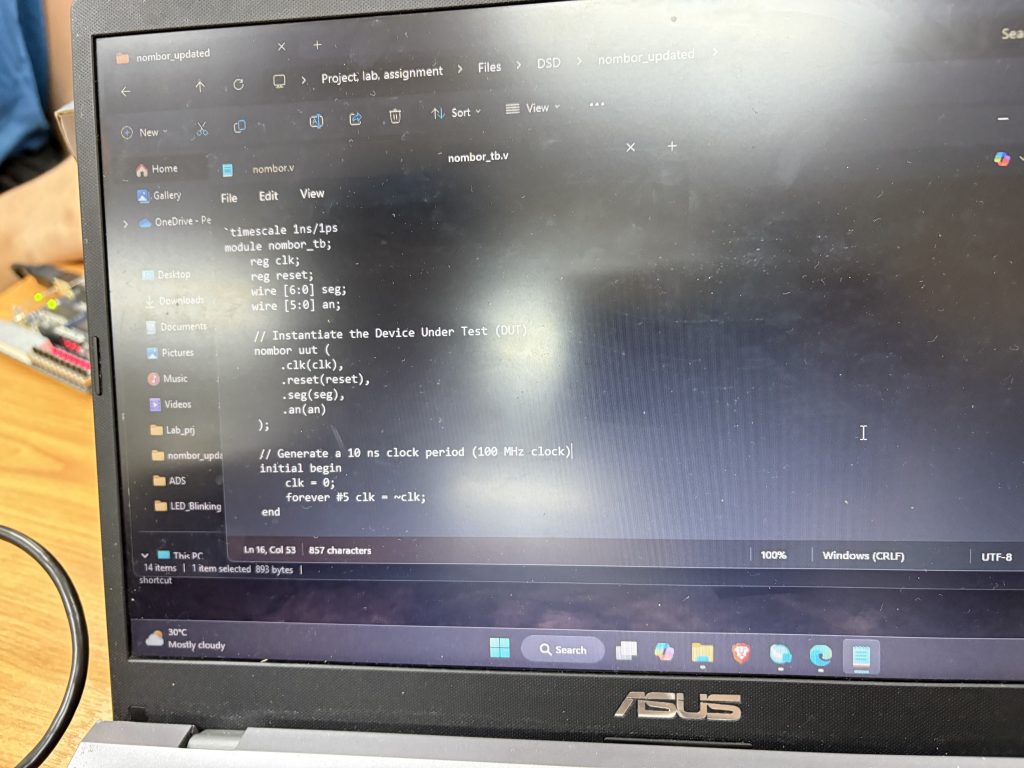
  1. Create a Testbench File for Each Design

    • Instantiate the DUT (Design Under Test)

    • Simulate clk signal (for Lab 1)

    • Apply appropriate test vectors (SW[9:0]) for Lab 2

  2. Run Simulation

    • Launch ModelSim from Quartus

    • Compile and simulate the testbench

    • Observe and save waveform output

  3. Analyze the Timing Diagram

    • For Lab 1: Check the blinking behavior of LED[current_led]

    • For Lab 2: Confirm that LED outputs match the SW inputs at each simulation step

Learning Outcome:

Students will visually interpret digital signal transitions through the waveform viewer in ModelSim, reinforcing:

    1. Propagation delay

    2. Clock edge behavior

    3. Signal assertion and response timing


CO1 Learning Outcome in Practice:

Apply Hardware Description Languages (HDL) to design, simulate, and verify digital circuits at the Register Transfer Level (RTL).

Lab 3 bridges the gap between coding and functional verification. Students now understand how simulation helps confirm logic correctness before moving to hardware.

What’s Next?

Next week, you will begin working on combinational building blocks like adders and multipliers, then explore state machines and RTL synthesis in depth.

and Midterm Test  🙂