The world is digital, but life is analog..


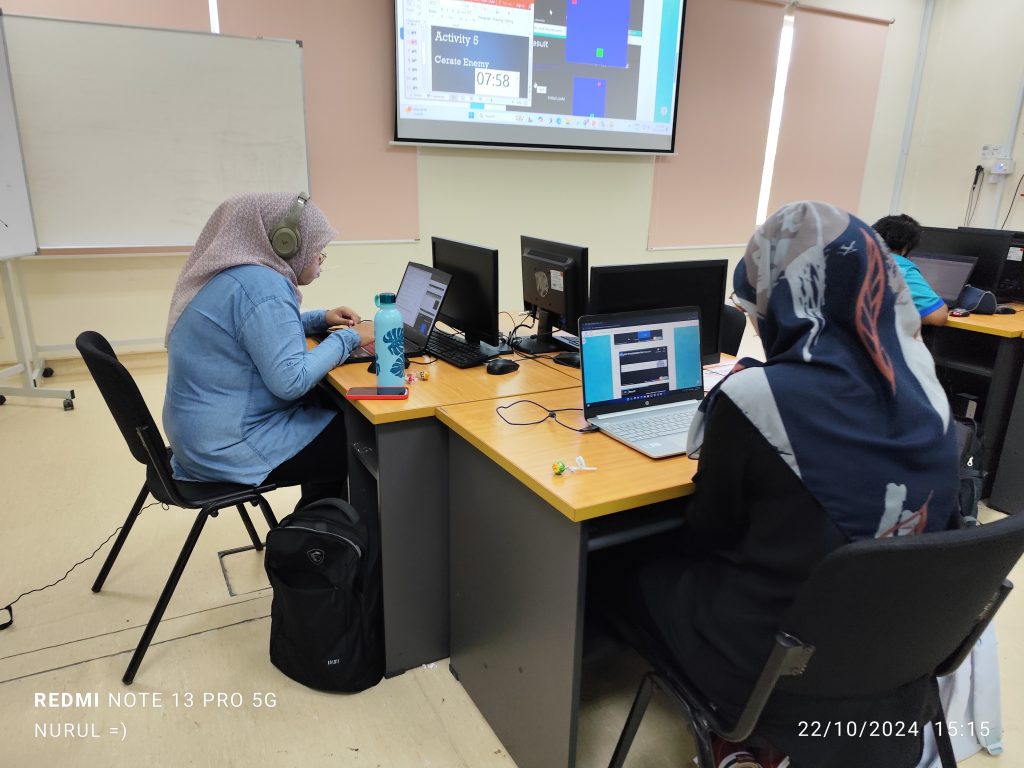
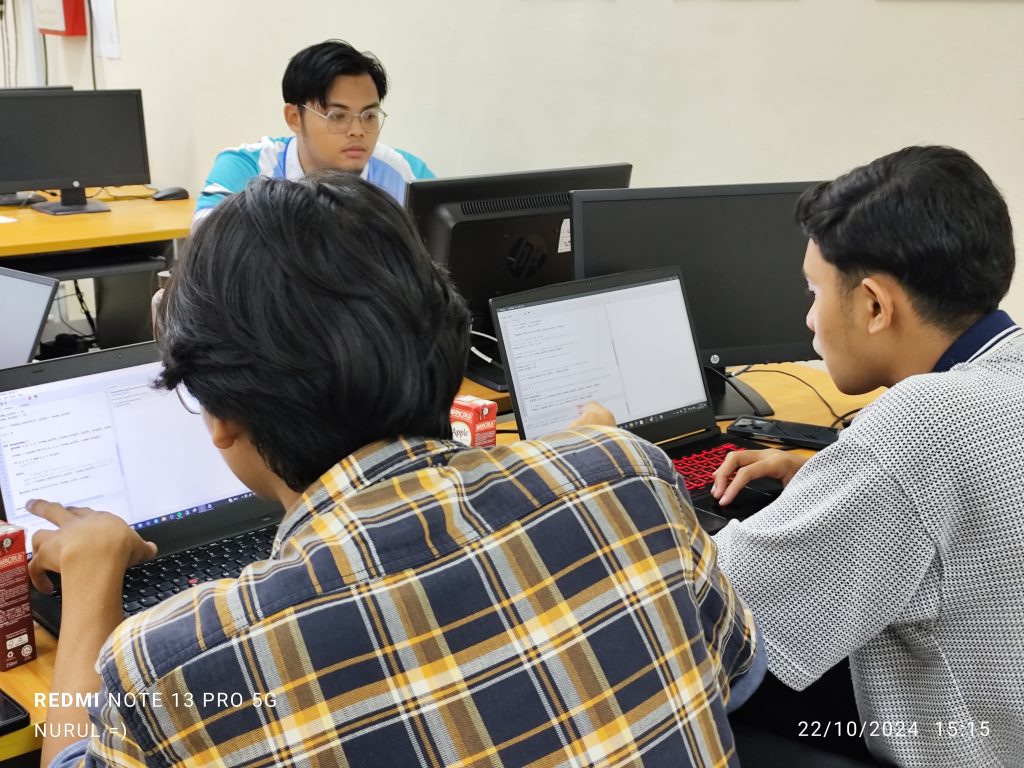
Hybrid classes this week.
BTE1522


DRE2213



♦
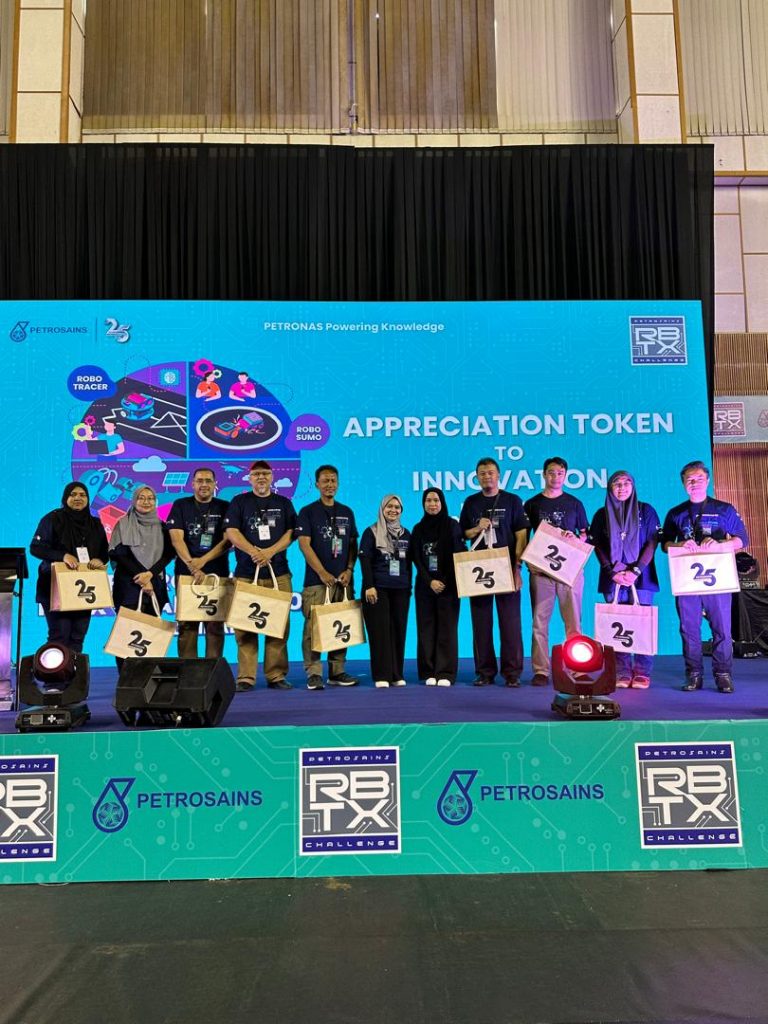
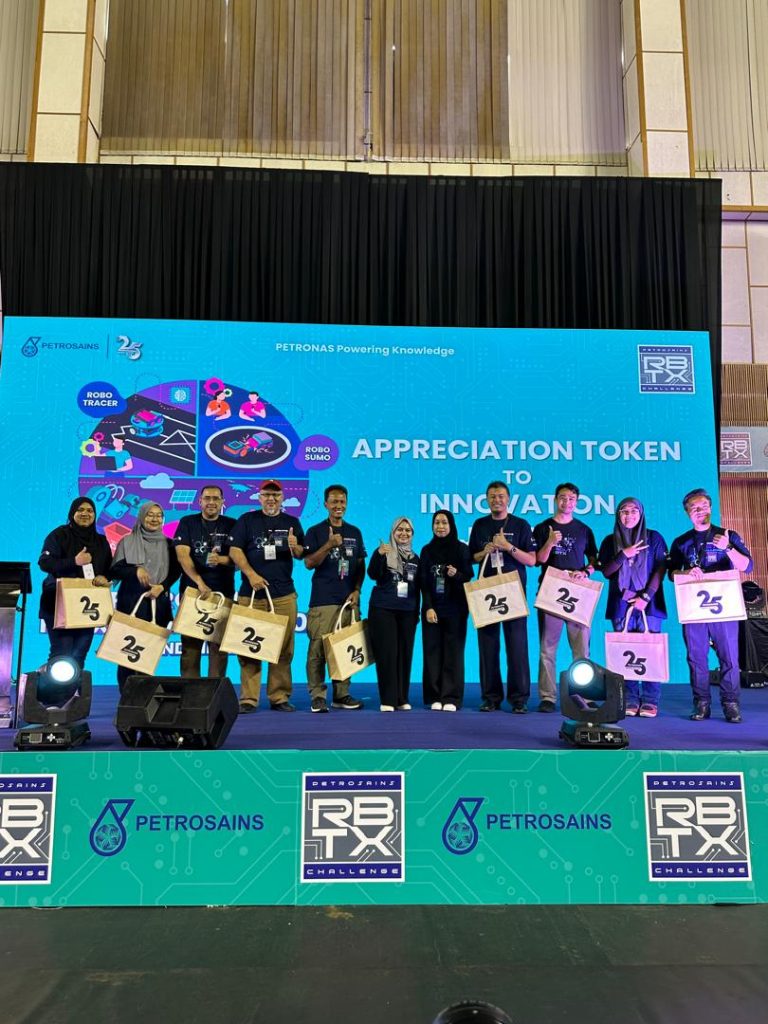
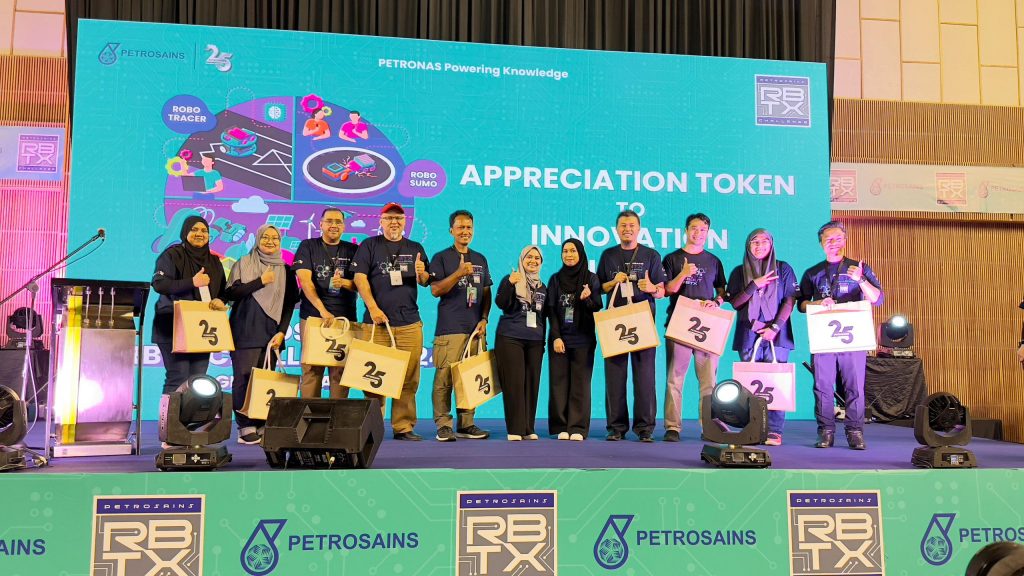
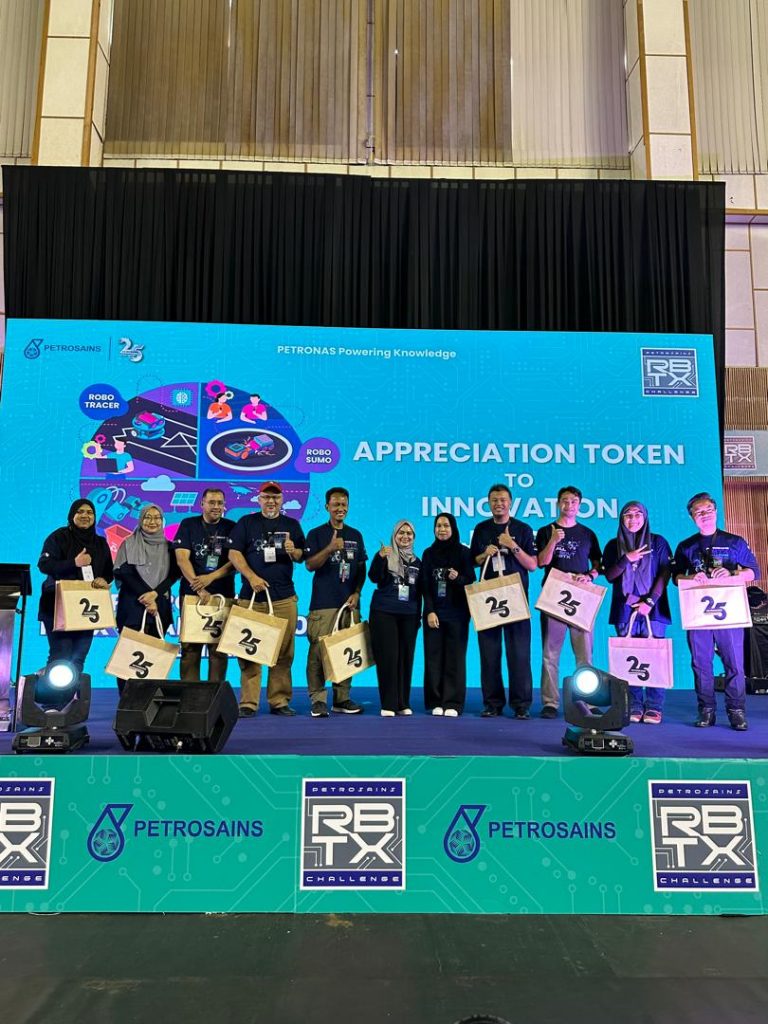
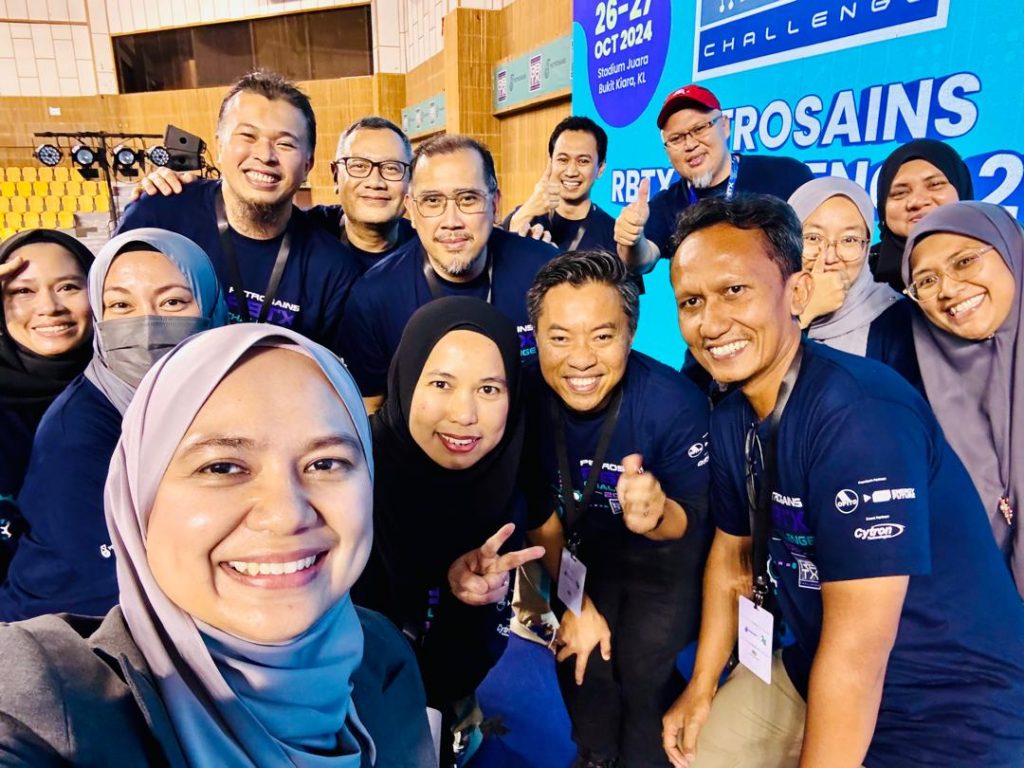
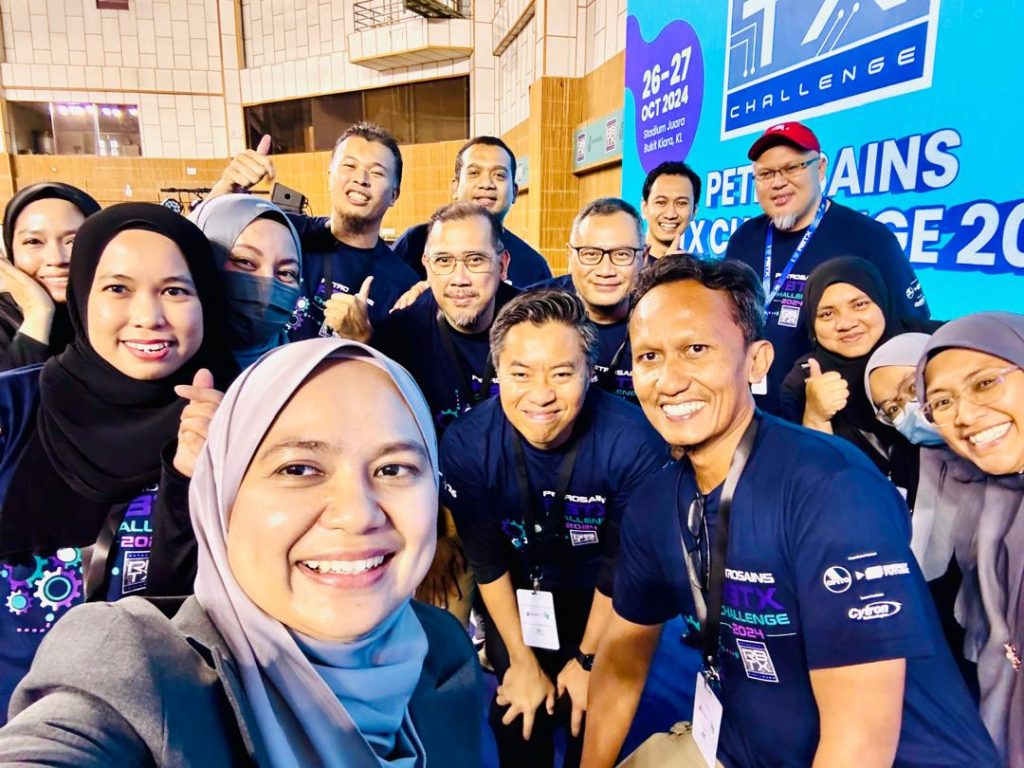
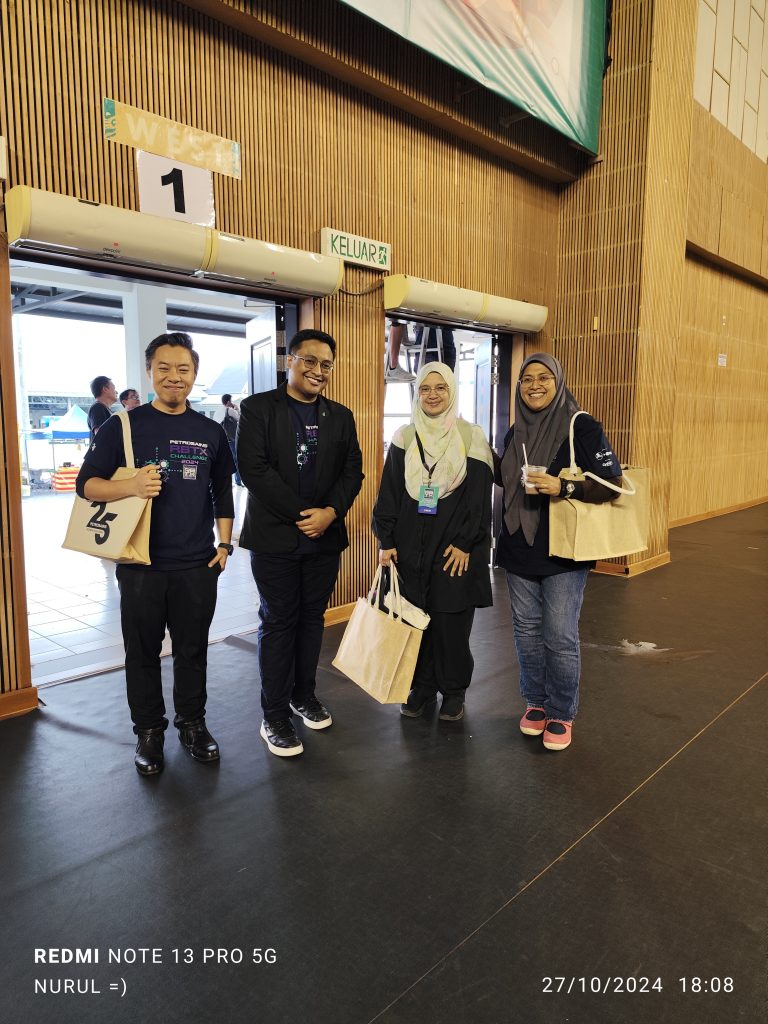
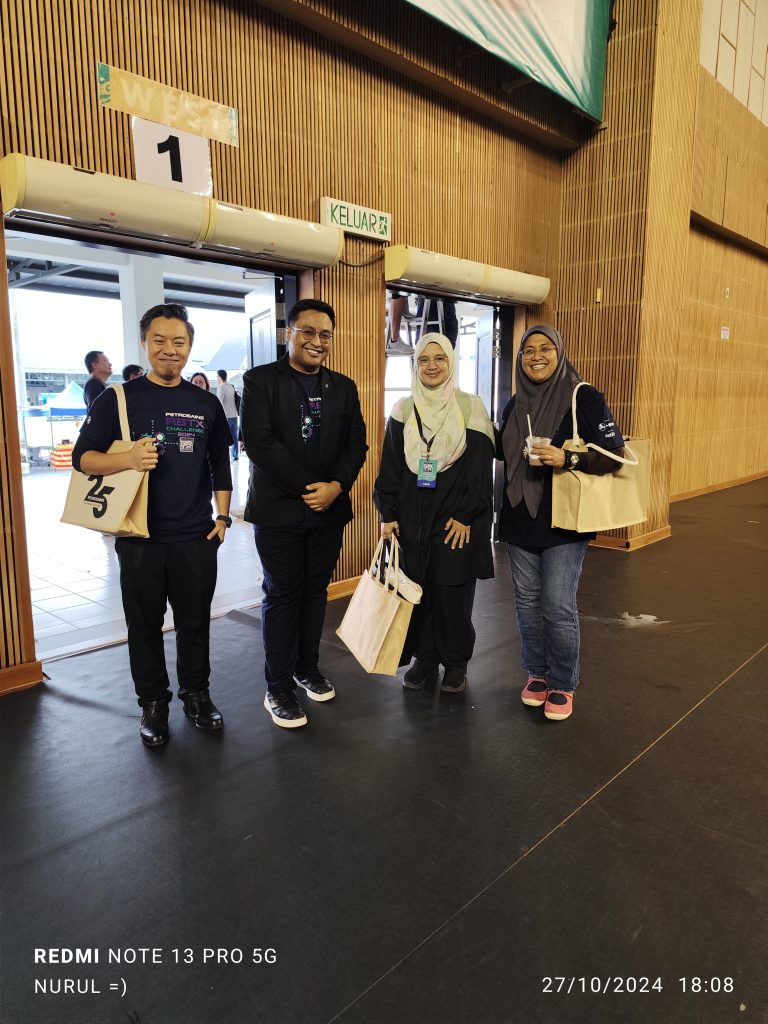
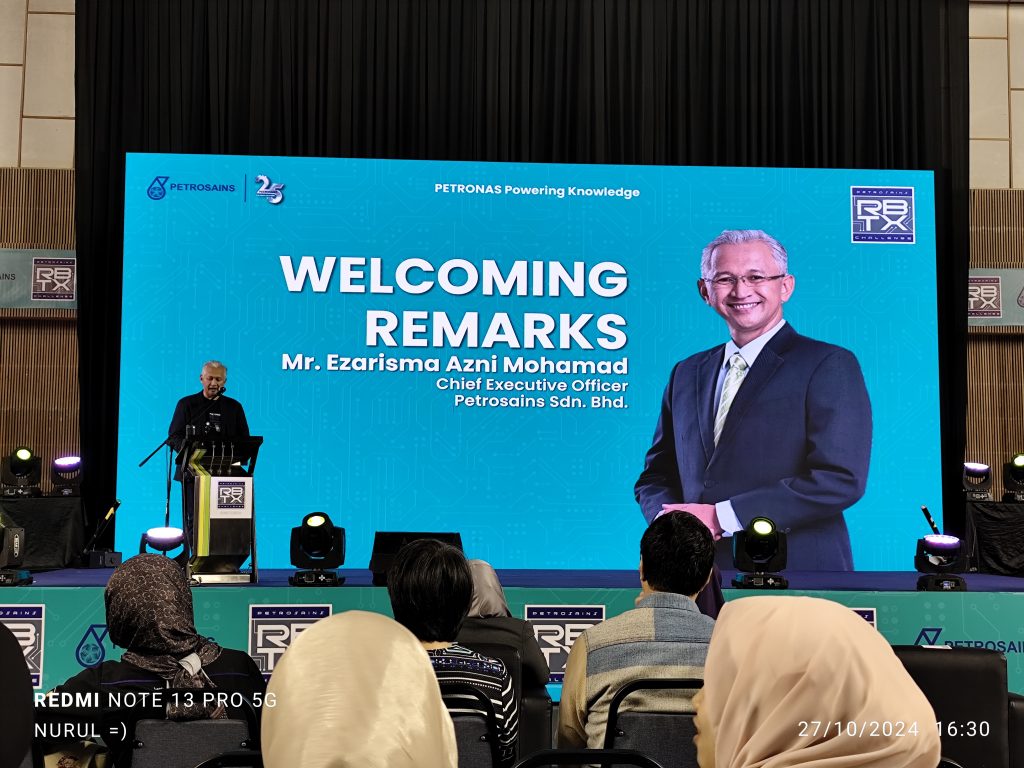
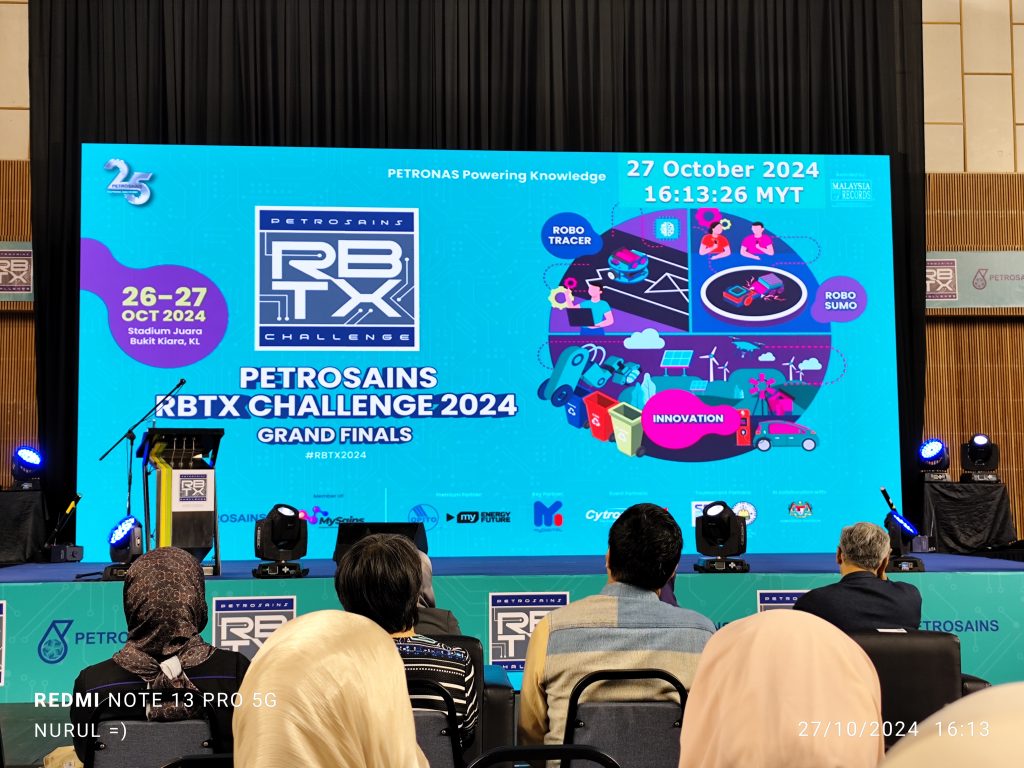
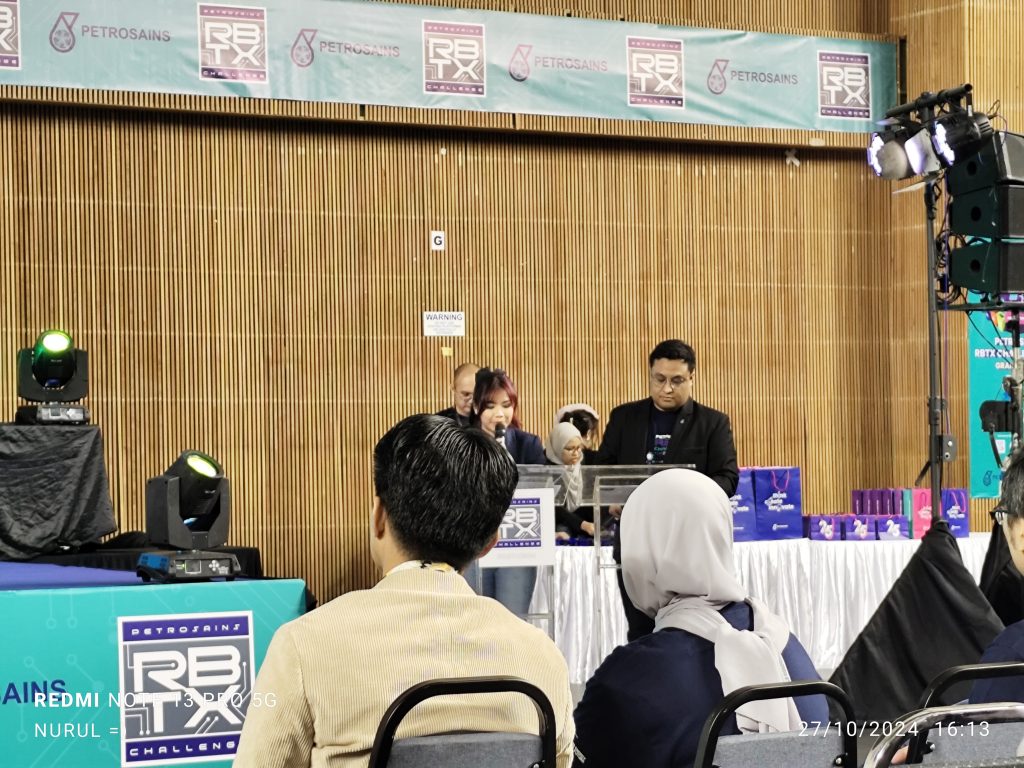


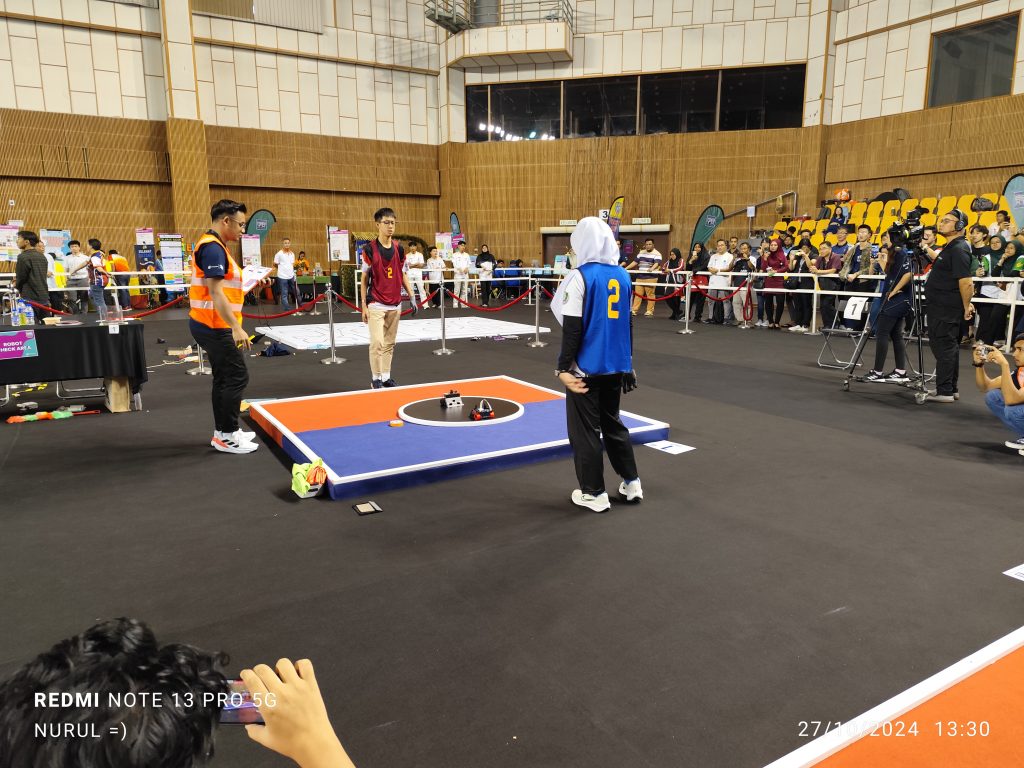
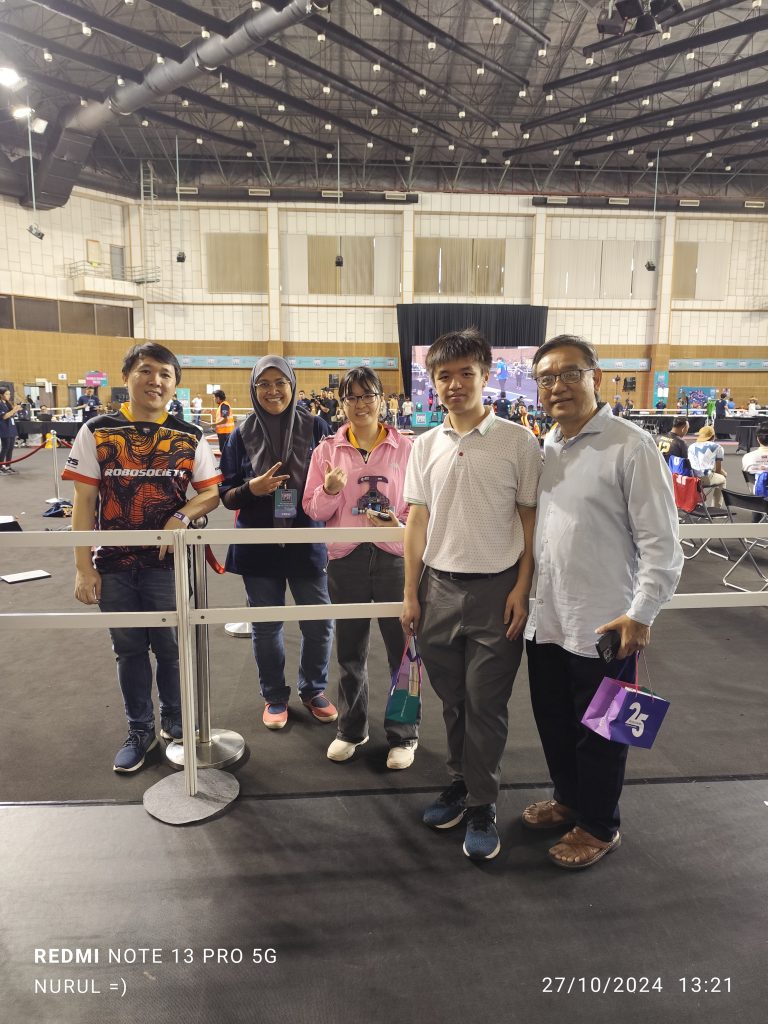
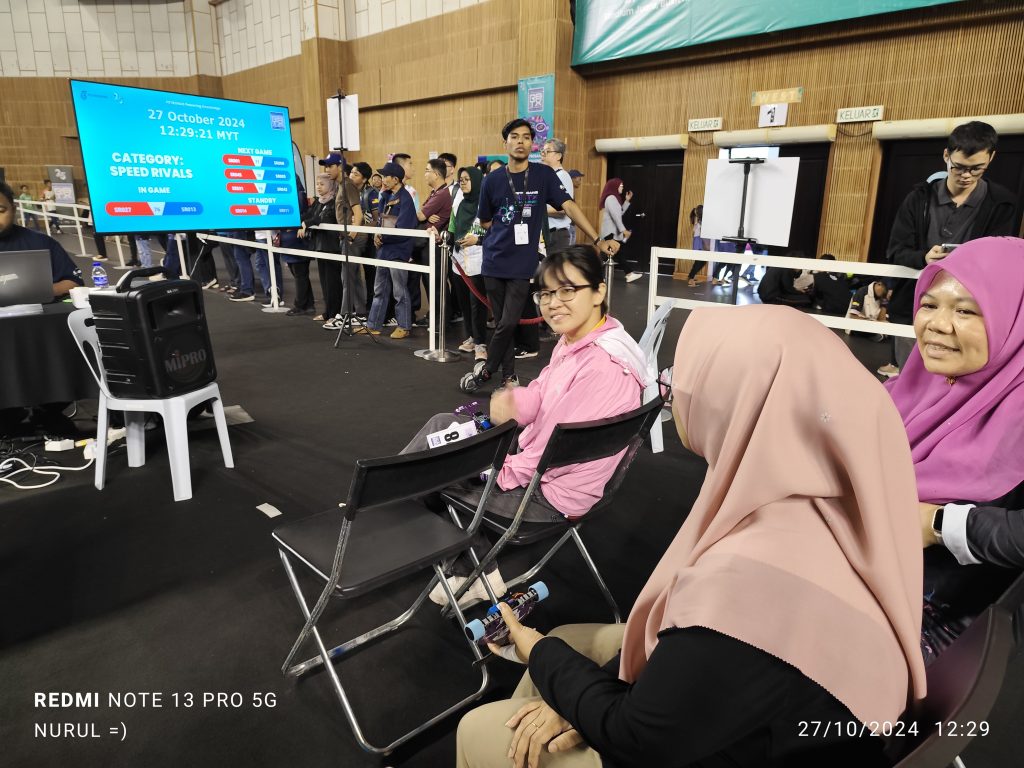
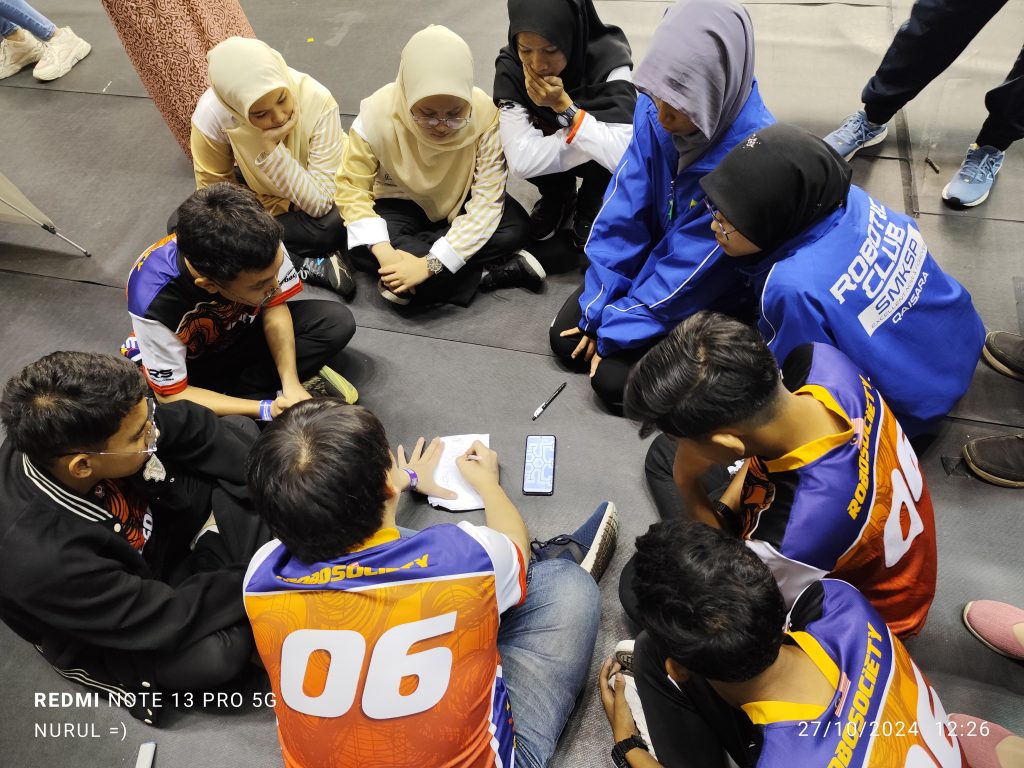
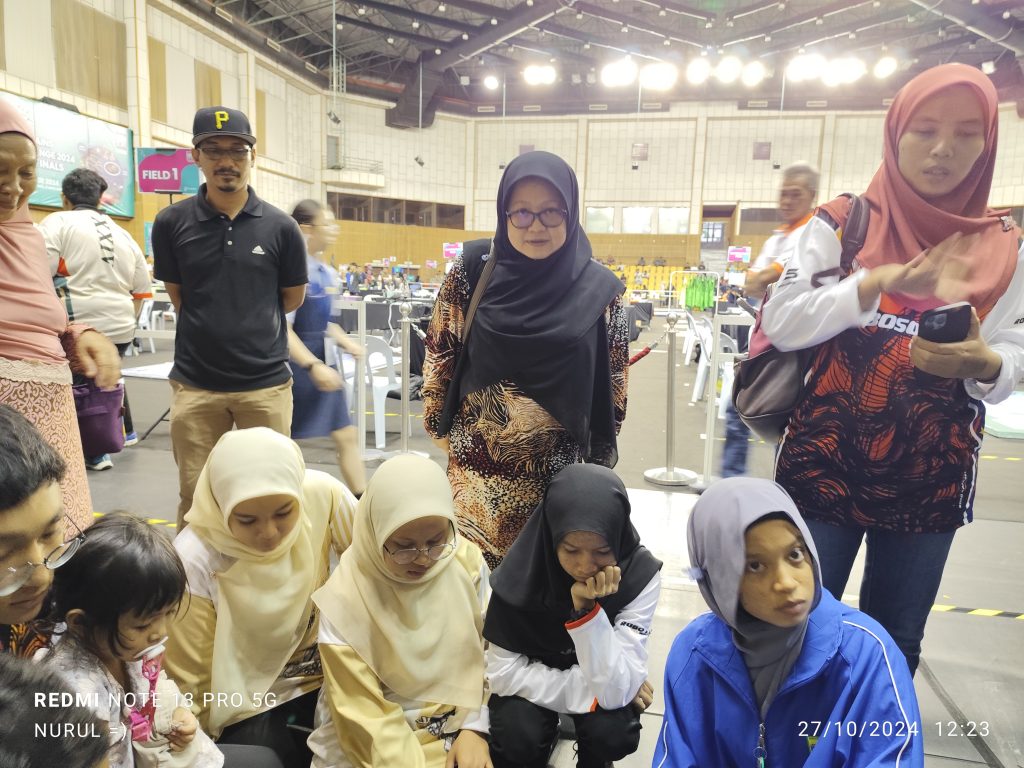
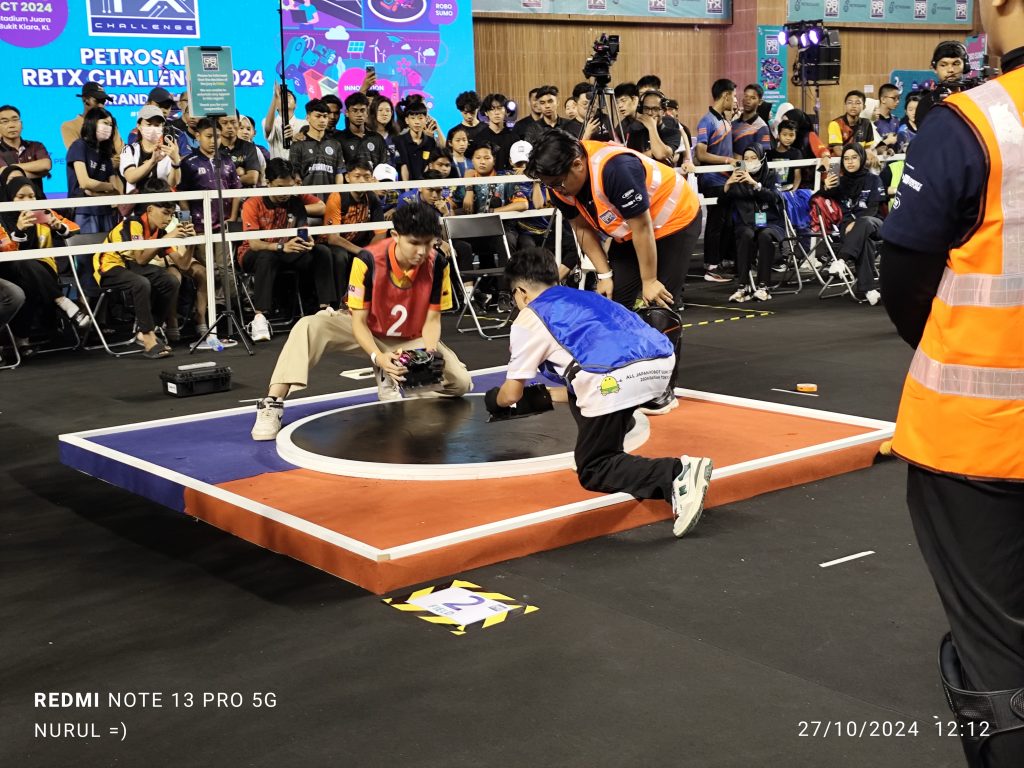
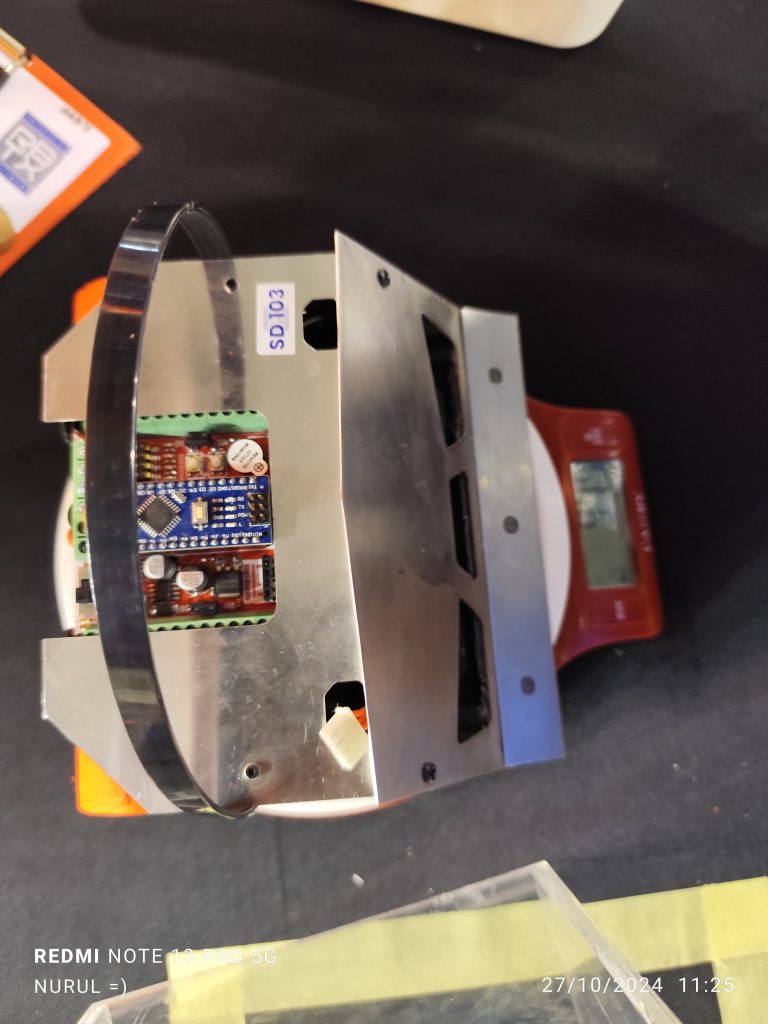
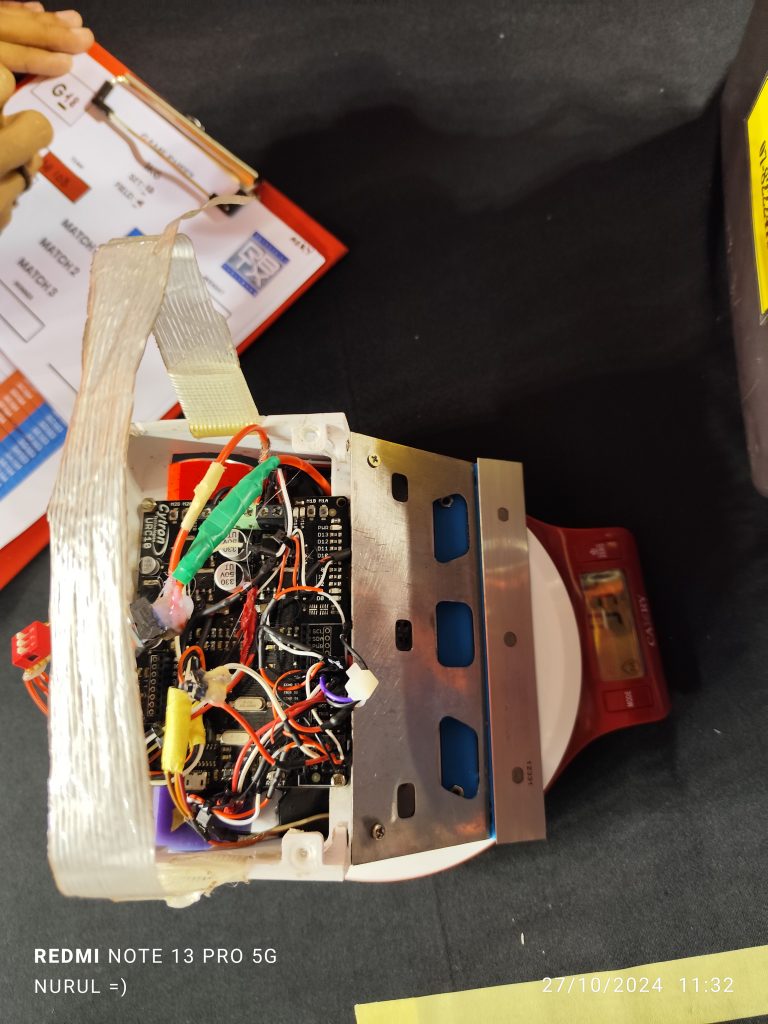
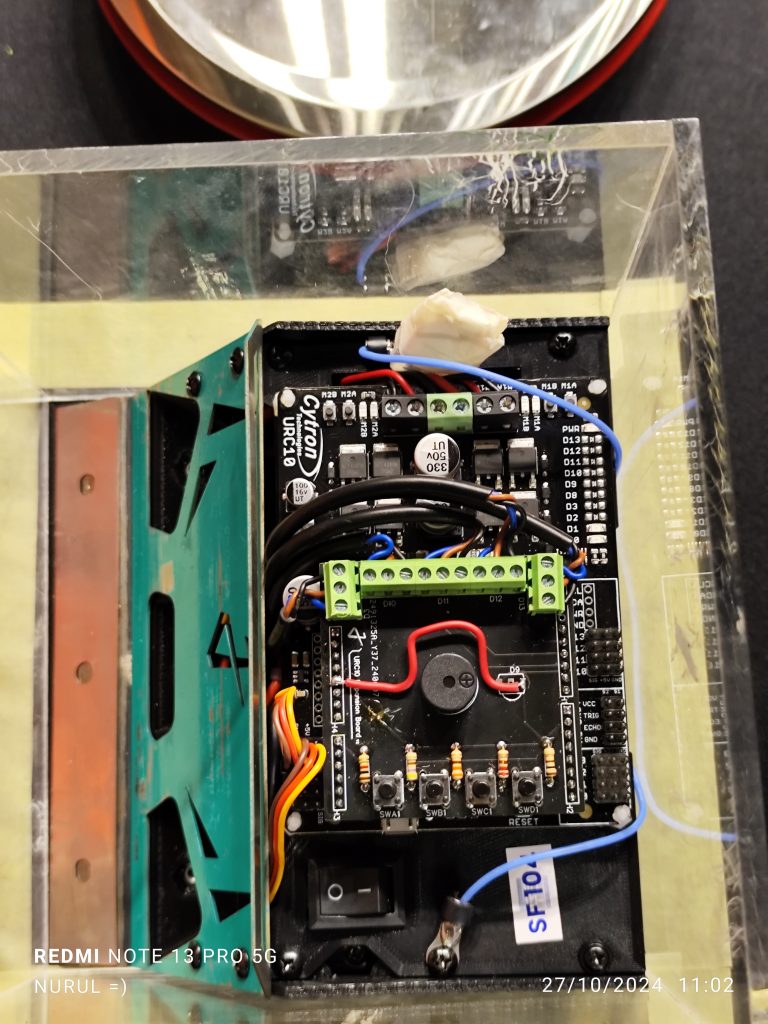
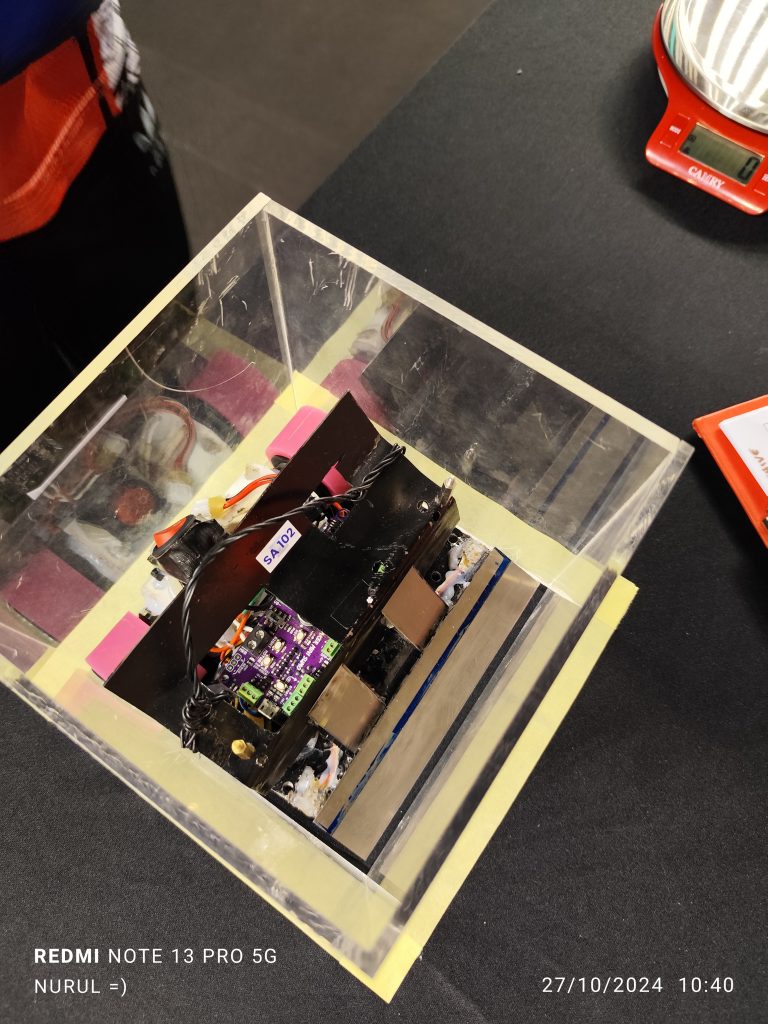
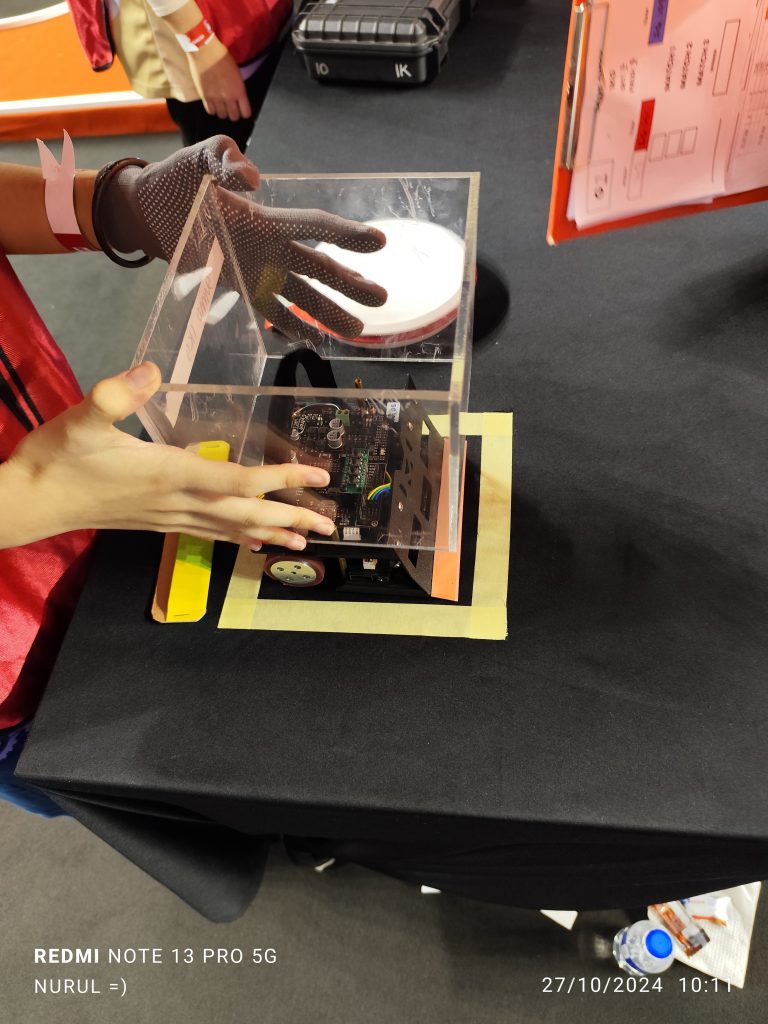
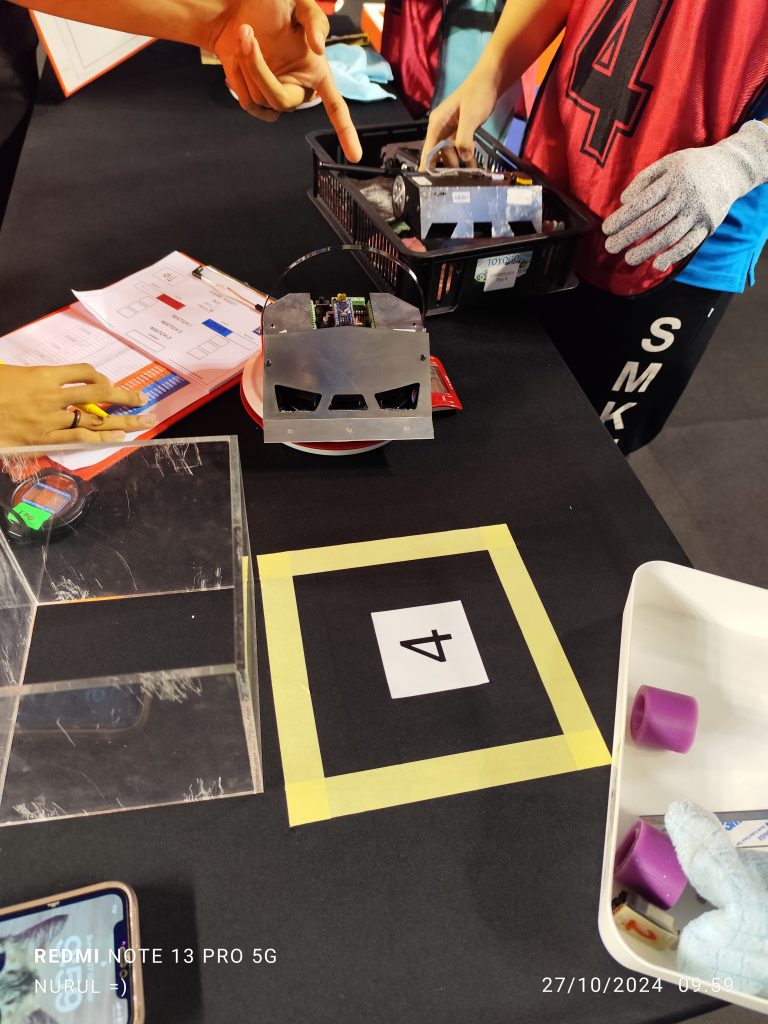
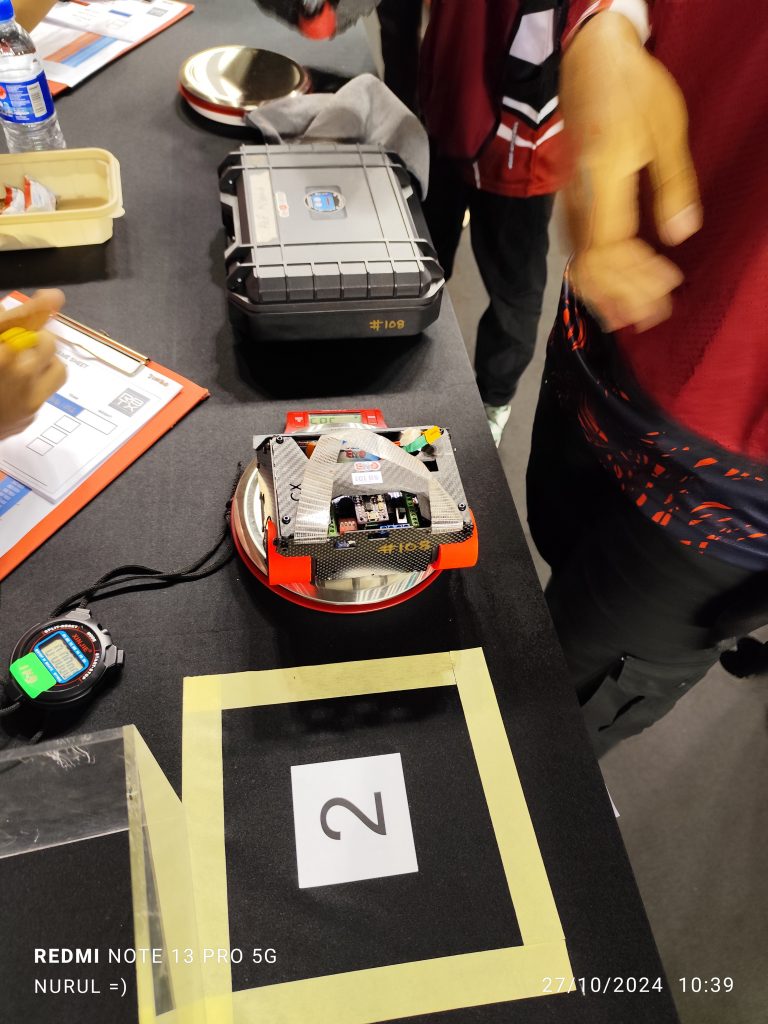
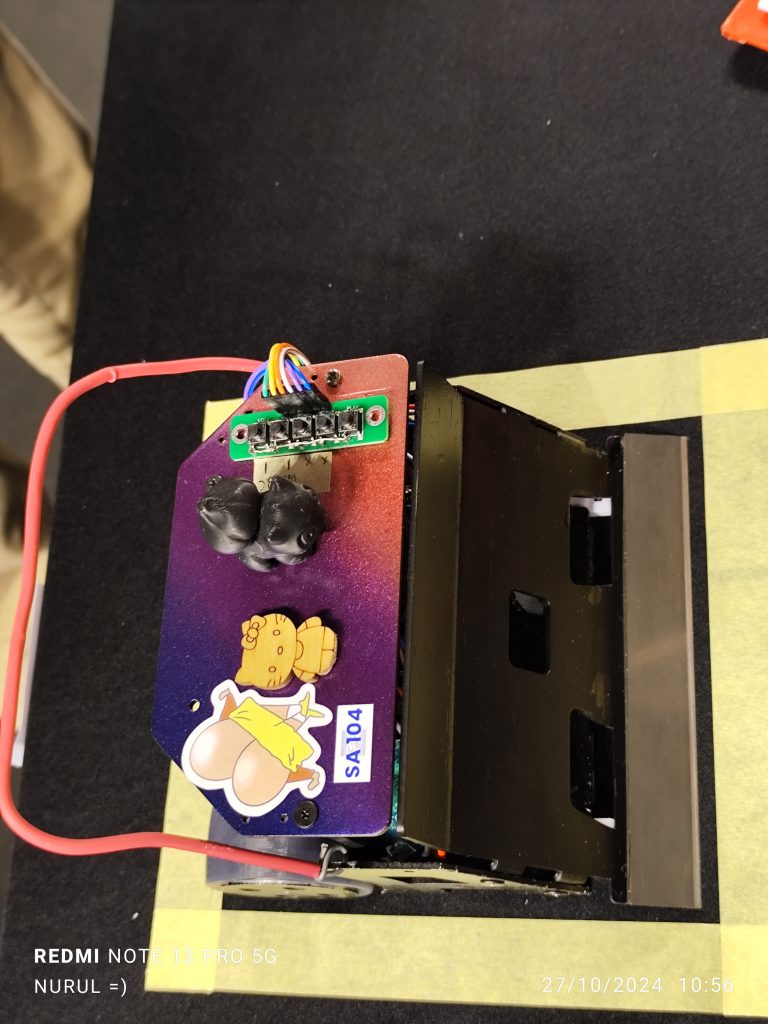
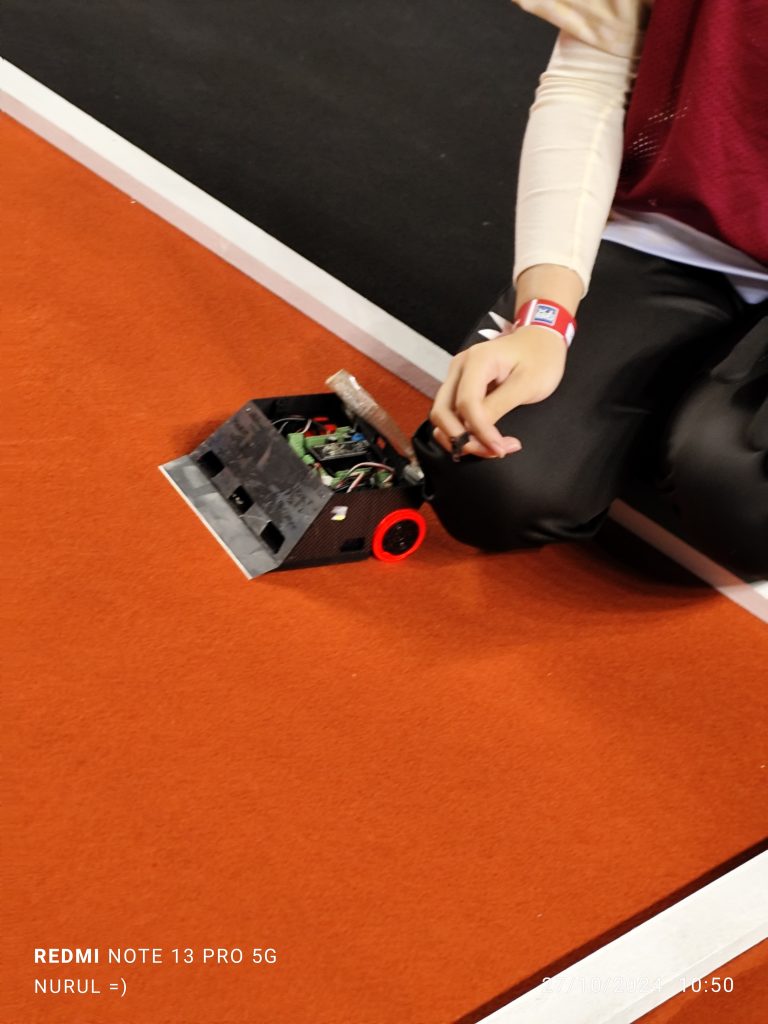
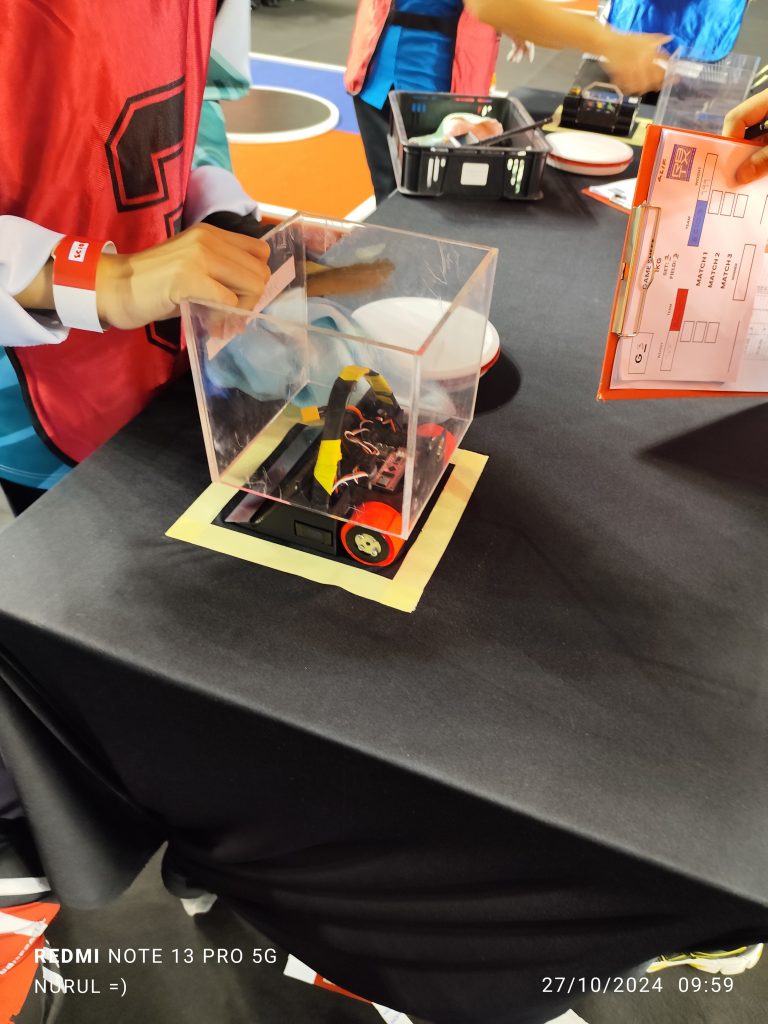
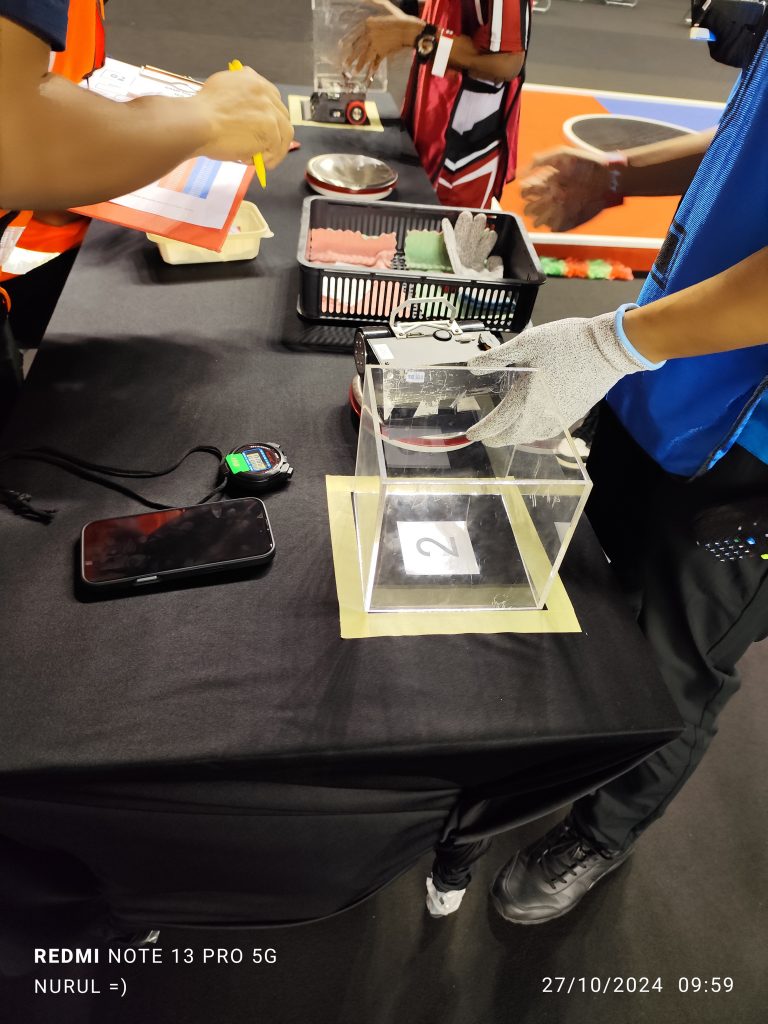
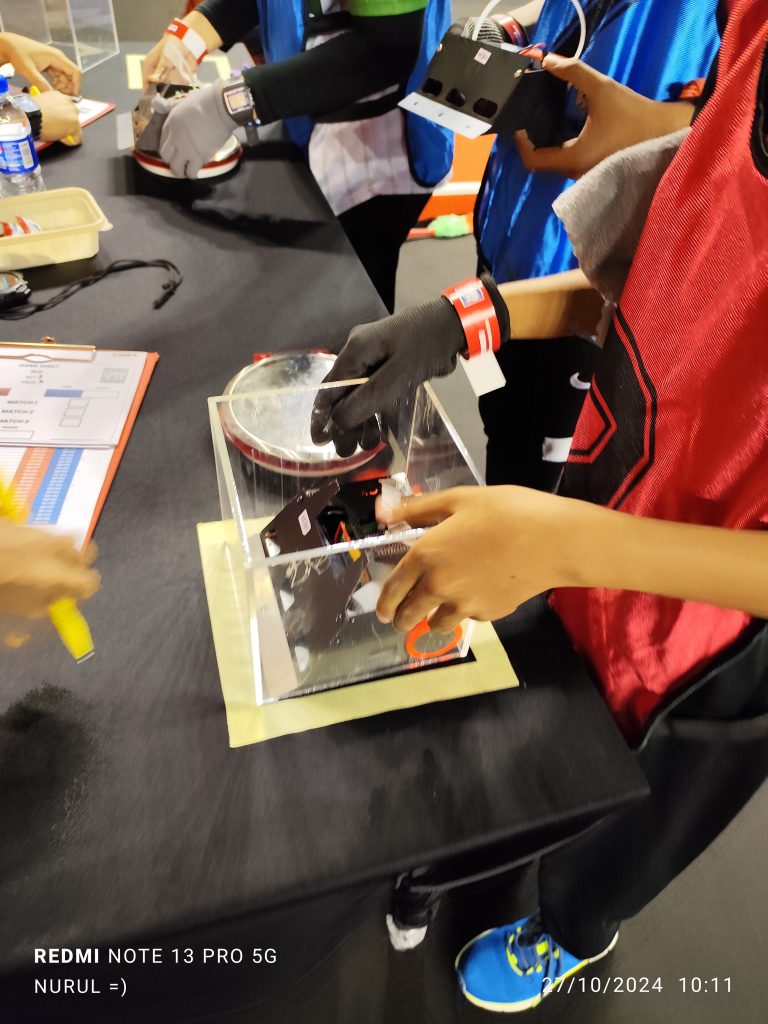
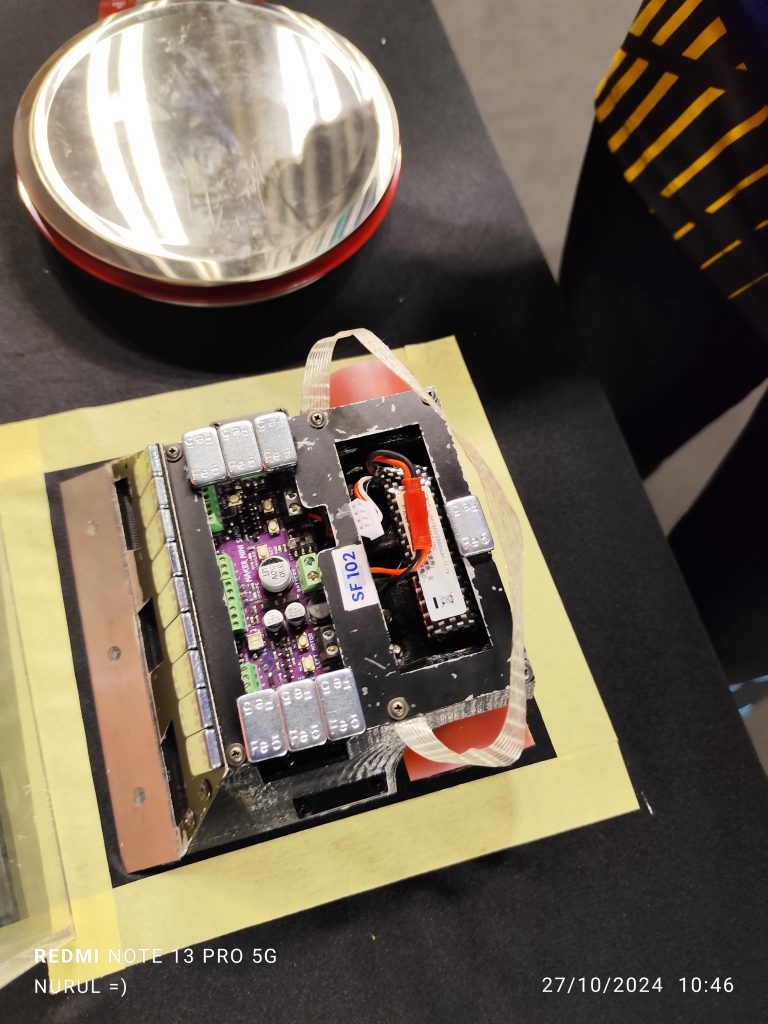
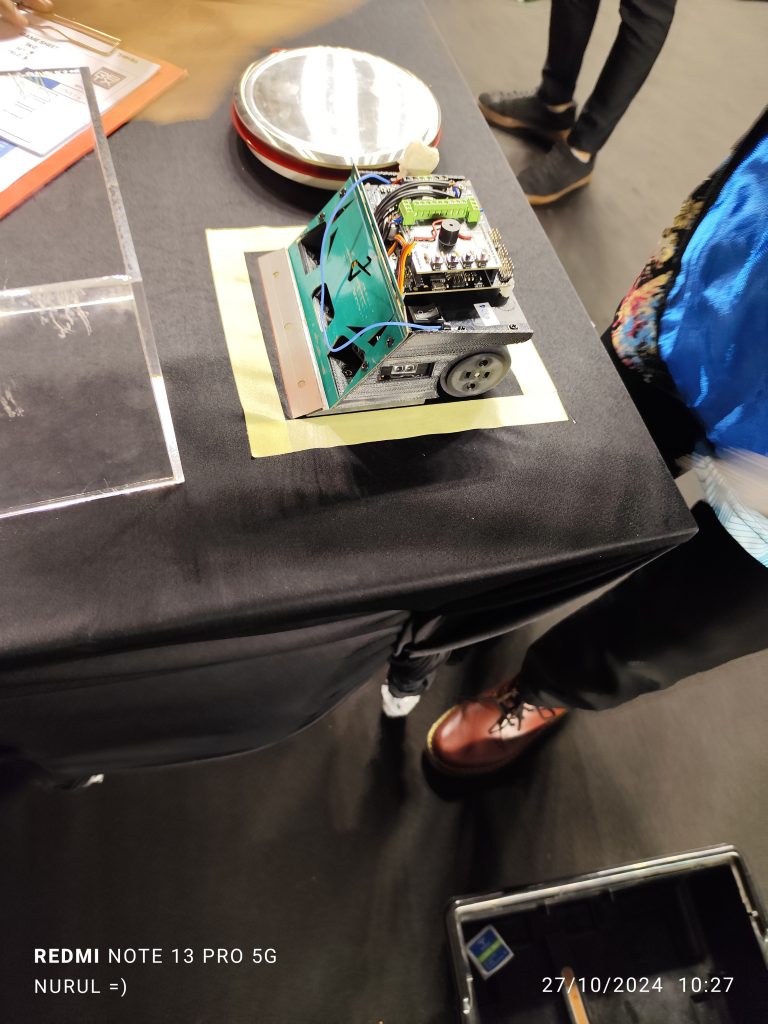
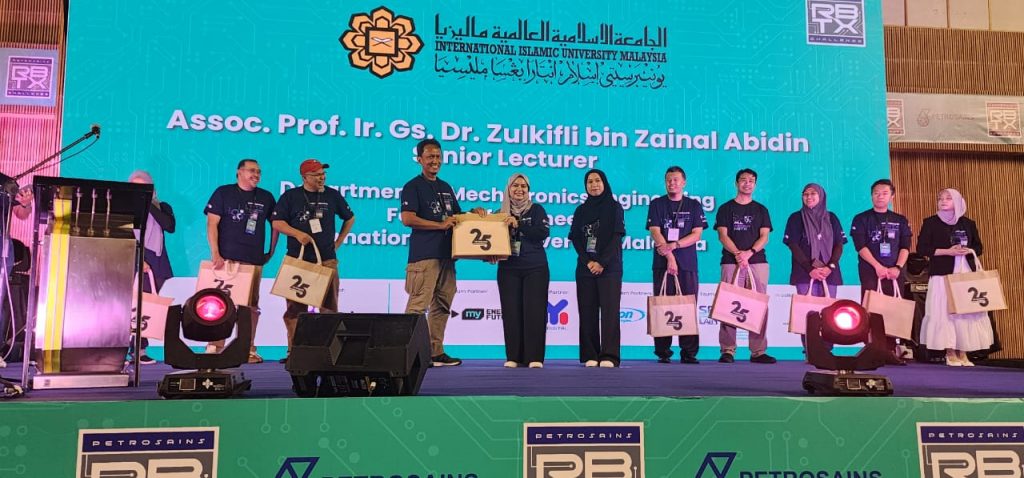
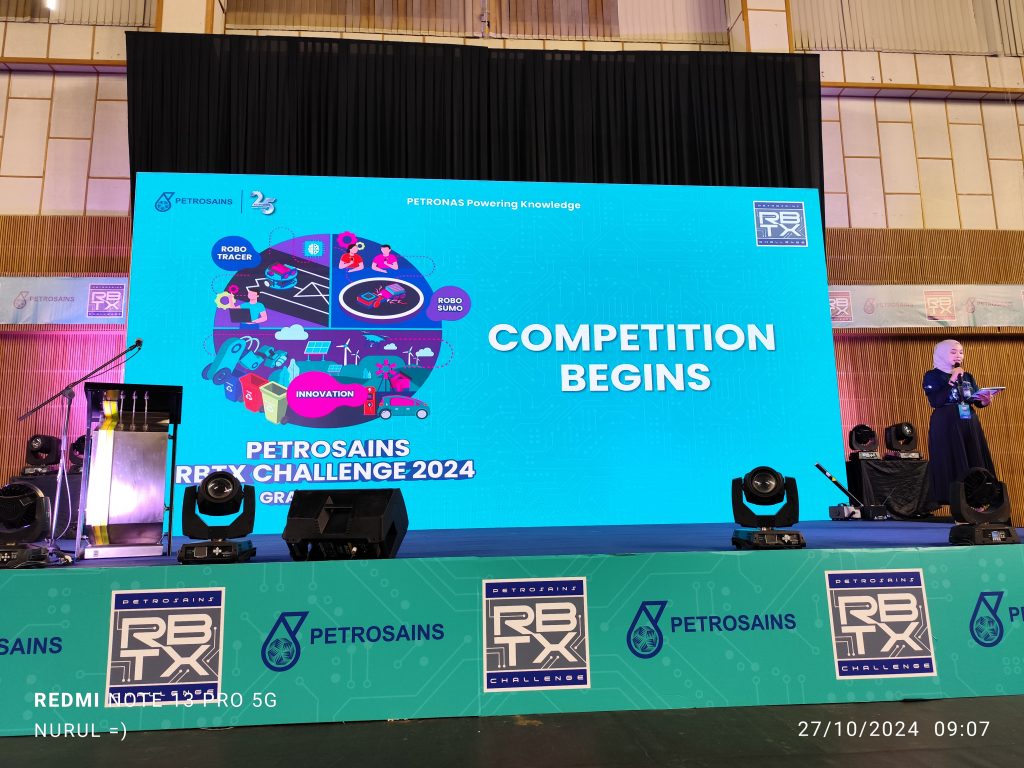
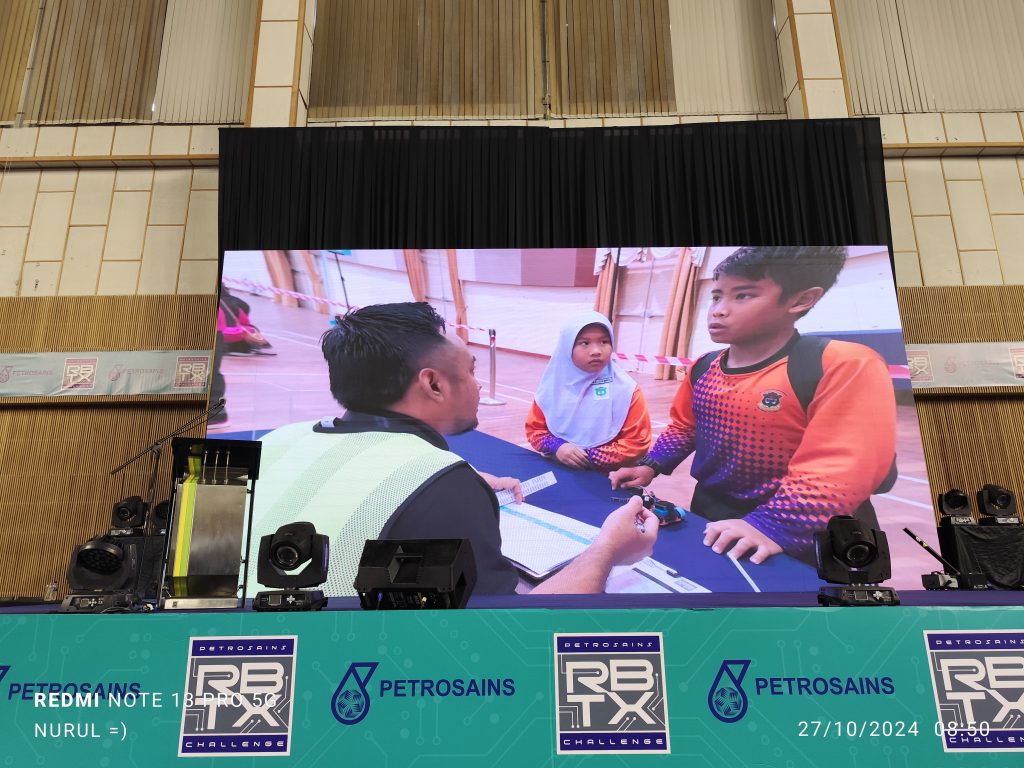
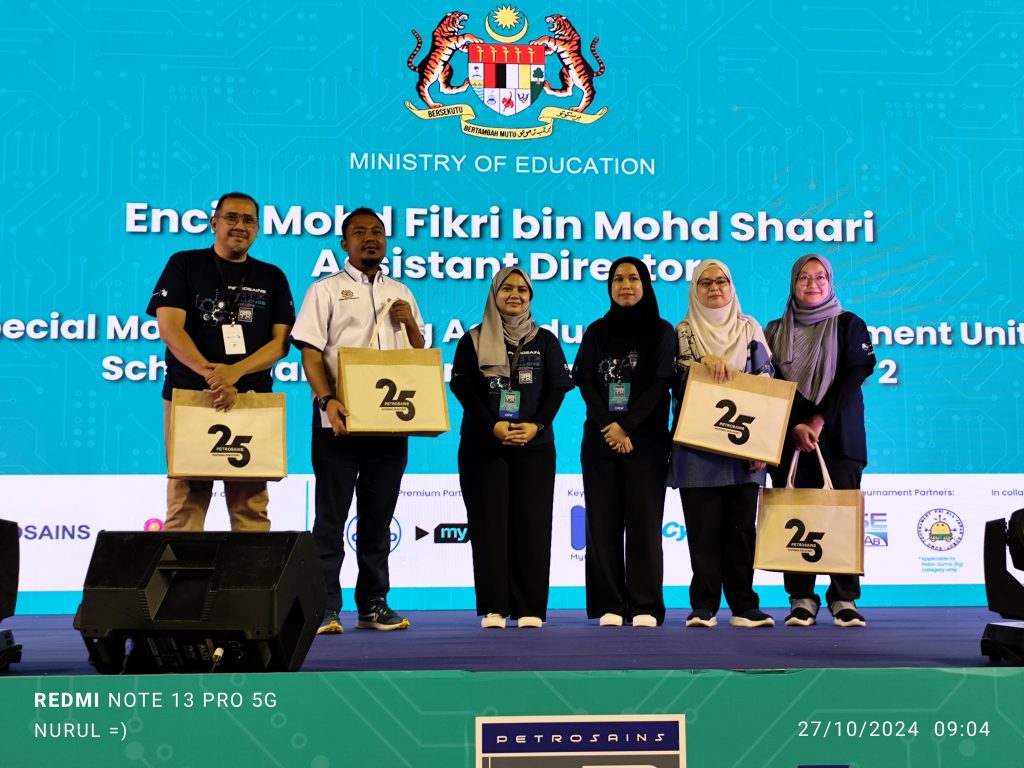
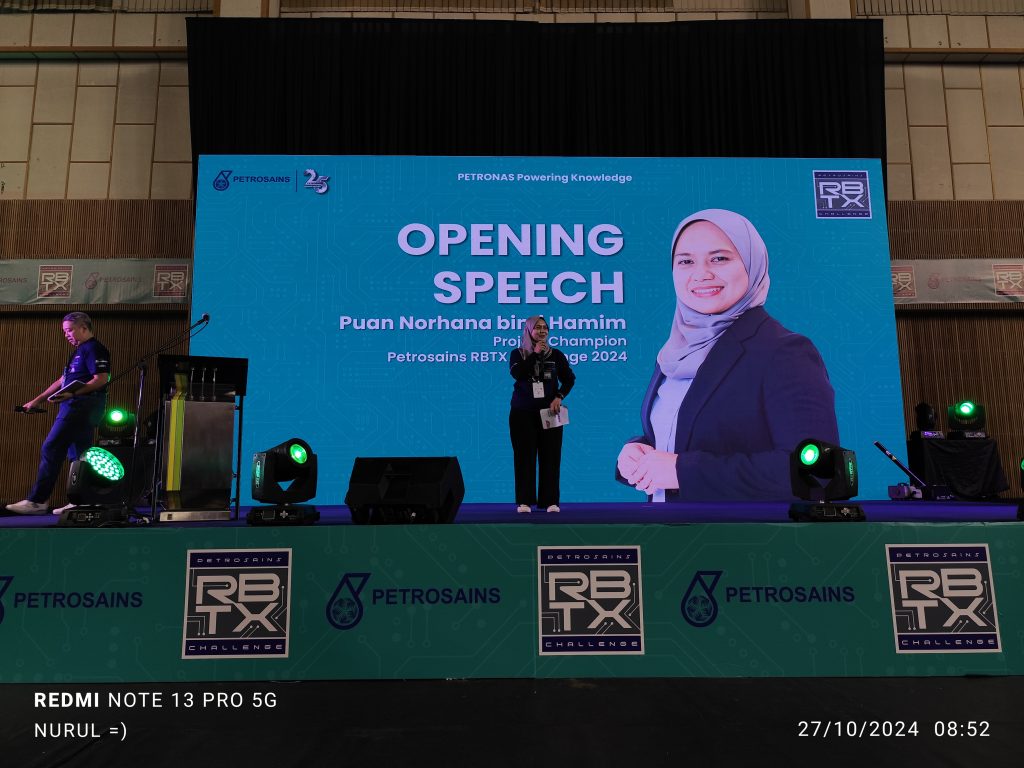
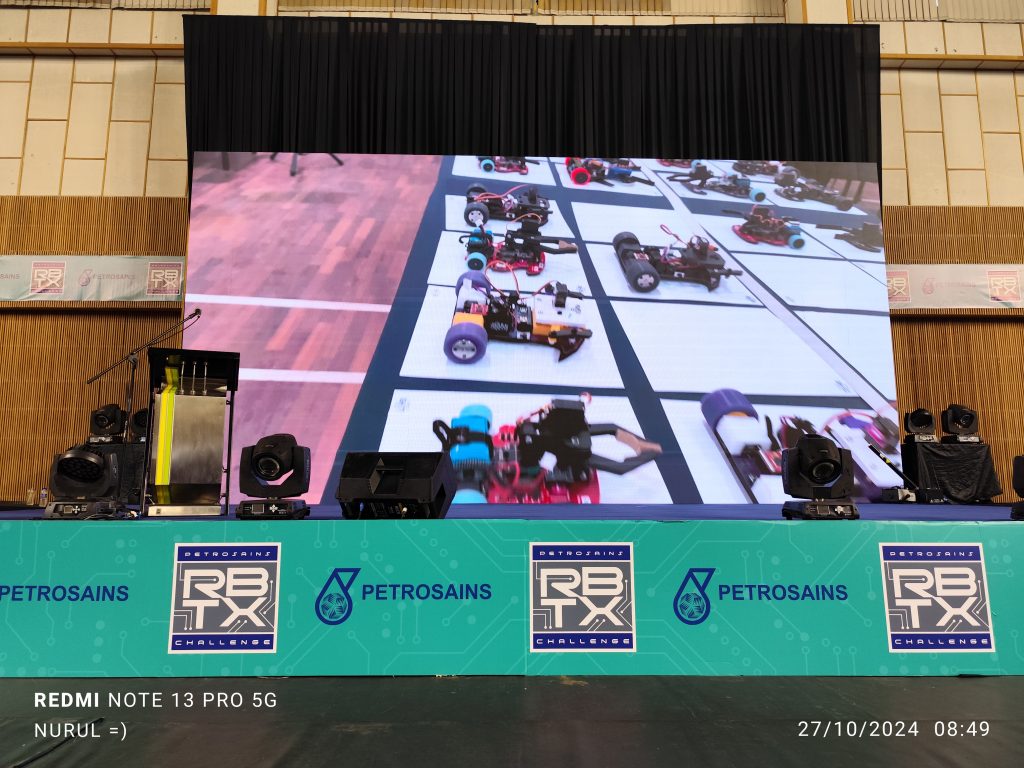
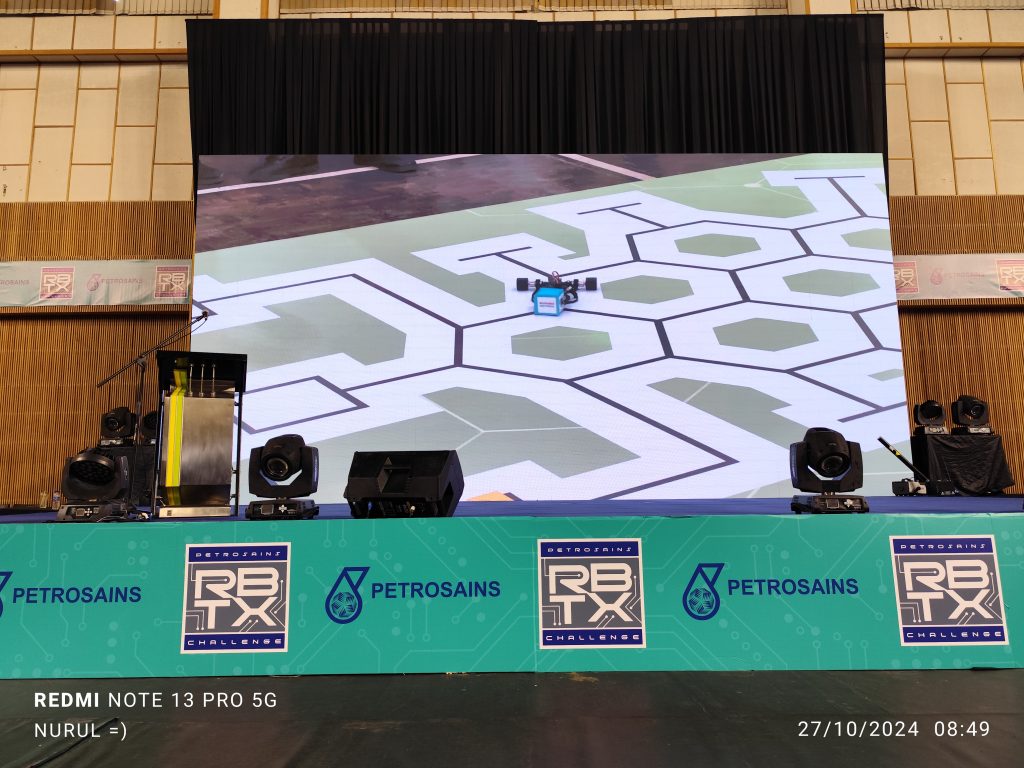
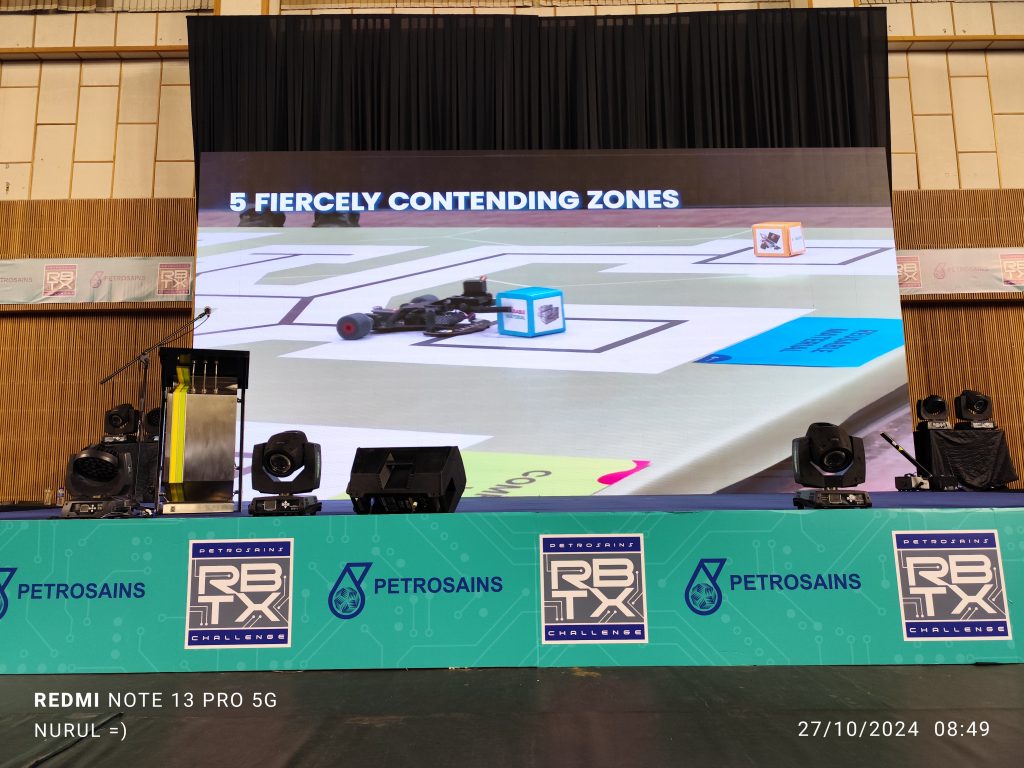
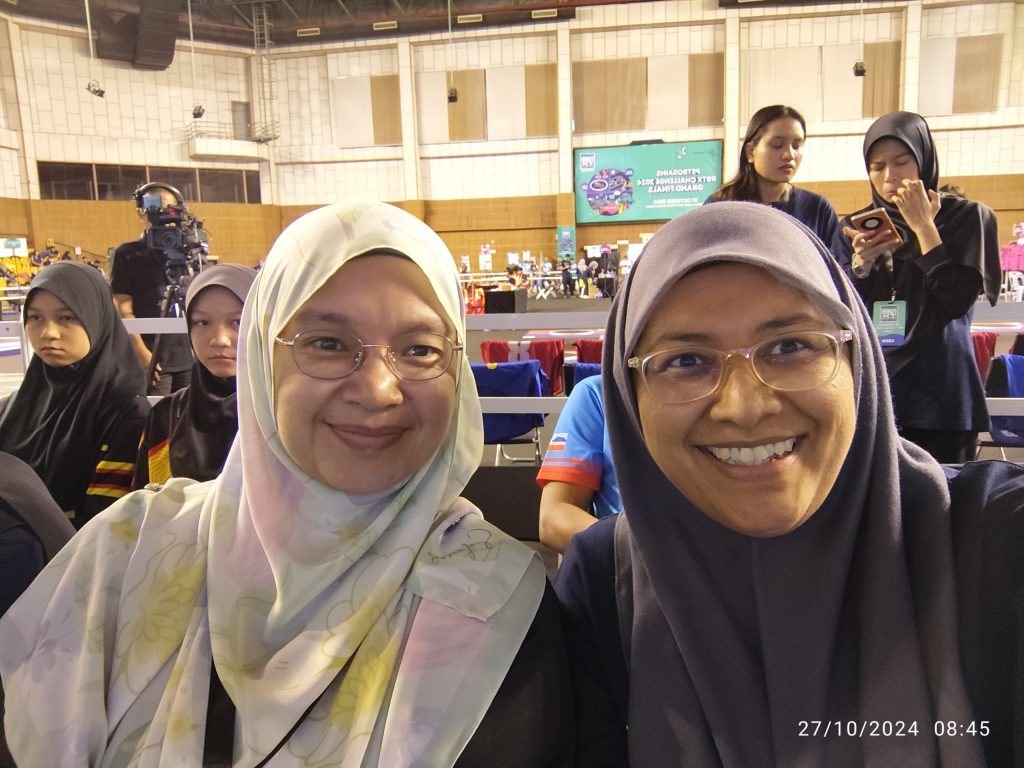
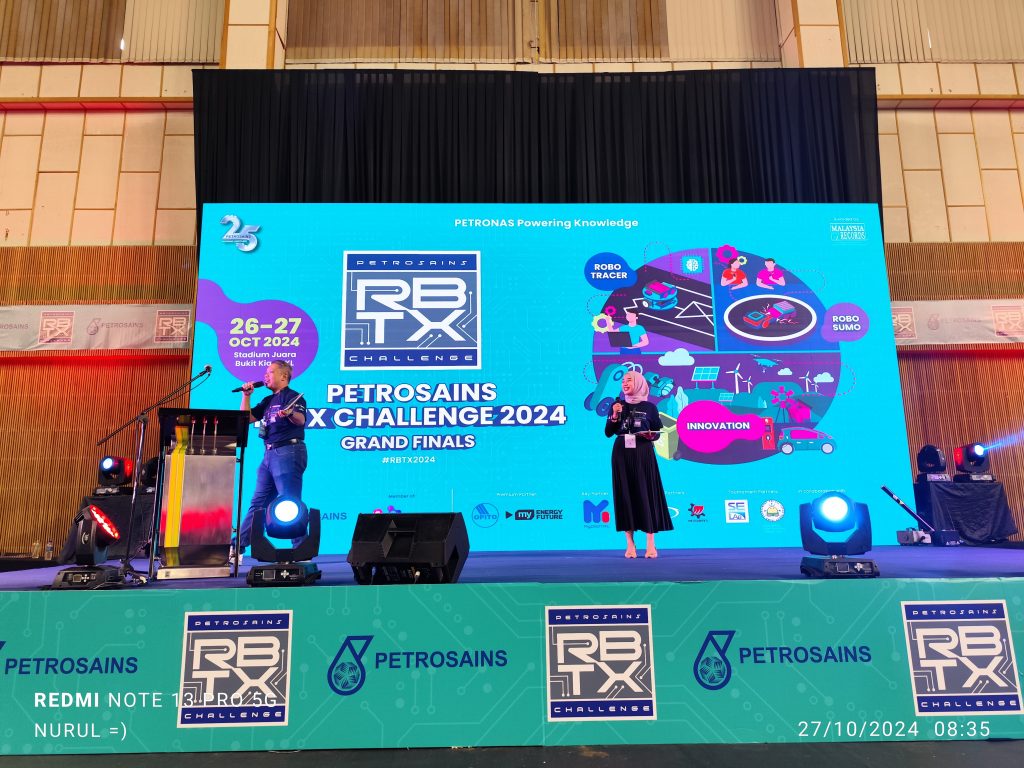

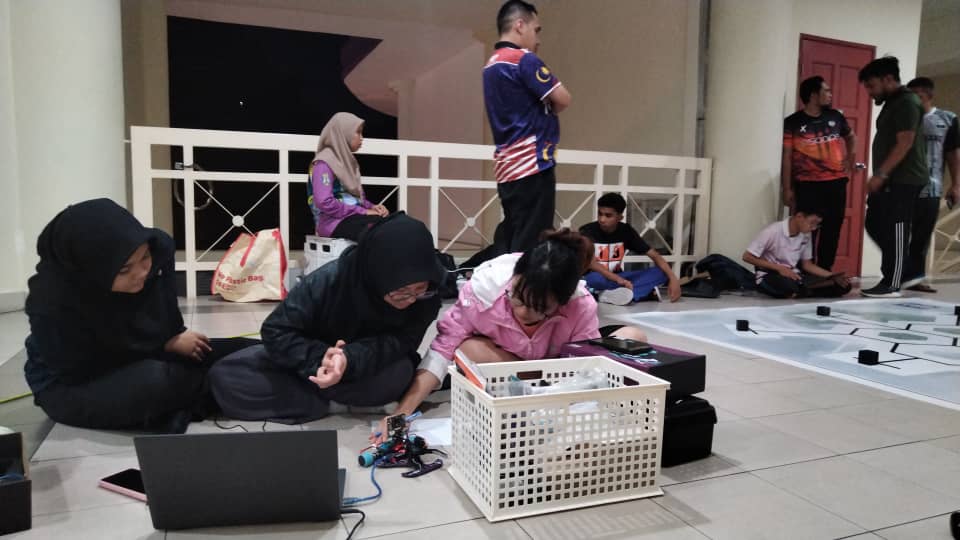
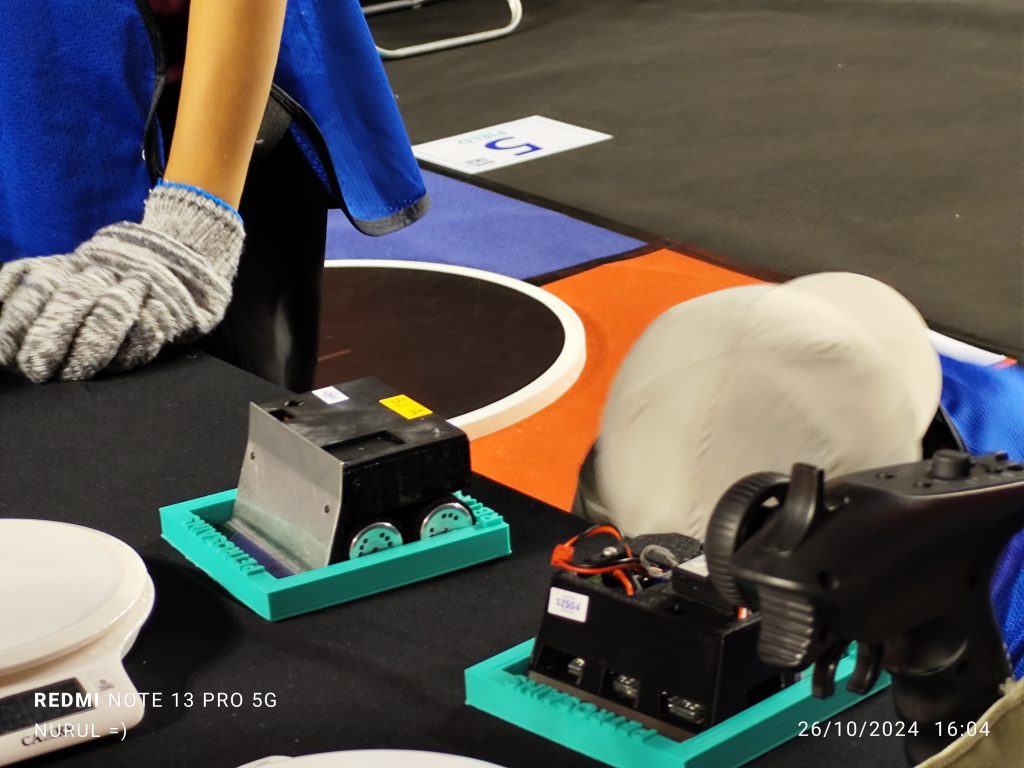
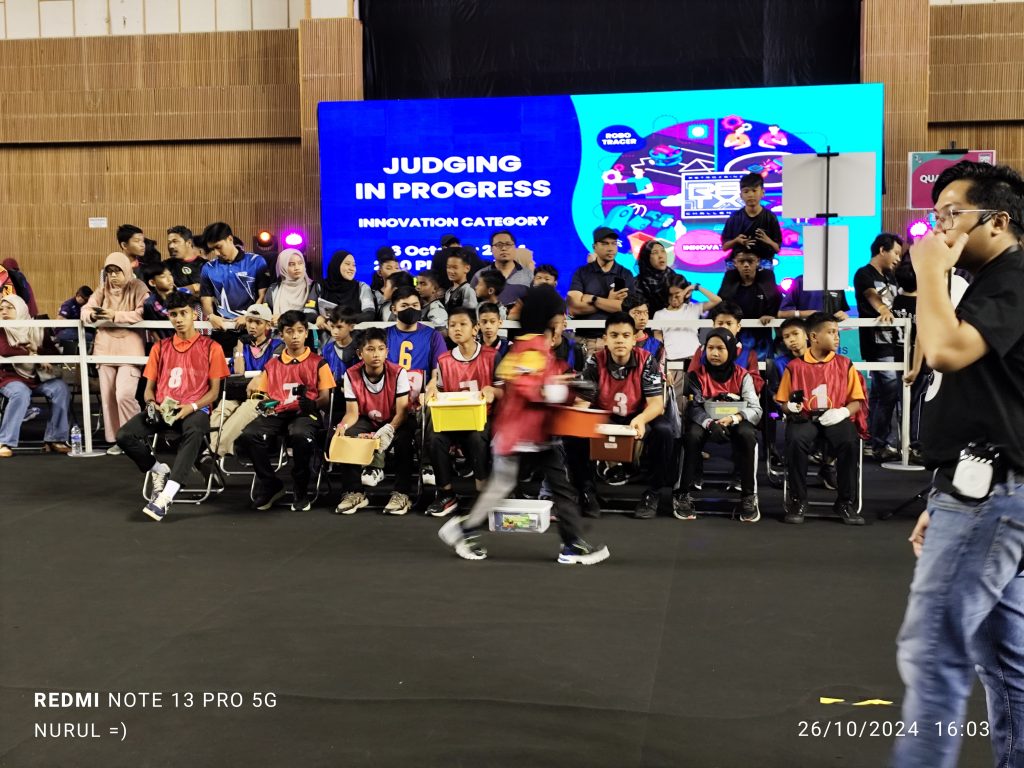
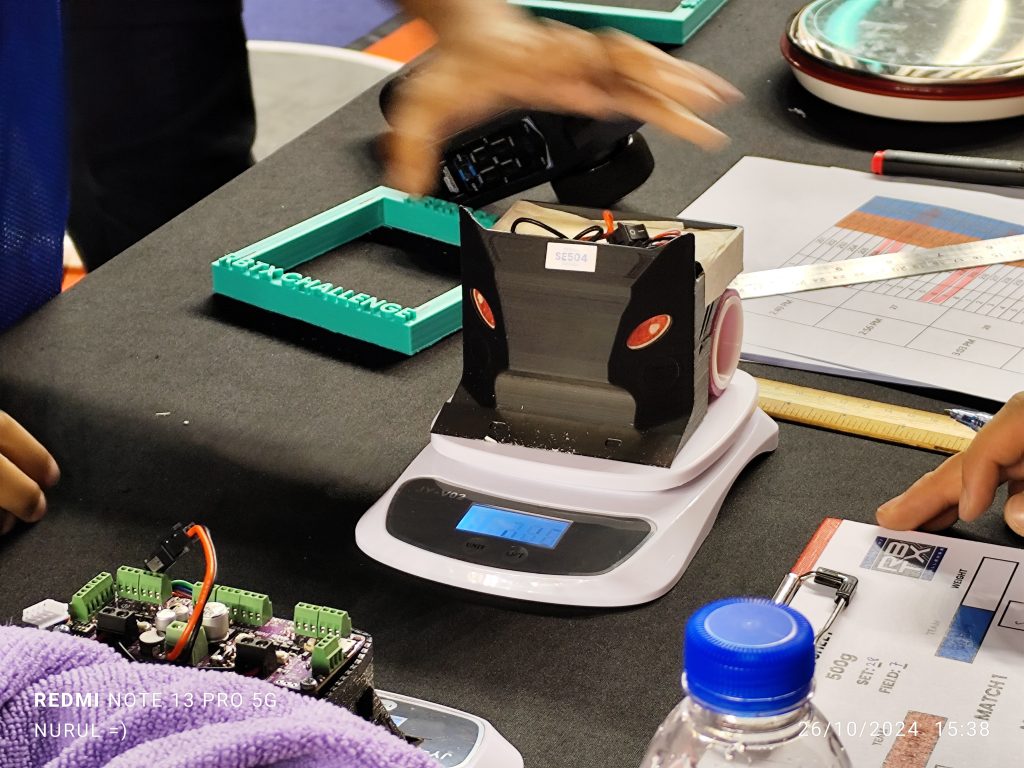
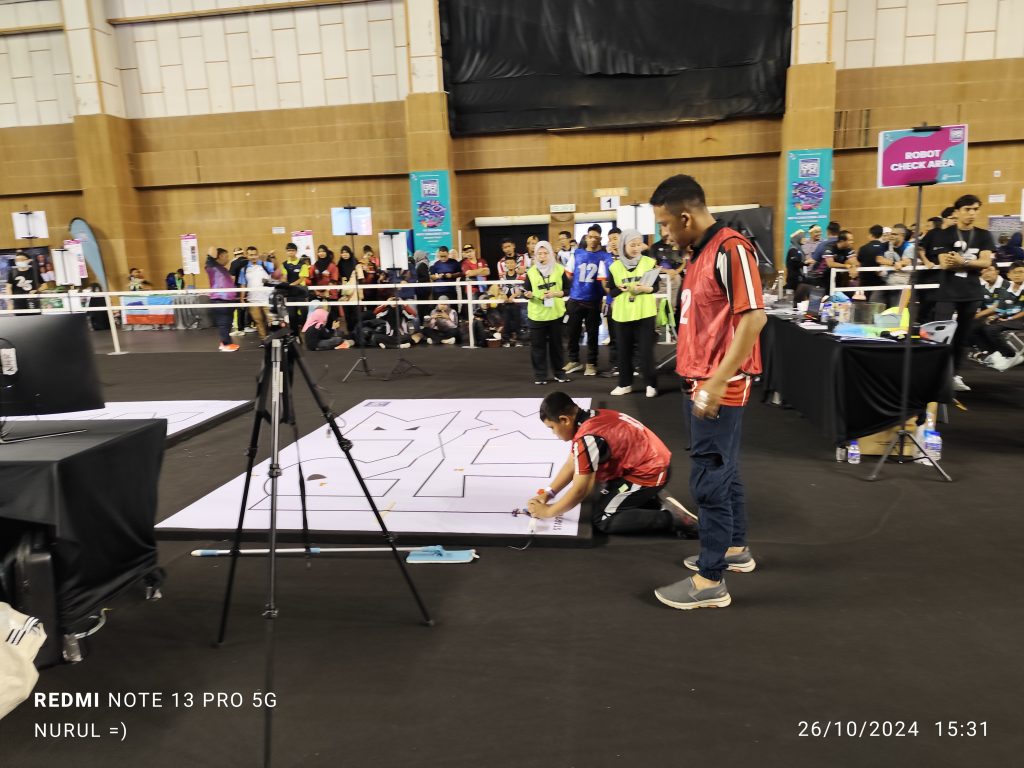
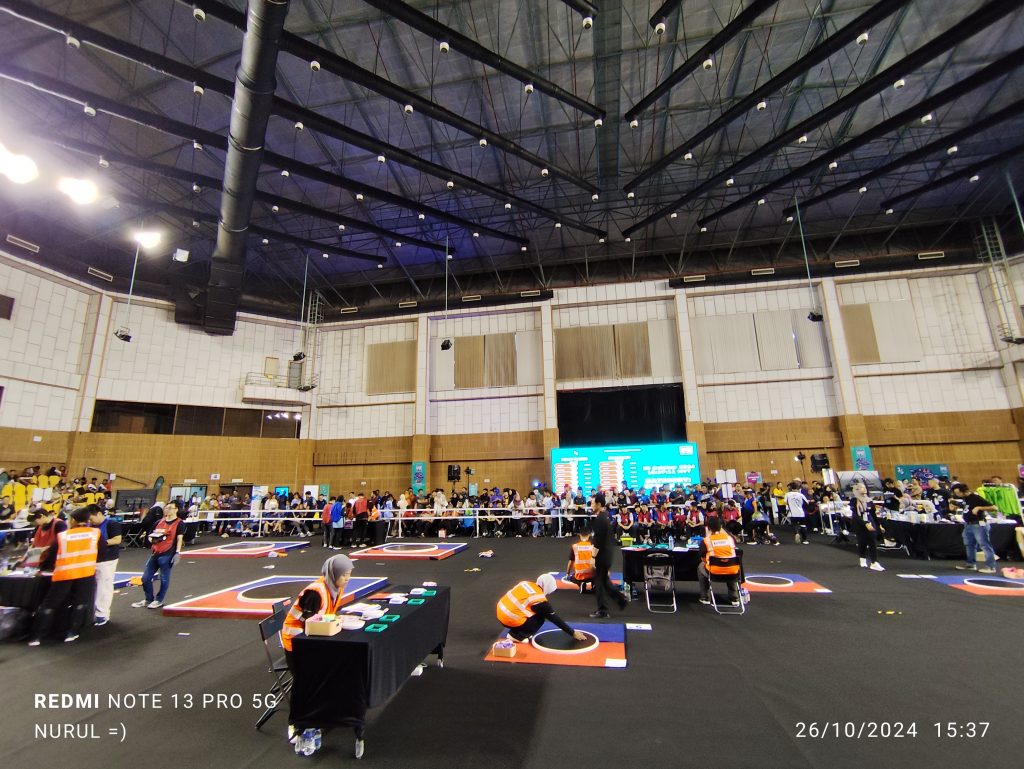
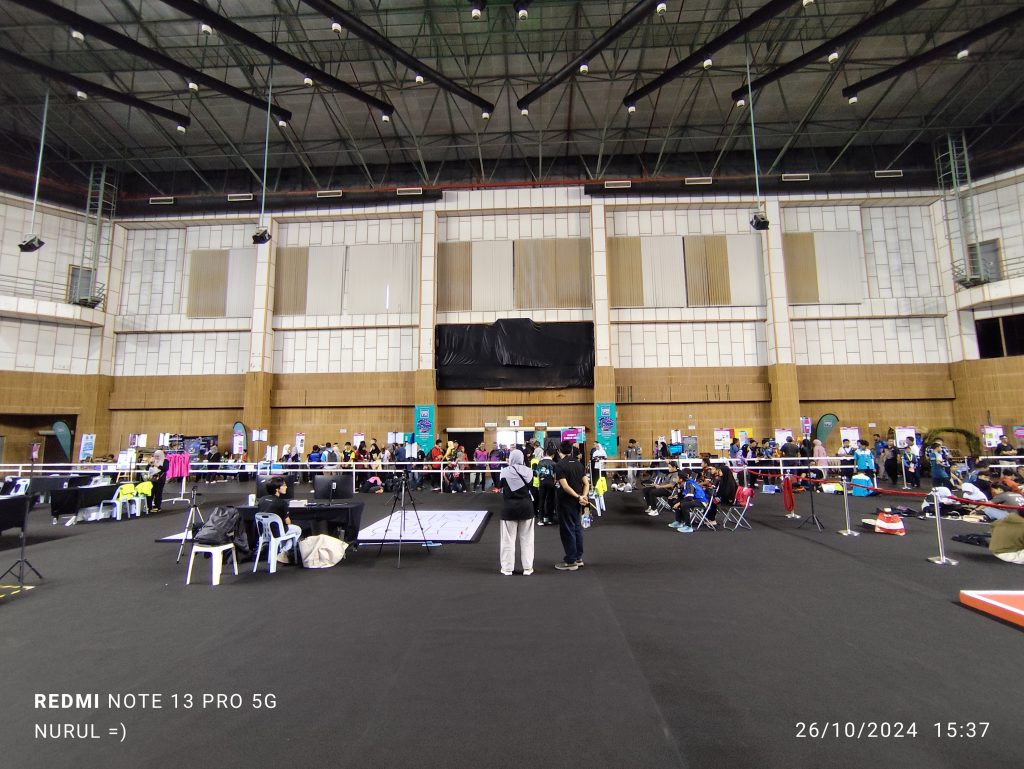
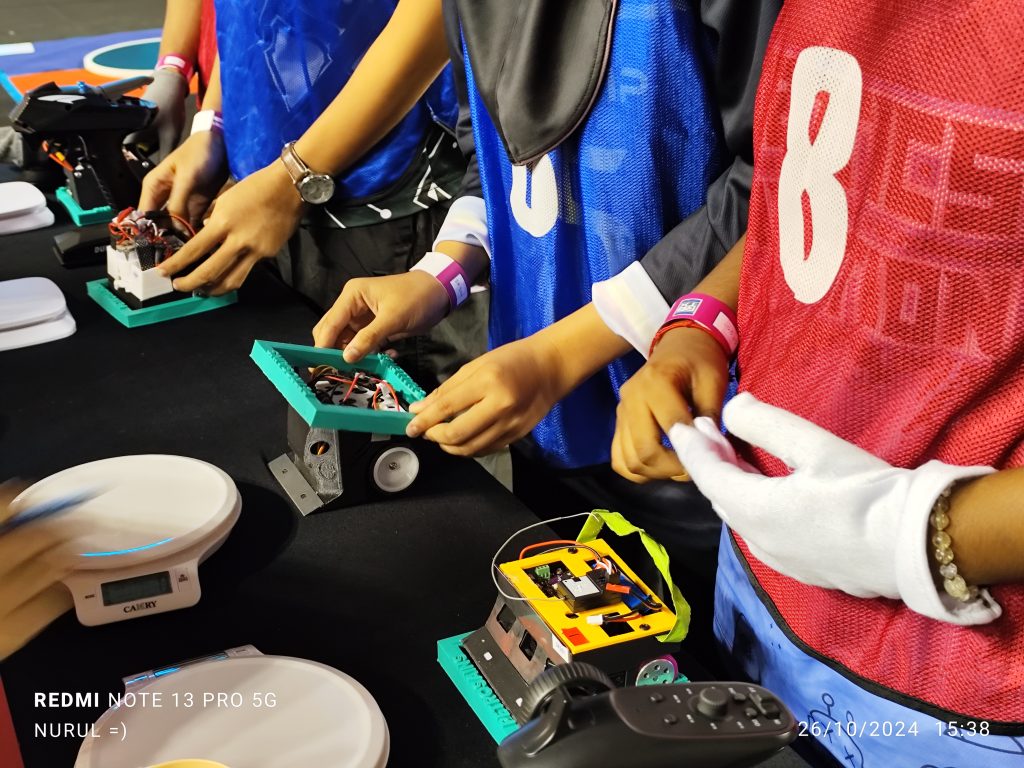
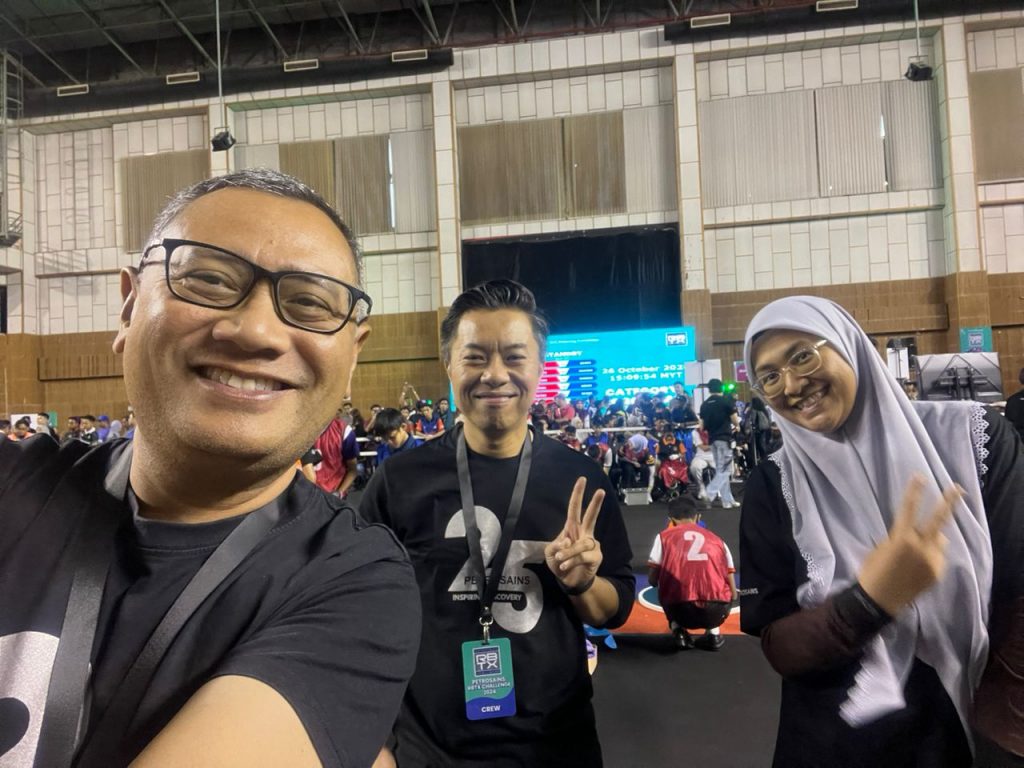
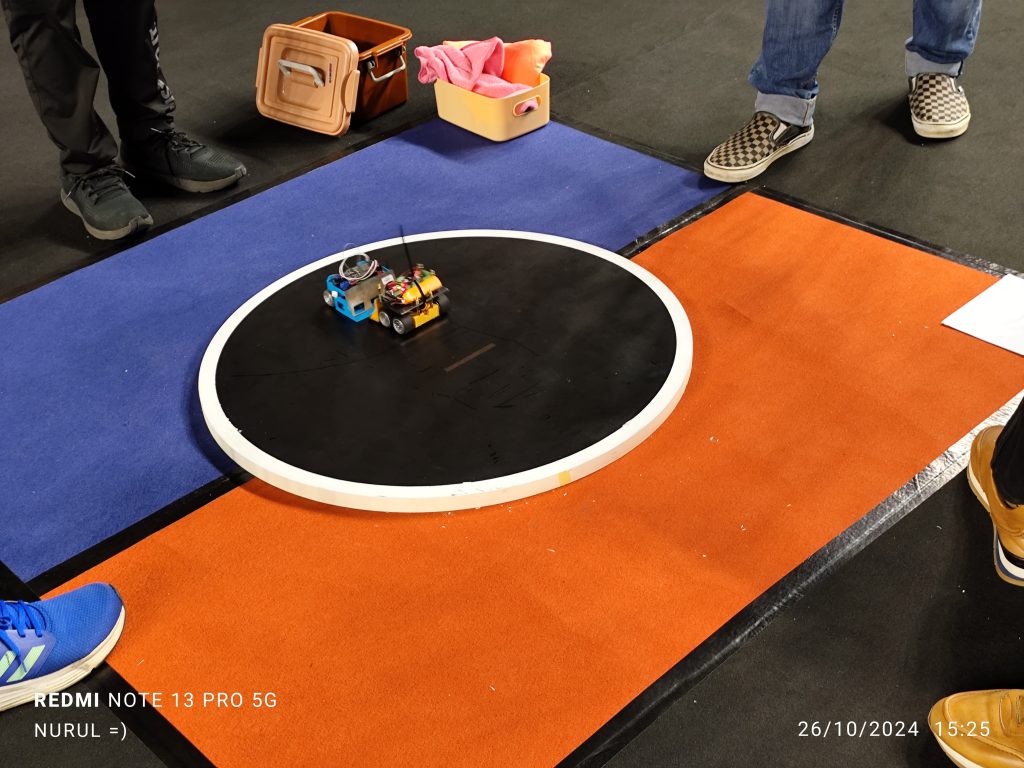
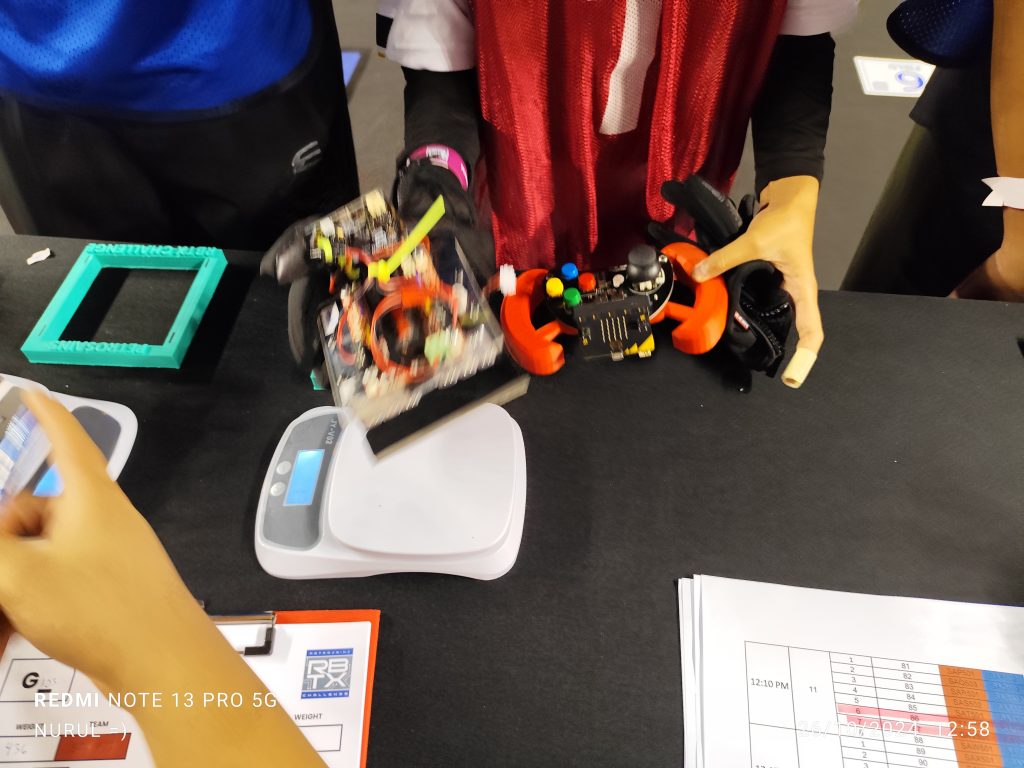
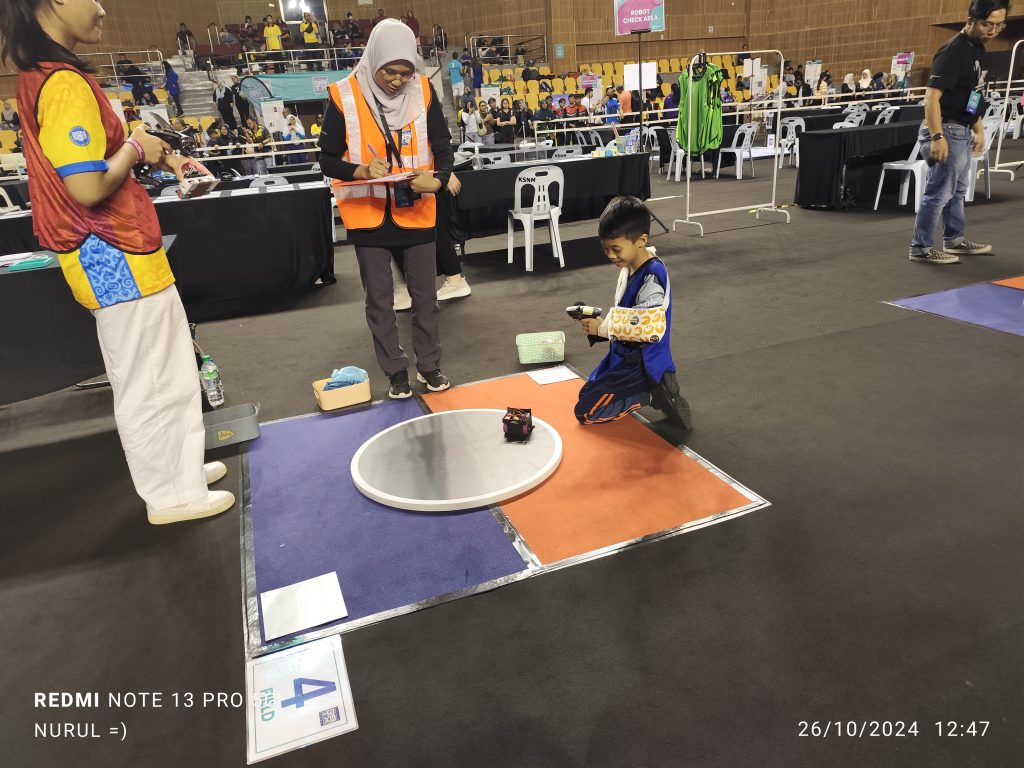
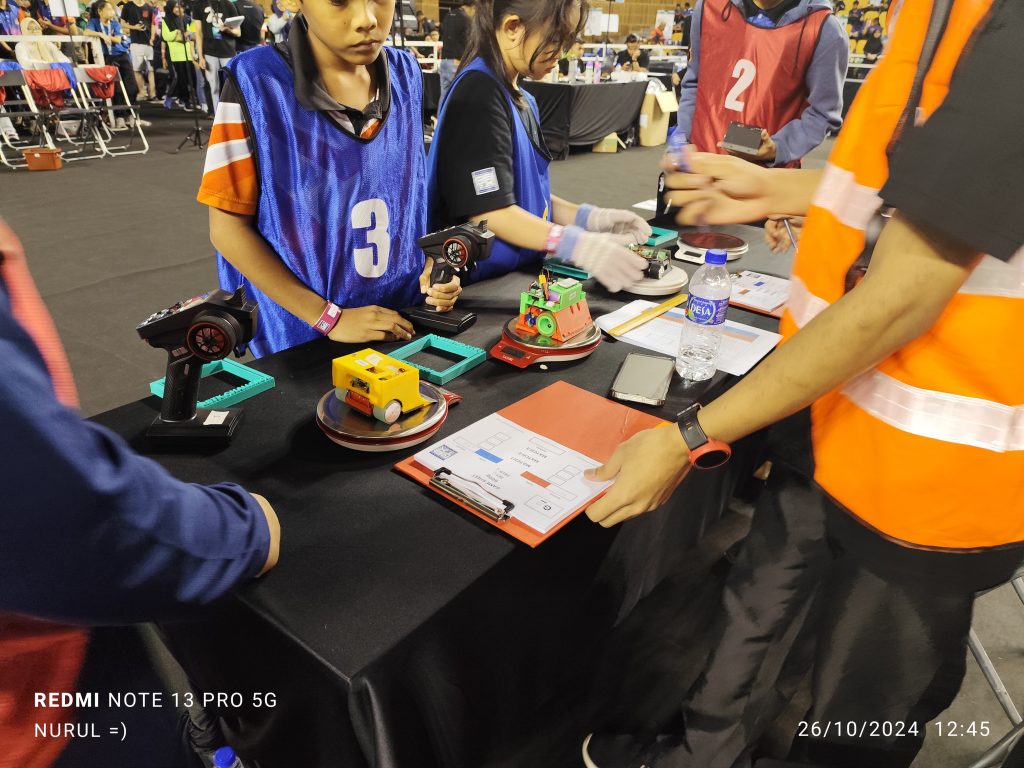
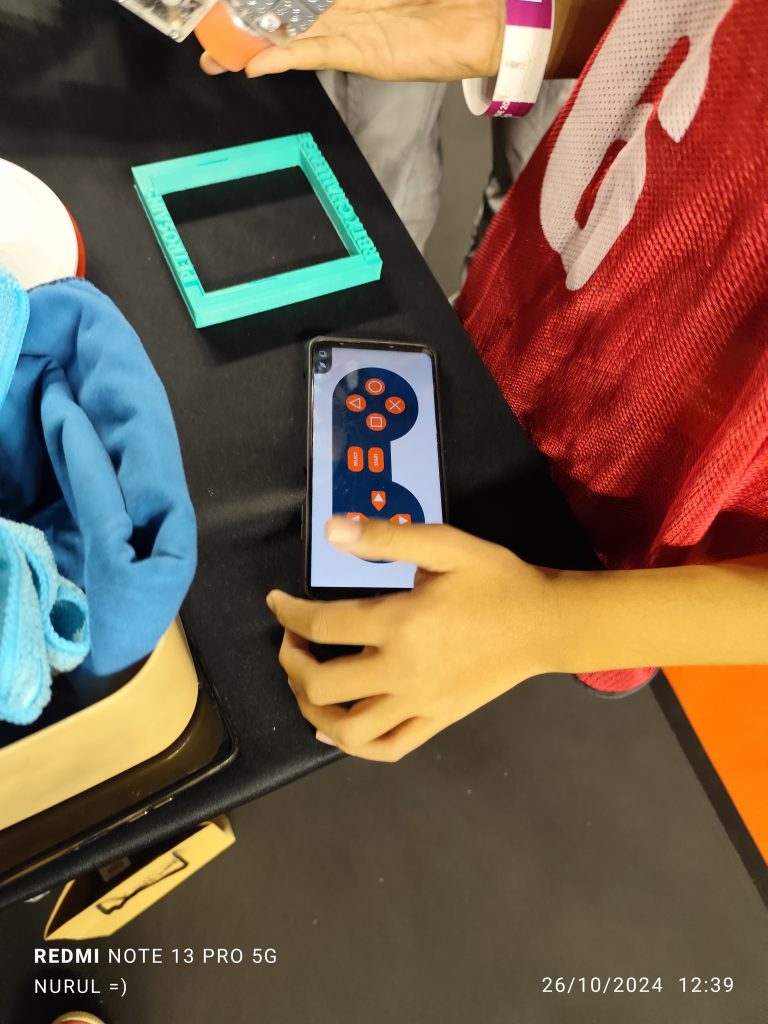
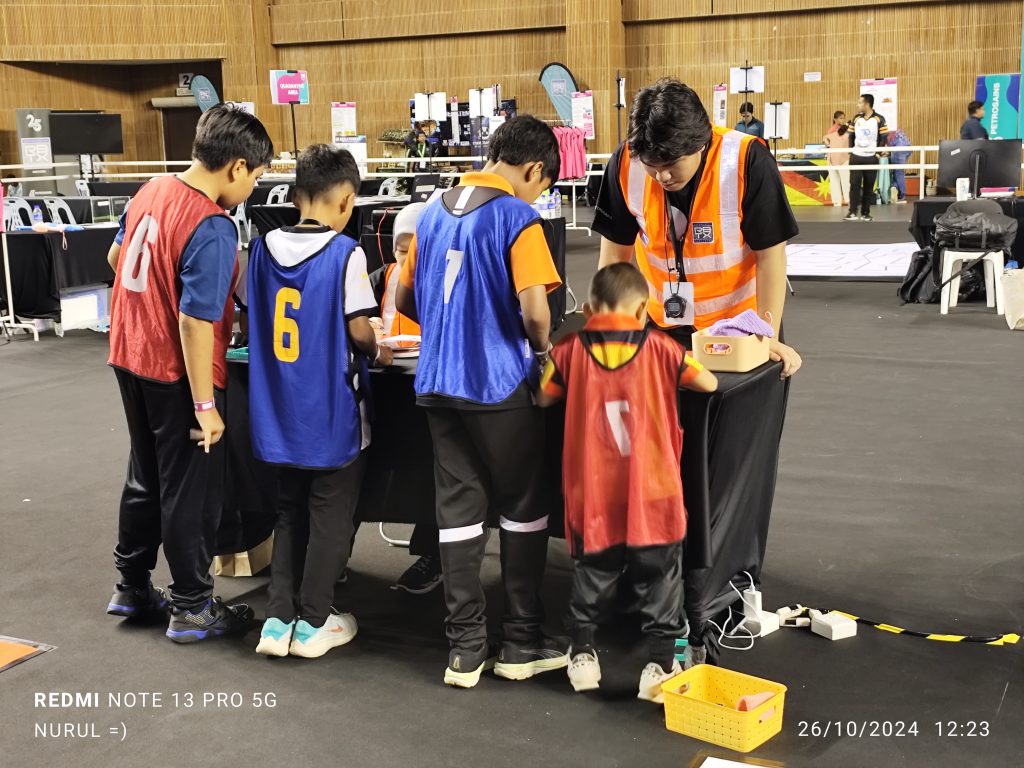
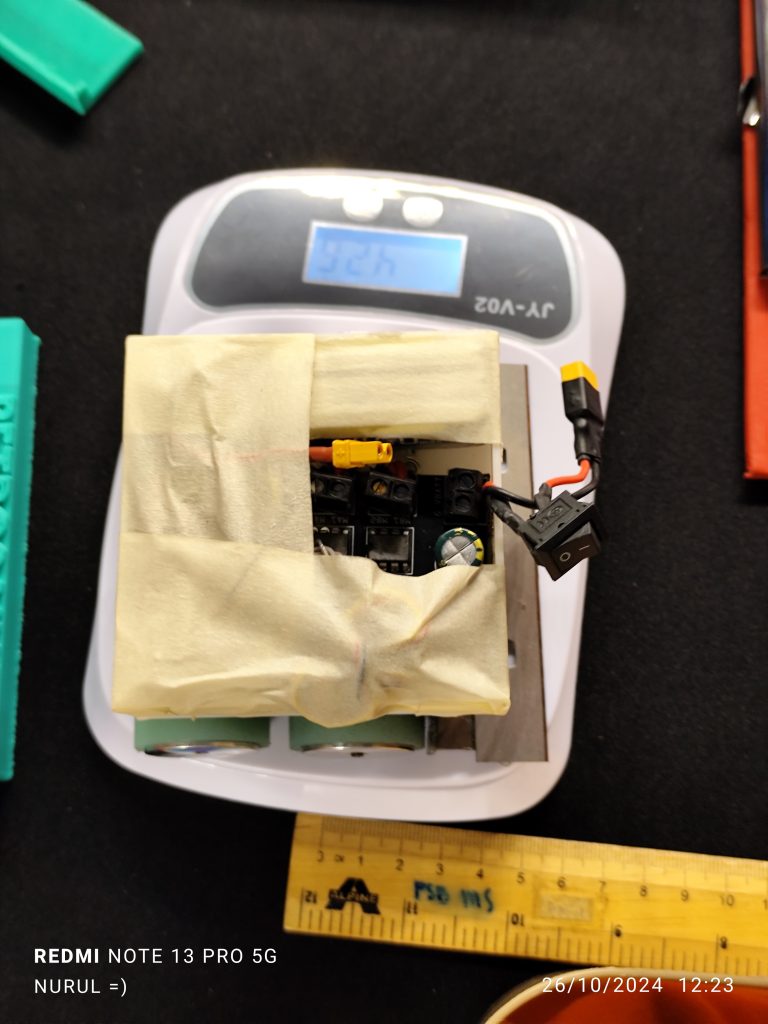
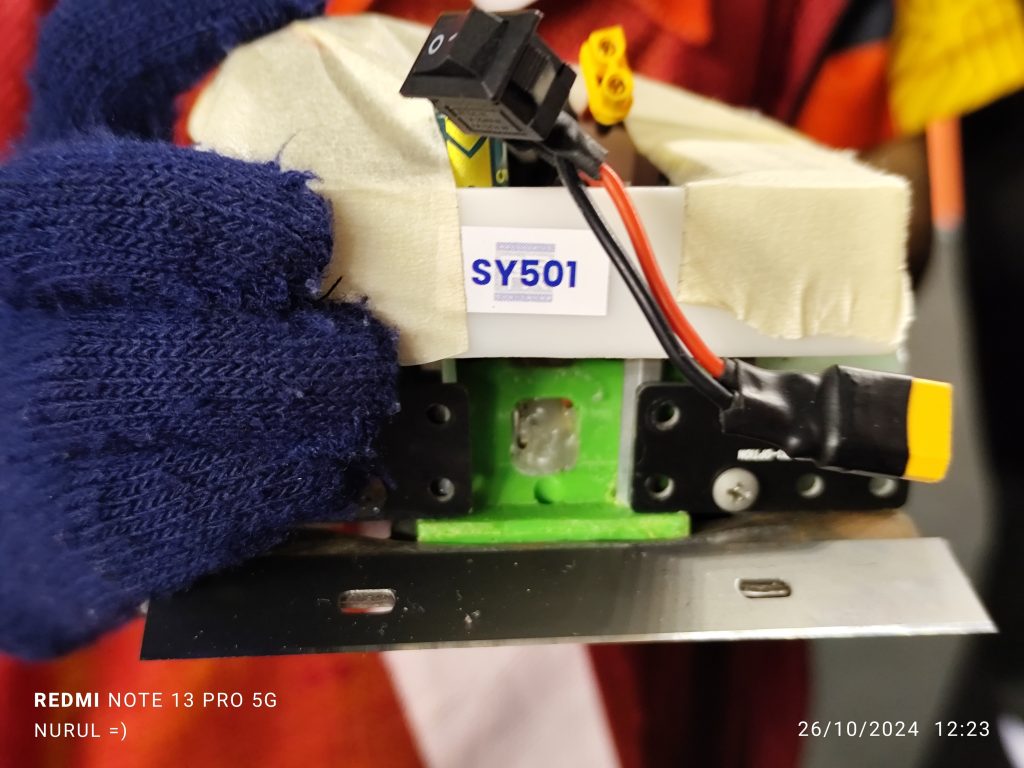
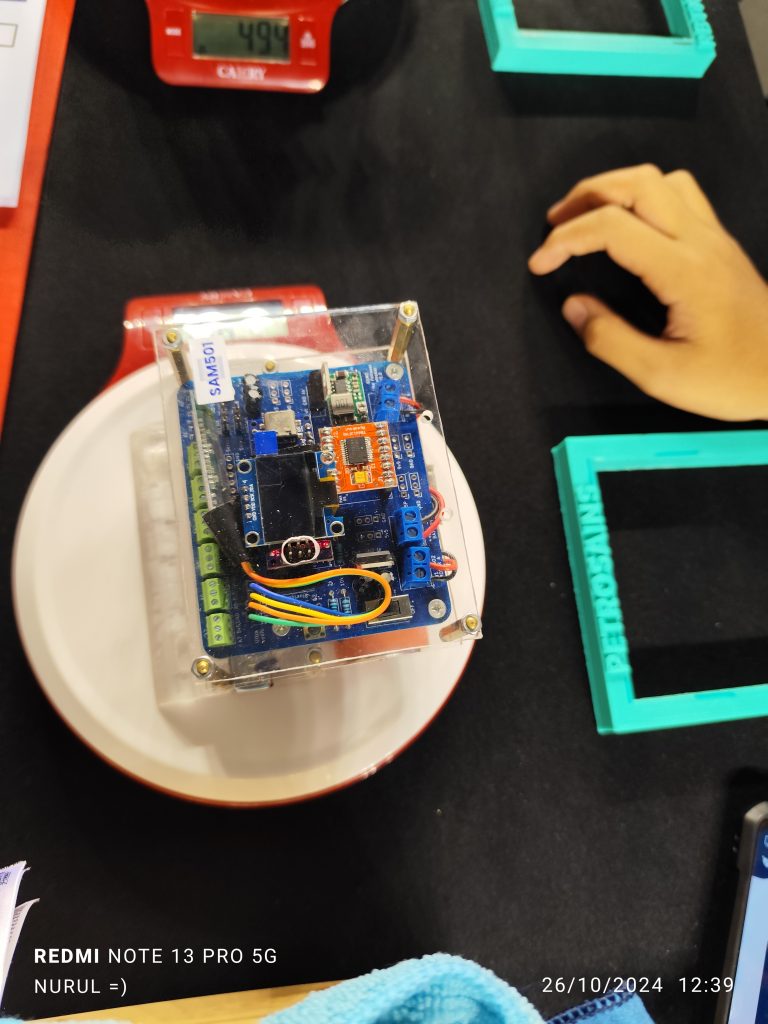
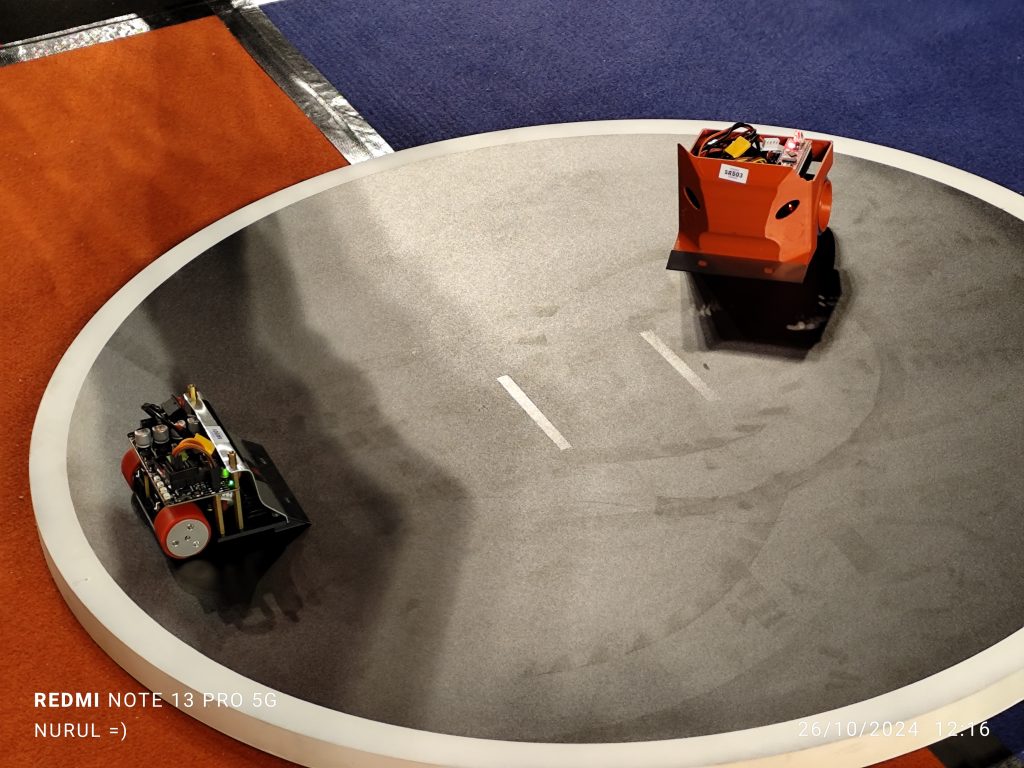
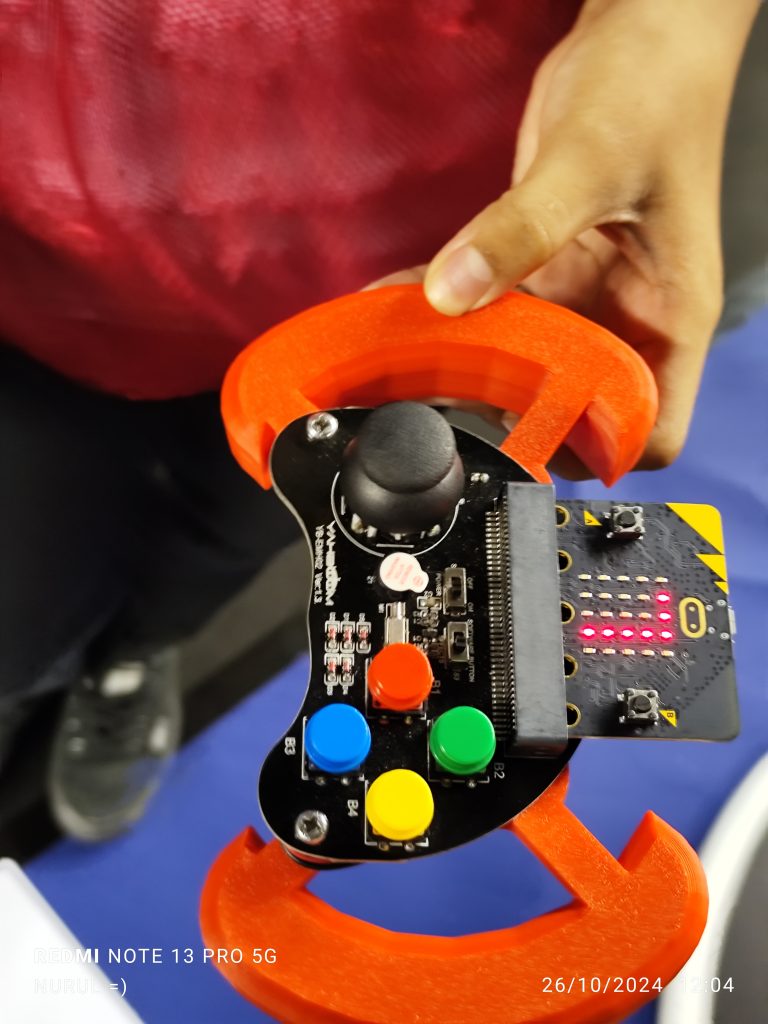
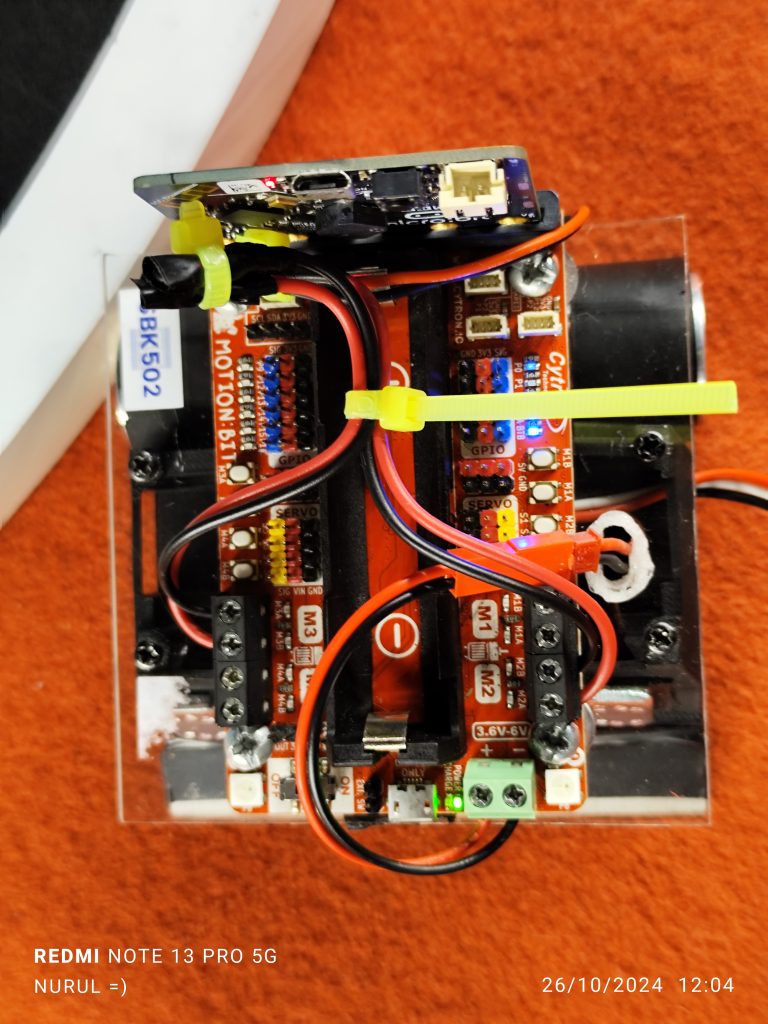
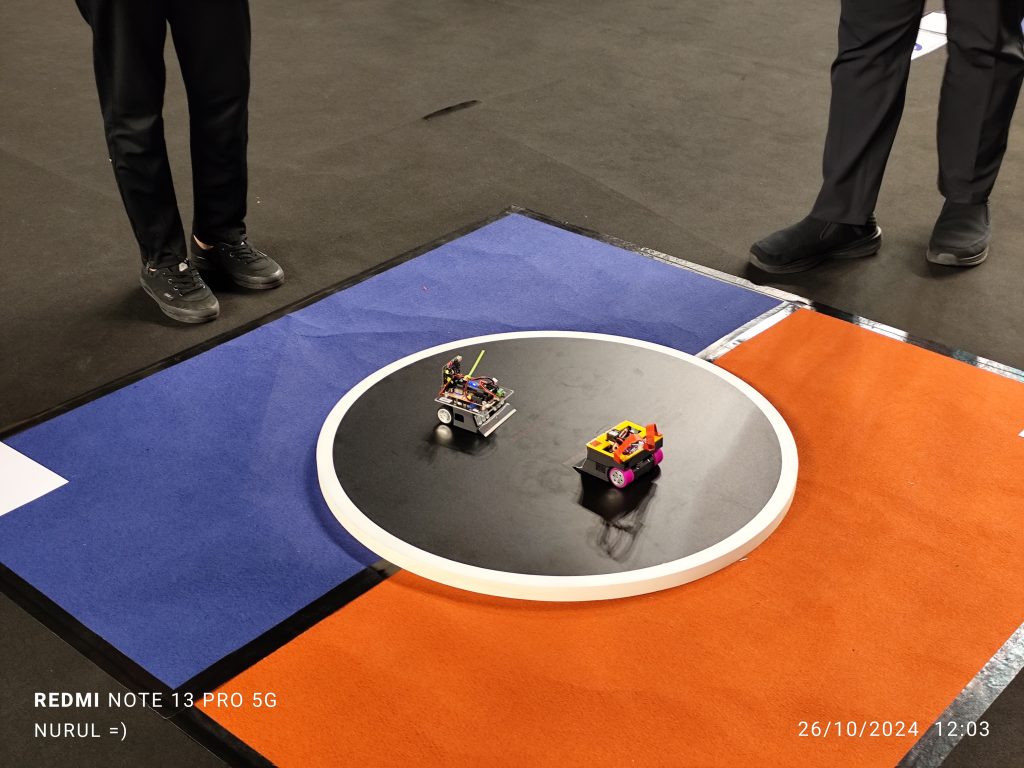
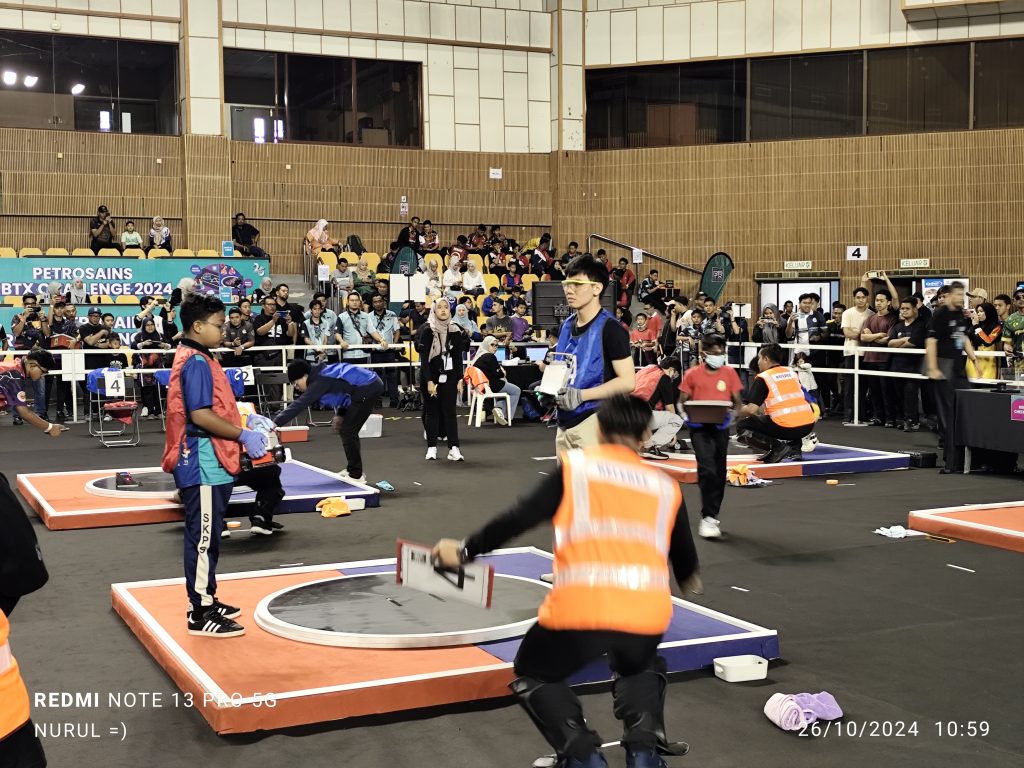
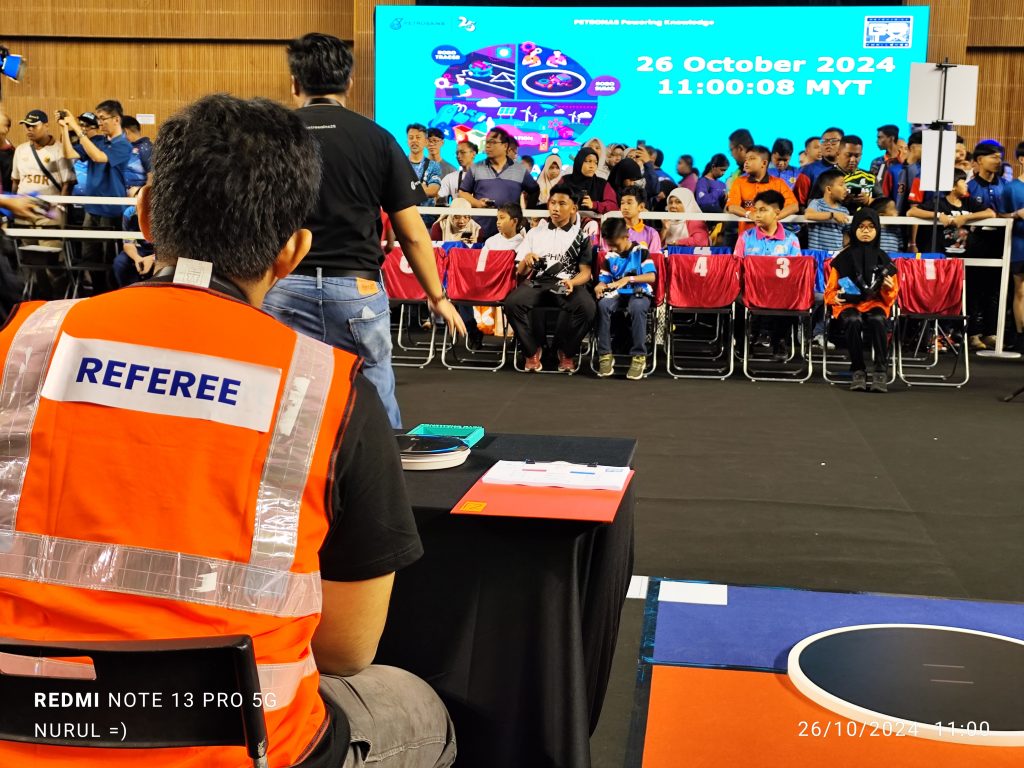
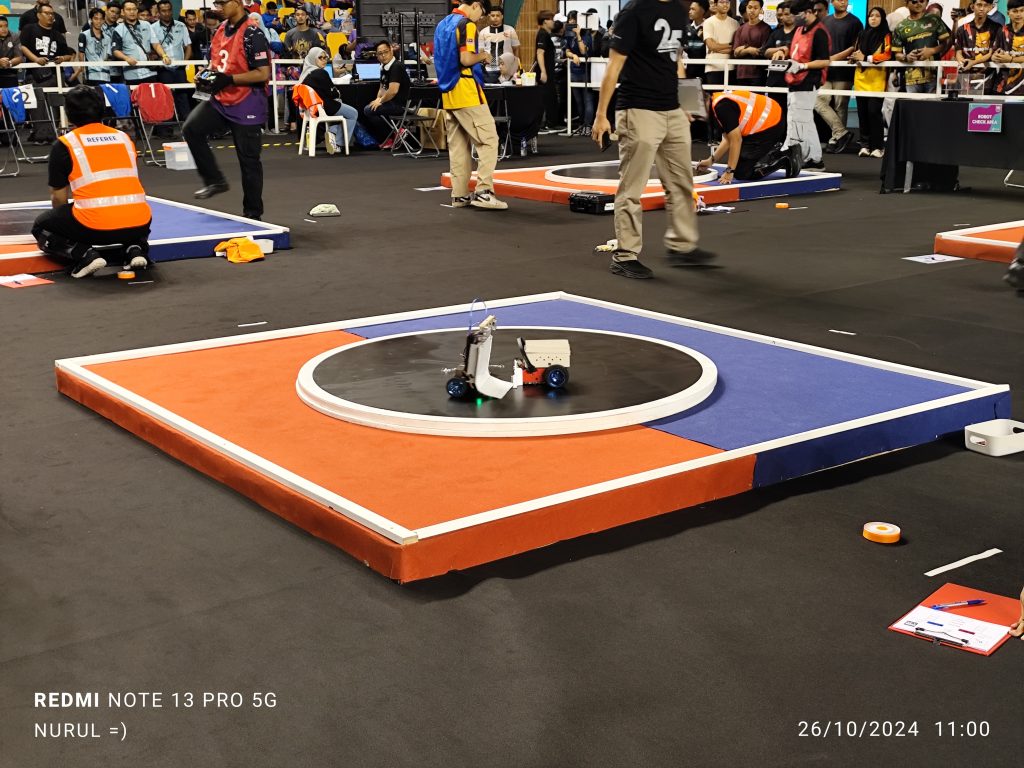
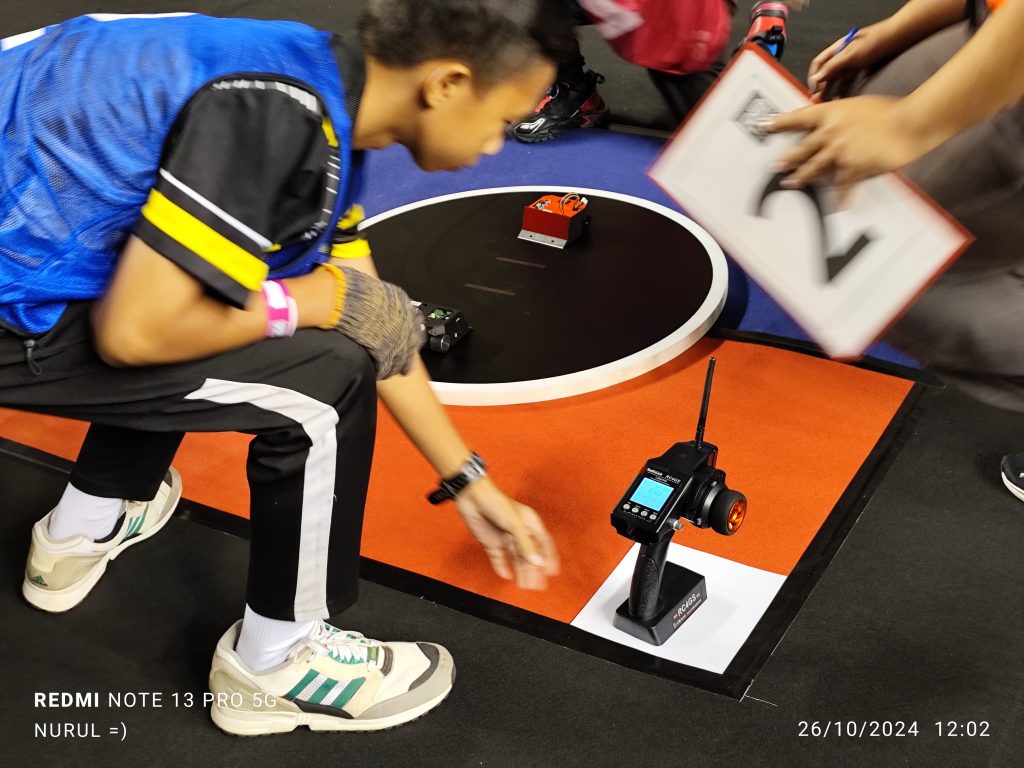
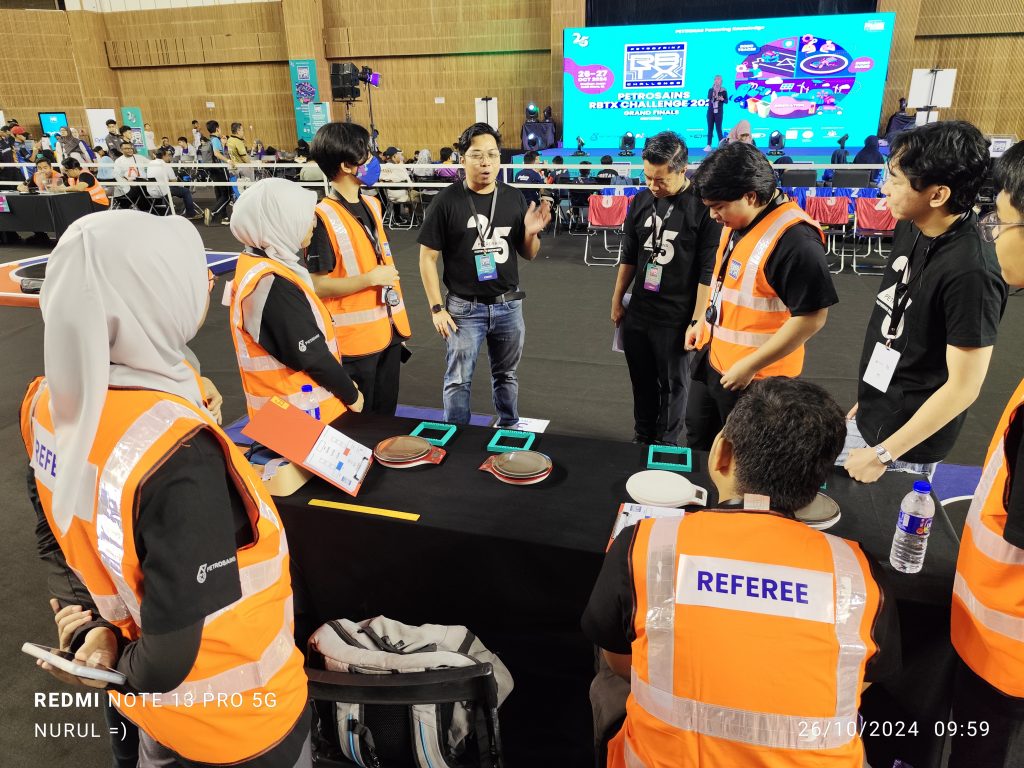
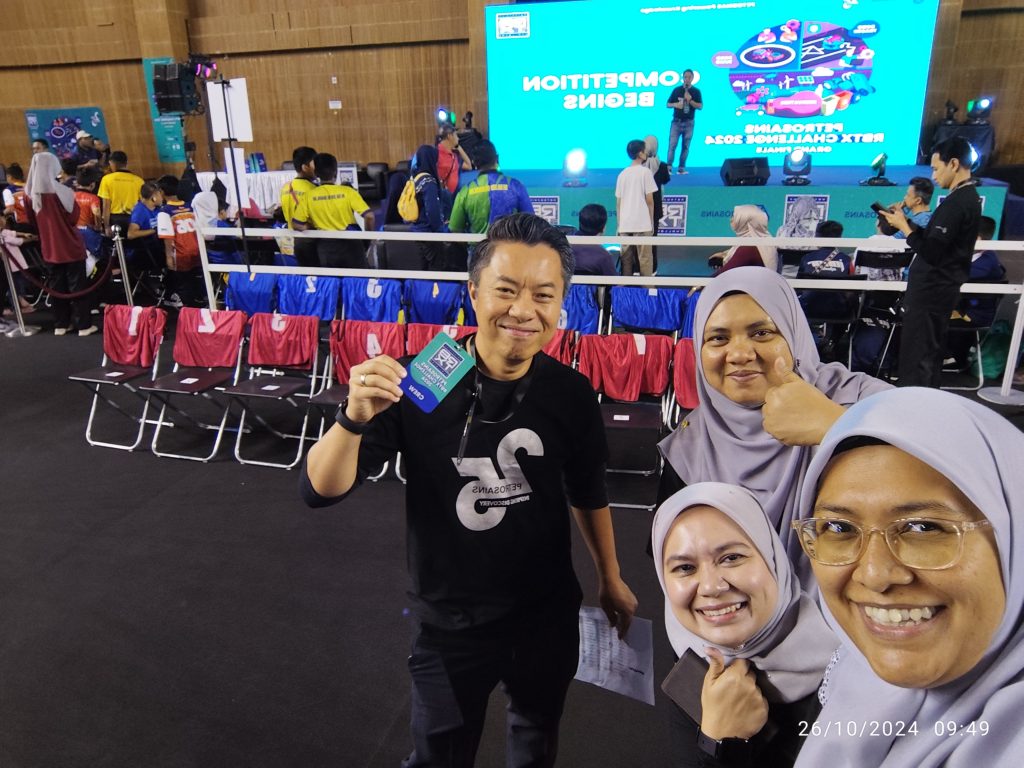
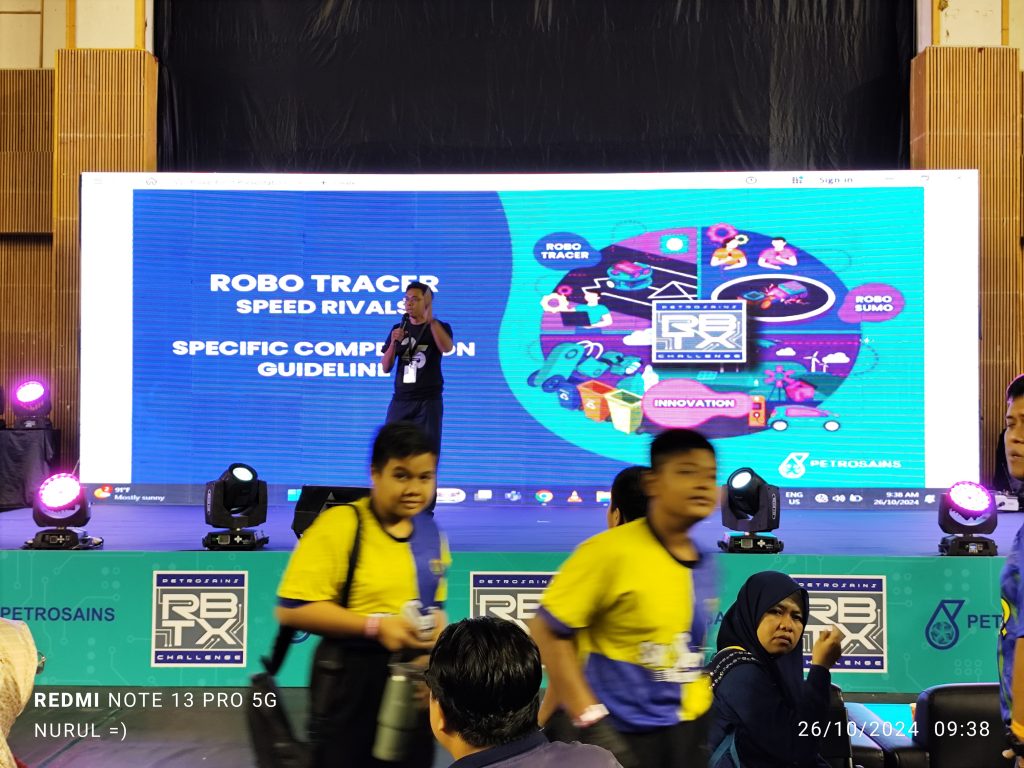
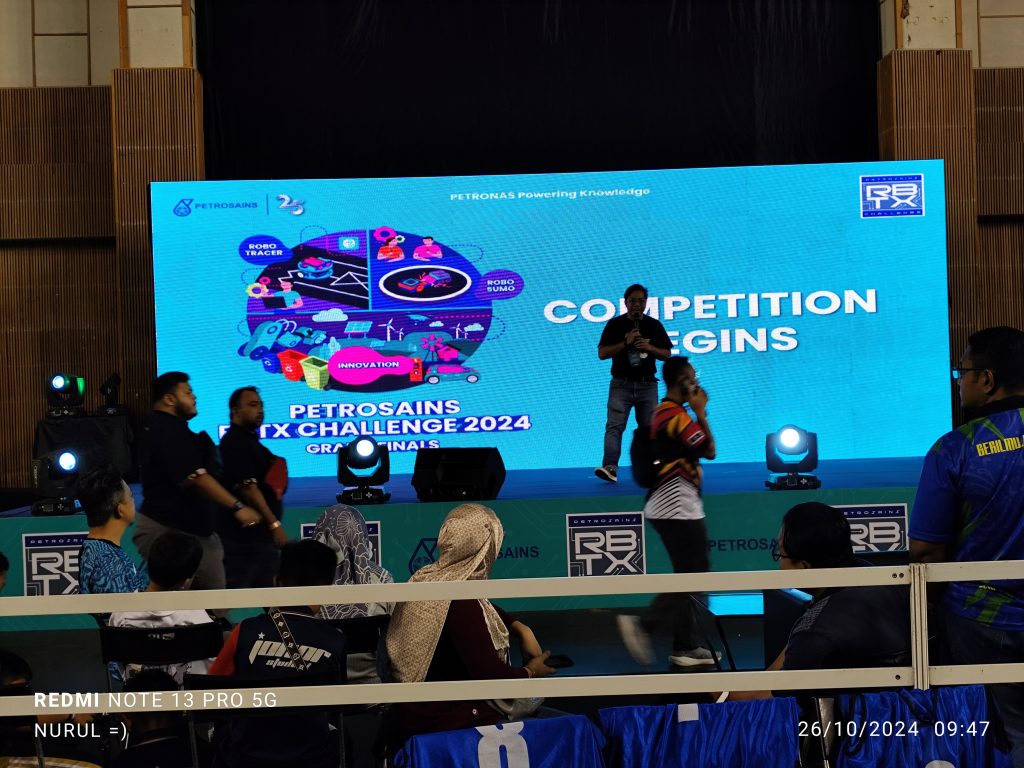
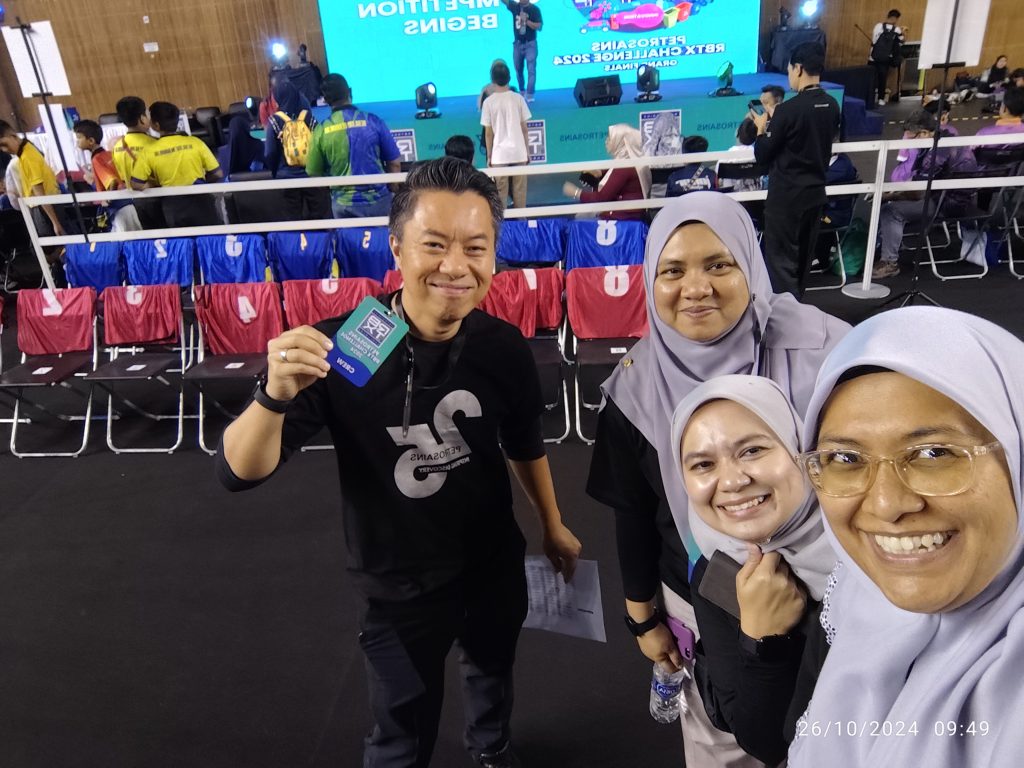
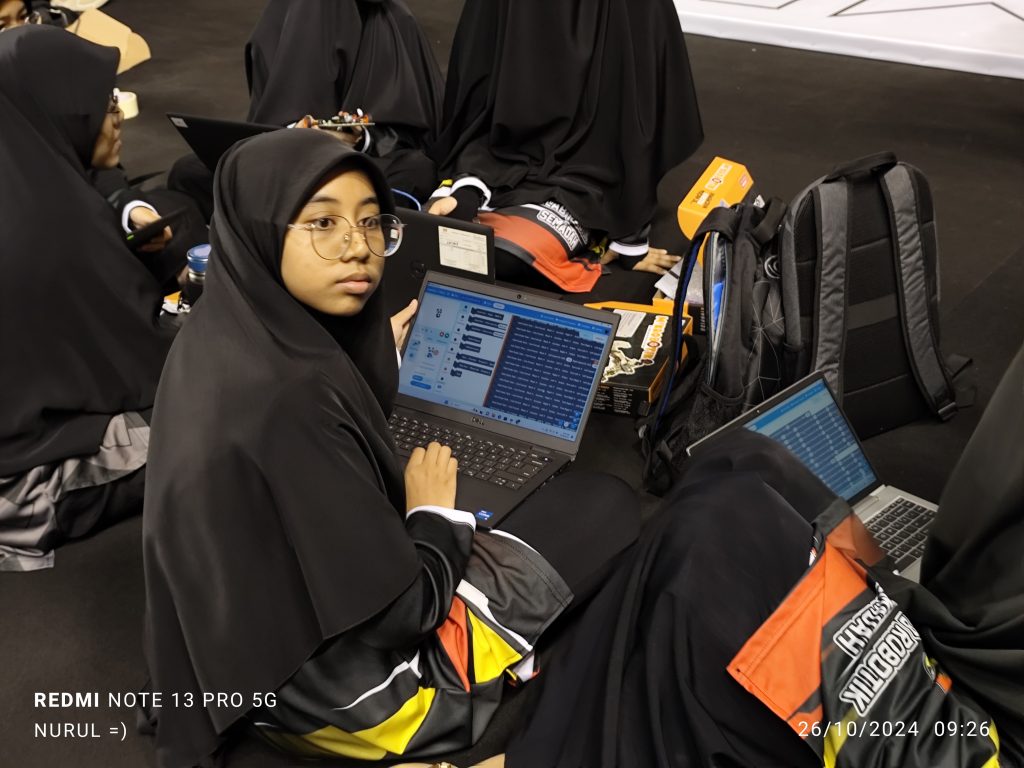
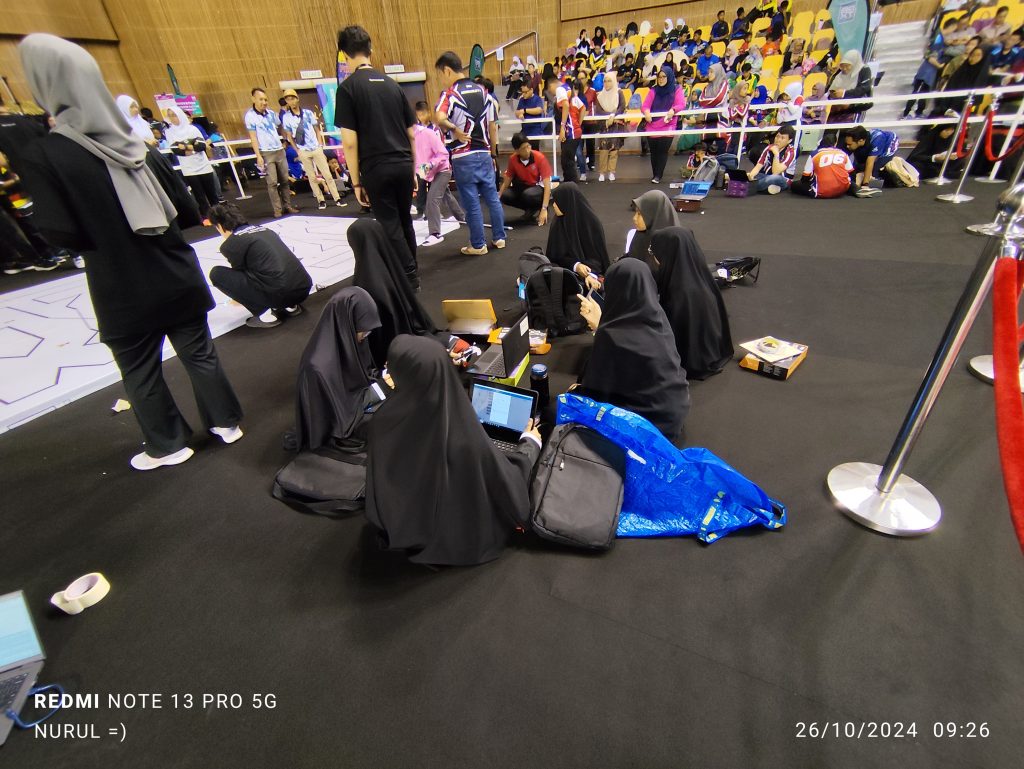
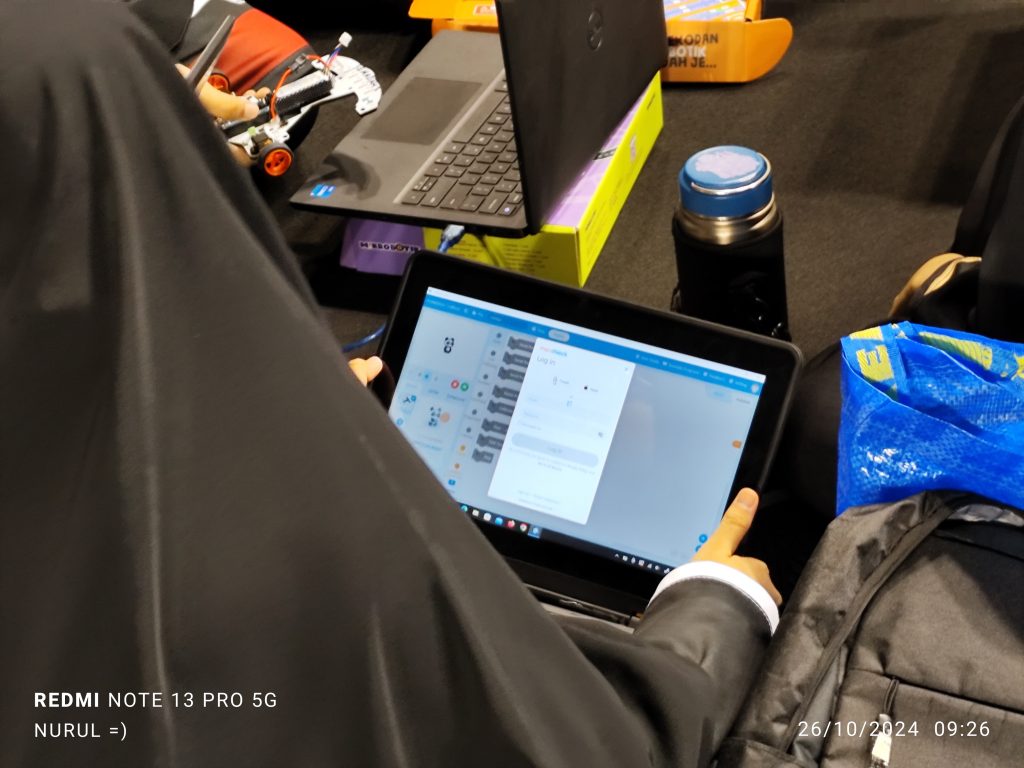
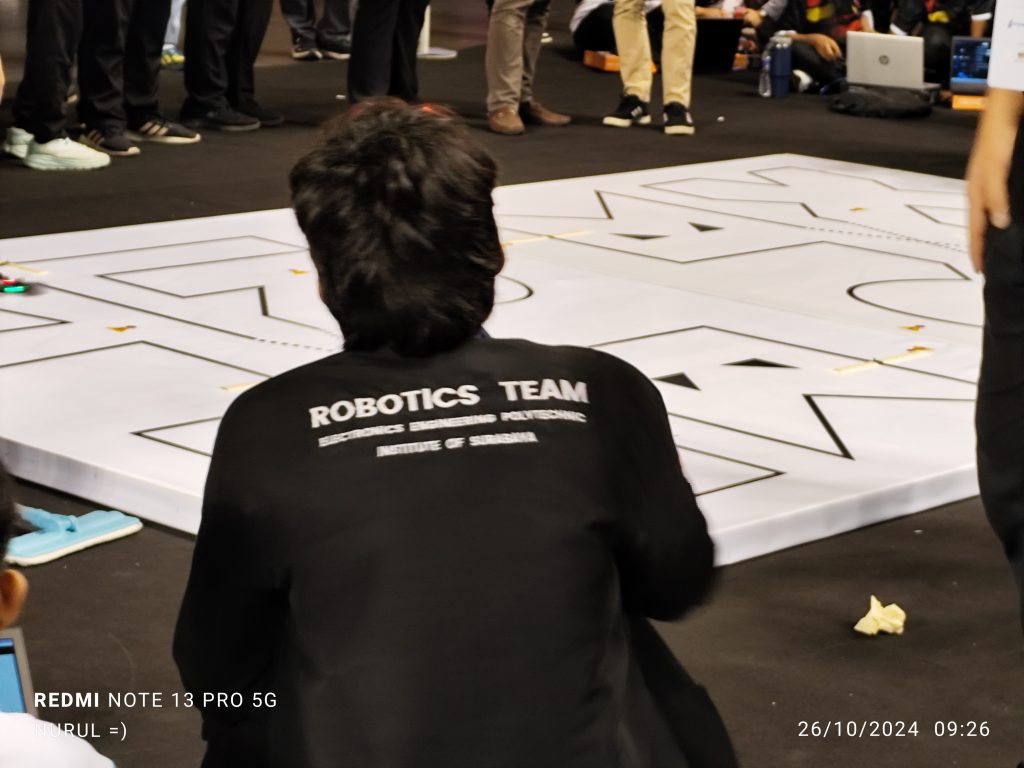
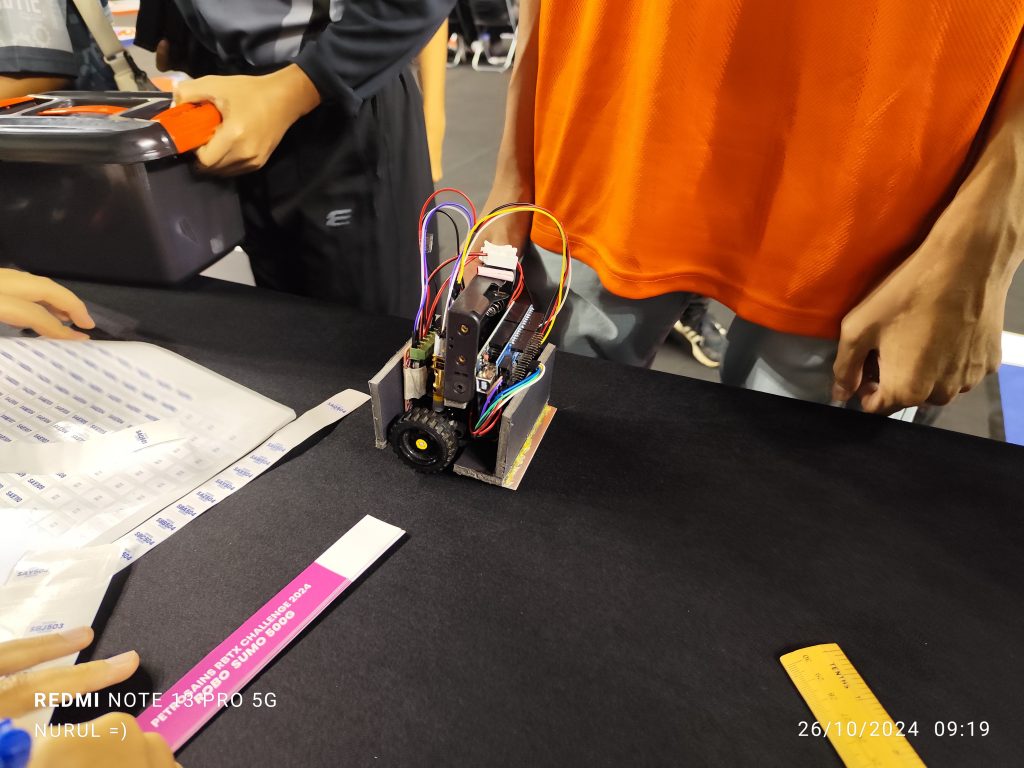
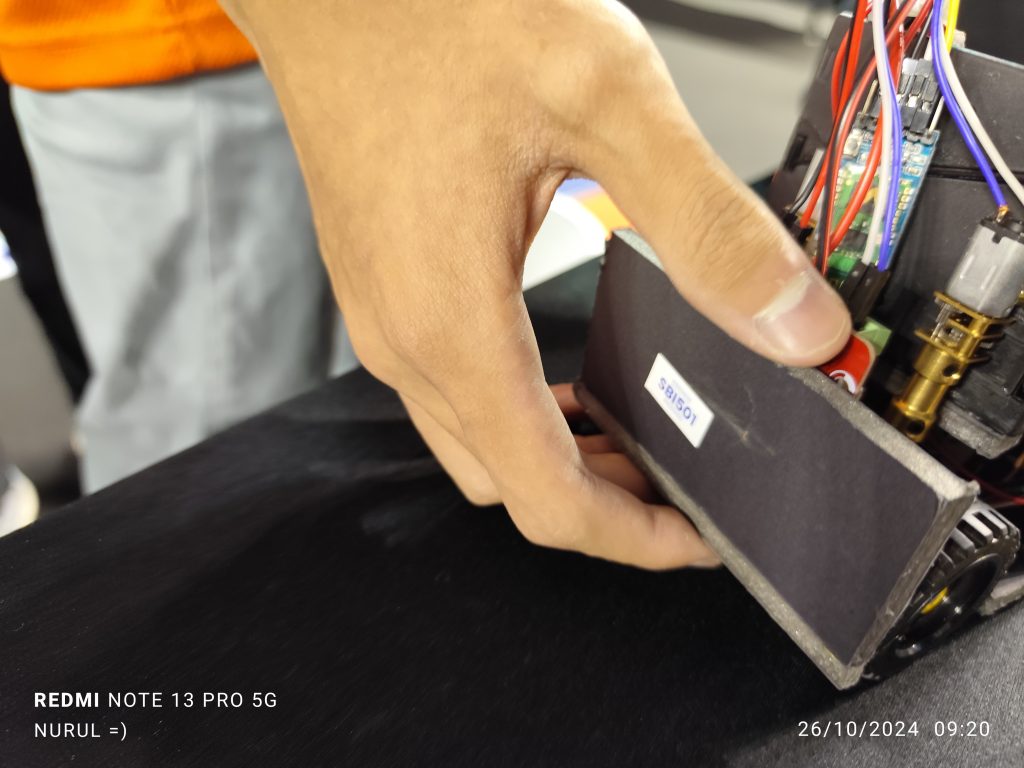
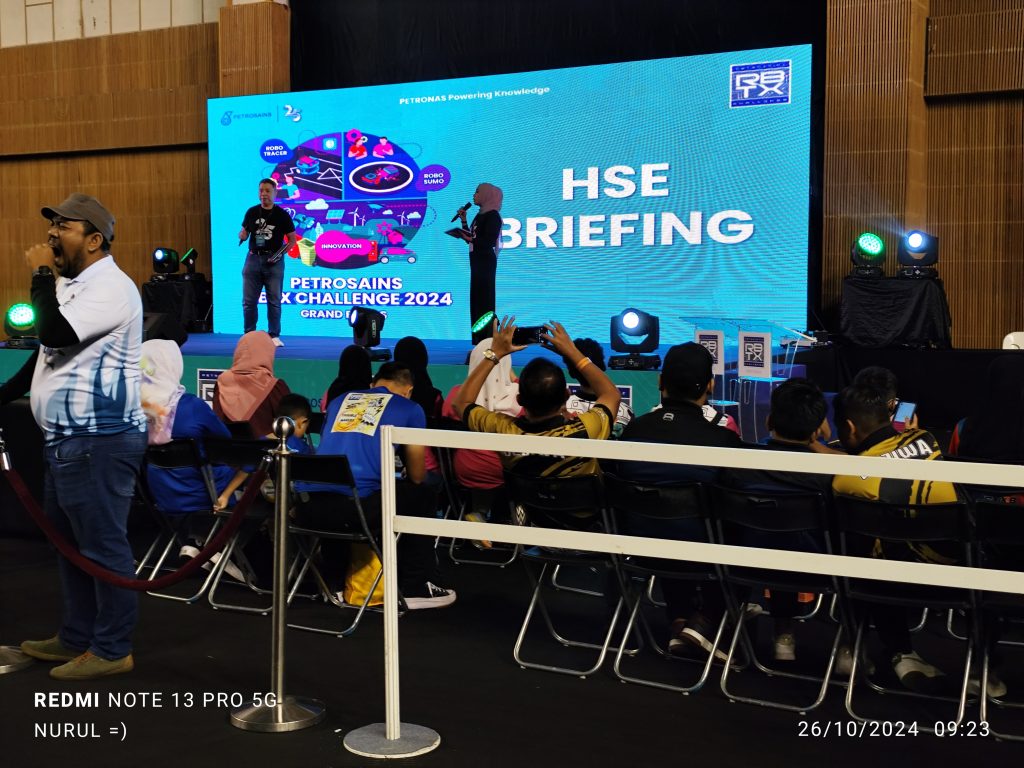
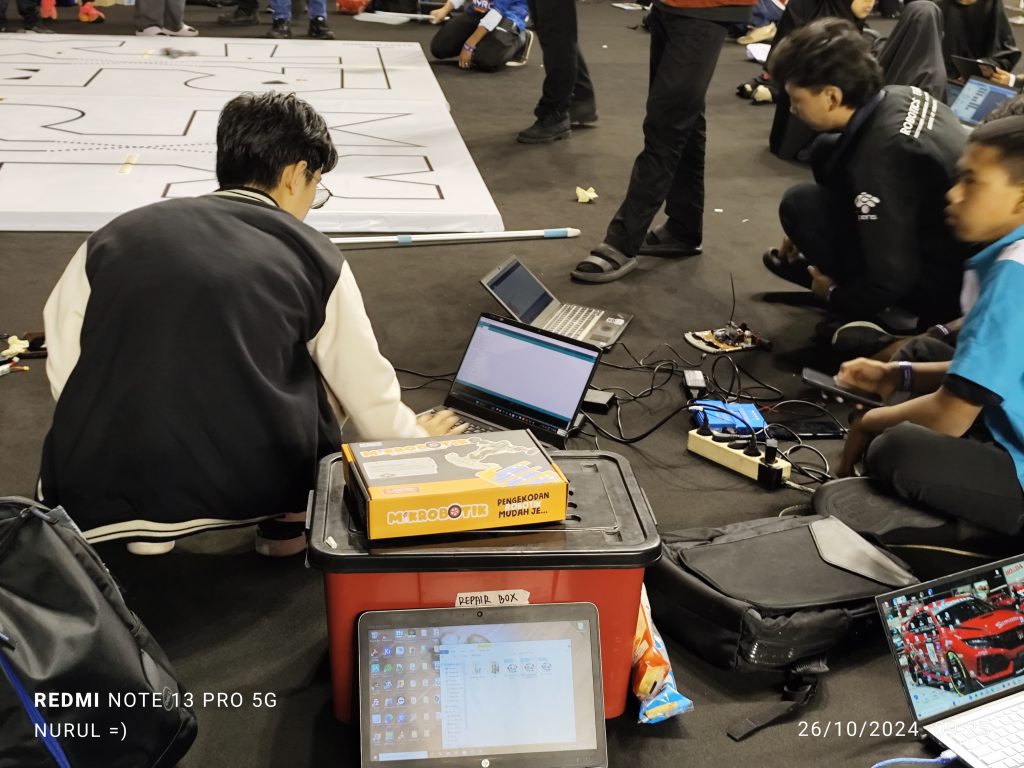
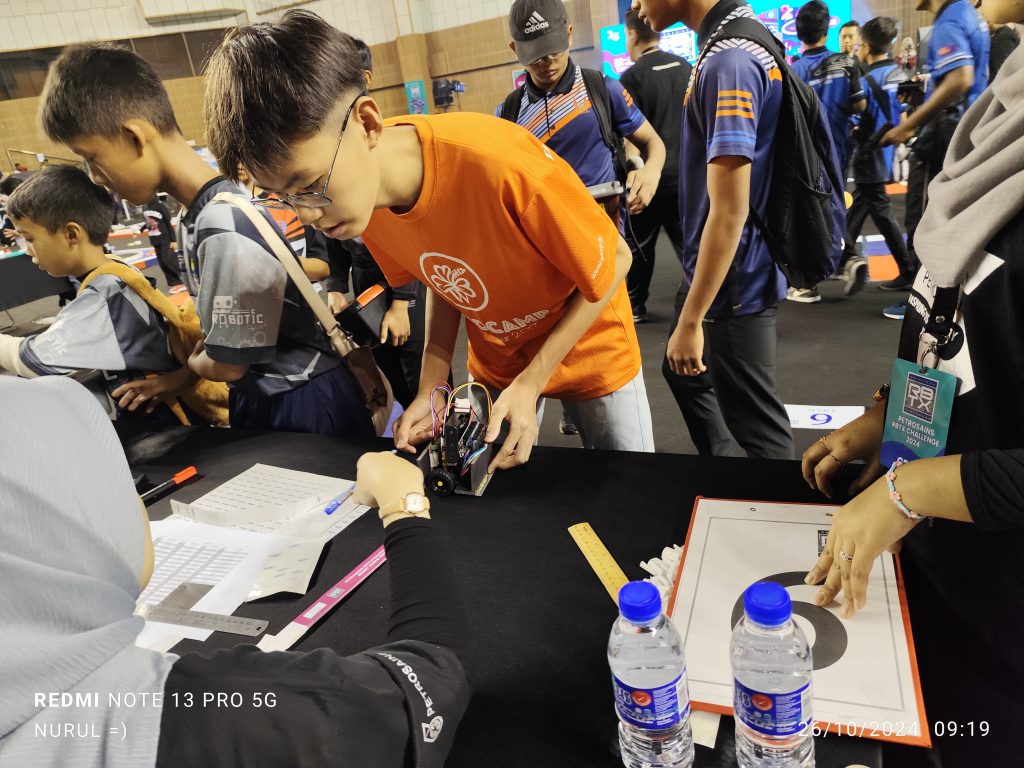
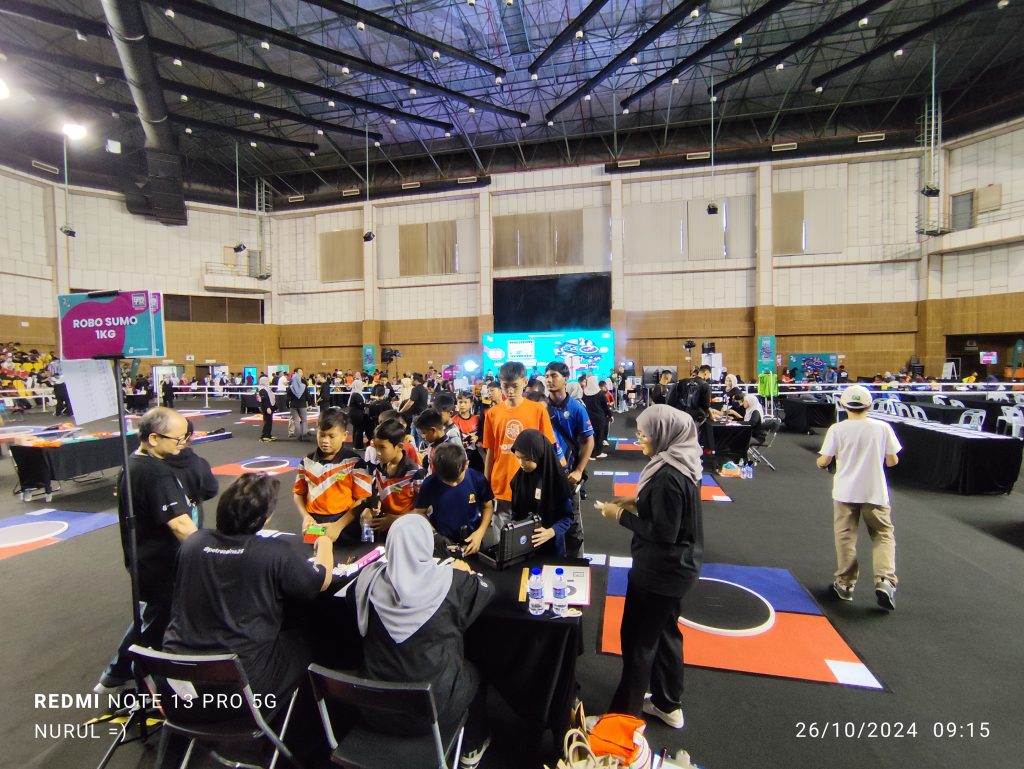
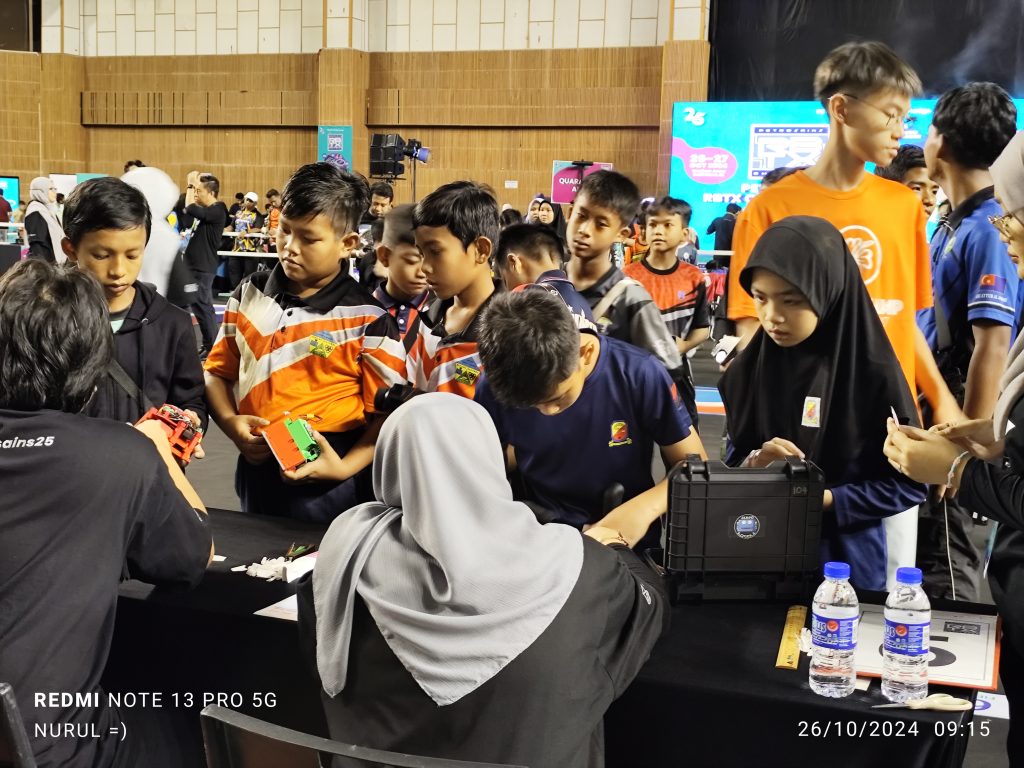
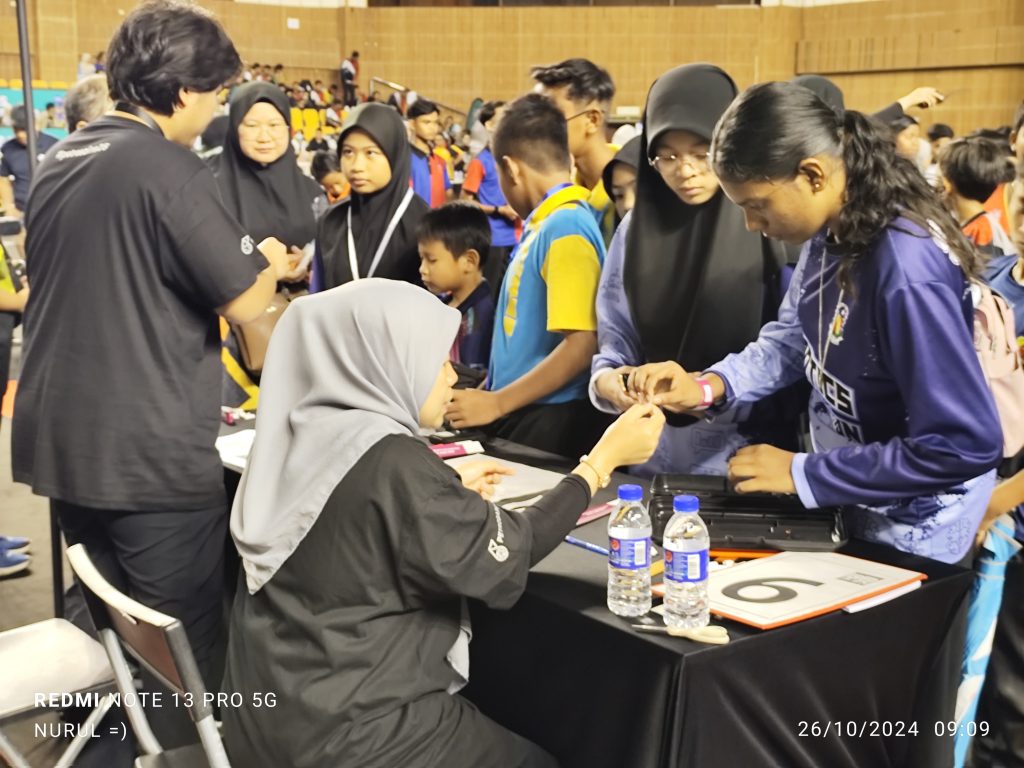
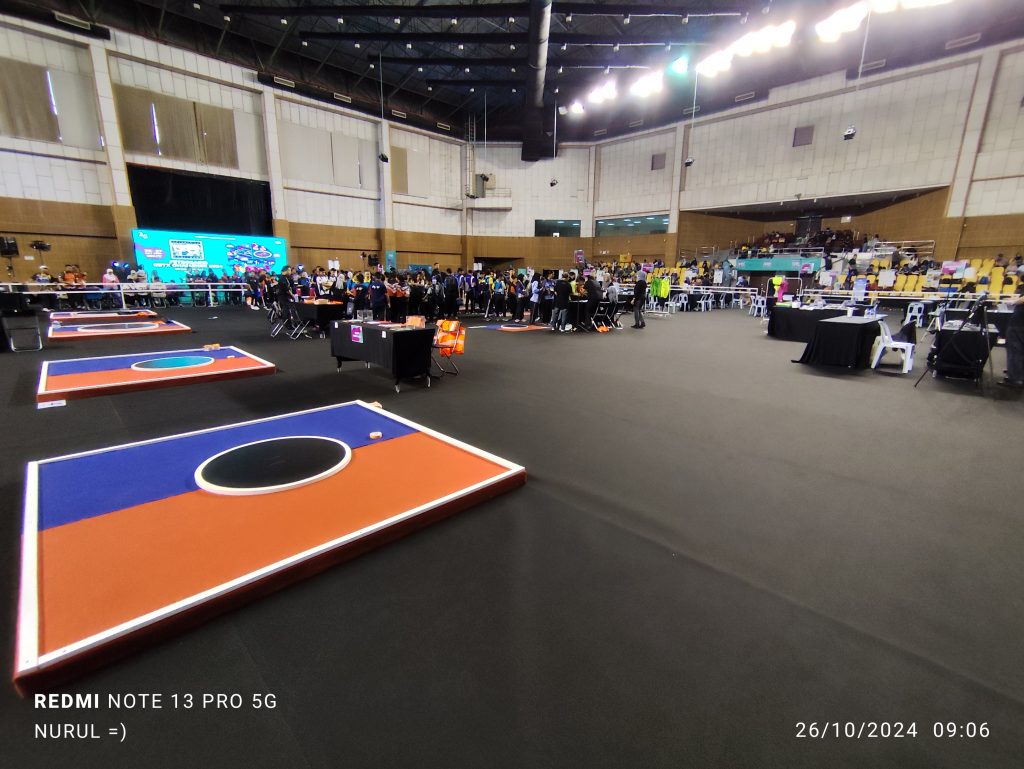
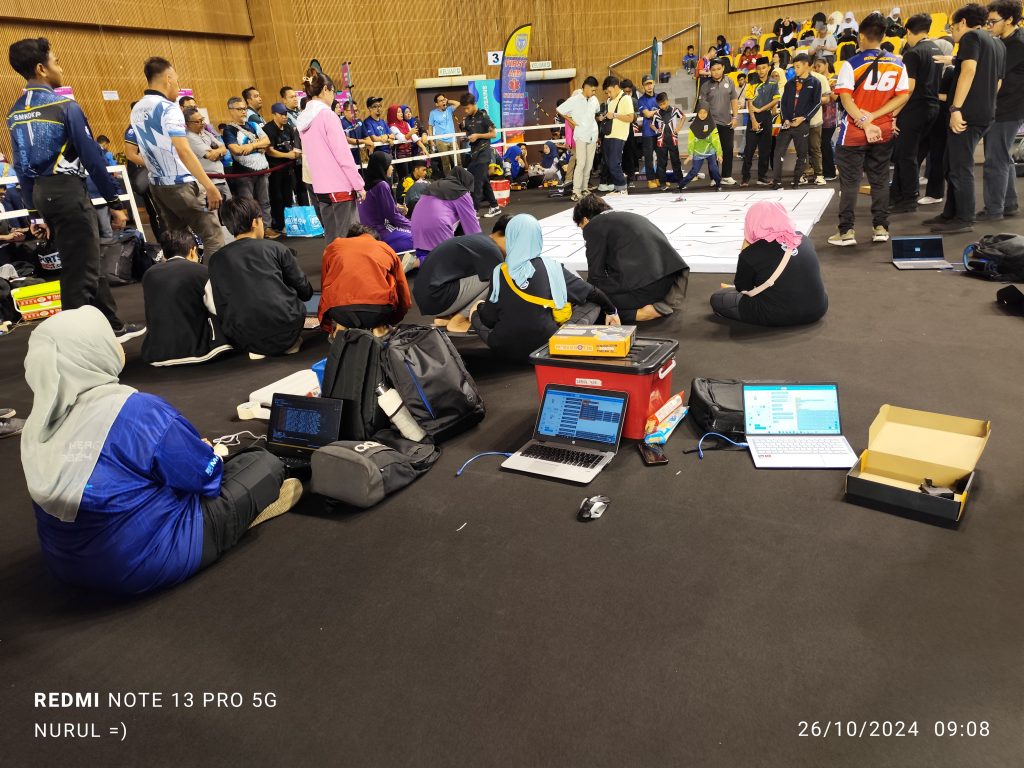
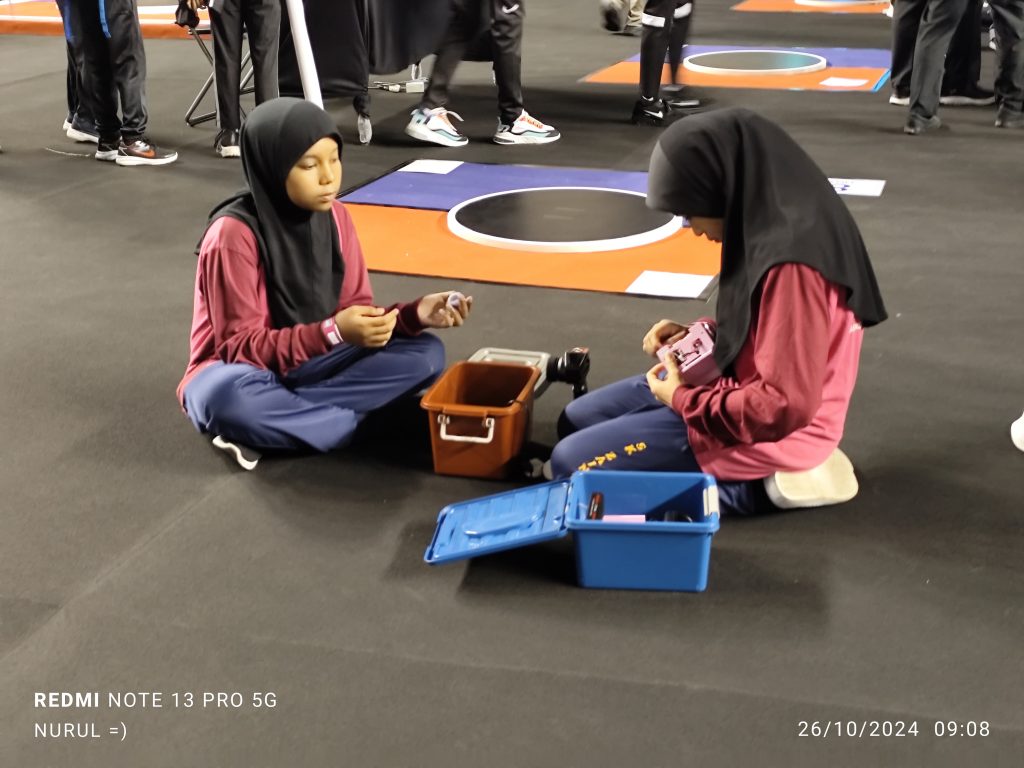
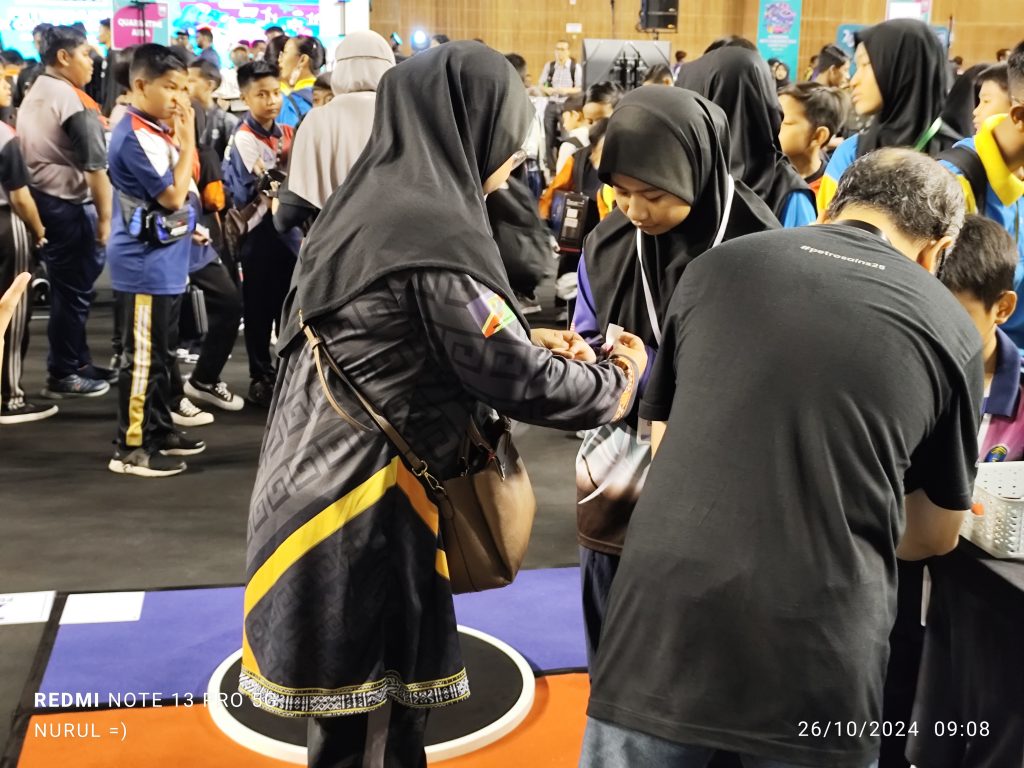
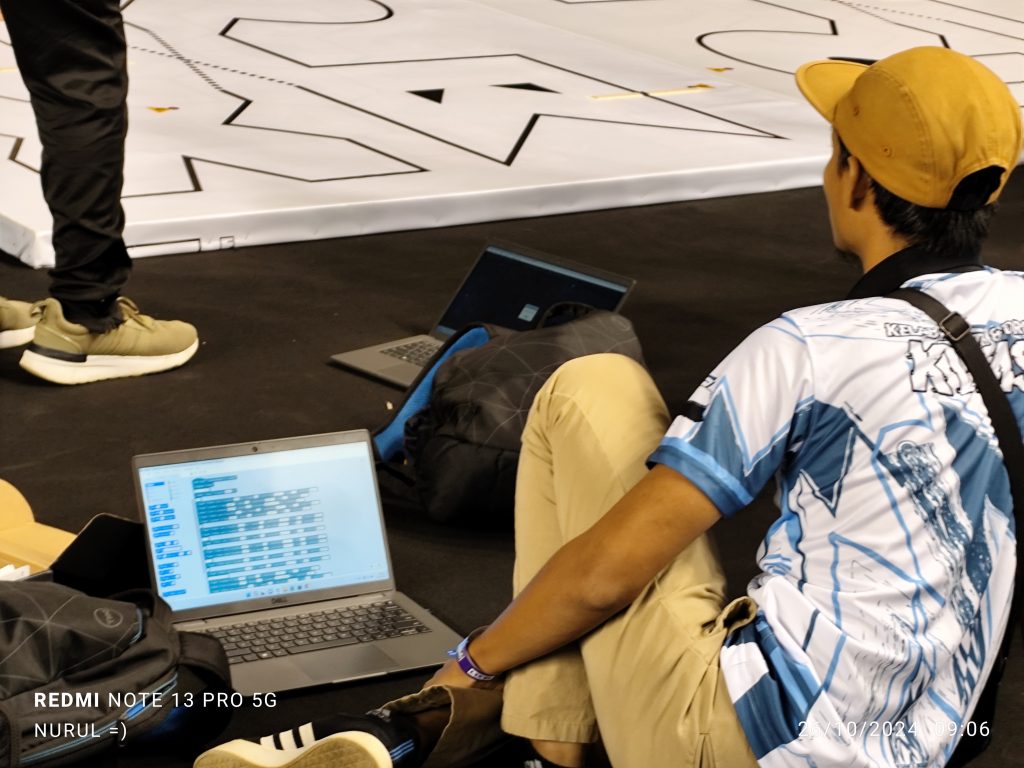
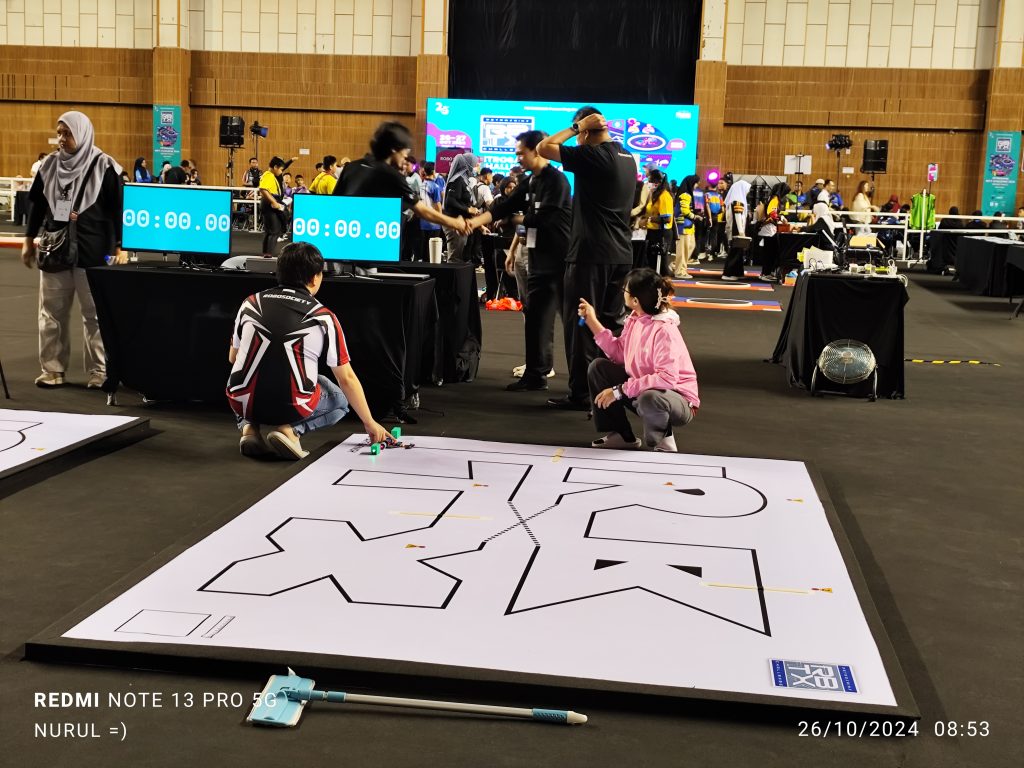
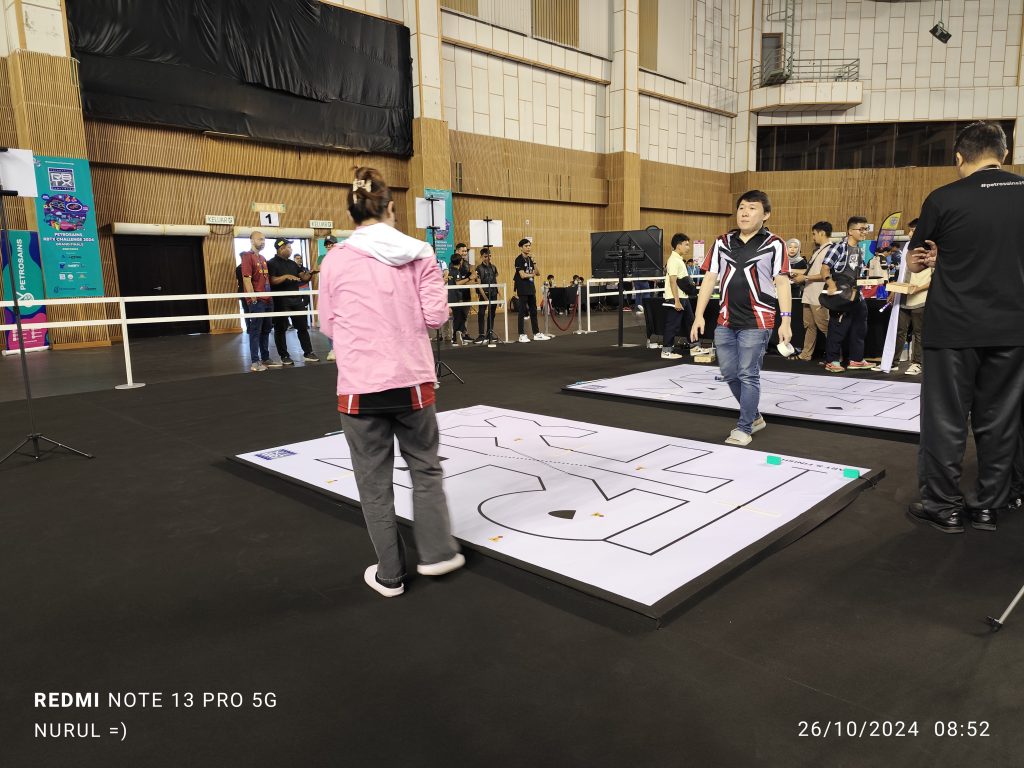
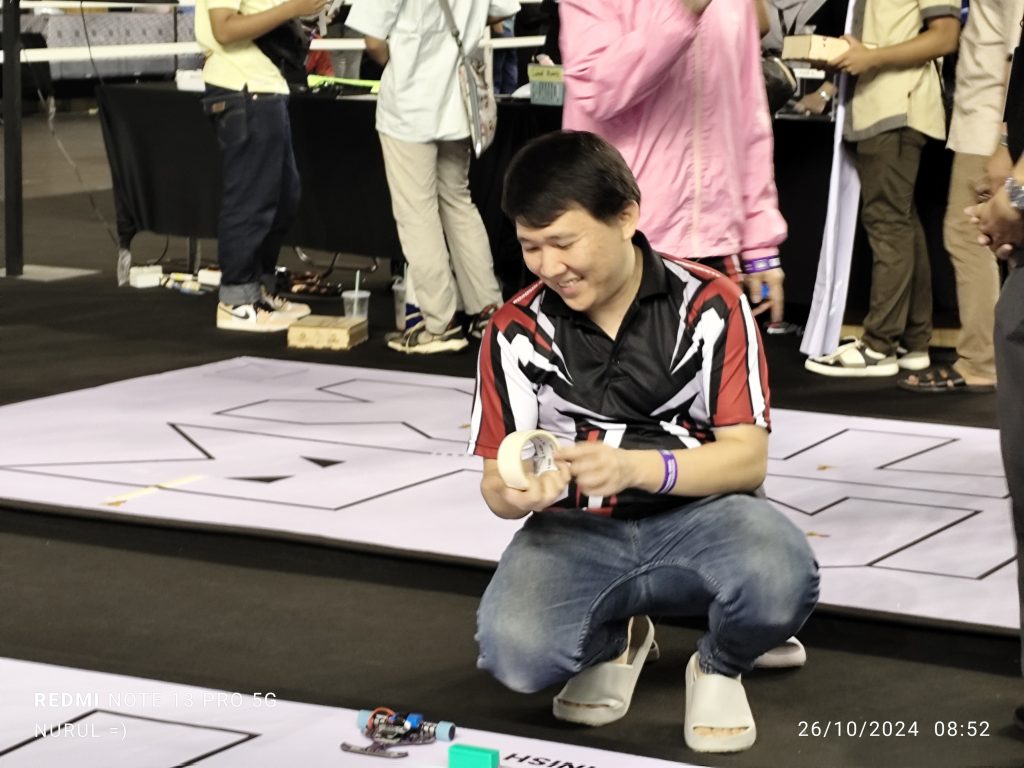
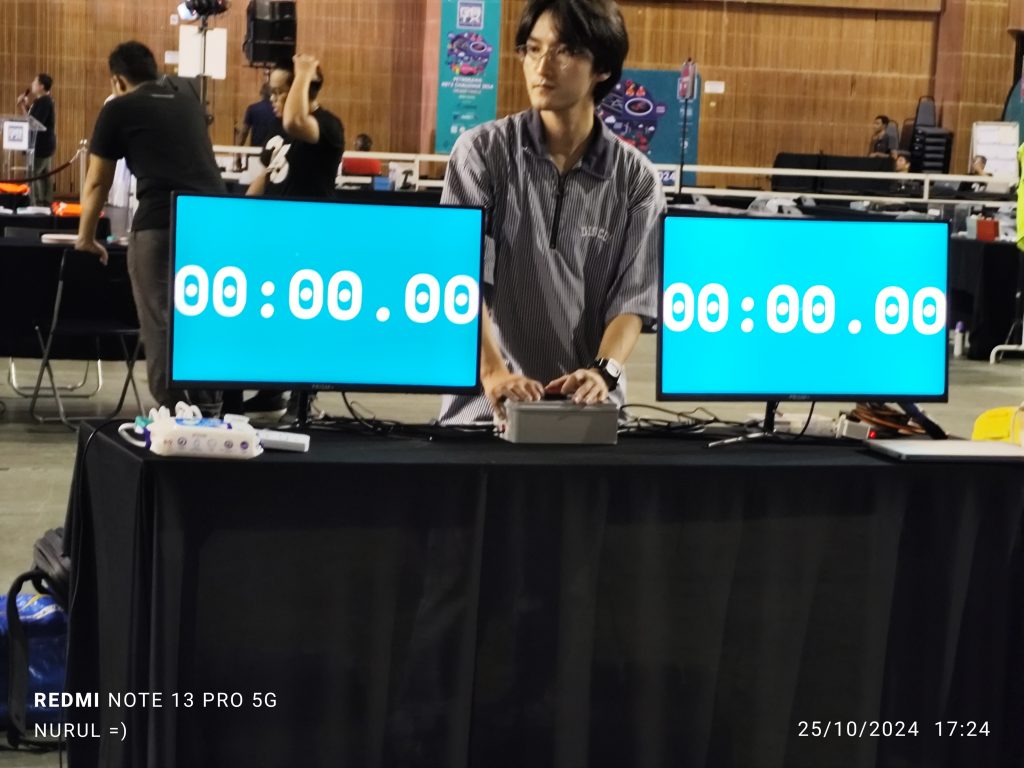
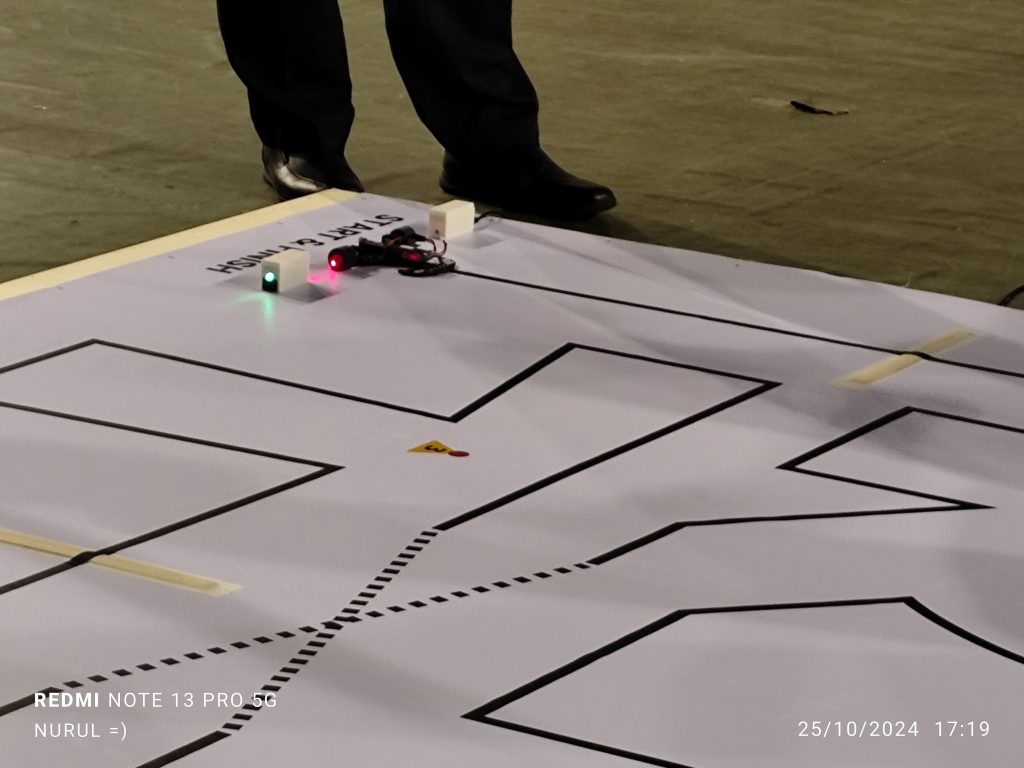
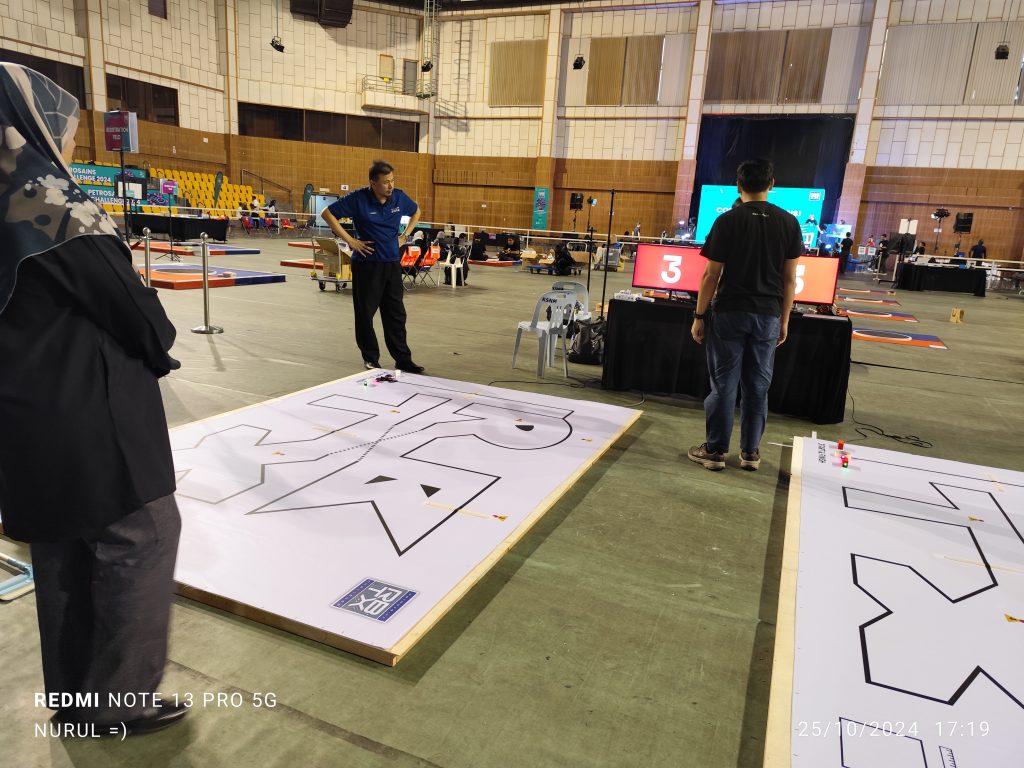
STEM Summit 2024 is happening now Website



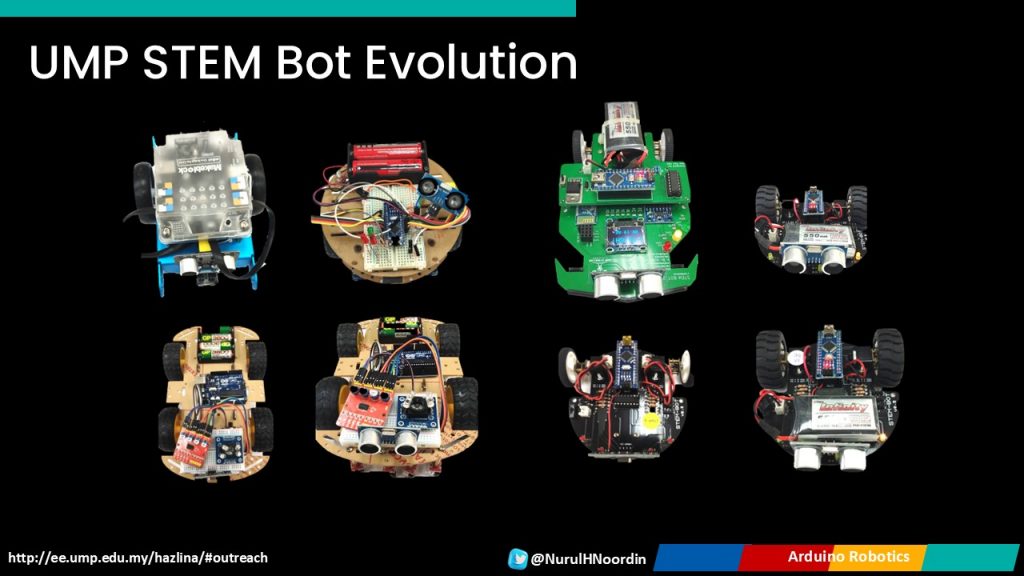
Exploring Pedagogical Approaches in Arduino Robotics Through Hands-On Experience at the 2024 IEEE STEM Summit
The 2024 IEEE STEM Summit brought together educators, researchers, and industry professionals to explore the latest trends and challenges in STEM education. At this event, I had the honour of presenting on “Exploring Pedagogical Approaches in Arduino Robotics Through Hands-On Experience,” where we discussed methods of engaging students in robotics, focusing on building skills through direct, hands-on activities.

The presentation aimed to illustrate the value of blending practical robotics work with foundational theory, especially when working with Arduino robotics, to enhance student learning outcomes.
Key Themes and Teaching Approaches
The main theme of this presentation was how a well-designed hands-on approach can havean impact on learning and make complex topics like robotics and electronics more accessible. Teaching Arduino robotics requires balancing both theory and practice. For students to truly understand the inner workings of a robotic system, theoretical concepts should be taught alongside practical applications, where students directly apply what they’ve learned.

In developing a well-rounded robotics curriculum, the following approaches are emphasized:-


Towards the end of the presentation, participants posed questions, reflecting on the pedagogical aspects in enhancing the Arduino robotics curriculum.
Here’s a recap of some key questions and my responses –
The presentation highlighted how hands-on learning in Arduino robotics can be transformative for students, whether they are beginners or more advanced learners. Through a scaffolded approach that combines theory and practice, students develop not only technical skills but also critical thinking and problem-solving abilities. The summit was an excellent platform to share these insights and learn from other educators in the field who are equally passionate about making STEM accessible and engaging.
Again, thank you IEEE TryEngineering for the opportunity to present at the 2024 STEM Summit! It was an honor to share insights on hands-on learning in Arduino robotics and to explore the impact of the right pedagogical approach in helping students connect with engineering concepts meaningfully =). I look forward to continued collaboration and applying these techniques to create even more engaging learning experiences. Kudos to all the speakers for their inspiring talks and fantastic!






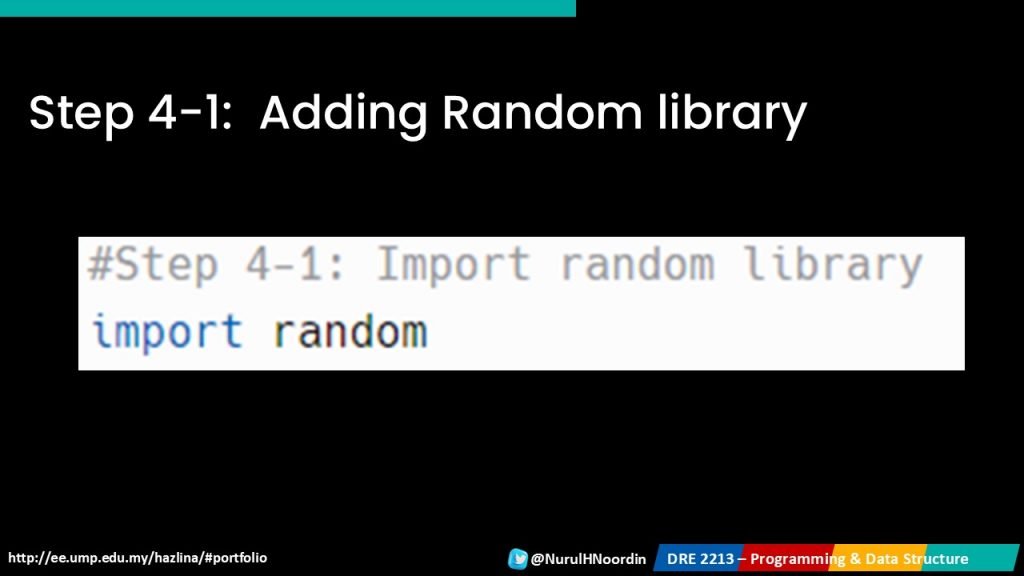
Let’s explore learning programming by troubleshooting Codes 😀 – Flags and Scoring Systems in Python
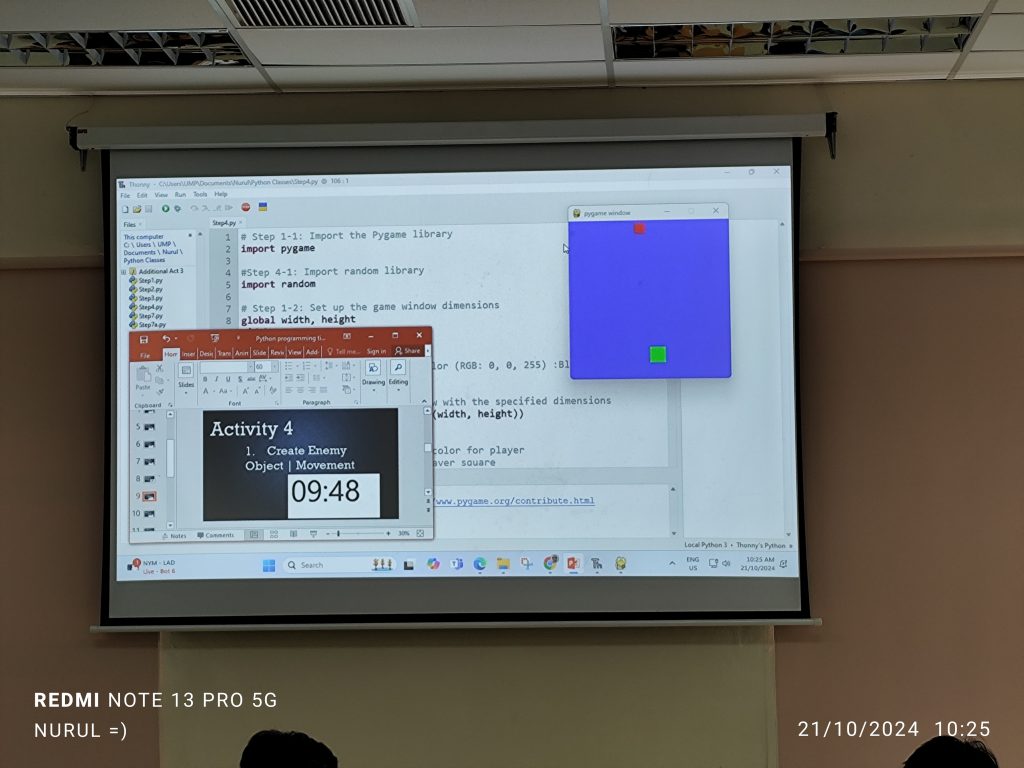
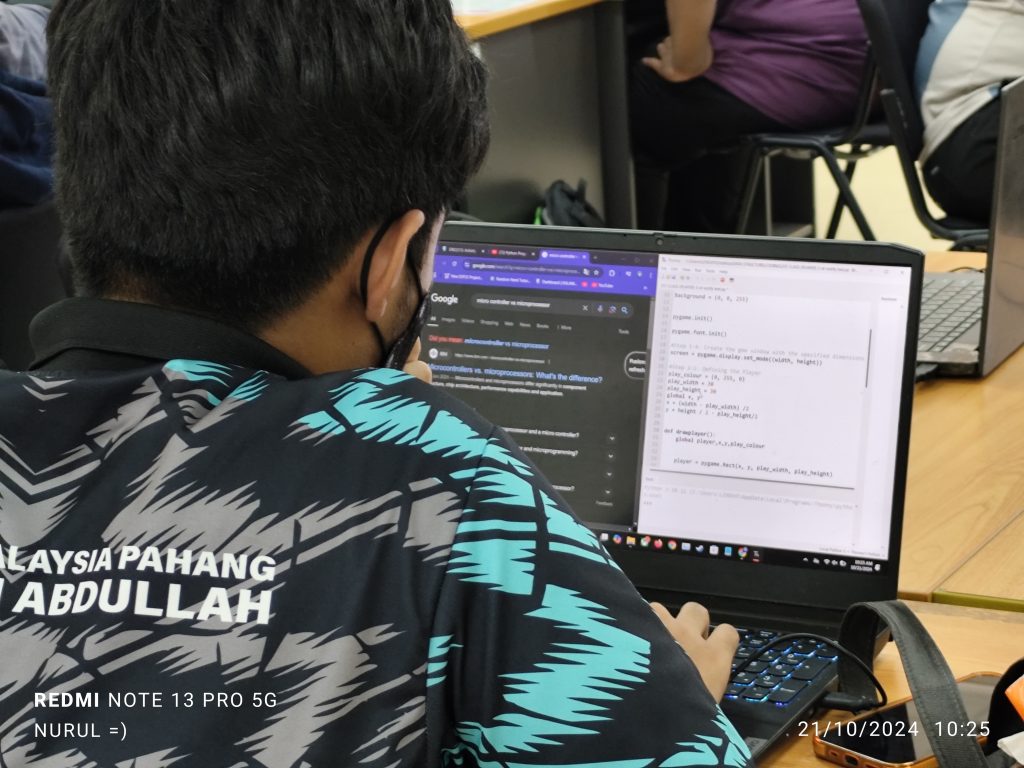
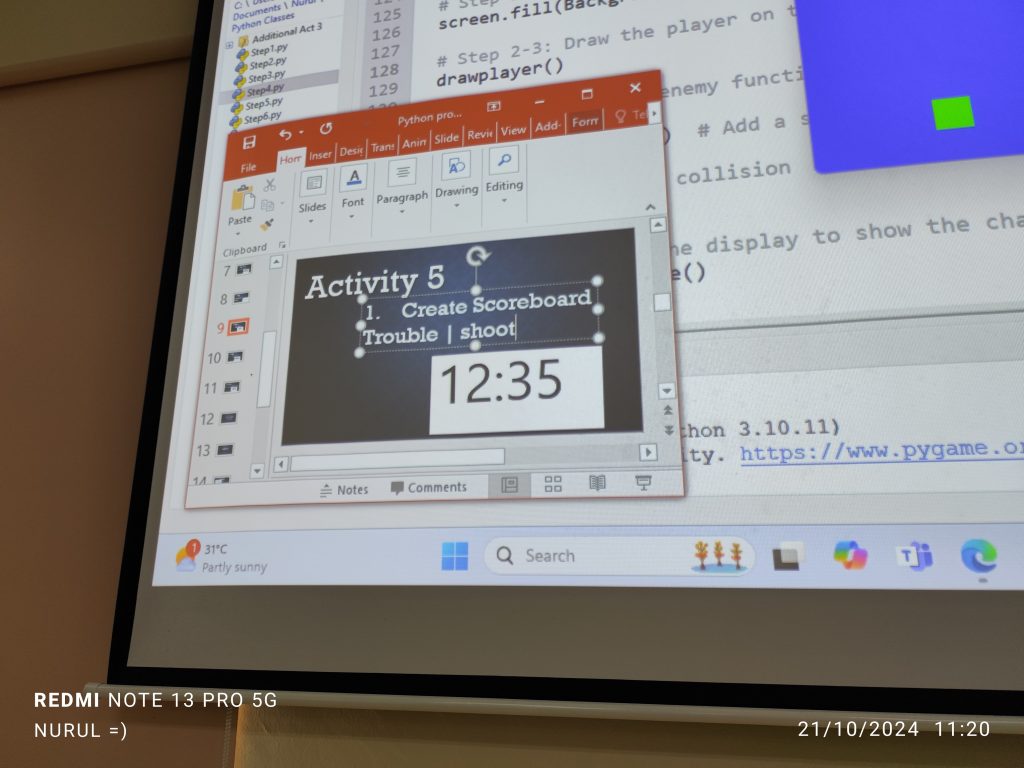
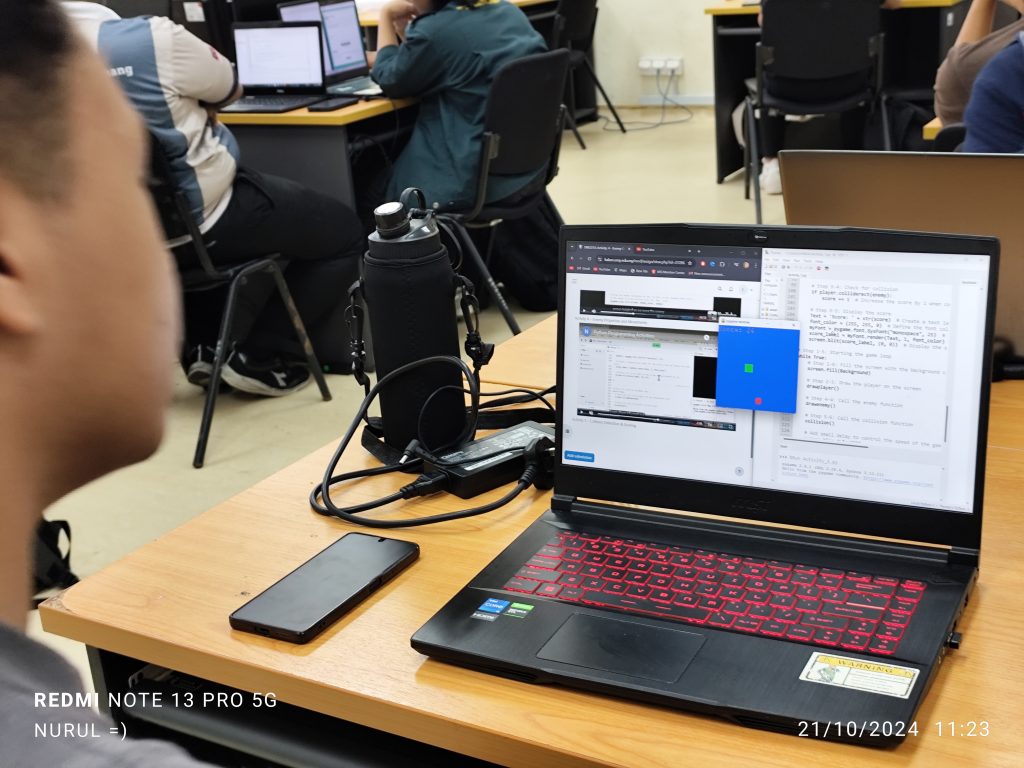
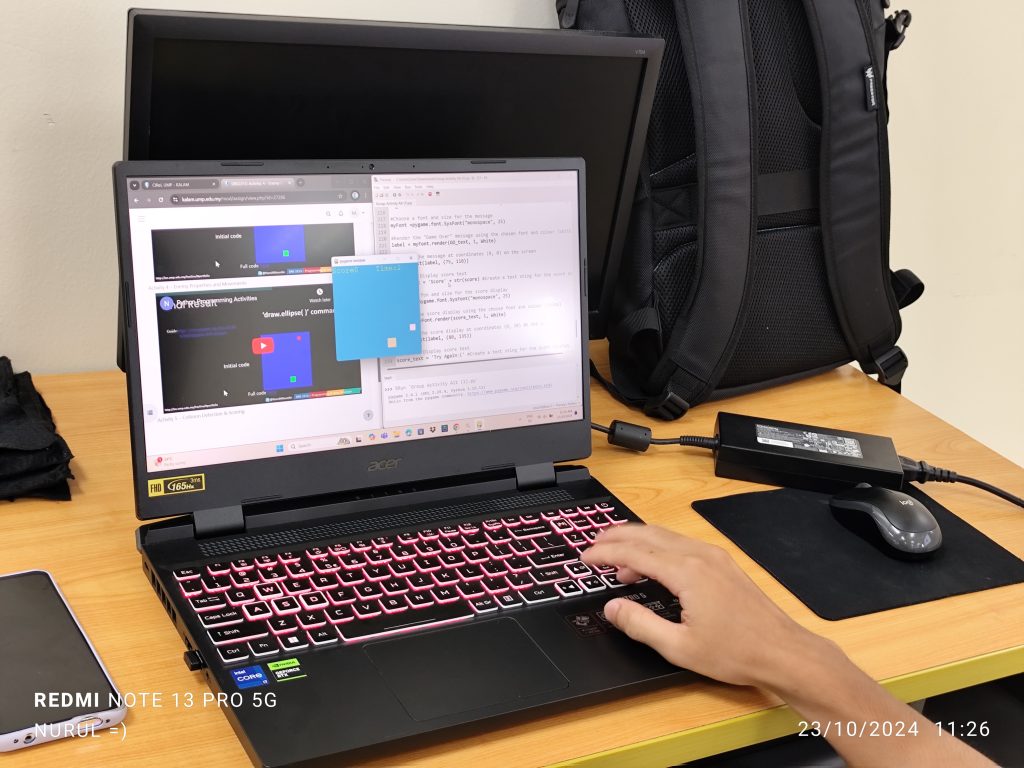
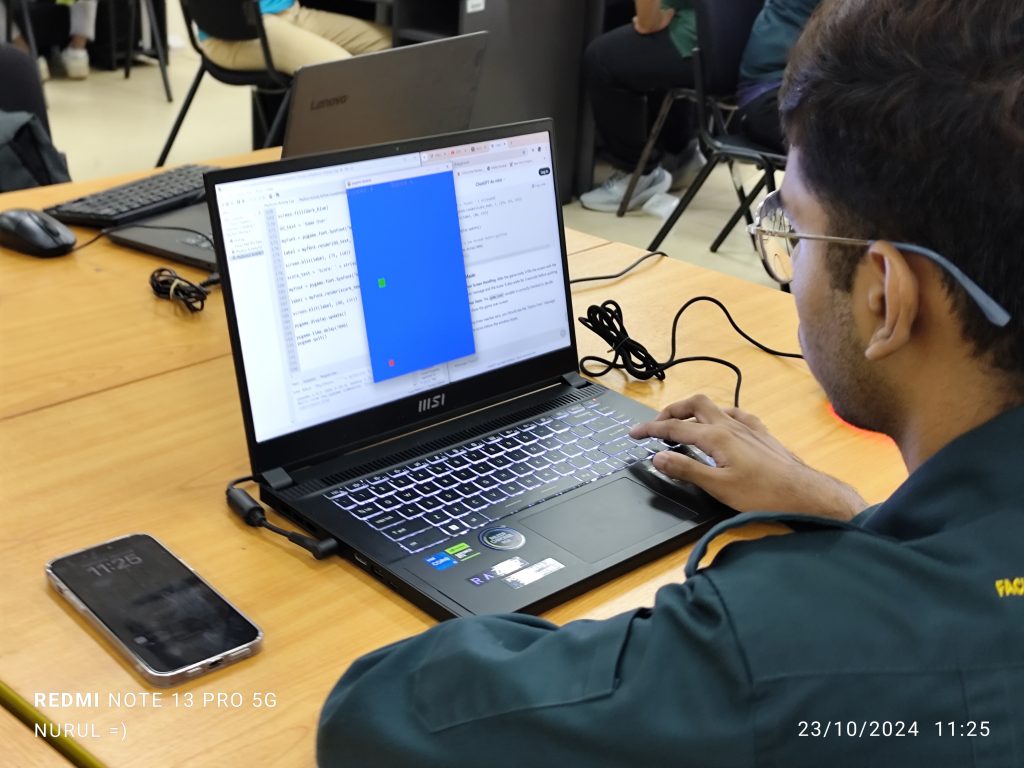
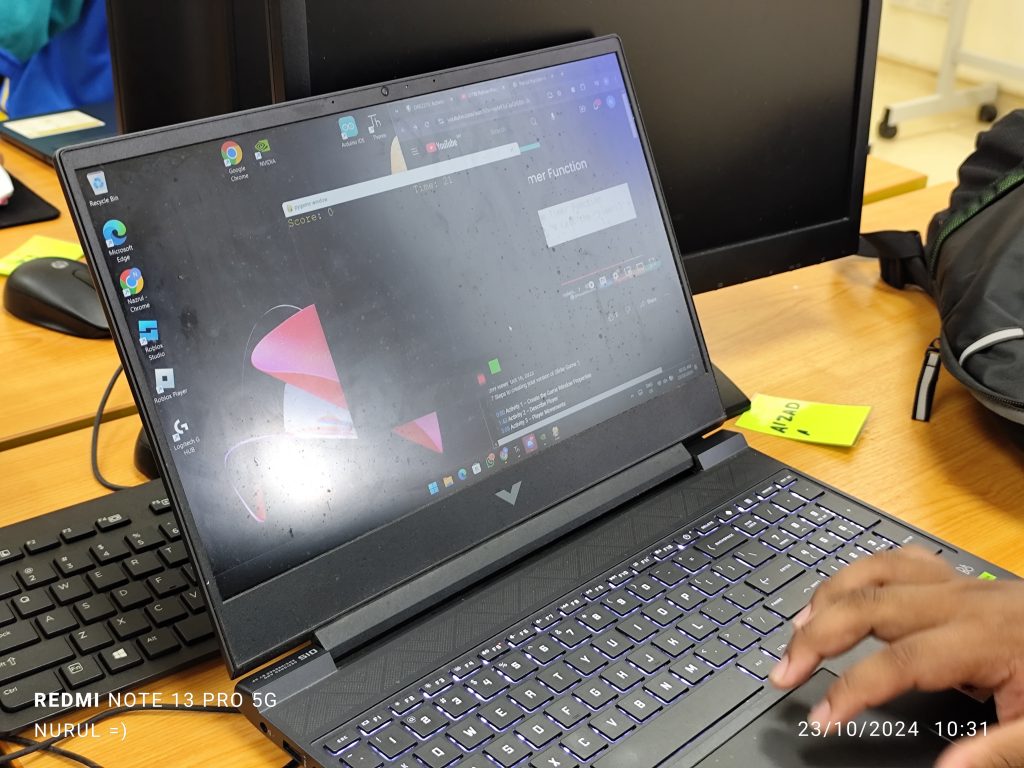
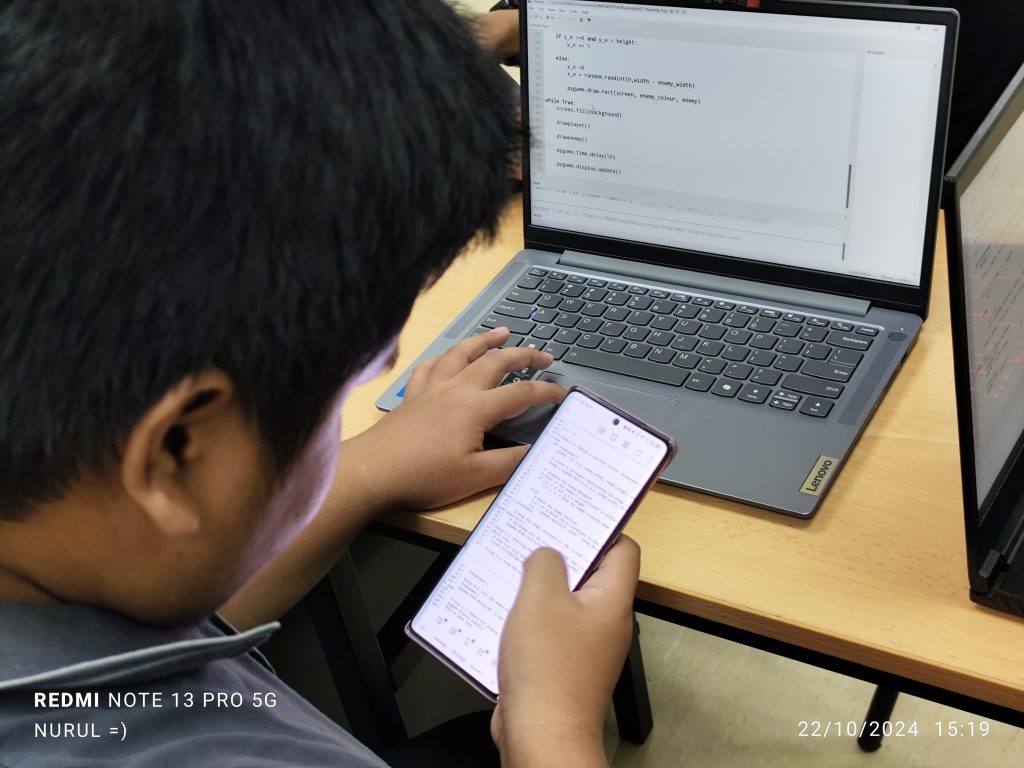
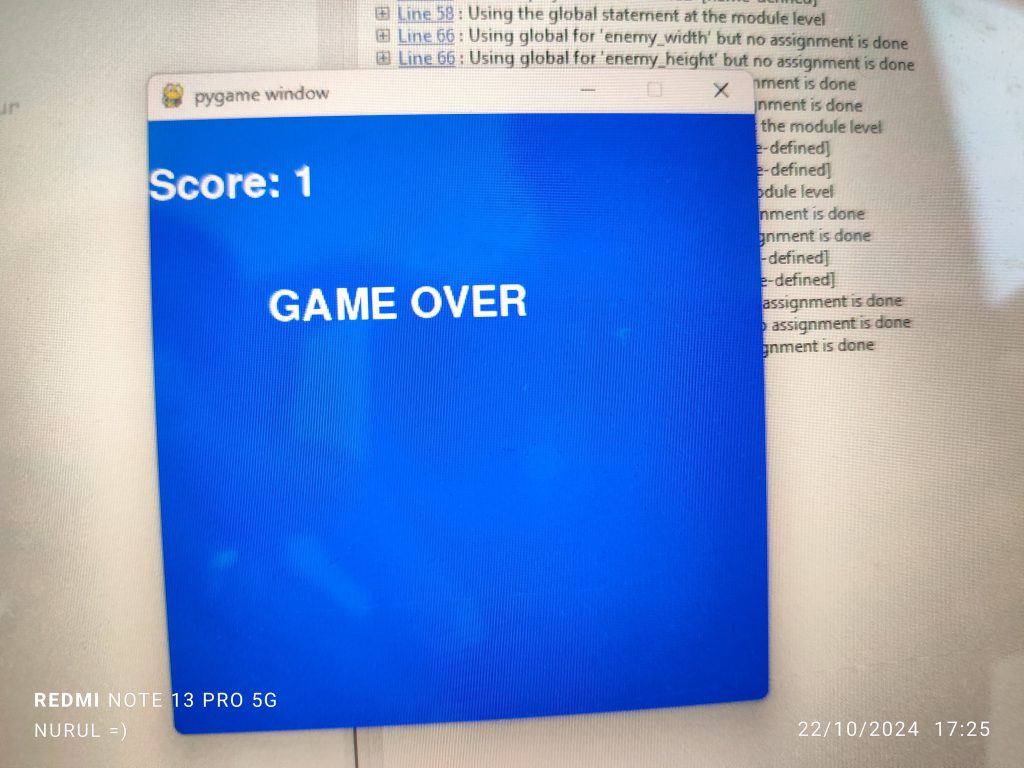
Today’s coding session was all about debugging and enhancing a game we’ve been developing step by step. We dove into Act 4, 5, 6 and 7, focusing on how to fix some key issues in the game logic—specifically how to properly handle scoring during collisions between the player and enemies.


PBL – ‘The Problem’
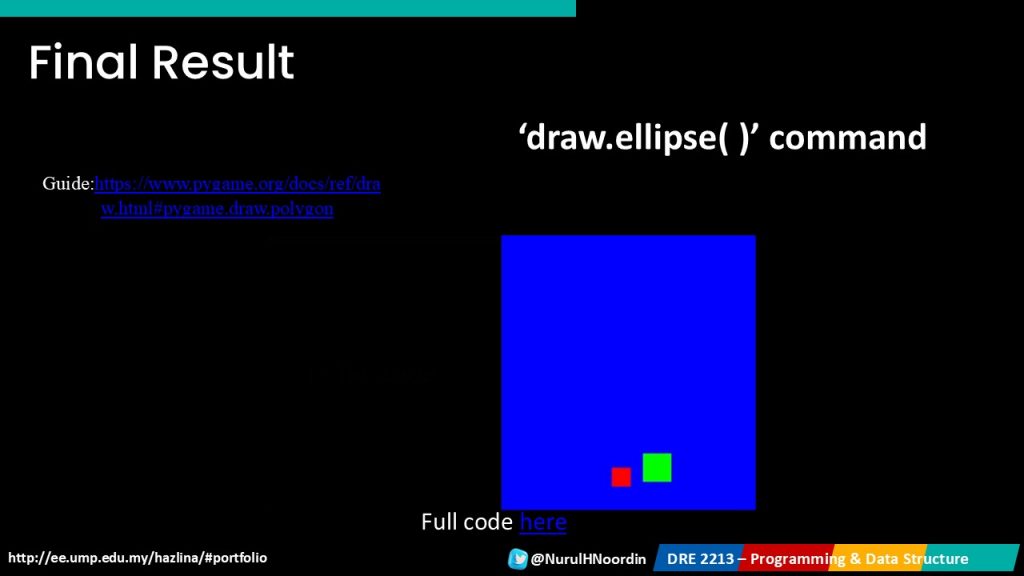
We already had a working player and enemy system in the game. The player can move left and right, while an enemy drops down from the top of the screen. The challenge was ensuring the player’s score only increased by one upon a collision with the enemy. Instead, the score was skyrocketing with every game frame where the player touched the enemy, adding several points instead of just one.
This type of issue is common when developing games, where collisions can occur over multiple frames. But we only want the score to increment once per collision event. To fix this, we introduced an important concept: the flag.

Introducing Flags in Python
In programming, a flag is a boolean variable (True/False) used to indicate whether a certain condition has been met. For our game, we needed a flag to signal whether a collision between the player and enemy had already occurred. This would prevent the score from increasing continuously while the player and enemy rectangles overlap.
Using a Flag to Control Scoring
Here’s how we used the flag –
collision_occurred, which is initially set to False. This flag keeps track of whether the collision has already happened.collision_occurred is True or False.
False and a collision happens, the score increments by 1, and the flag is set to True. This prevents further increments until the enemy resets.True, no further points are added, even if the player remains in contact with the enemy.False, allowing for another score increment during the next collision.


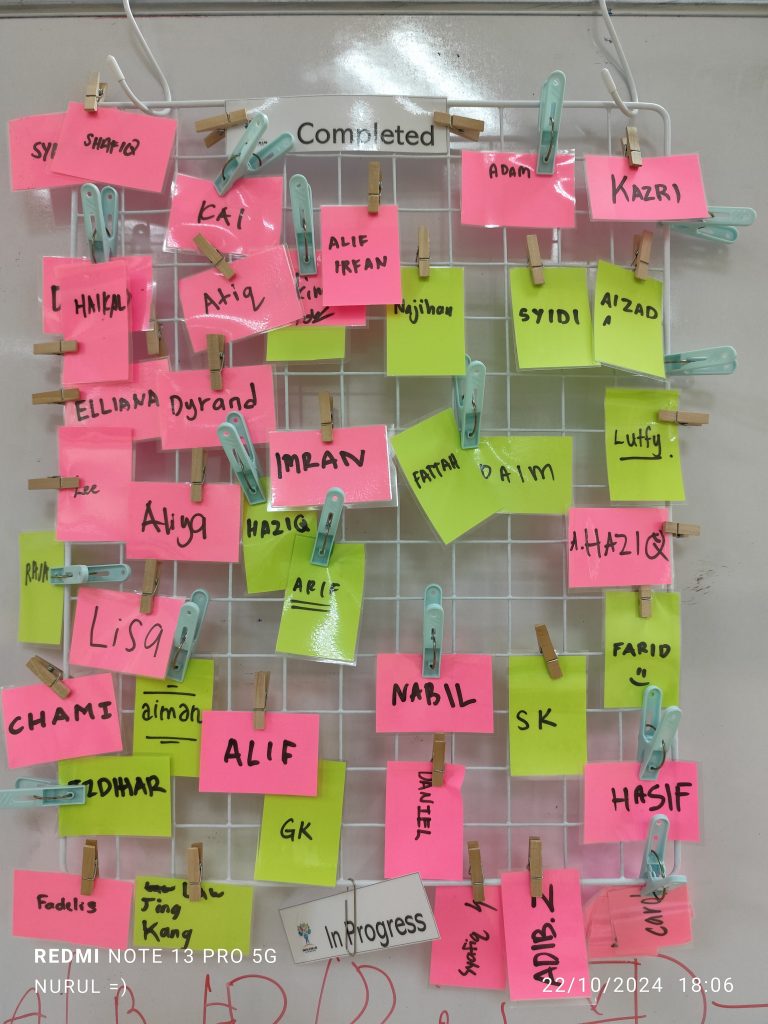
p/s Score Board is being implemented this year. One of the ways to monitor students progress in class
BTE1522





DRE2213