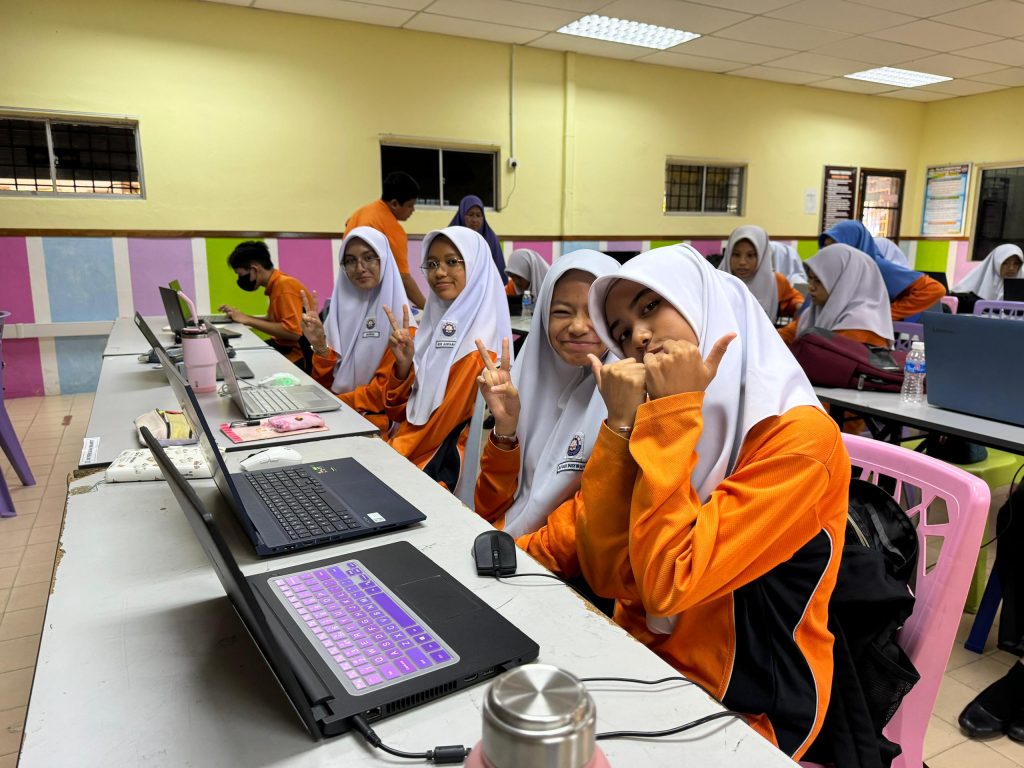
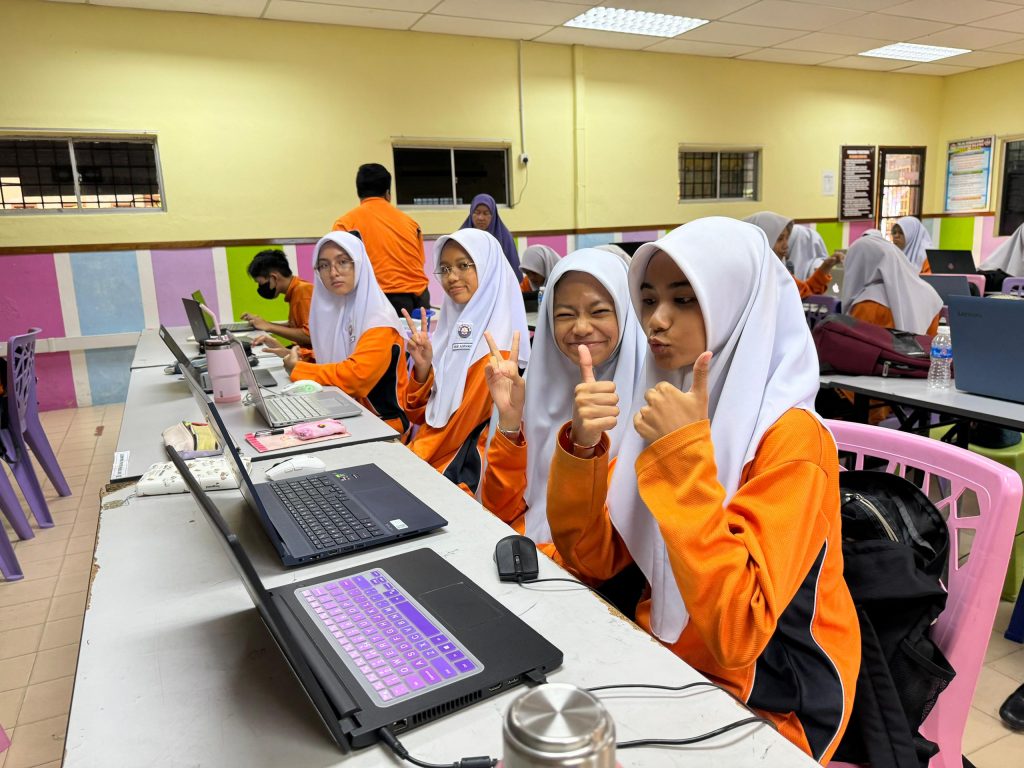
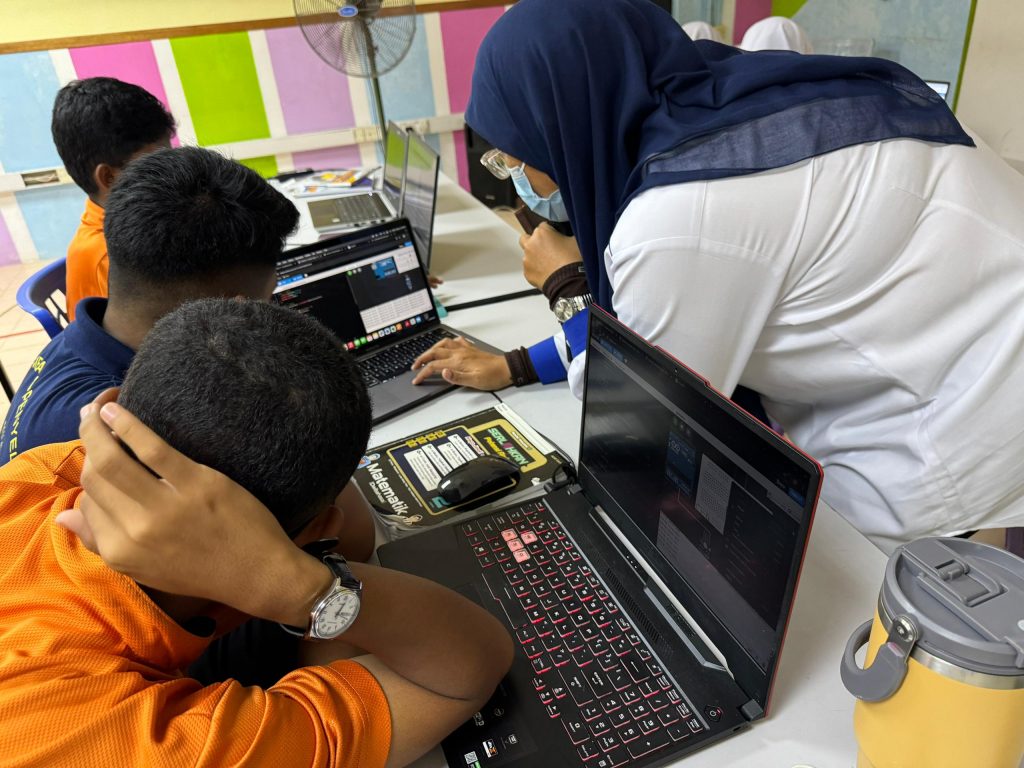
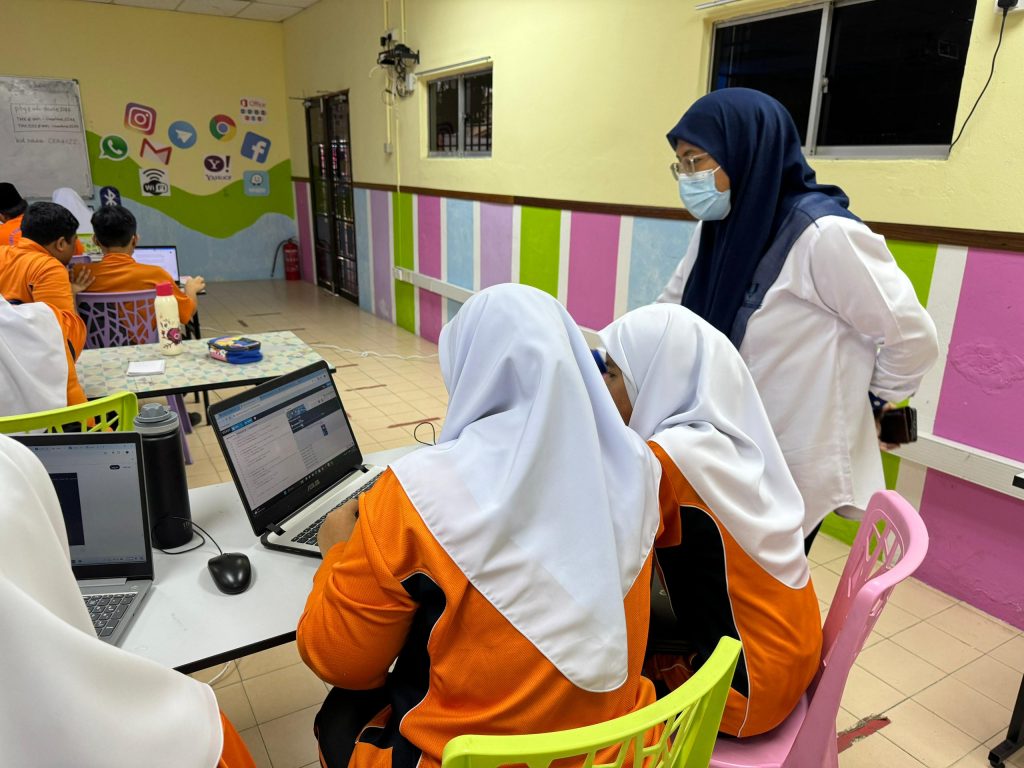
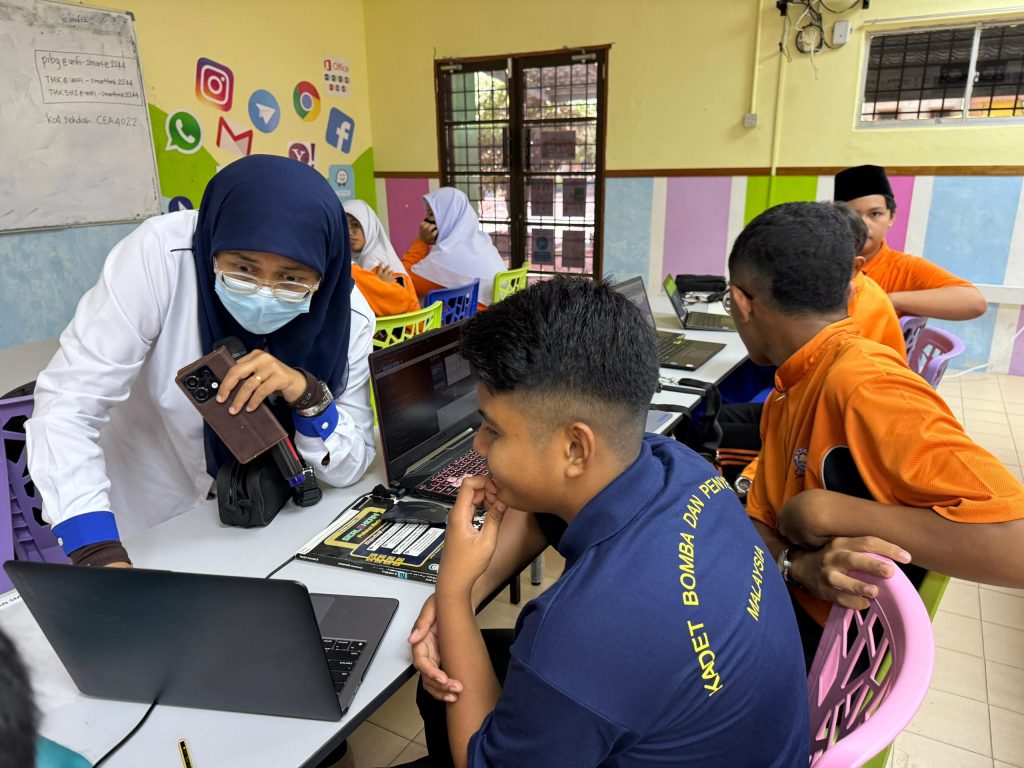
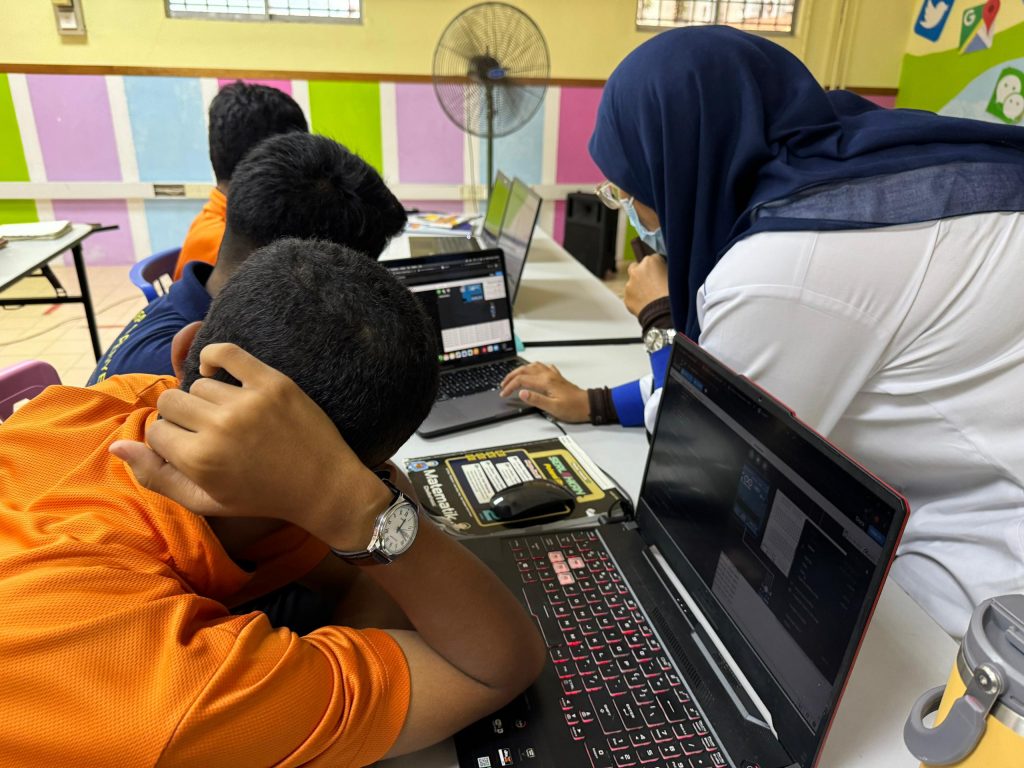
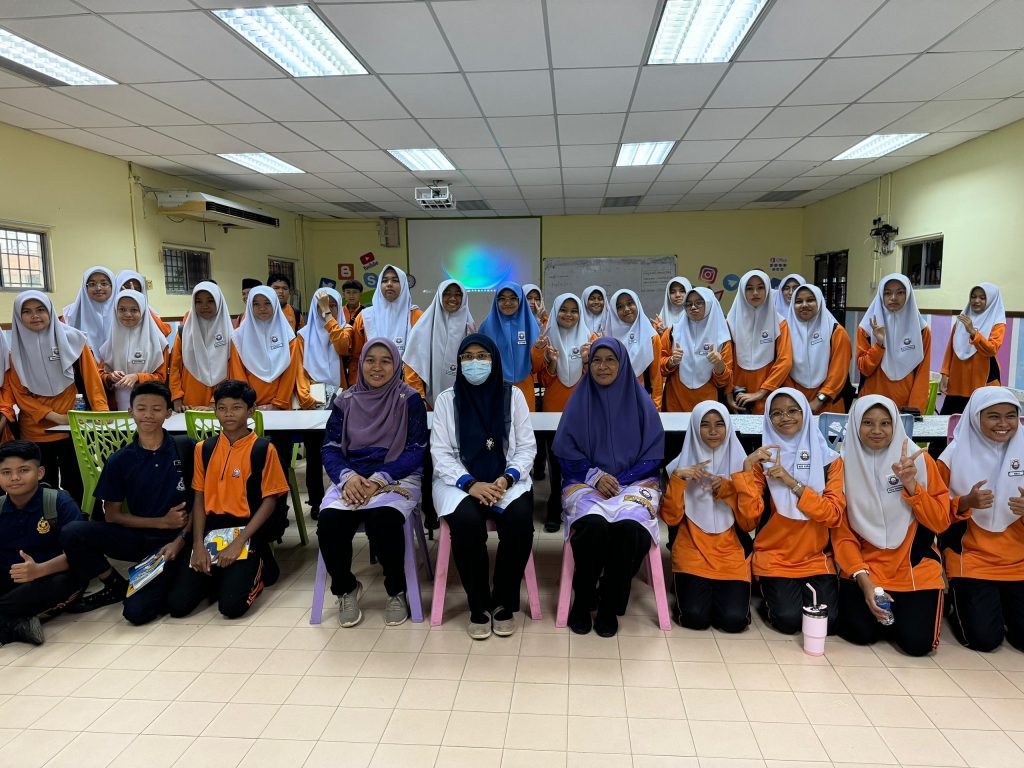
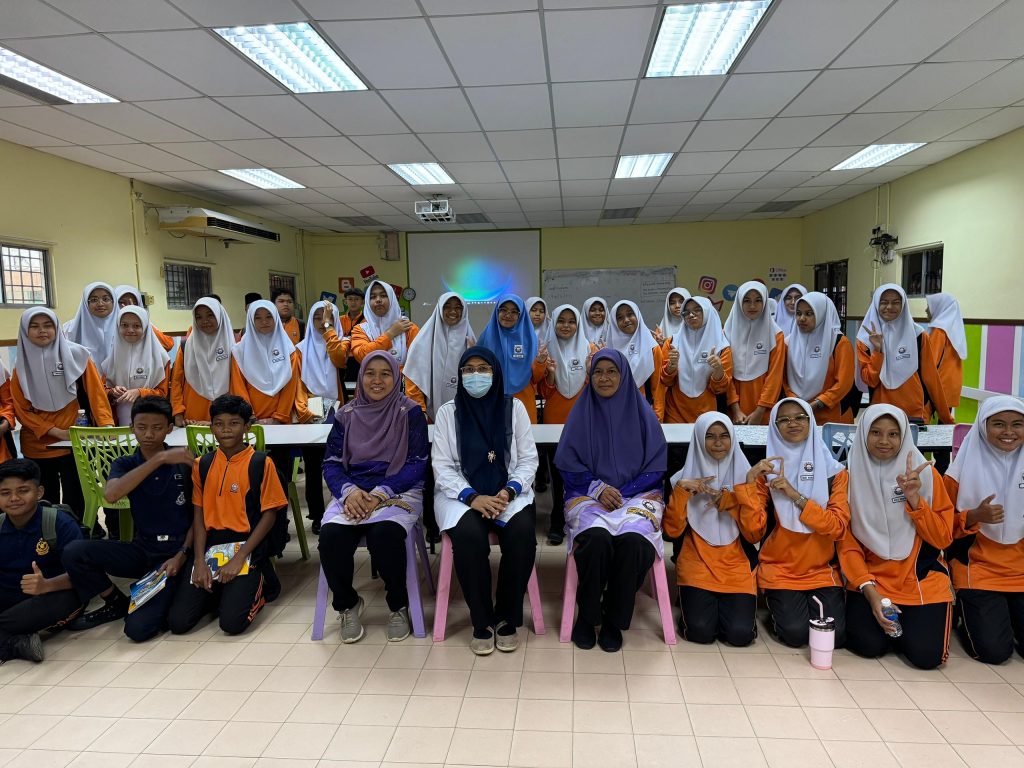
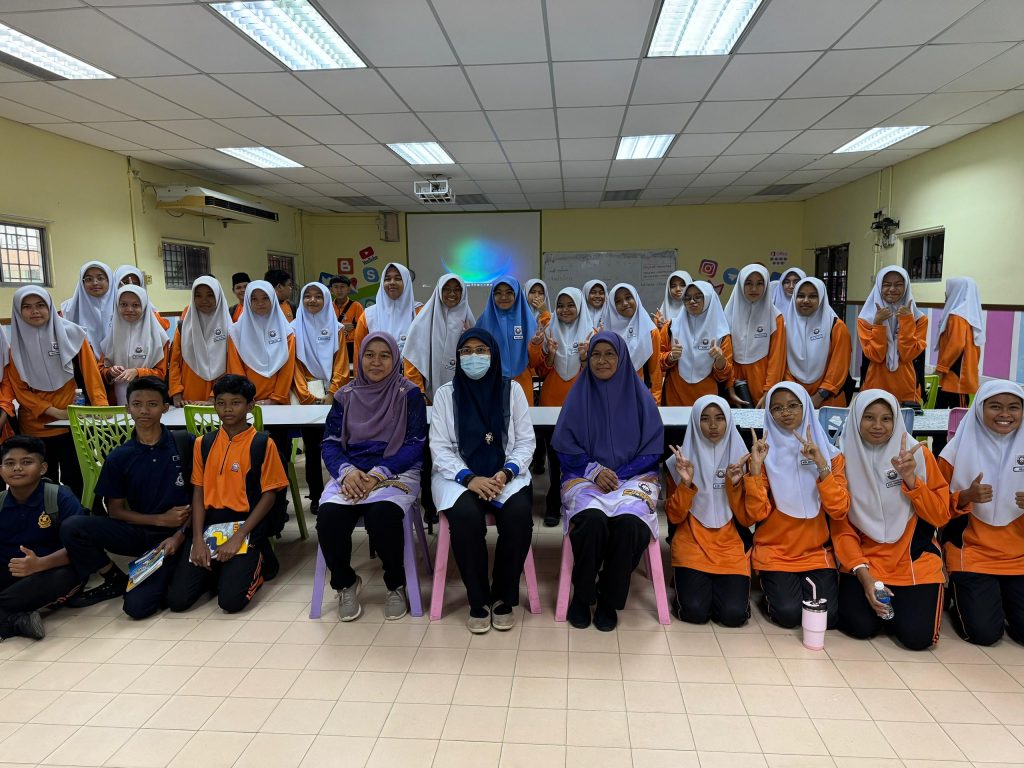
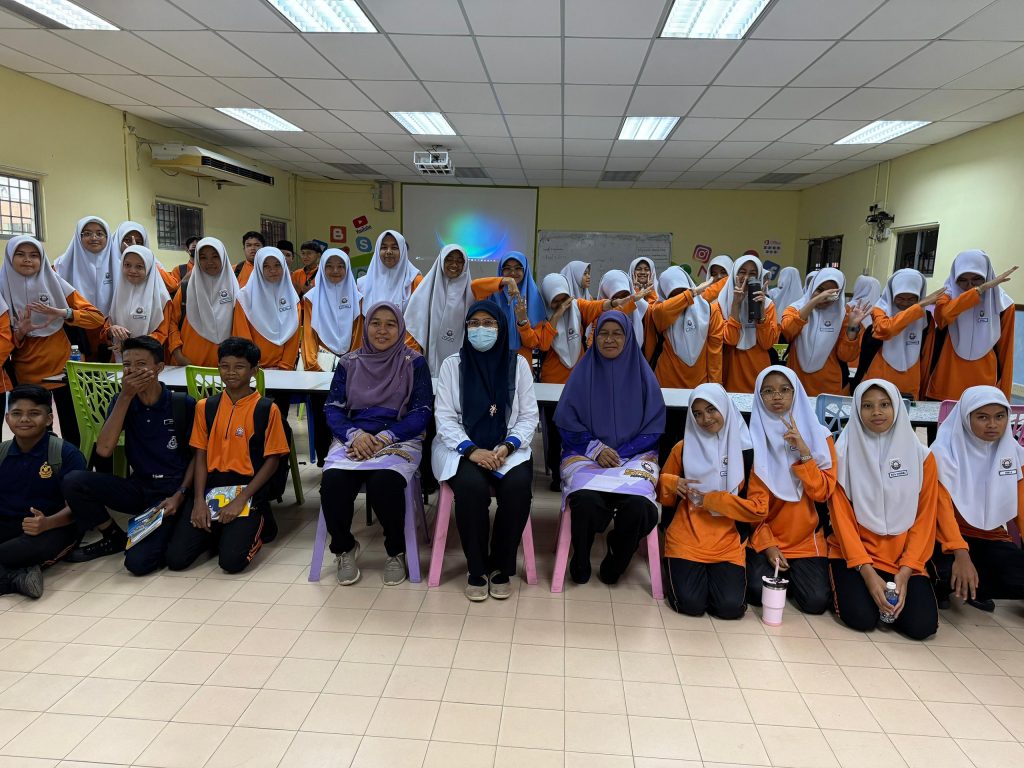
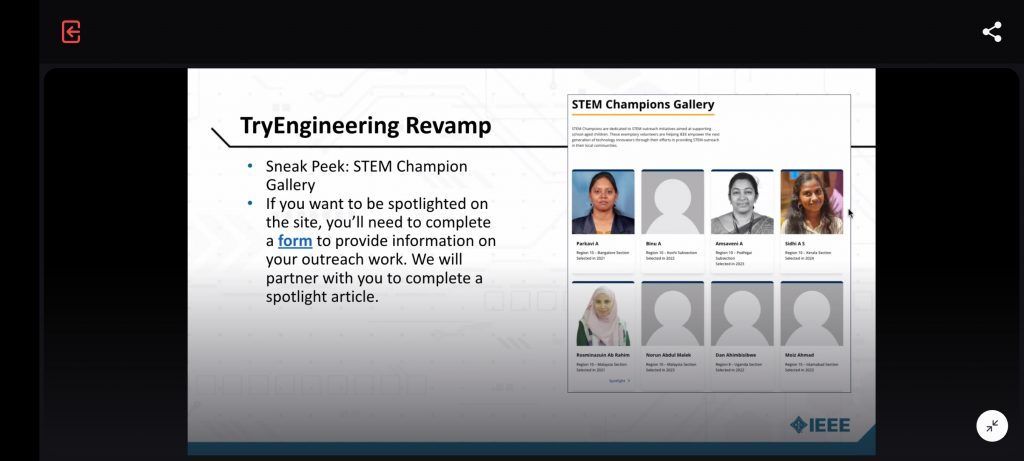
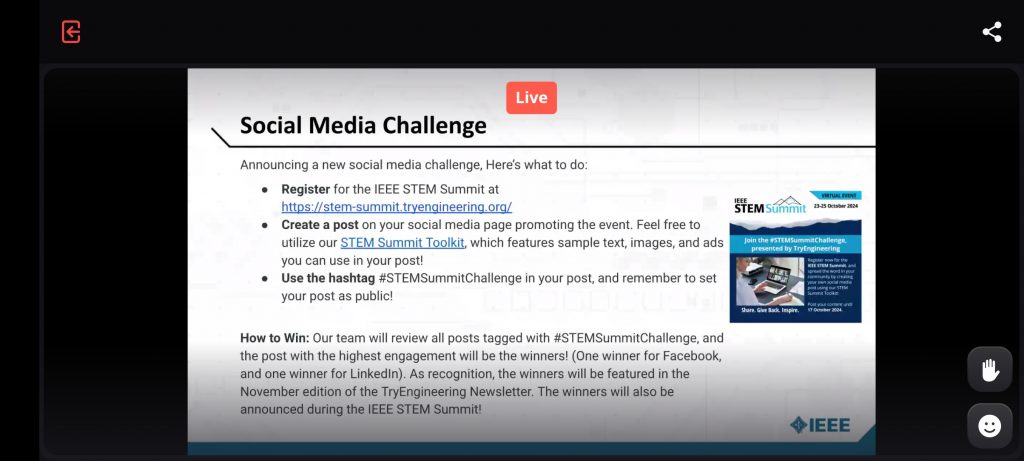
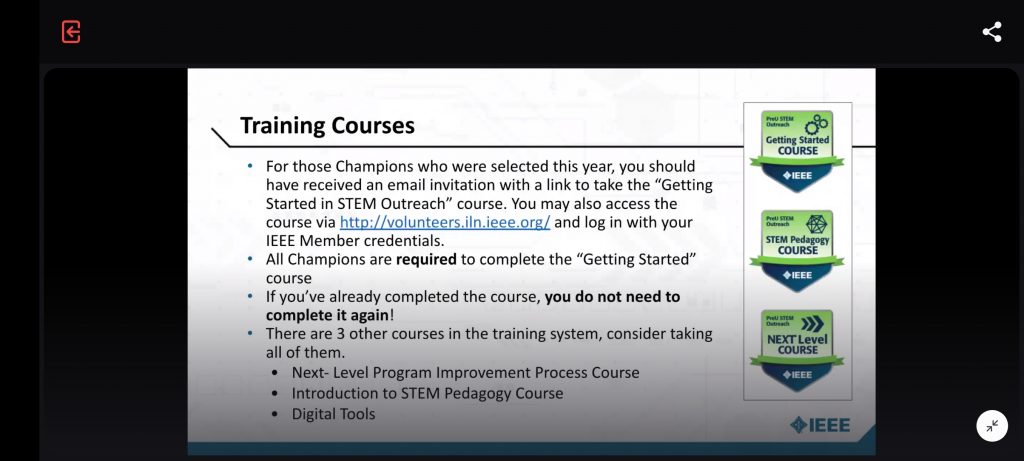
A brilliant sharing session and planning by team STEM Outreach TRYEngineering.
The world is digital, but life is analog..
A brilliant sharing session and planning by team STEM Outreach TRYEngineering.
*UMPSA STEM Lab Raspberry Pi Programming Synopsis can be found here.
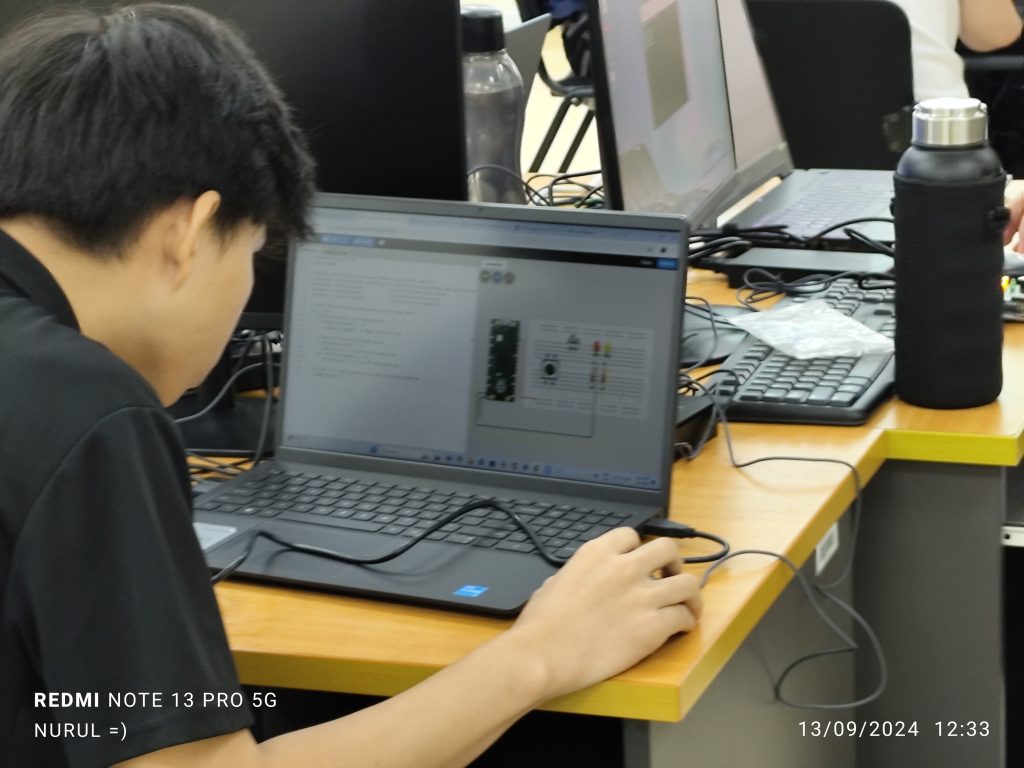
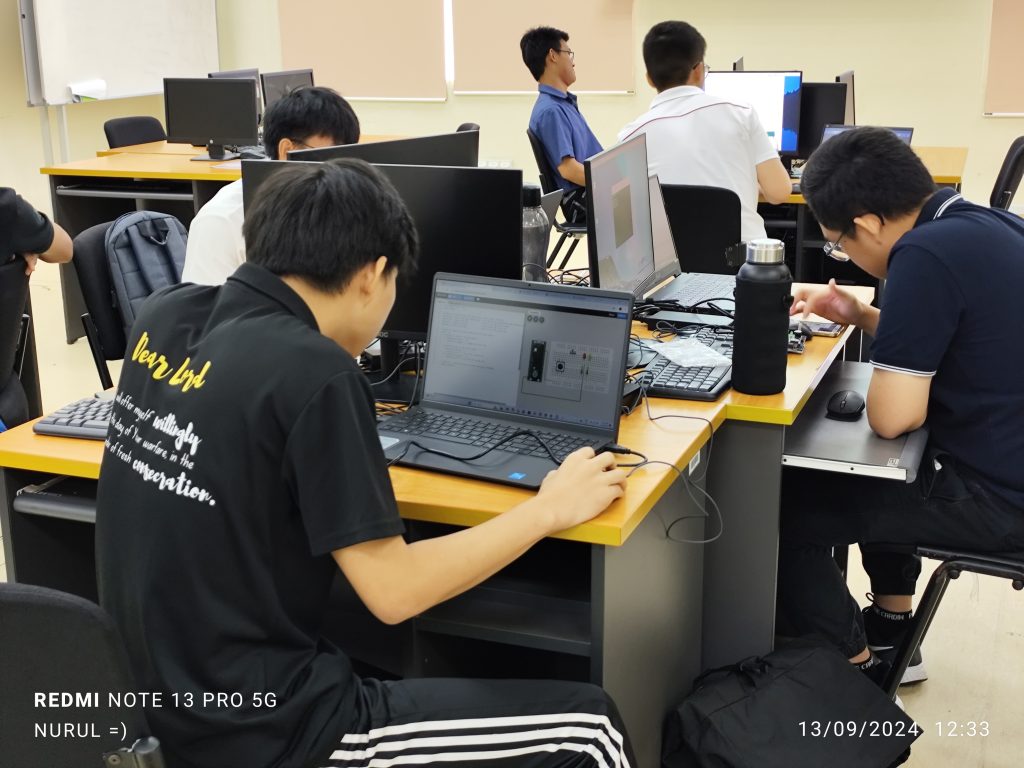
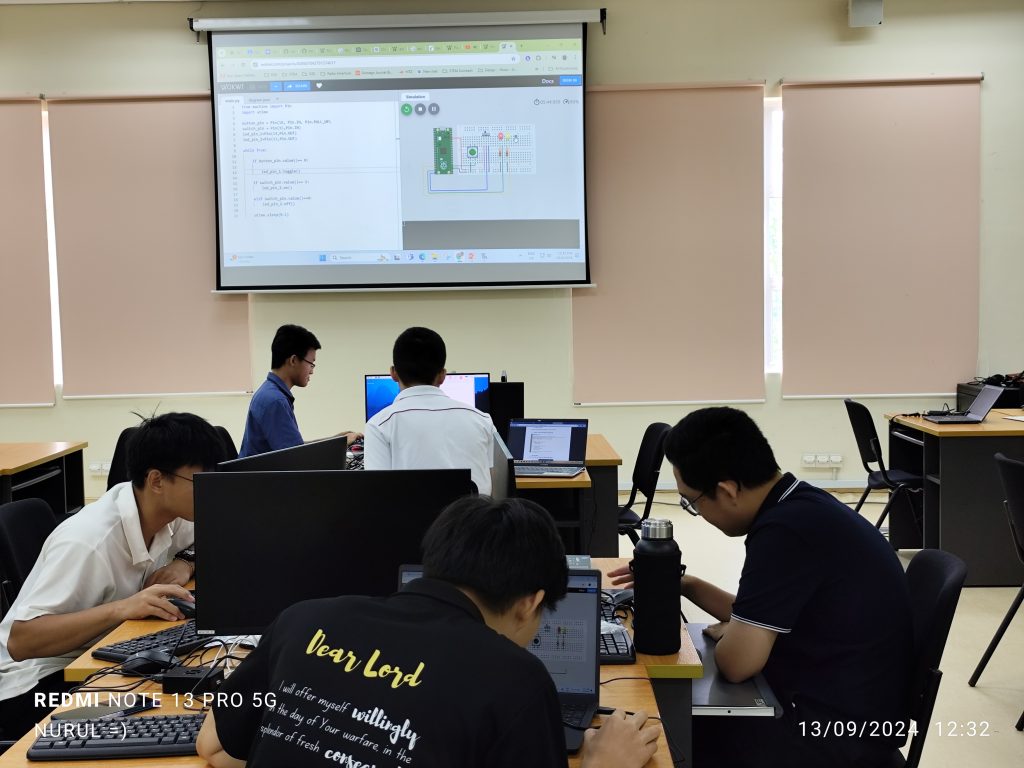
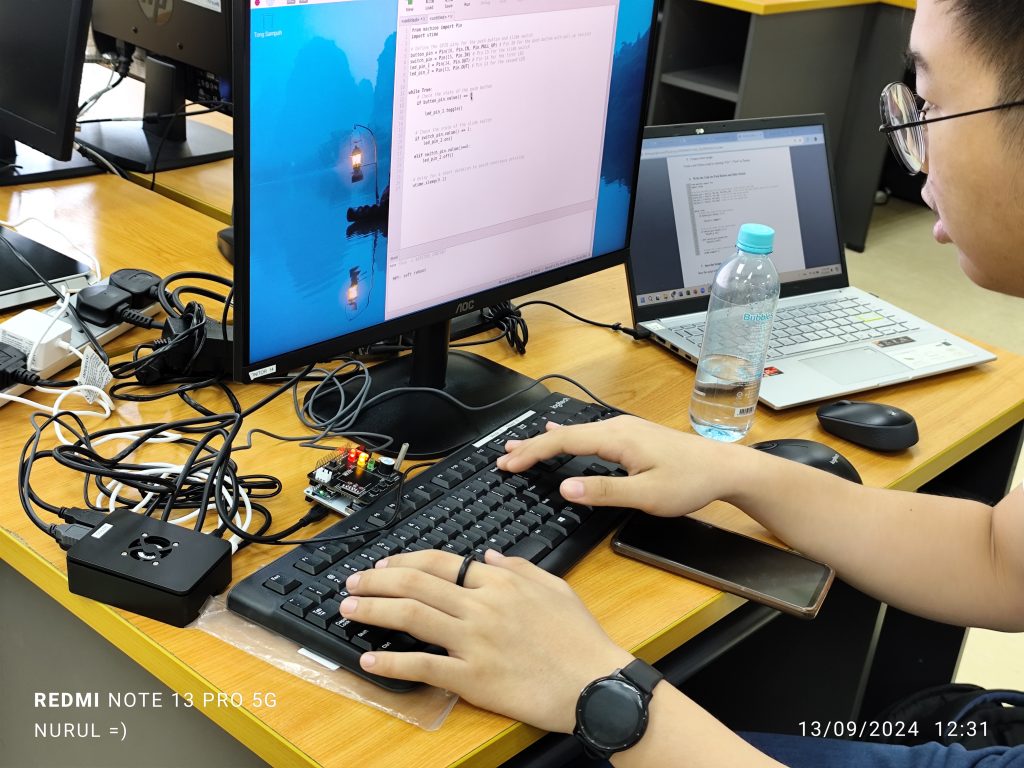
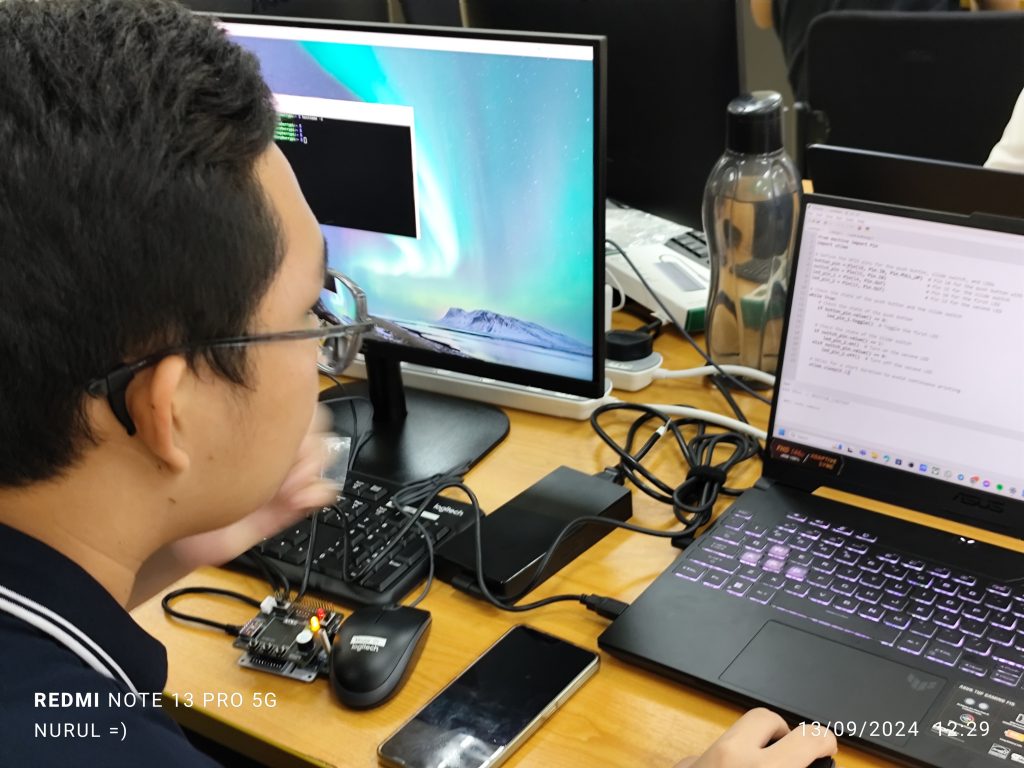
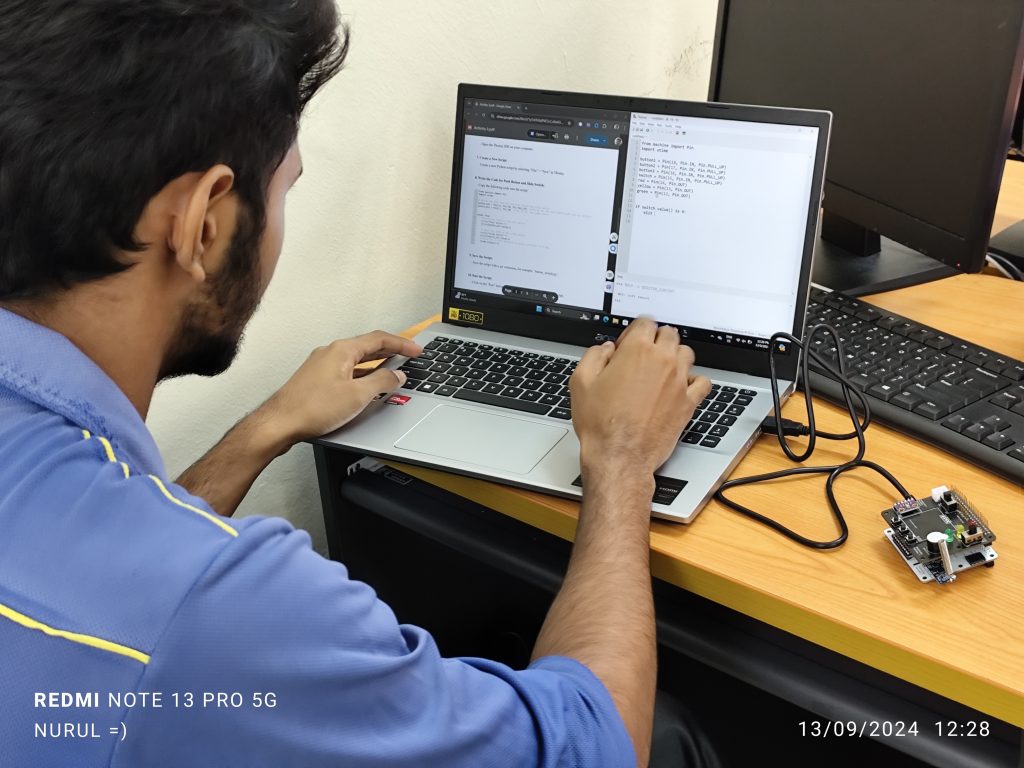
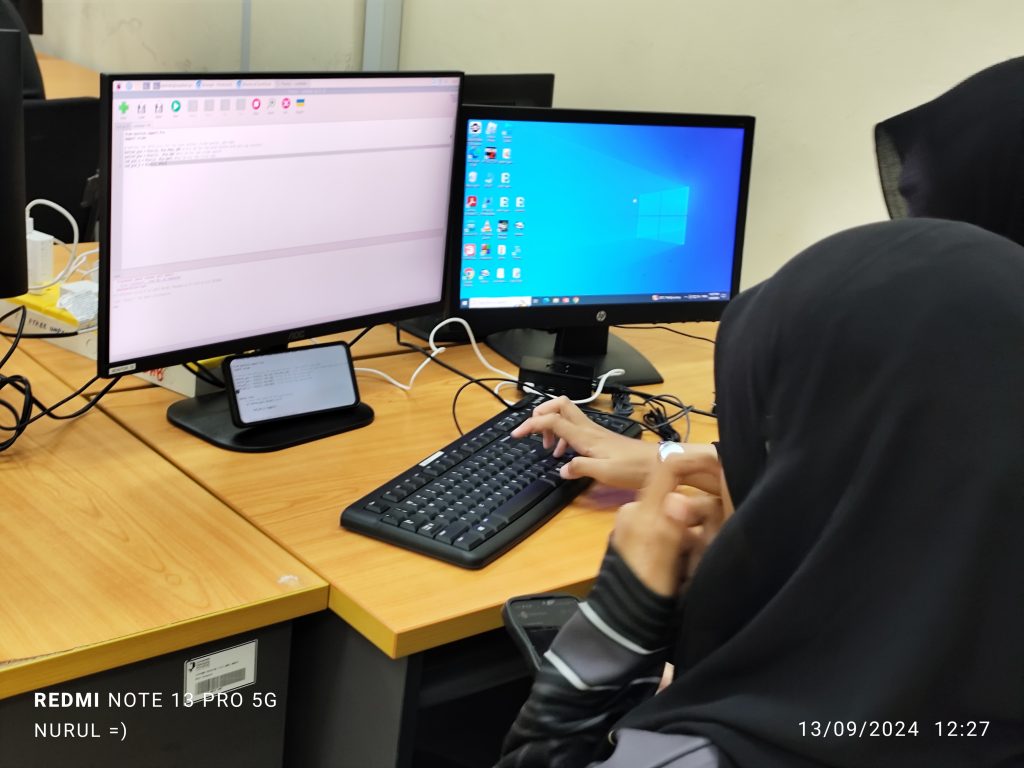
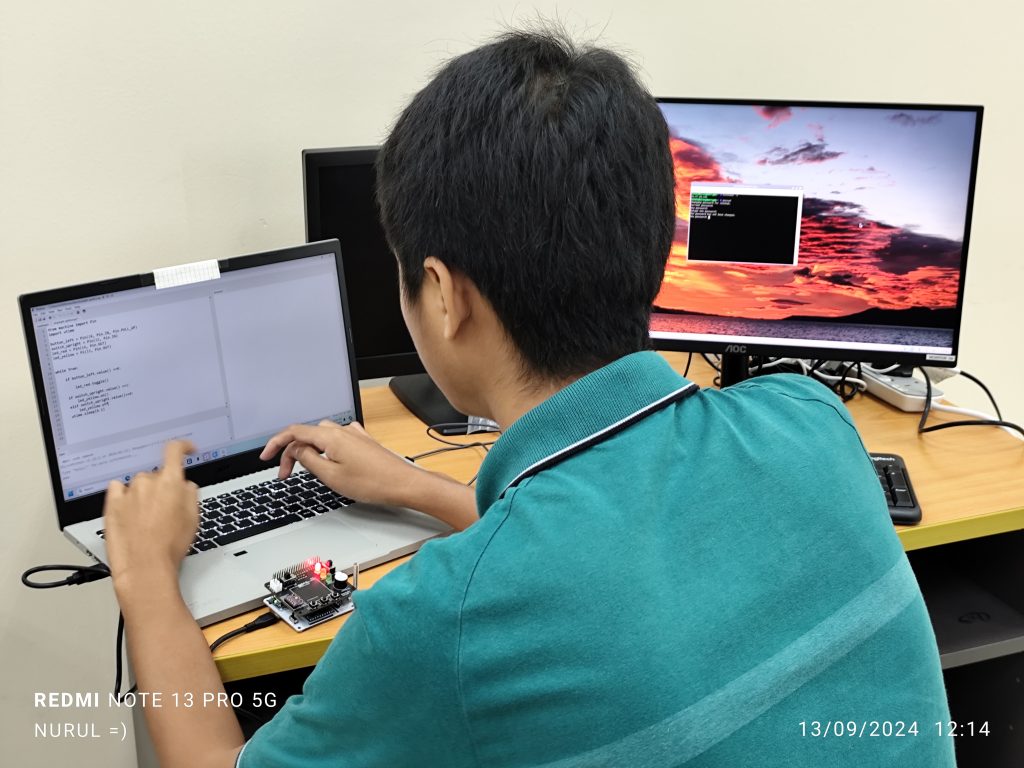
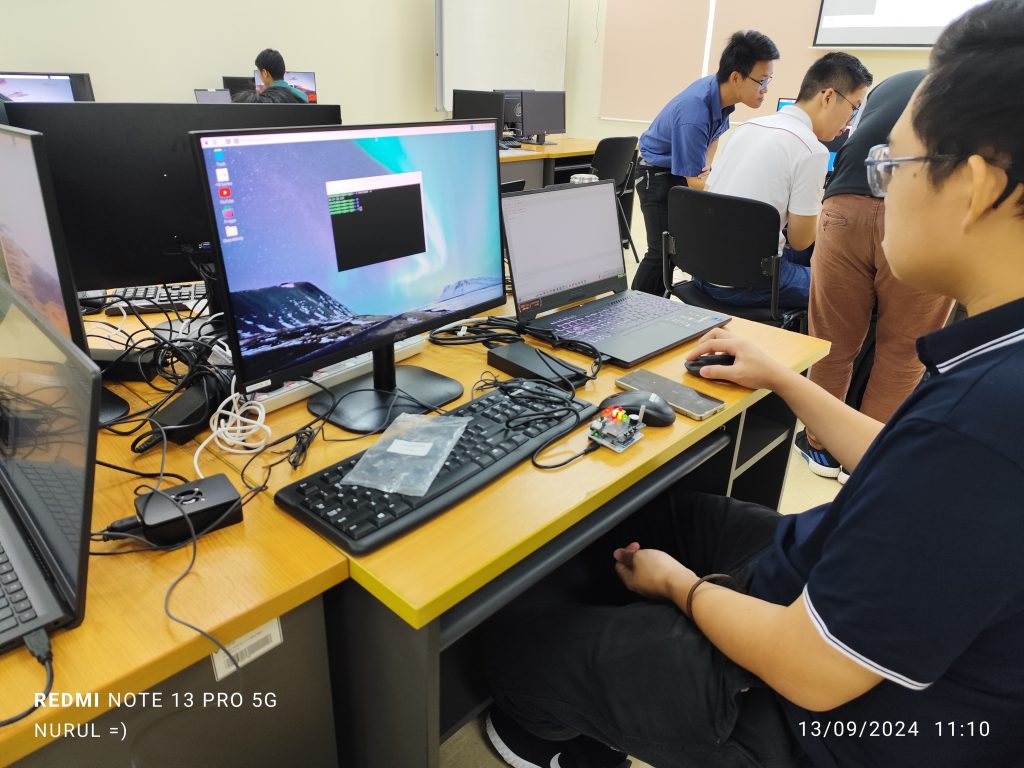
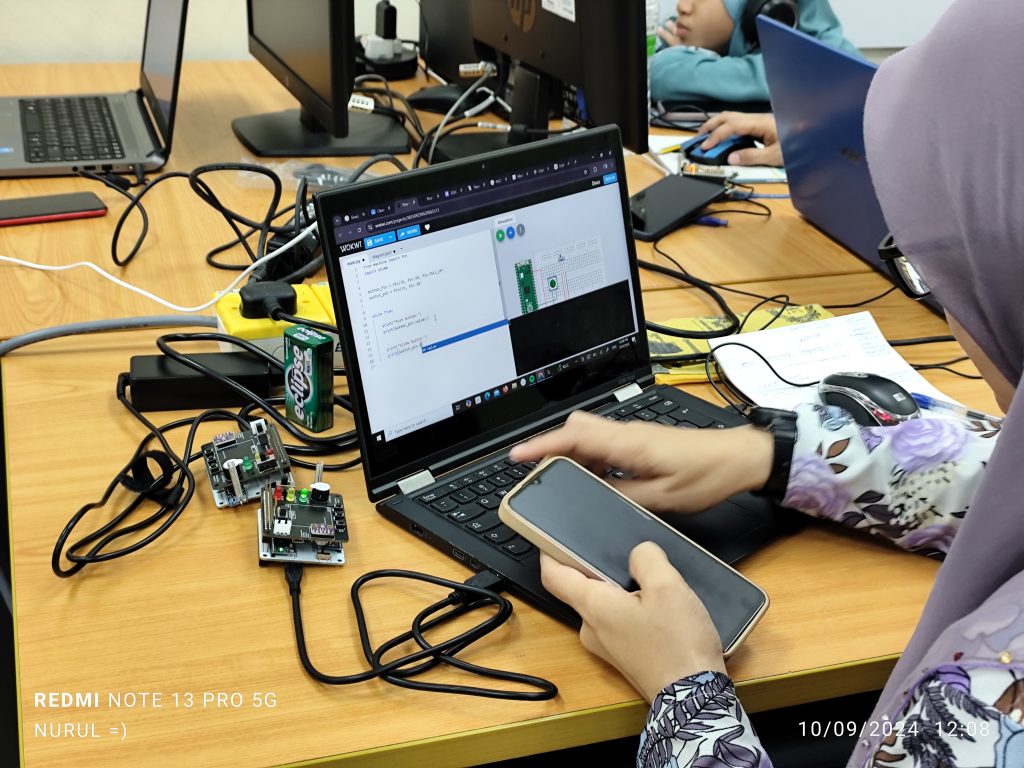
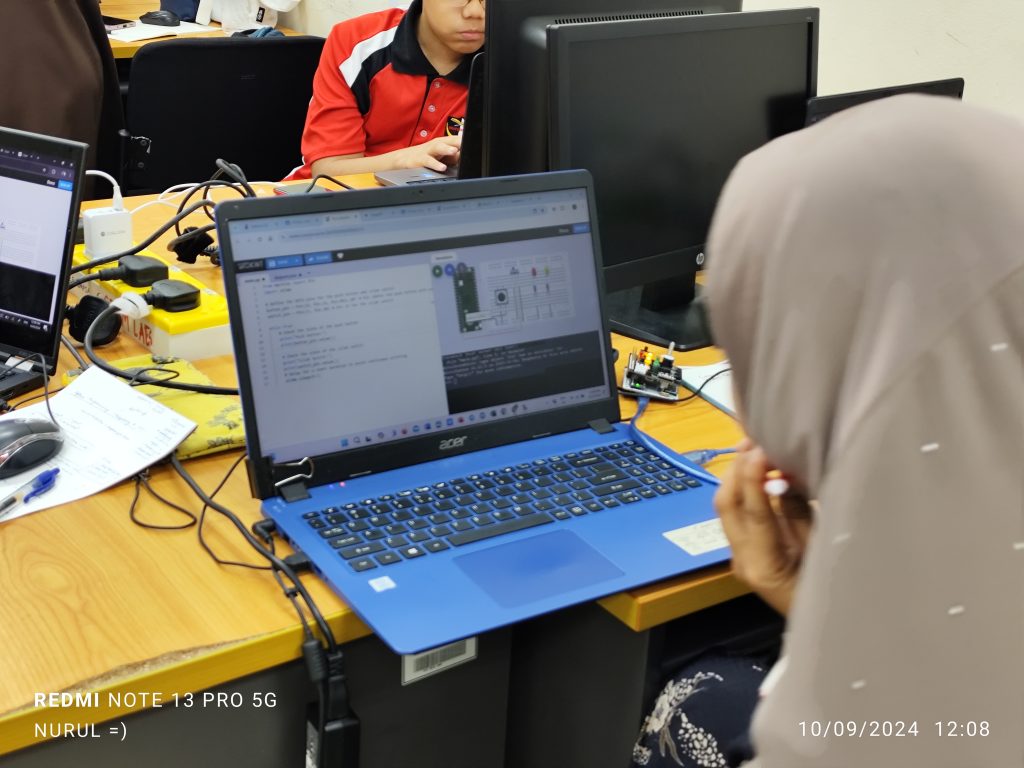
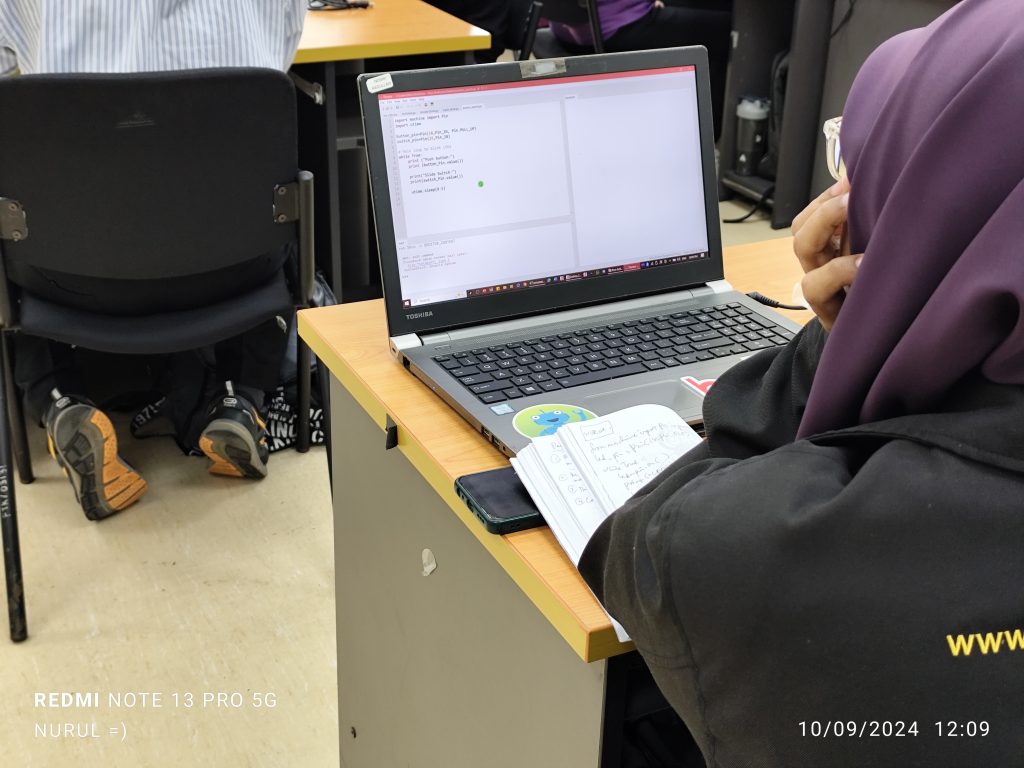
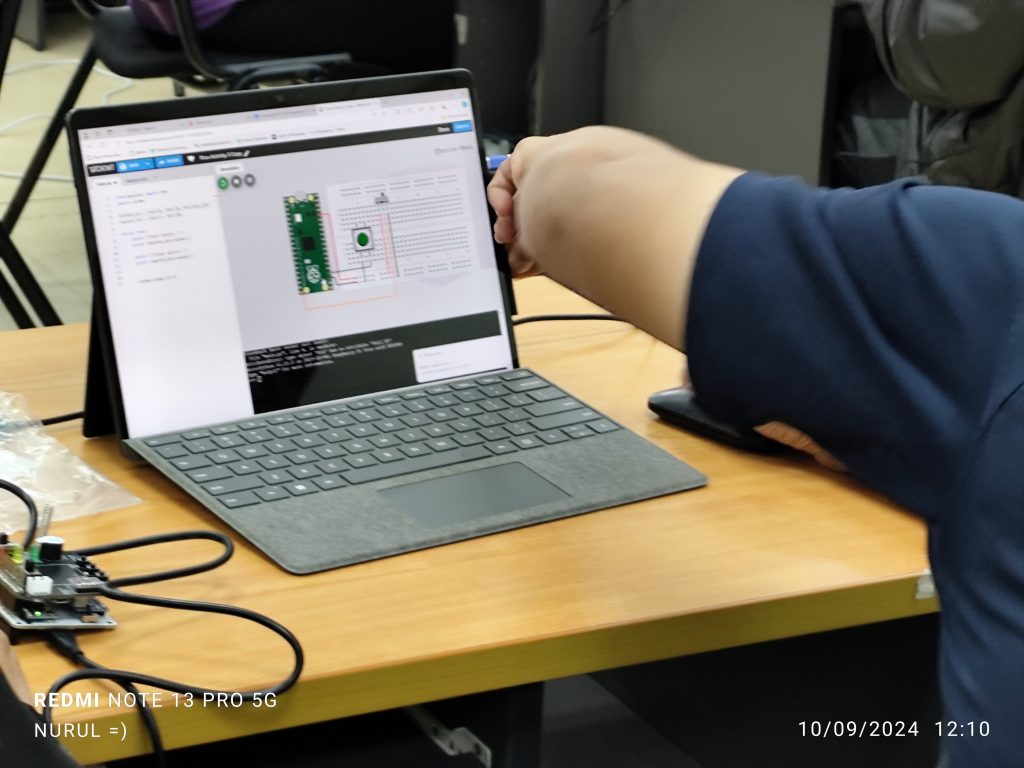
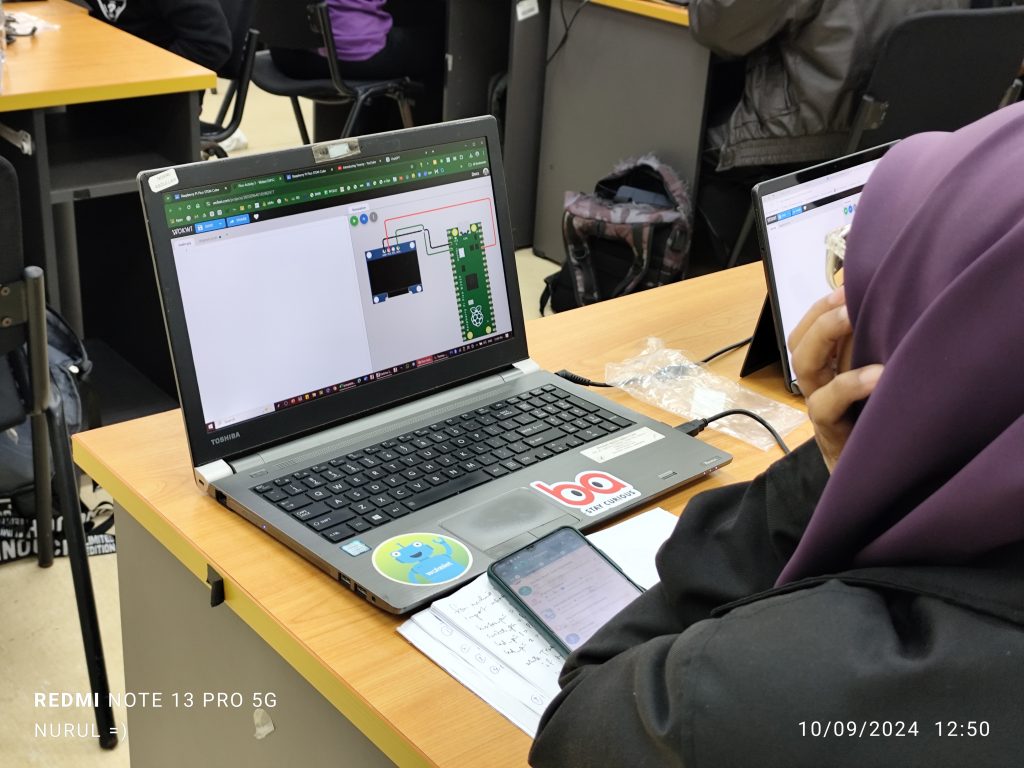
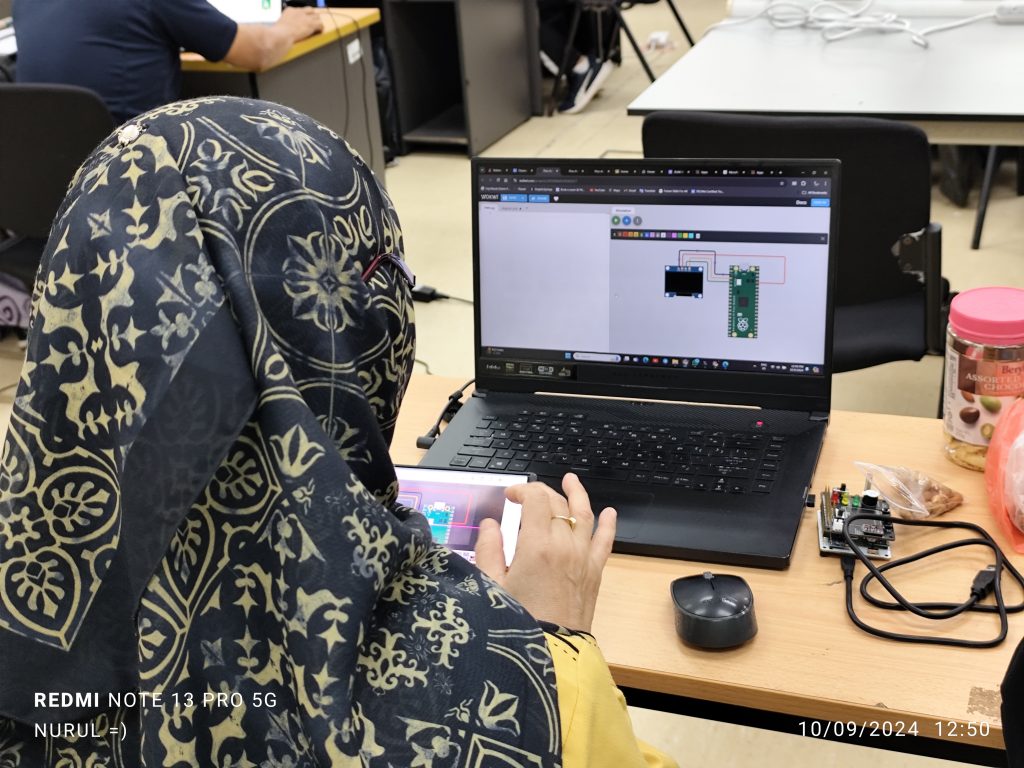
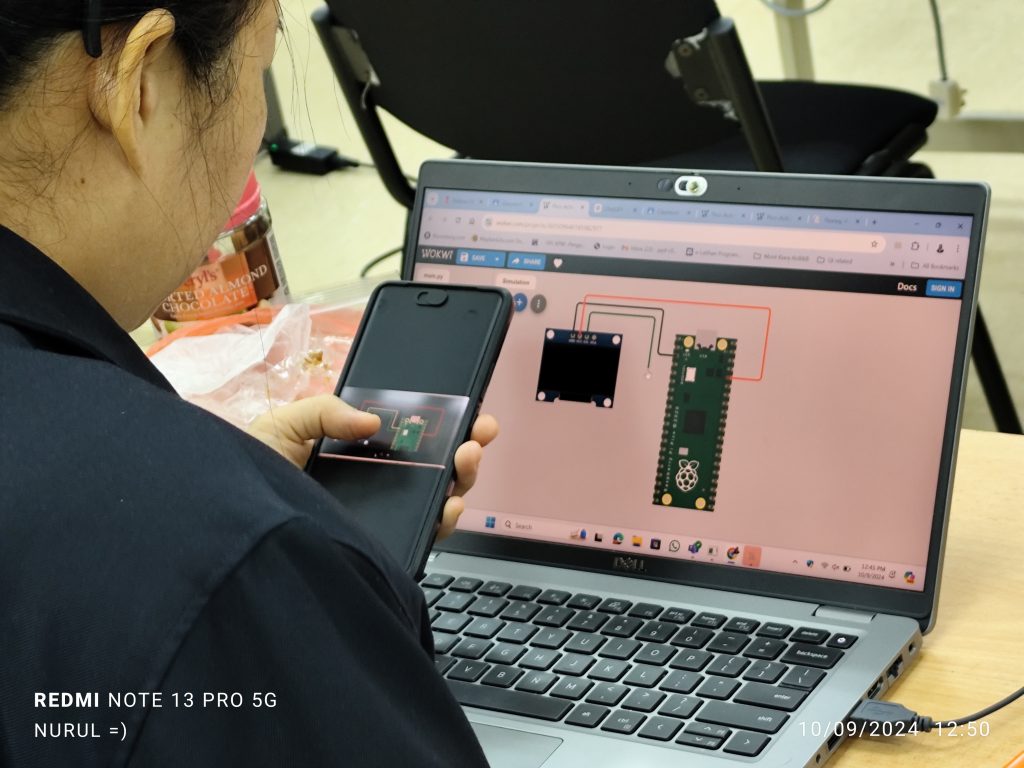
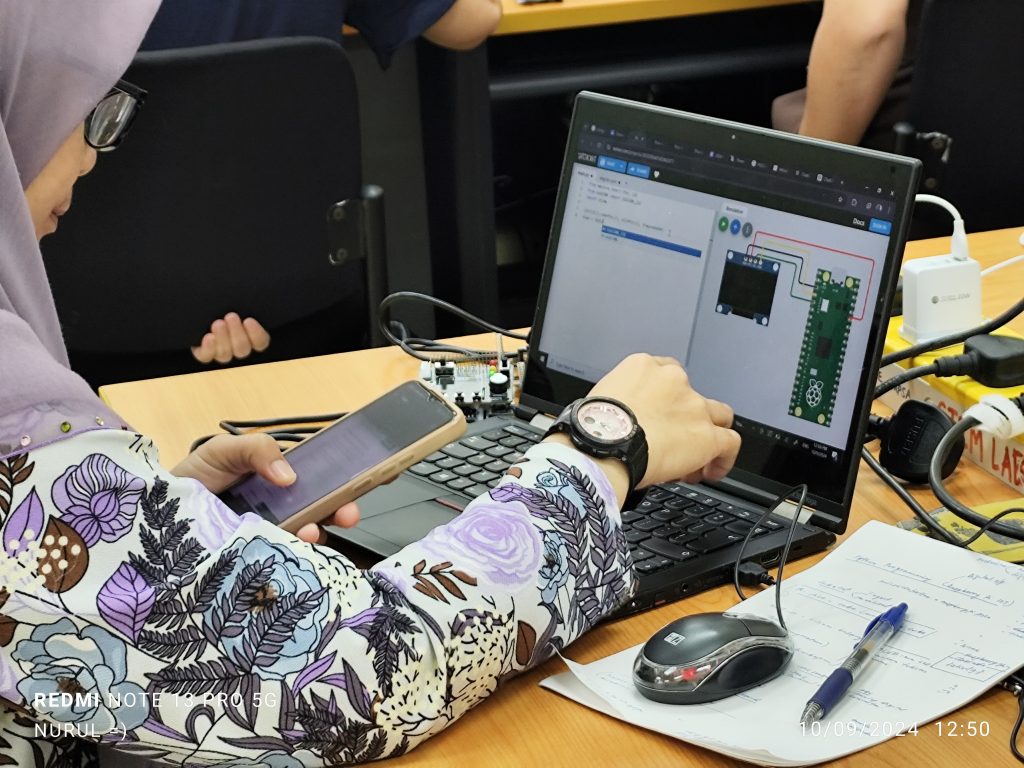
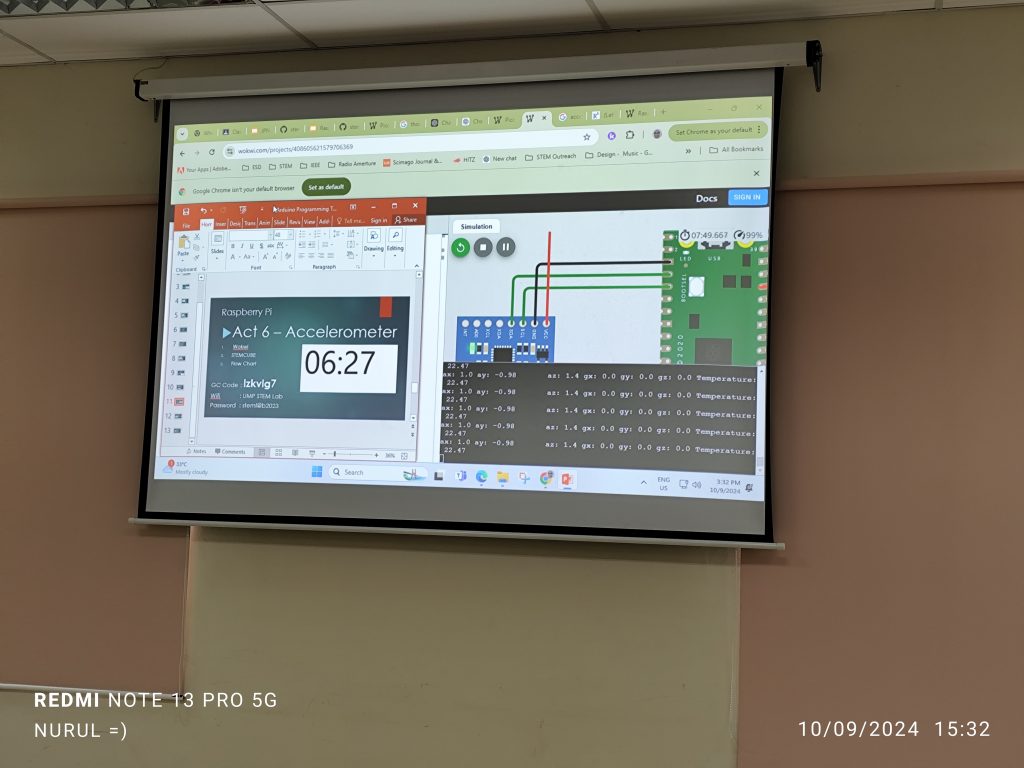
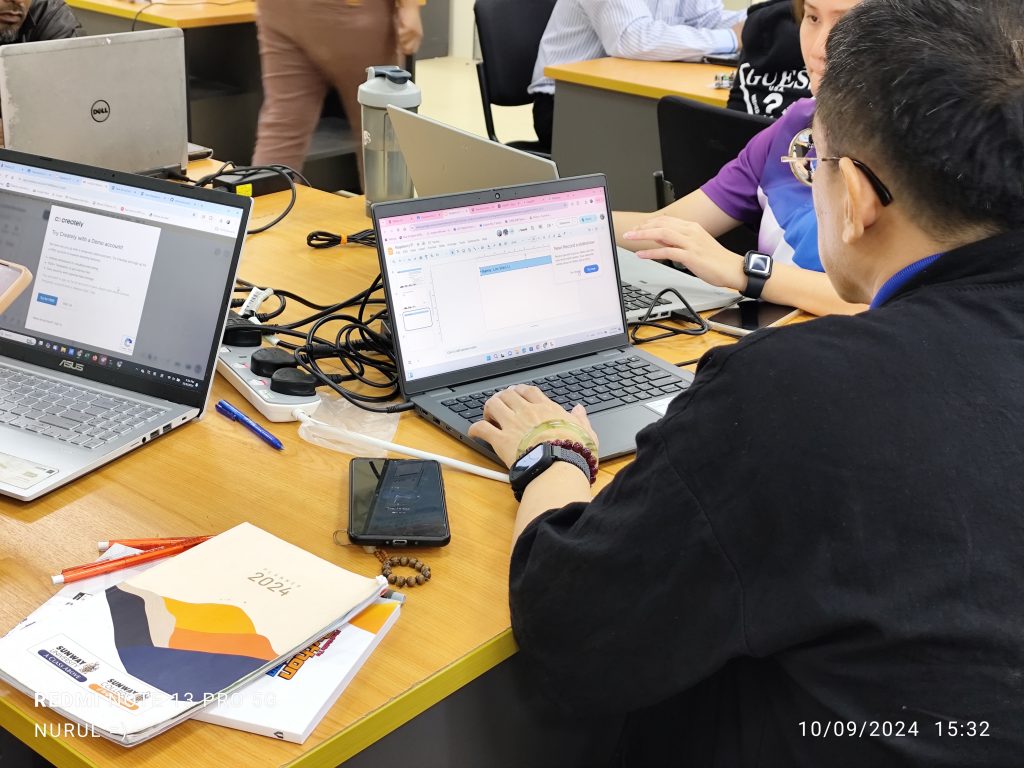
In the Raspberry Pi IoT session, 20 students from FTKEE were introduced to the concept of the Internet of Things (IoT) using Raspberry Pi on the UMP STEM Cube, a pico-satellite learning kit specifically designed to facilitate engineering learning.
The content covered basic digital input/output operations on onboard LEDs, as well as topics such as dashboard design using gyro meter and BMU280 sensor data, including collecting and storing data in a cloud database. Participants learned to interface sensors with Raspberry Pi boards and develop IoT applications for real-world scenarios. The session provided students with valuable insights into IoT technology and its applications in various domains.
I hope you’ve enjoyed your session today and stay tuned to our exciting programs line up this semester.
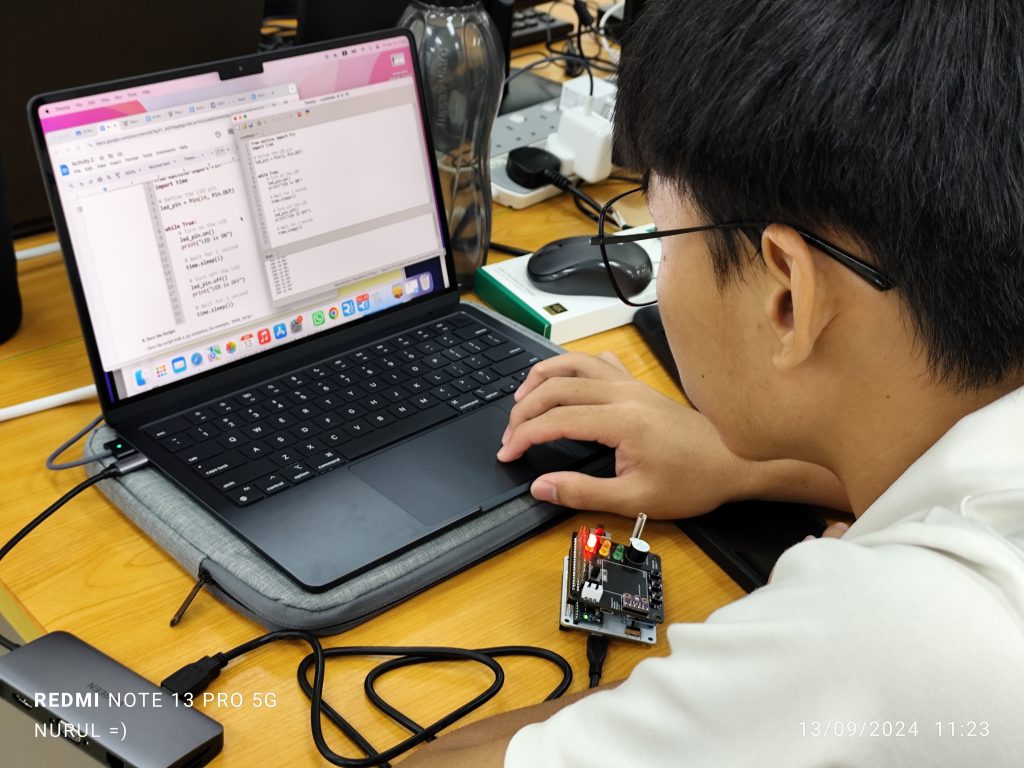
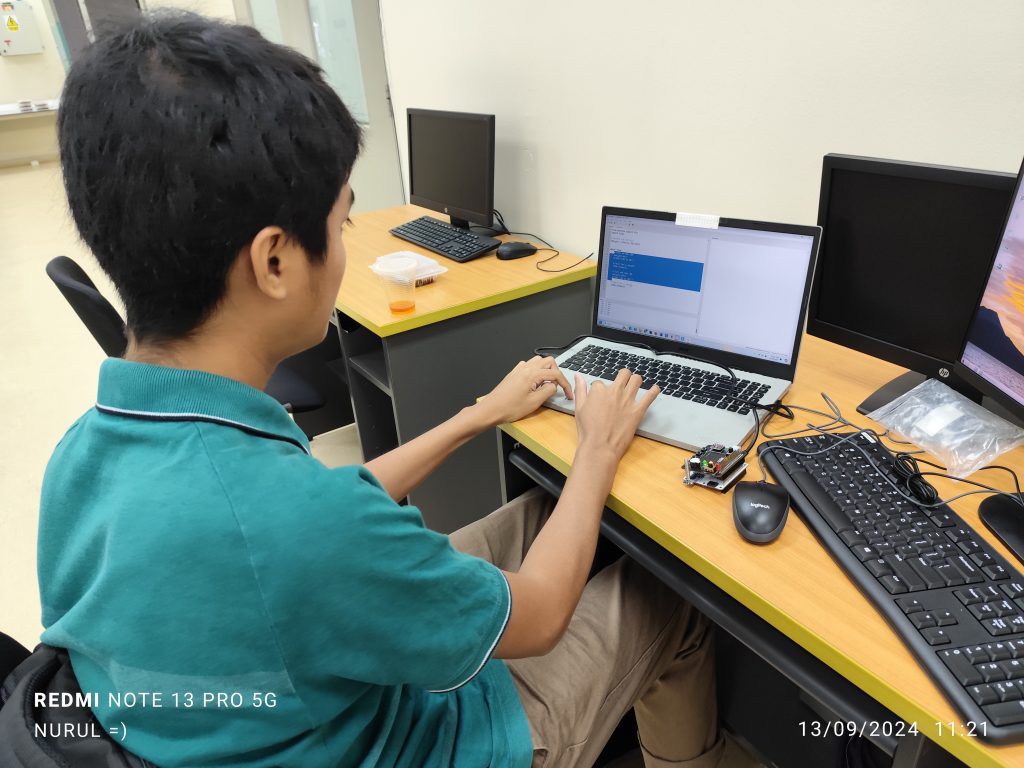
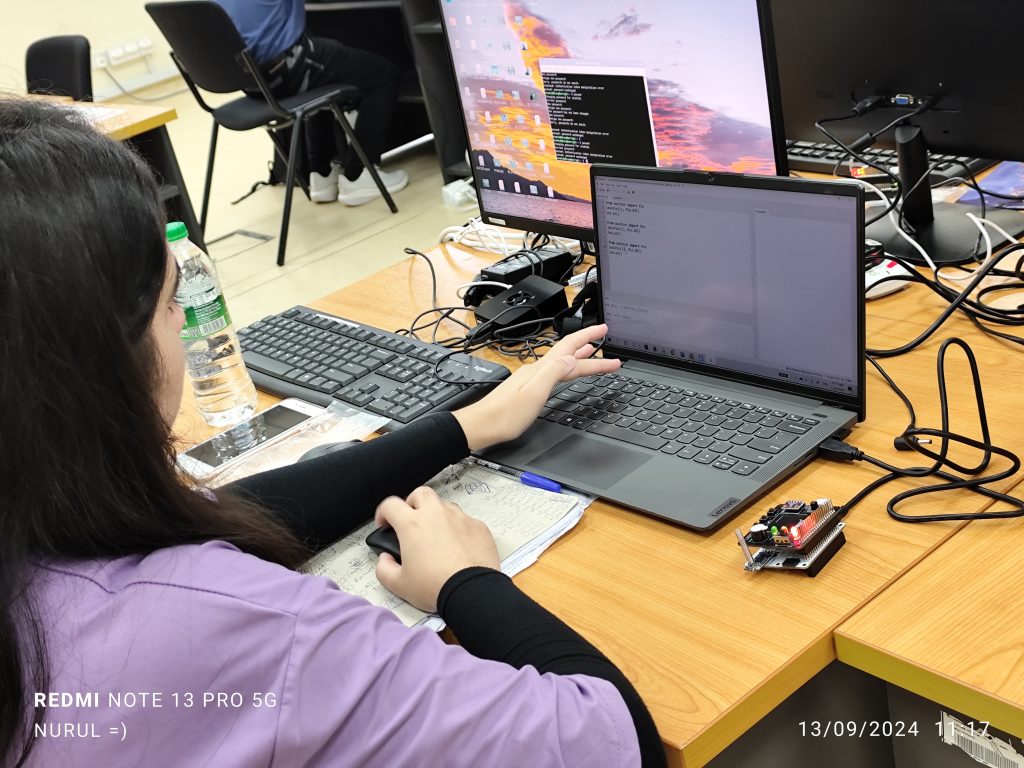
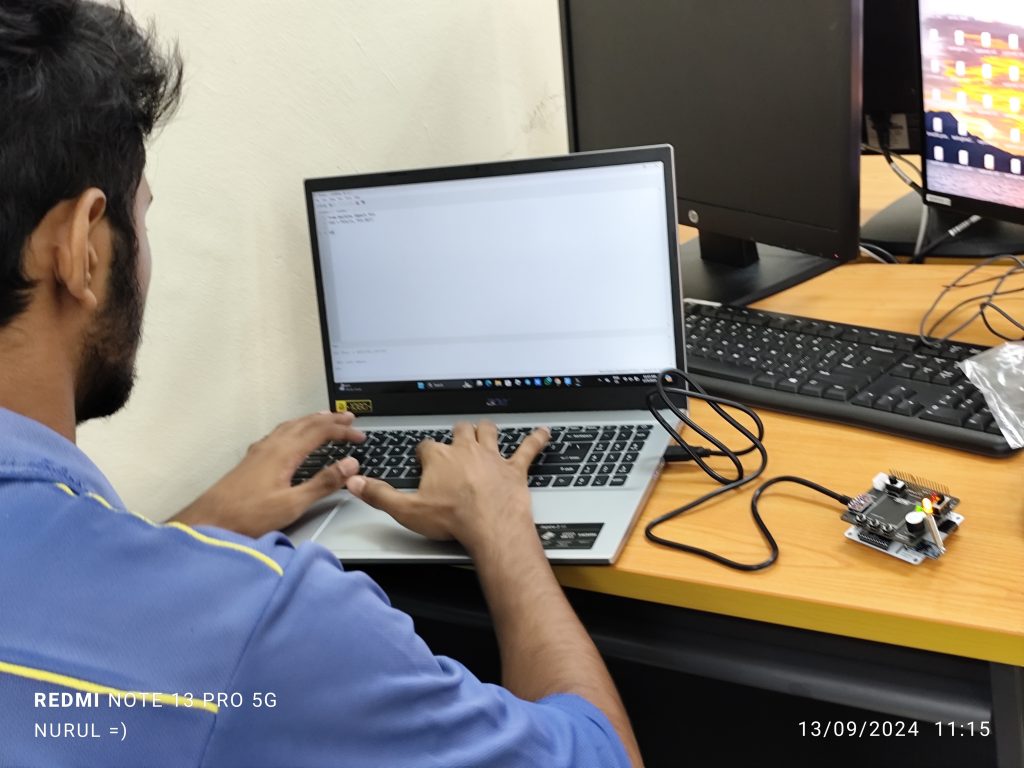
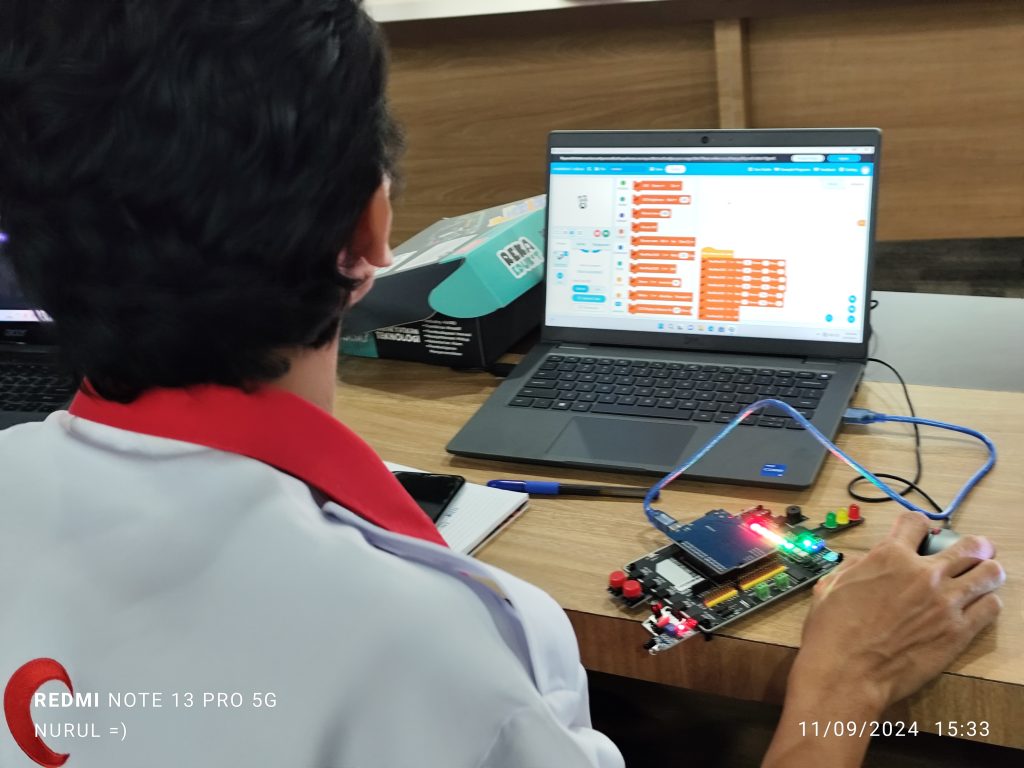
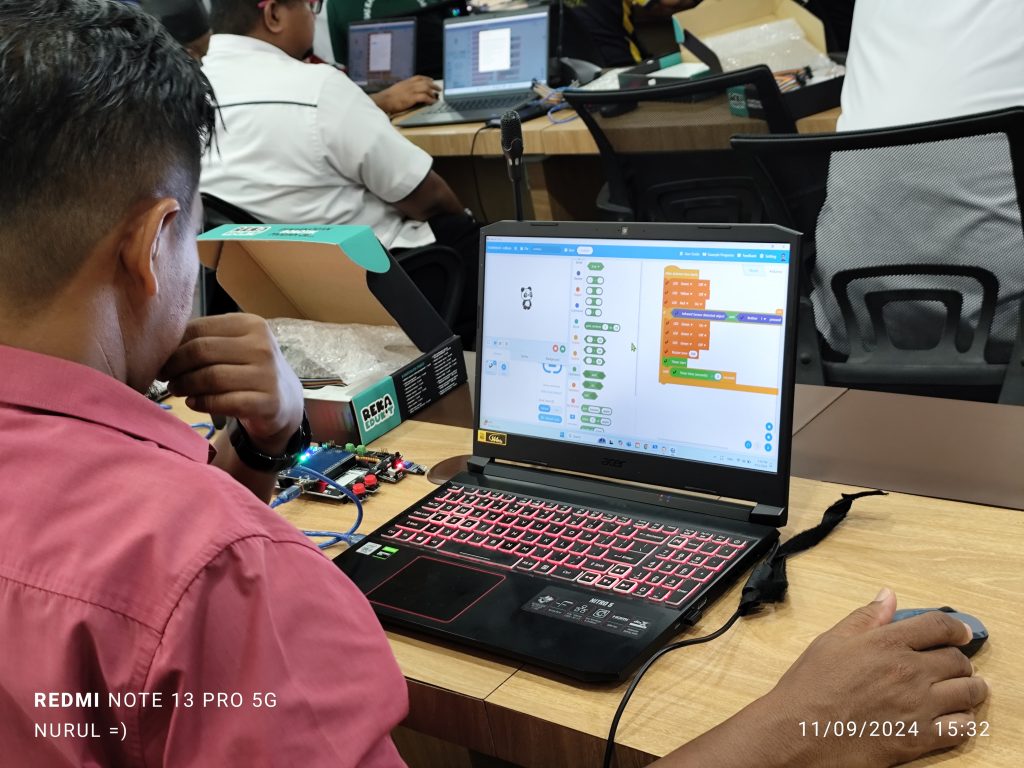
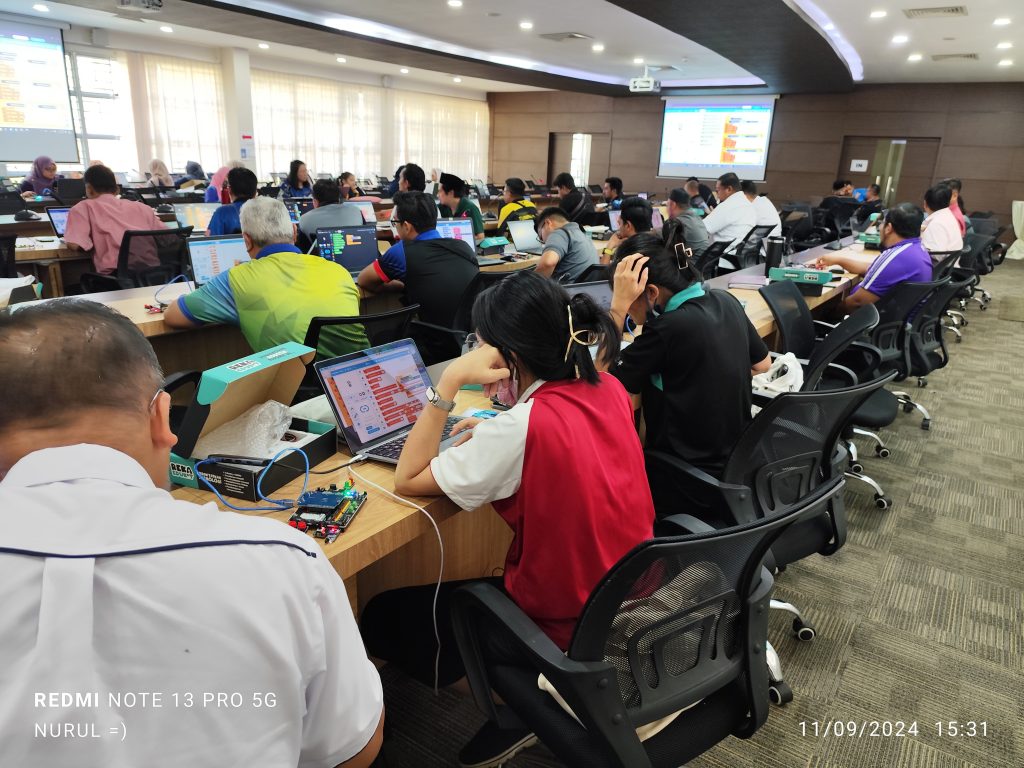
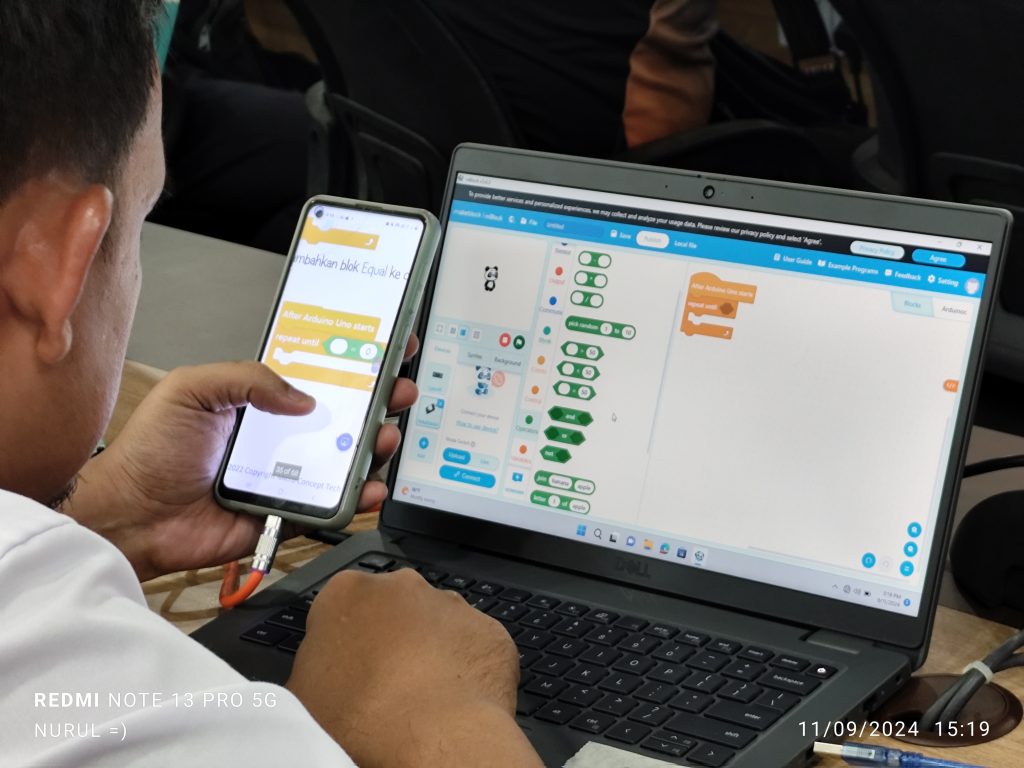
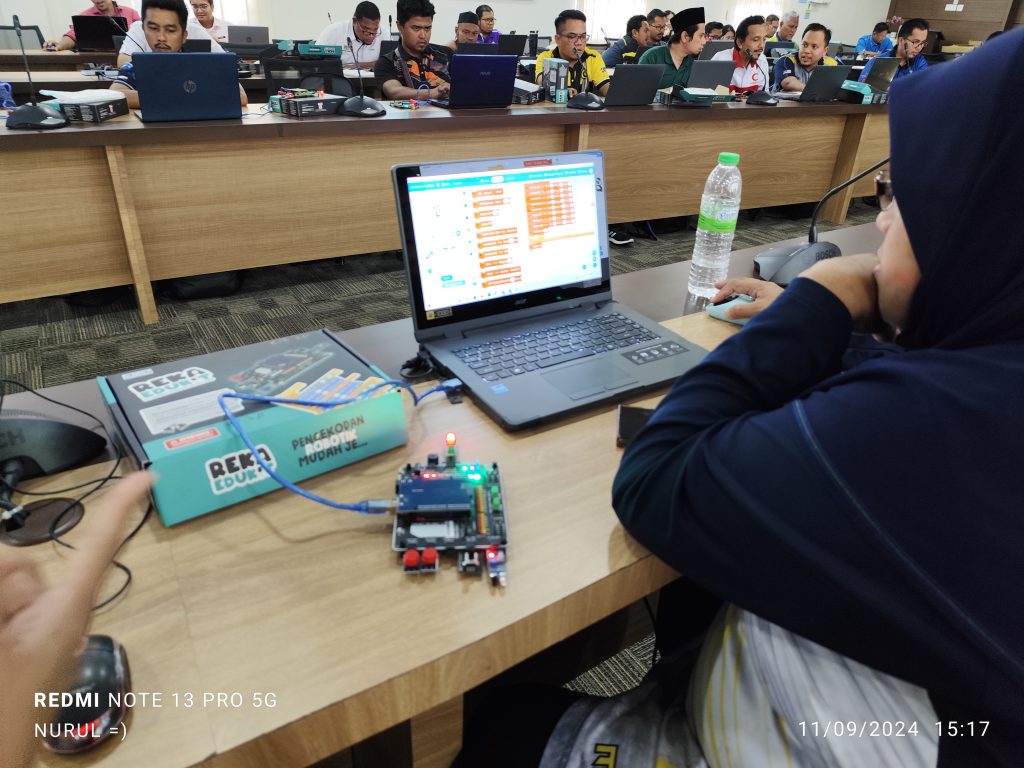
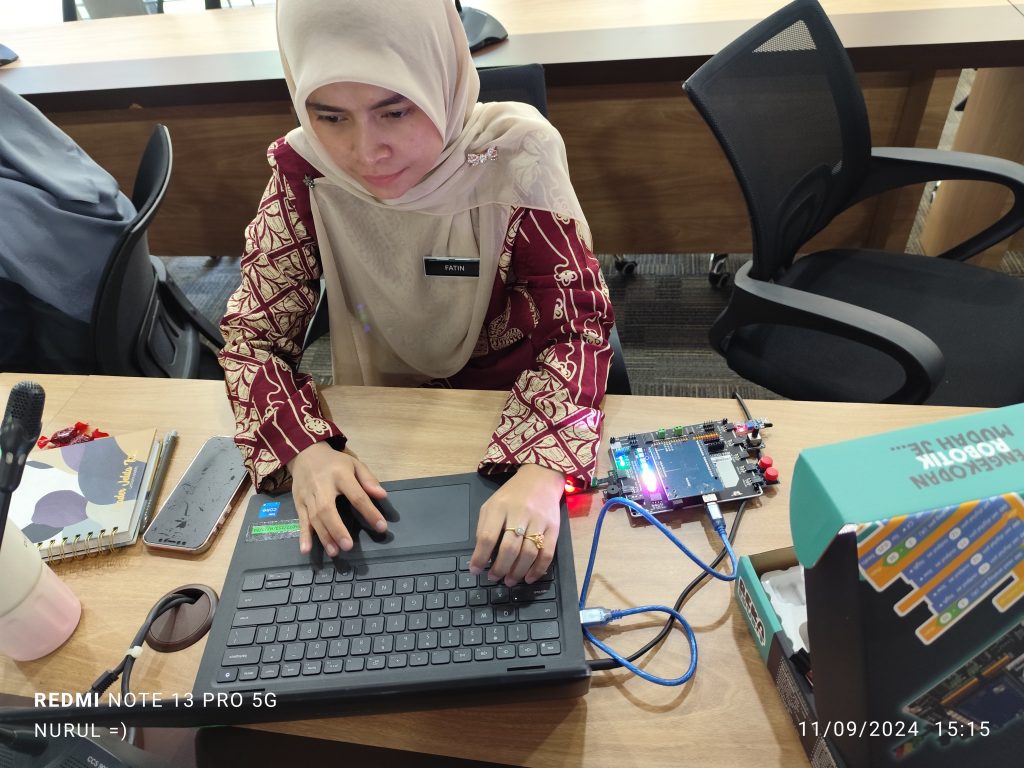
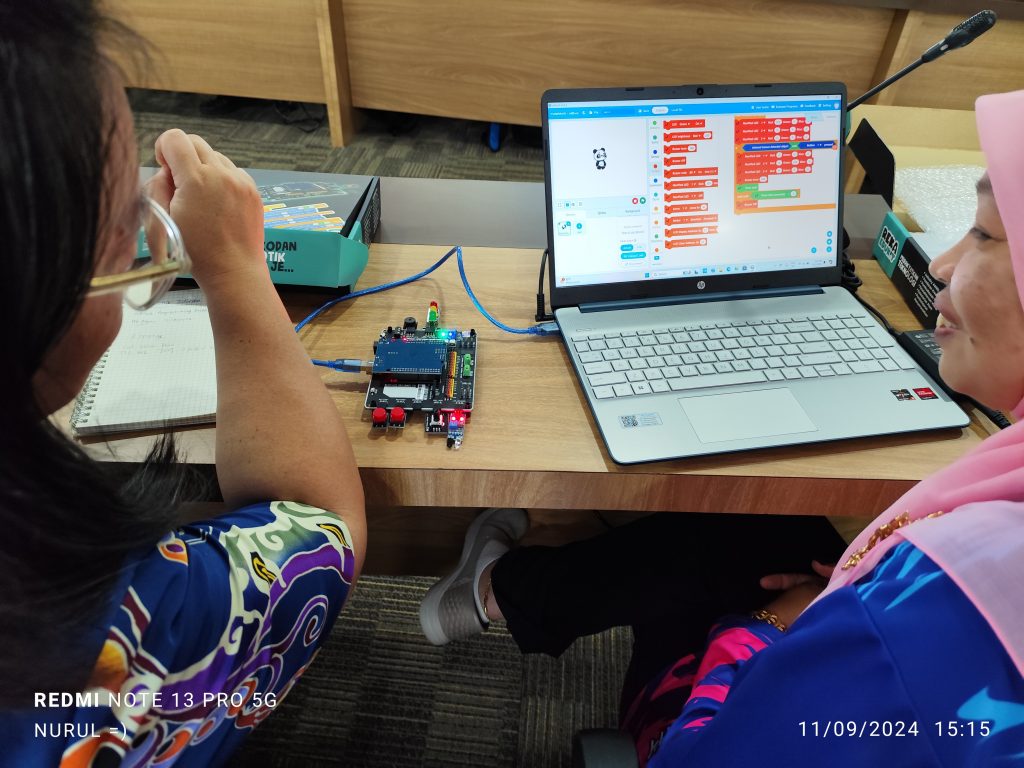
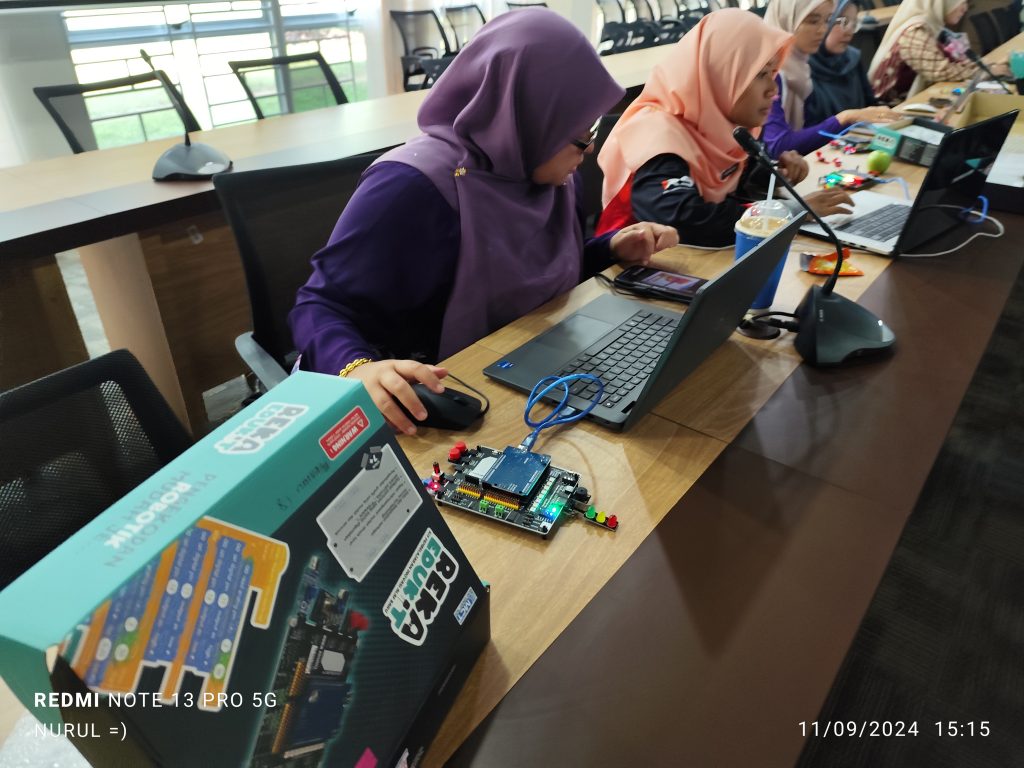
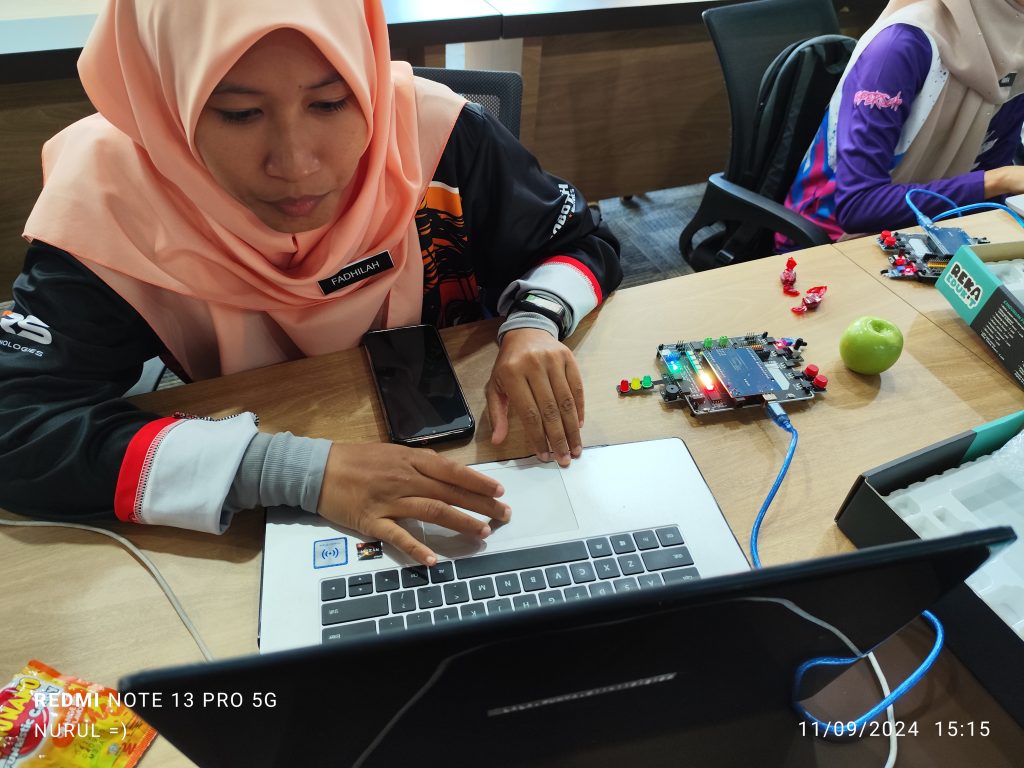
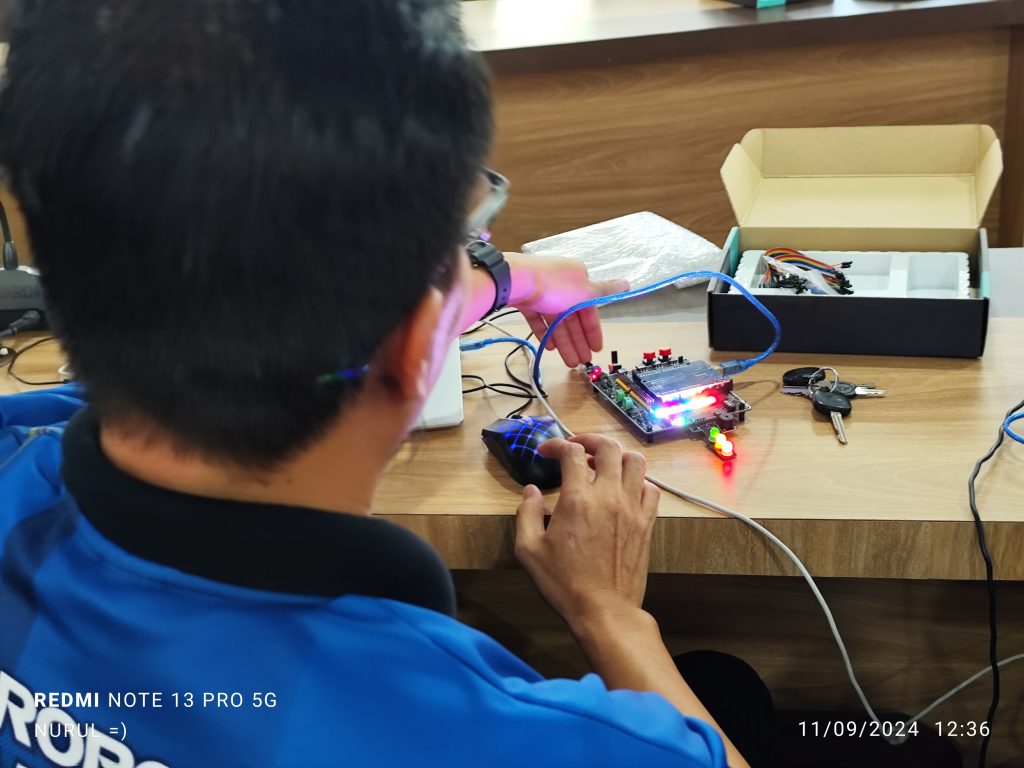
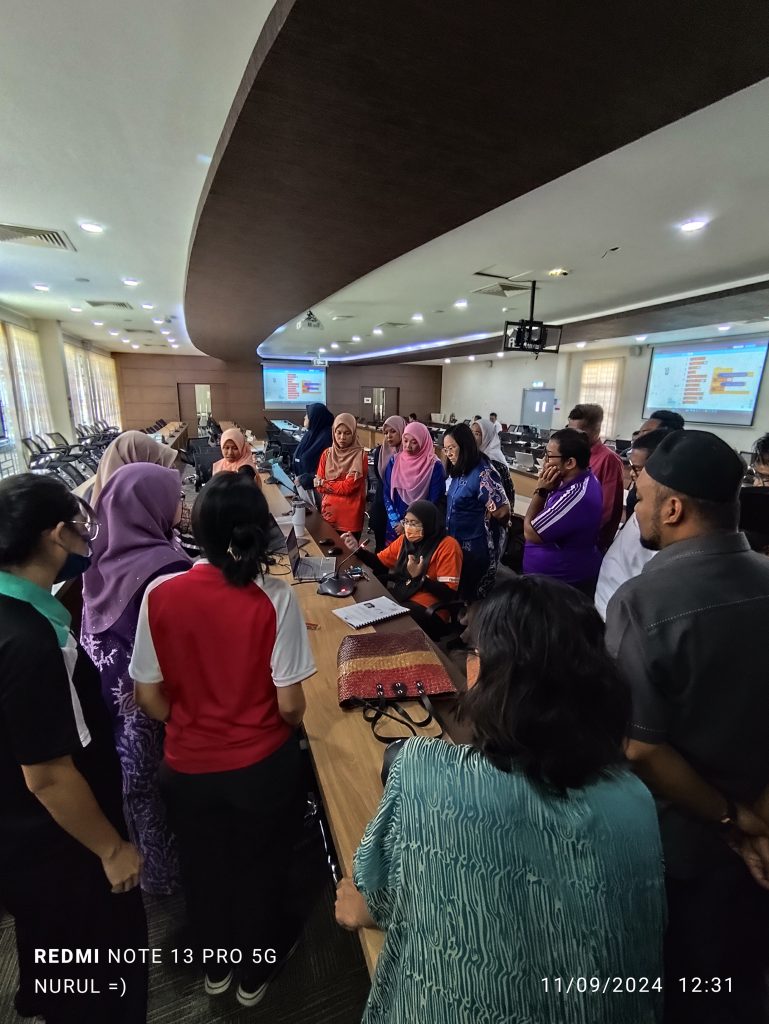
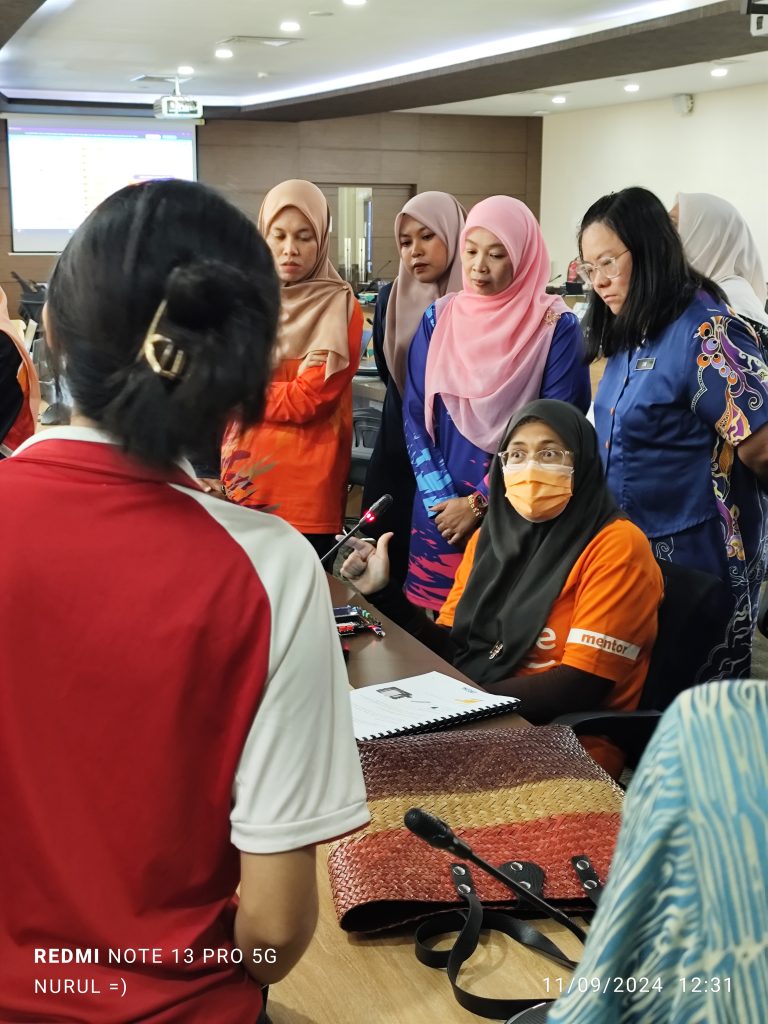
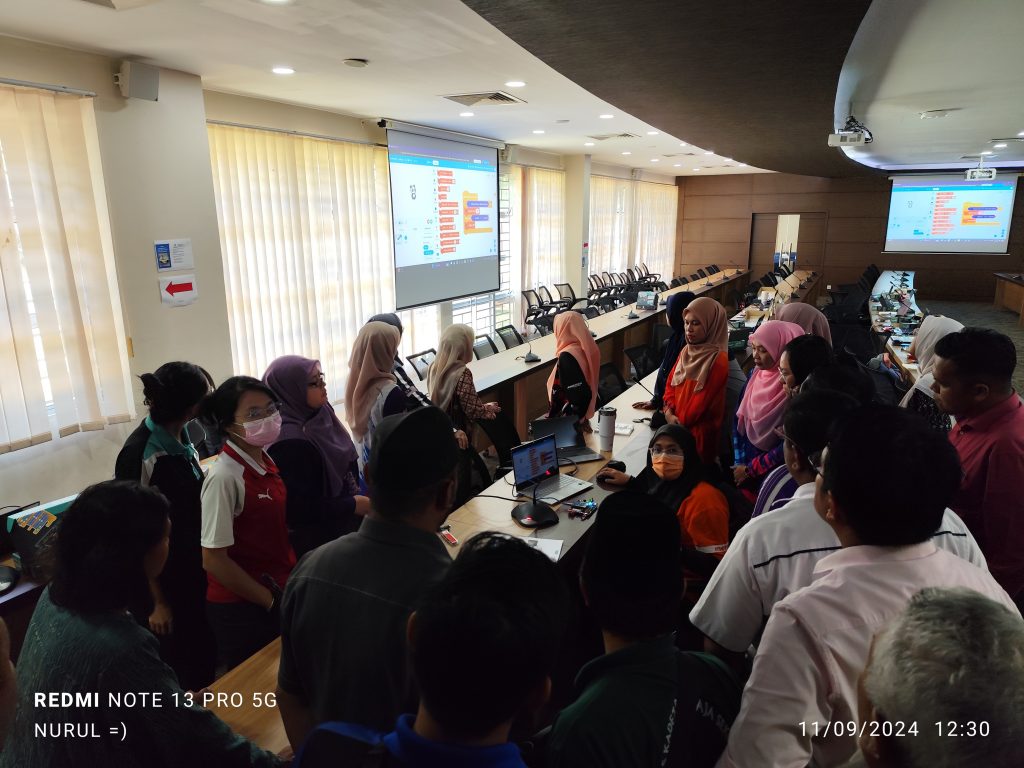
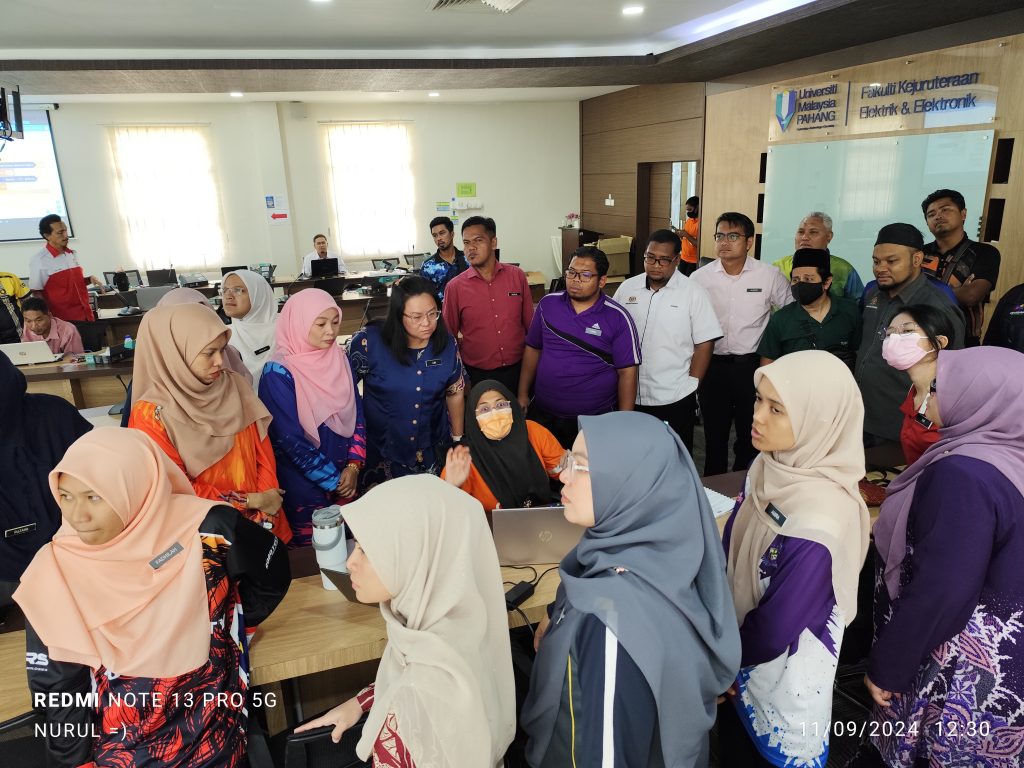
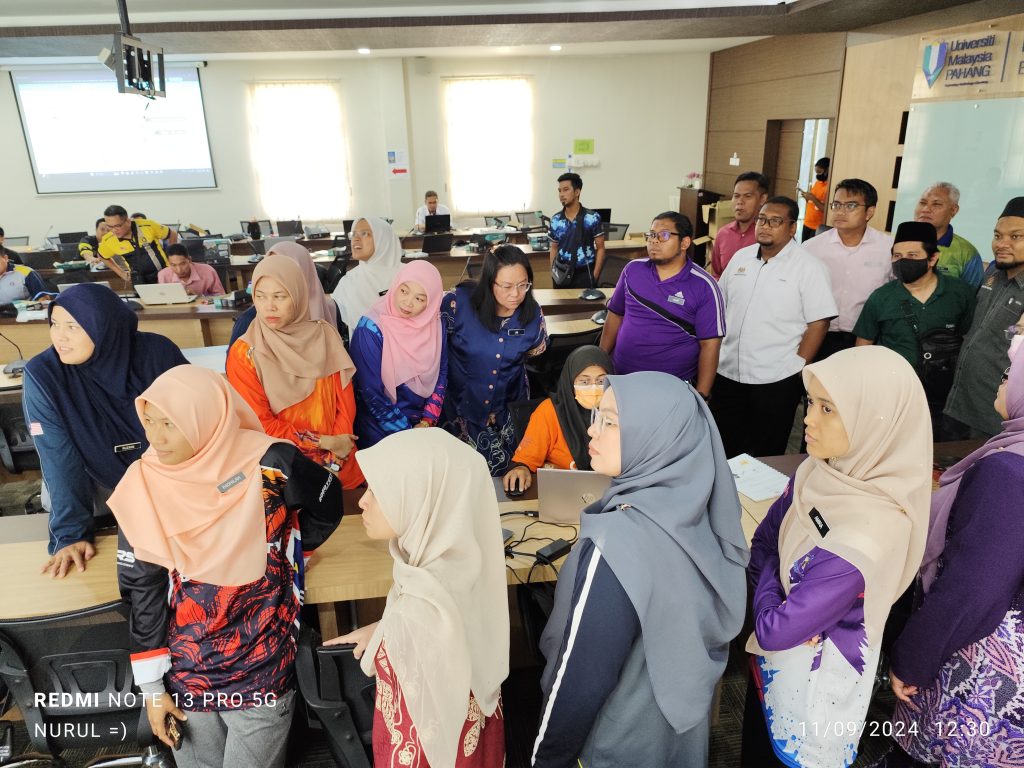
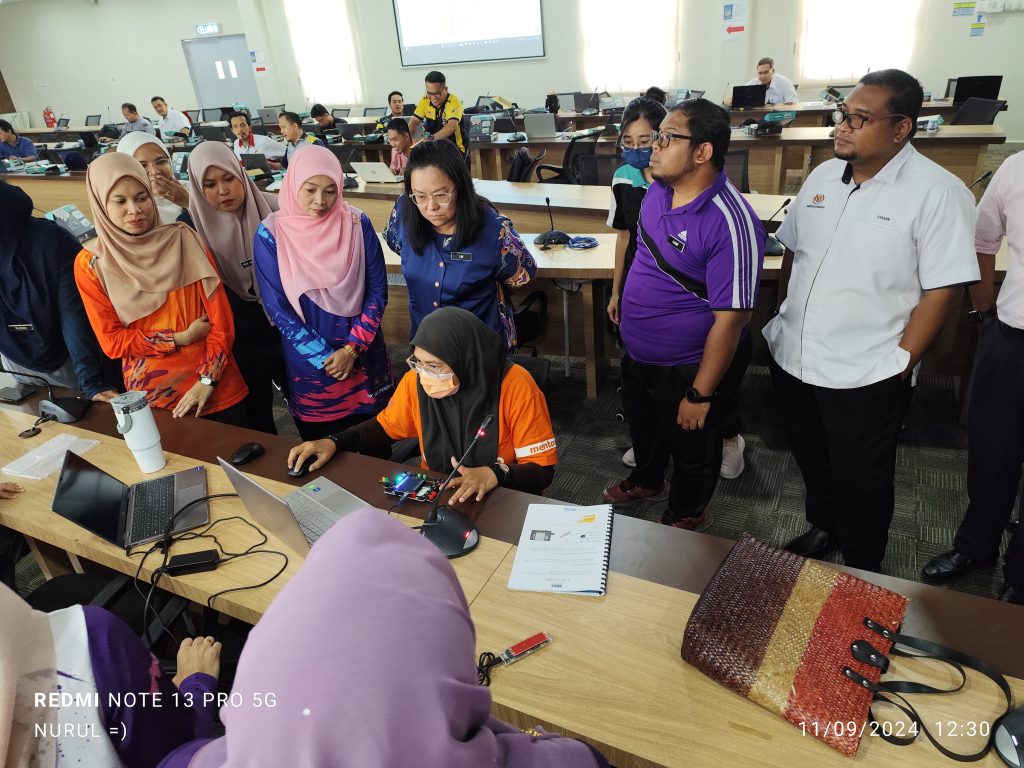
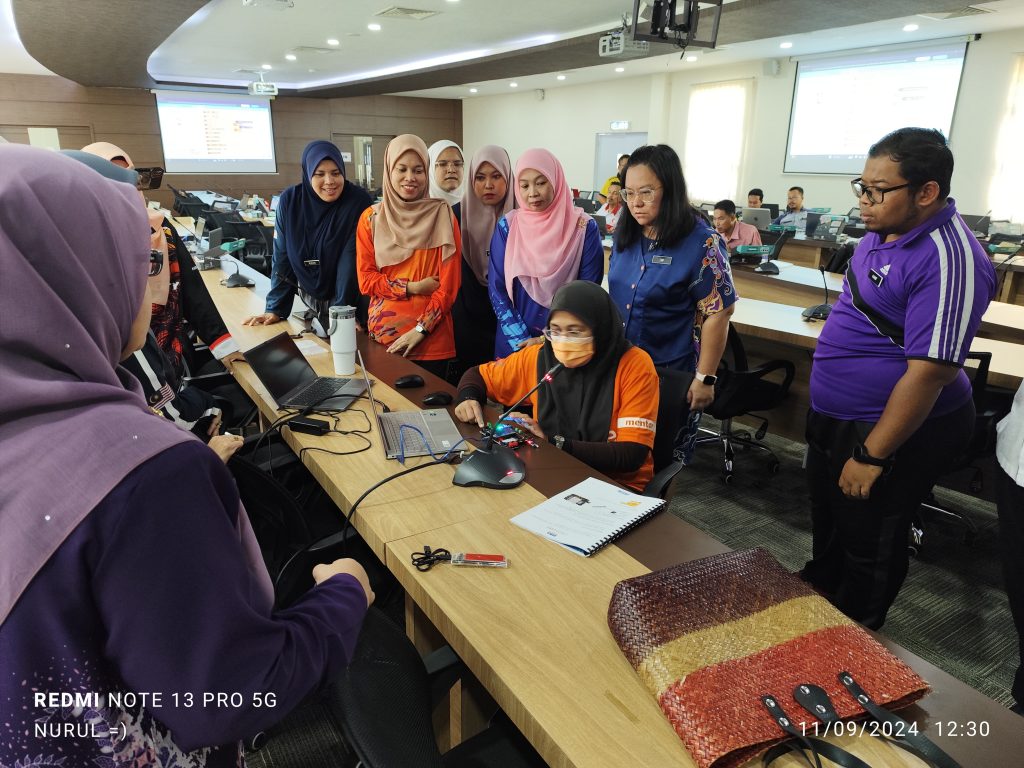
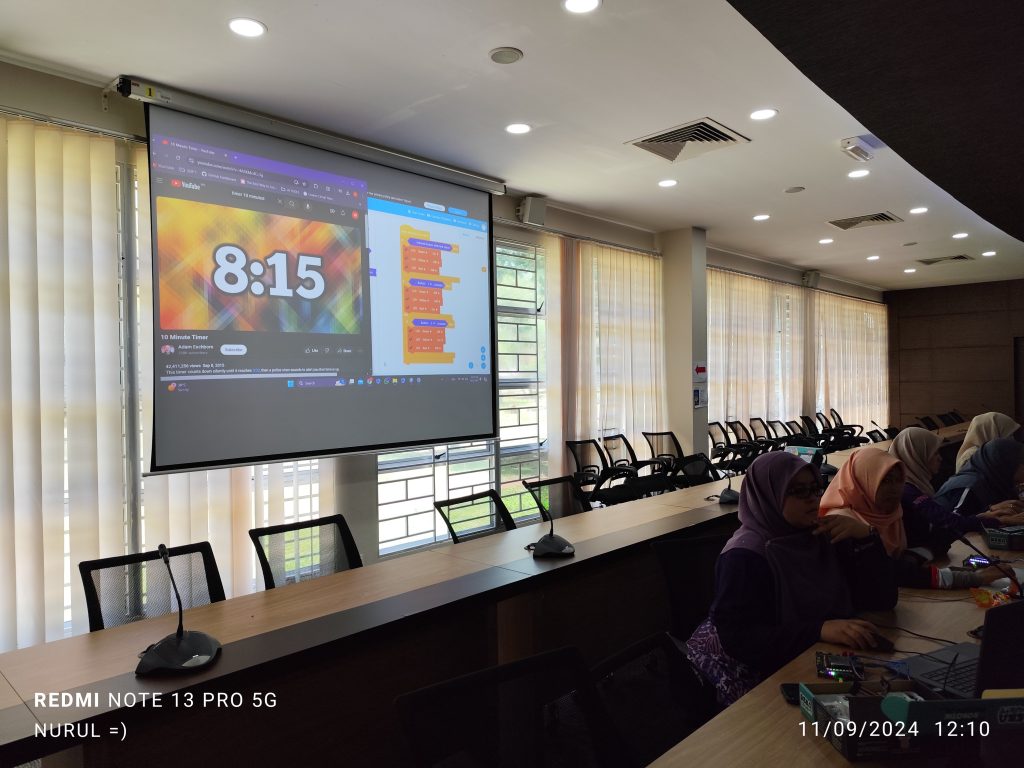
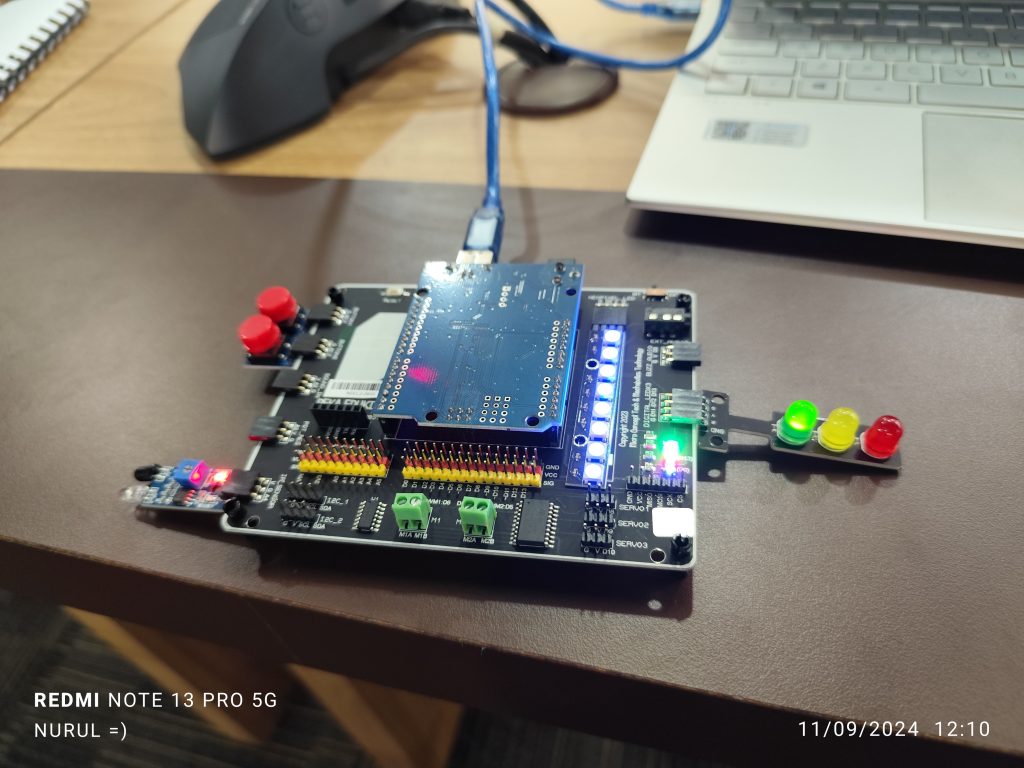
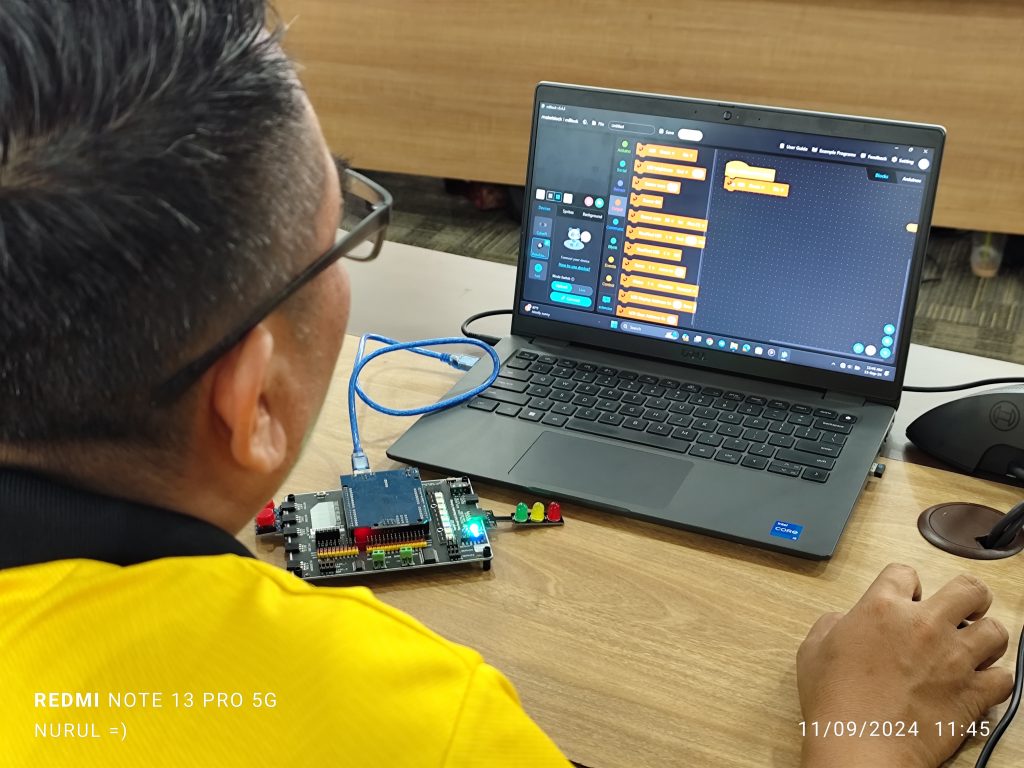
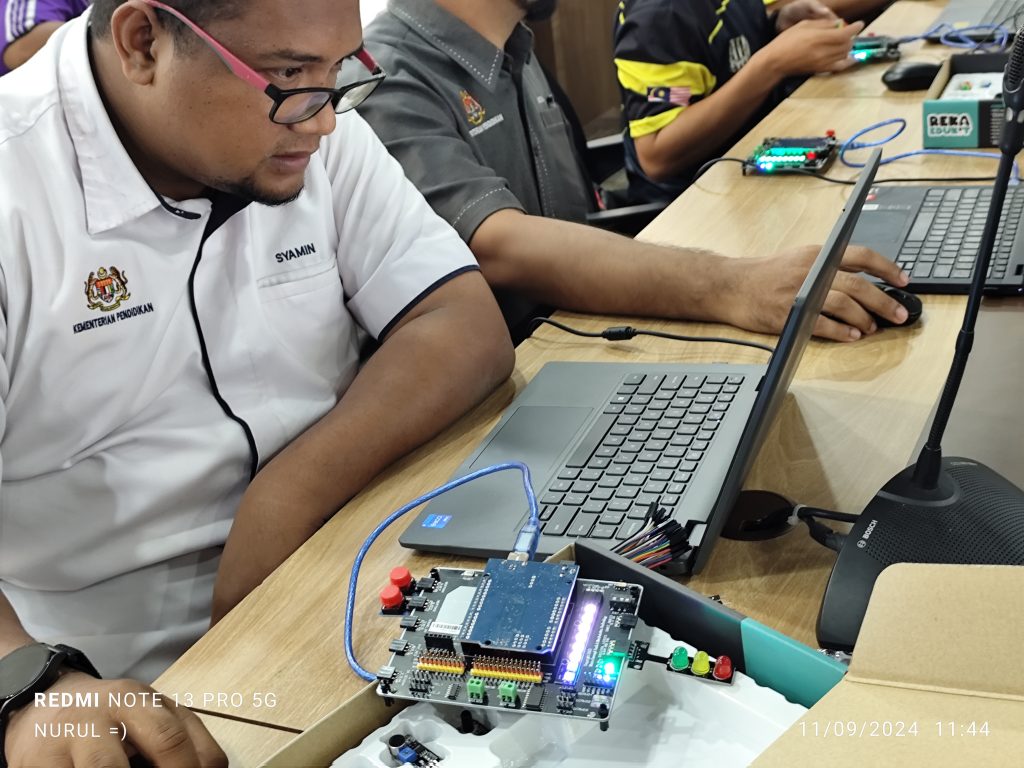
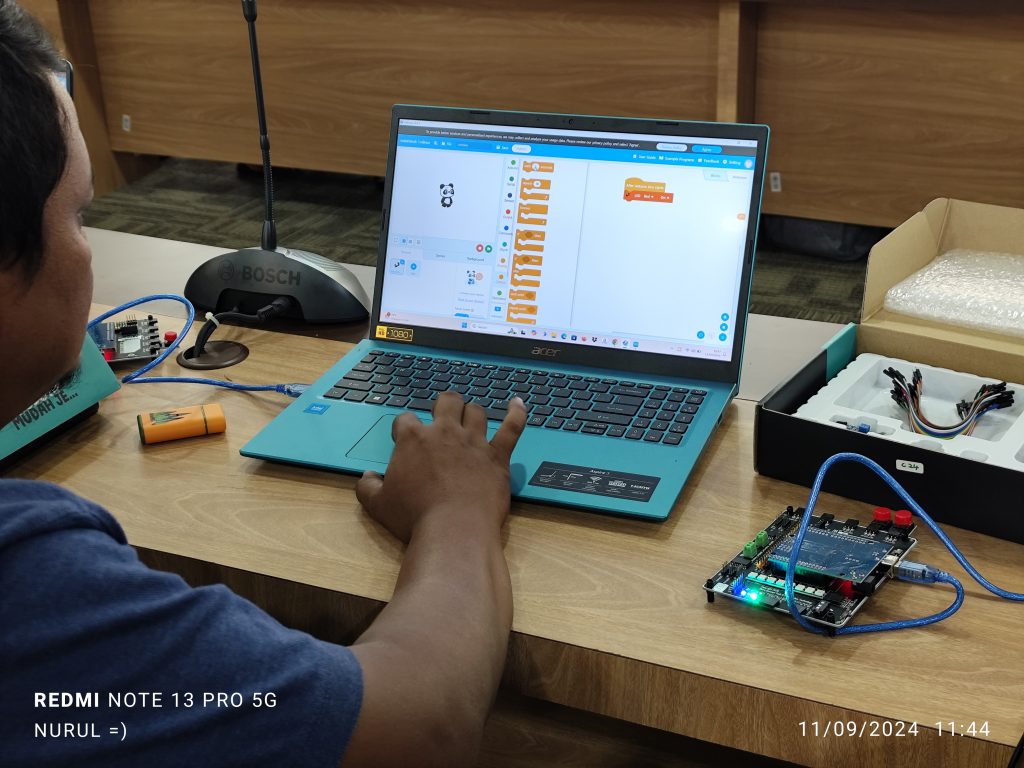
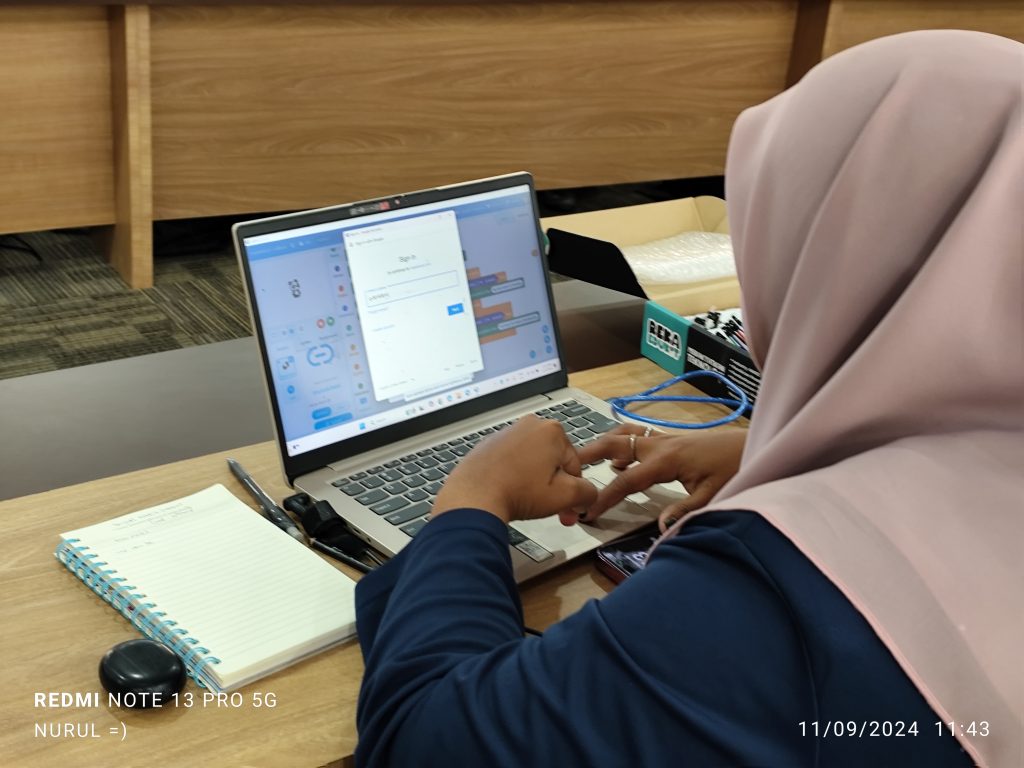
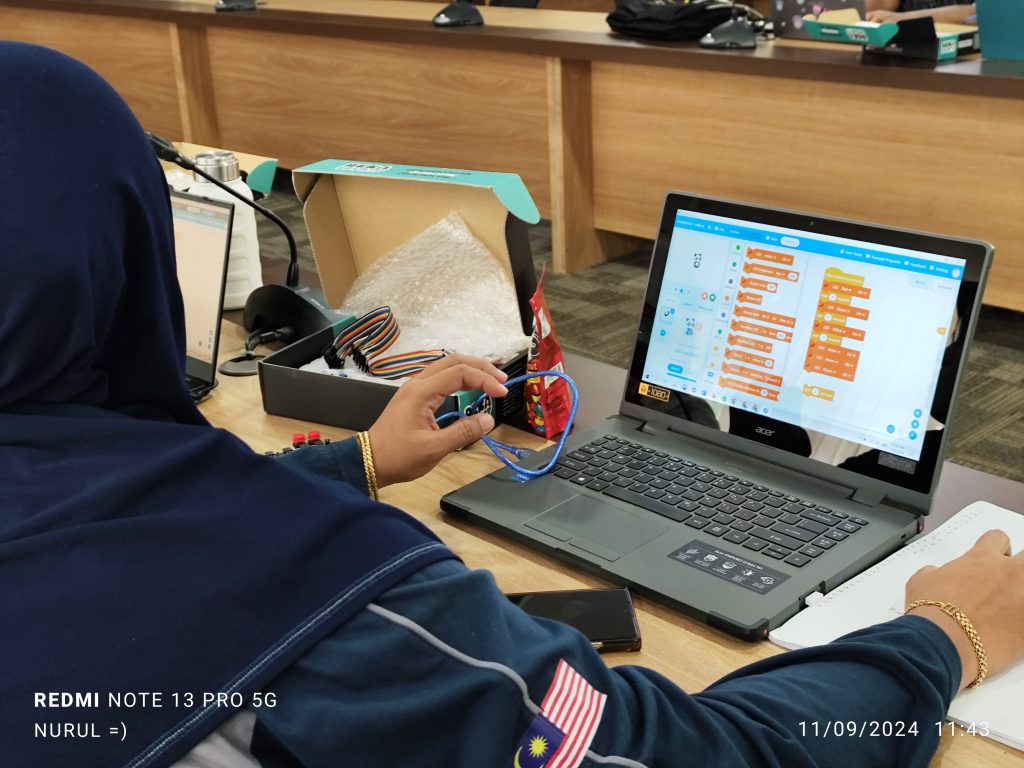
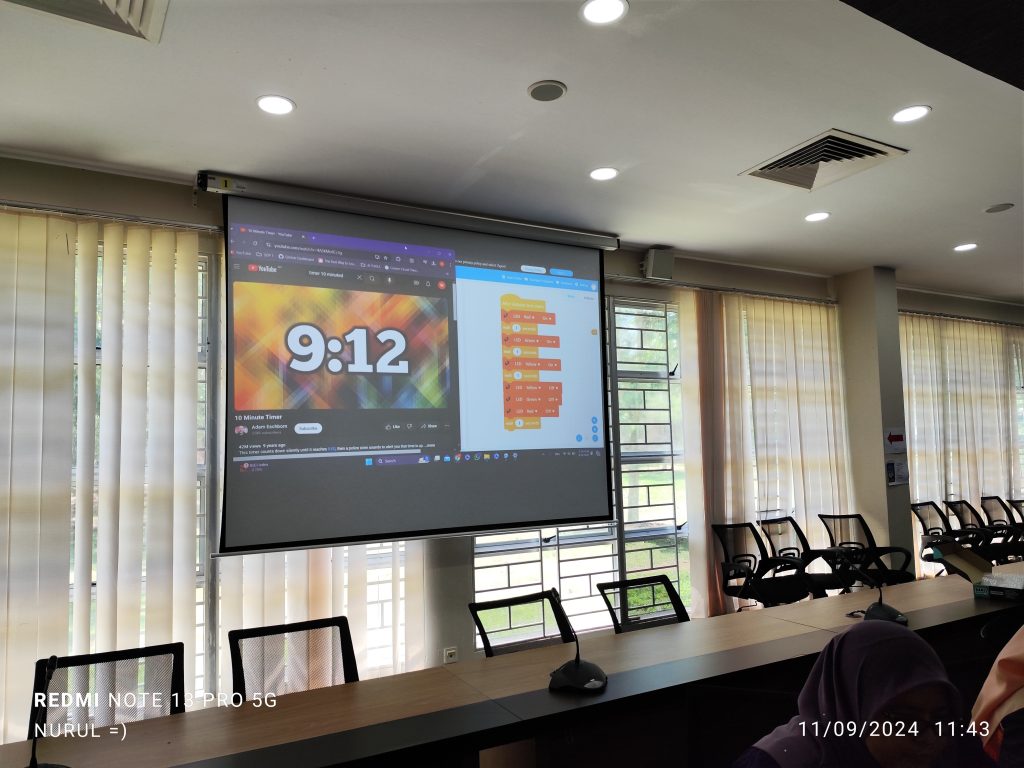
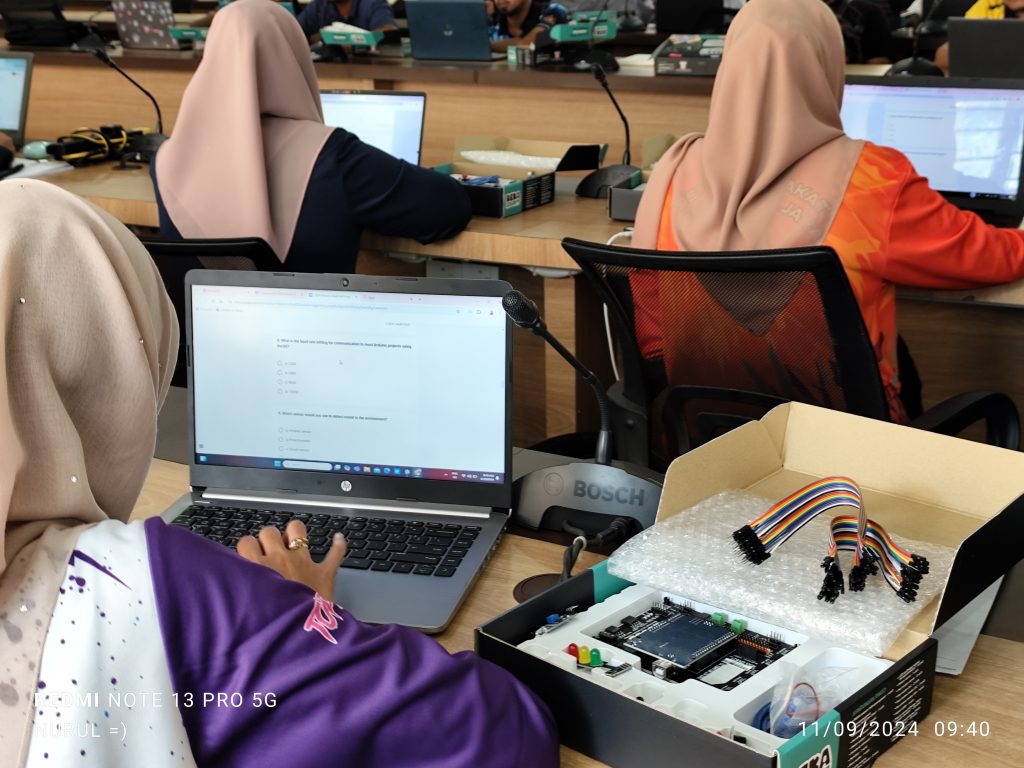
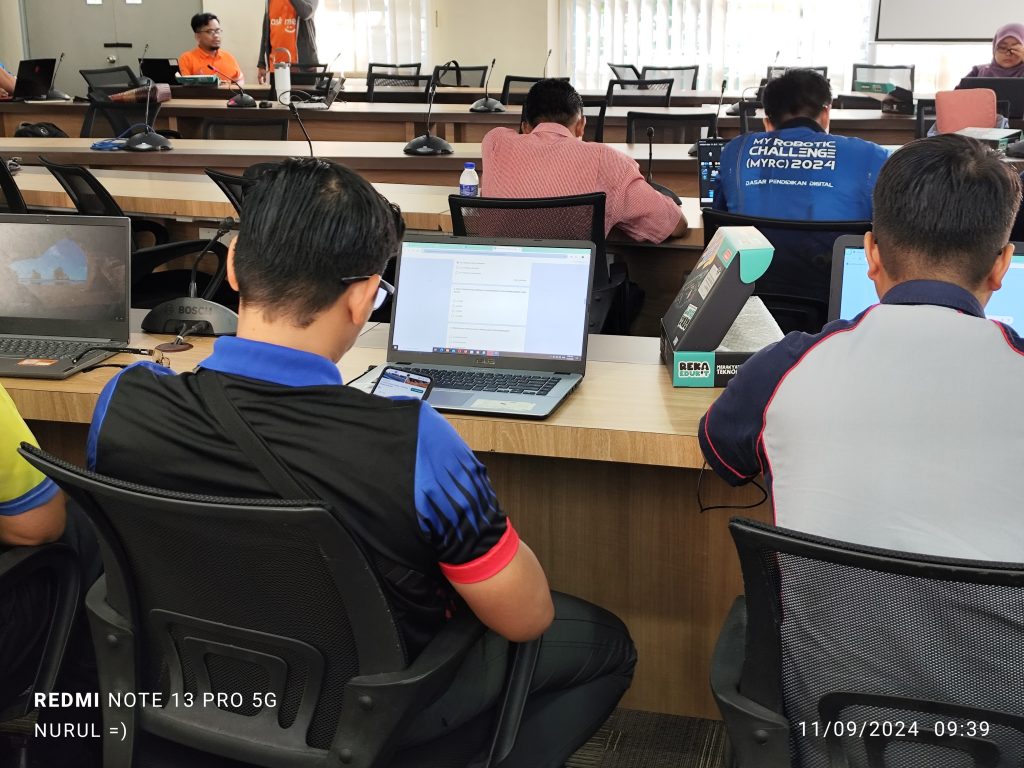
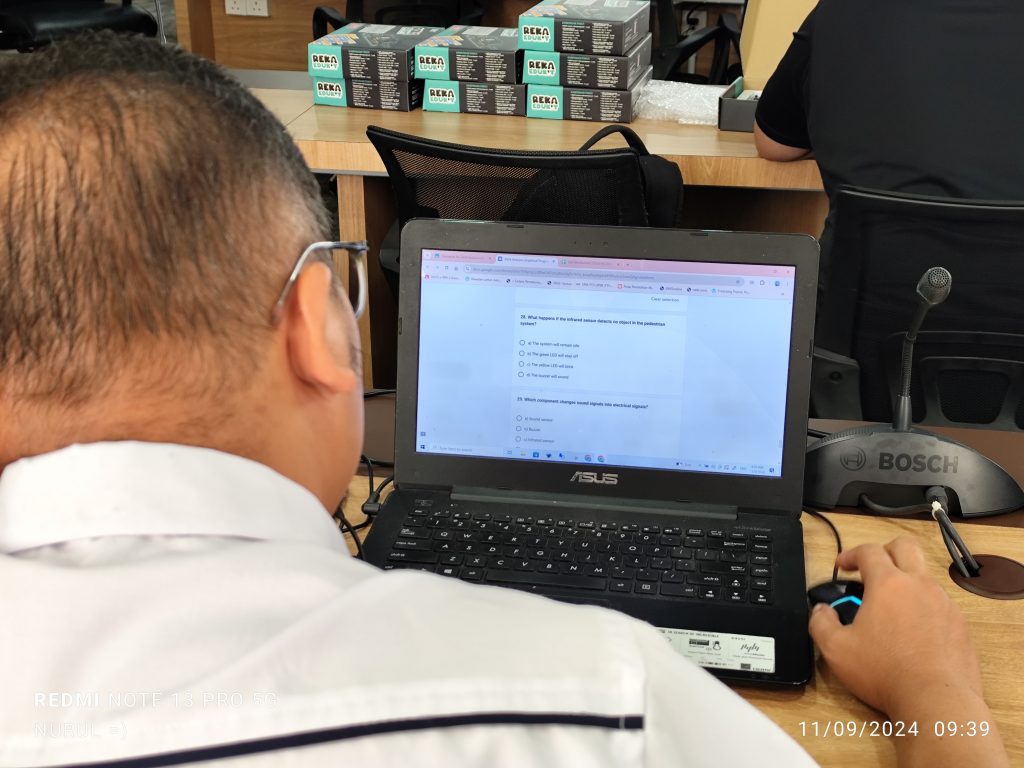
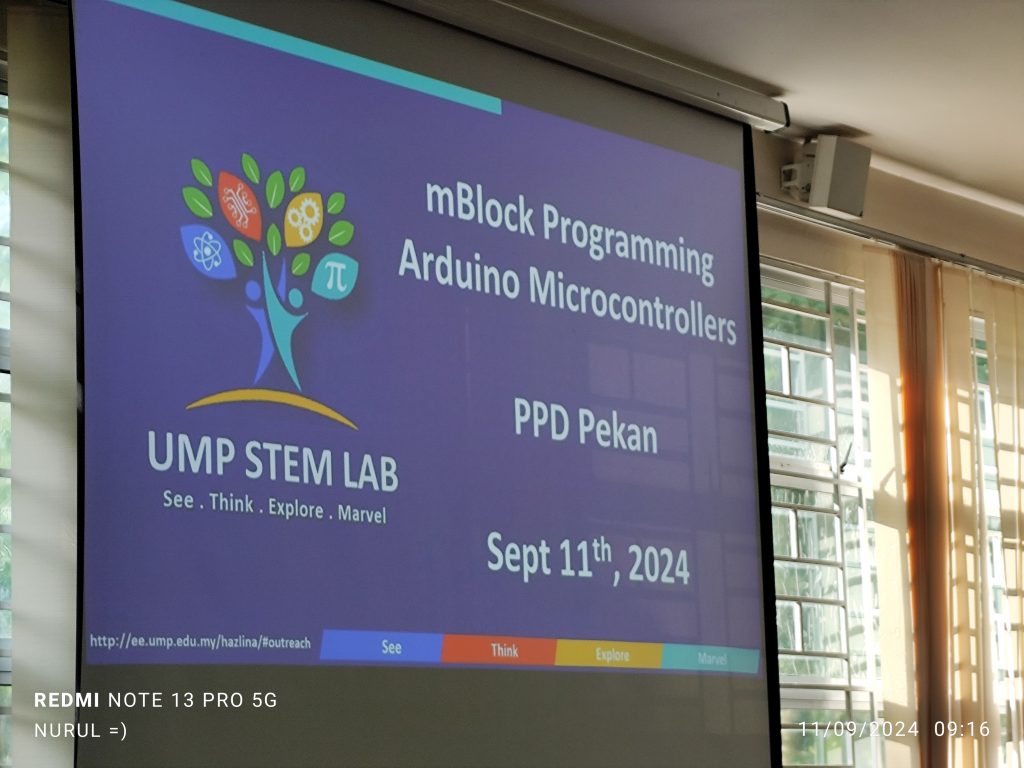
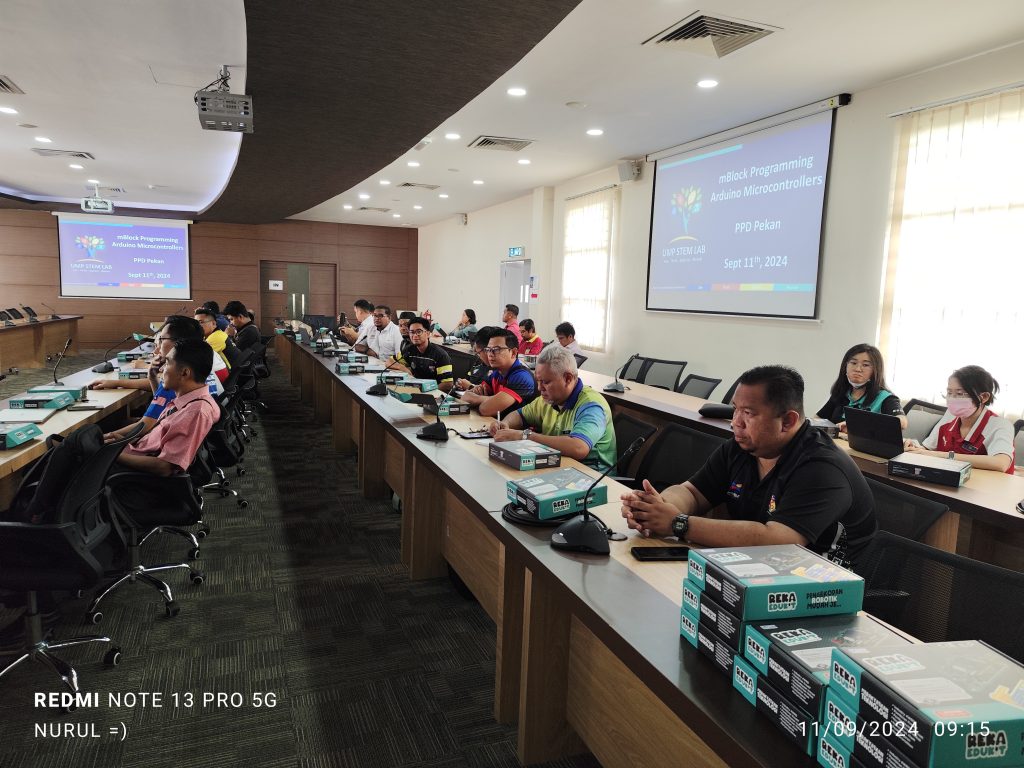
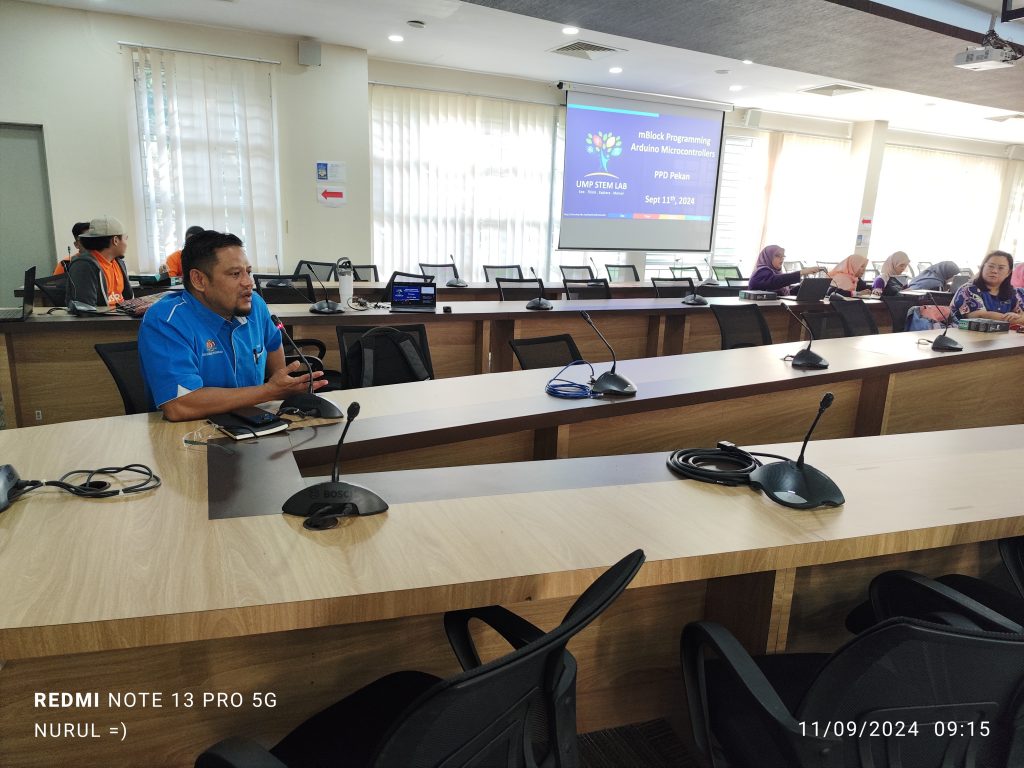
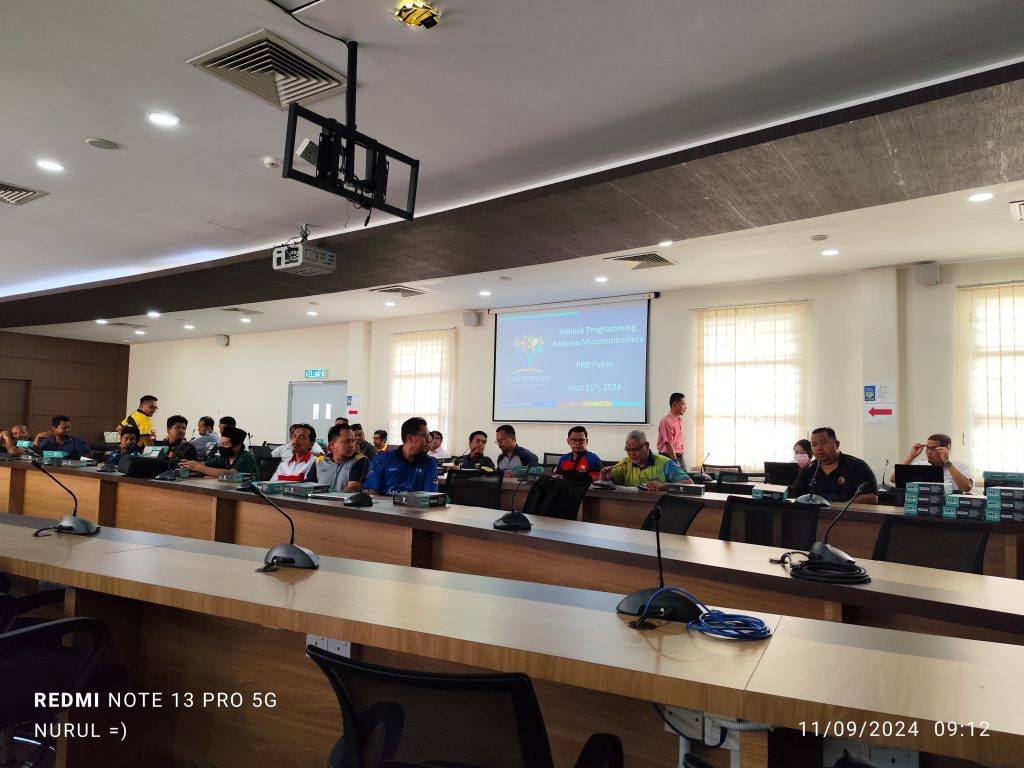
Today, 64 teachers from PPD Pekan had the opportunity to participate in an introductory course on physical computing program in UMPSA STEM Lab. This hands-on workshop introduced the teachers to block/graphical programming, a visual approach to coding that simplifies the process of controlling physical components such as LEDs, buzzers, and sensors.
Block or graphical programming is a method of coding where users create programs by manipulating “blocks” of code instead of writing text-based commands. These blocks represent different functions and commands and can be snapped together like puzzle pieces to form a complete program. This method is particularly useful for beginners, as it reduces the complexity of coding syntax and allows learners to focus on the logic and flow of the program.
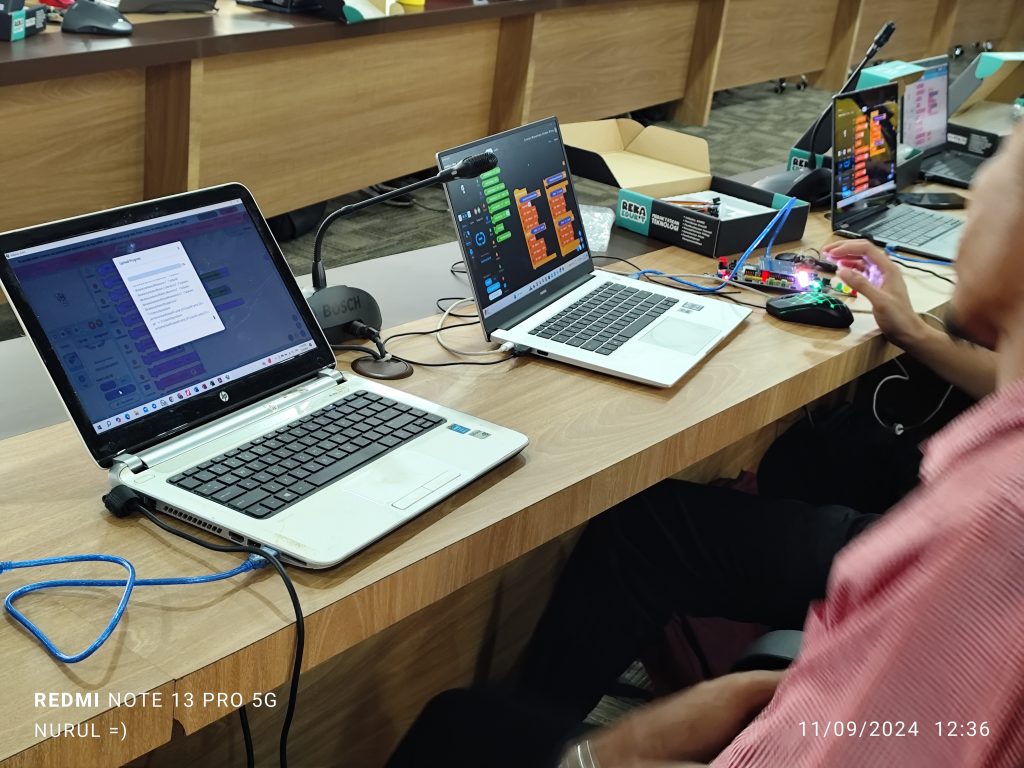
In this program, teachers used mBlock, a visual programming tool that allowed them to write code by dragging and dropping blocks, making it easier to program the RekaEduKit components. Instead of manually typing complex lines of code, participants could simply snap together blocks that represented various actions, like turning on an LED or detecting an object with an infrared sensor.
How Block Programming Helps in Learning Physical Computing
1- Simplifies Coding Concepts
One of the major advantages of block programming is that it abstracts away the more complex aspects of traditional programming. For beginners, especially those without a strong background in coding, this makes learning much more approachable. Teachers could easily experiment with coding by dragging blocks like “turn on LED” or “detect object” into their program, without worrying about typos or complex syntax. This lowered the barrier to entry, allowing them to quickly build functional physical computing projects.
2 – Visualizes the Flow of Logic
Block programming provides a visual representation of the coding process. This is particularly useful in physical computing, where understanding the flow of inputs (from sensors) and outputs (like LEDs or buzzers) is crucial. The teachers were able to see how their program would work by following the logical sequence of blocks, making it easier to understand how data flows from the sensors and how devices react.
For example, in Activity 3: Traffic Light System, teachers used block programming to control a set of LEDs based on input from an infrared sensor. They could visually map the logic: “If the sensor detects an object, turn the green LED on; otherwise, turn the red LED on.” This clear visual representation of cause-and-effect relationships helped the teachers understand the underlying logic in physical computing systems.
3 – Encourages Experimentation and Creativity
By removing the complexities of syntax and code structure, block programming encourages learners to experiment. During the training, teachers were able to quickly modify their programs, trying out different configurations without the fear of making critical mistakes. This was evident in Activity 5: Festival of Lights, where teachers used potentiometers to control the brightness and color of Neopixel LEDs. The graphical interface allowed them to change variables and instantly see the results, fostering a deeper understanding of how inputs (potentiometer values) affect outputs (LED colors).
4. Enhances Problem-Solving Skills
Graphical programming also helps build problem-solving skills. Since block-based coding allows for quick iterations, learners can easily test and troubleshoot their code. For example, in Activity 7: Futuristic Music Instrument, participants learned to control the pitch of a buzzer using a potentiometer. When their code didn’t work as expected, they could easily adjust the blocks, get feedback from the AI, and solve the problem.
This iterative approach, paired with the visual nature of block coding, made it easier for teachers to debug their projects, fostering a deeper understanding of both coding logic and the physical computing system they were controlling.
5 – Bridges the Gap Between Software and Hardware
One of the most challenging aspects of physical computing is understanding how software interacts with hardware. Block programming provides a tangible way to bridge this gap. Teachers could see exactly how their code translated into real-world actions—whether it was an LED lighting up, a buzzer sounding, or a sensor detecting movement. The AI-assisted explanations provided additional clarity, helping participants connect the dots between the virtual coding environment and the physical components they were working with.
For example, in Activity 9: Security System, the program connected both a sound sensor and an infrared sensor to a buzzer and Neopixel LEDs. By using block coding, teachers could visually see how multiple inputs (like sound and movement detection) controlled the output (turning on a buzzer or changing LED colors). This helped them understand how software (code) could control and respond to hardware components in real-time.
The UMPSA STEM Lab program successfully empowered 64 teachers from PPD Pekan by combining the strengths of block programming and AI-assisted learning. By simplifying the coding process and providing real-time support, the program gave teachers the tools they need to confidently bring physical computing into their classrooms
*UMPSA STEM Lab Raspberry Pi Programming Synopsis can be found here.
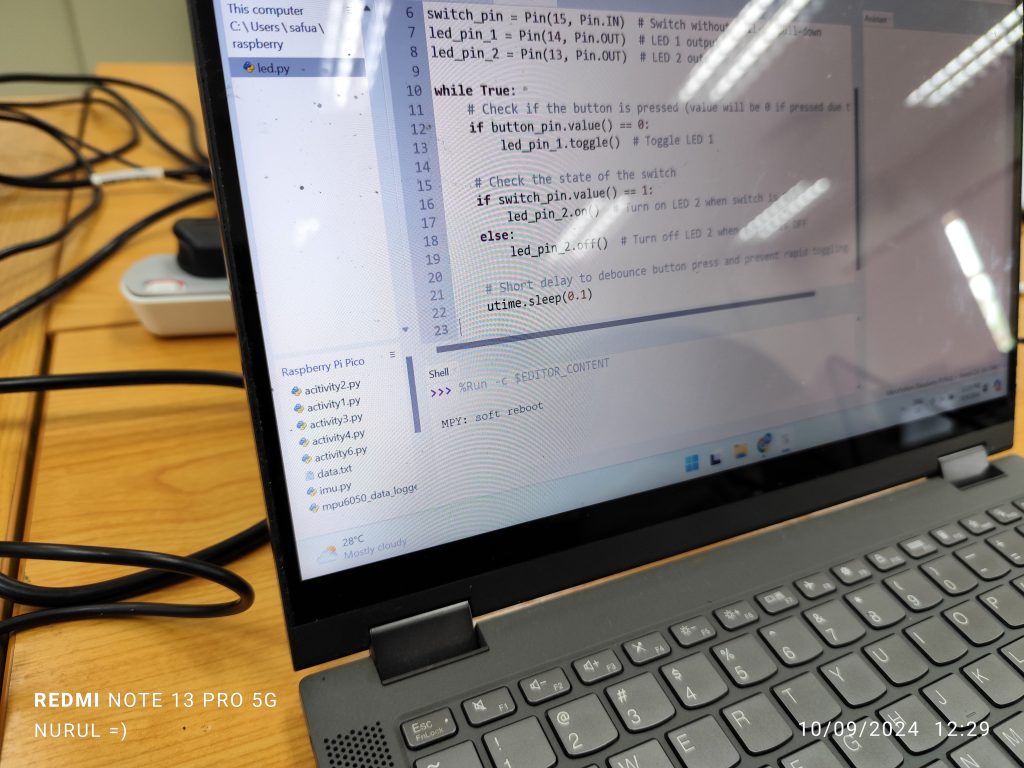
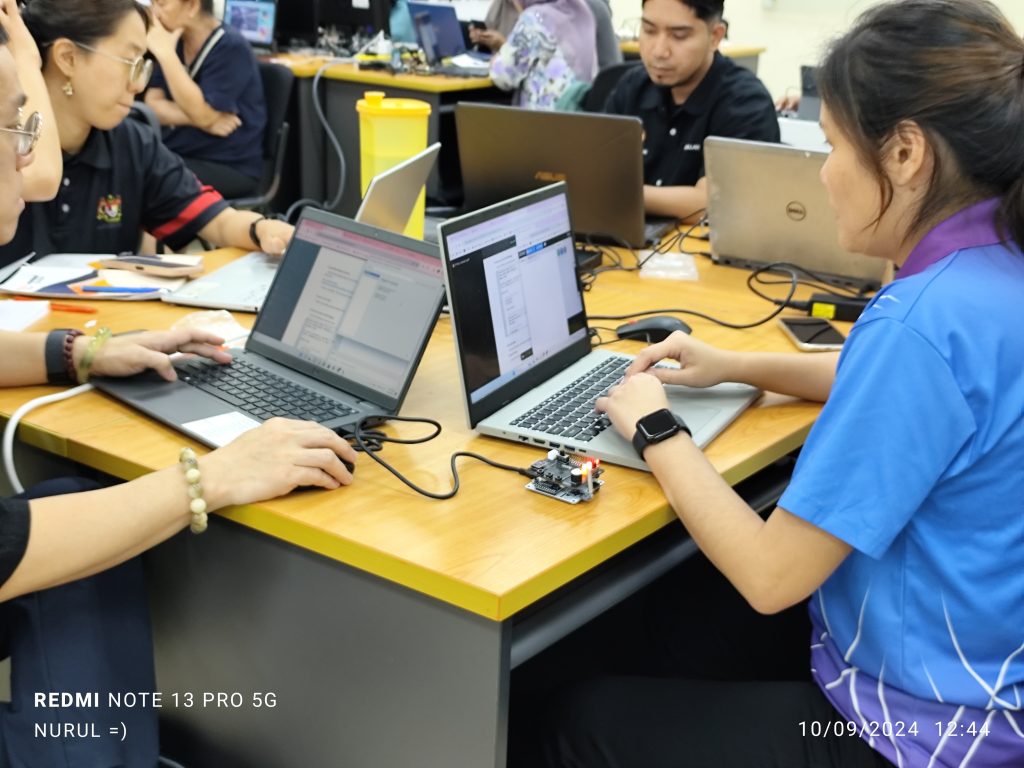
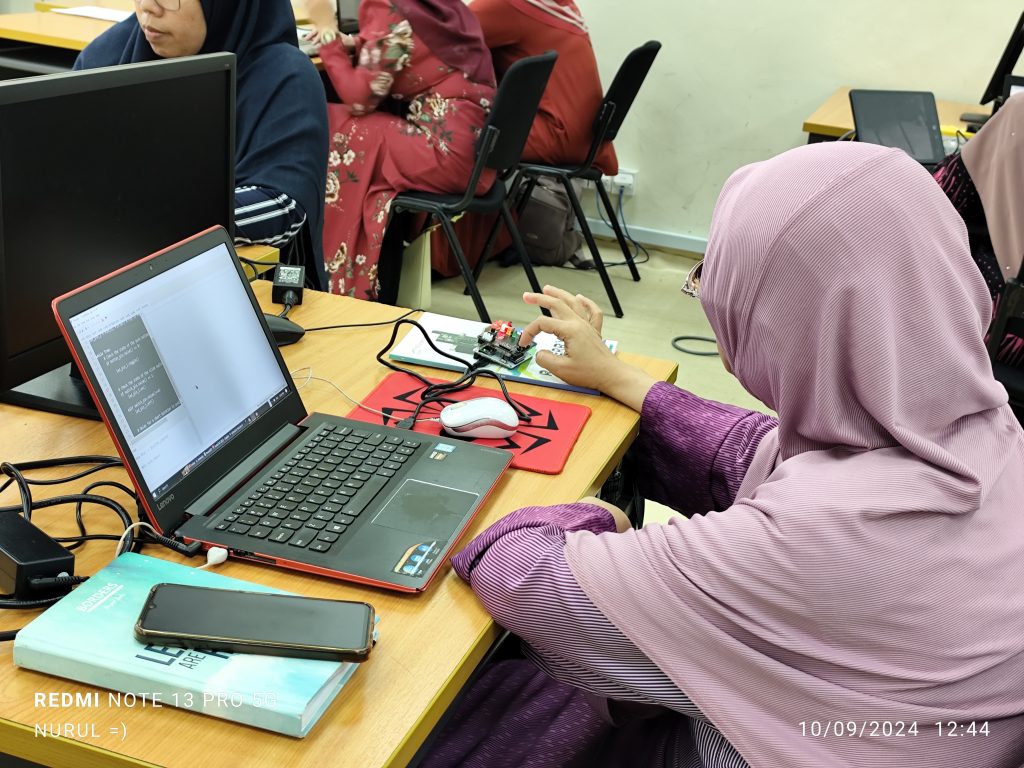
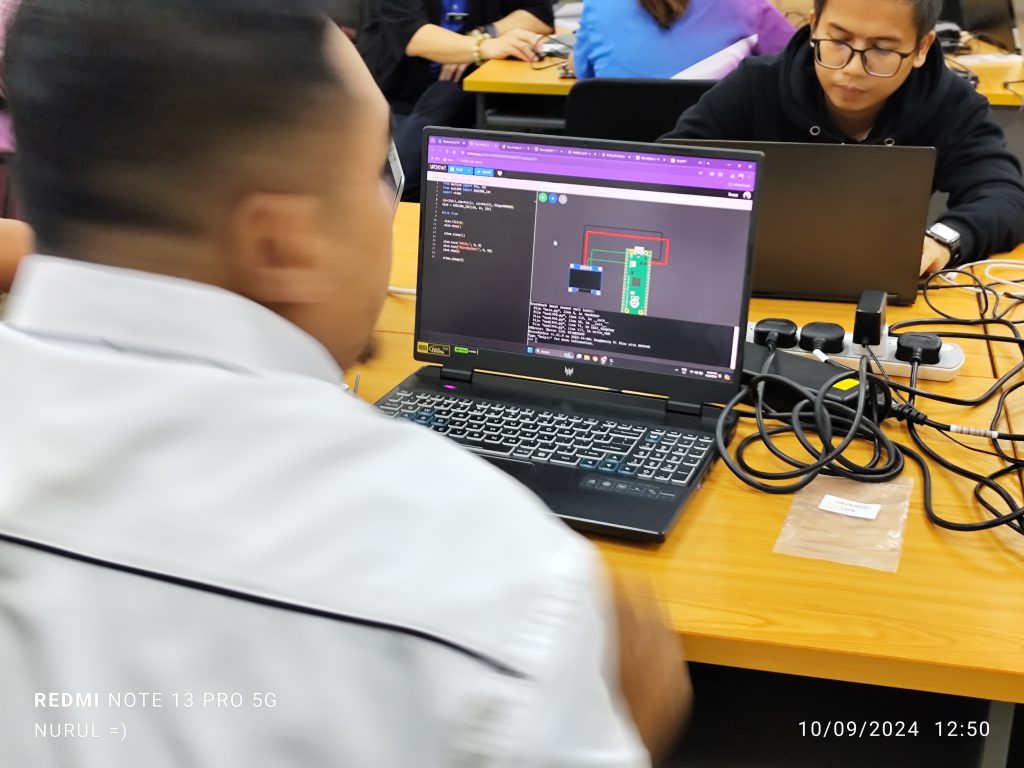
In the Raspberry Pi IoT session, 42 teachers from Jabatan Pelajaran Negeri Pahang were introduced to the concept of the Internet of Things (IoT) using Raspberry Pi on the UMP STEM Cube, a pico-satellite learning kit specifically designed to facilitate engineering learning.
The content covered basic digital input/output operations on onboard LEDs, as well as topics such as dashboard design using gyro meter and BMU280 sensor data, including collecting and storing data in a cloud database. Participants learned to interface sensors with Raspberry Pi boards and develop IoT applications for real-world scenarios. The session provided students with valuable insights into IoT technology and its applications in various domains.
A special appreciation is extended to Tn Hj Bushra for coordination in facilitating communication between the participants and the UMPSA STEM Lab.
Sept 10th
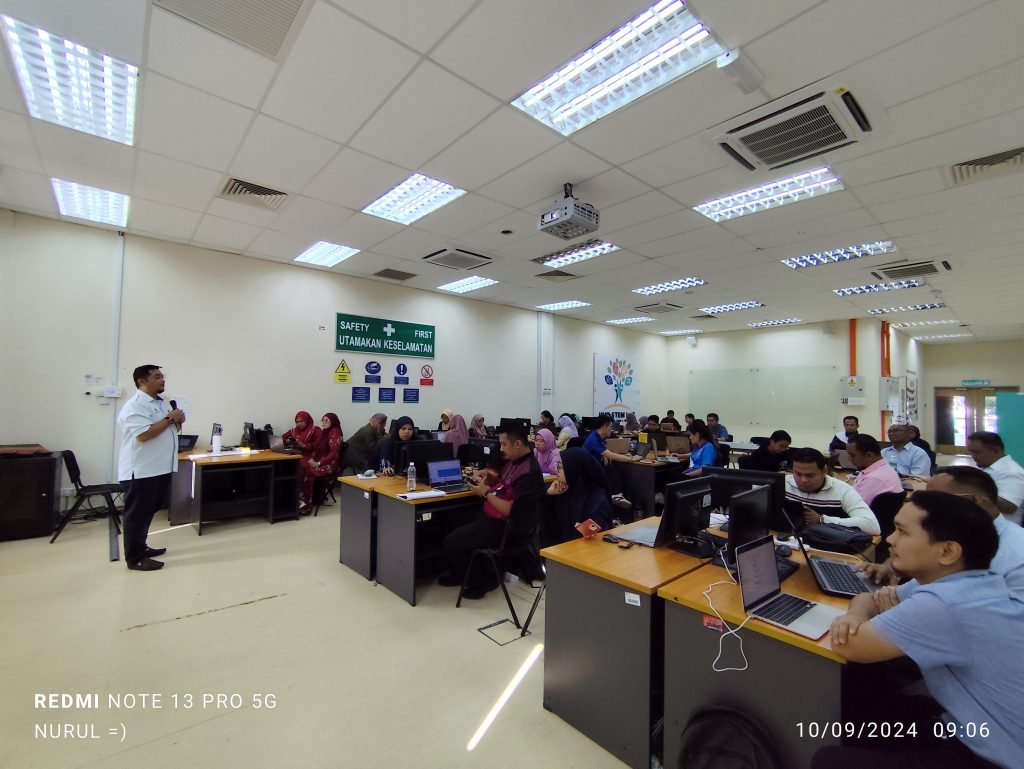
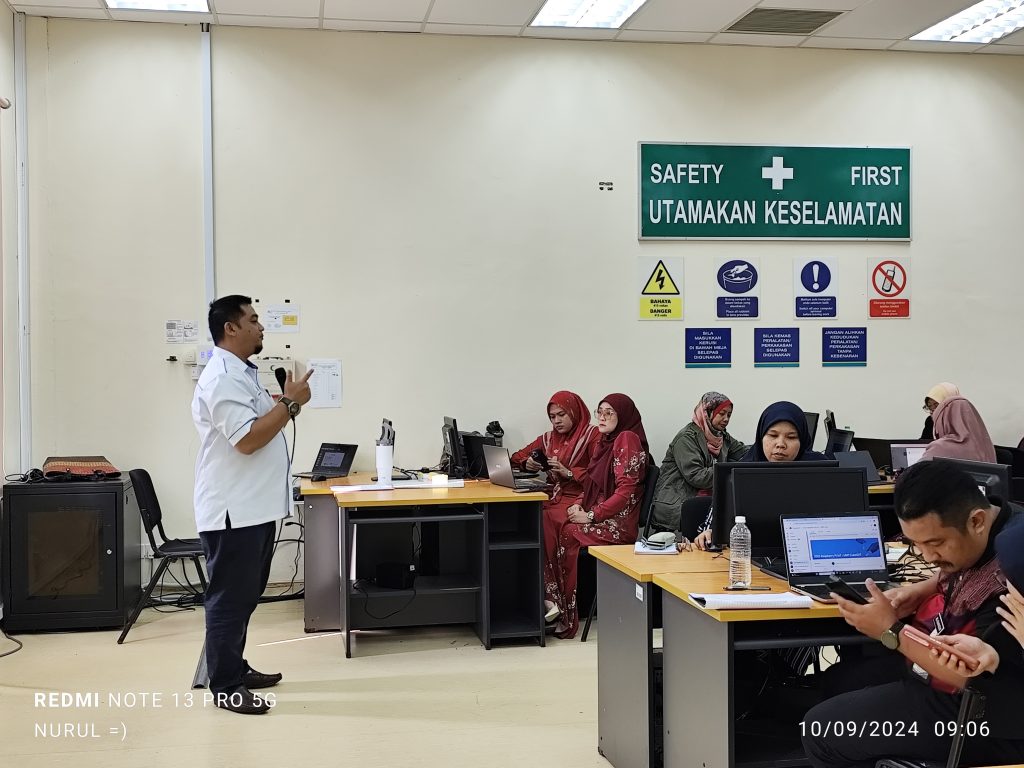
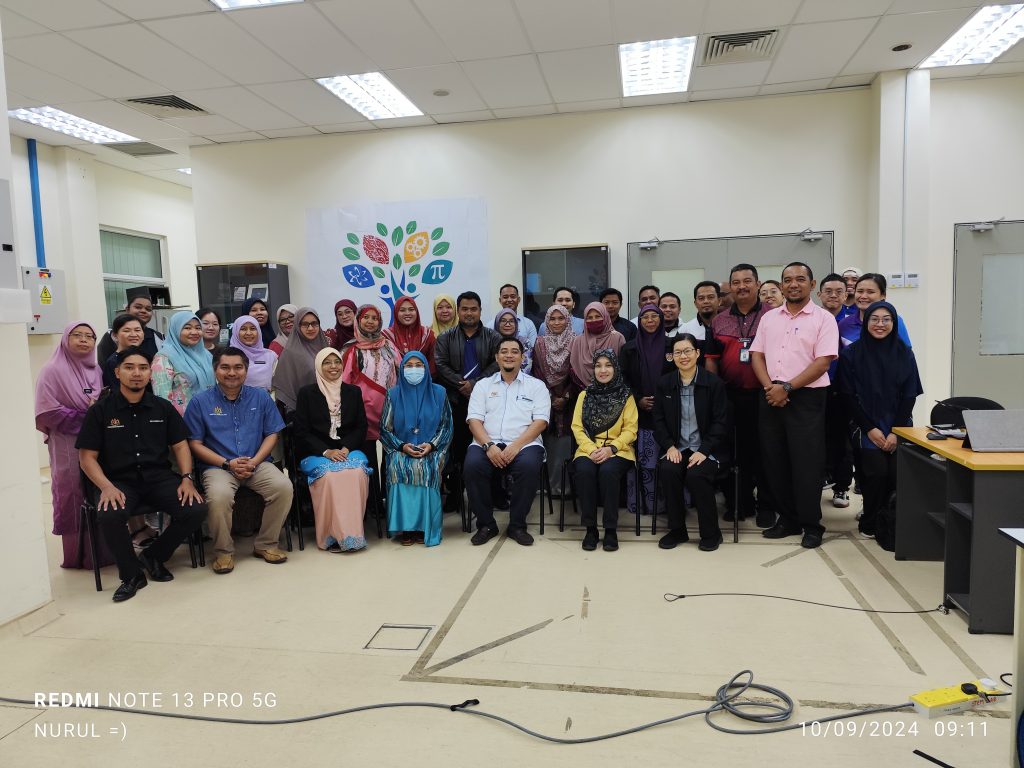
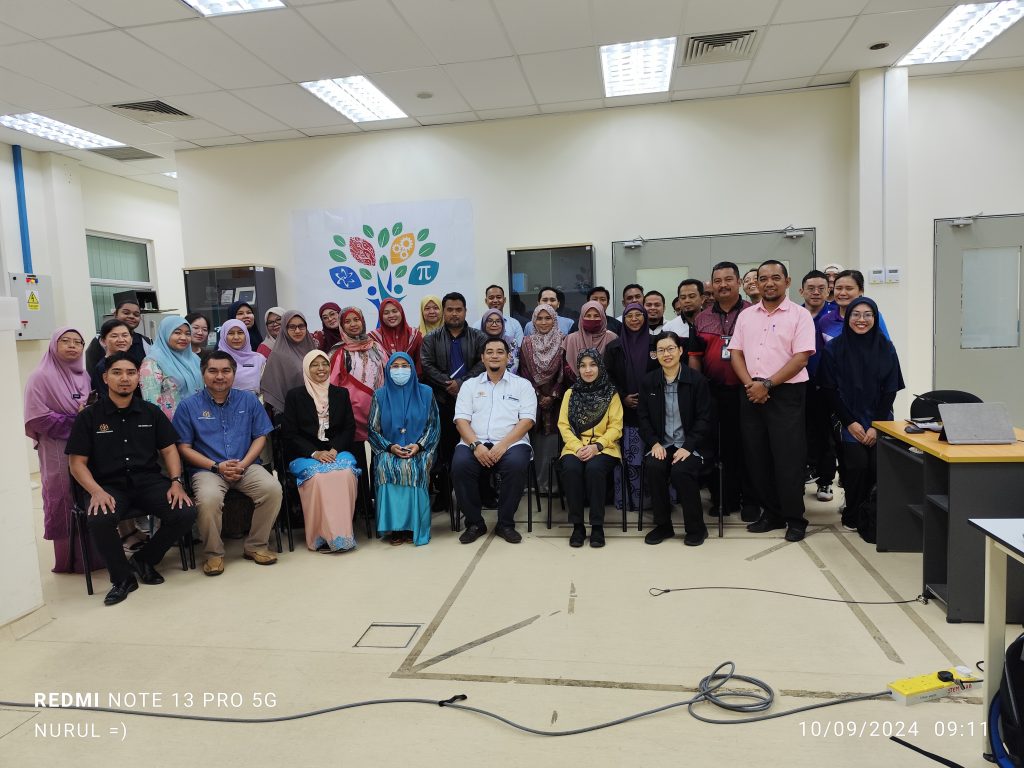
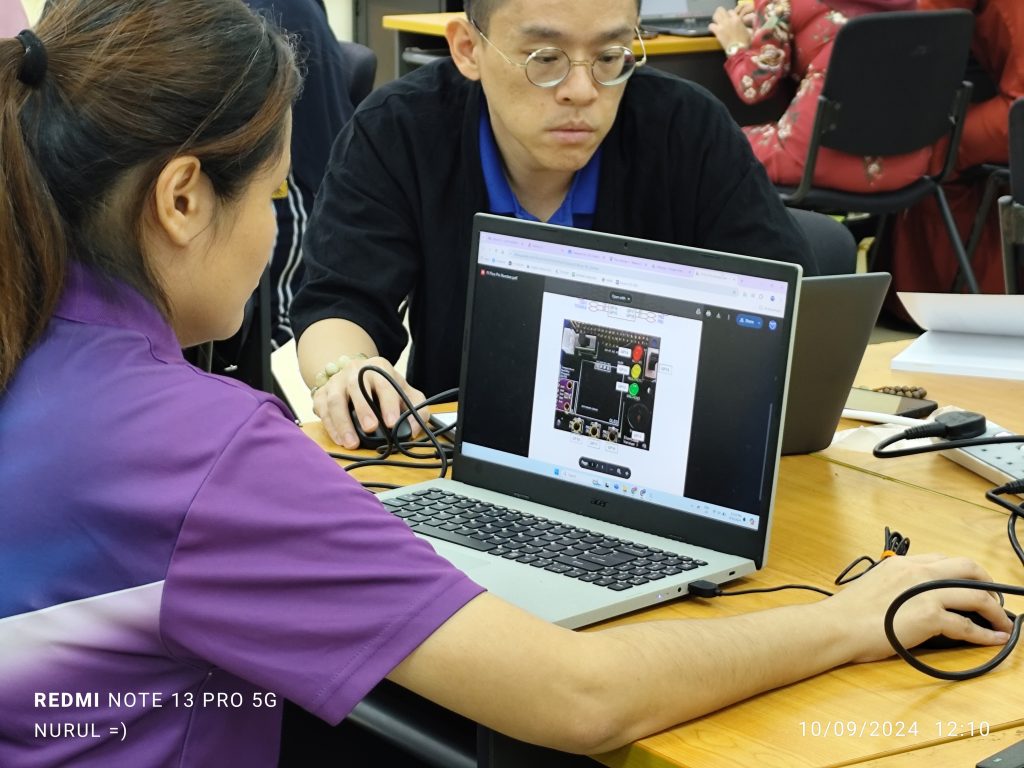
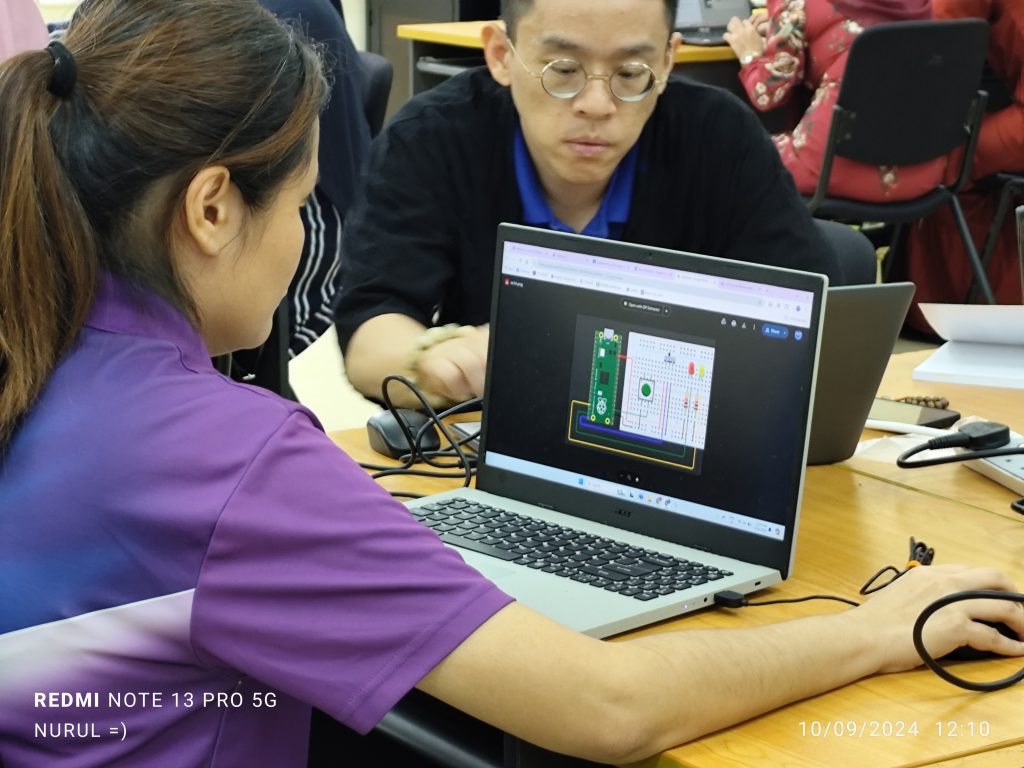
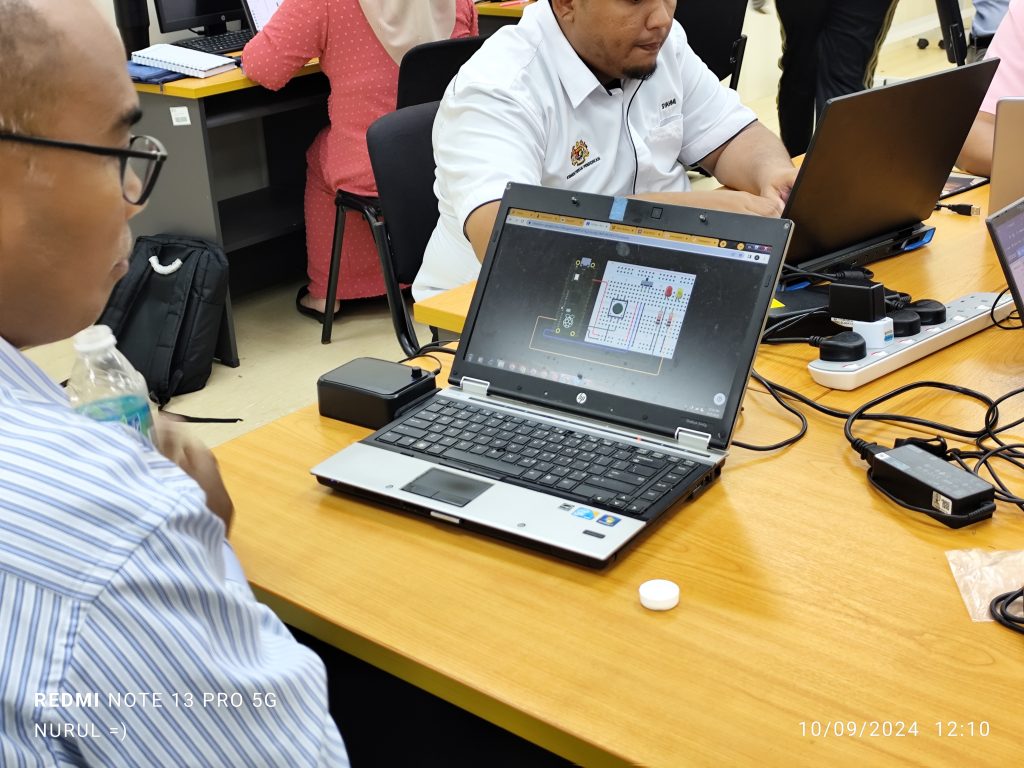
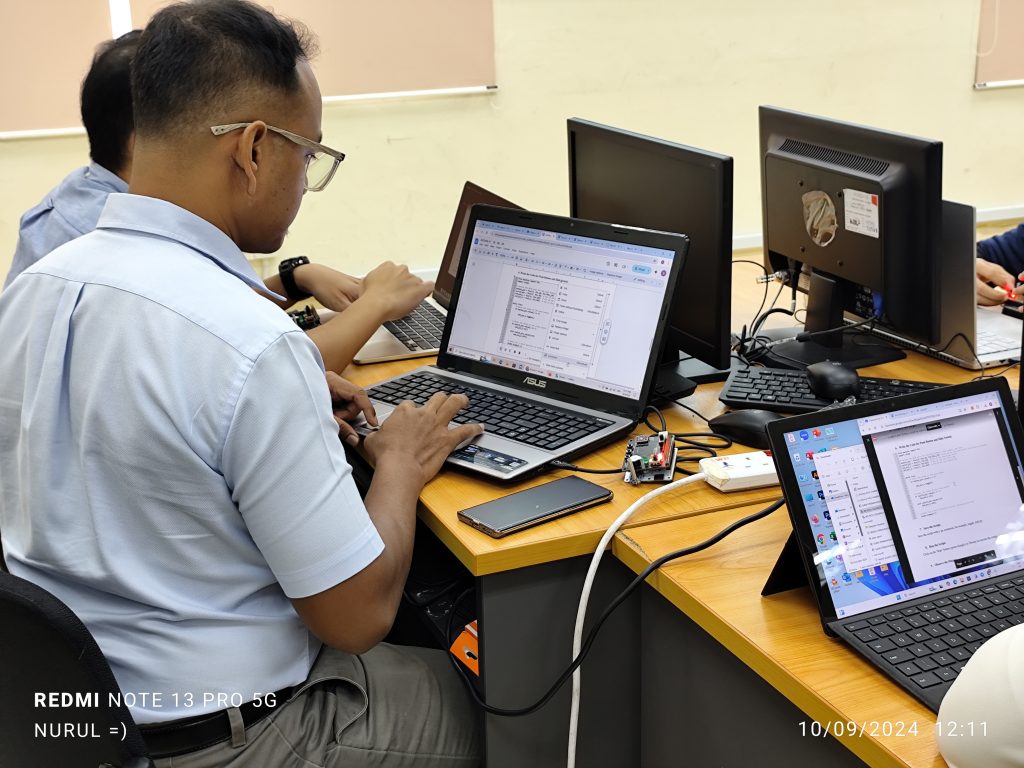
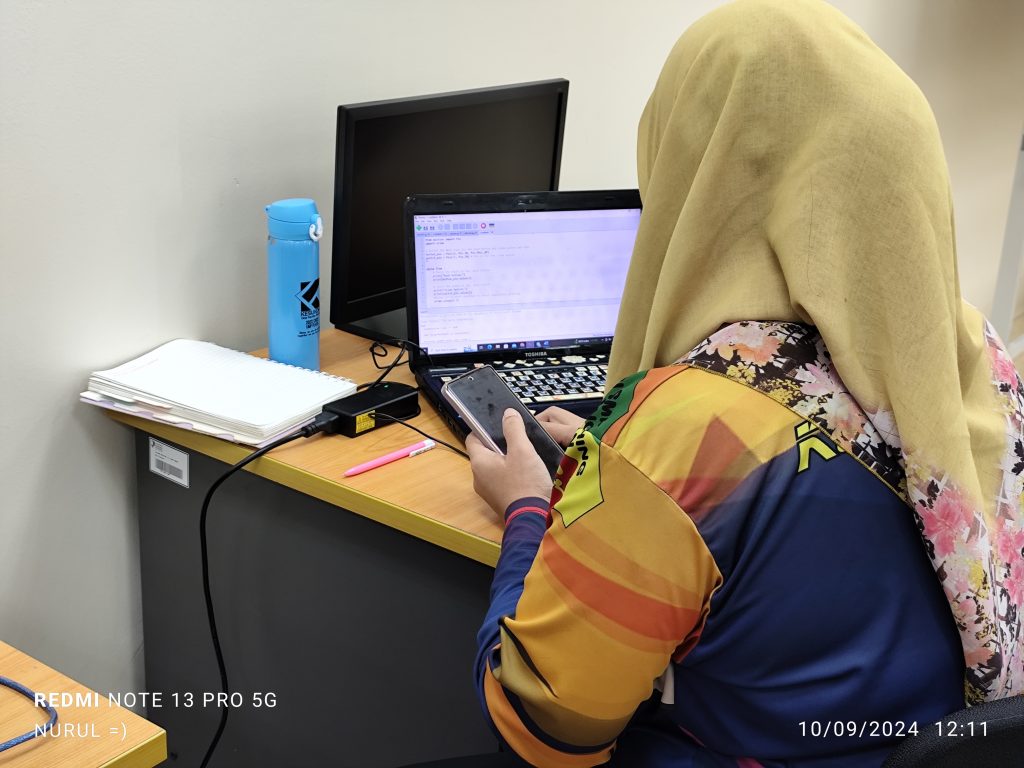
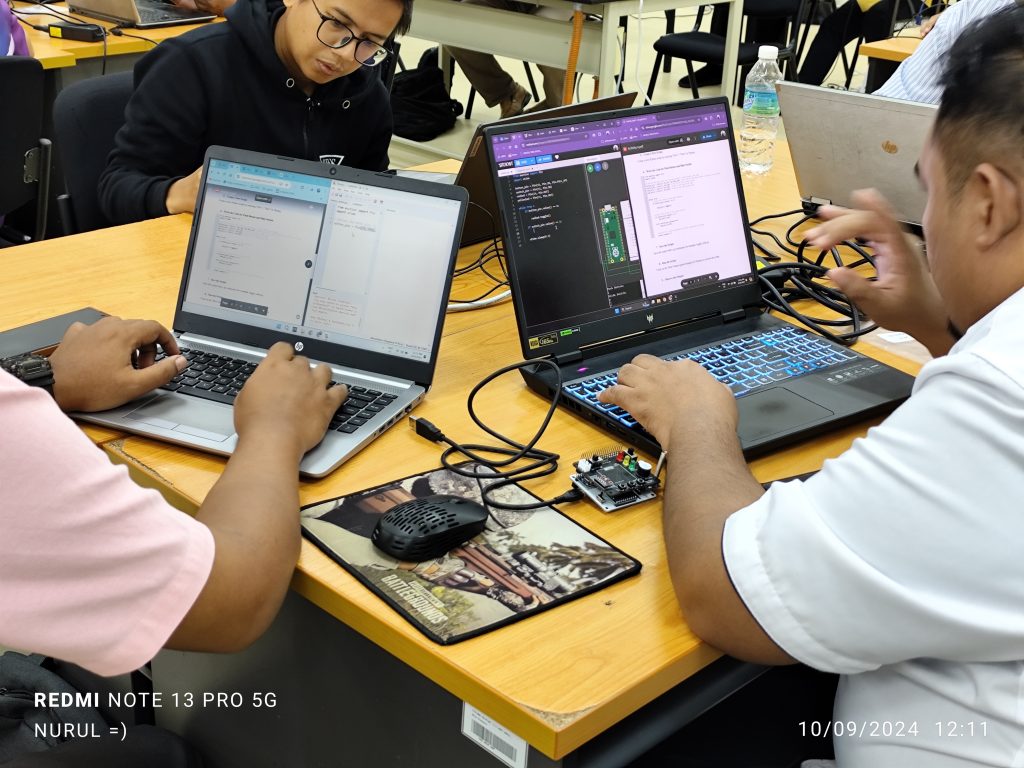
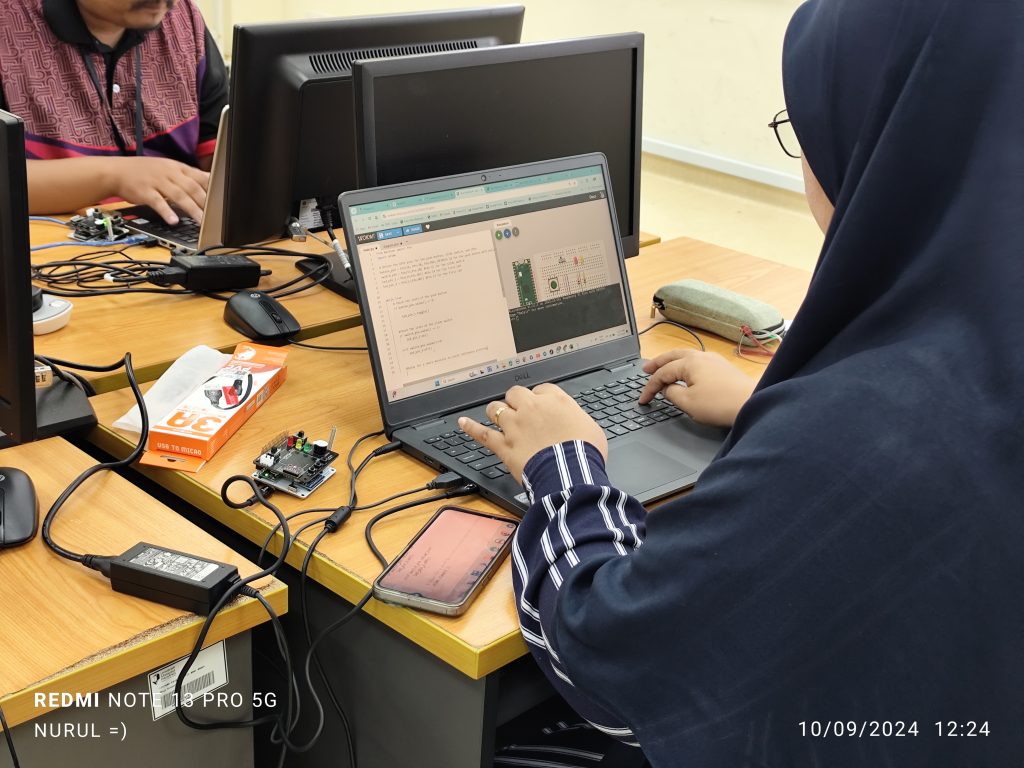
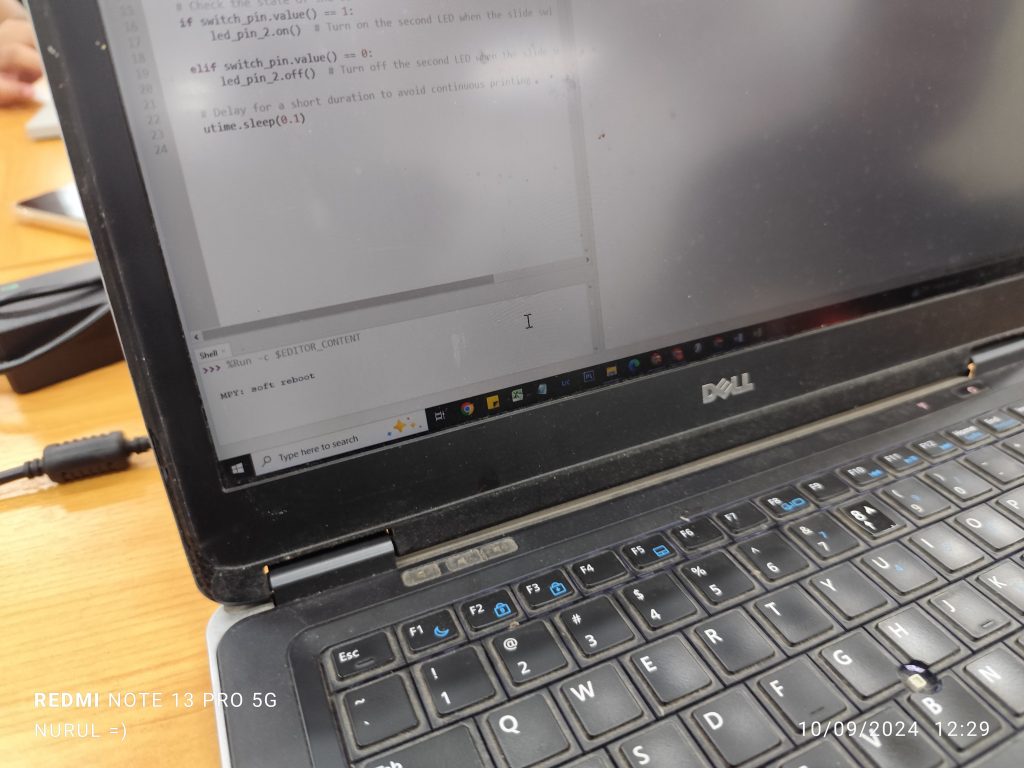
Synopsis on AI Assisted Learning @UMPSA STEM Lab module.
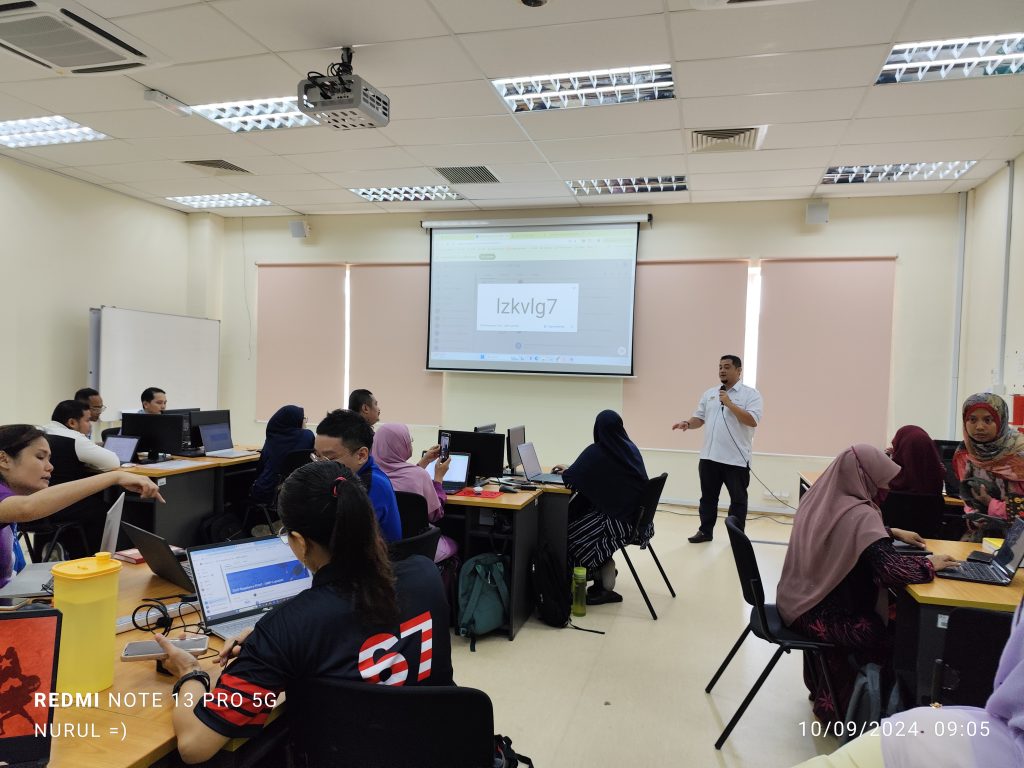
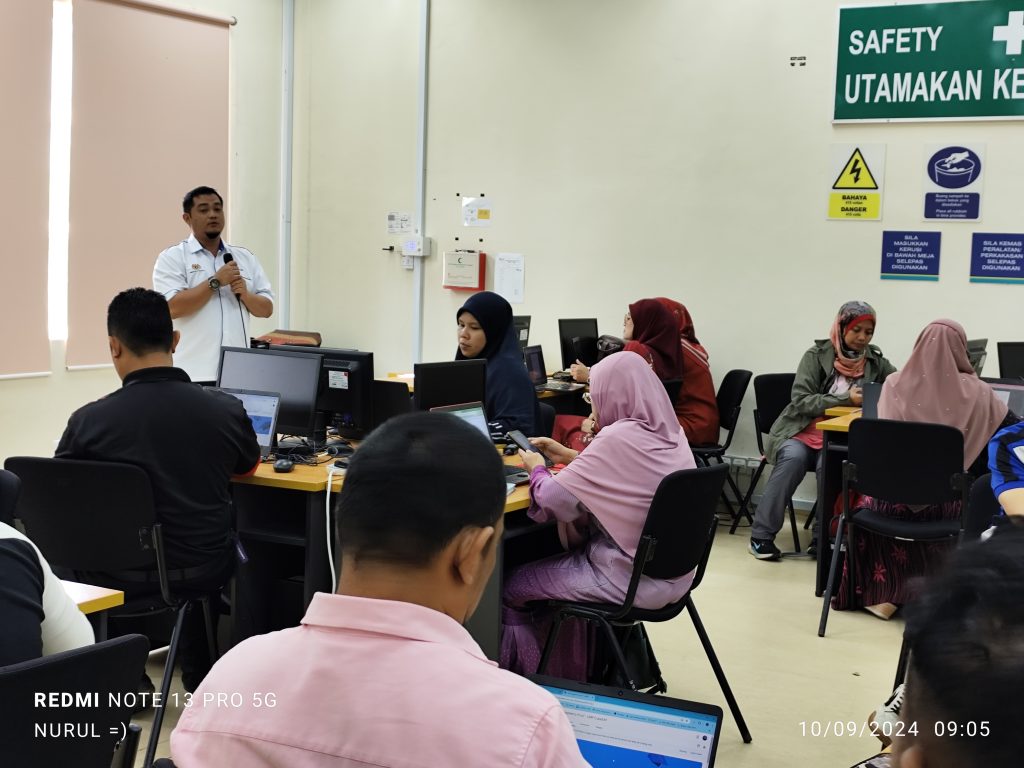
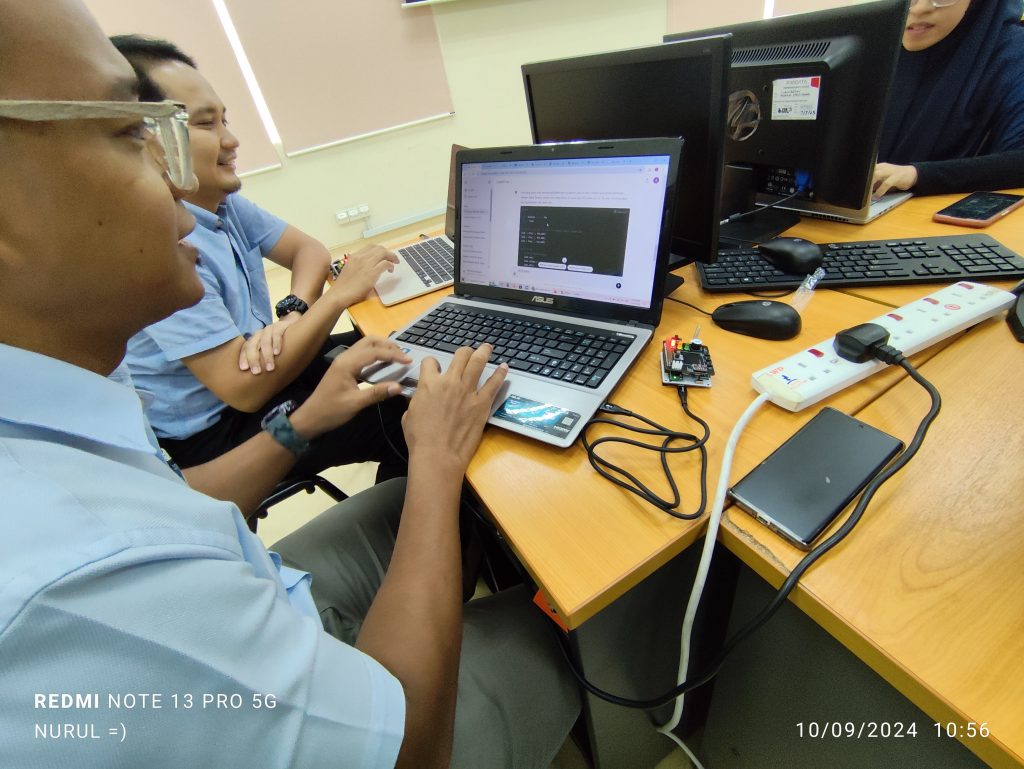
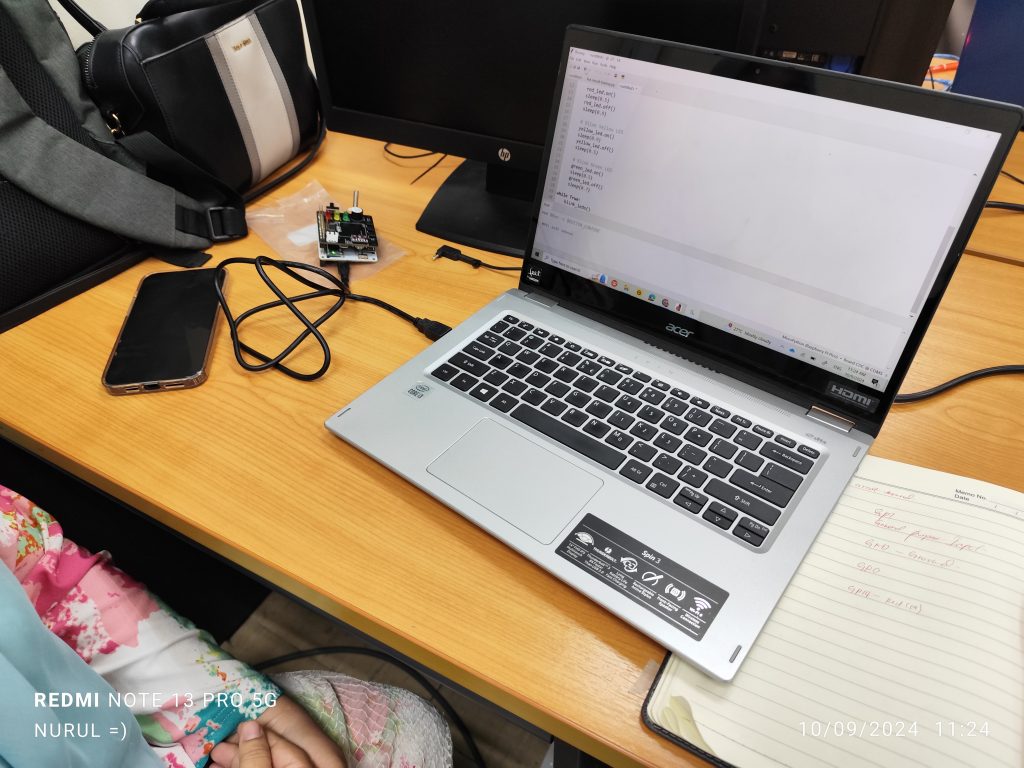
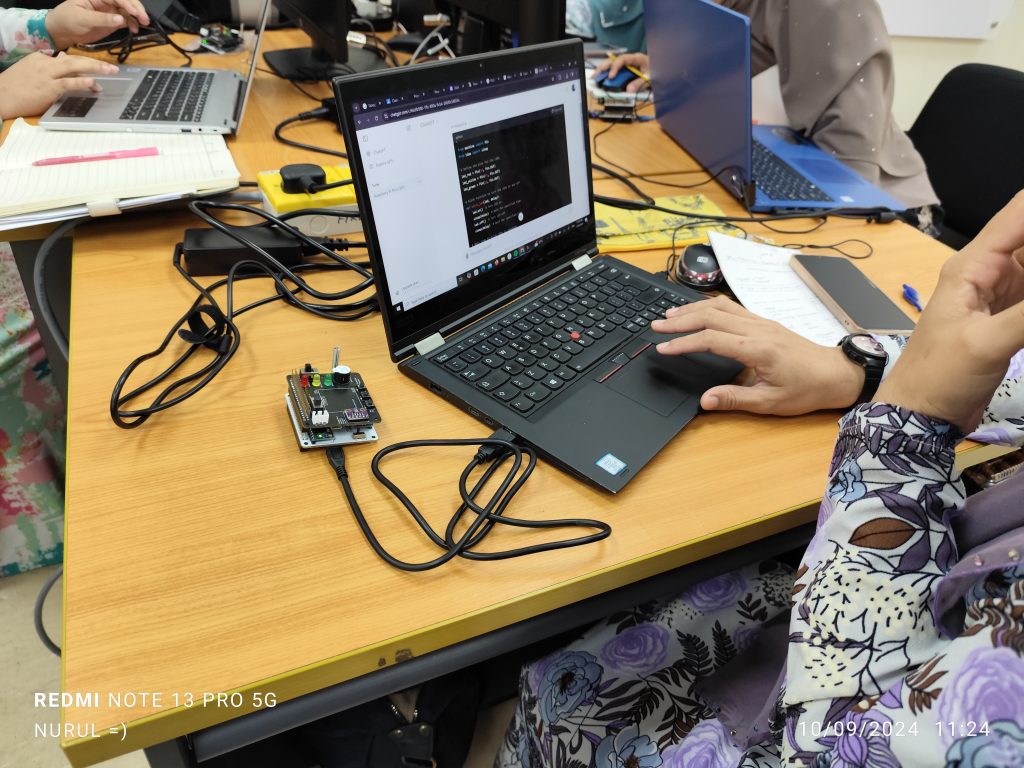
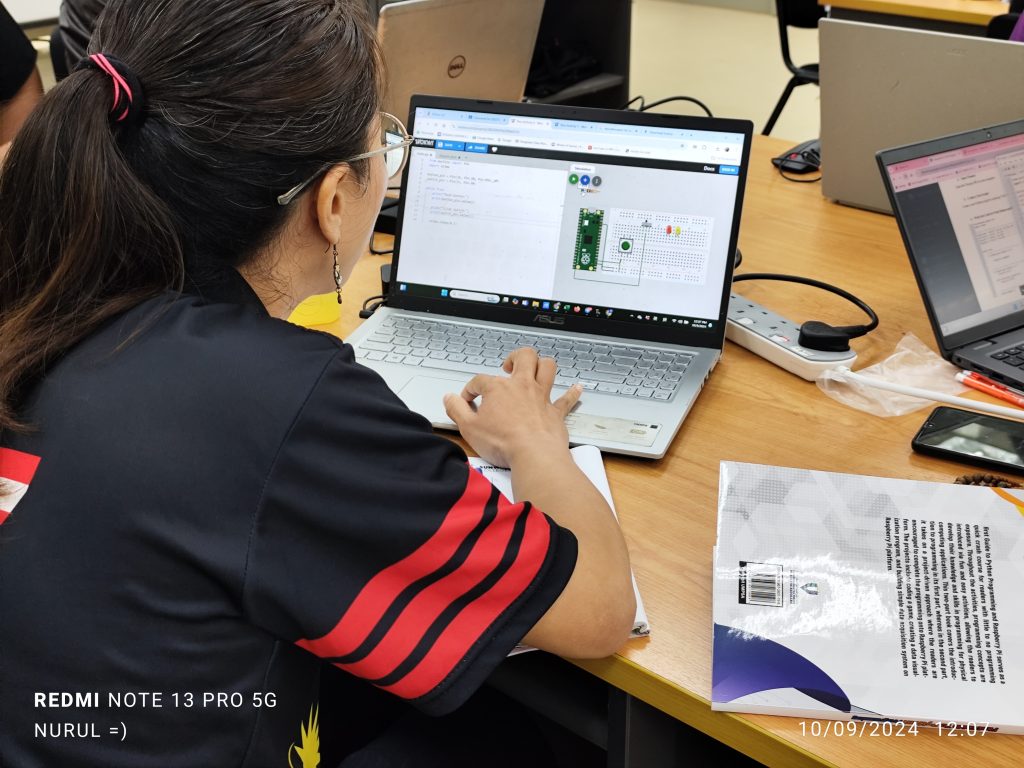
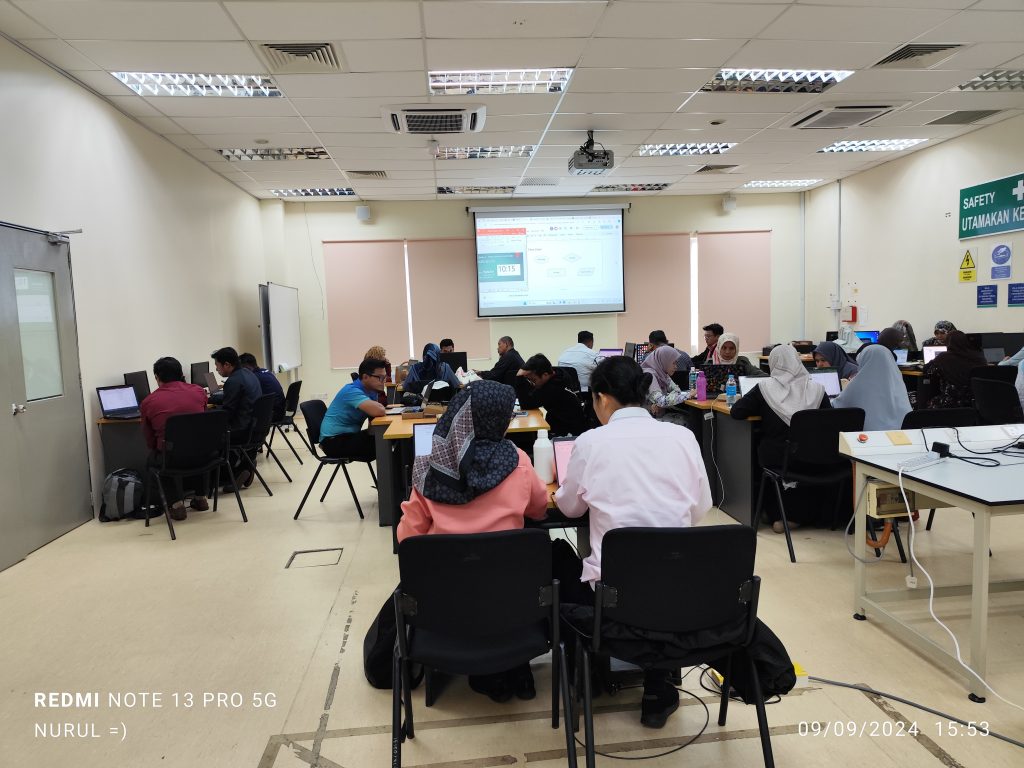
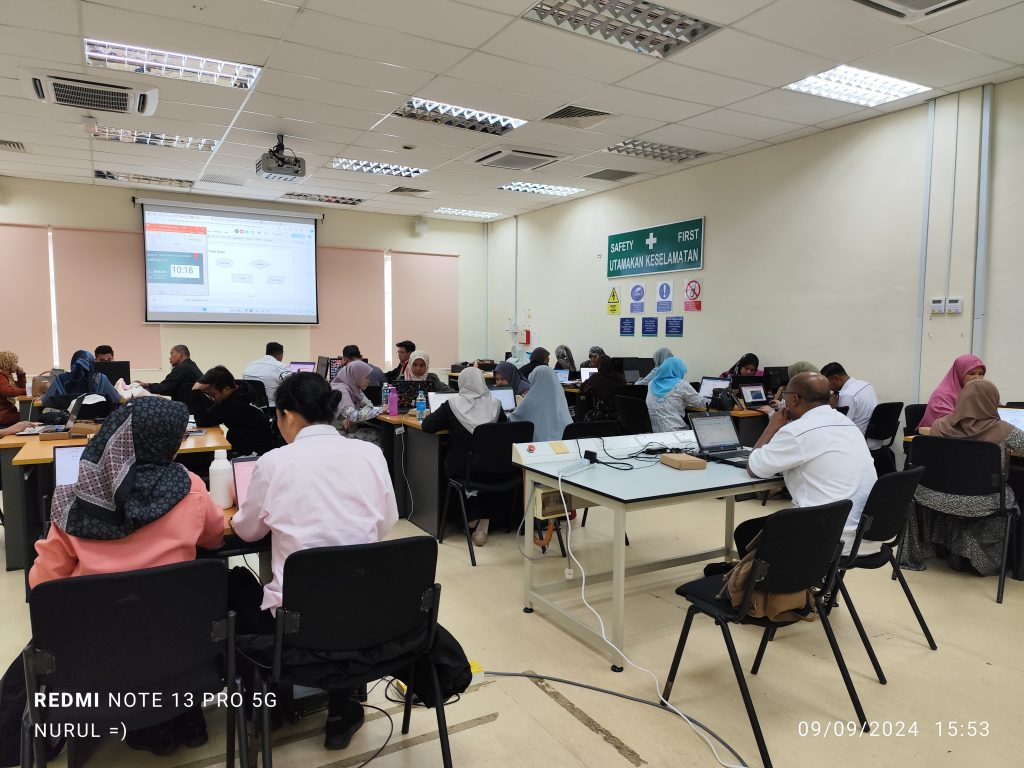
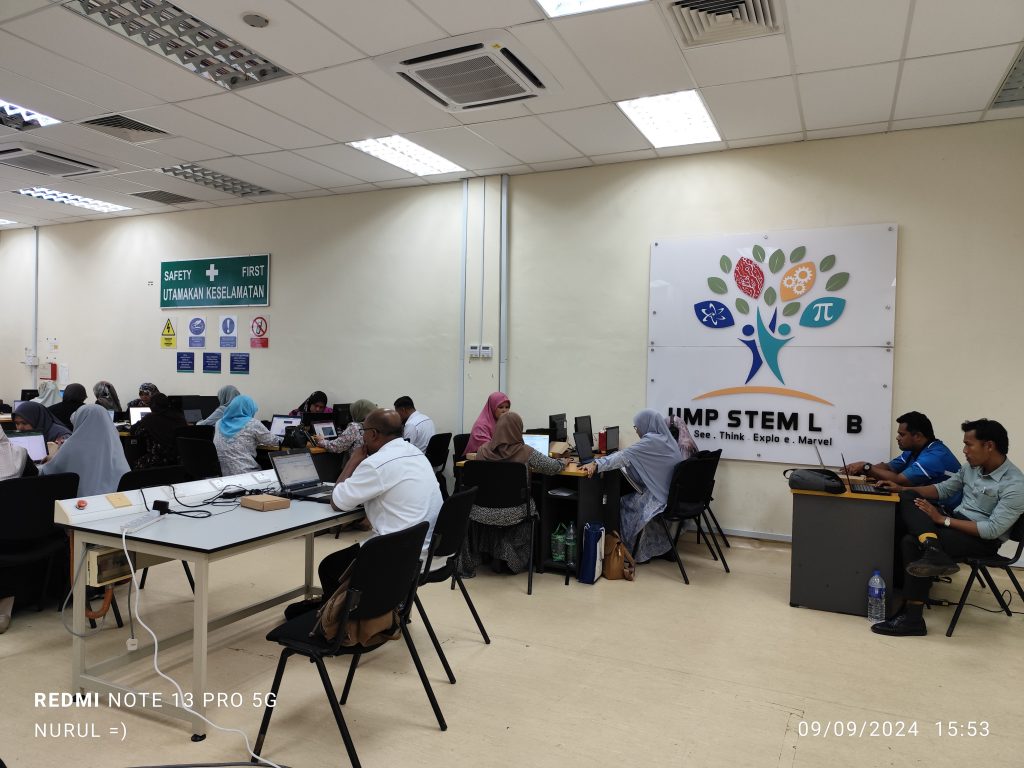
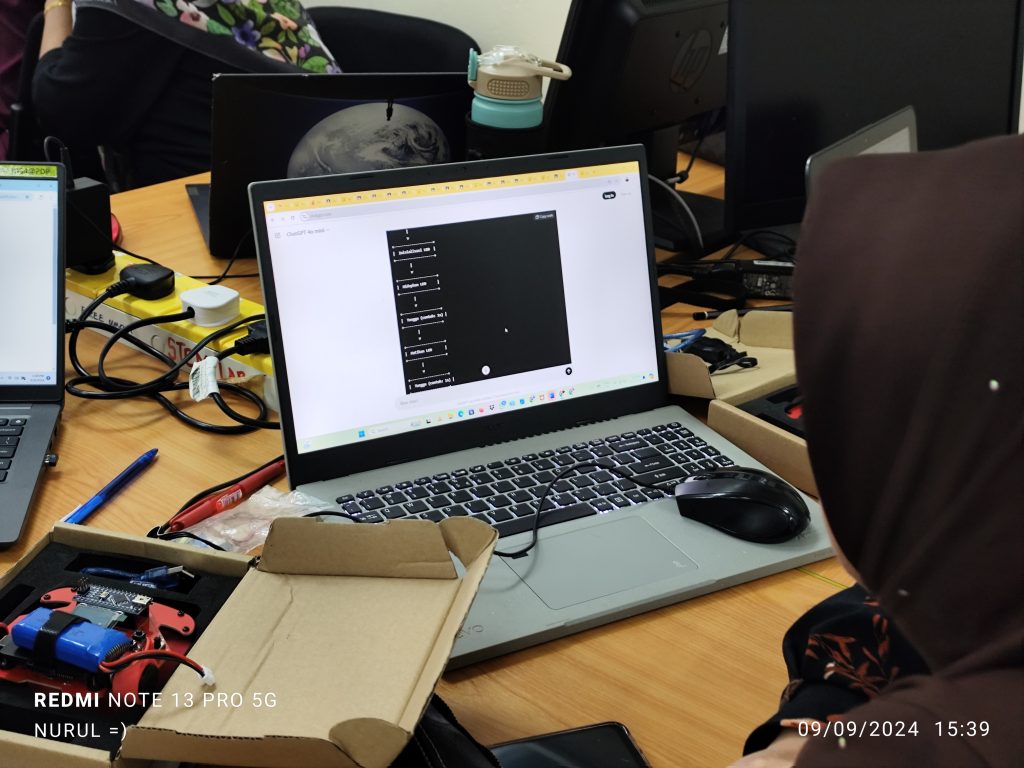
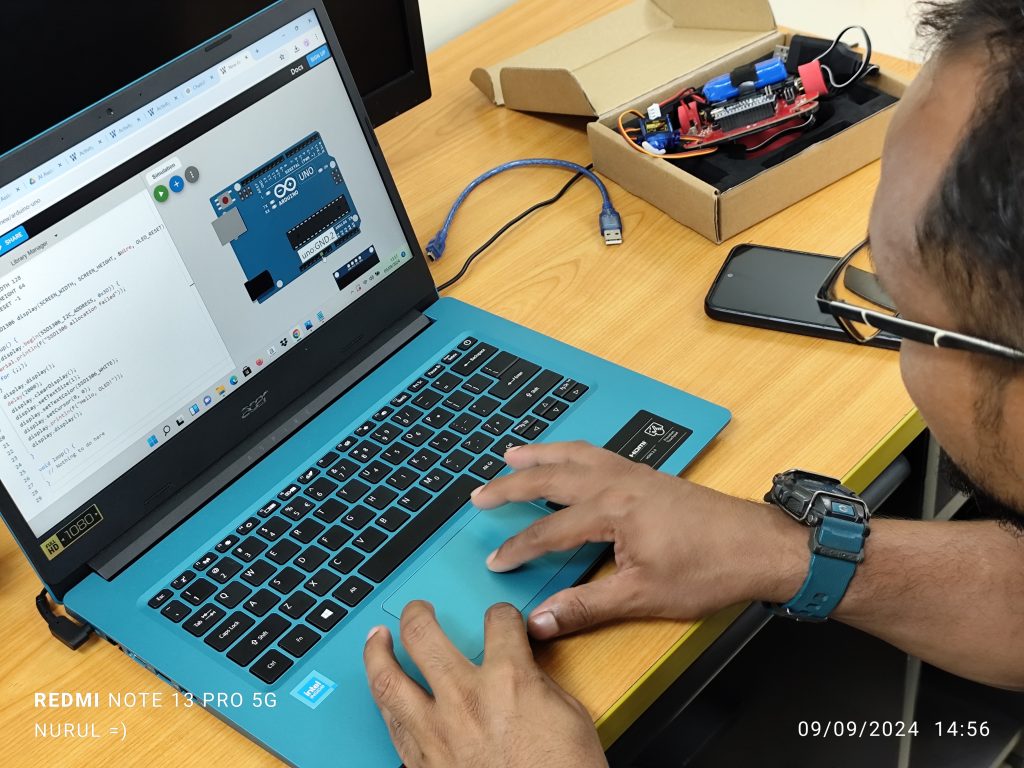
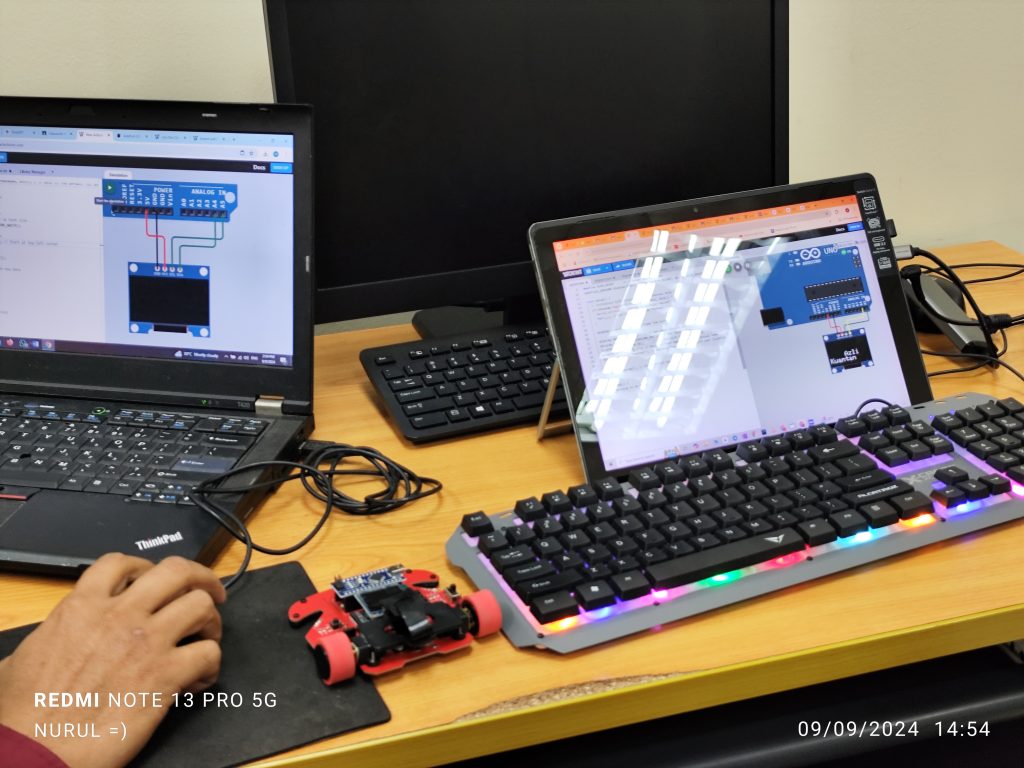
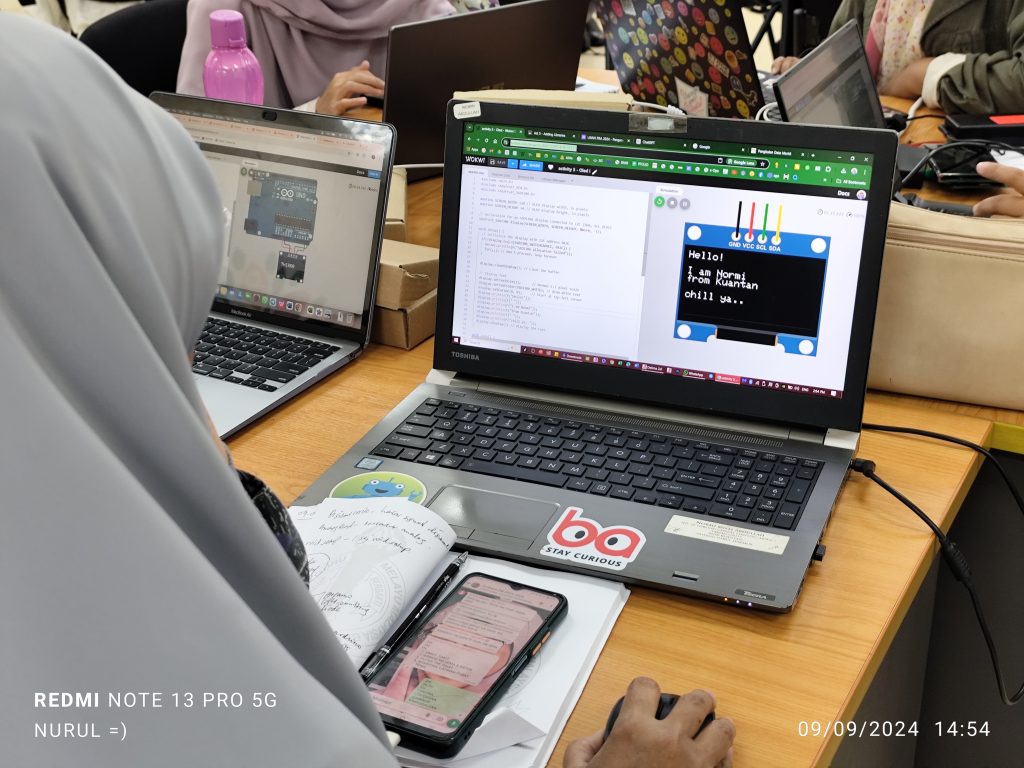
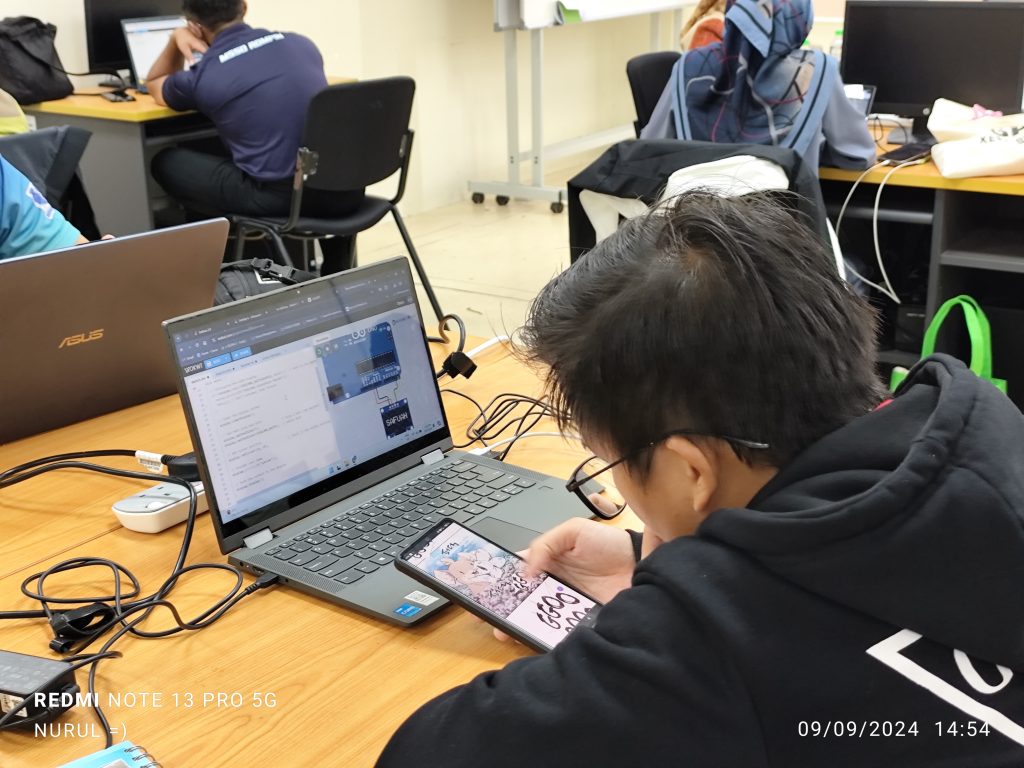
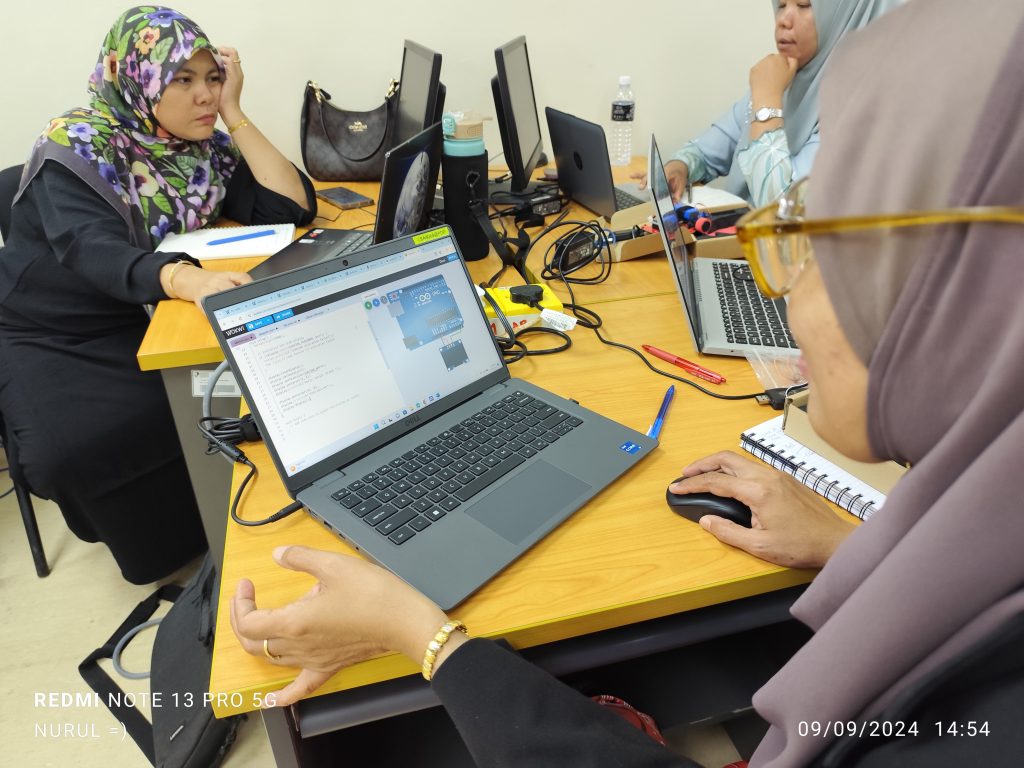
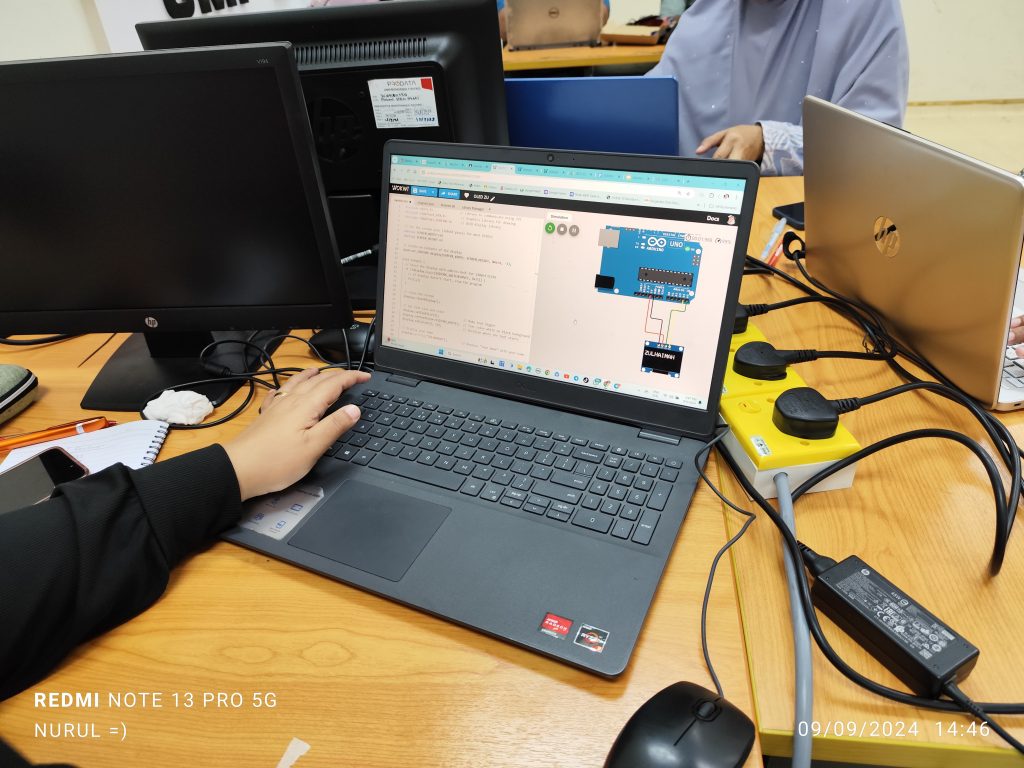
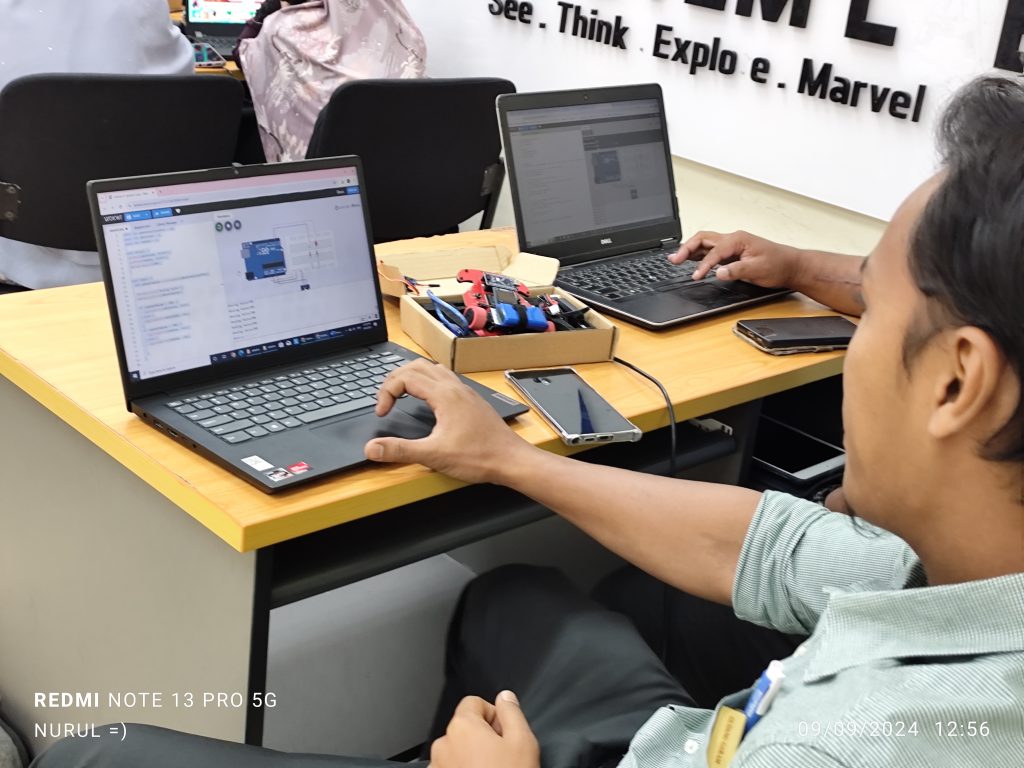
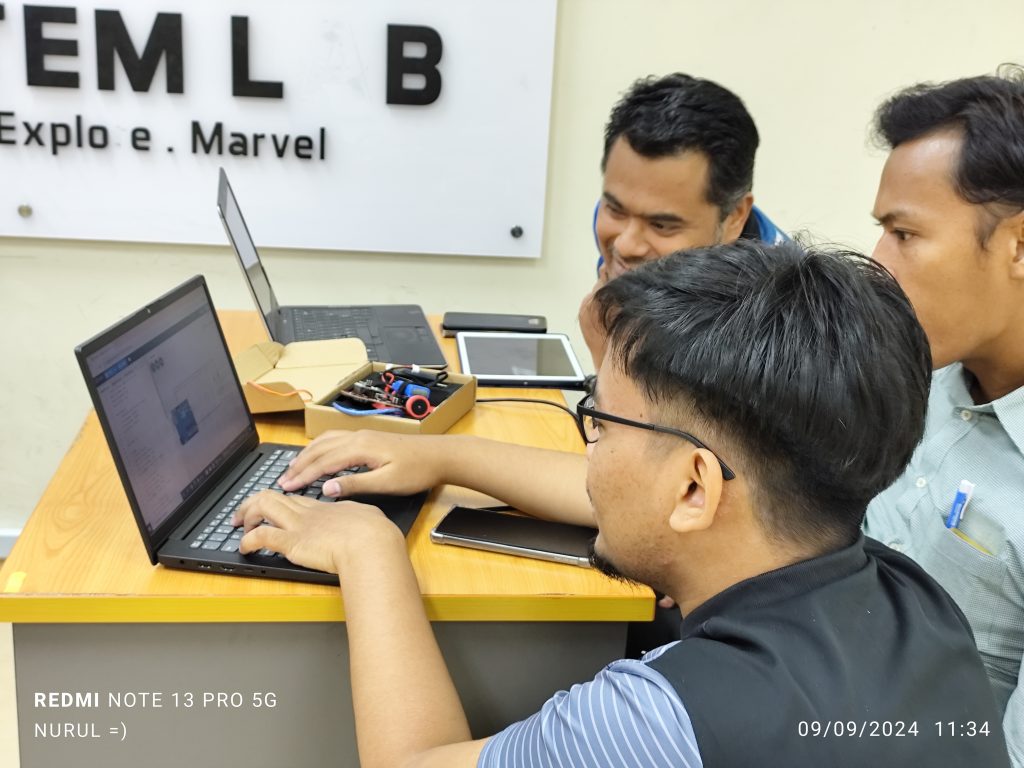
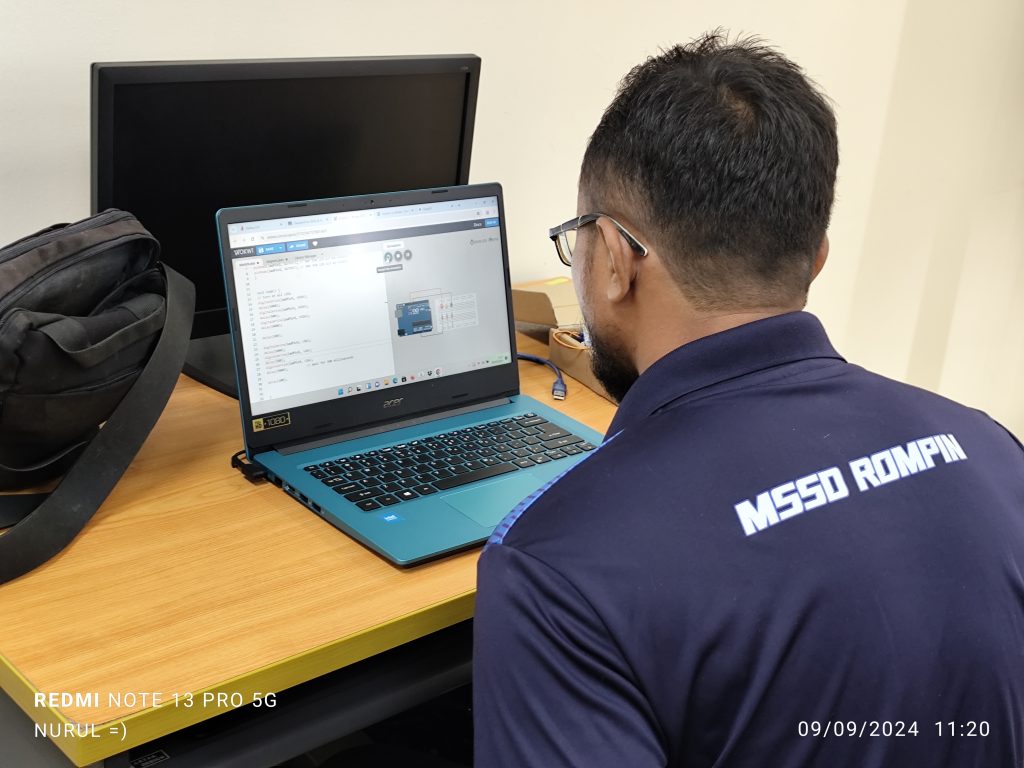
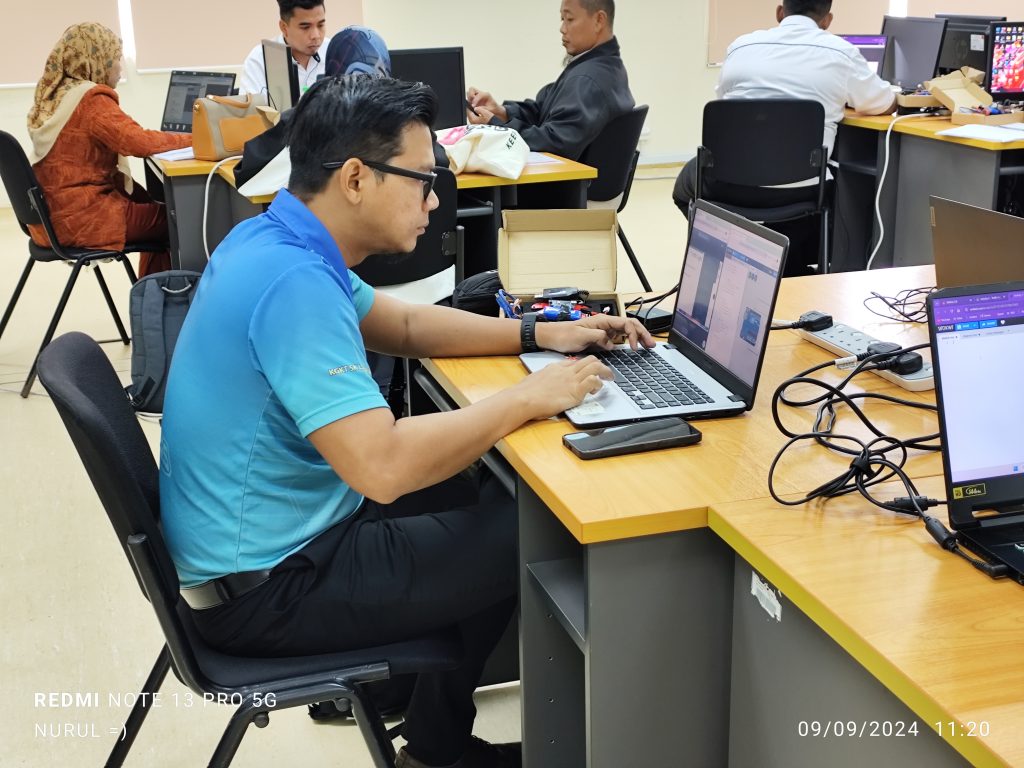
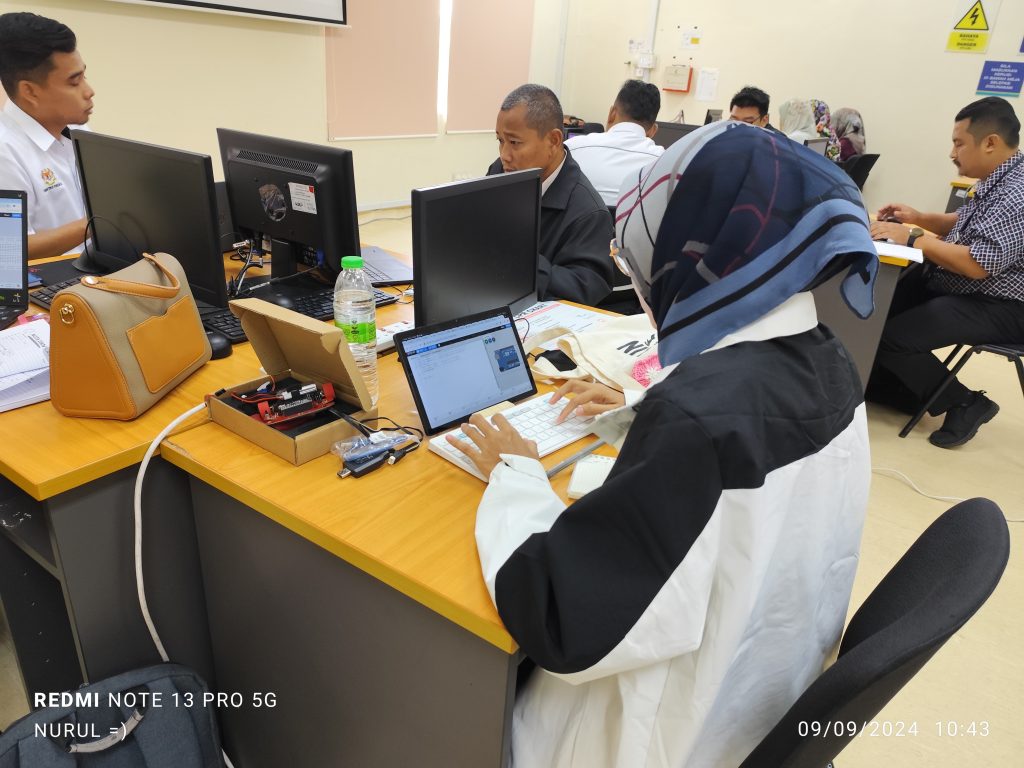
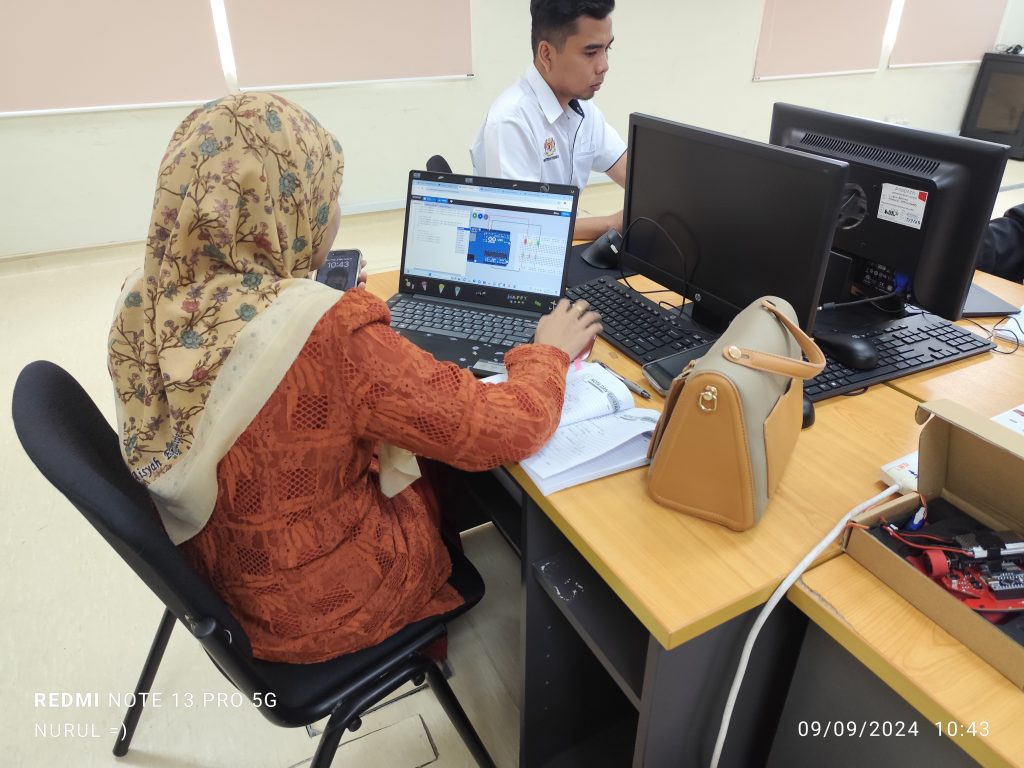
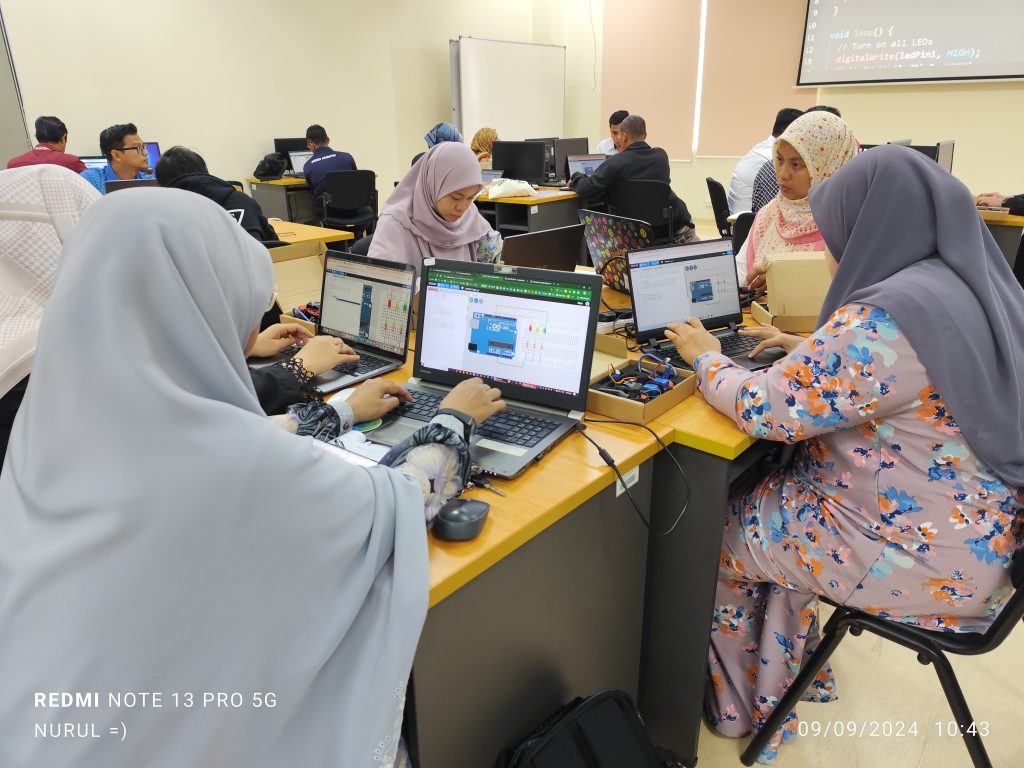
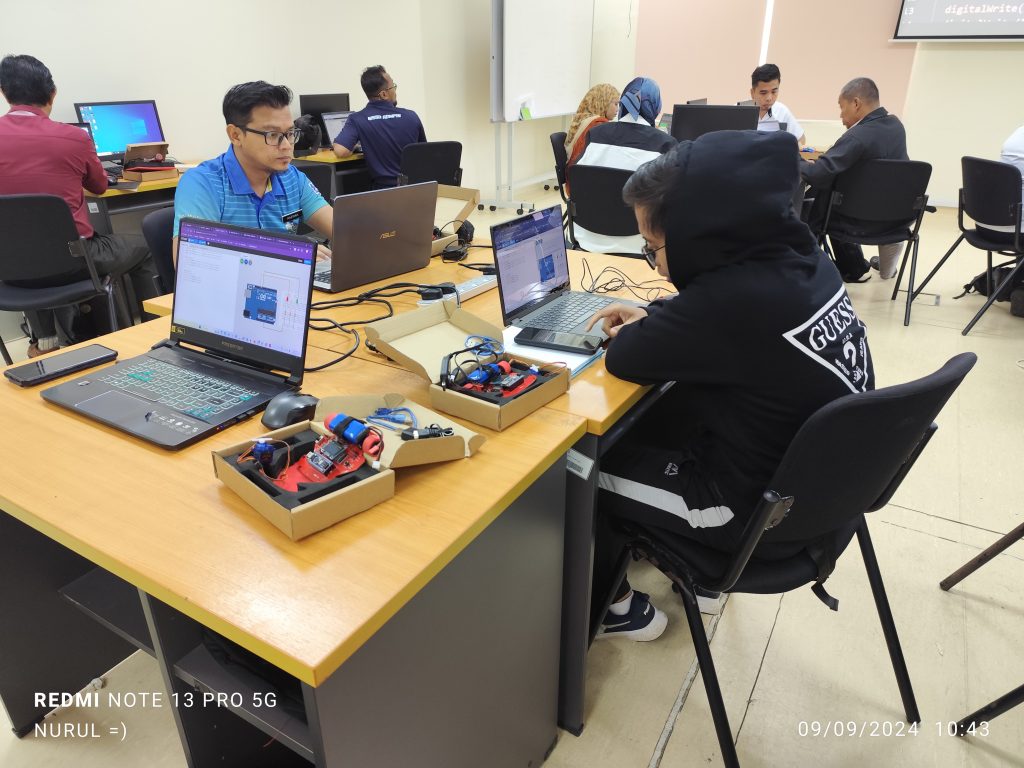
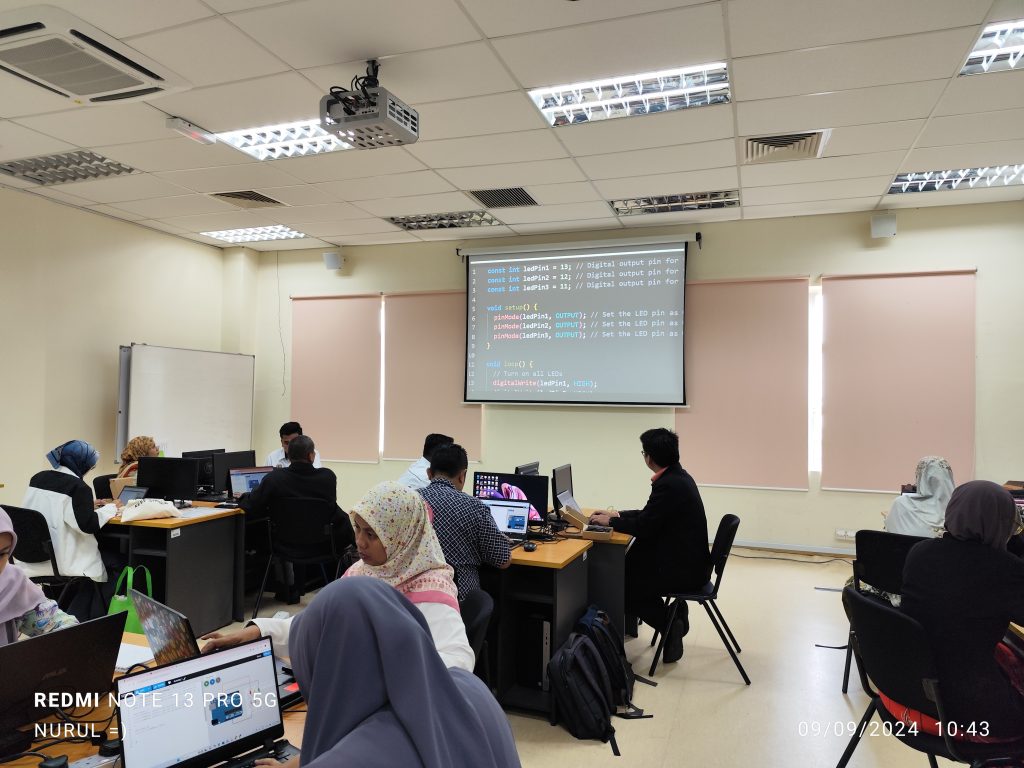
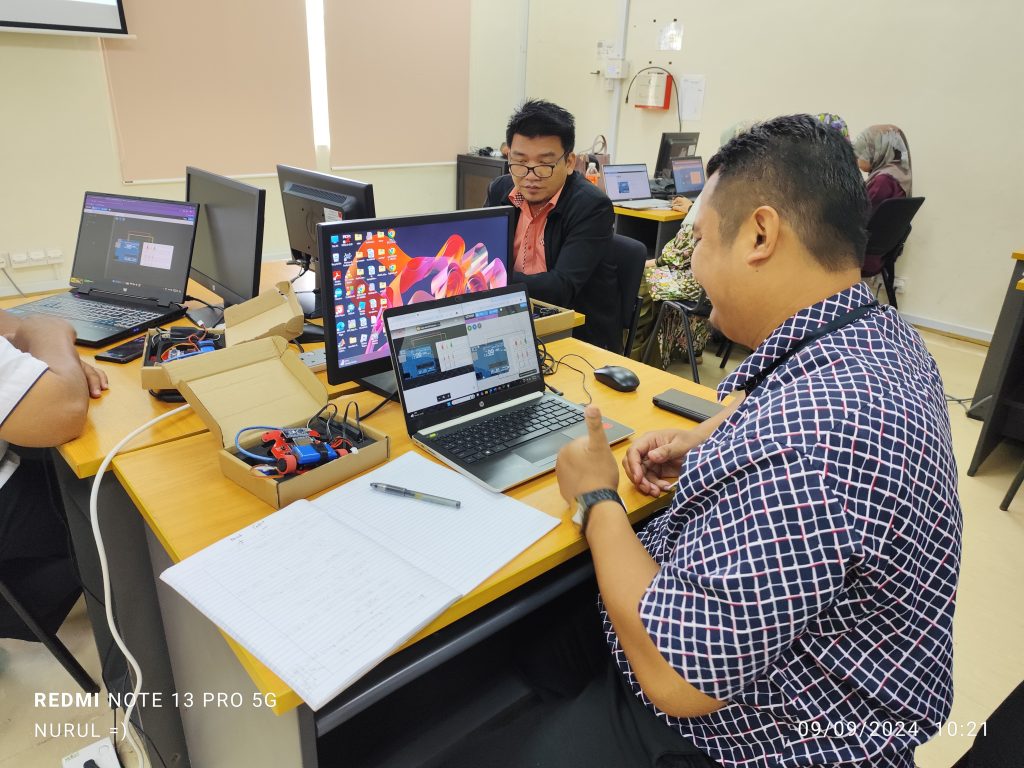
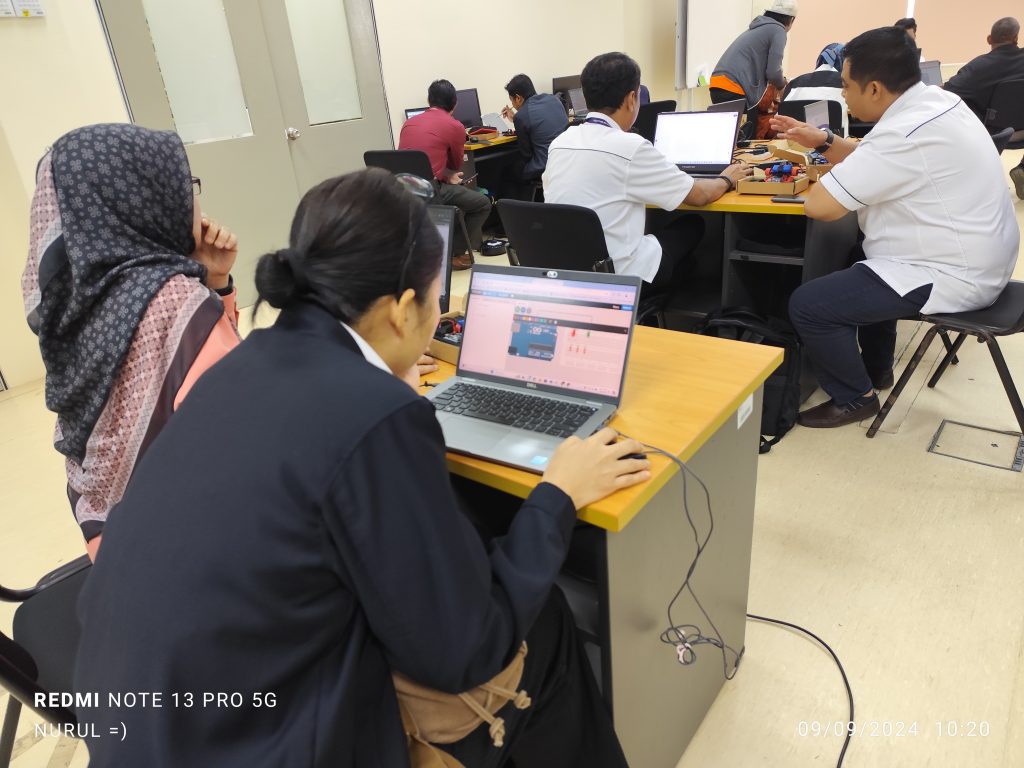
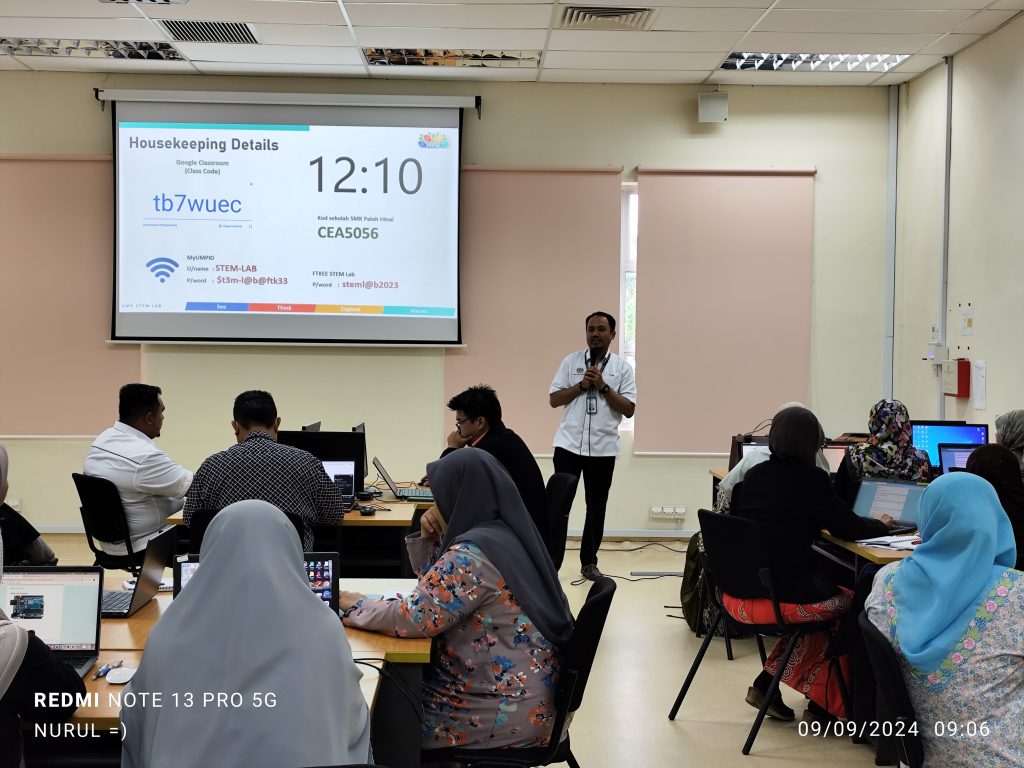
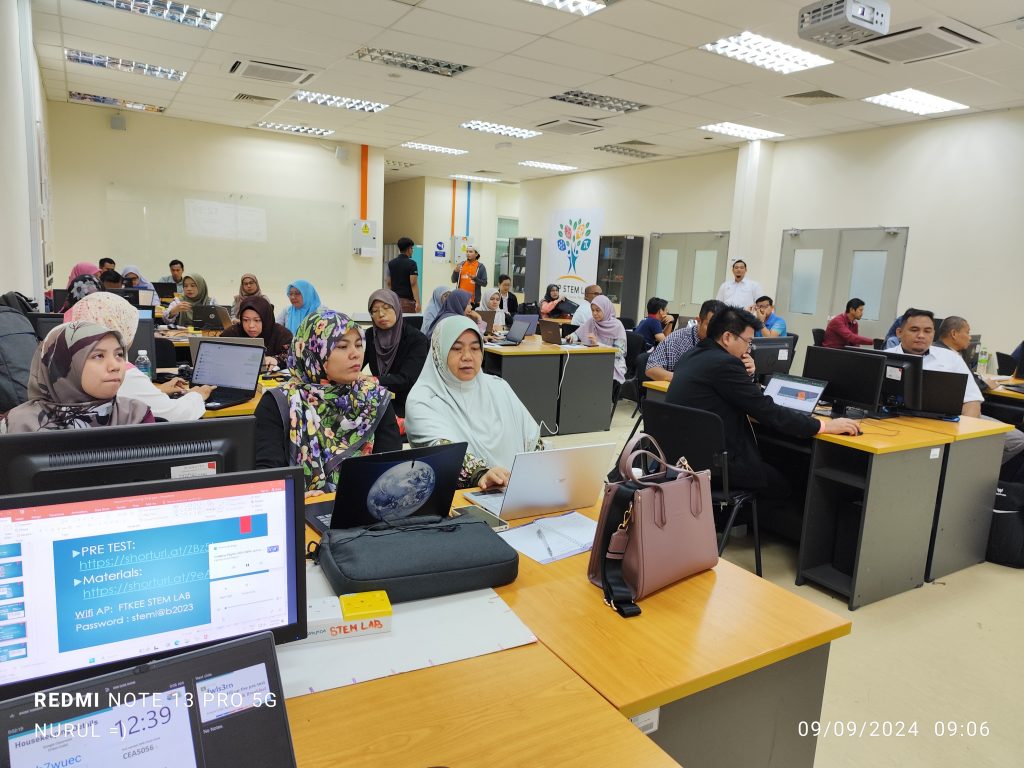
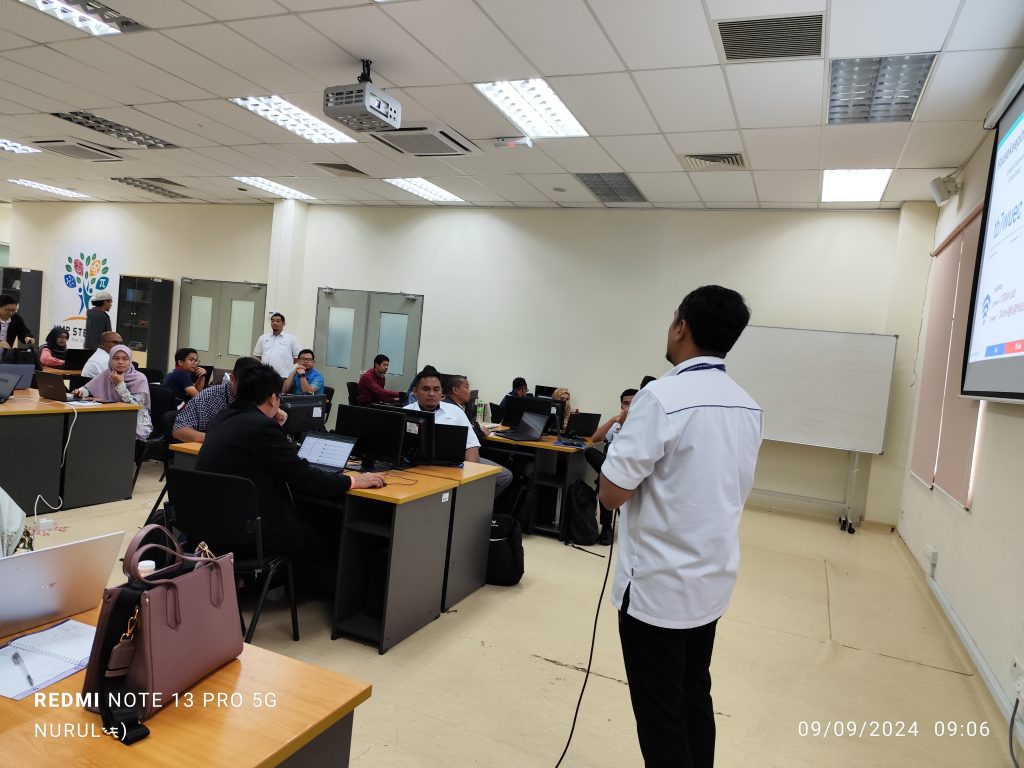
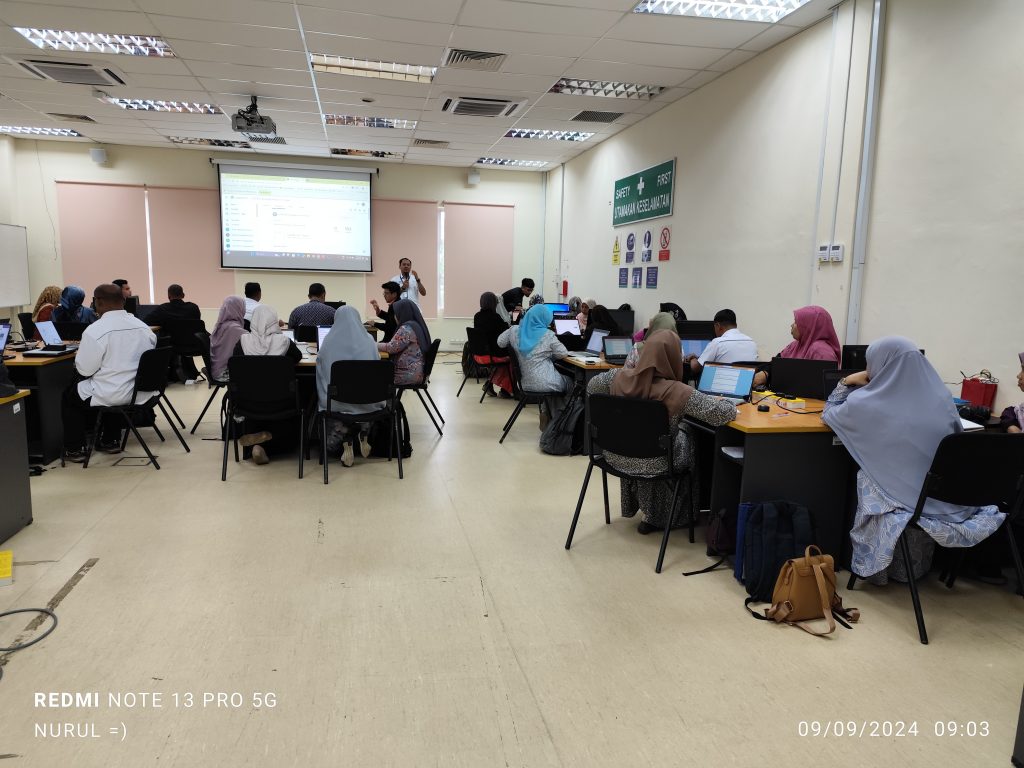
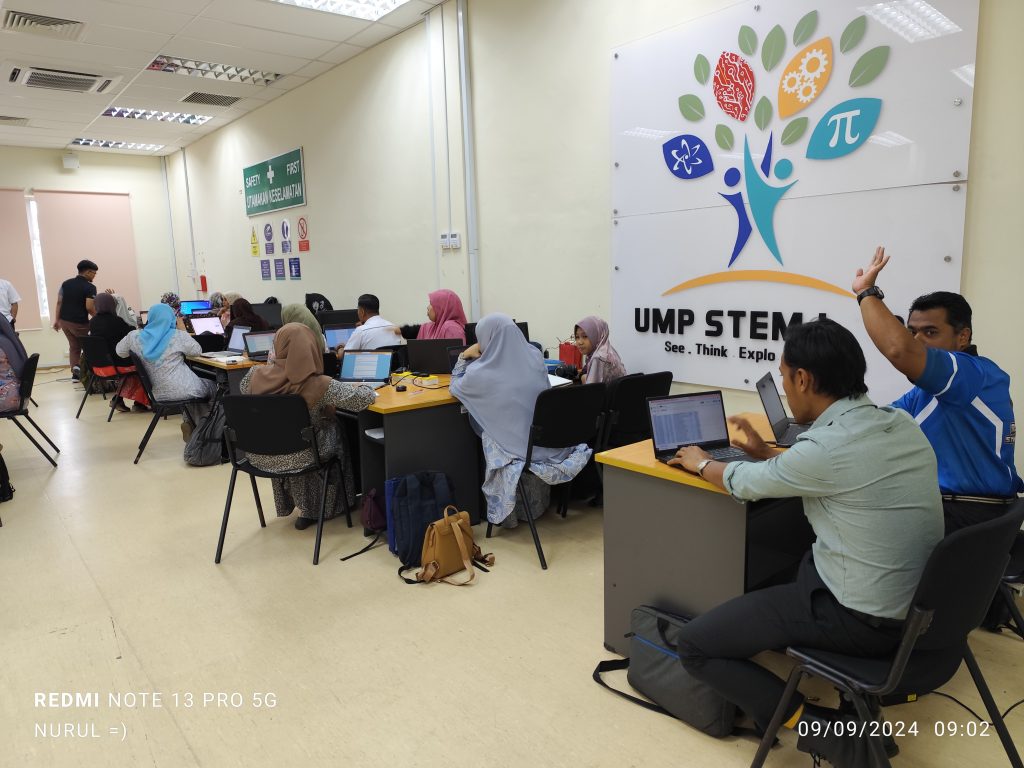
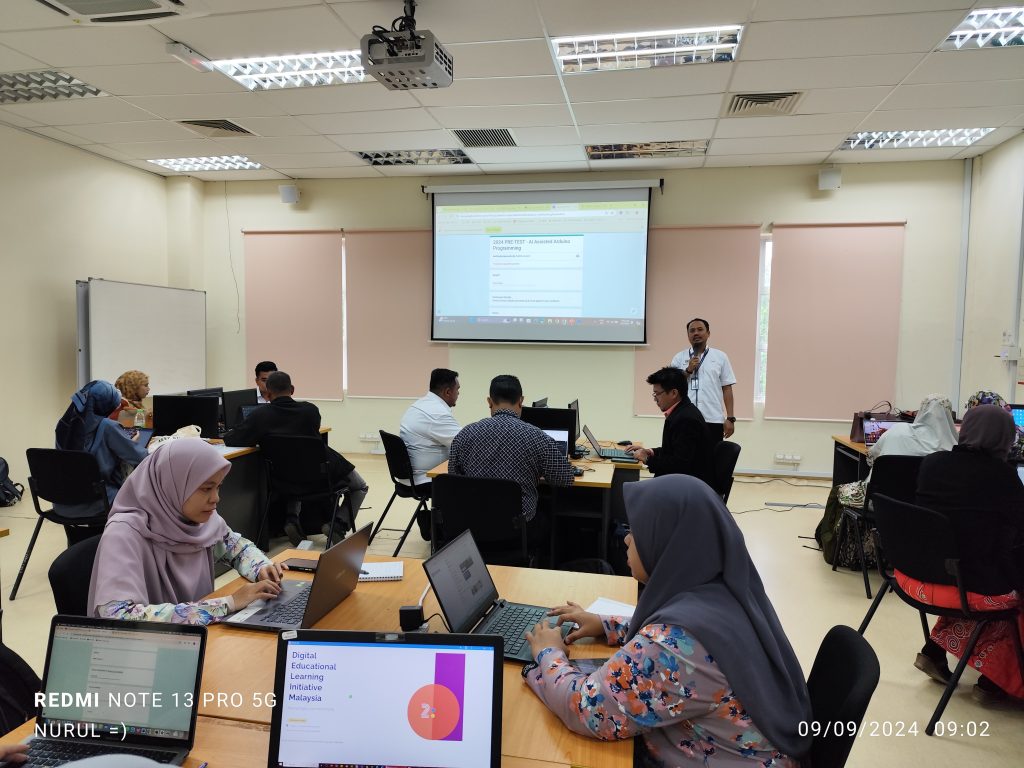
Today’s session, in collaboration with Jabatan Pendidikan Negeri Pahang, involves interactive session for 36 teachers from all over Pahang.
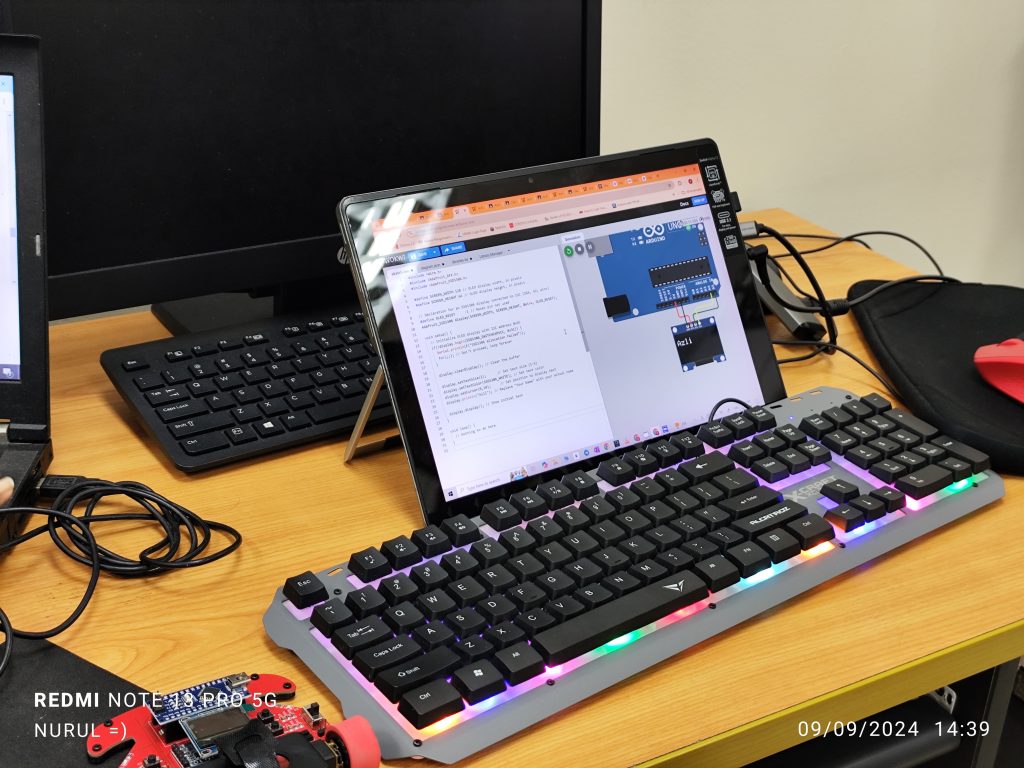
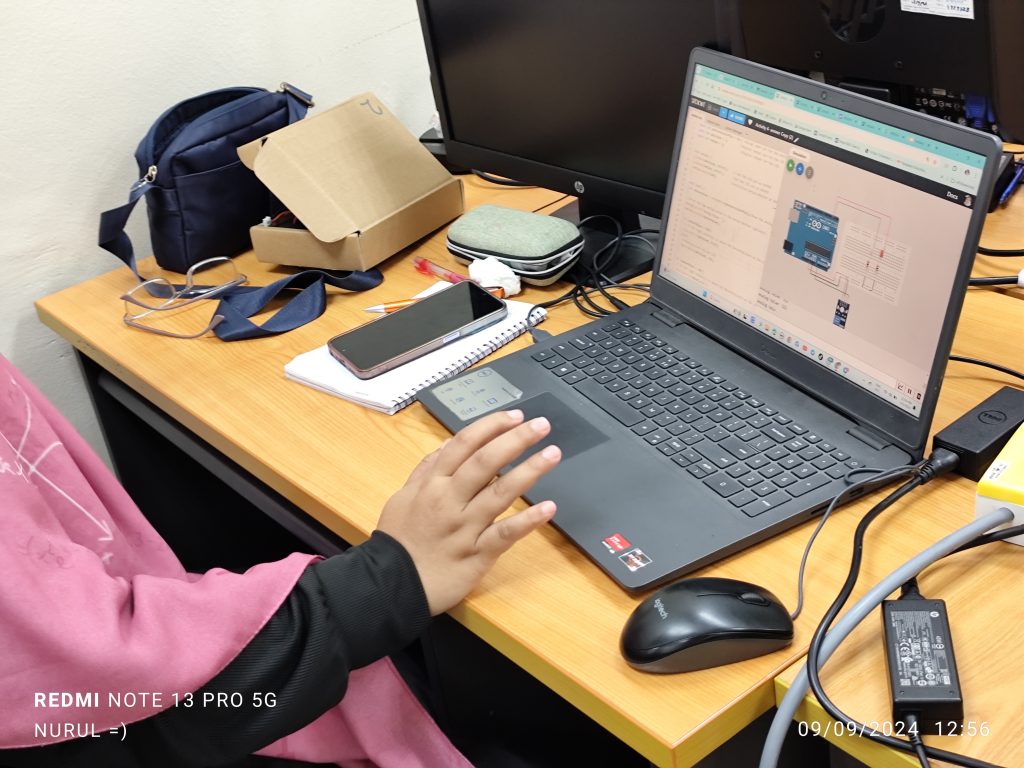
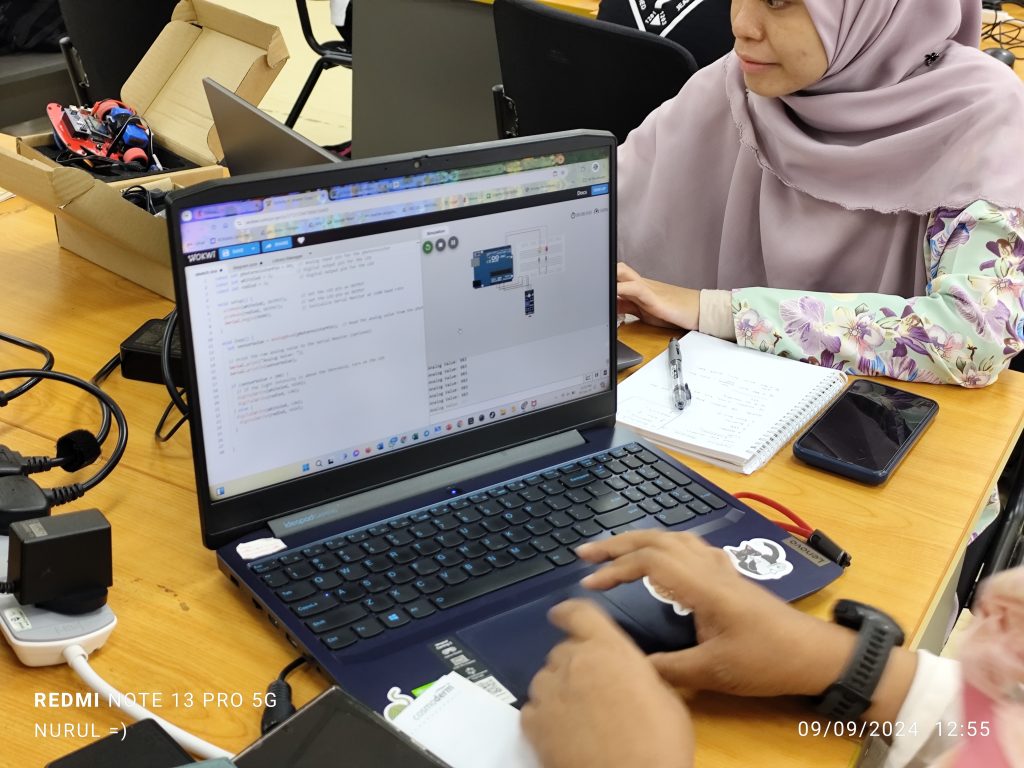
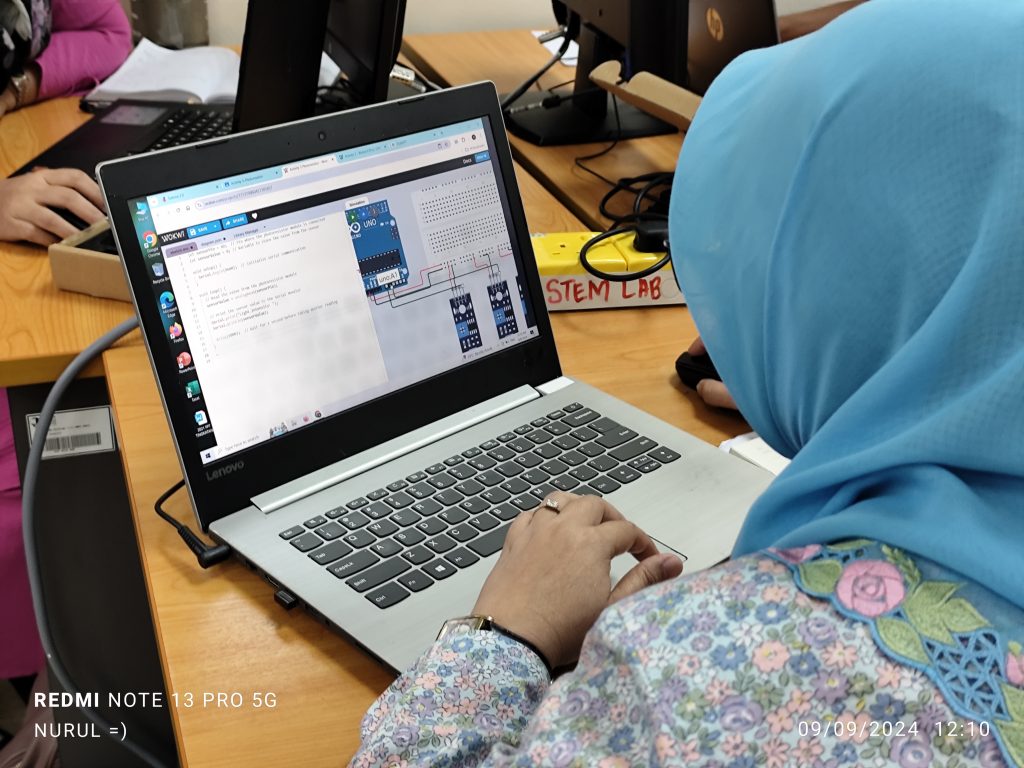
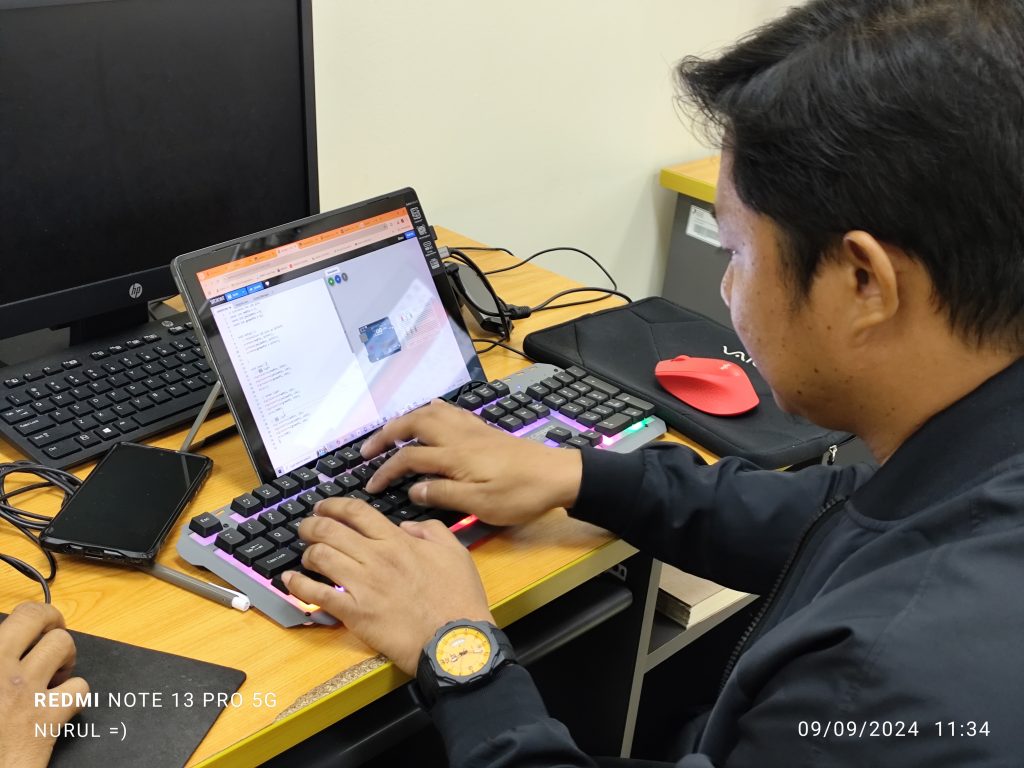
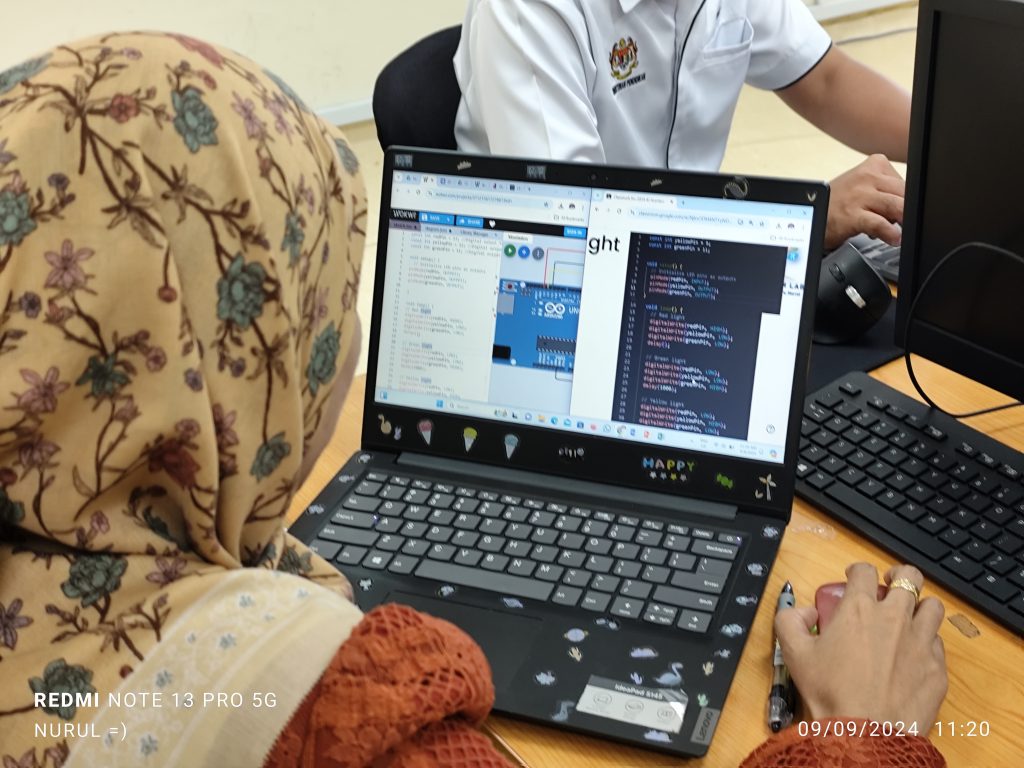
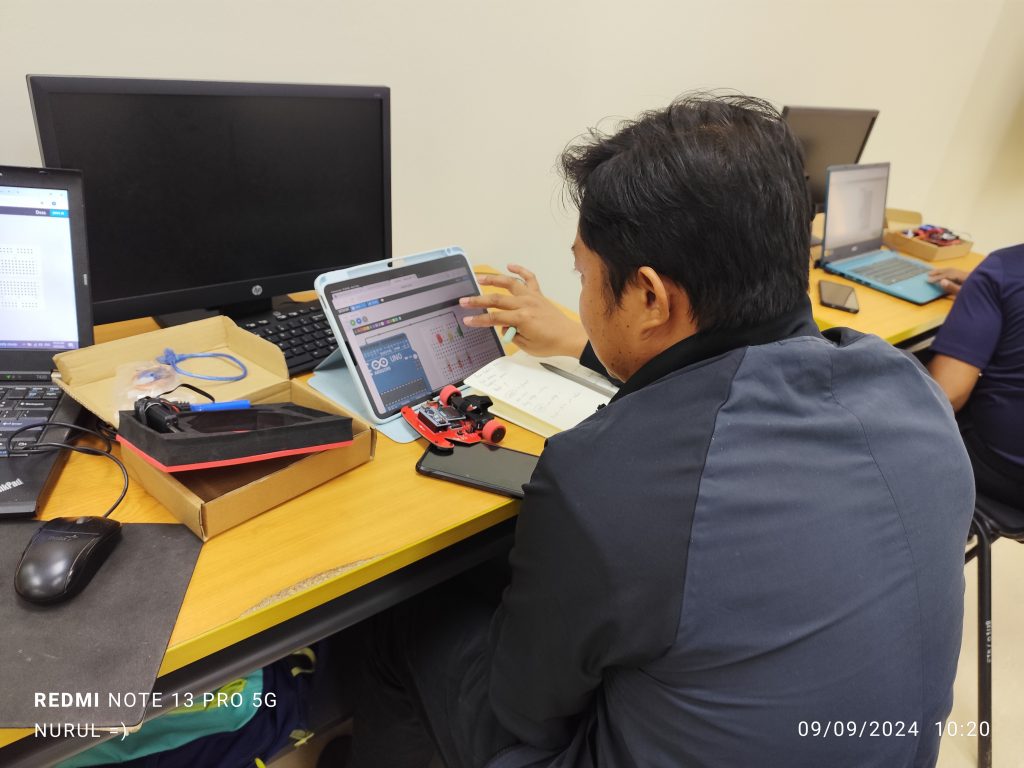
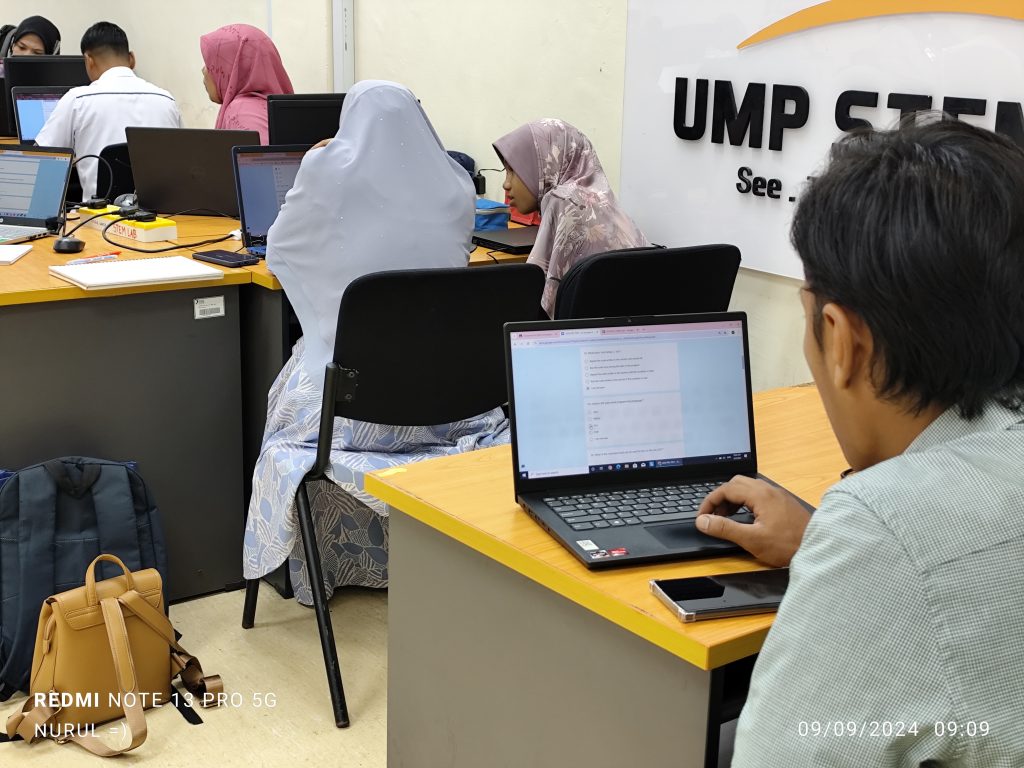
The session was designed with a clear objective to demystify the basics of Arduino programming and physical computing while leveraging AI tools to make the learning process more intuitive and accessible. For many of these participants, this was their first exposure to the intricacies of coding and the fascinating world of microcontrollers. The use of AI in the learning process provided a significant boost, enabling them to grasp complex concepts more easily and with greater confidence.
The essence of the session was a series of six hands-on activities, each carefully crafted to build upon the previous one, ensuring a gradual yet comprehensive learning experience. These activities were designed not only to teach the basics of programming and electronics but also to illustrate how AI can be a valuable ally in the learning process.
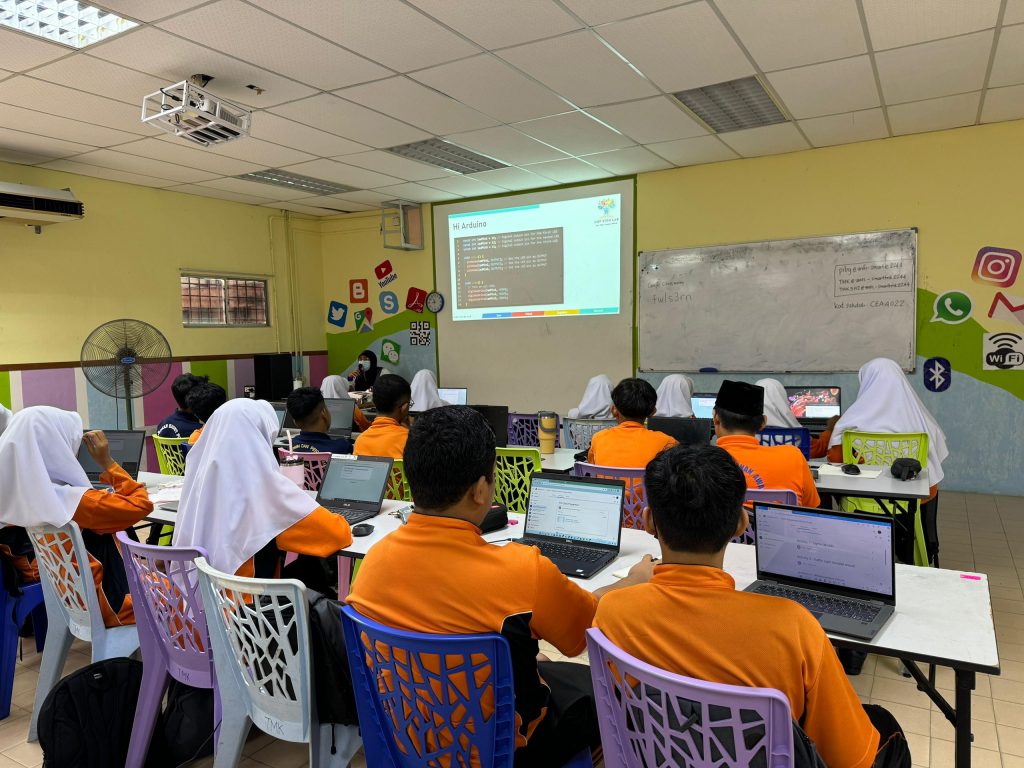
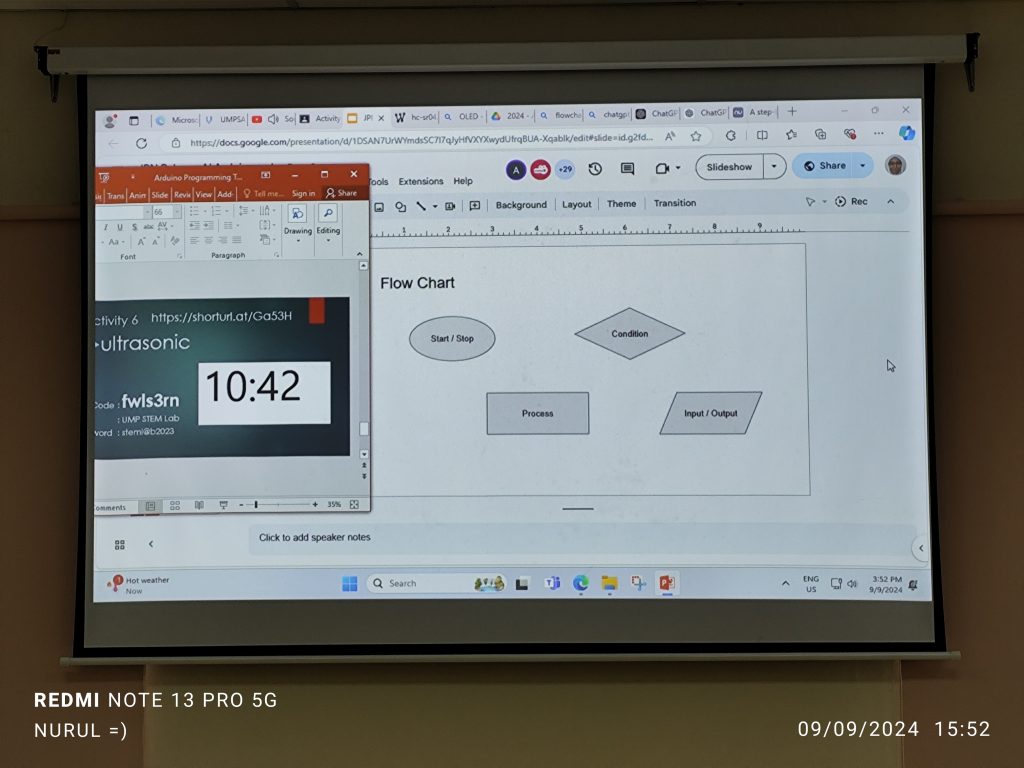
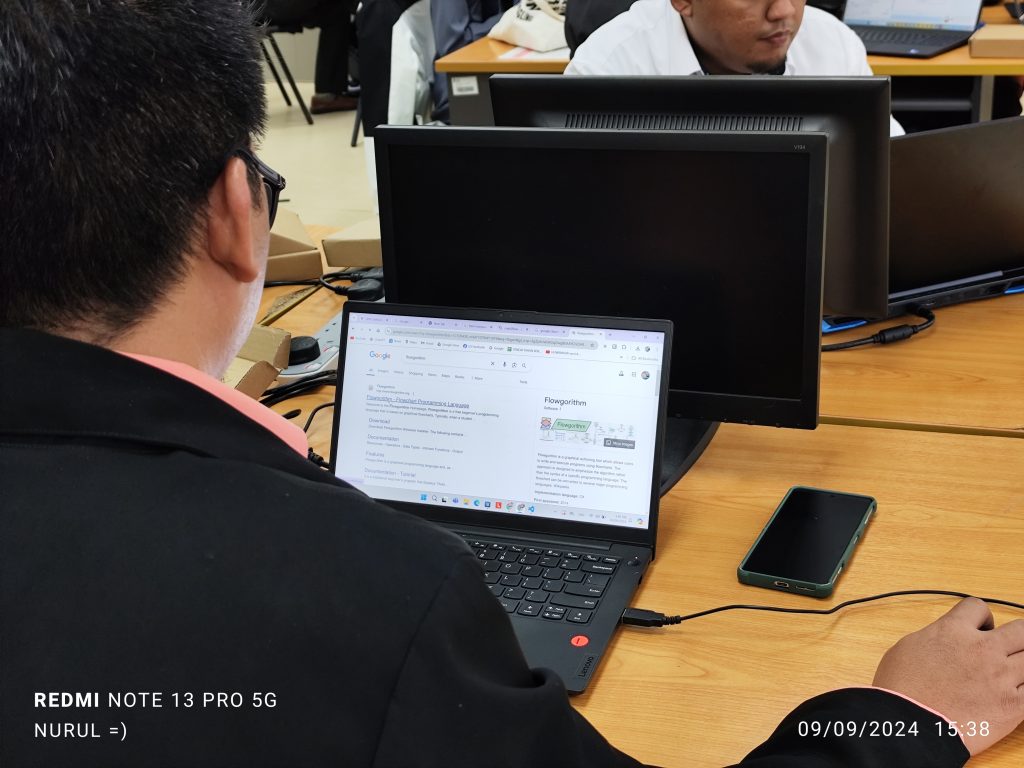
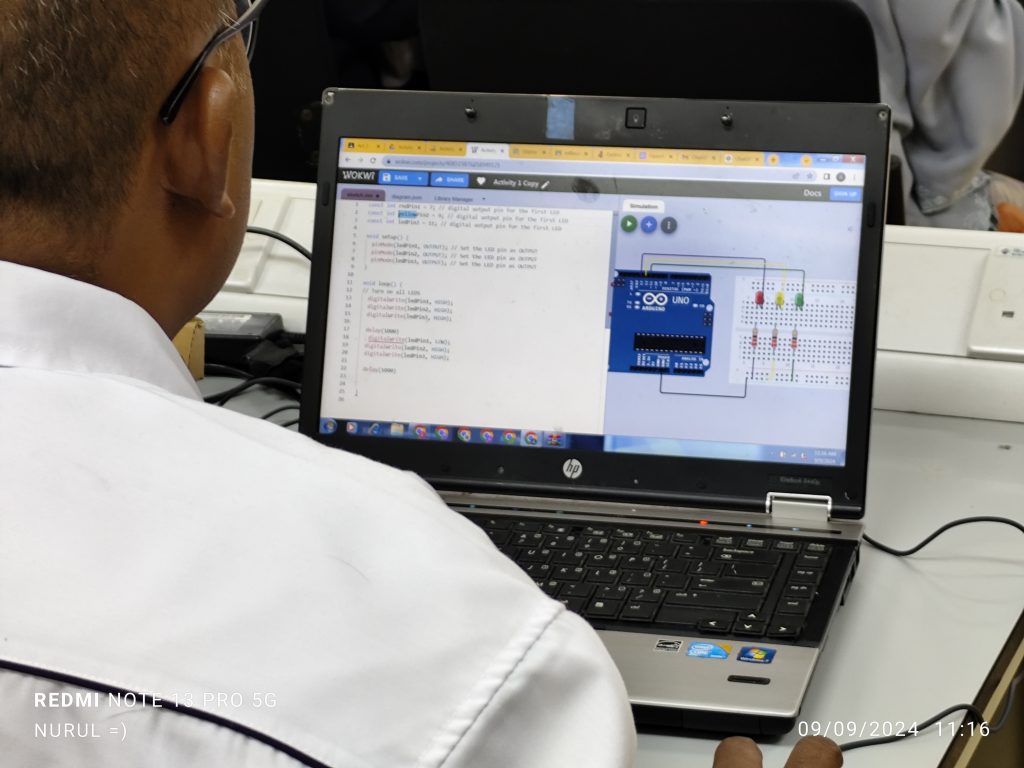
During the session, participants were introduced to the Arduino platform, gaining a solid understanding of its components and the vast potential it holds for creating interactive projects. This foundational knowledge was crucial as it set the stage for the more complex tasks that followed. Leveraging AI tools like ChatGPT, participants witnessed firsthand how AI could assist in generating and debugging code, making the learning process more efficient. This activity demonstrated the practical benefits of AI, especially in reducing the learning curve for beginners.
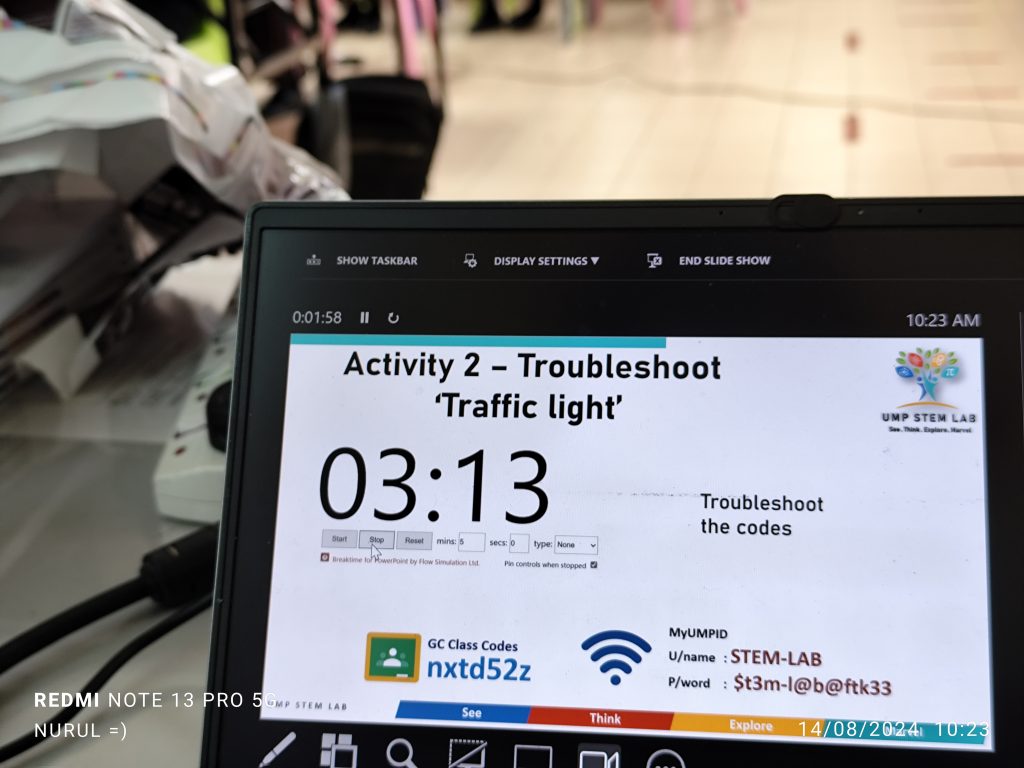
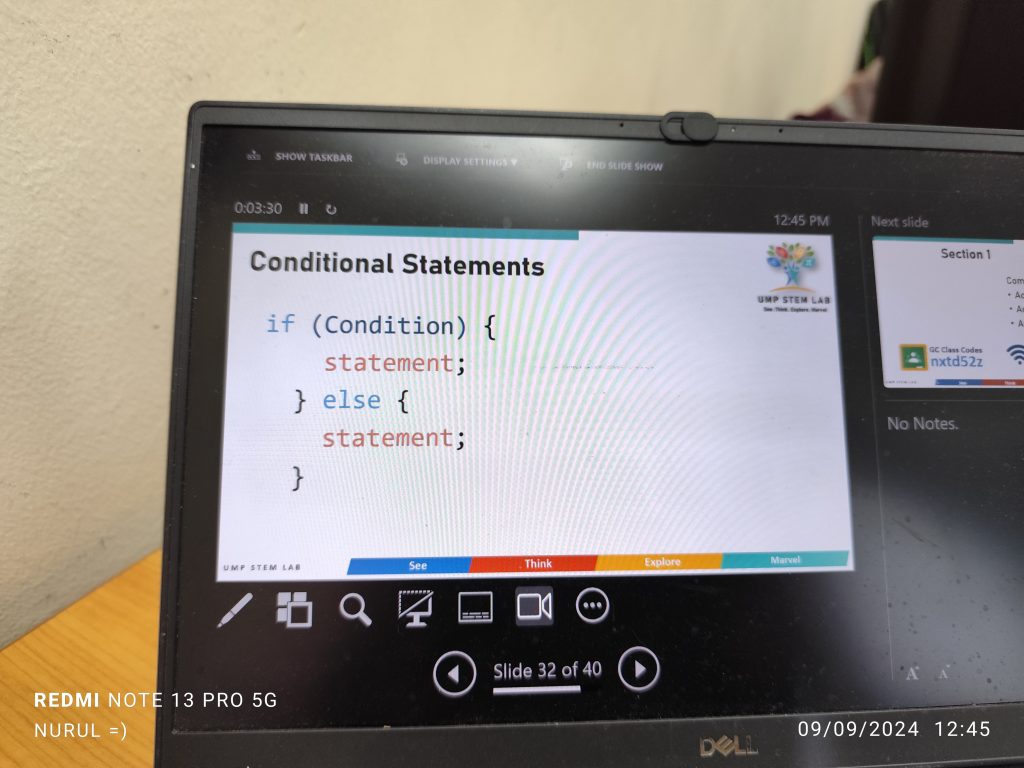
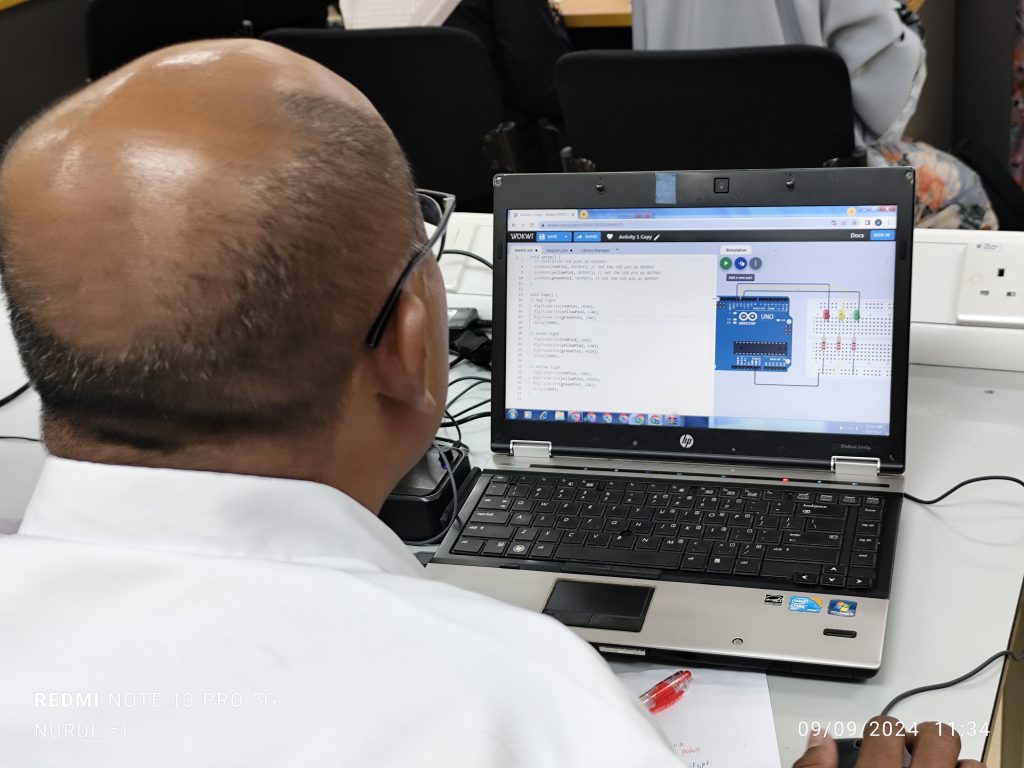
As they progressed, the participants engaged in the classic “Hello World” of Arduino by writing simple code to control an LED, an experience that built their confidence and deepened their understanding of digital outputs. The next step in their learning journey was the traffic light simulation project, where they applied control structures to manage multiple outputs. This project not only taught them the intricacies of timing and logic but also encouraged them to think critically about how these elements interact in real-world applications.
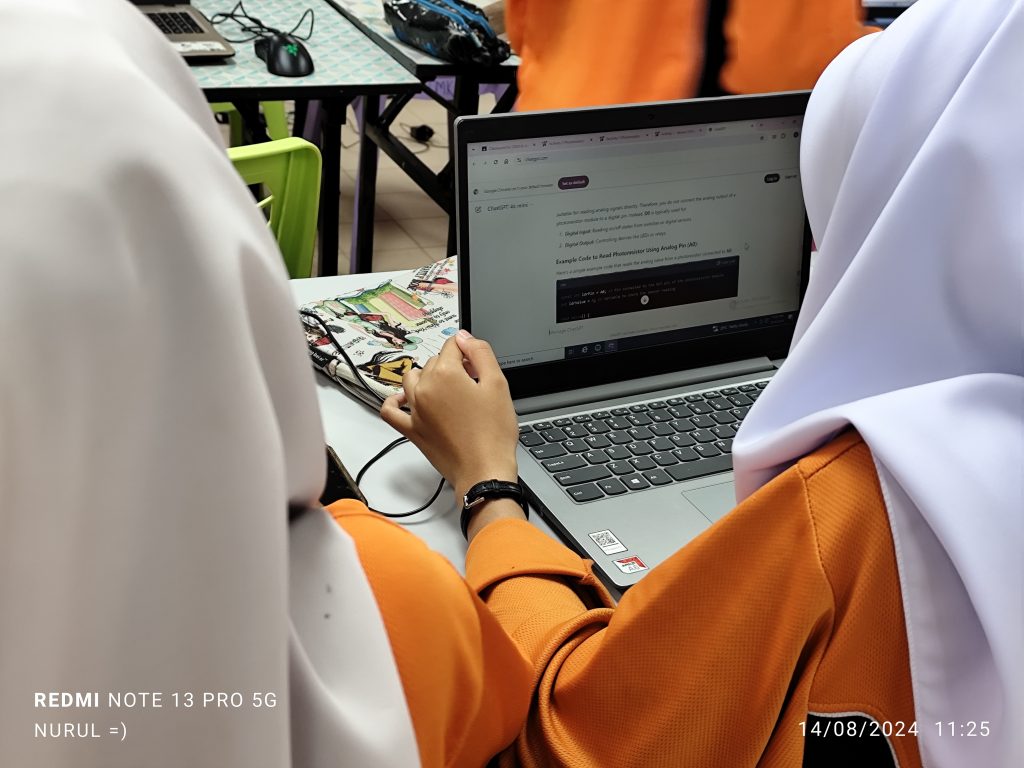
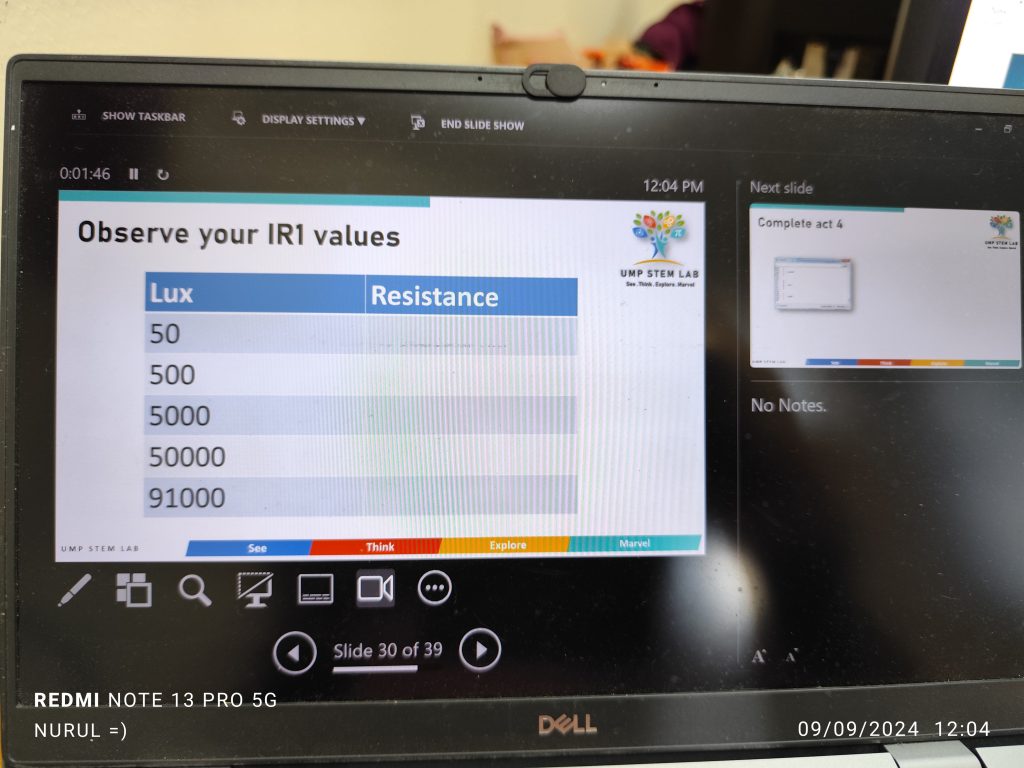
Further advancing their skills, the participants used AI-generated code to integrate sensors like photoresistors into their projects, introducing them to the world of analog inputs and sensor data processing. The session culminated in an activity where they used an ultrasonic sensor to measure distance, with real-time results displayed, helping them grasp the concepts of pulse measurement and the practical application of their coding skills in tangible, real-world scenarios.
To all the teachers, nice meeting you and hope to see you again in the future.
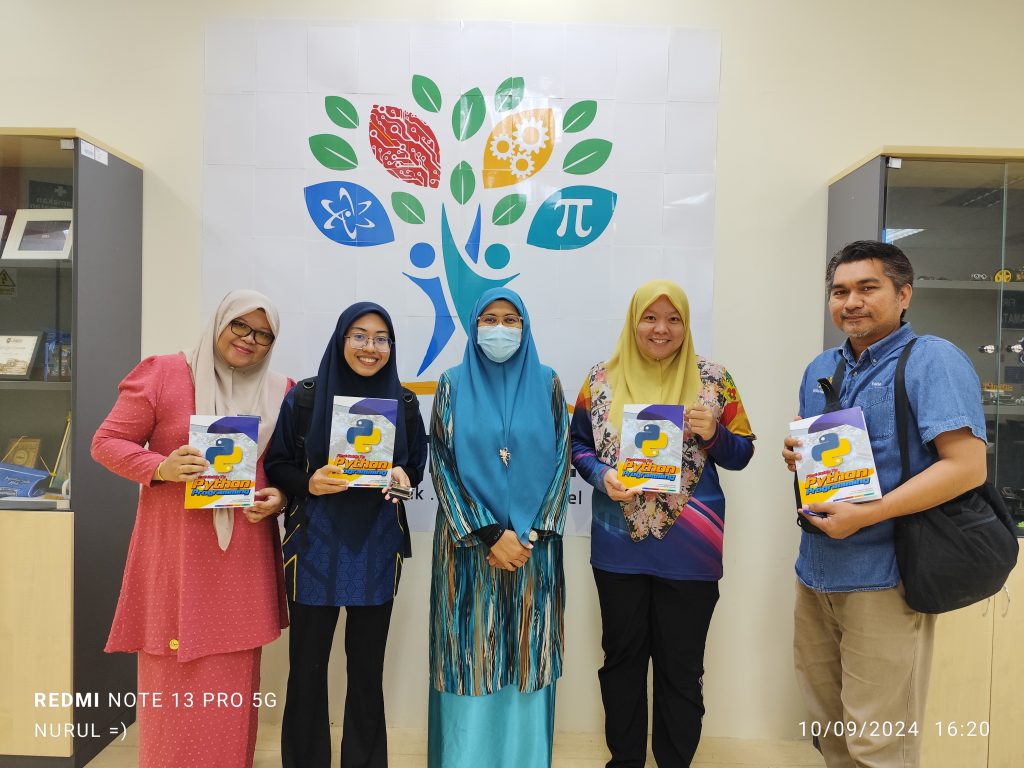
Thank you Hj Bushra for coordinating the session between UMPSA STEM Lab and the participants today.
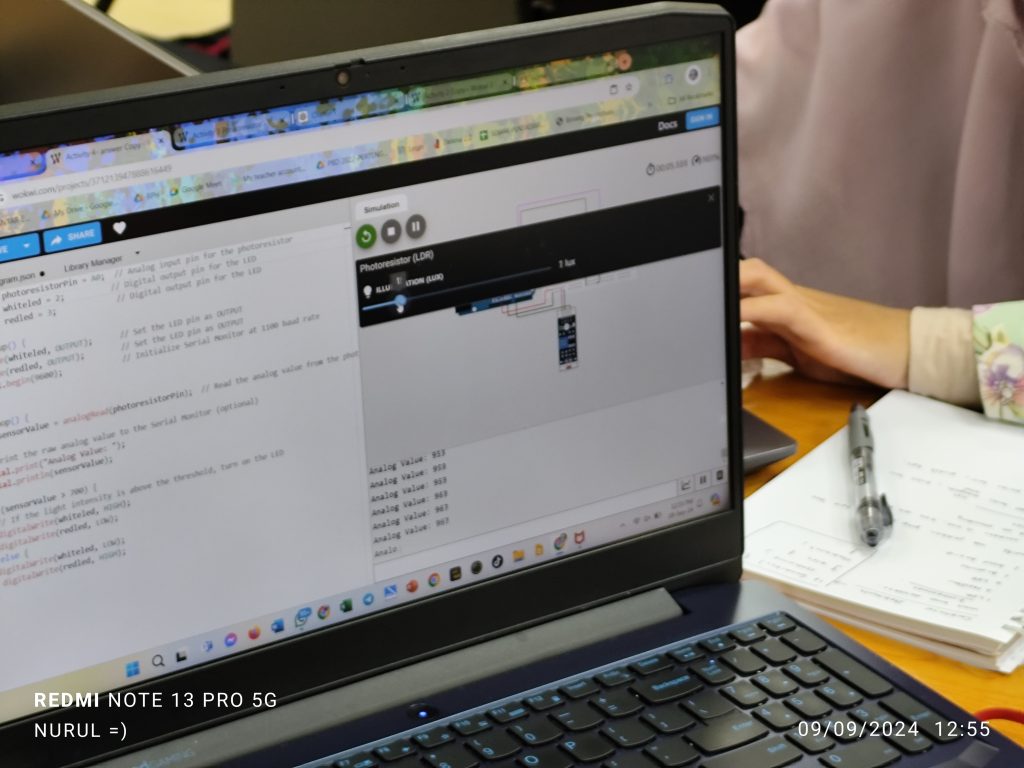
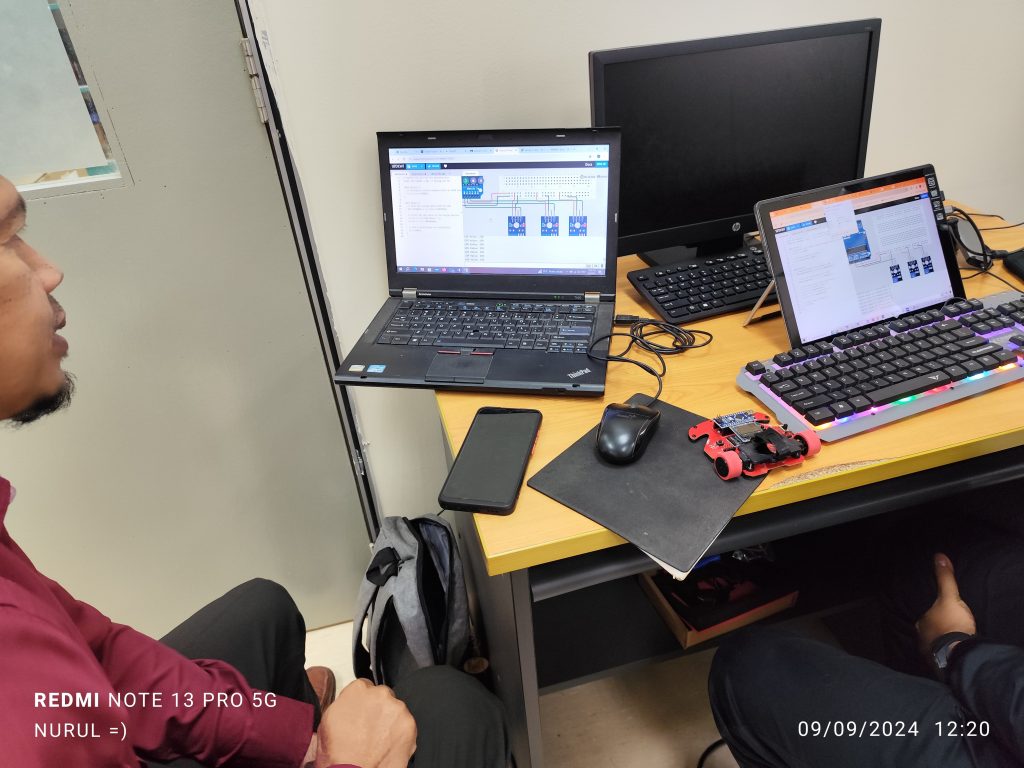
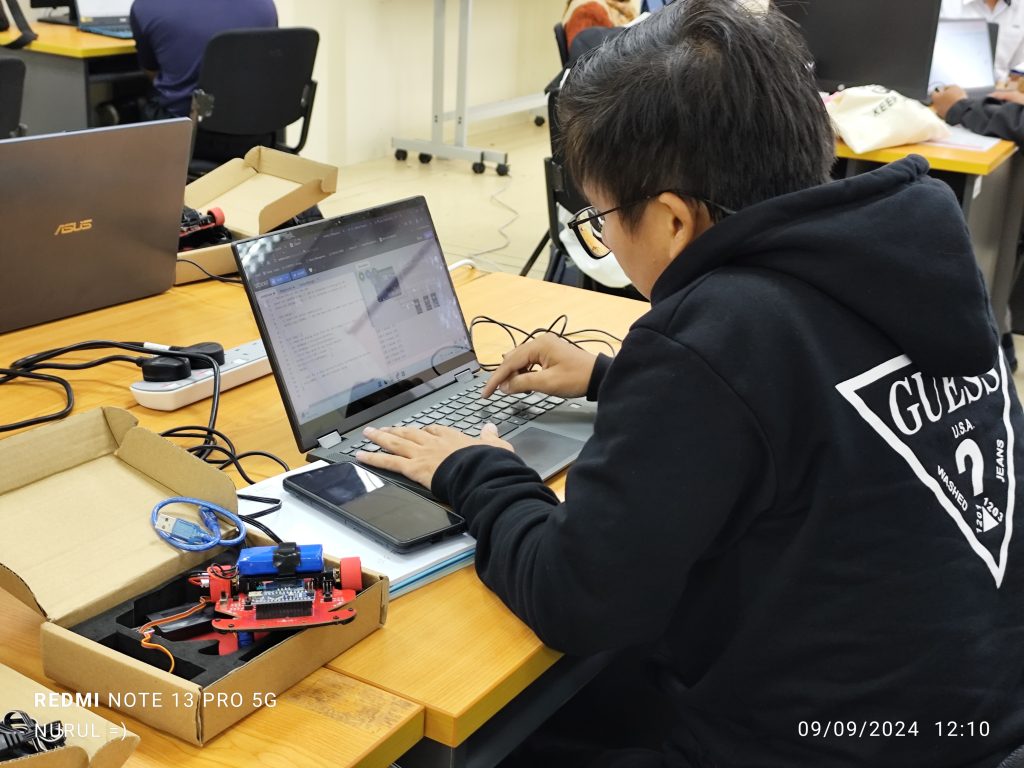
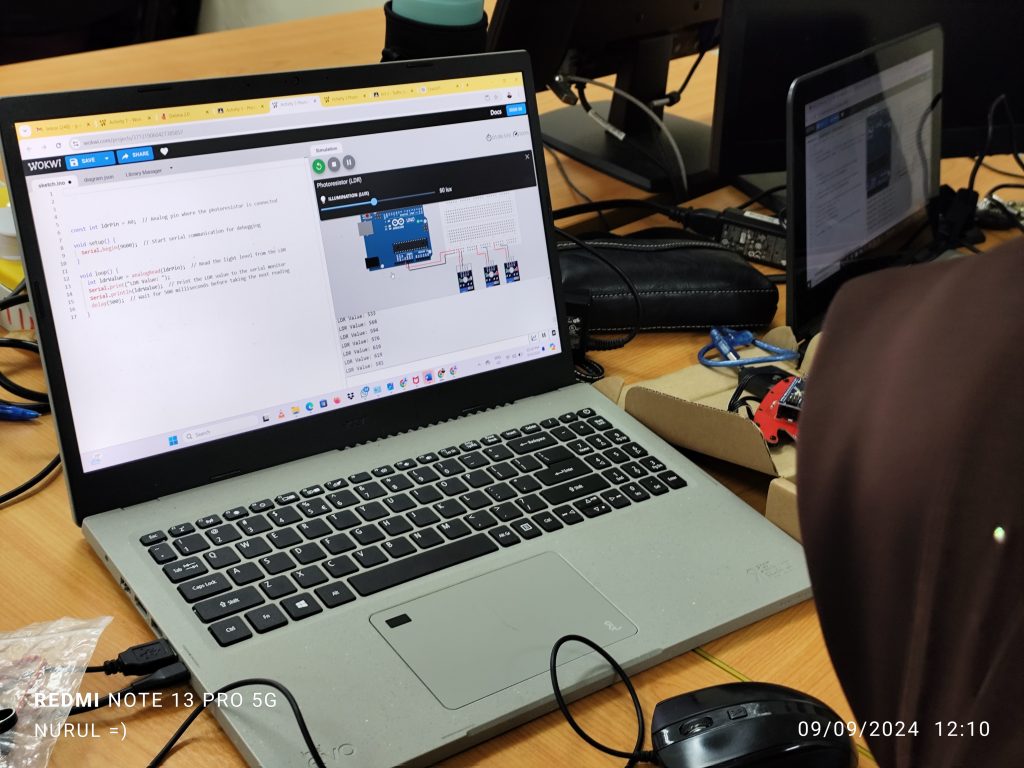
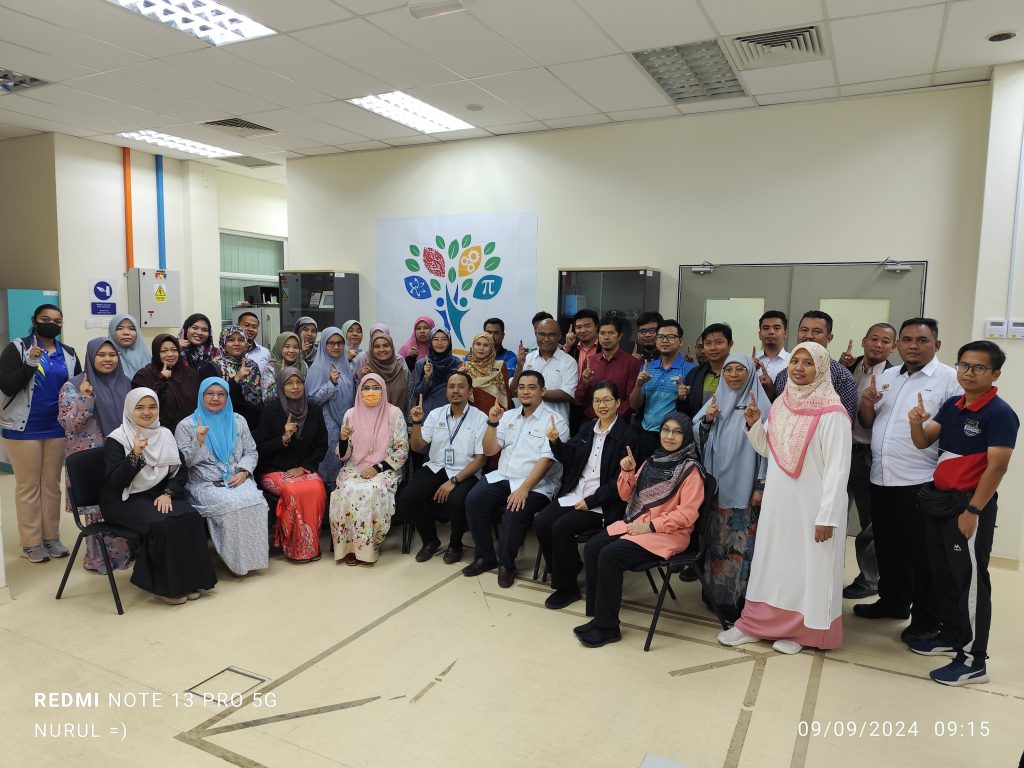
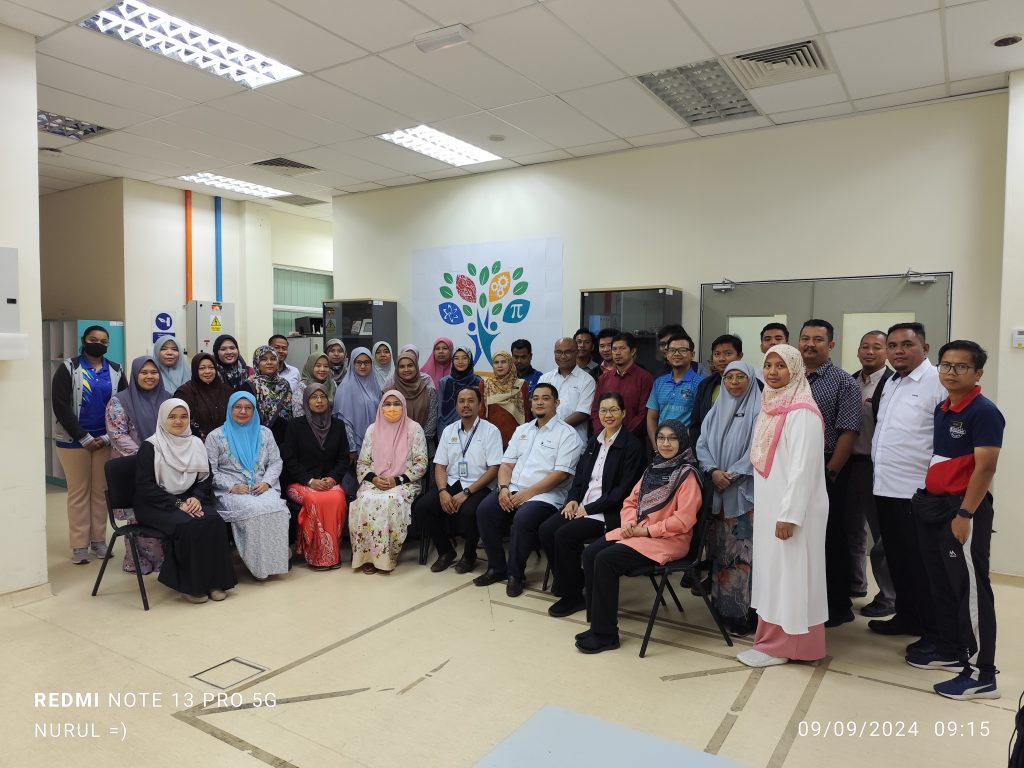
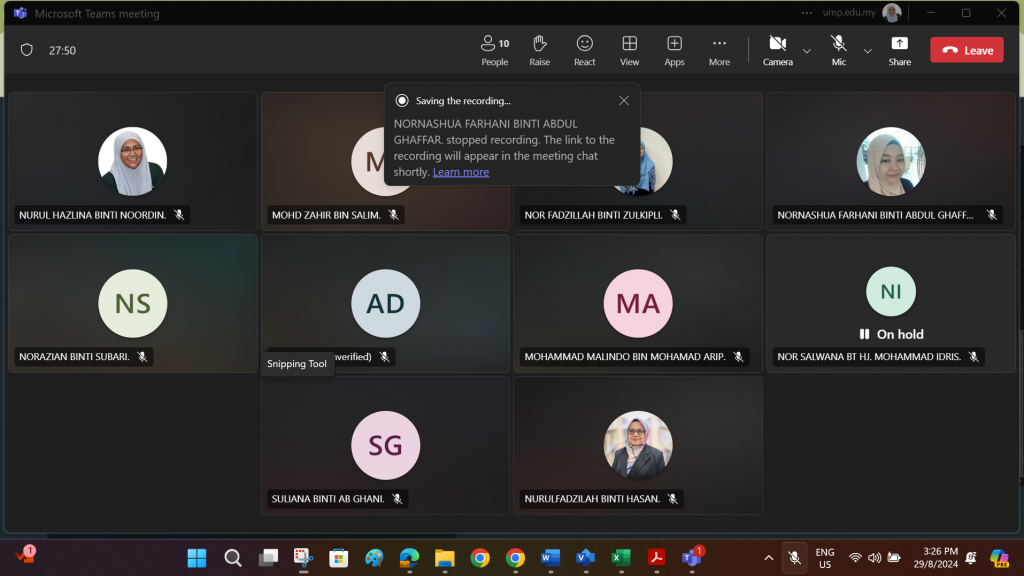
A synopsis of the program can be retrieved via the following link.
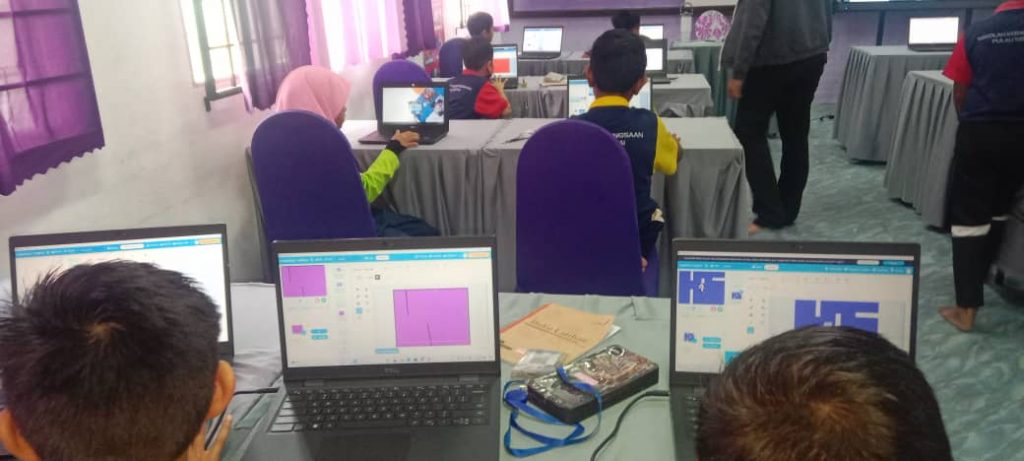
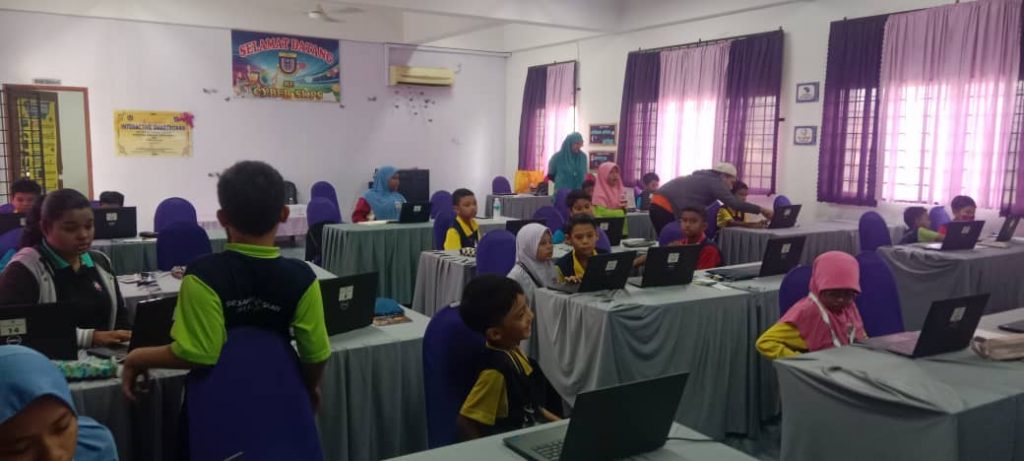
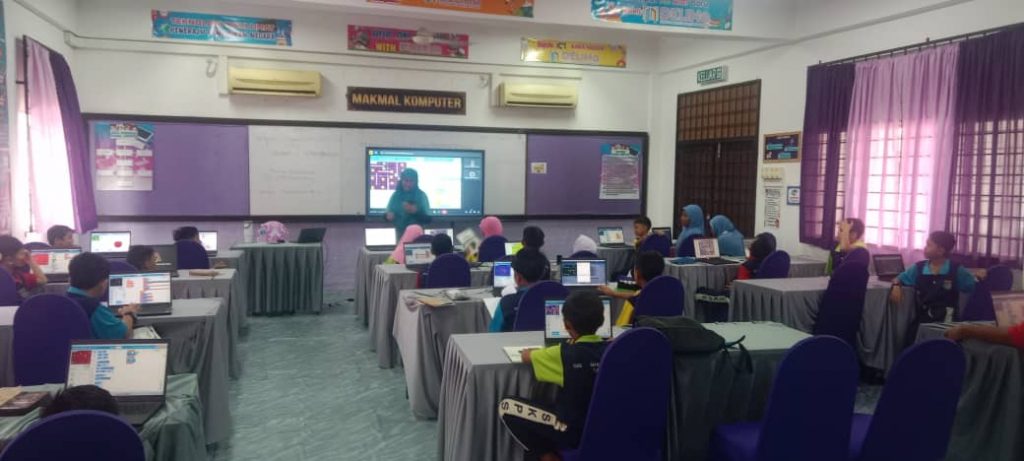
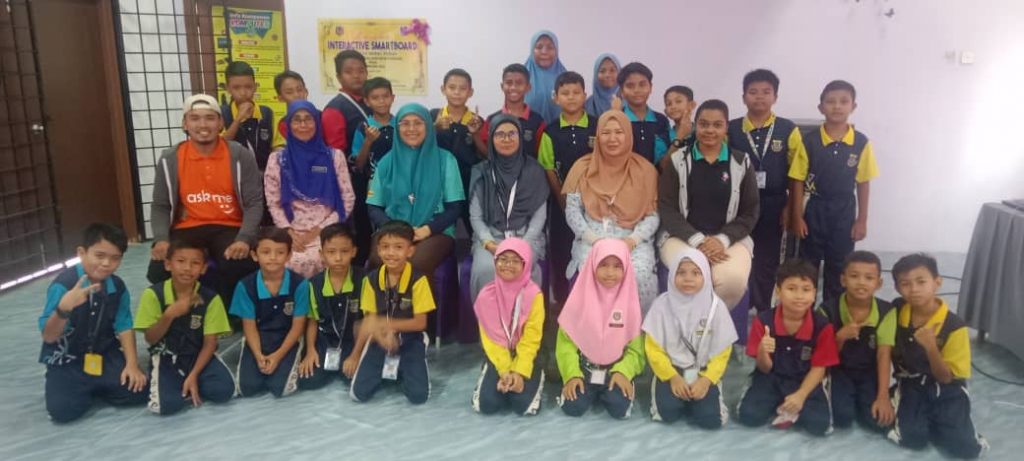
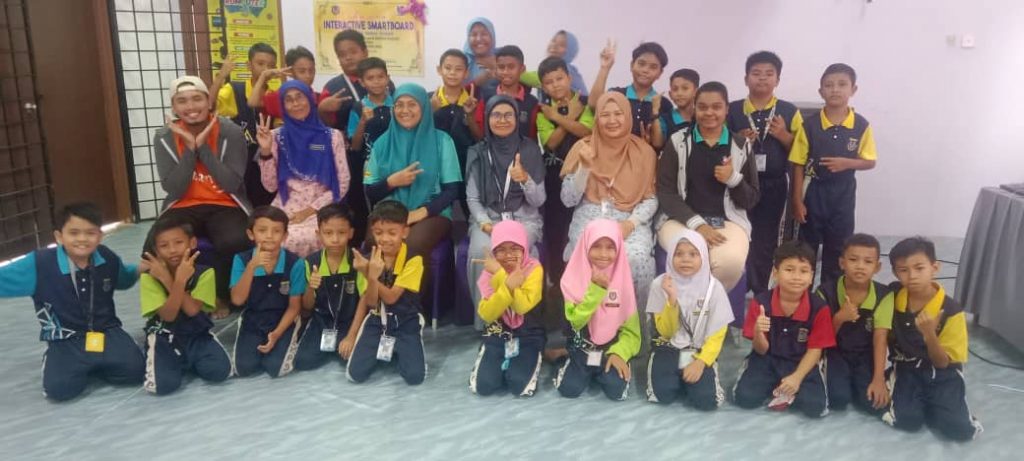
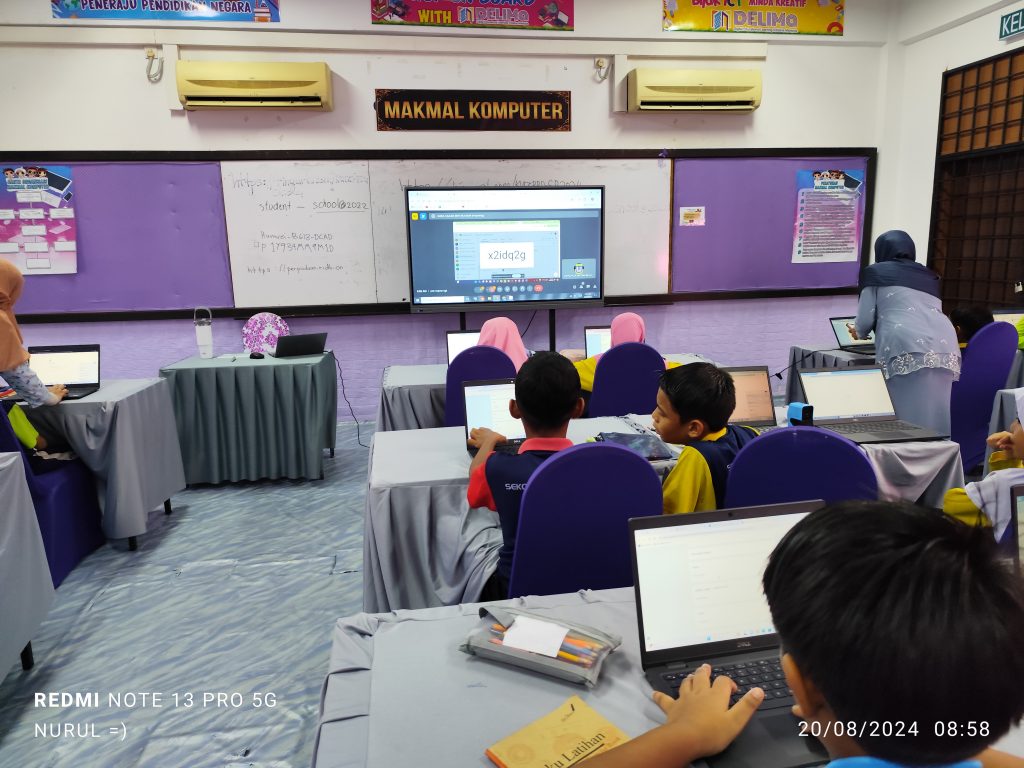
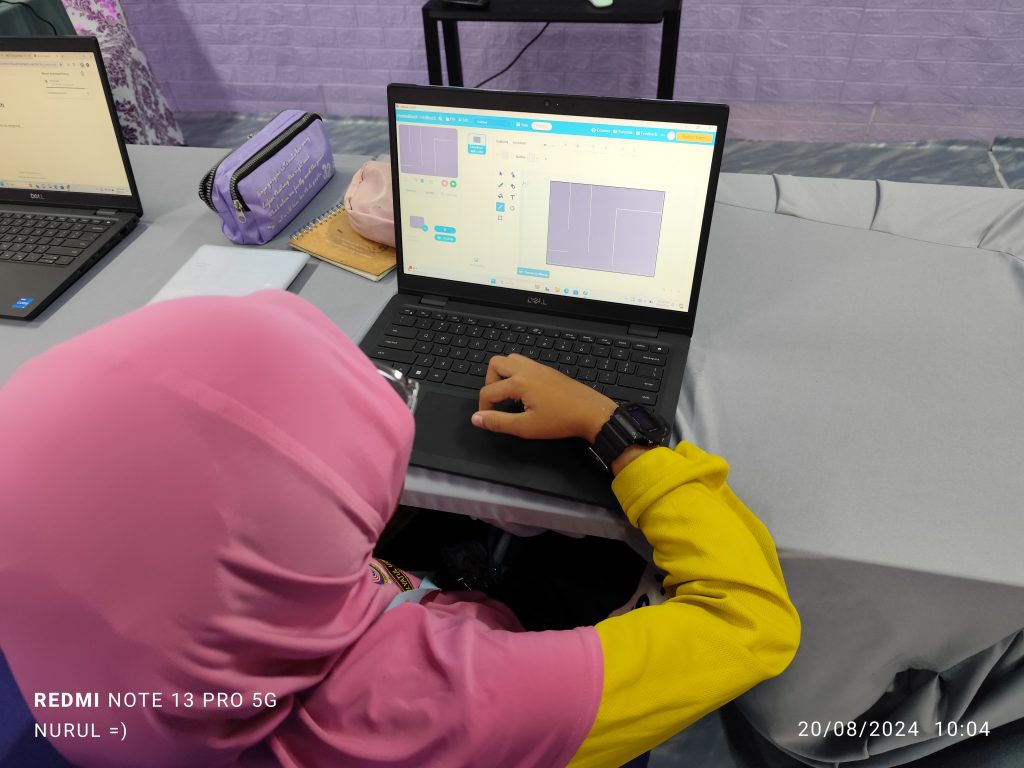
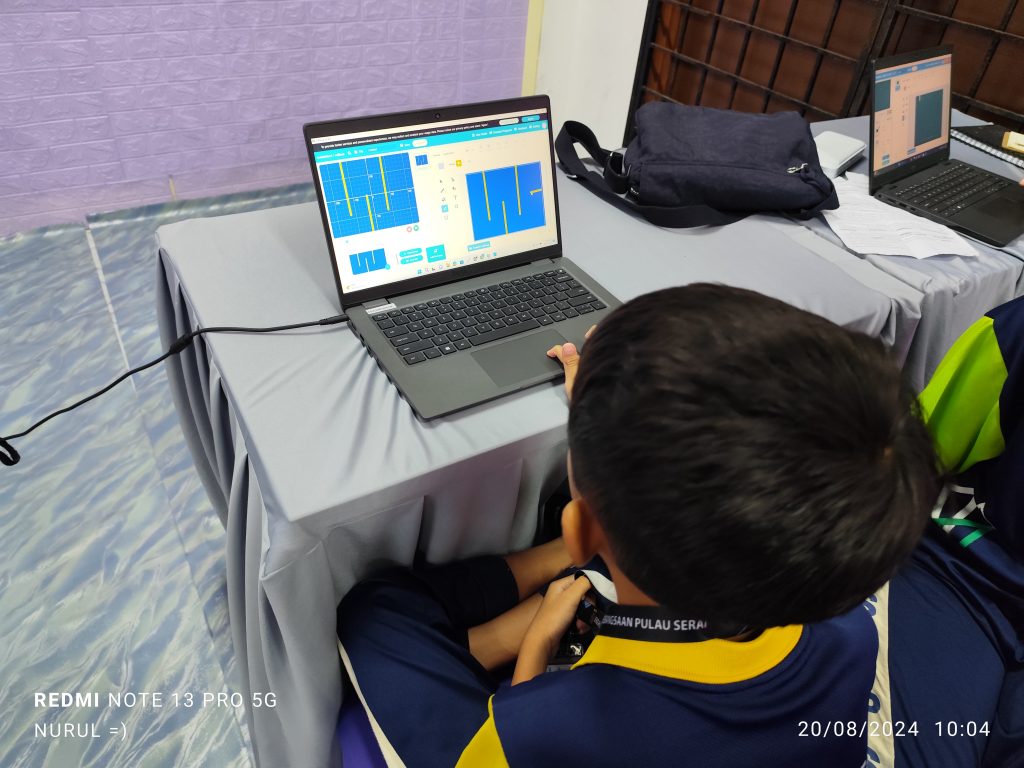
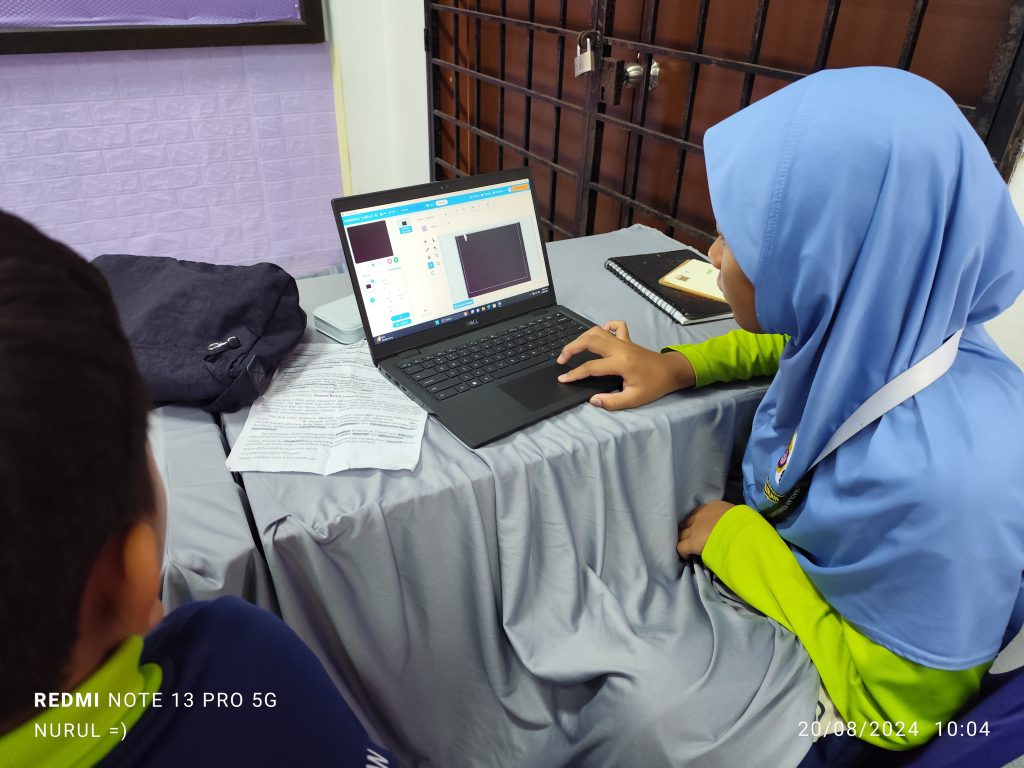
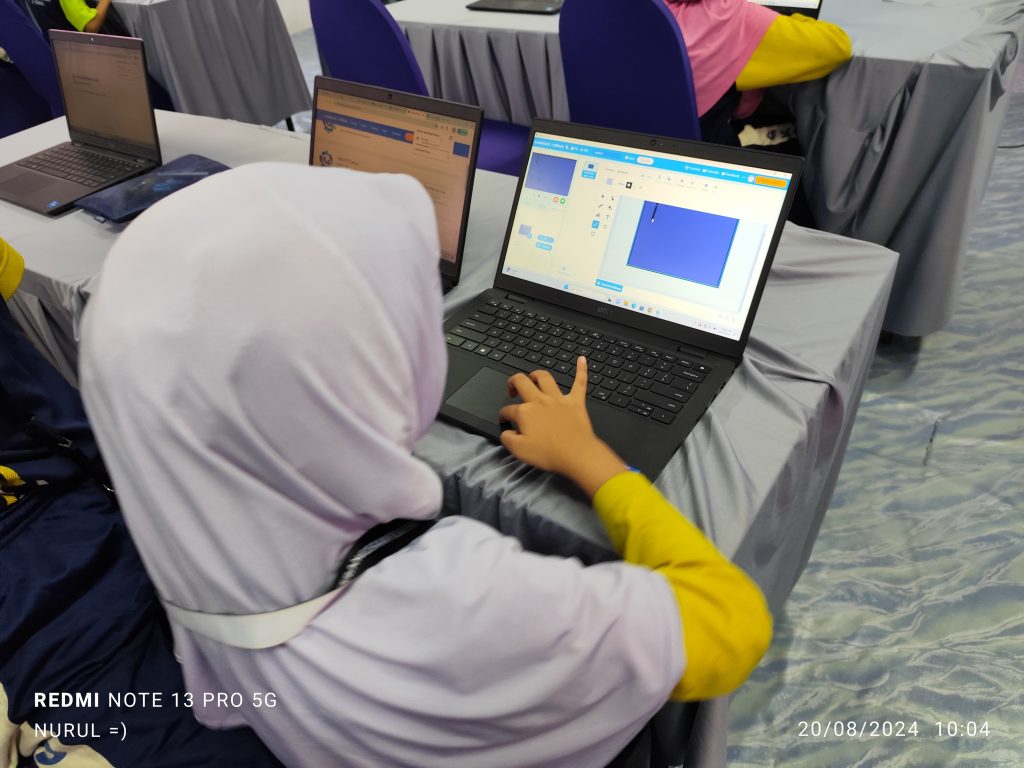
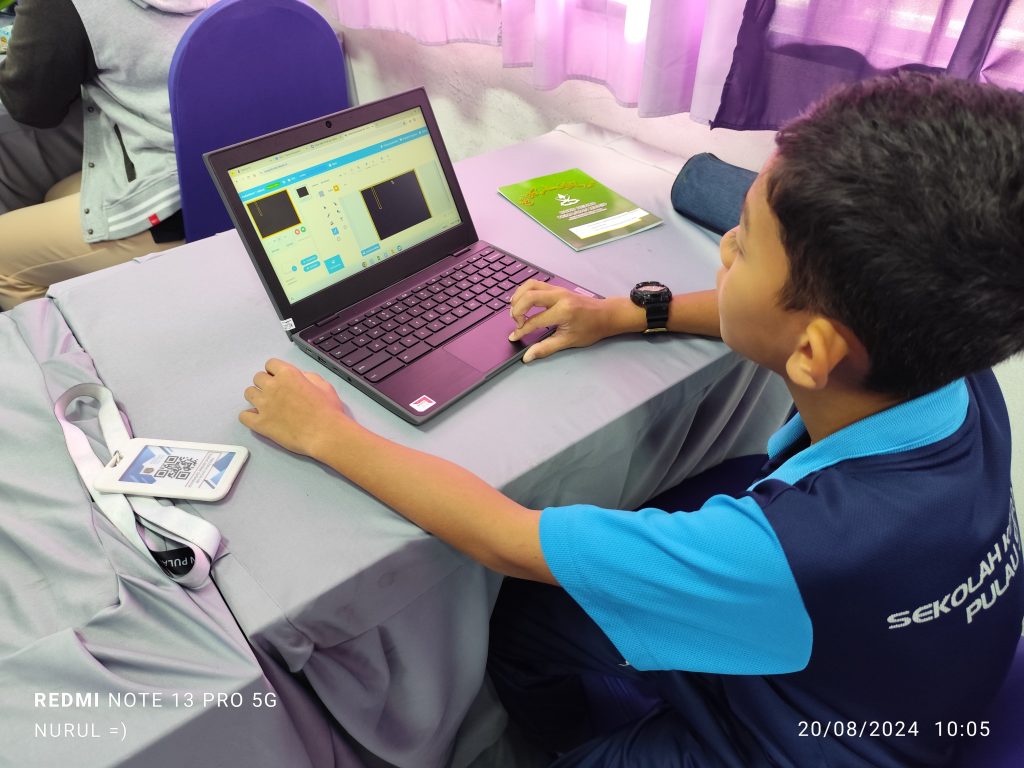
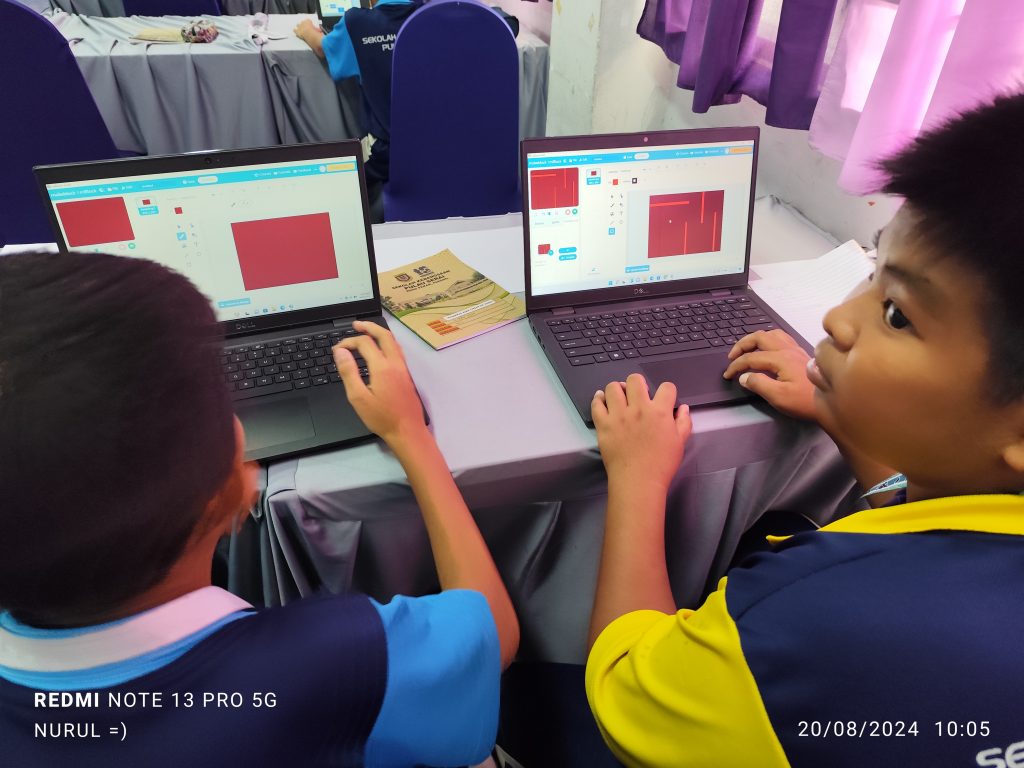
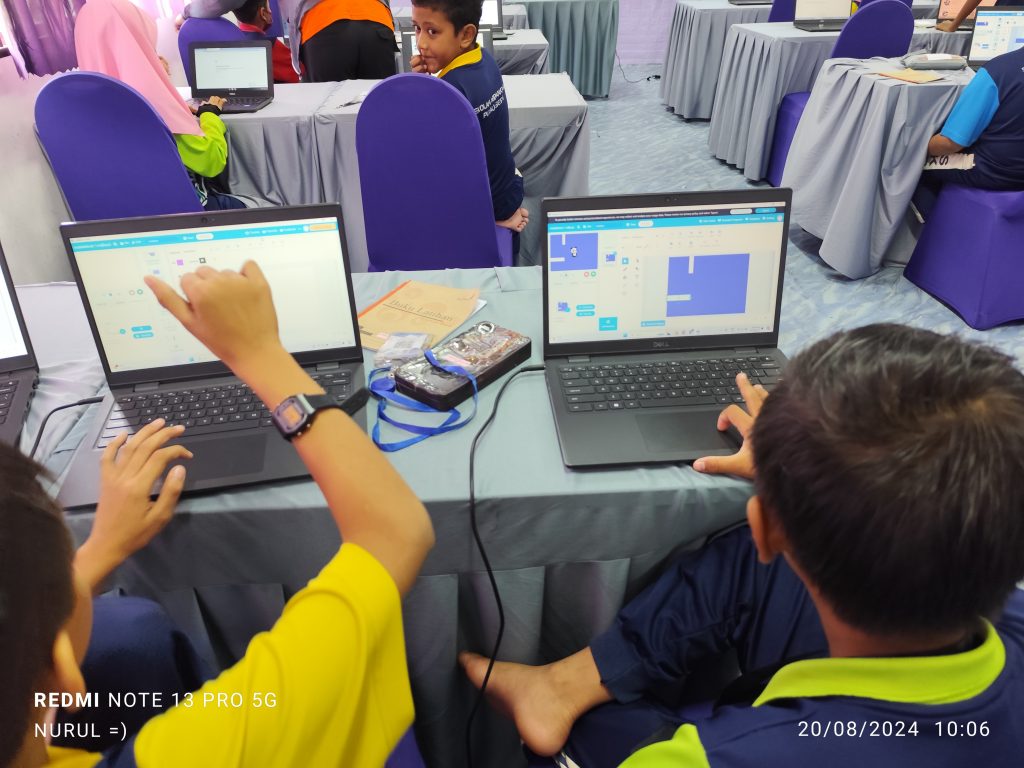
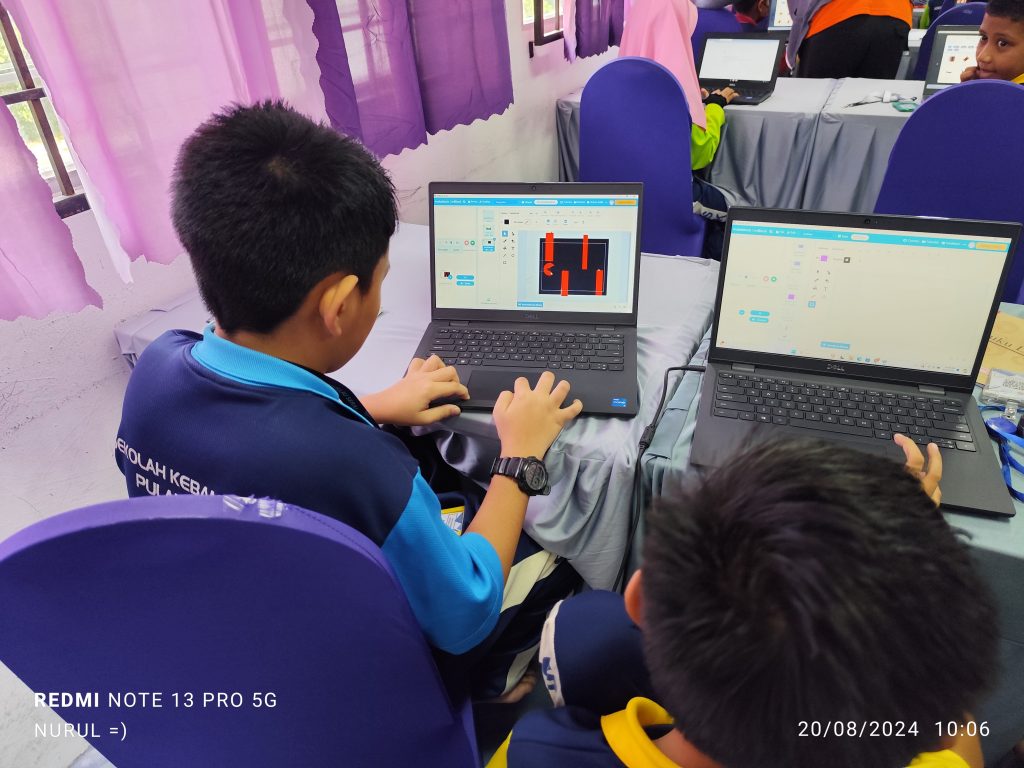
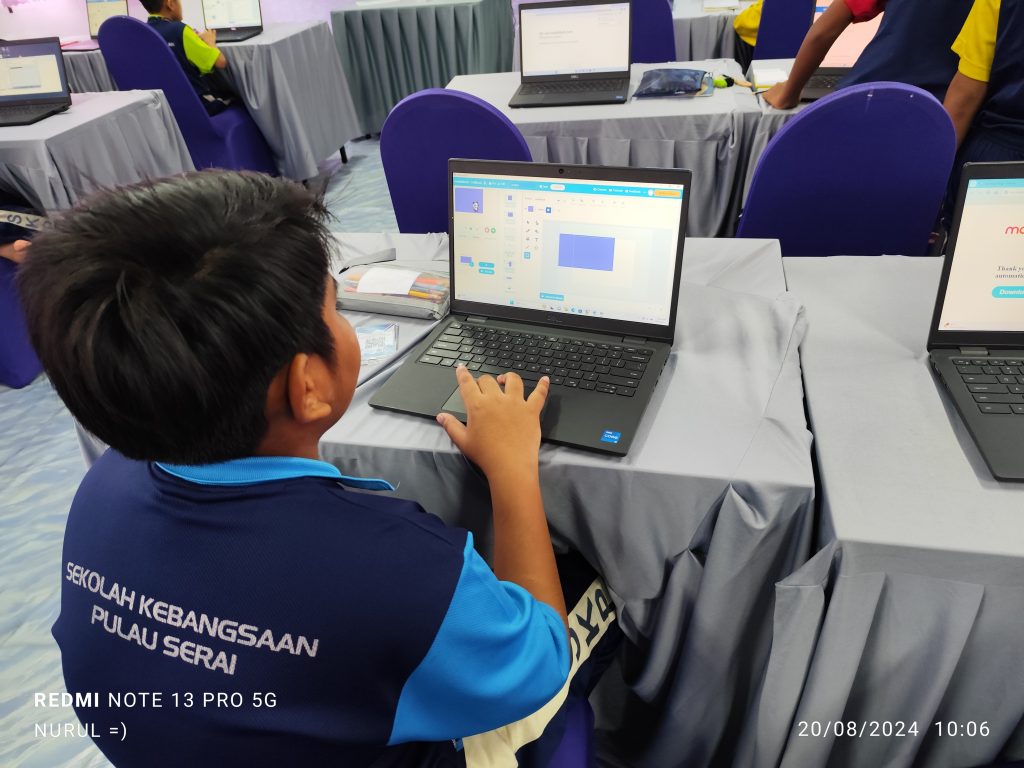
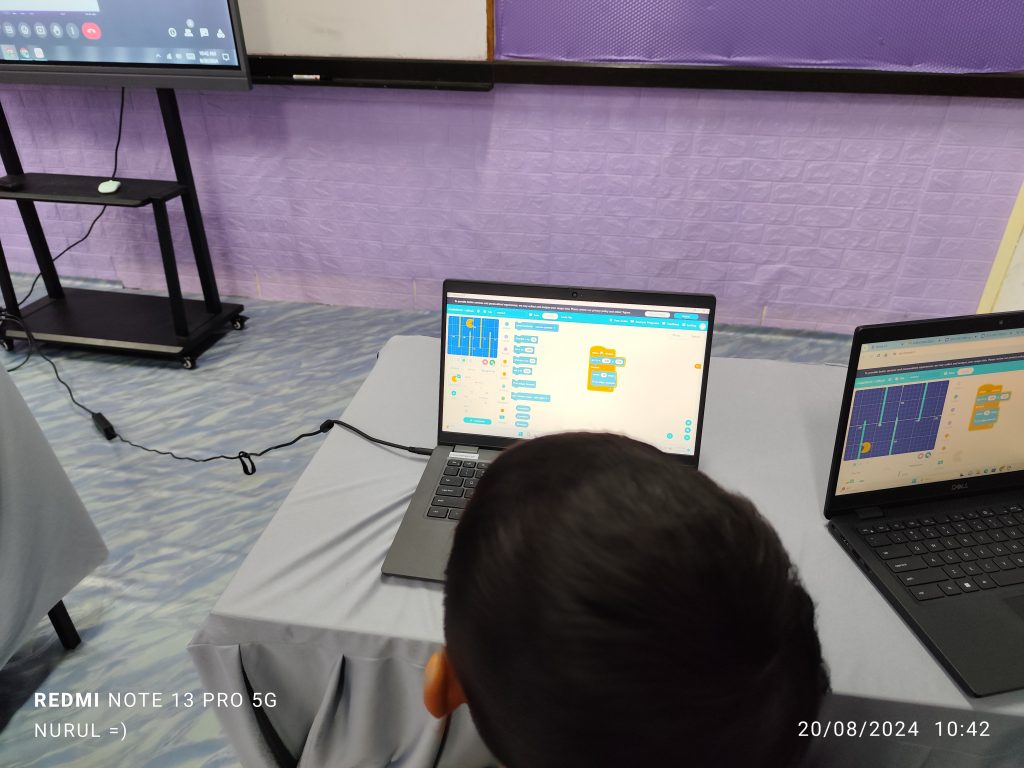
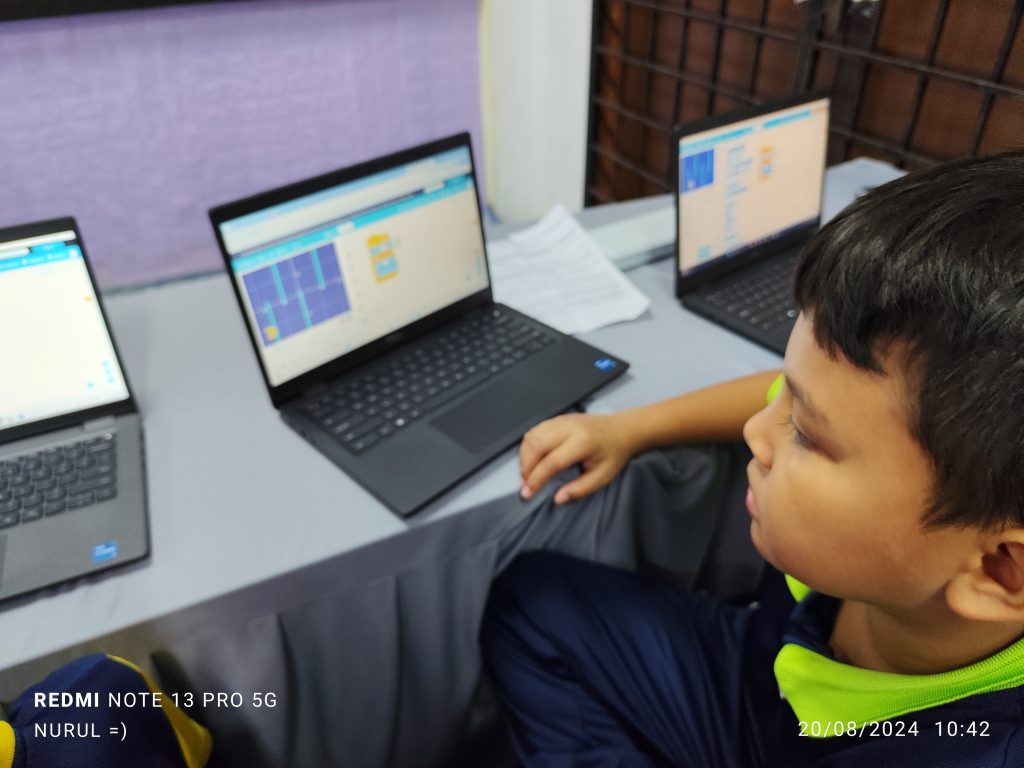
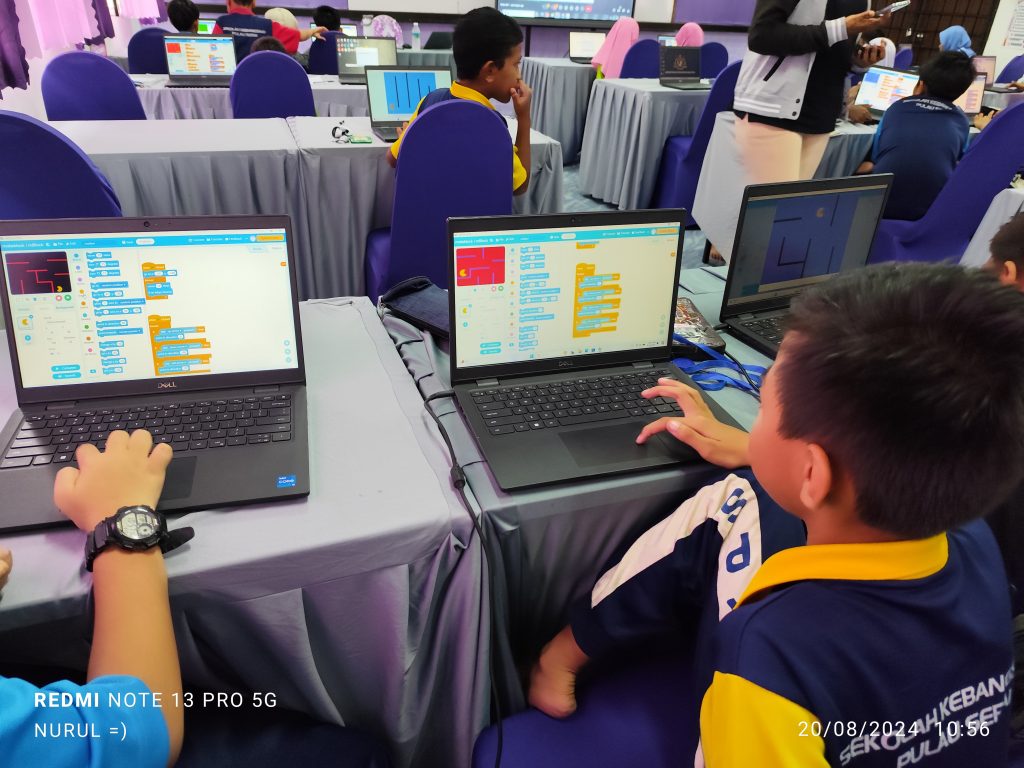
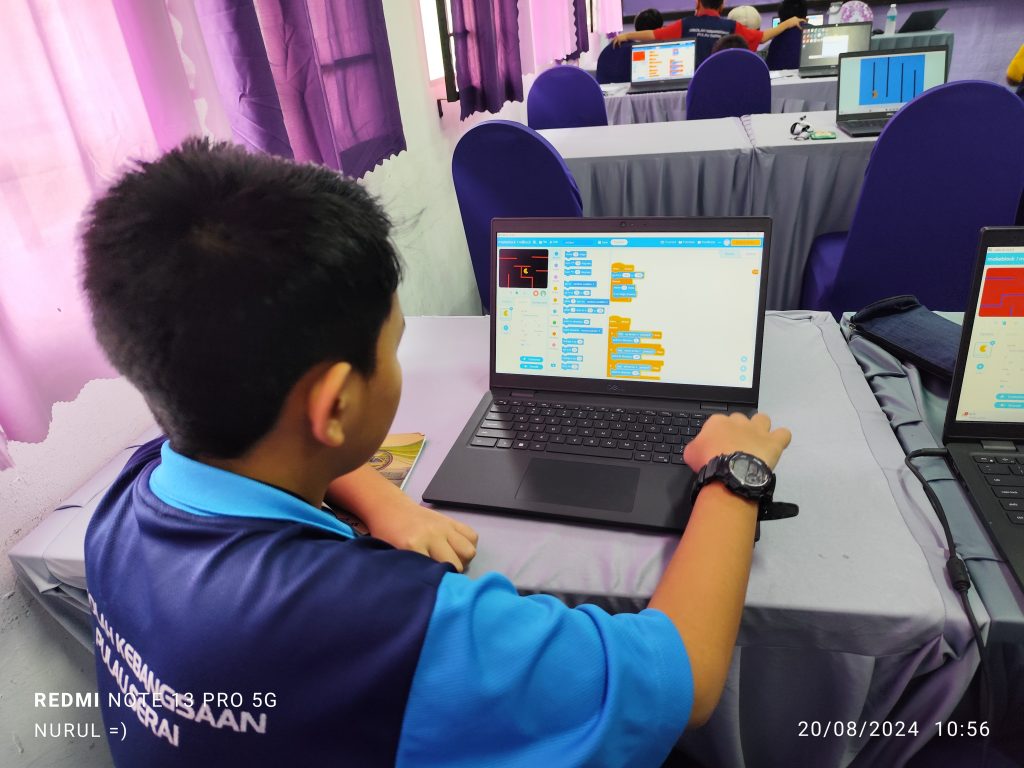
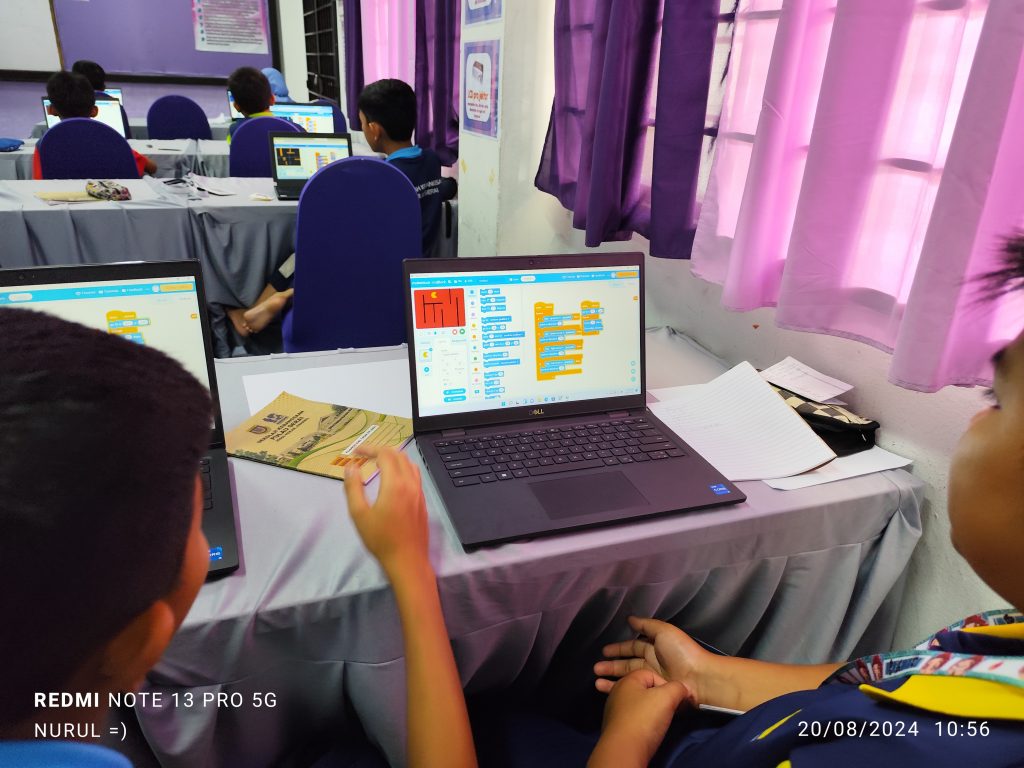
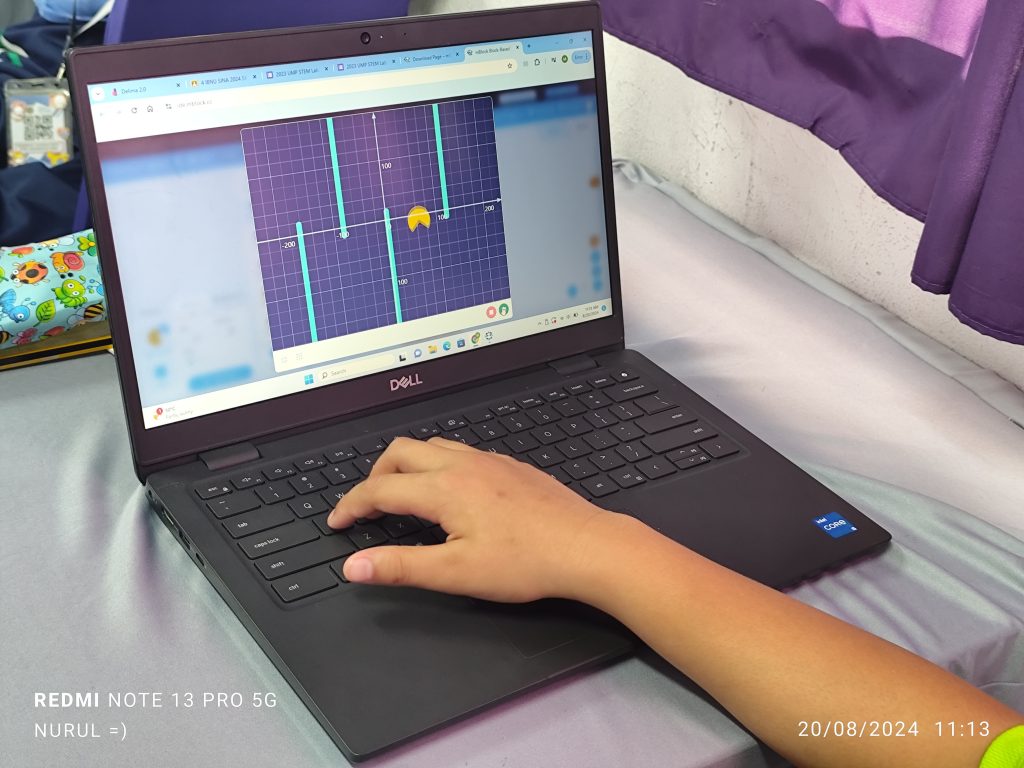
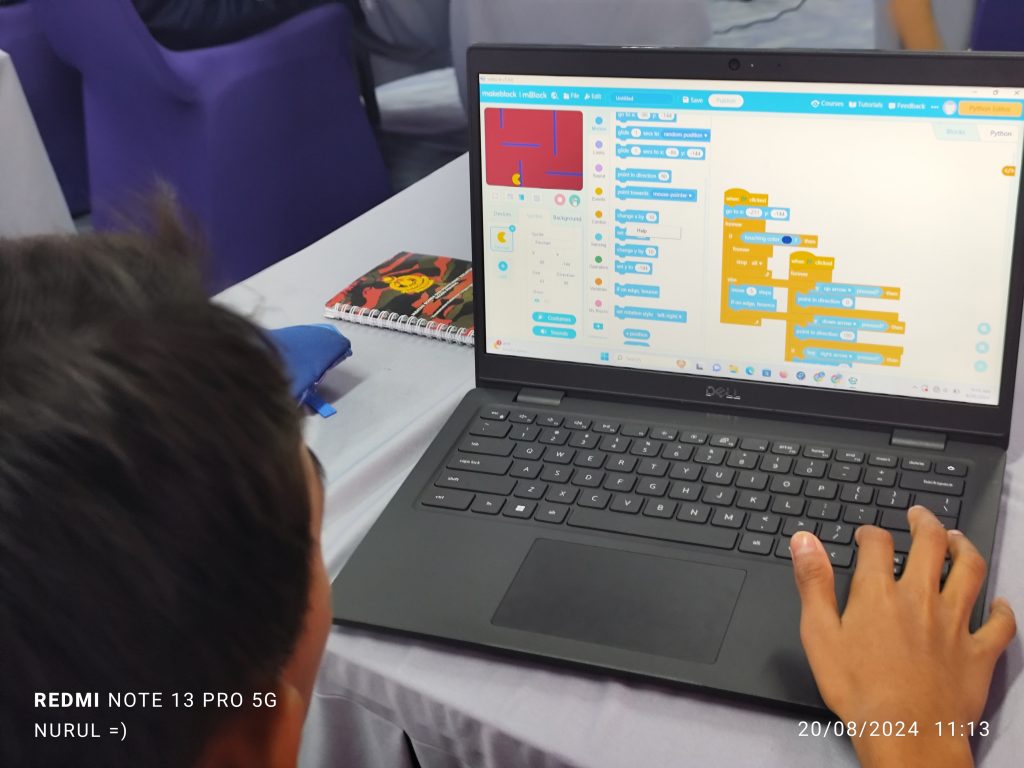
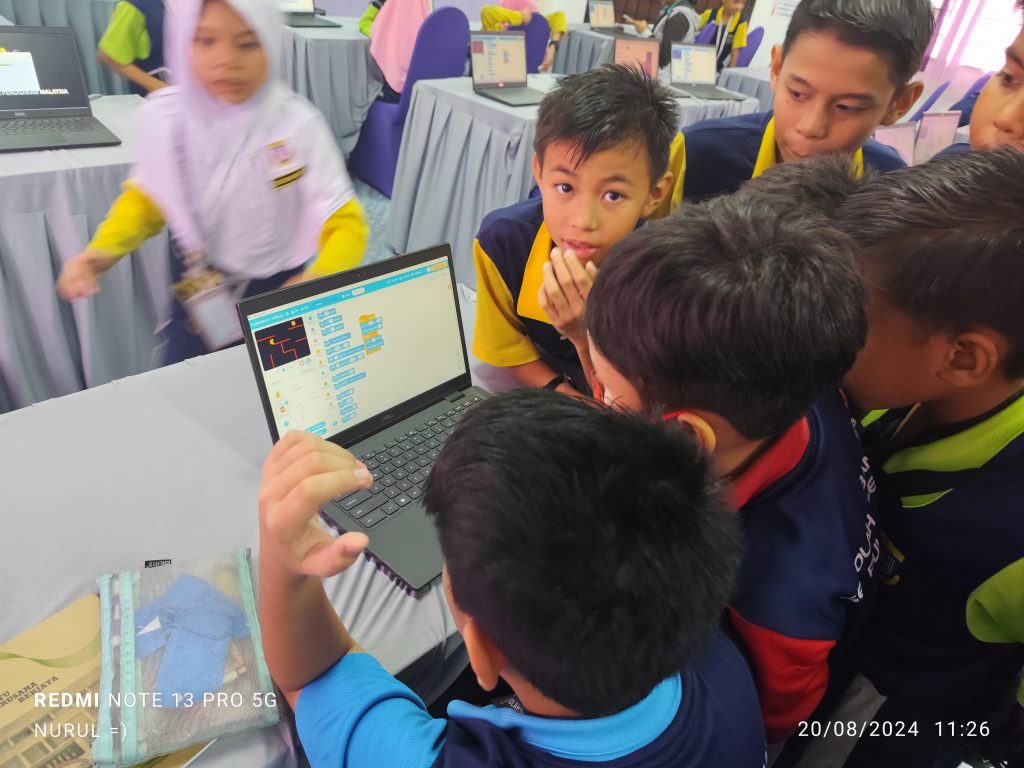
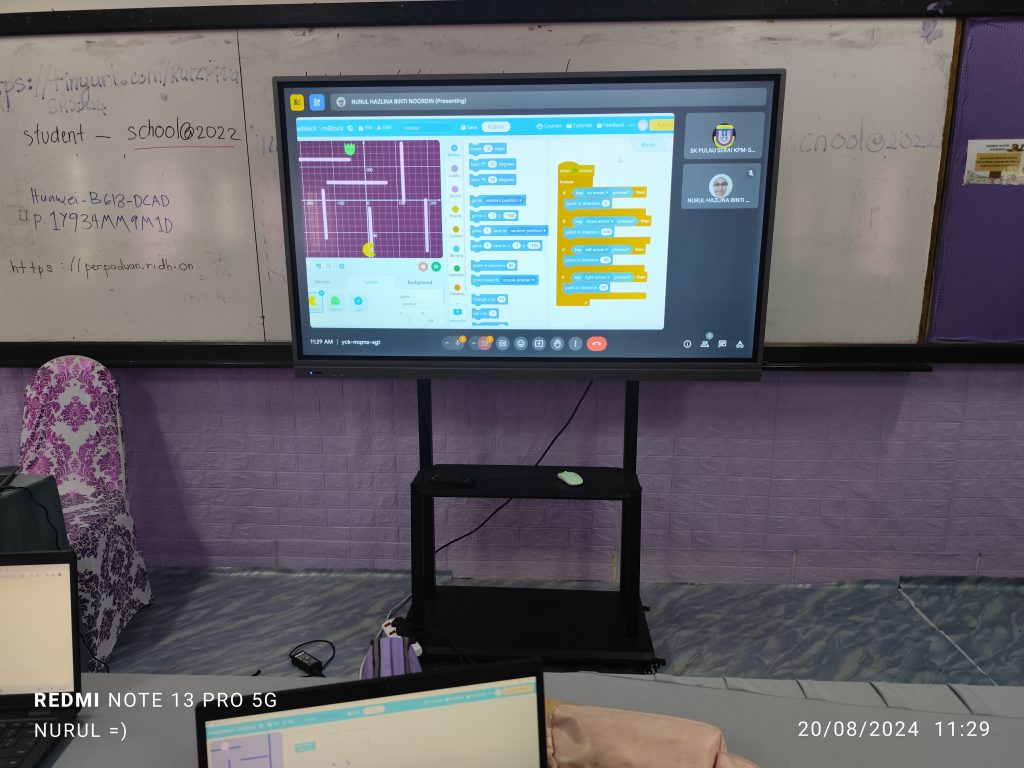
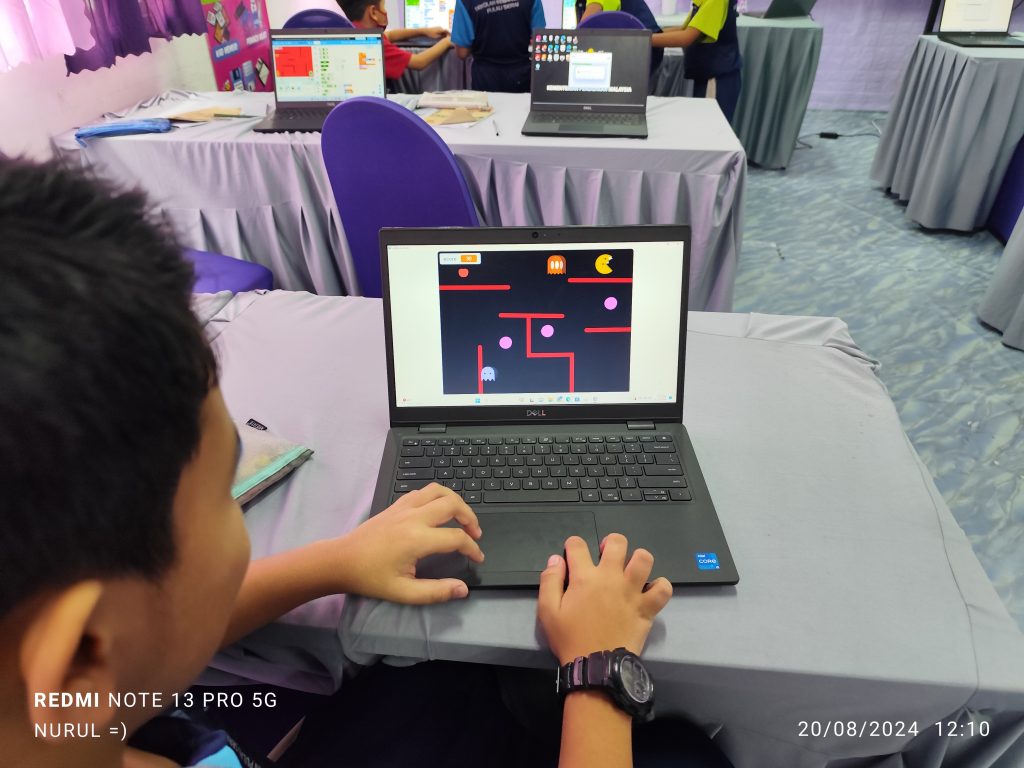
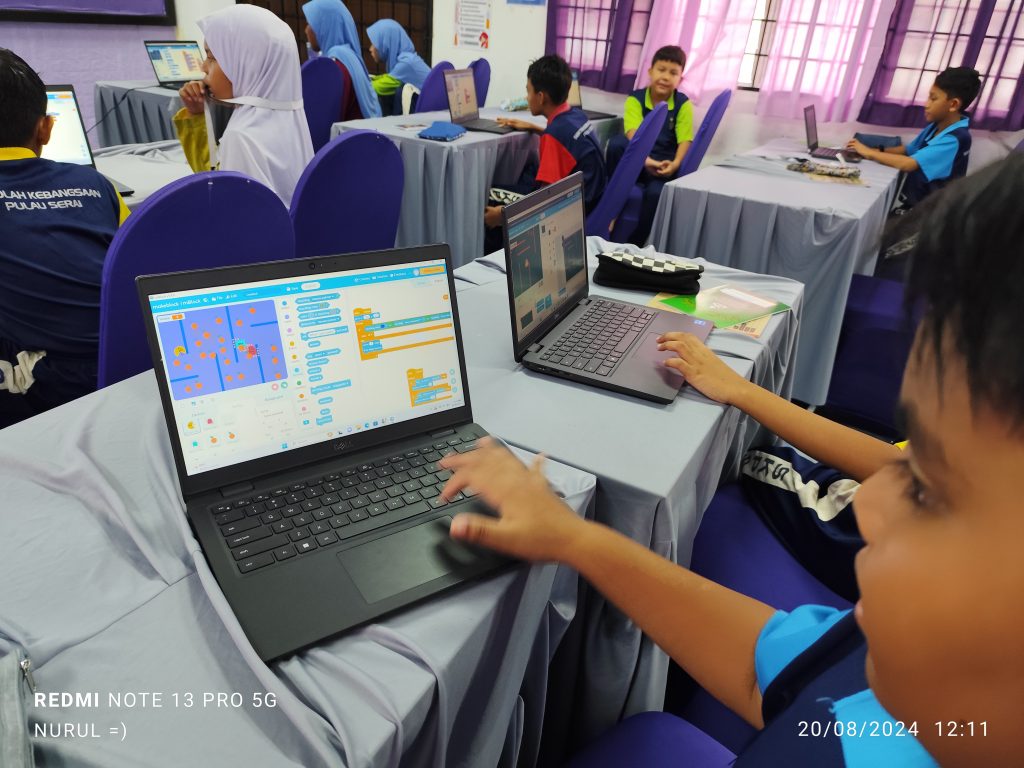
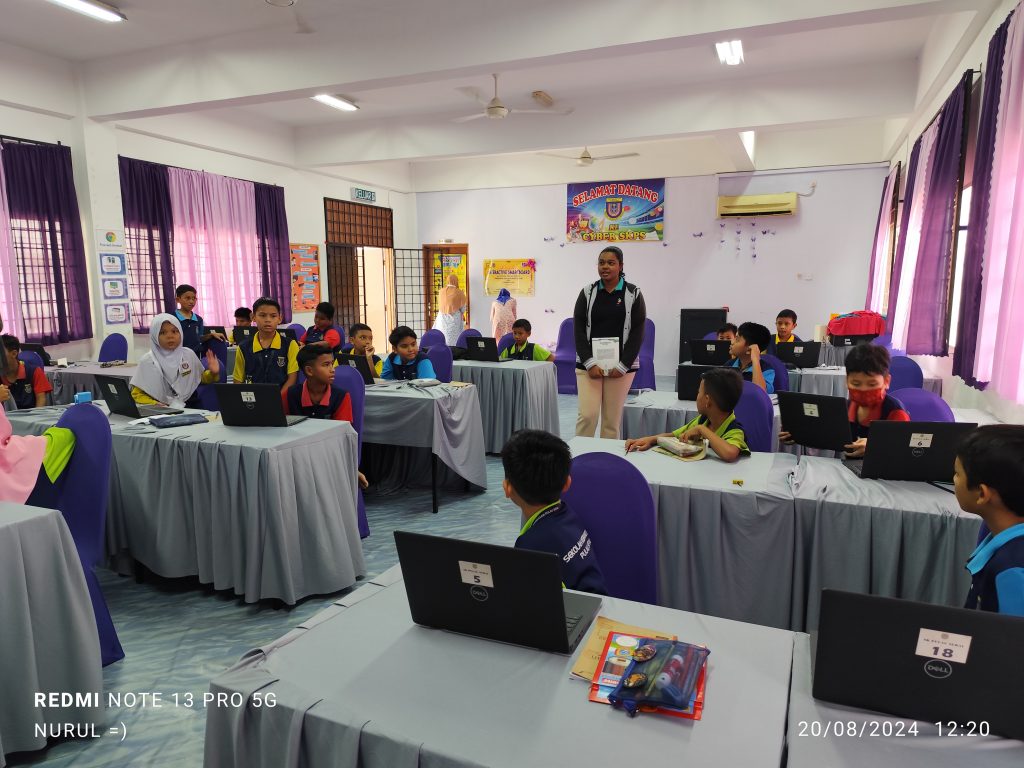
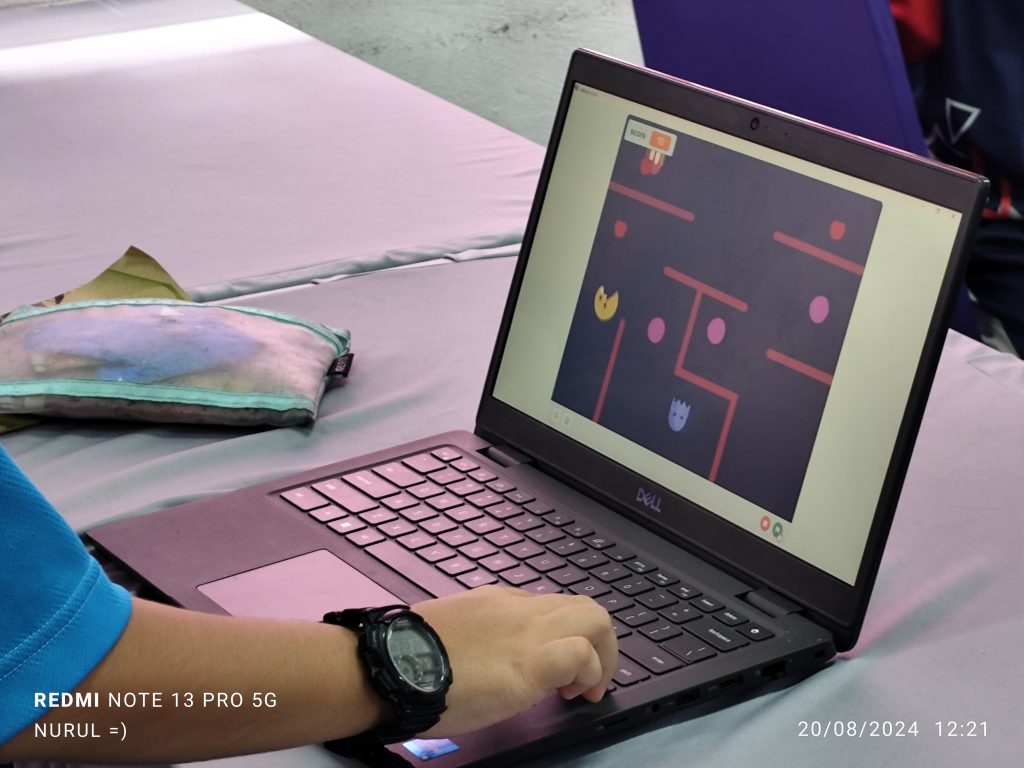
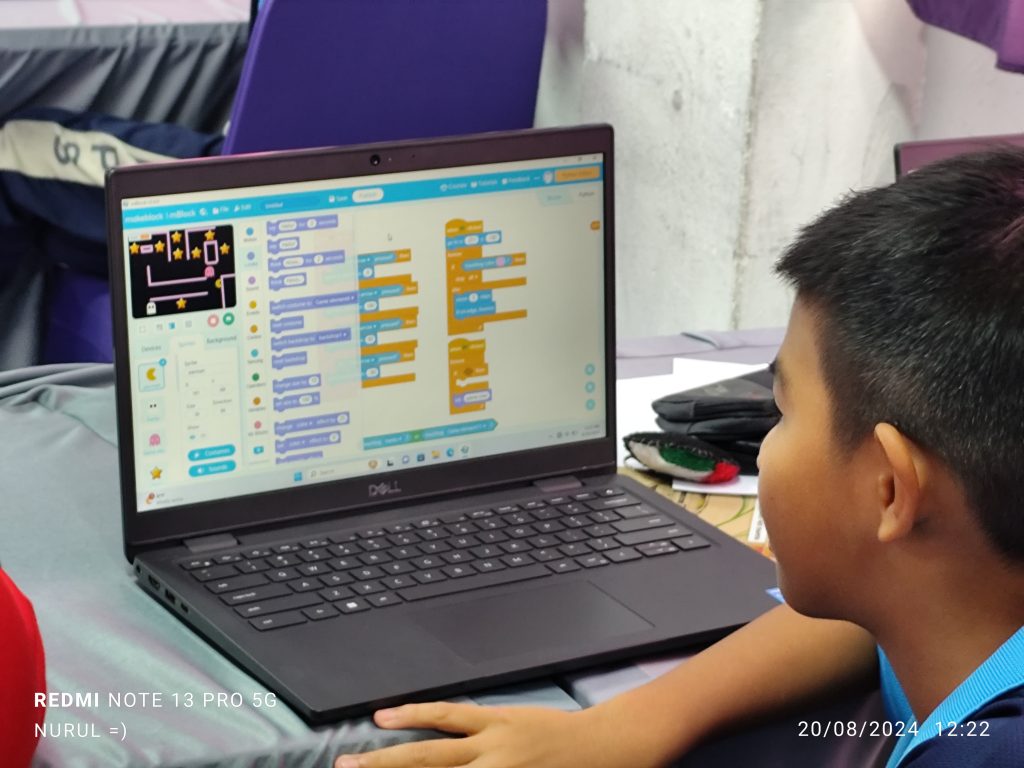
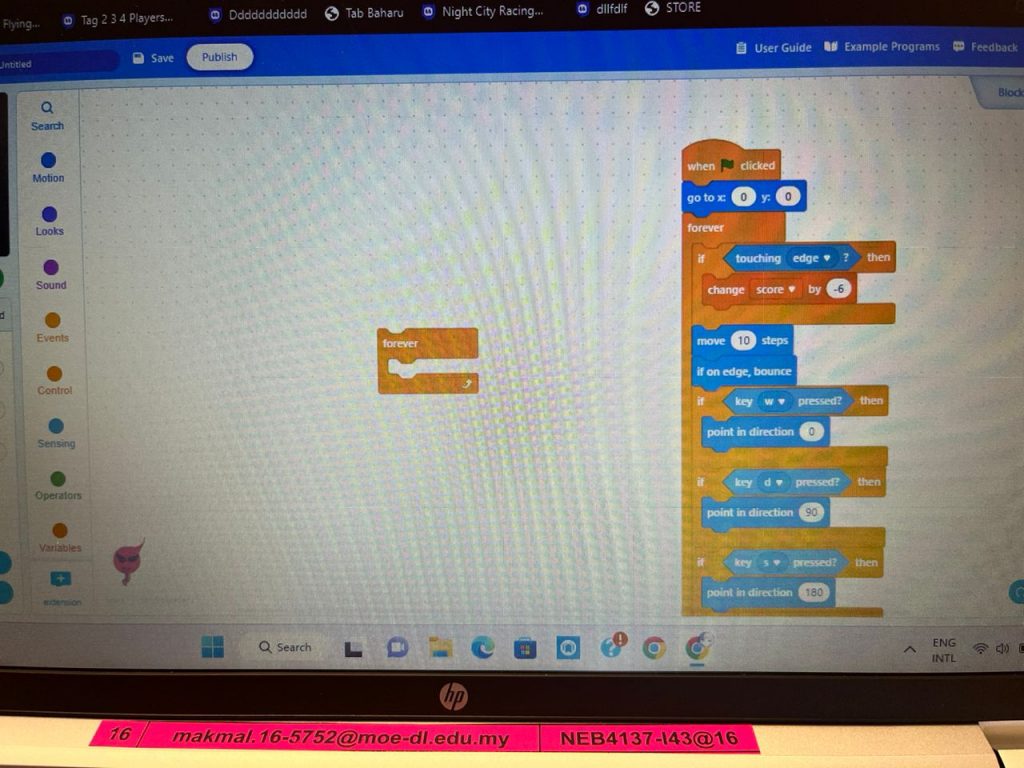
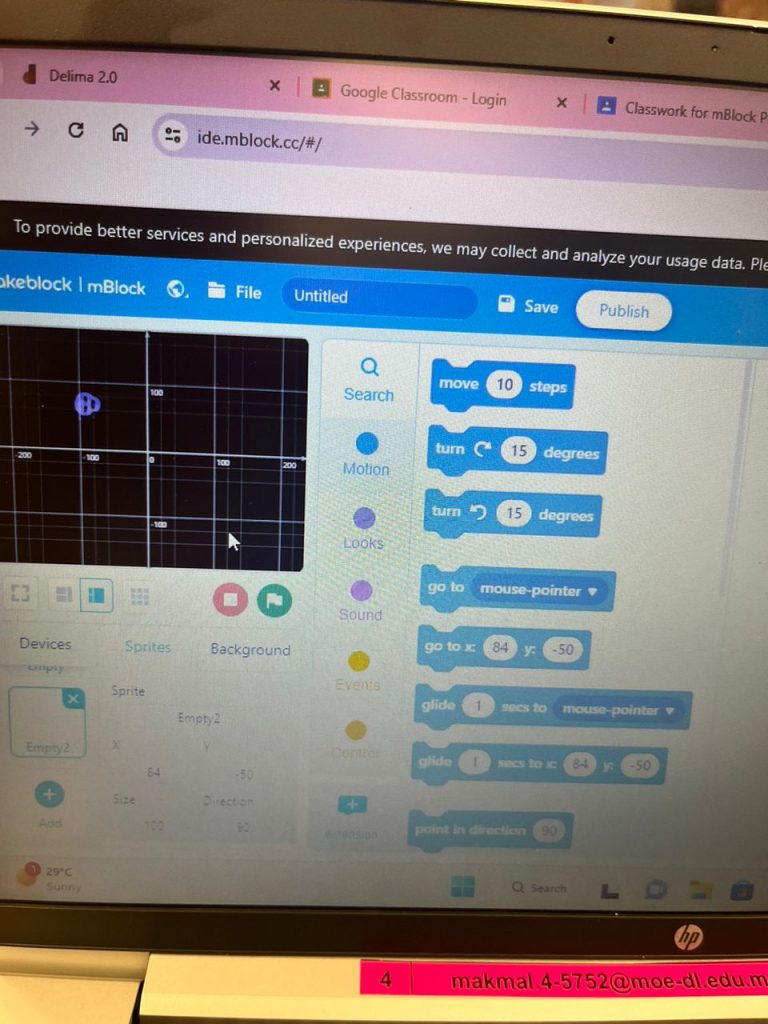
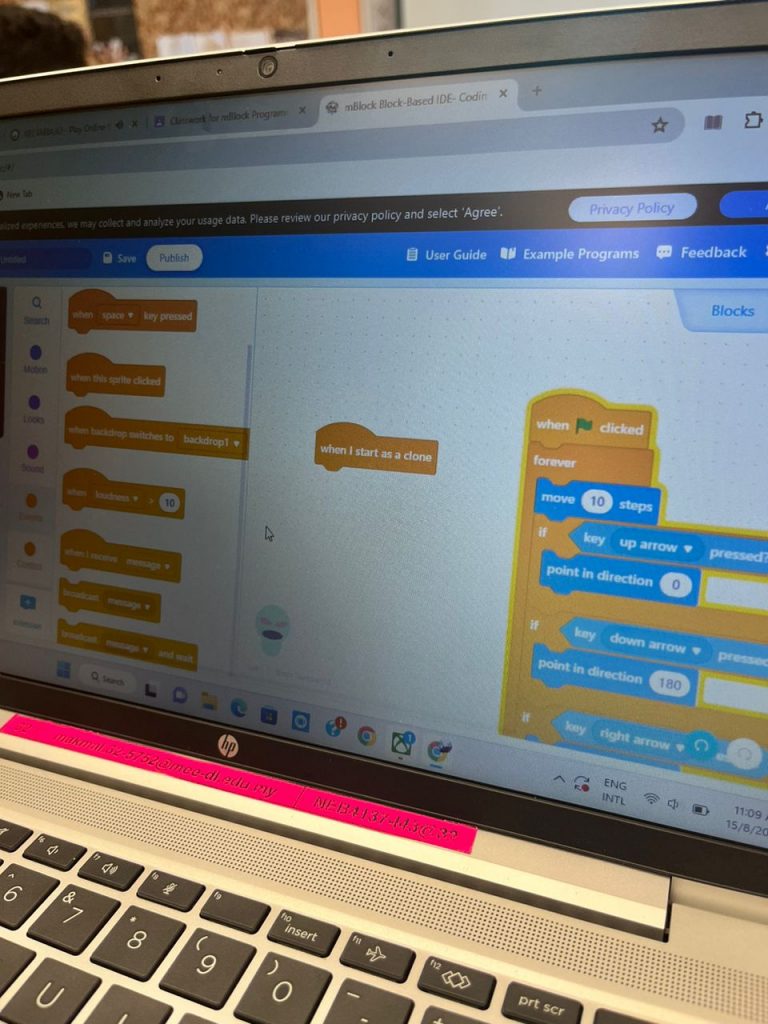
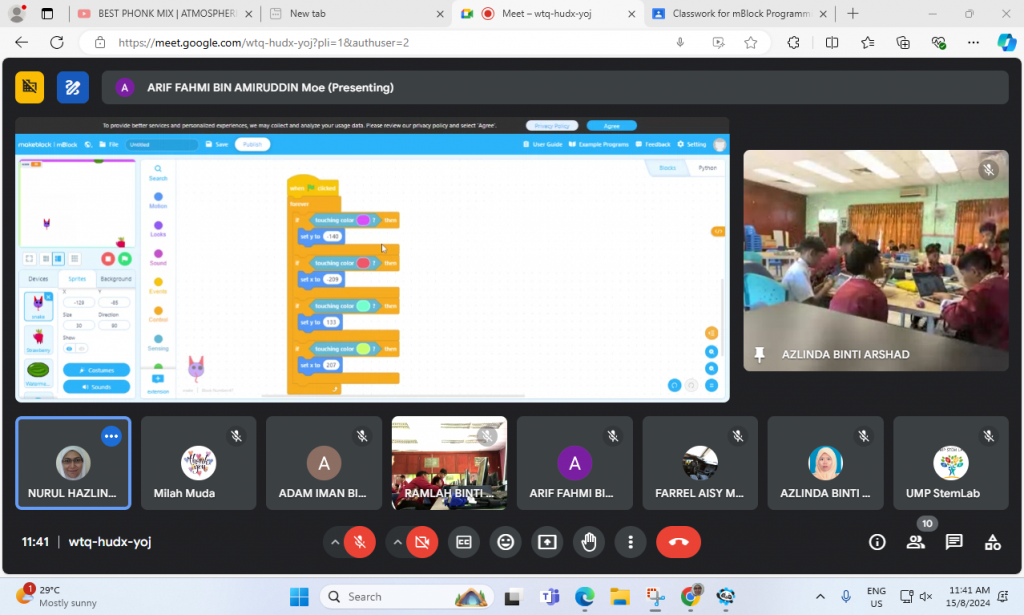
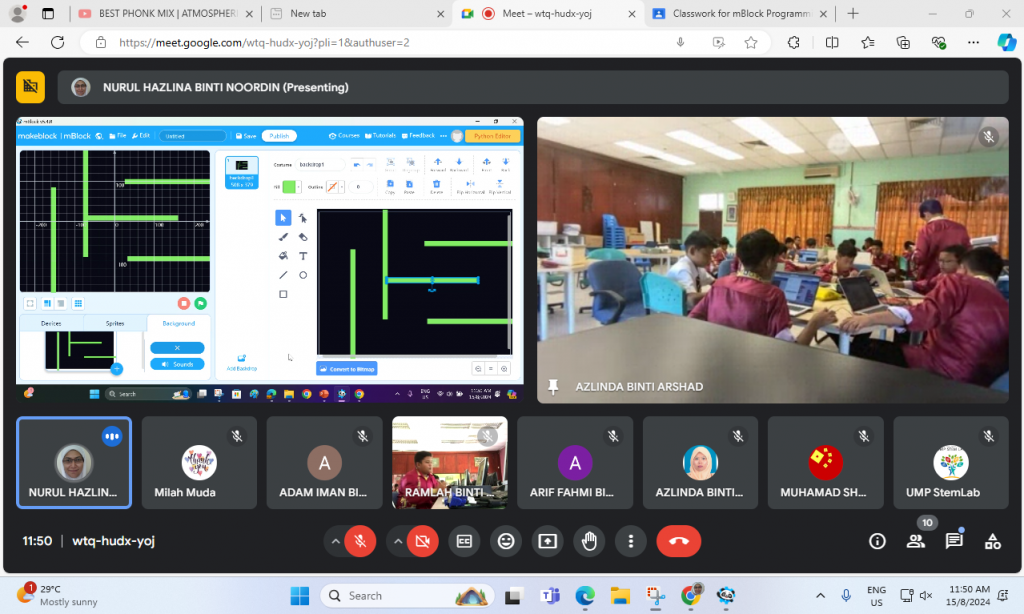
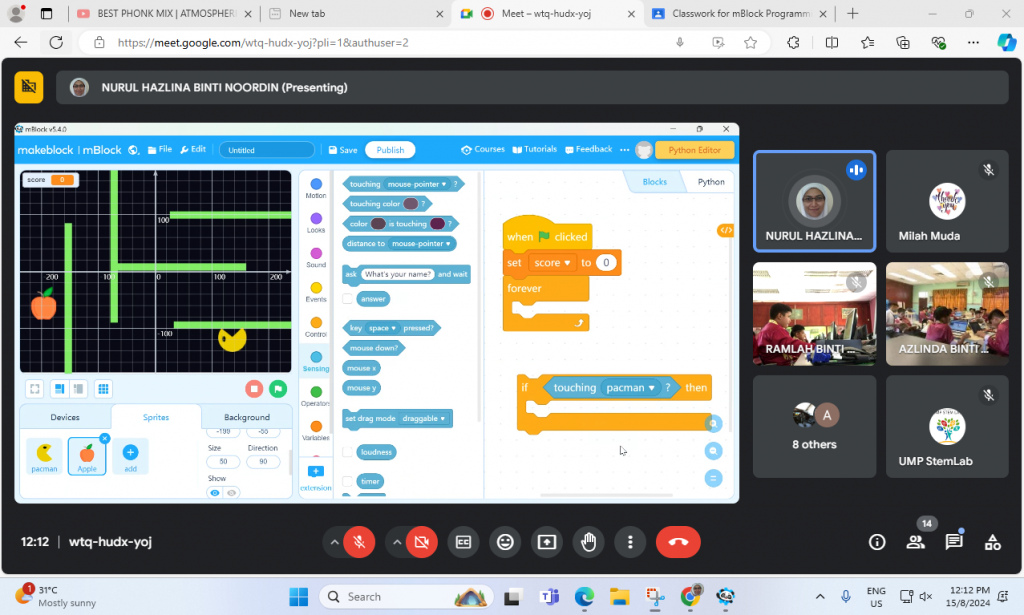
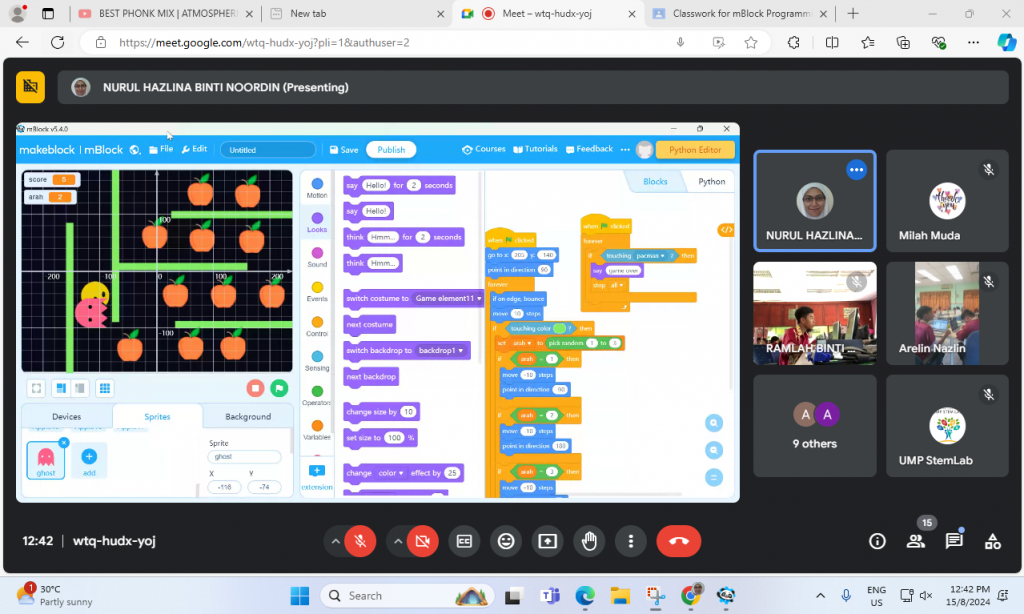
In the program, 29 participants from SK Pulau Serai Pekan were introduced to mBlock programming, learning to use its graphical interface to create sequences of instructions. They explored sequential programming, conditional statements, and loops through hands-on tutorials. These foundational skills were applied in two projects: a Snake game and a Pac-Man game. In the Snake game, they programmed the snake’s movement, growth, and collision detection, while in the Pac-Man game, they navigated a maze, collected points, and avoided ghosts. This approach provided a comprehensive understanding of programming concepts and their practical applications.
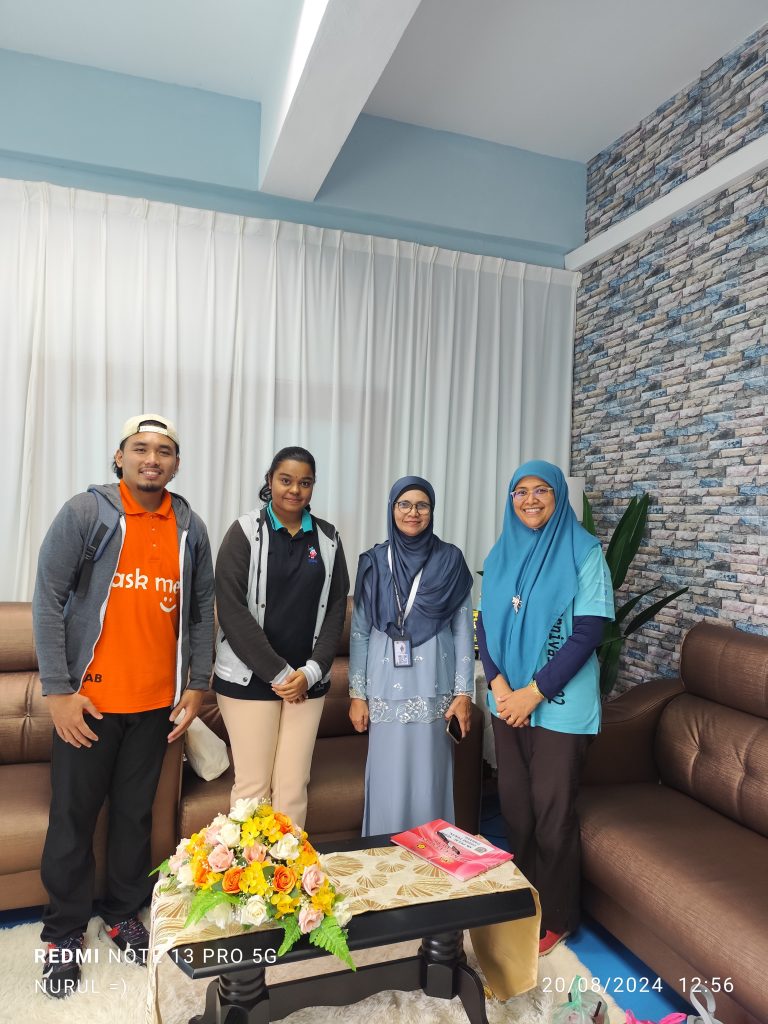
Appreciation to Cikgu Arjunaidah for coordinating the communication between the participants and UMPSA STEM Lab.
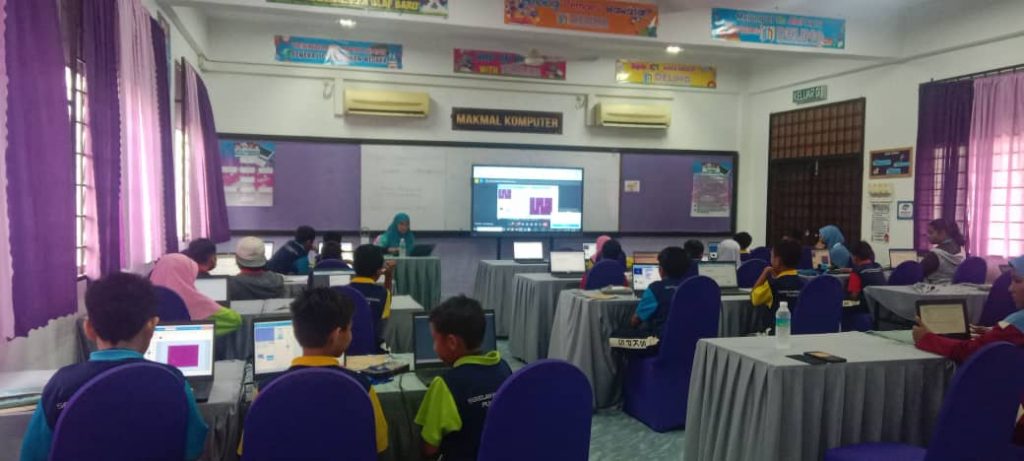
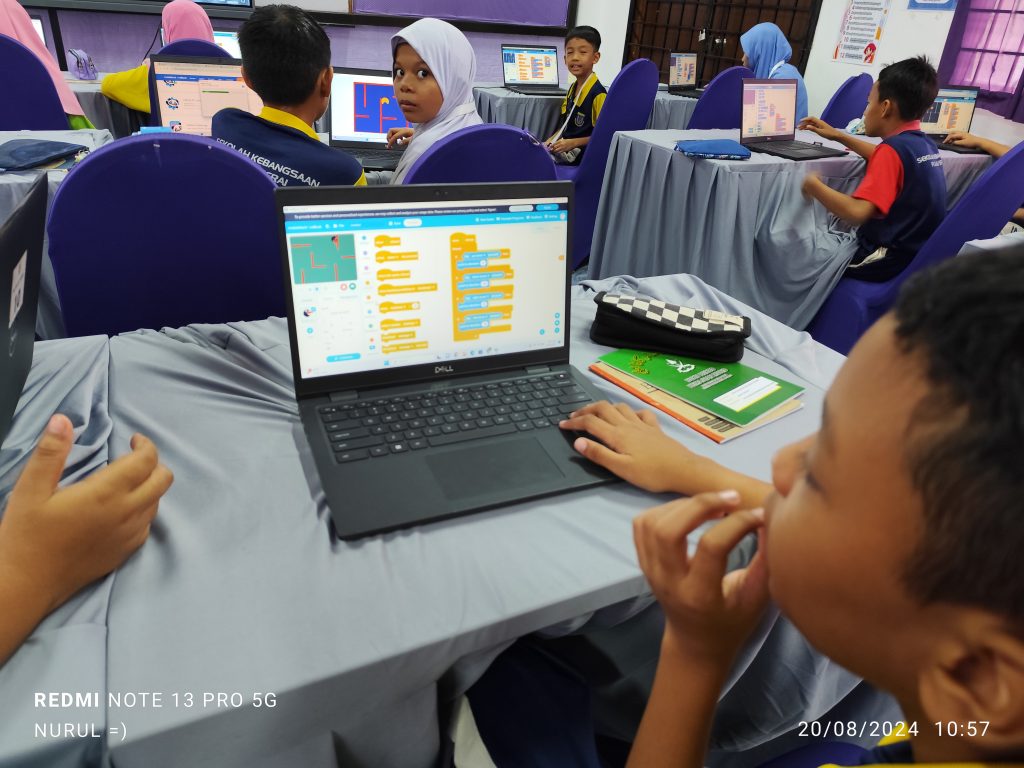
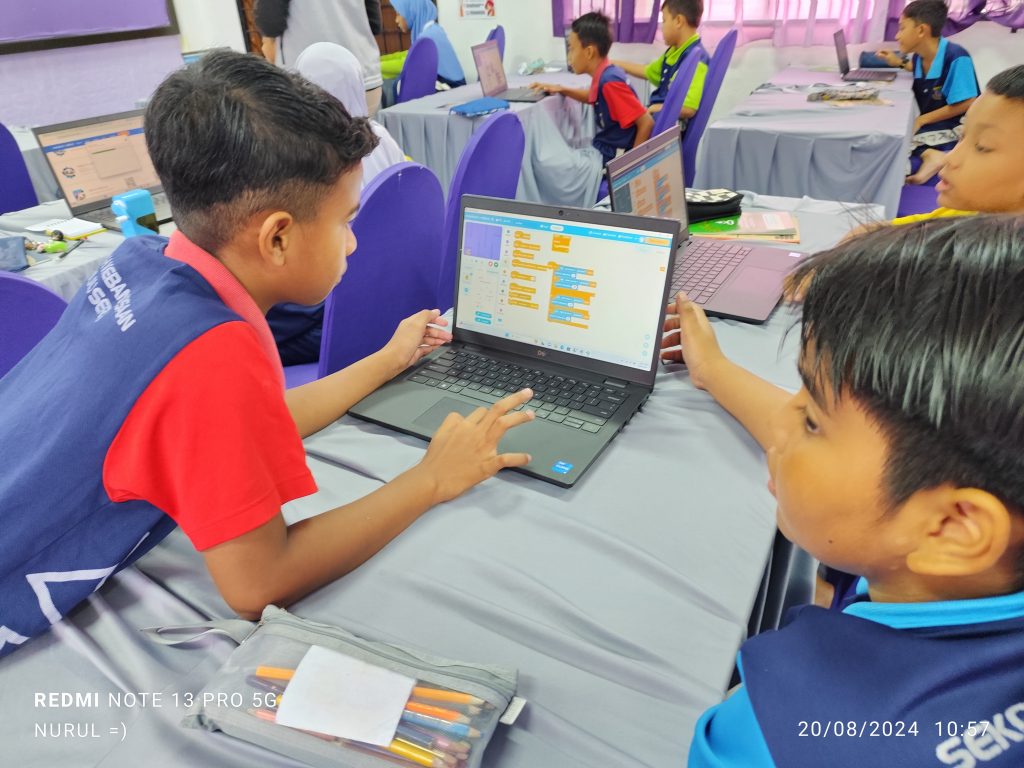
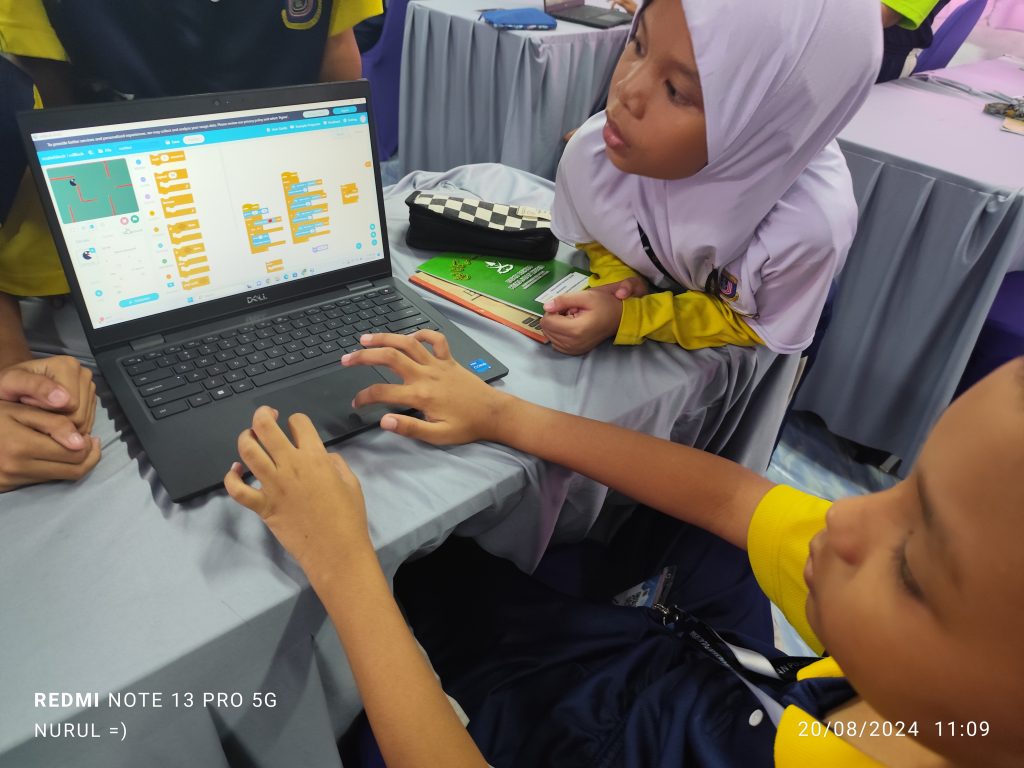
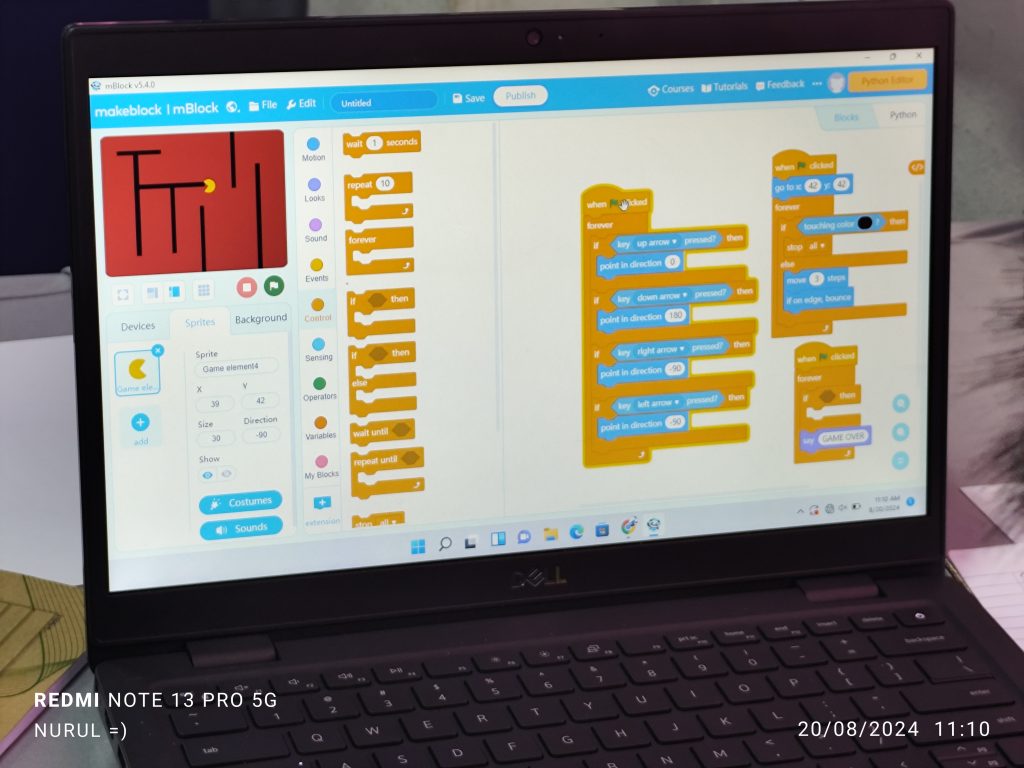
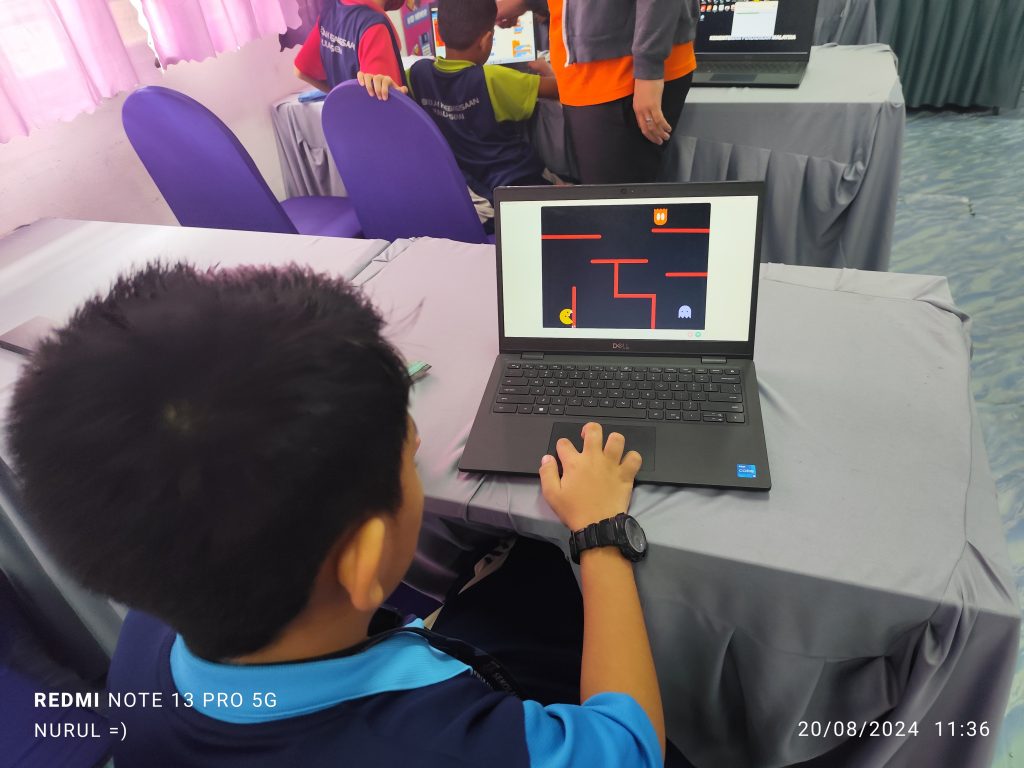
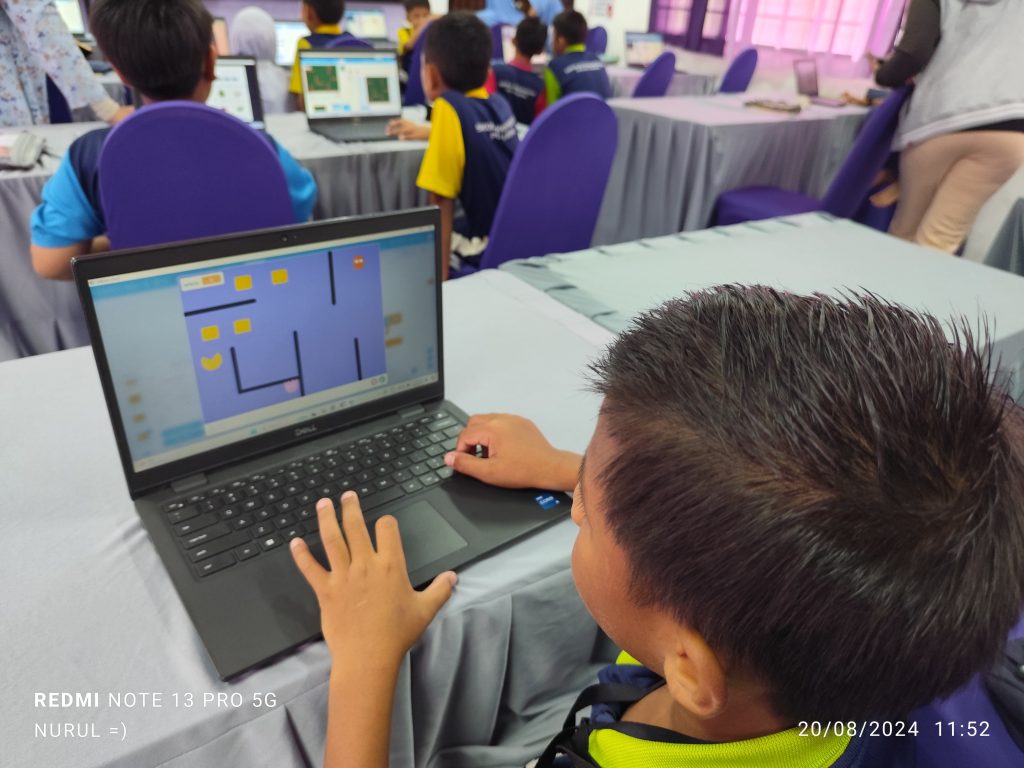
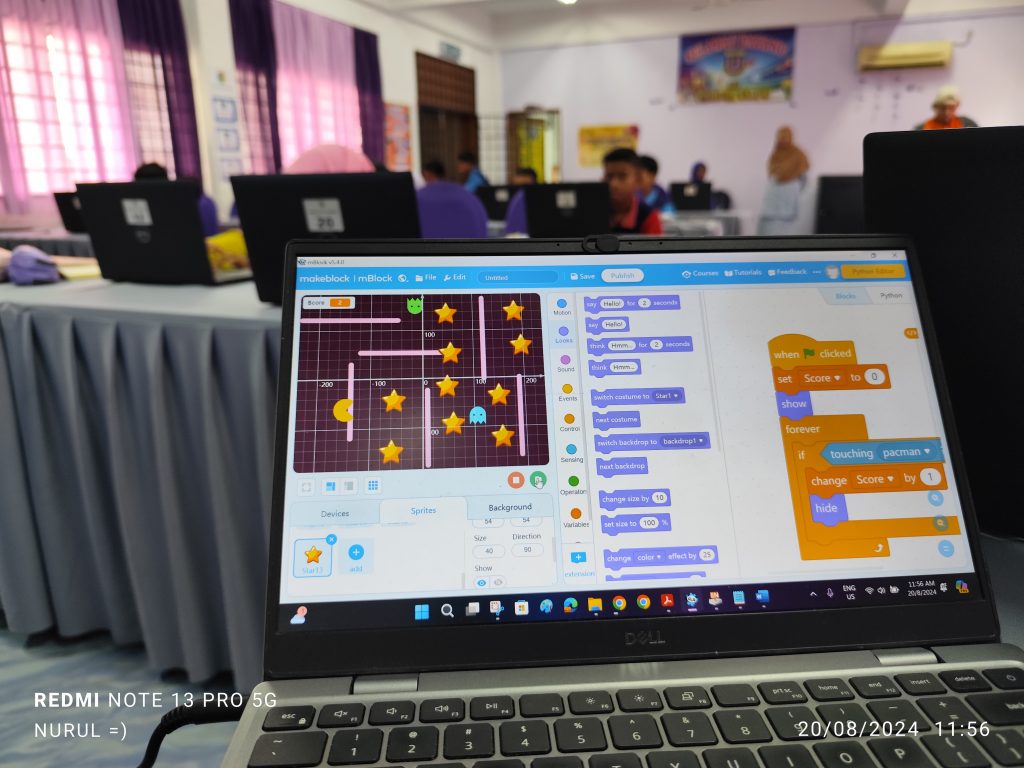
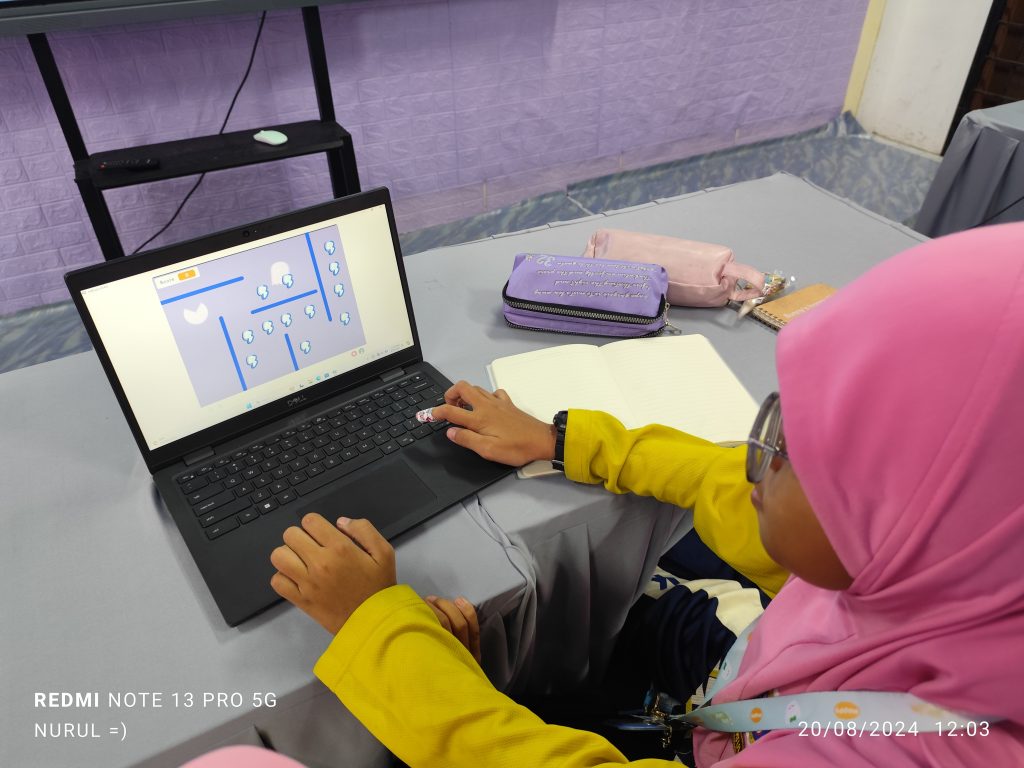
A synopsis of the program can be retrieved via the following link.
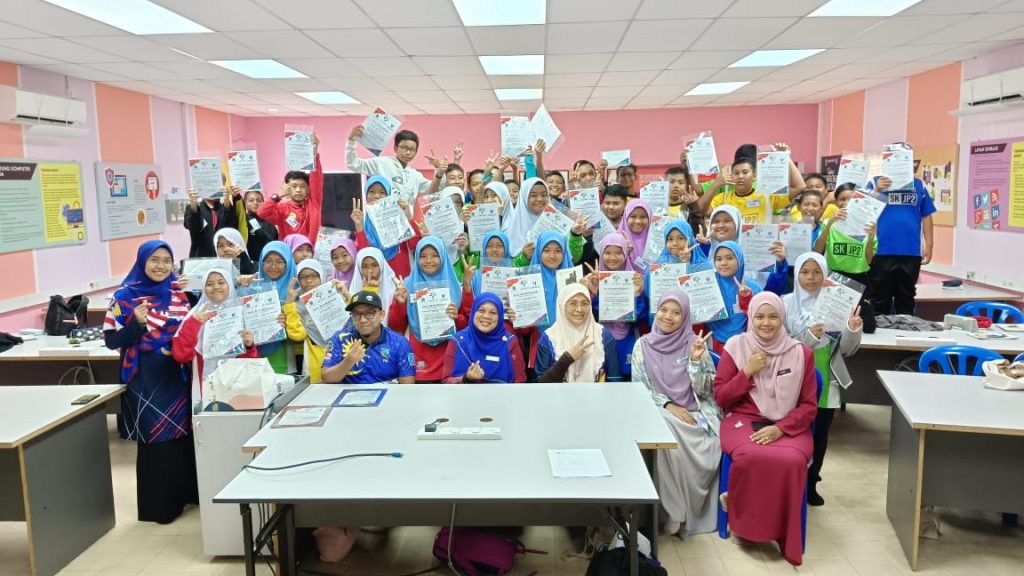
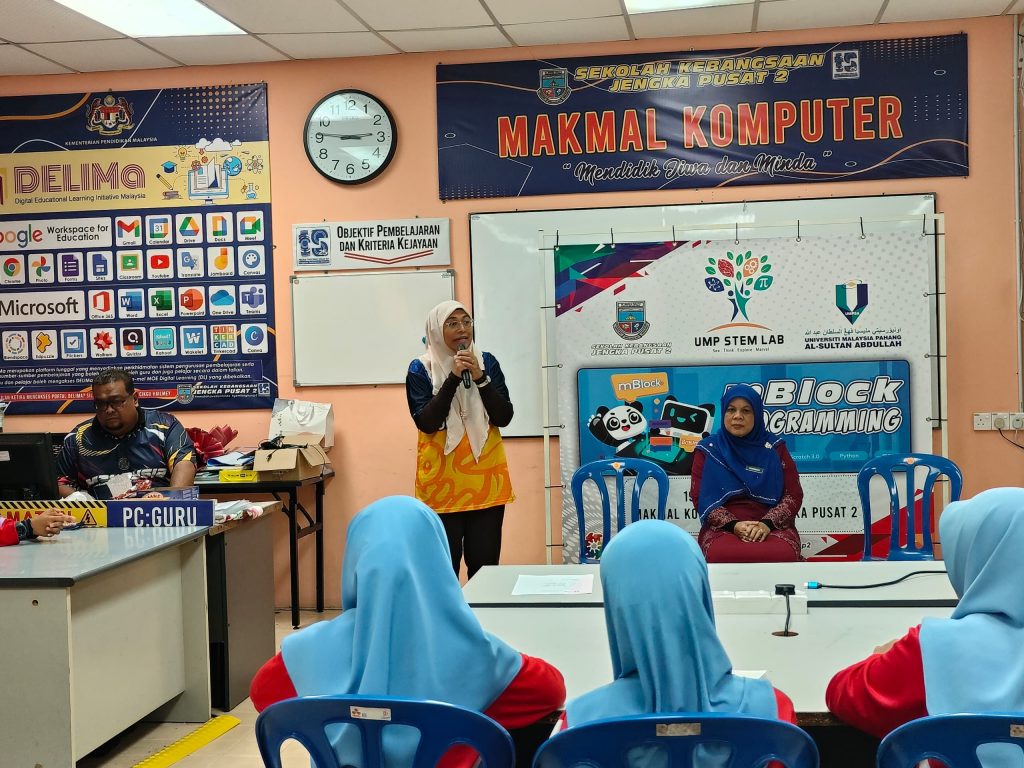
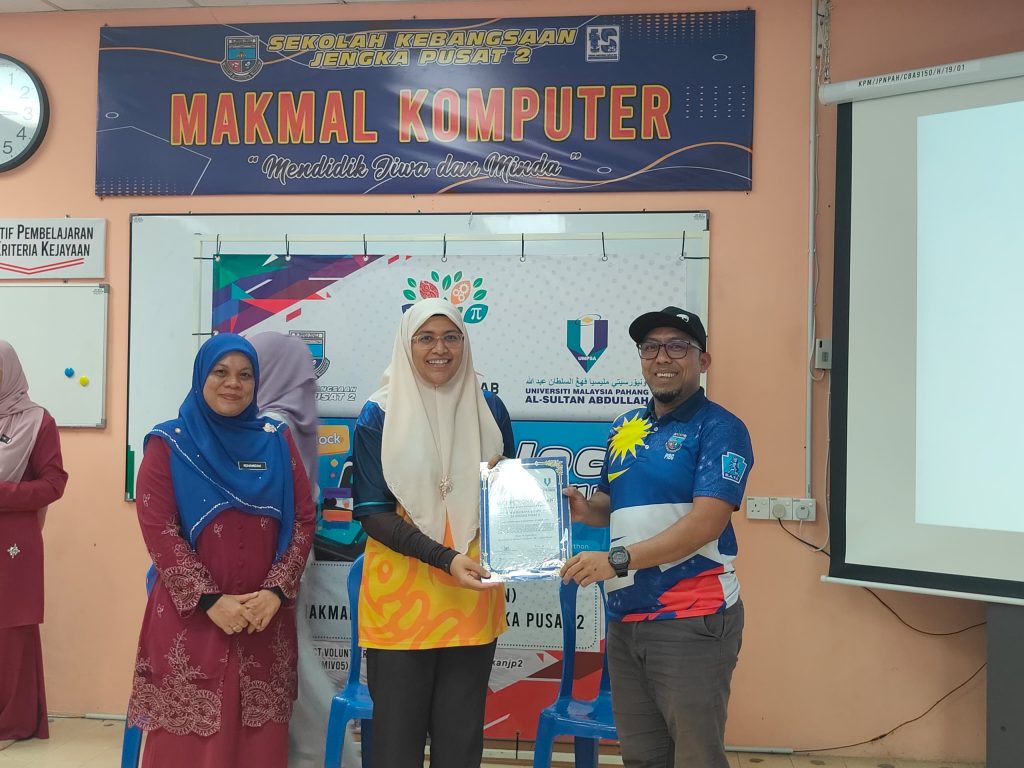
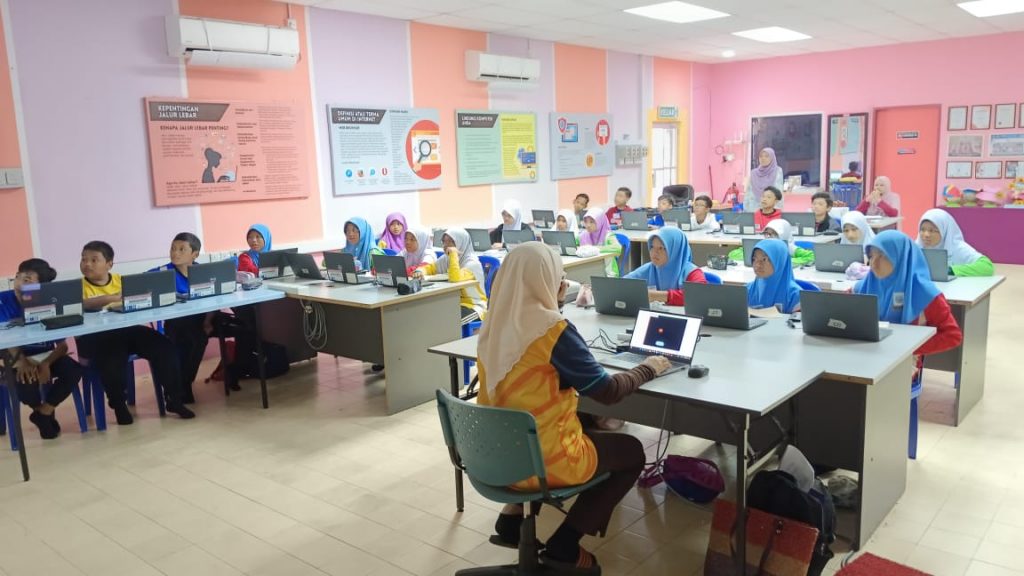
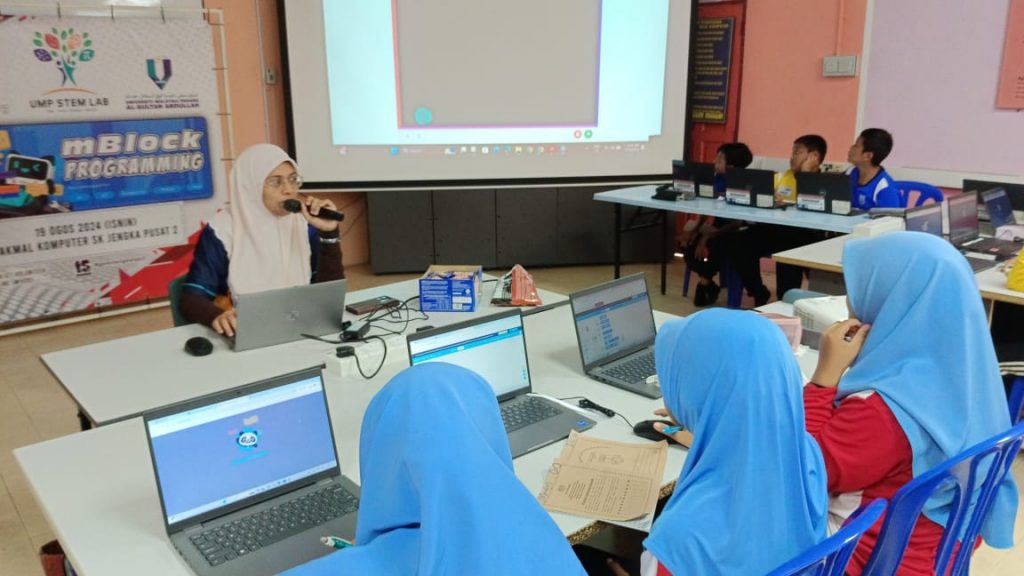
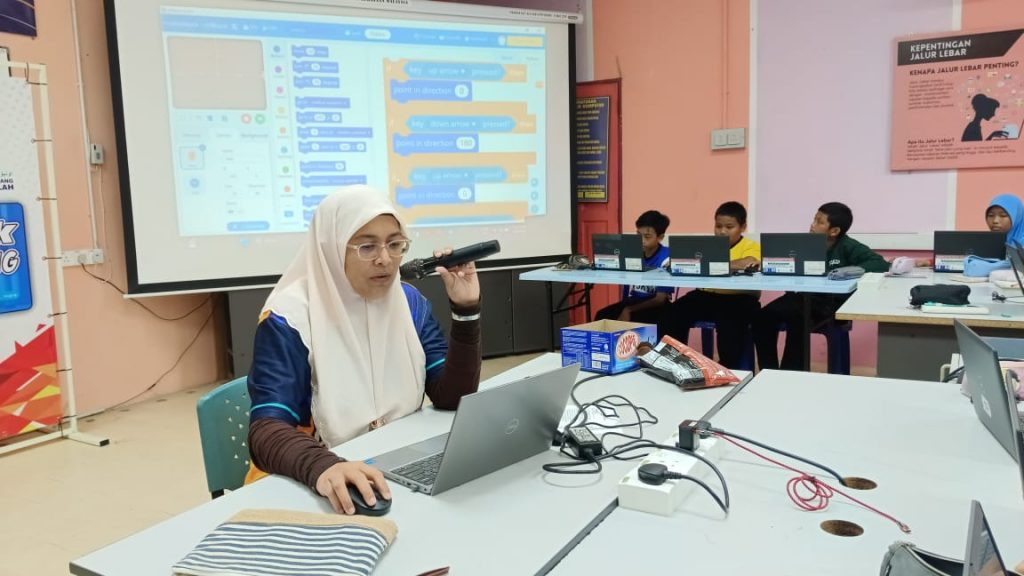
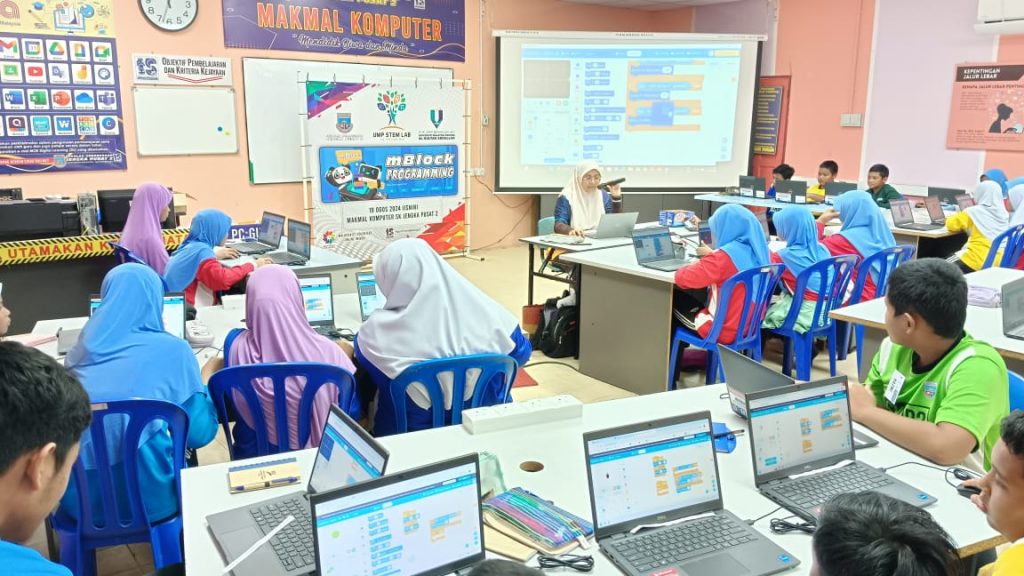
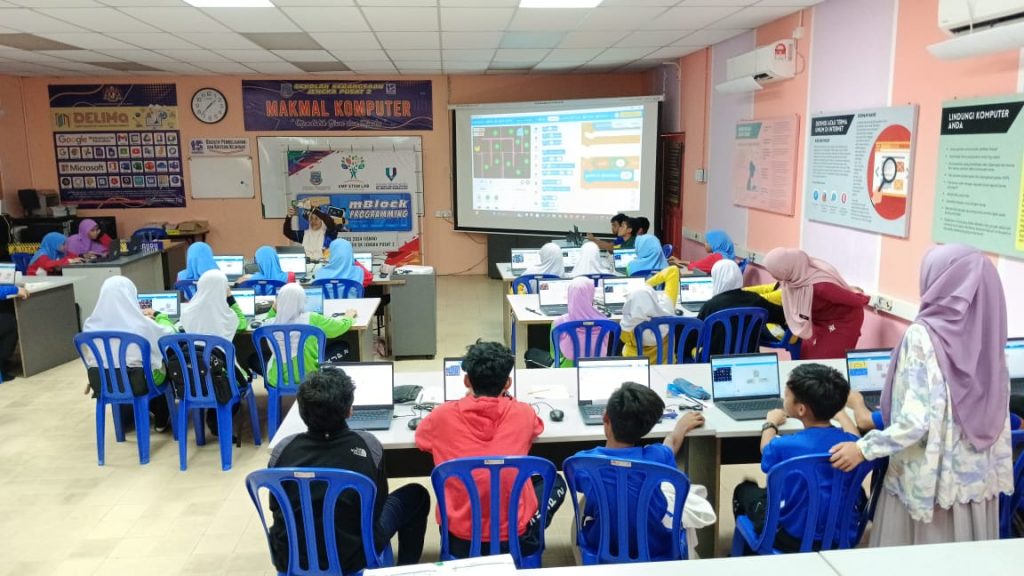
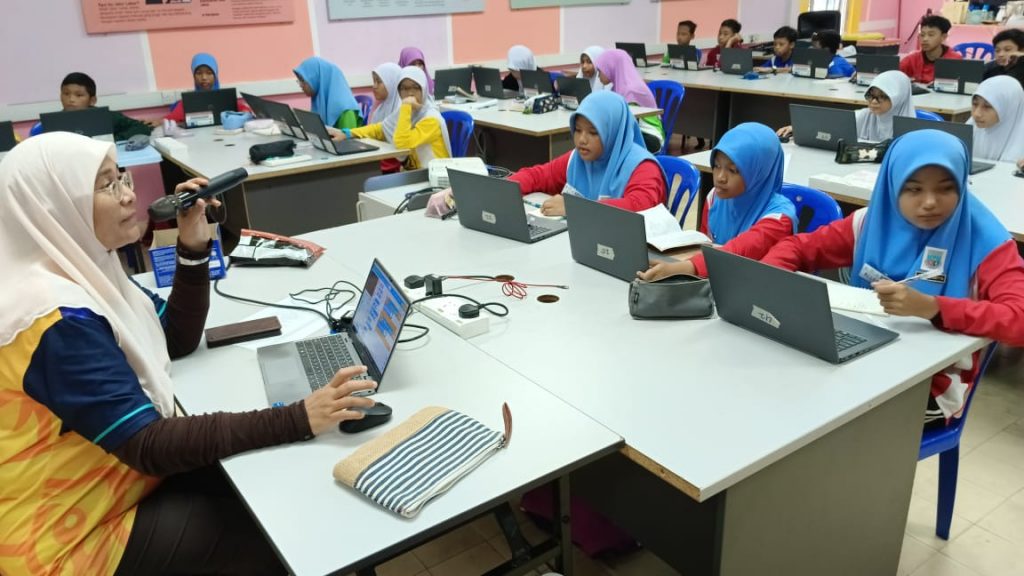
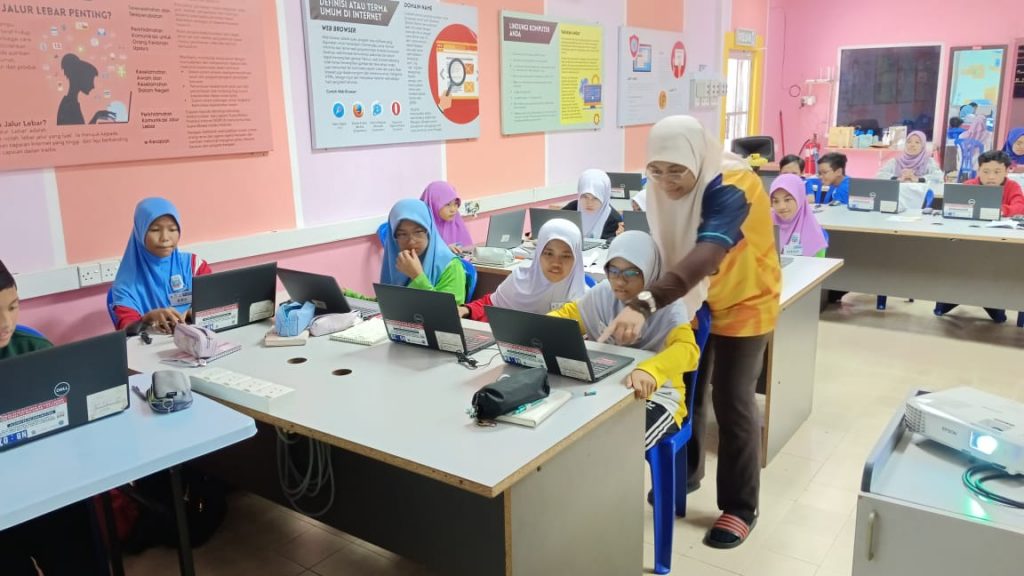
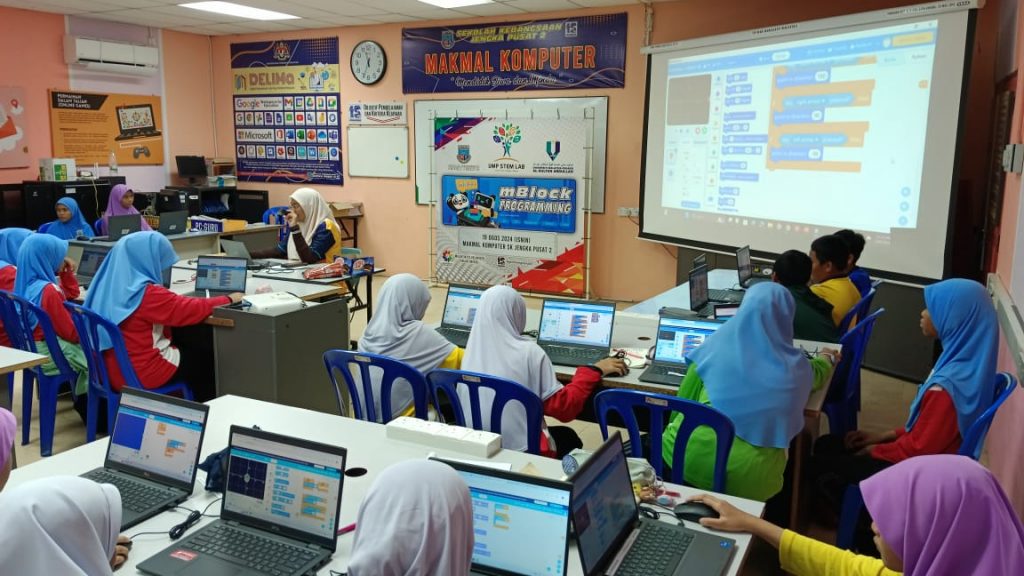
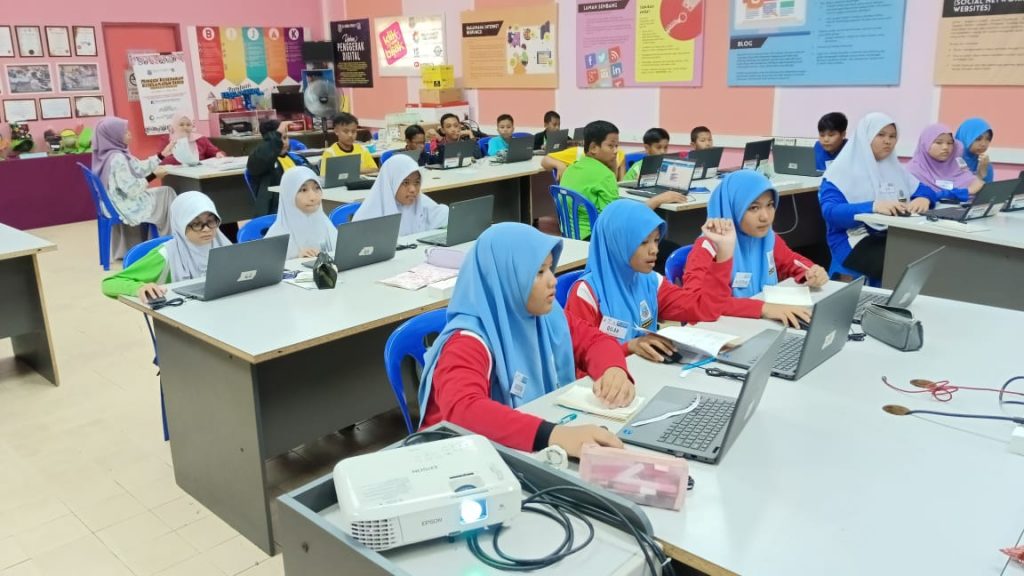
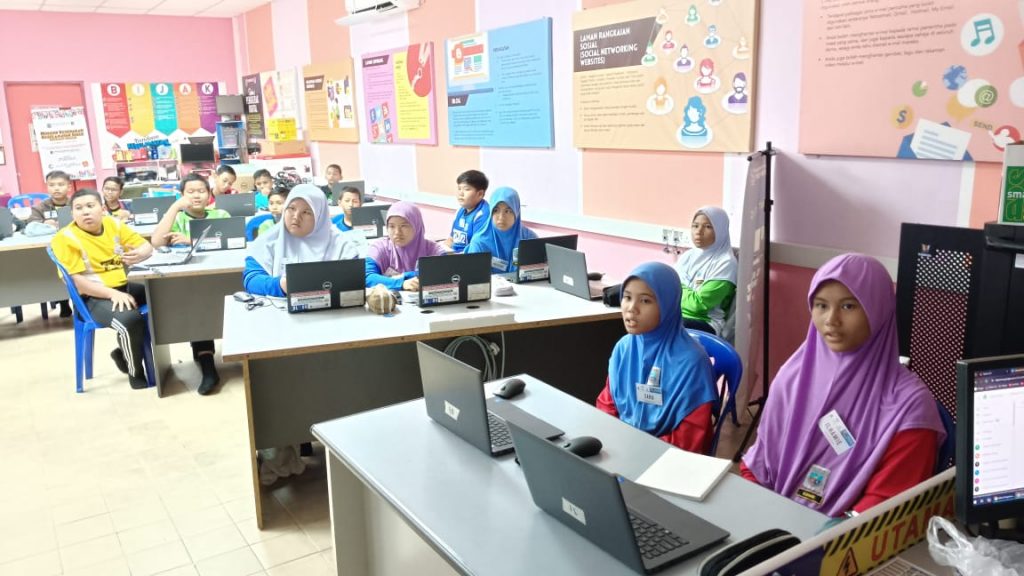
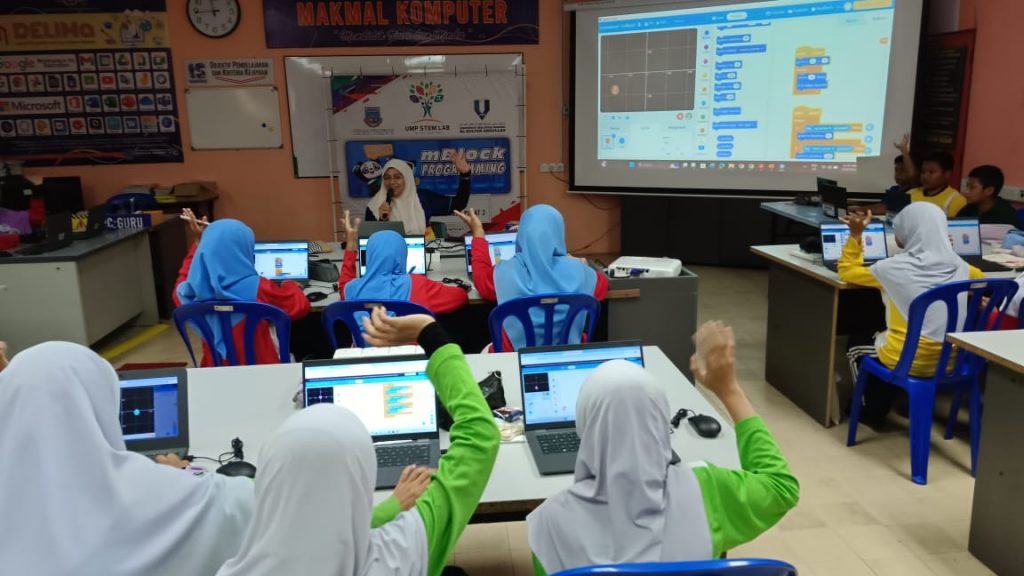
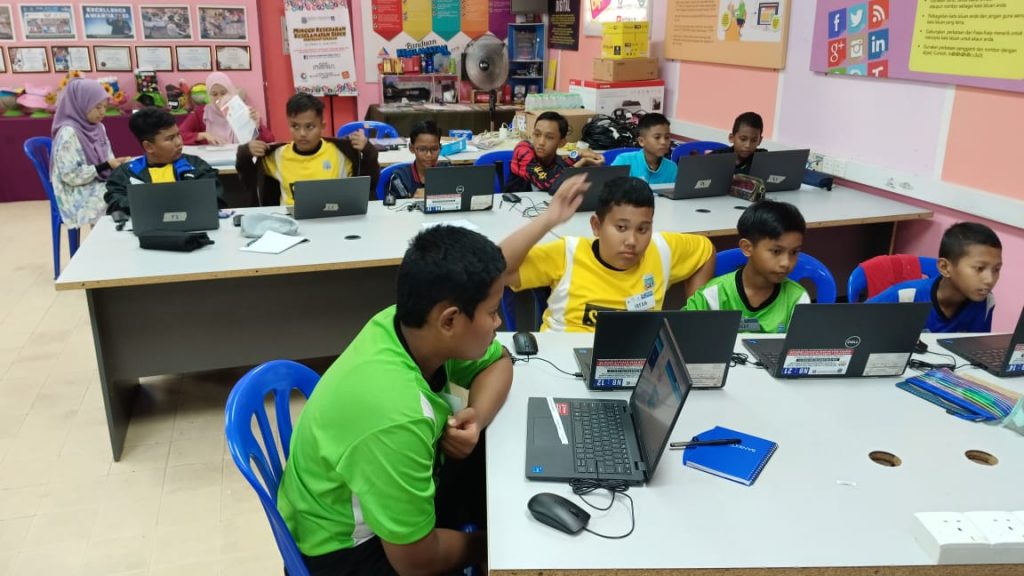
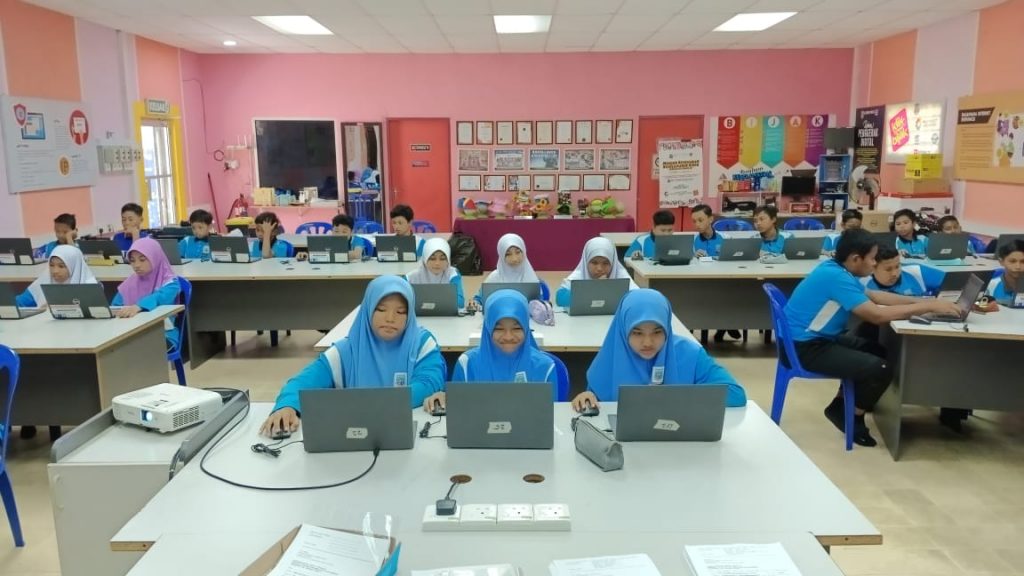
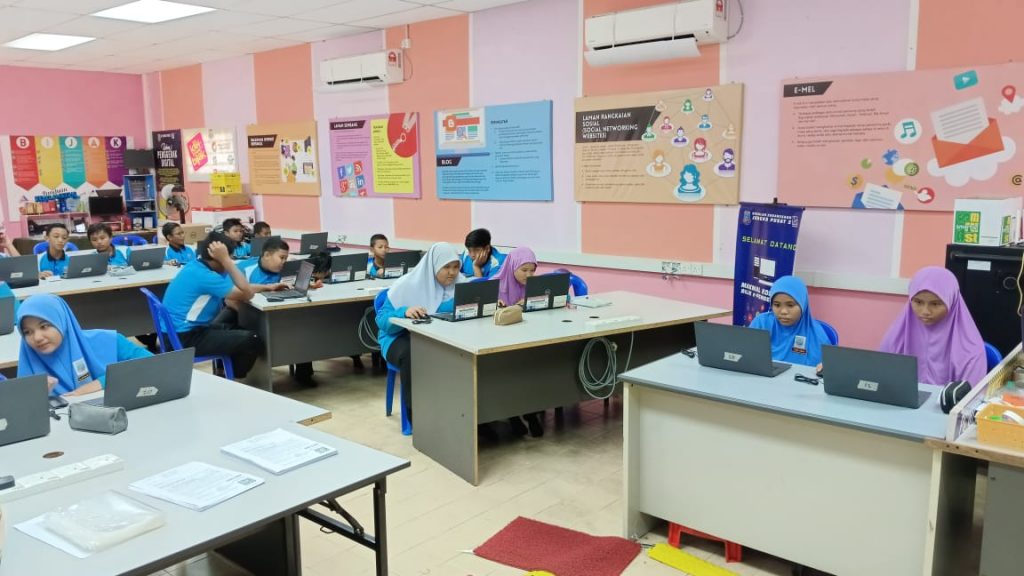
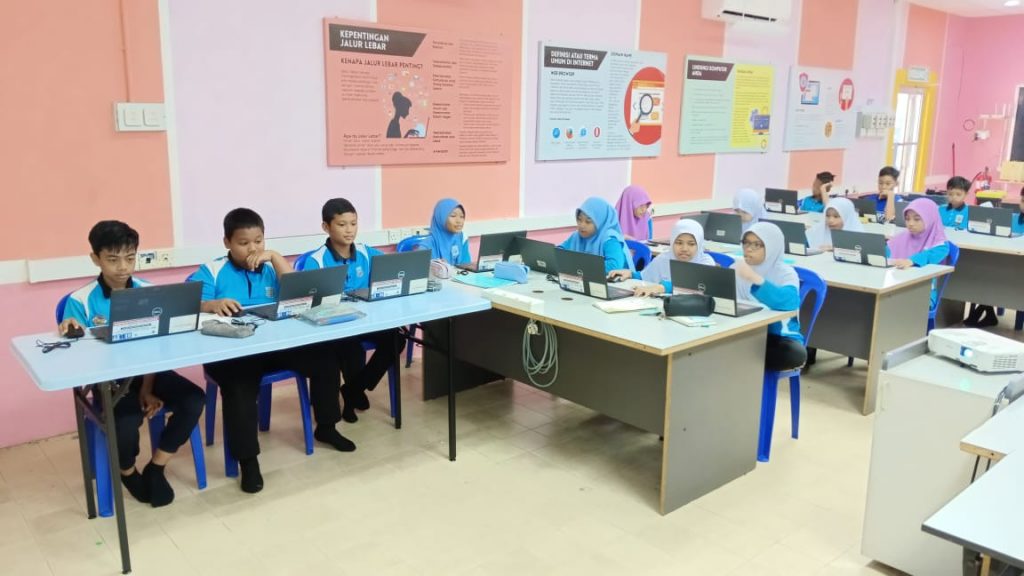
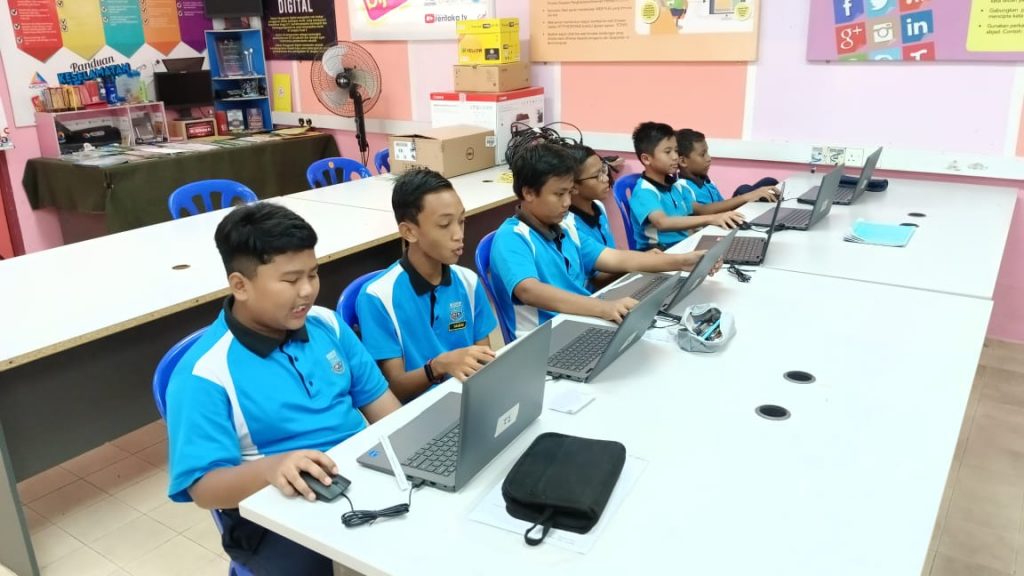
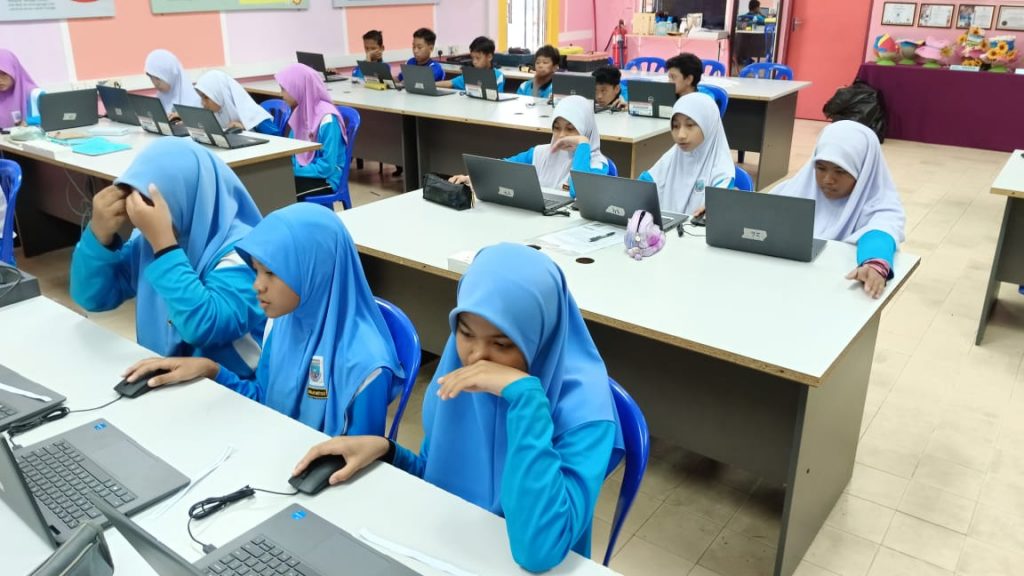
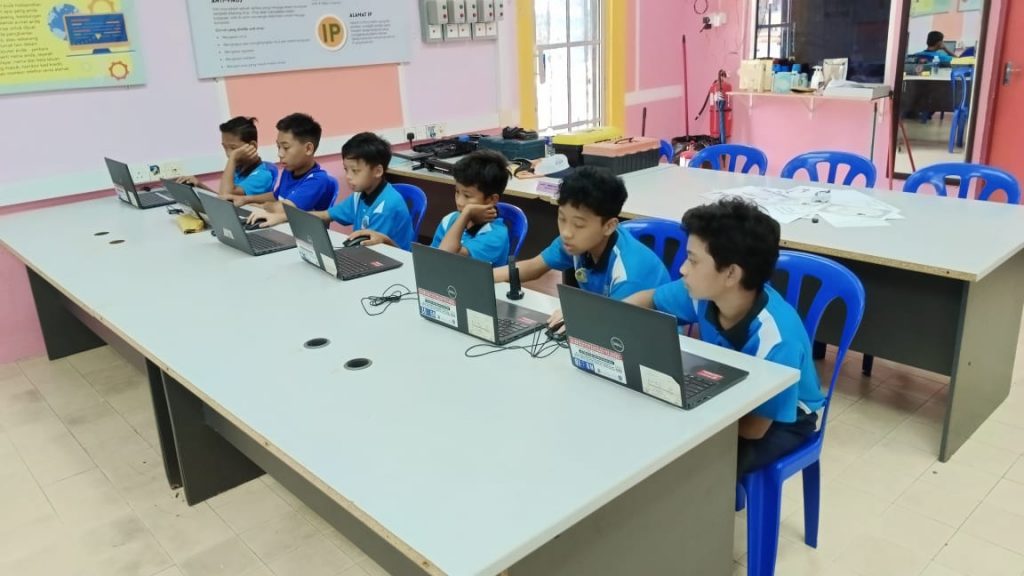
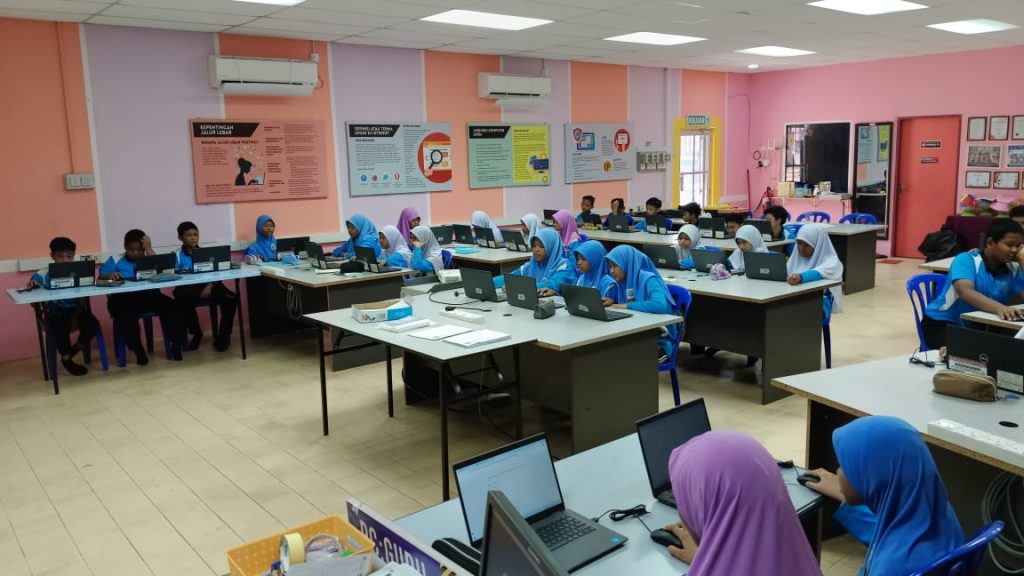
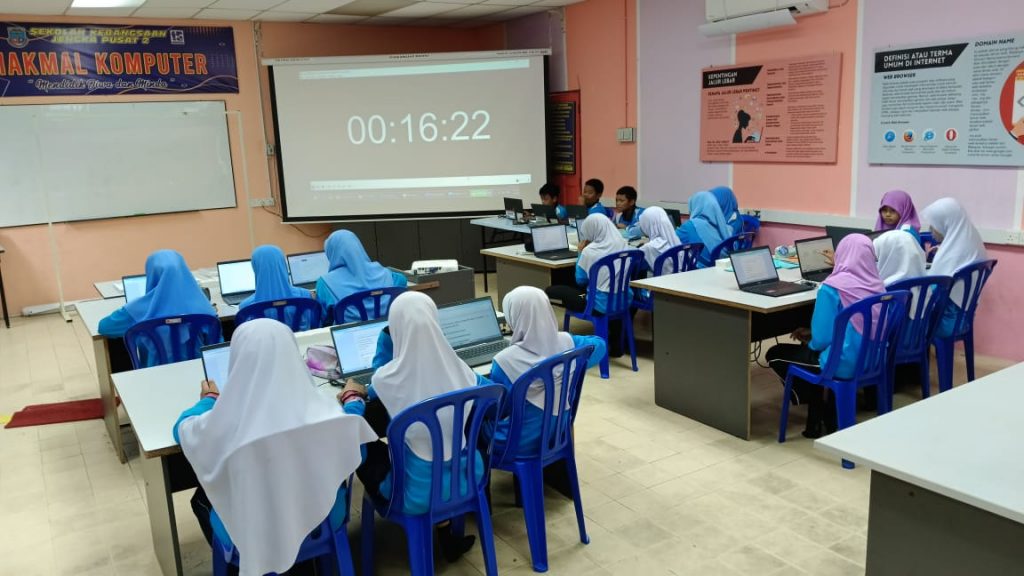
In the program, 40 participants from SK Jengka Pusat 2, Maran were introduced to mBlock programming, learning to use its graphical interface to create sequences of instructions. They explored sequential programming, conditional statements, and loops through hands-on tutorials. These foundational skills were applied in two projects: a Snake game and a Pac-Man game. In the Snake game, they programmed the snake’s movement, growth, and collision detection, while in the Pac-Man game, they navigated a maze, collected points, and avoided ghosts. This approach provided a comprehensive understanding of programming concepts and their practical applications.
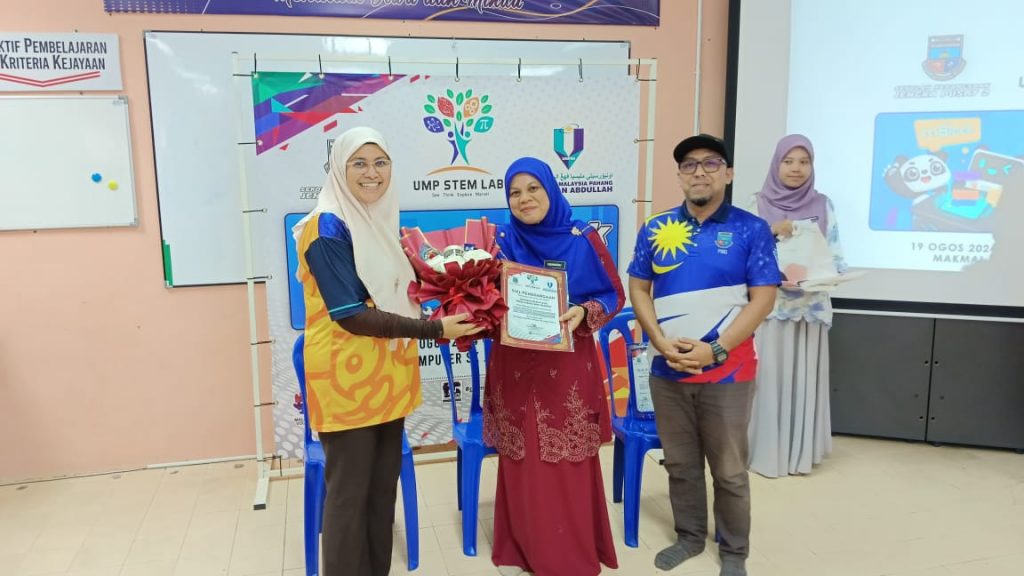
Appreciation to Cikgu Hailmey for coordinating the communication between the participants and UMPSA STEM Lab. SKJP2 Computer Lab is one of the best, and well-maintained lab I’ve seen in schools. Kudos to Cikgu for his commitment and hard work in assuring the best experience for the school children.

Pre-Test (Aug 16th)
A synopsis of the program can be retrieved via the following link.
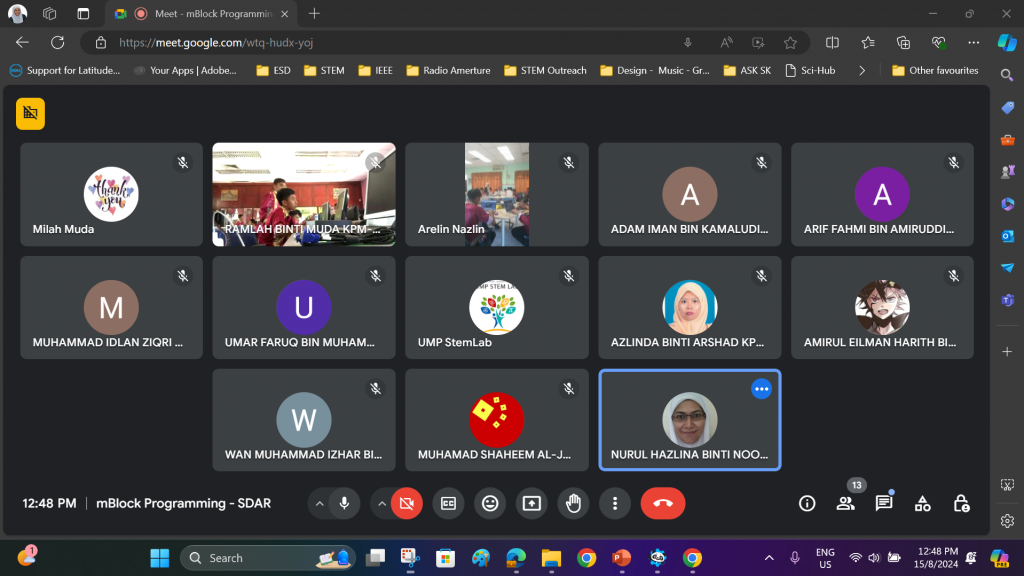
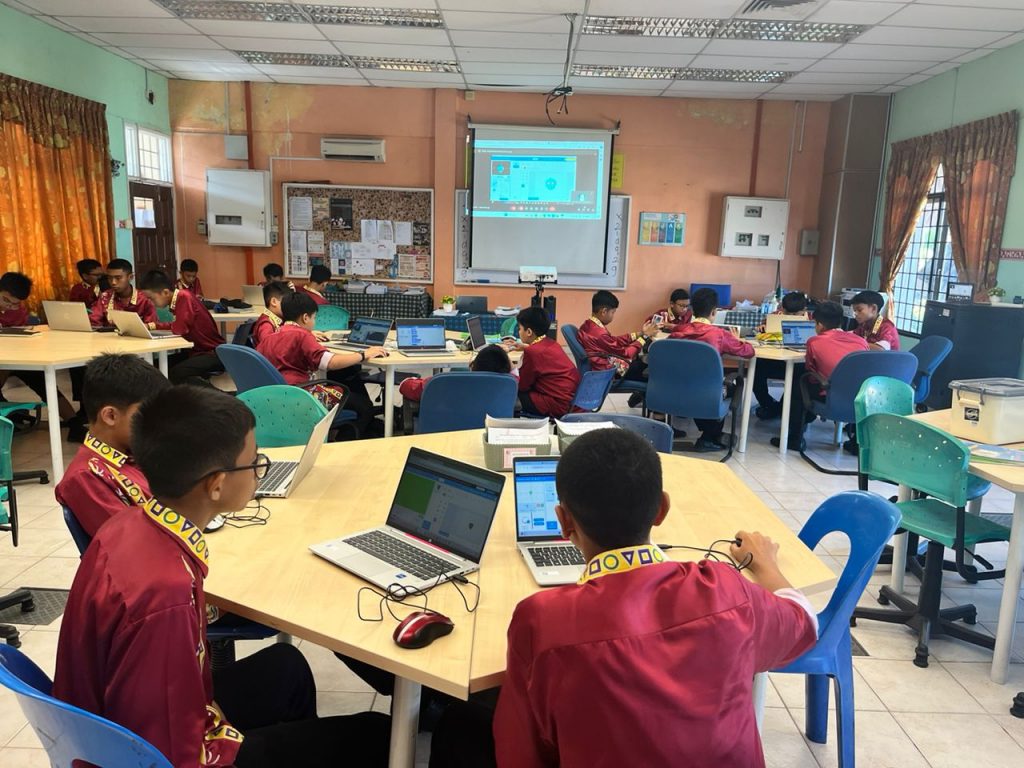
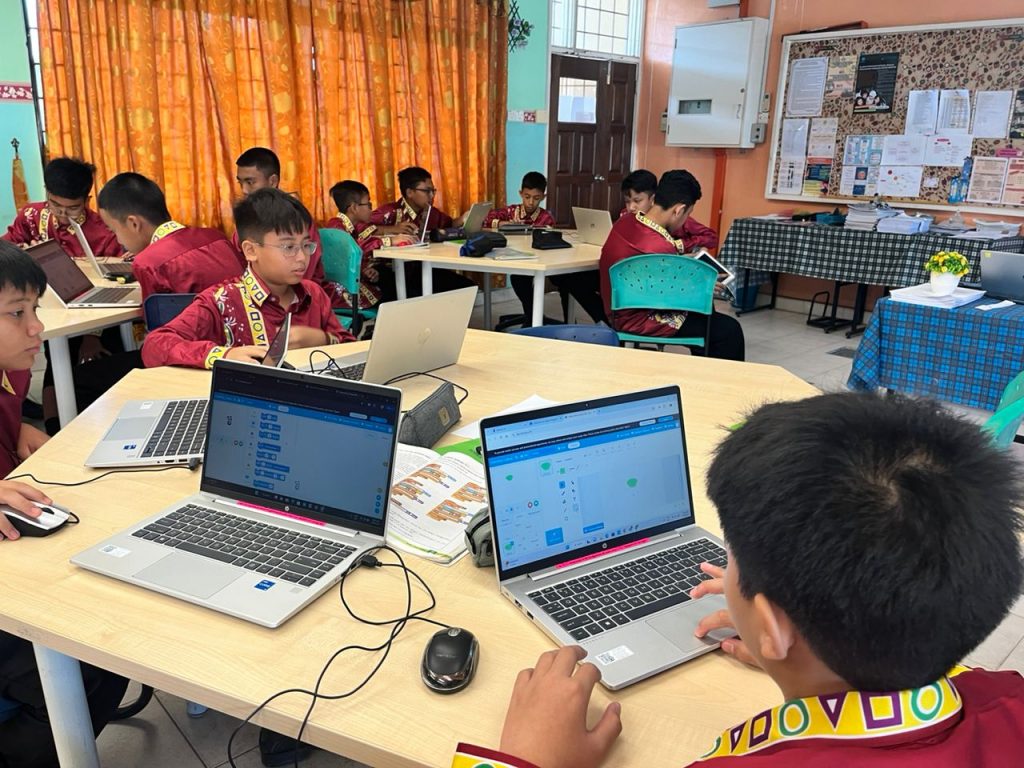
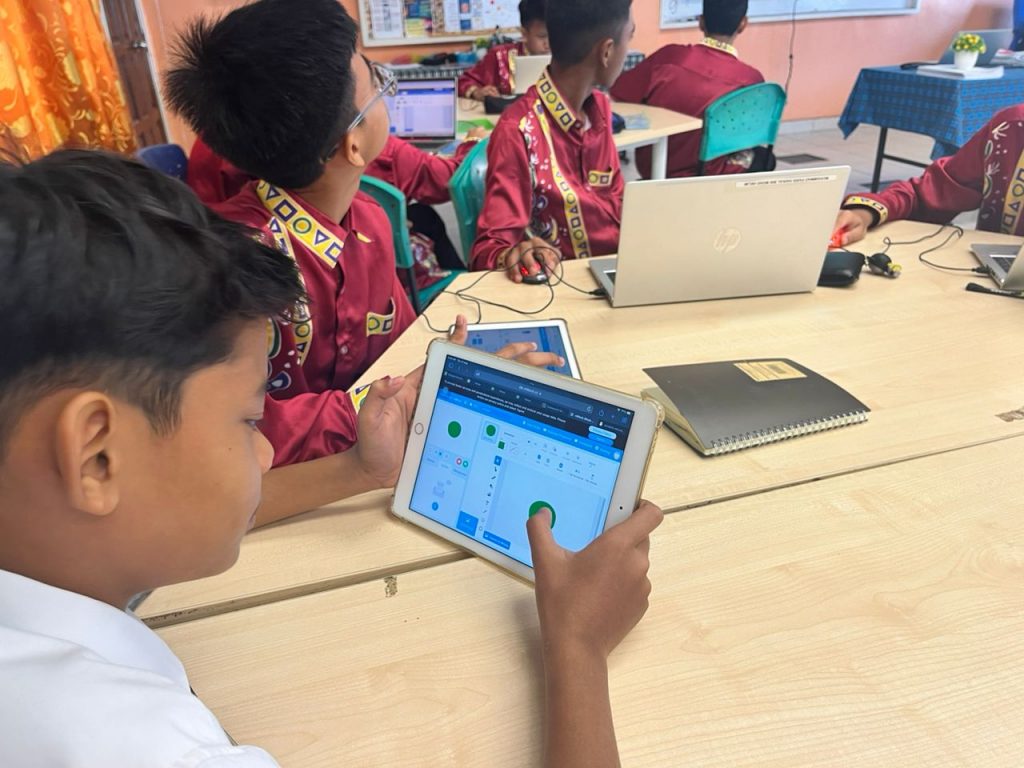
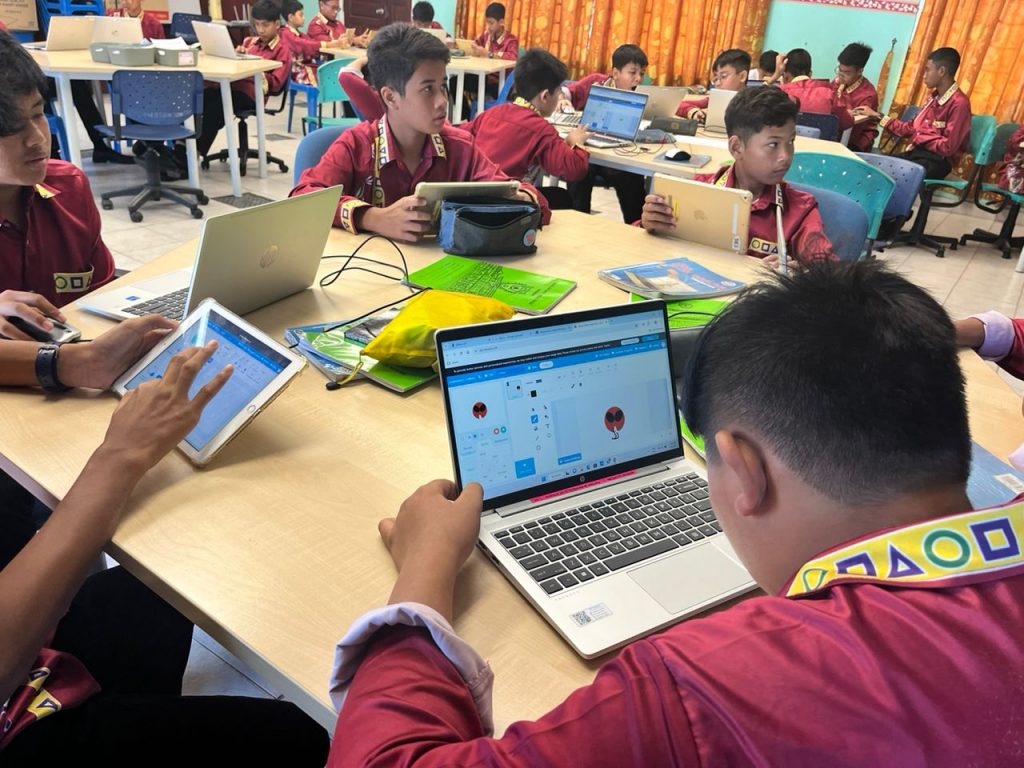
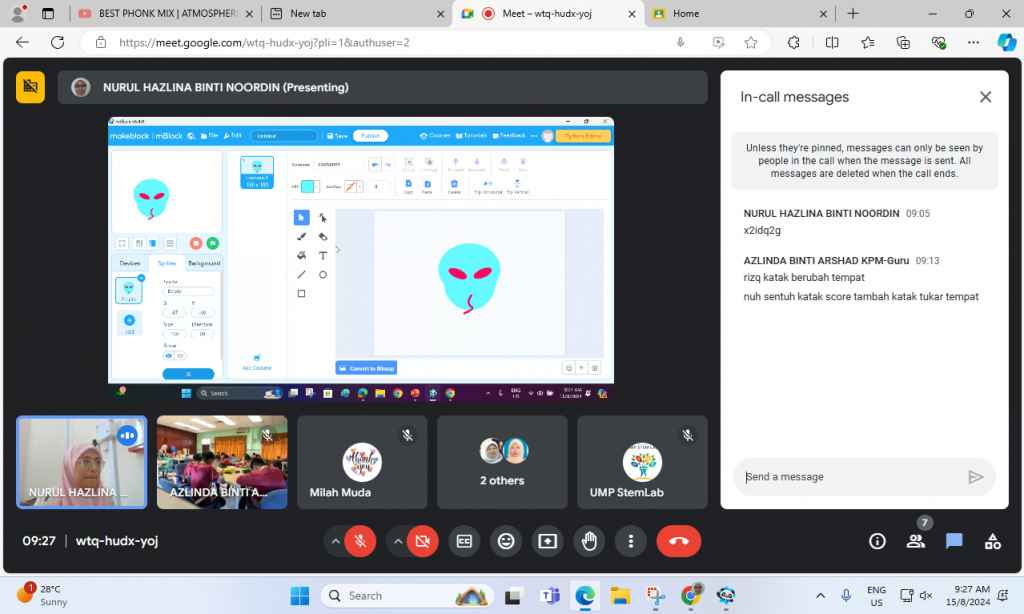
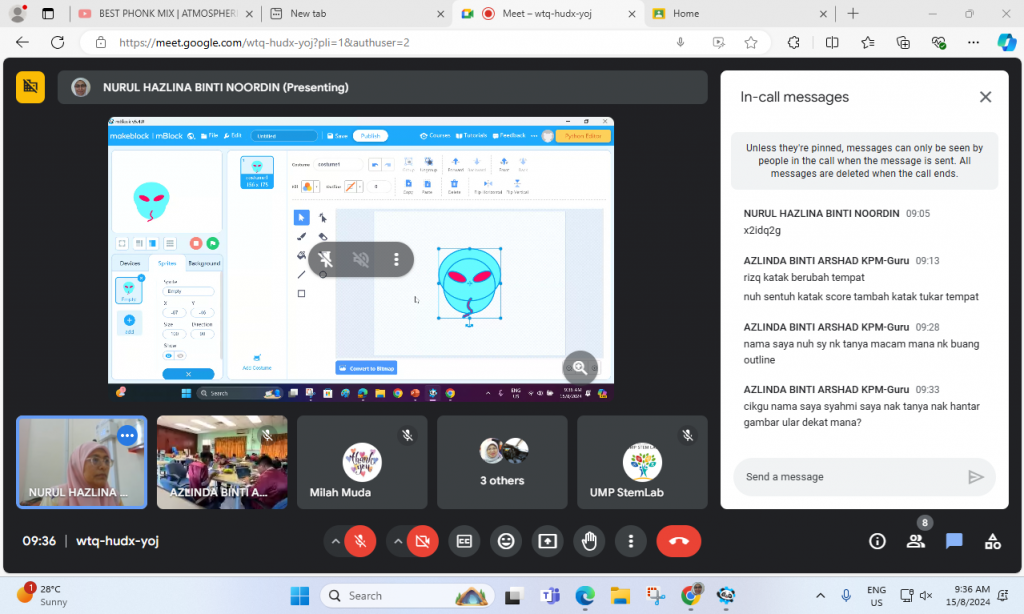
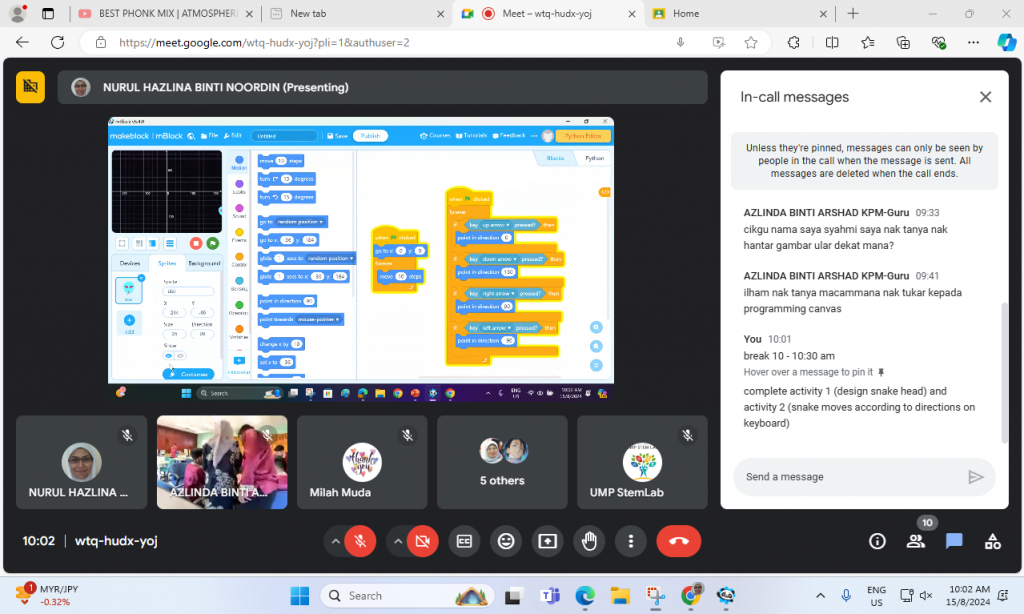
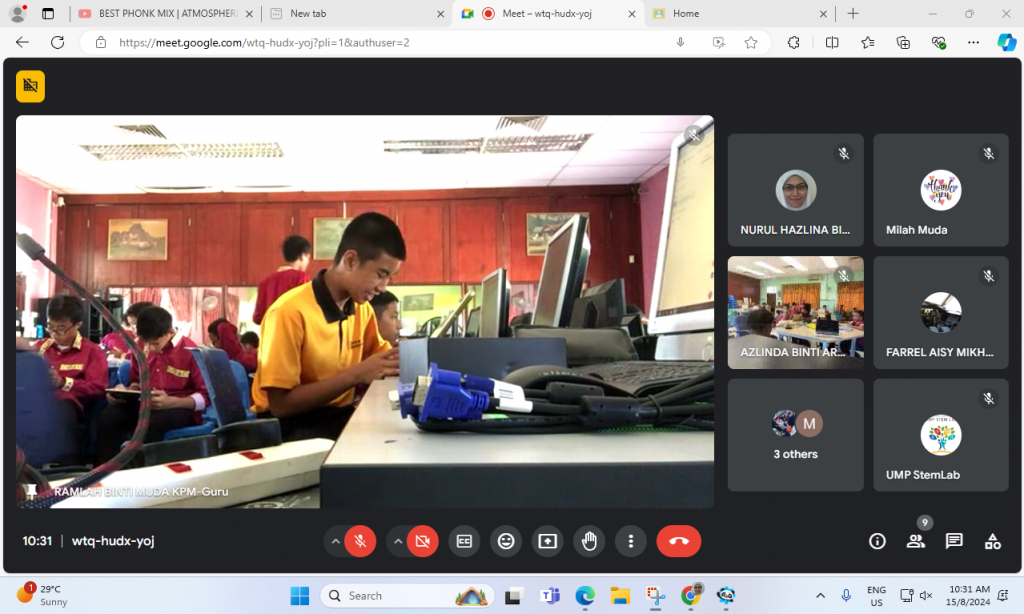
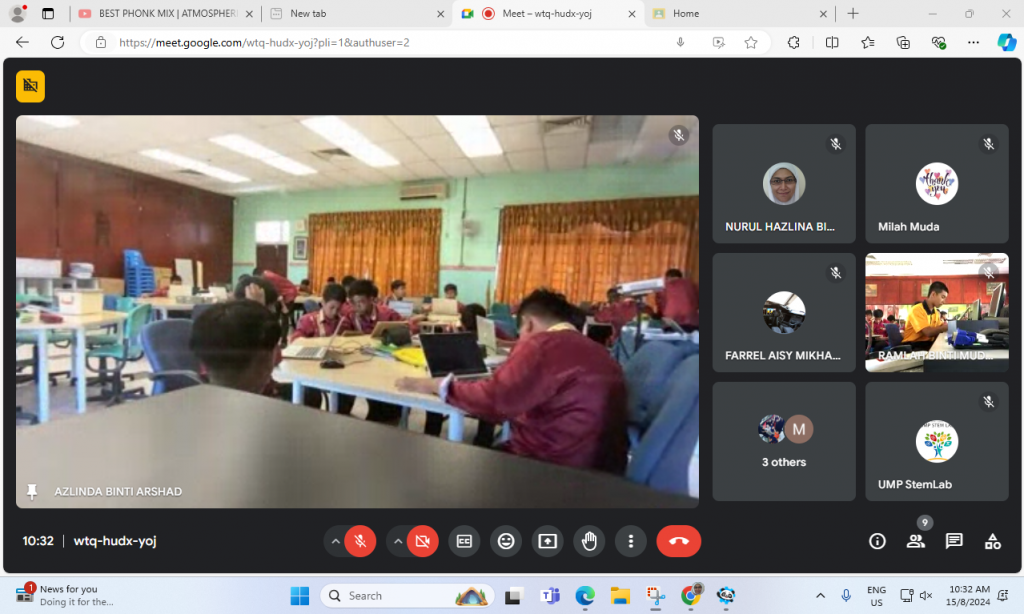
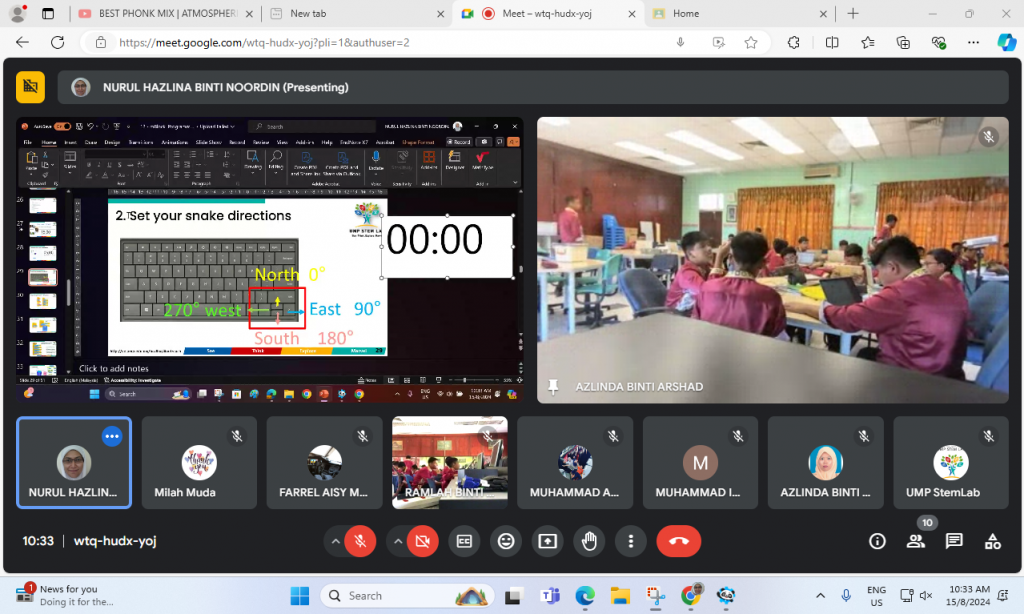
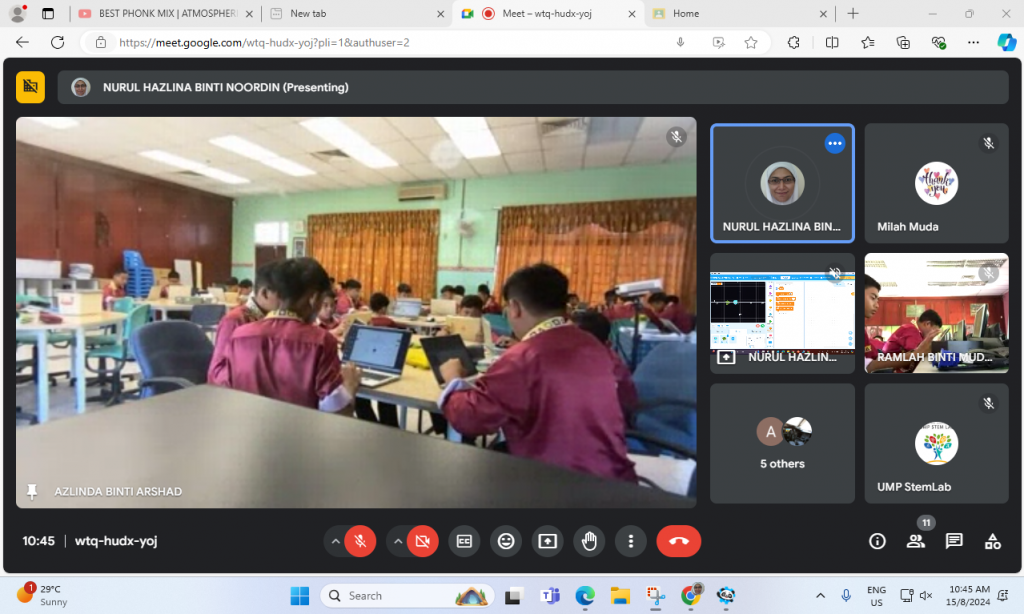
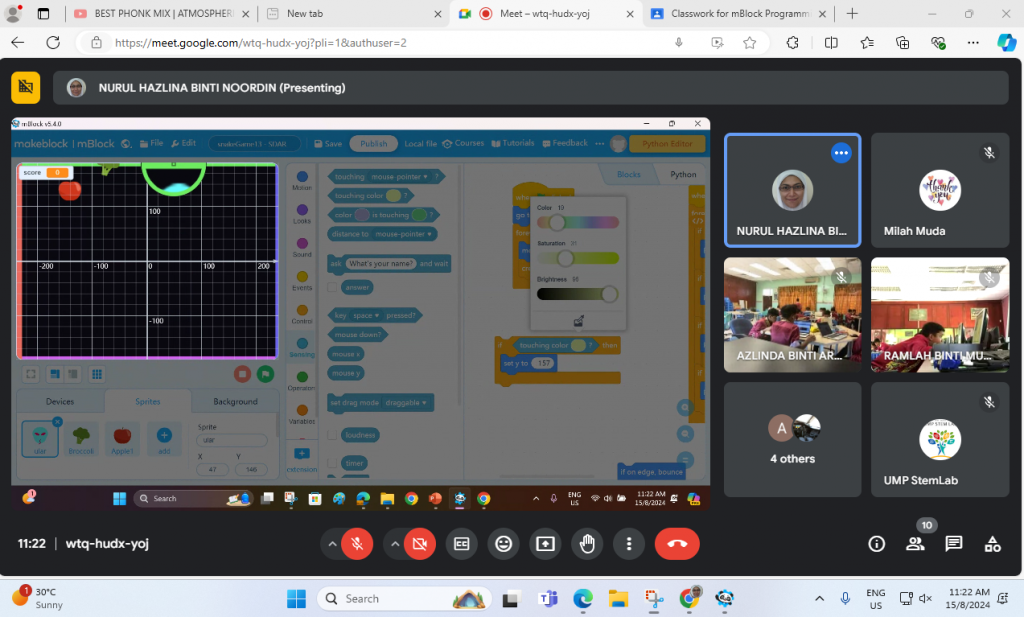
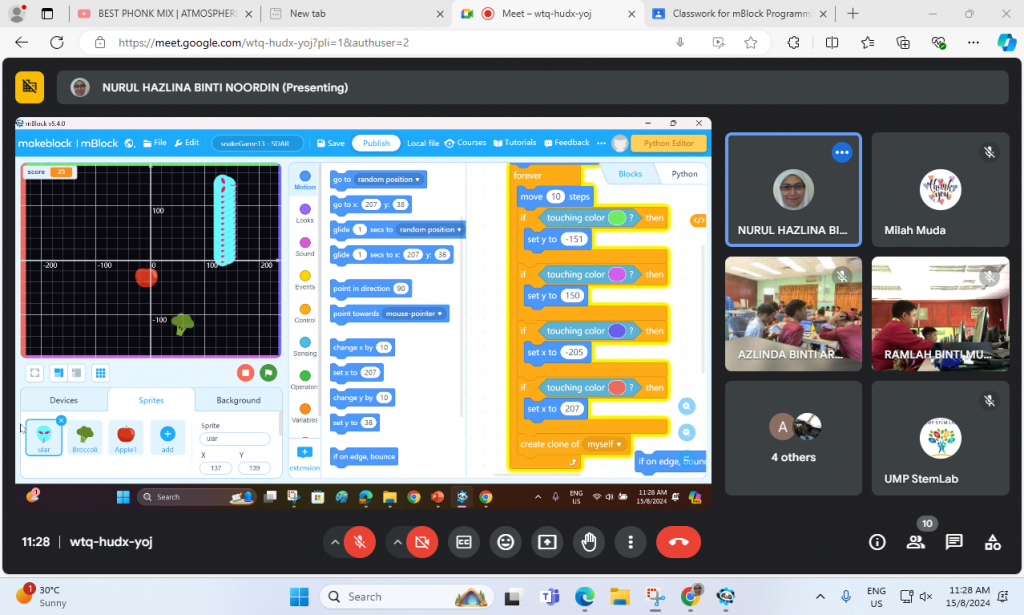
In the program, 63 participants from Sekolah Datuk Abdul Razak were introduced to mBlock programming, learning to use its graphical interface to create sequences of instructions. They explored sequential programming, conditional statements, and loops through hands-on tutorials. These foundational skills were applied in two projects: a Snake game and a Pac-Man game. In the Snake game, they programmed the snake’s movement, growth, and collision detection, while in the Pac-Man game, they navigated a maze, collected points, and avoided ghosts. This approach provided a comprehensive understanding of programming concepts and their practical applications.
Appreciation to Cikgu Azlinda for coordinating the communication between the participants and UMPSA STEM Lab.

Synopsis on AI Assisted Learning @UMPSA STEM Lab module.
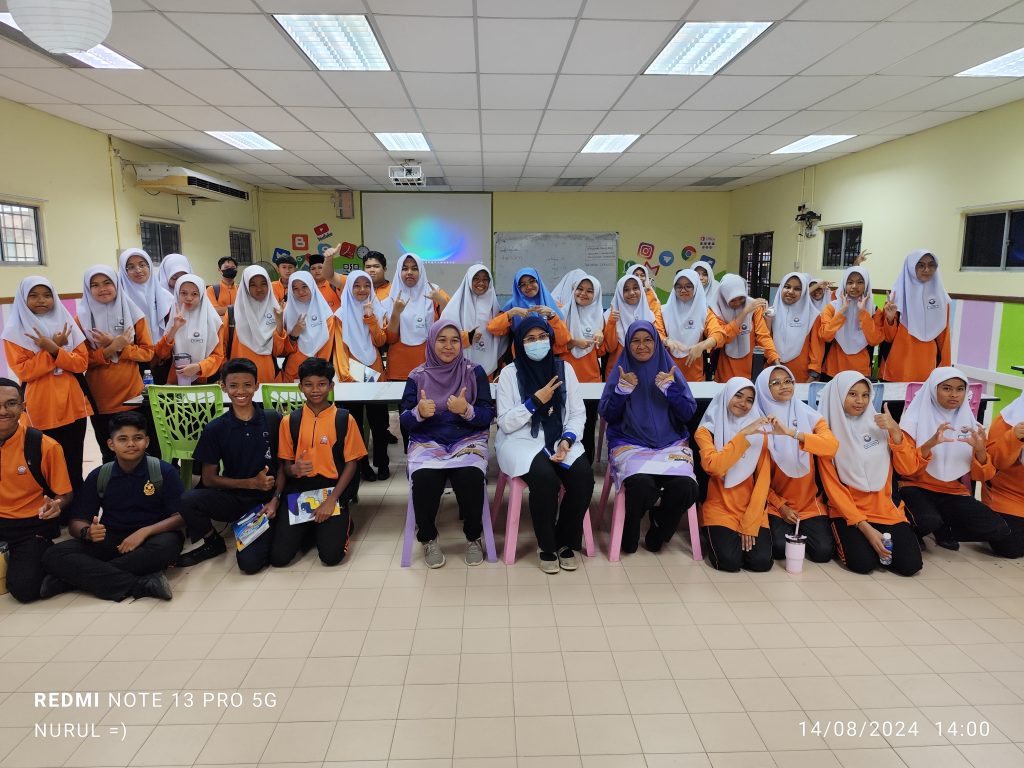
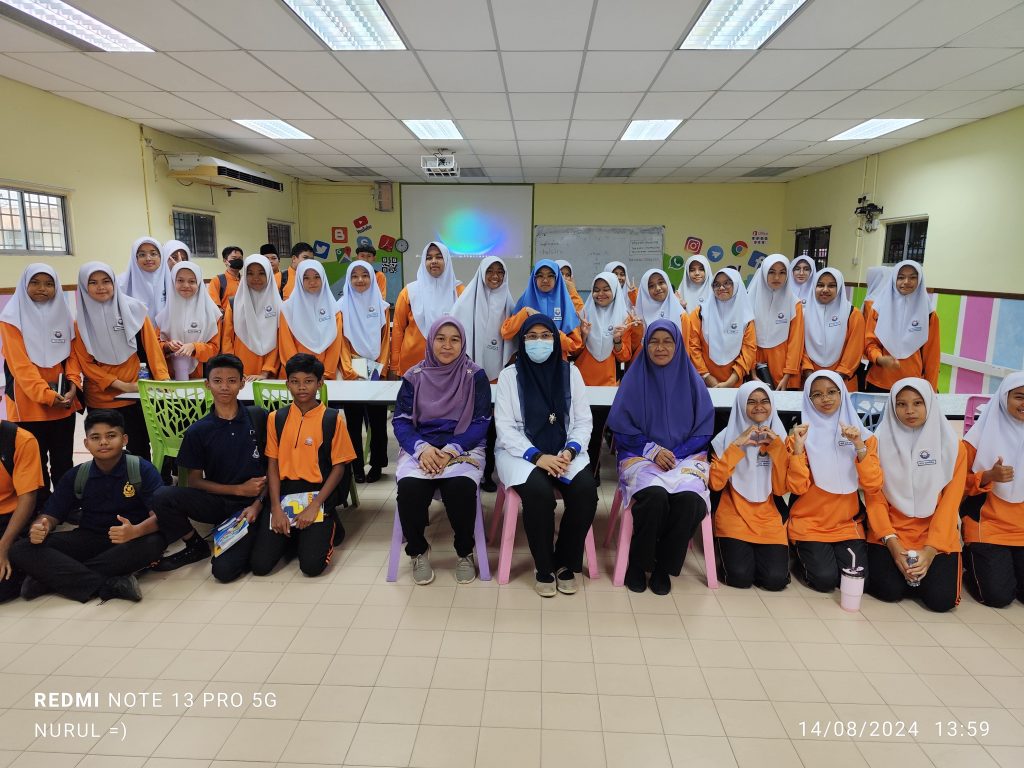
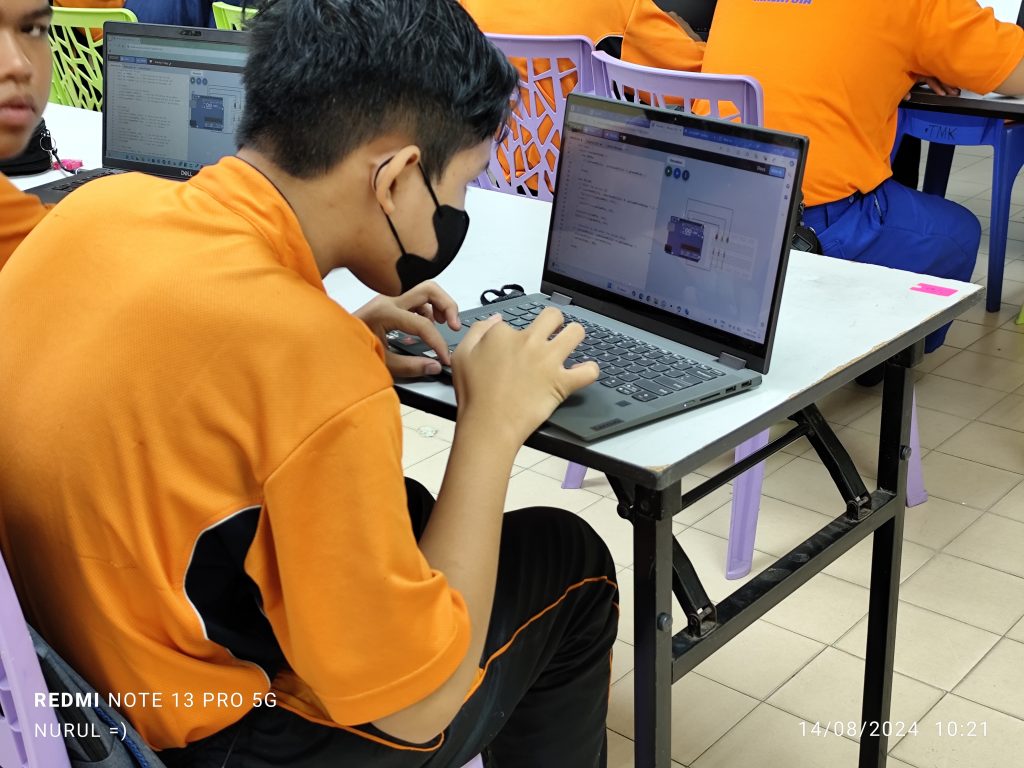
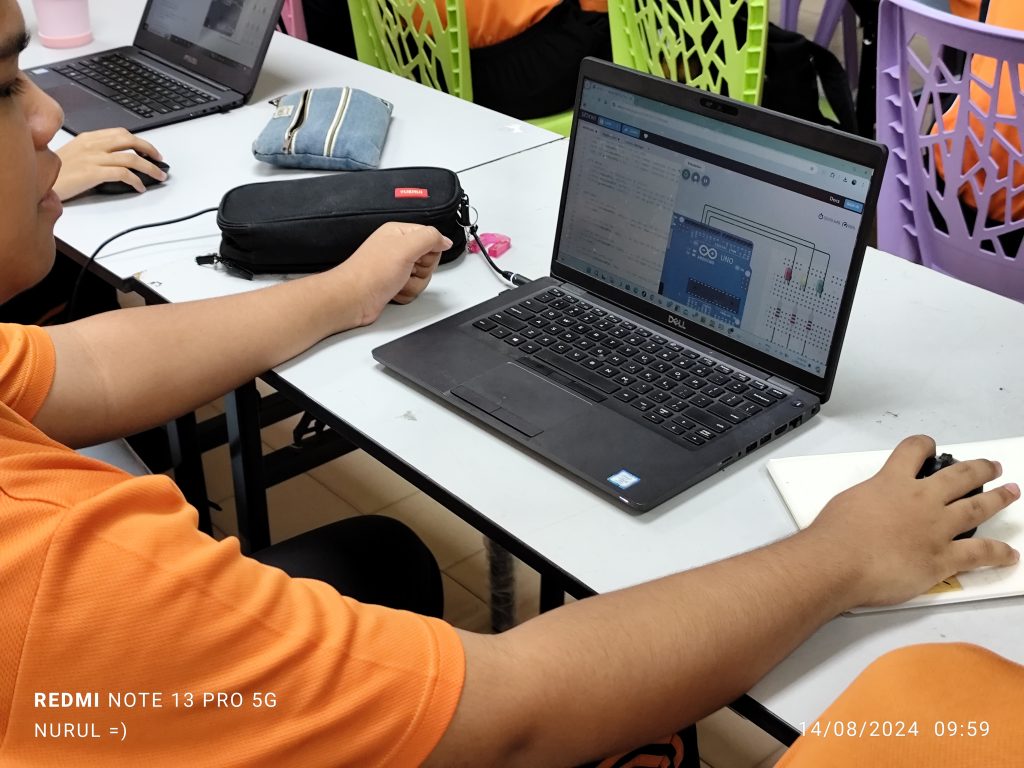
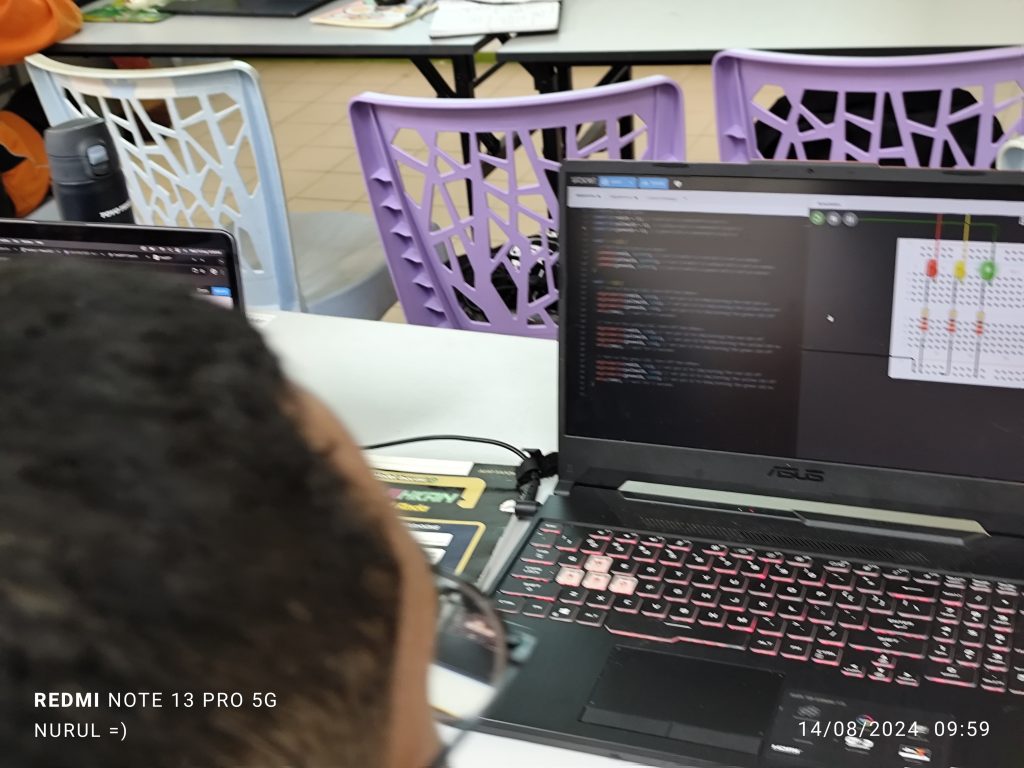
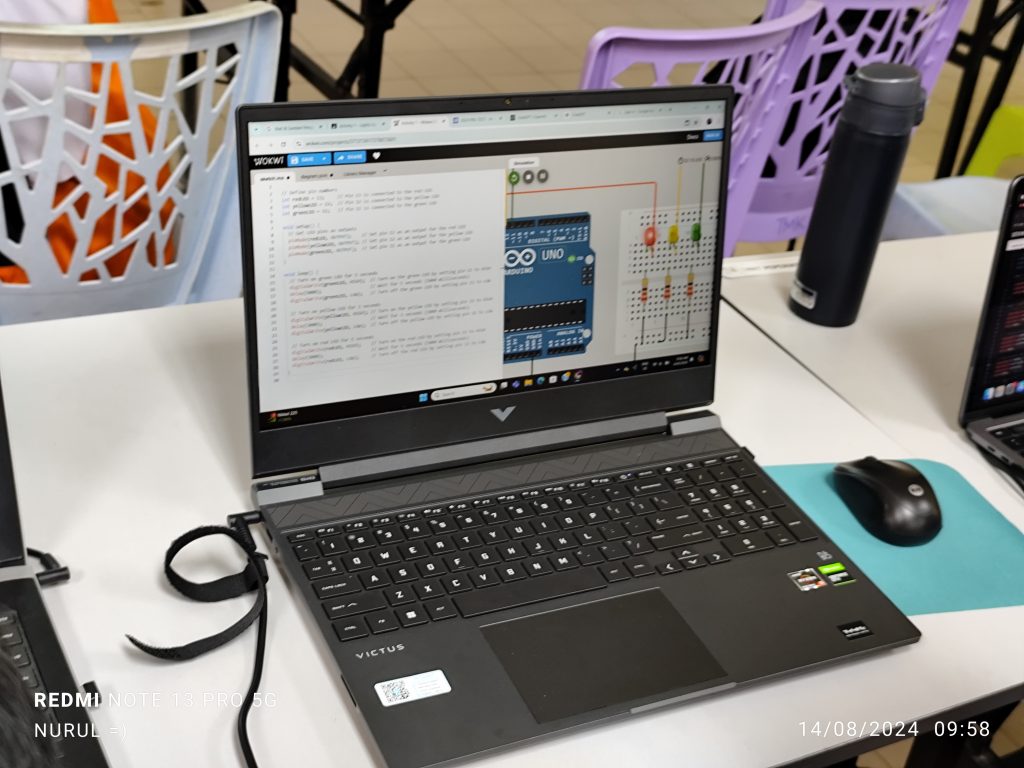
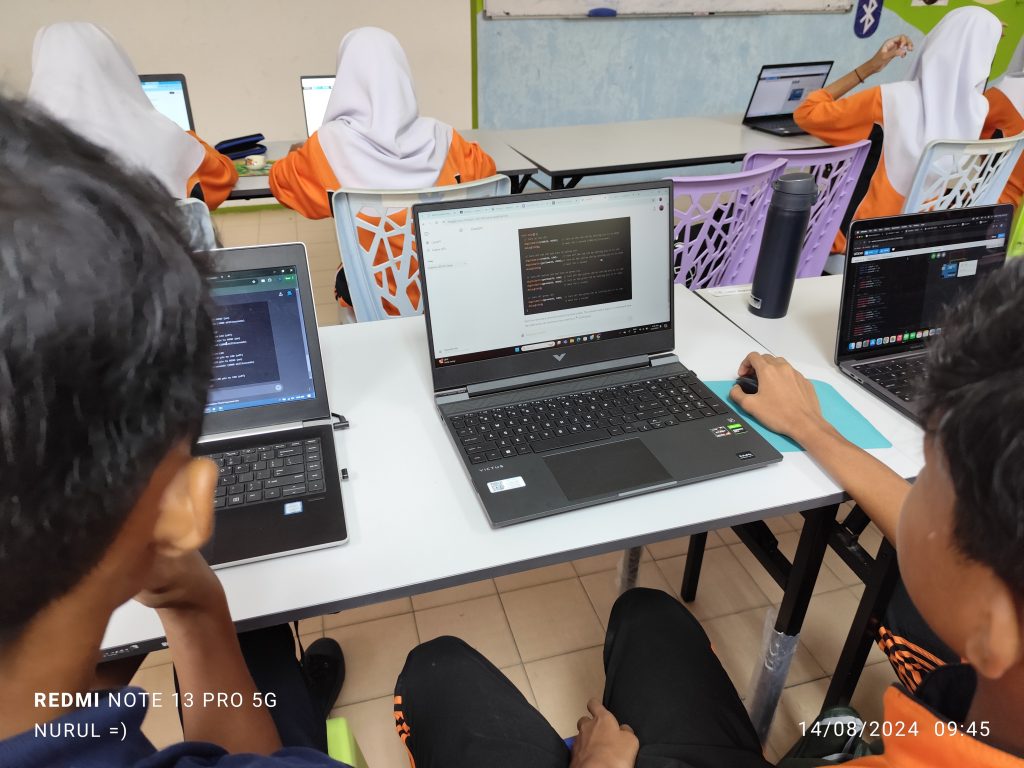
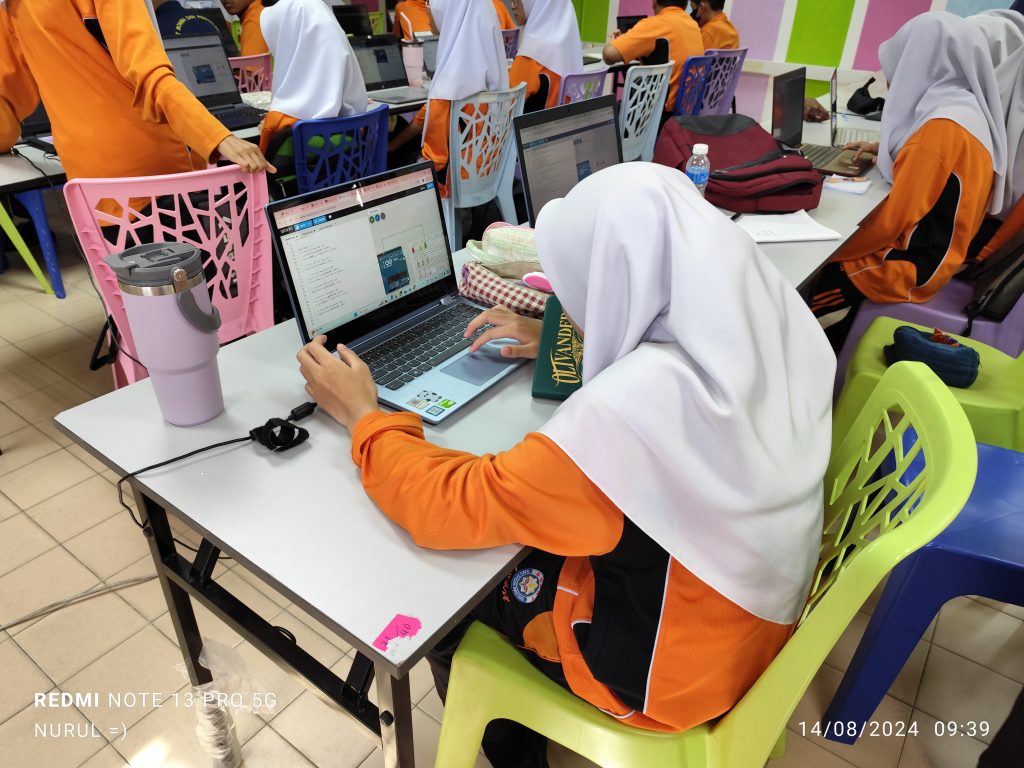
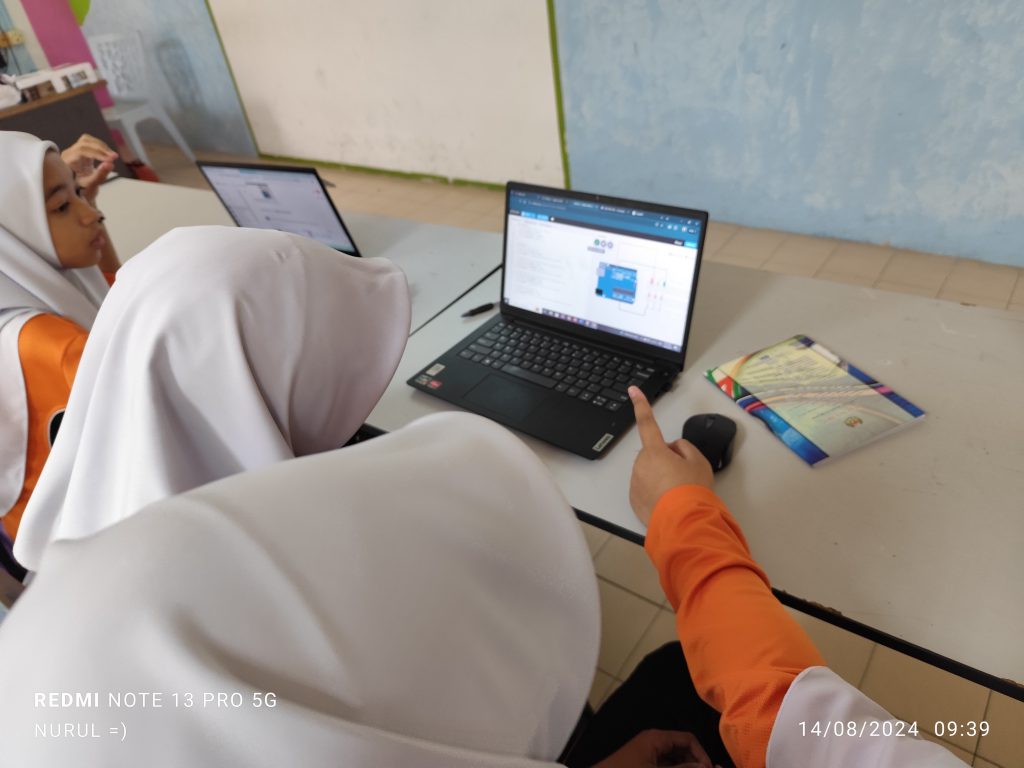
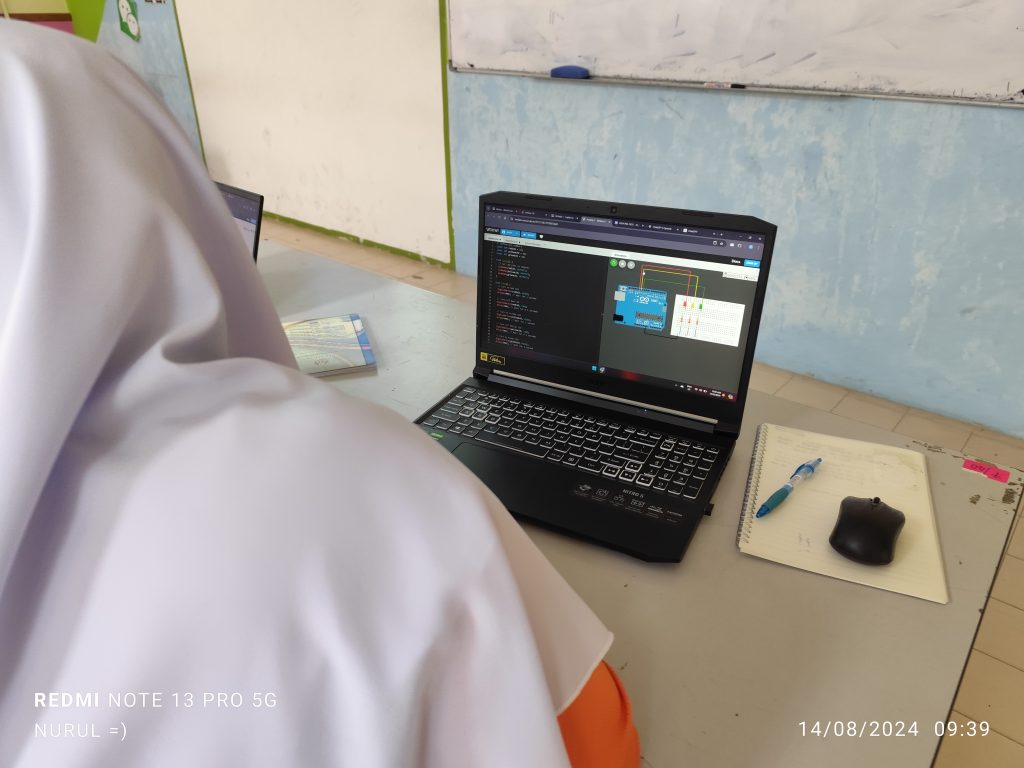
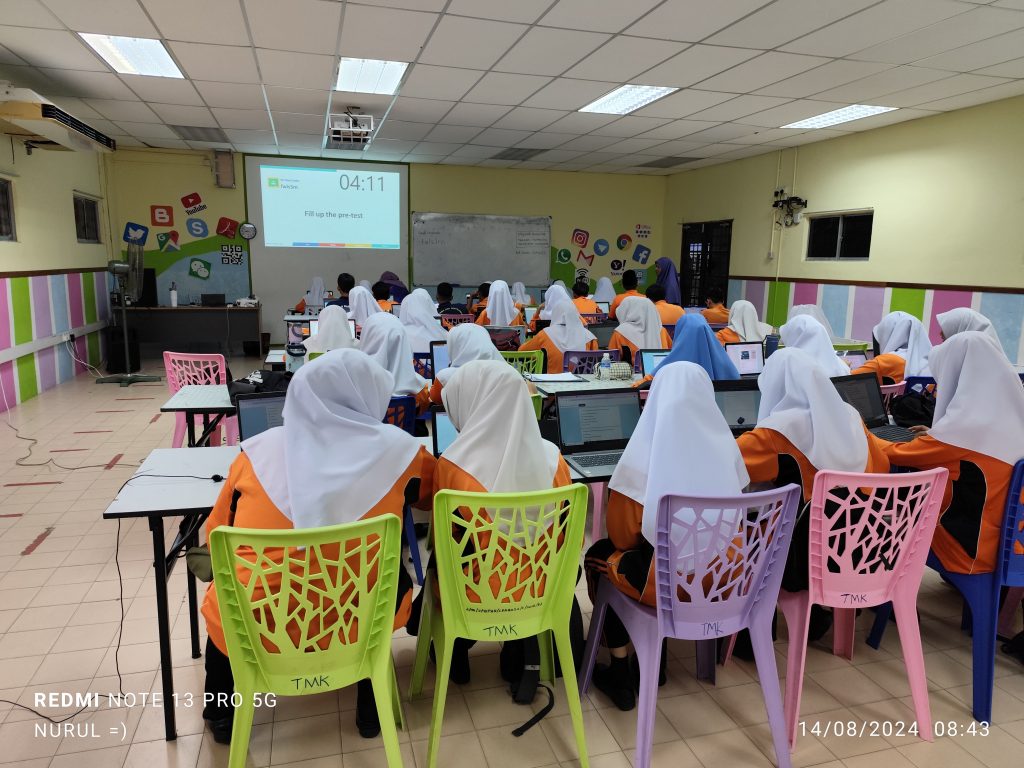
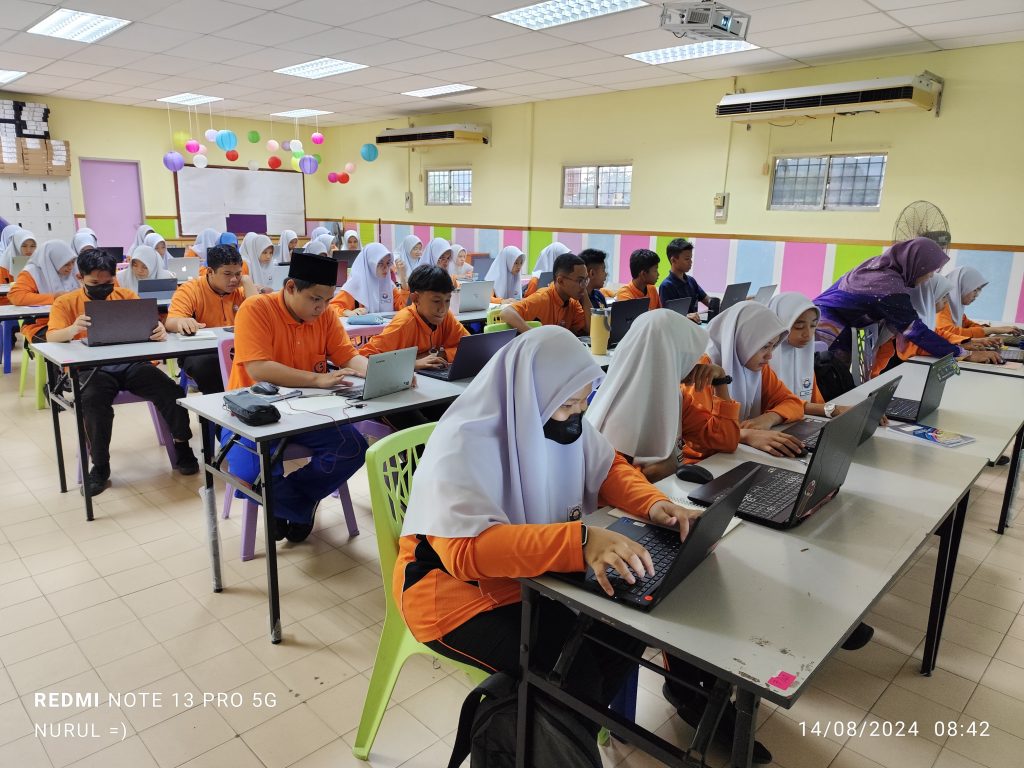
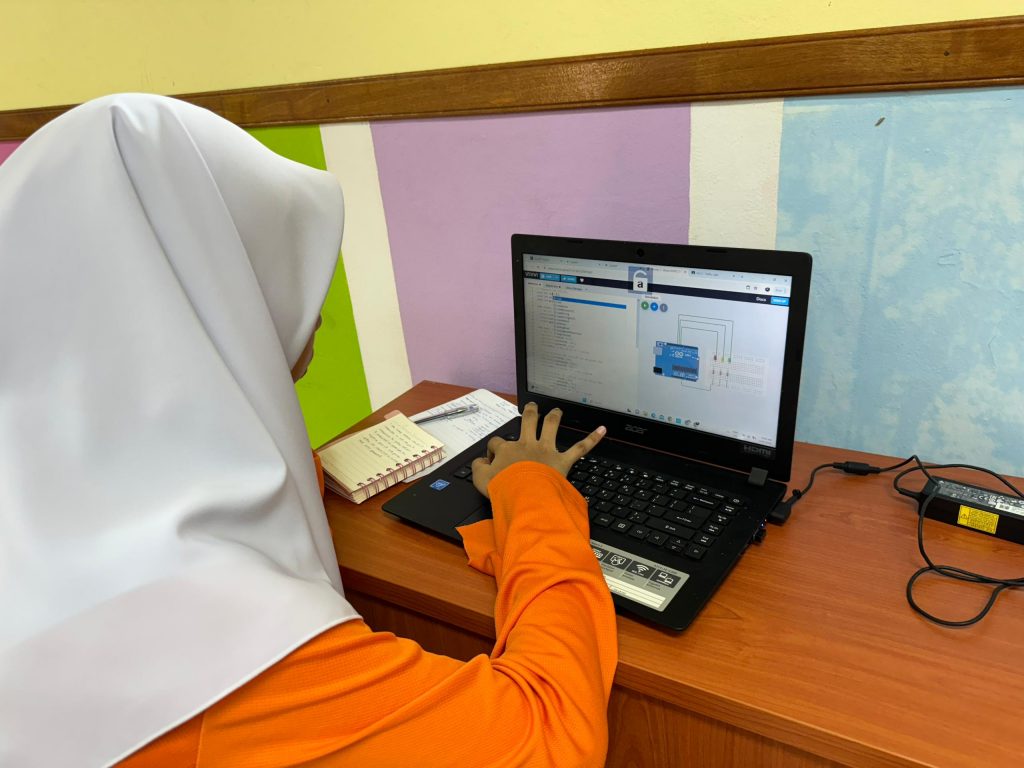
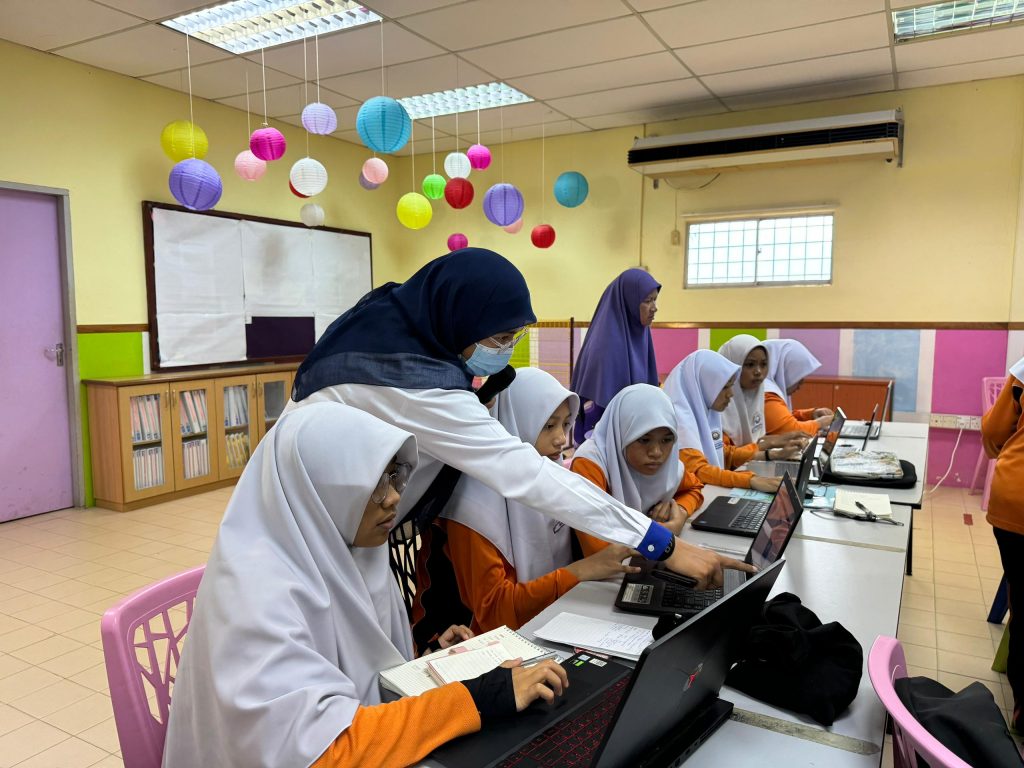
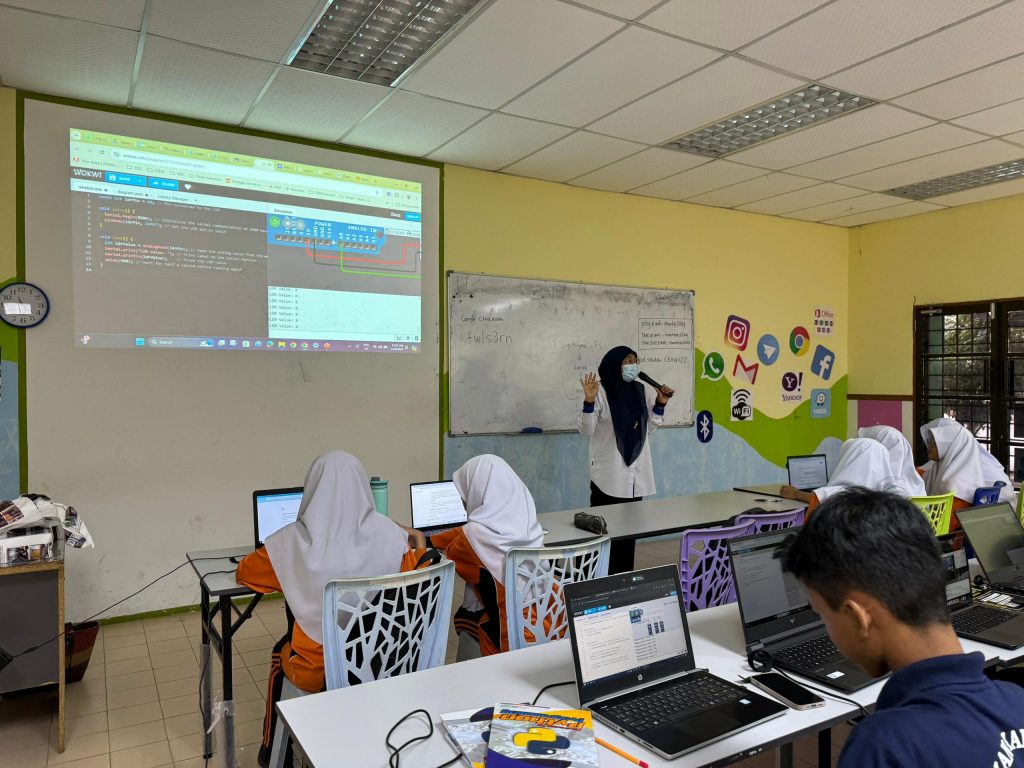
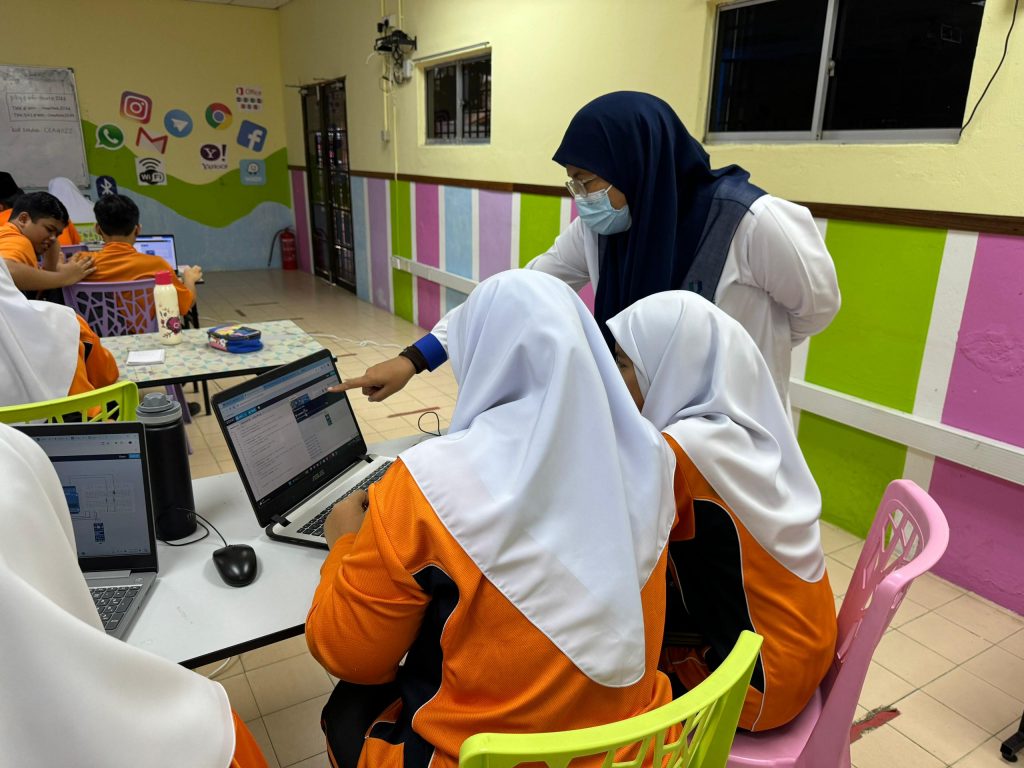
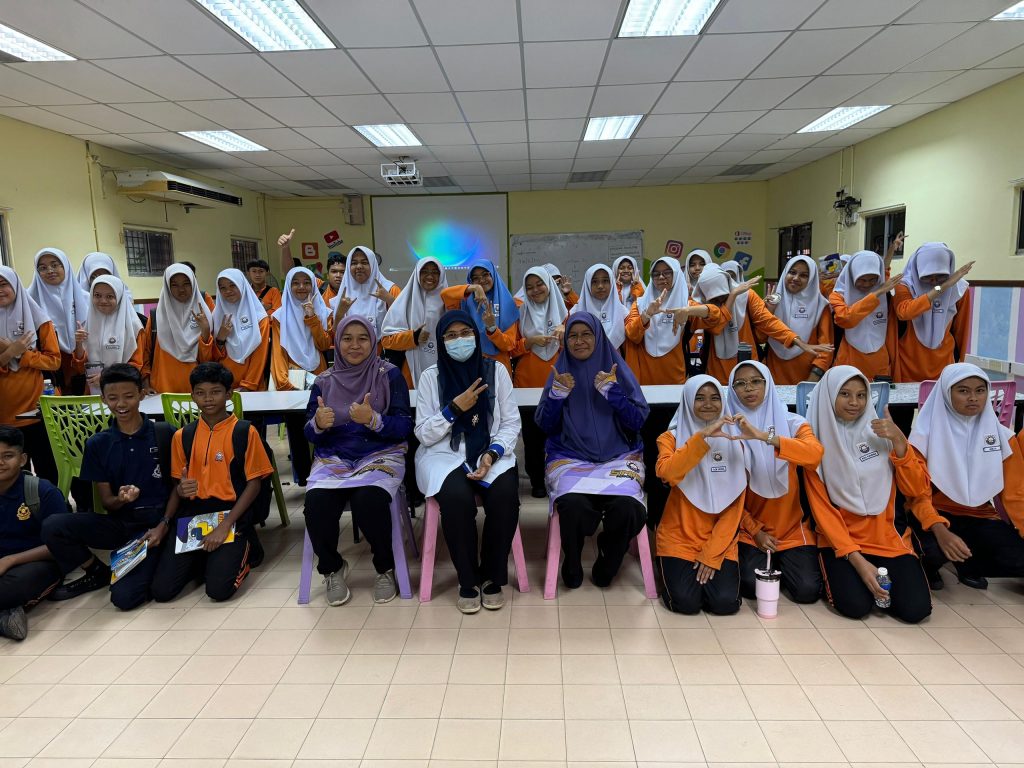
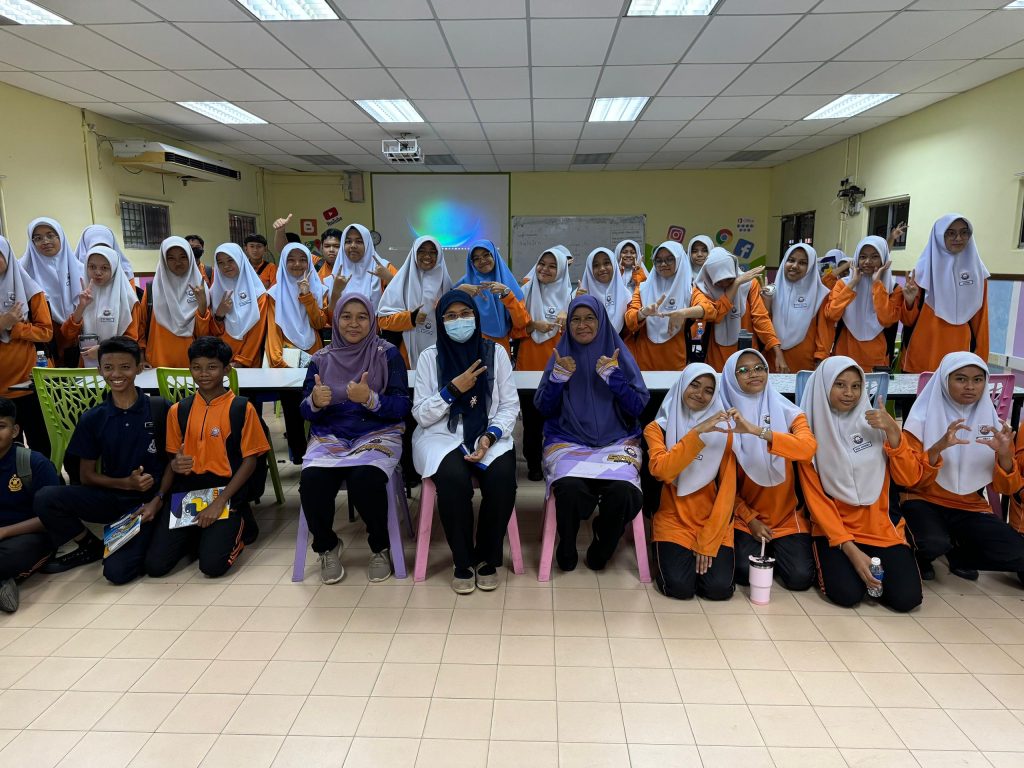
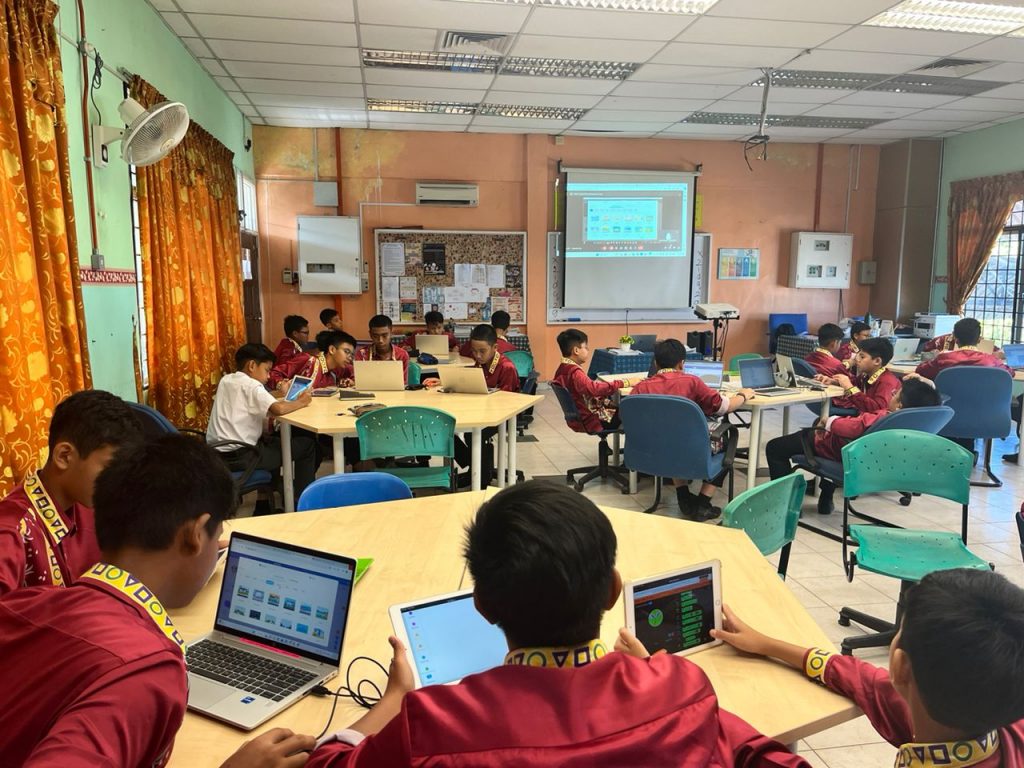
We want to extend our heartfelt thanks to Cikgu Hayati for her outstanding efforts in coordinating between the STEM Lab and the school for our recent AI-assisted Arduino programming class. Her dedication ensured smooth communication and a successful event.
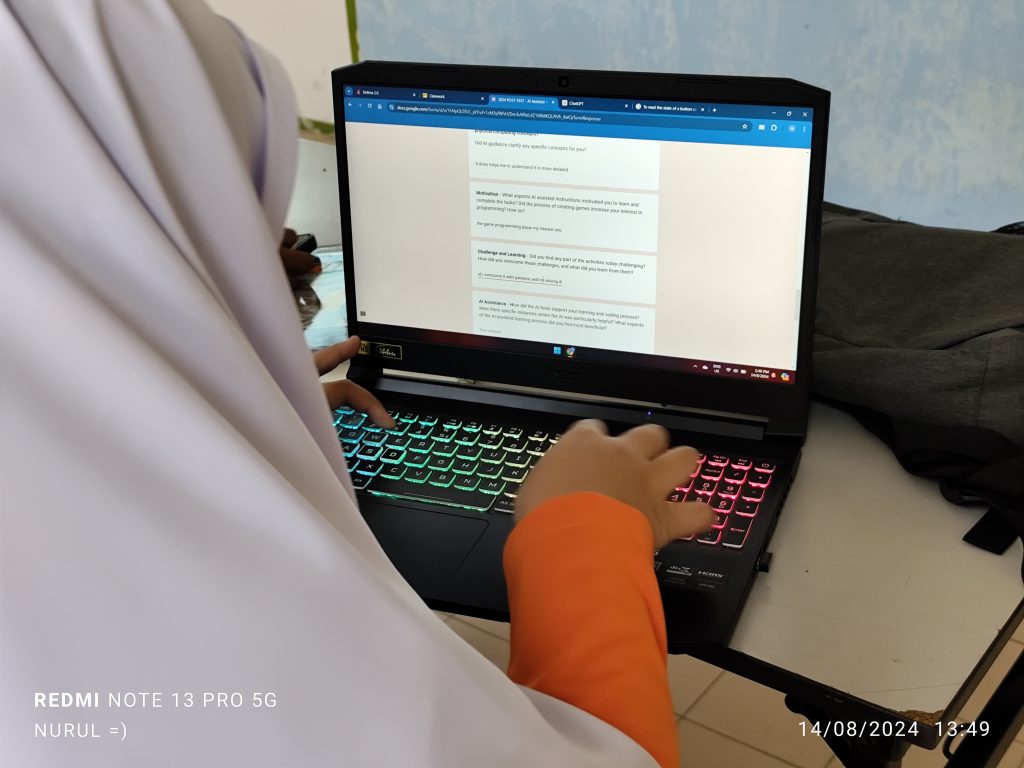
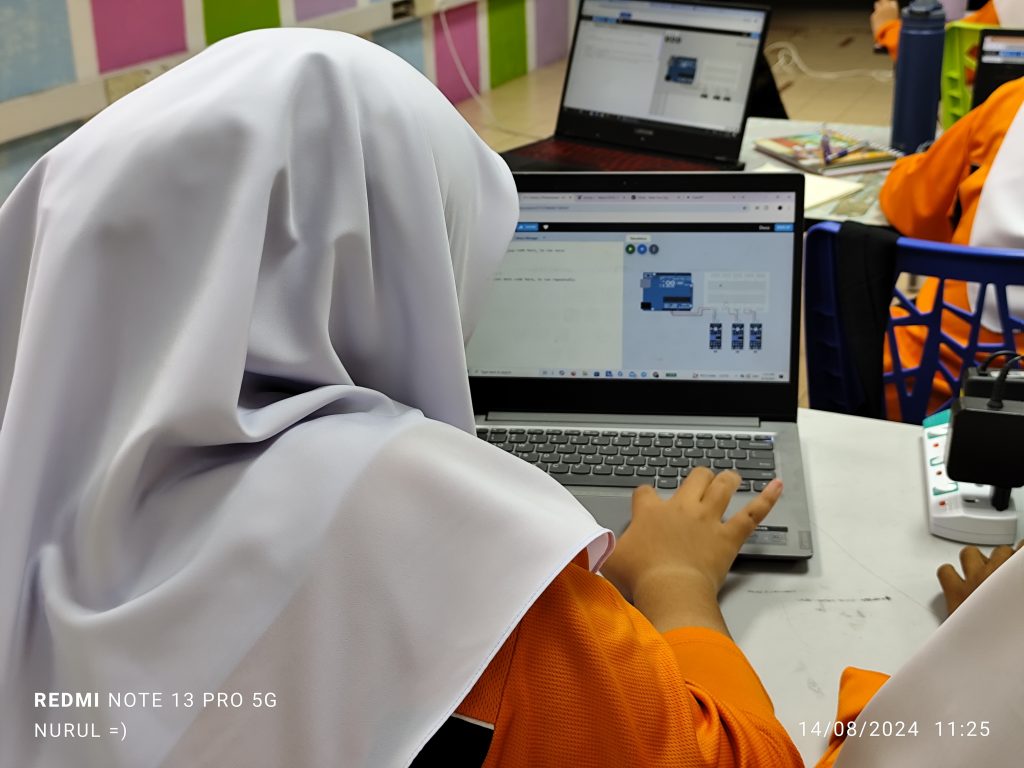
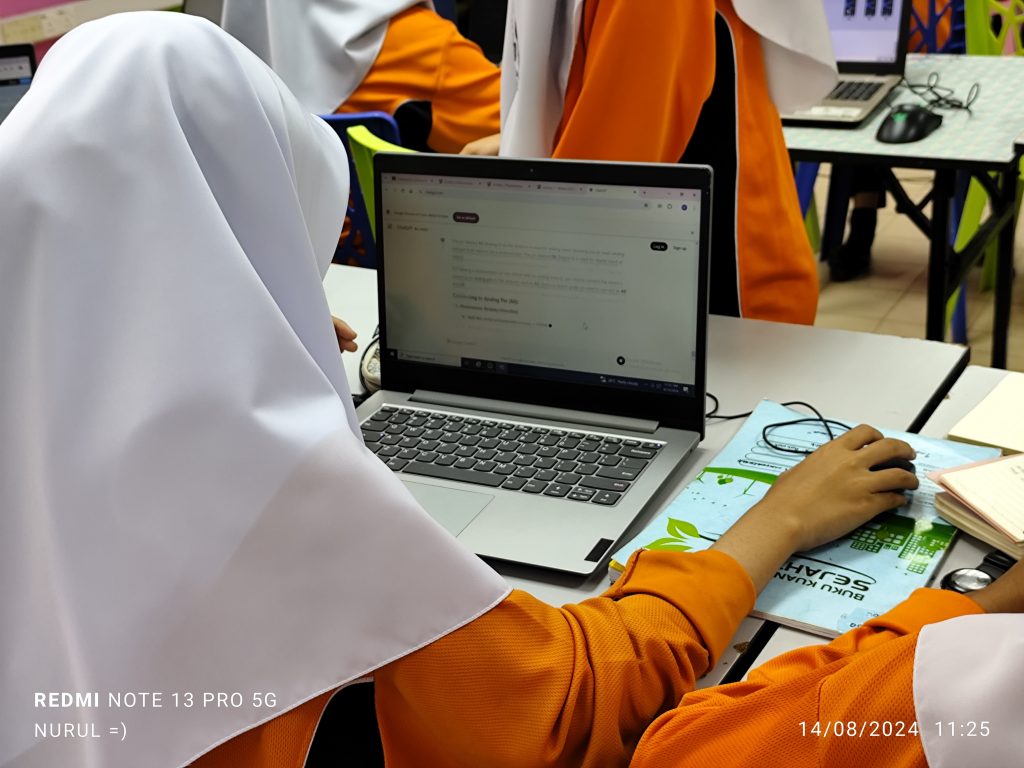
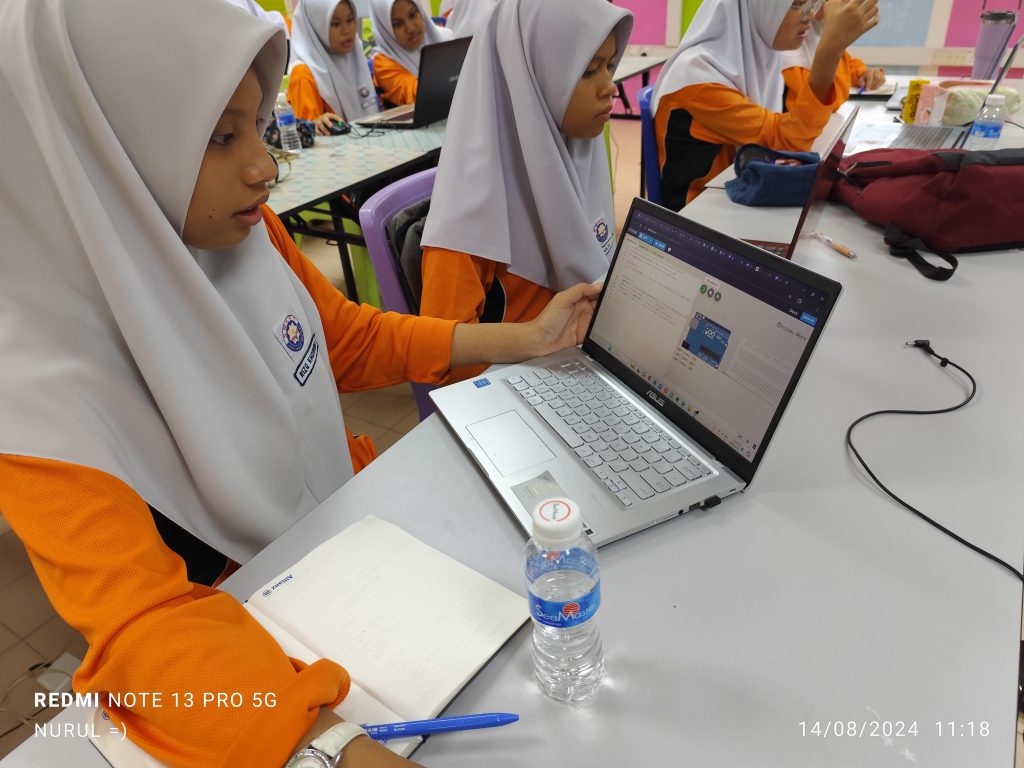
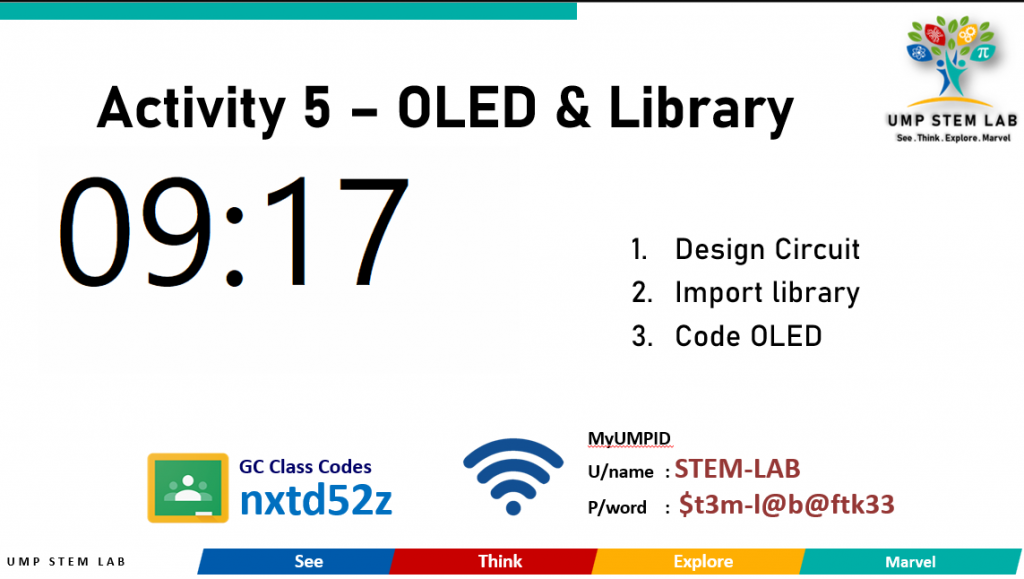
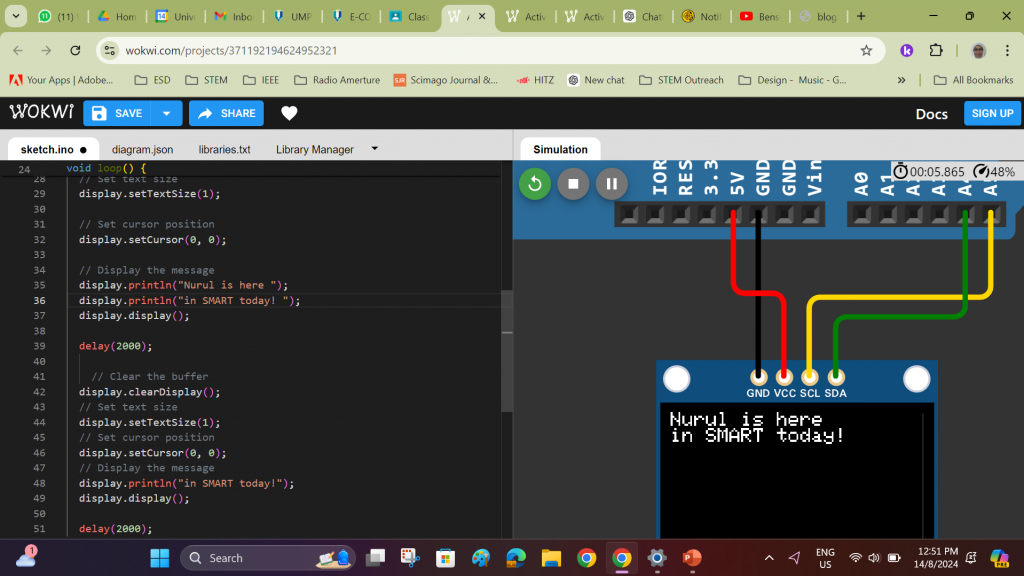
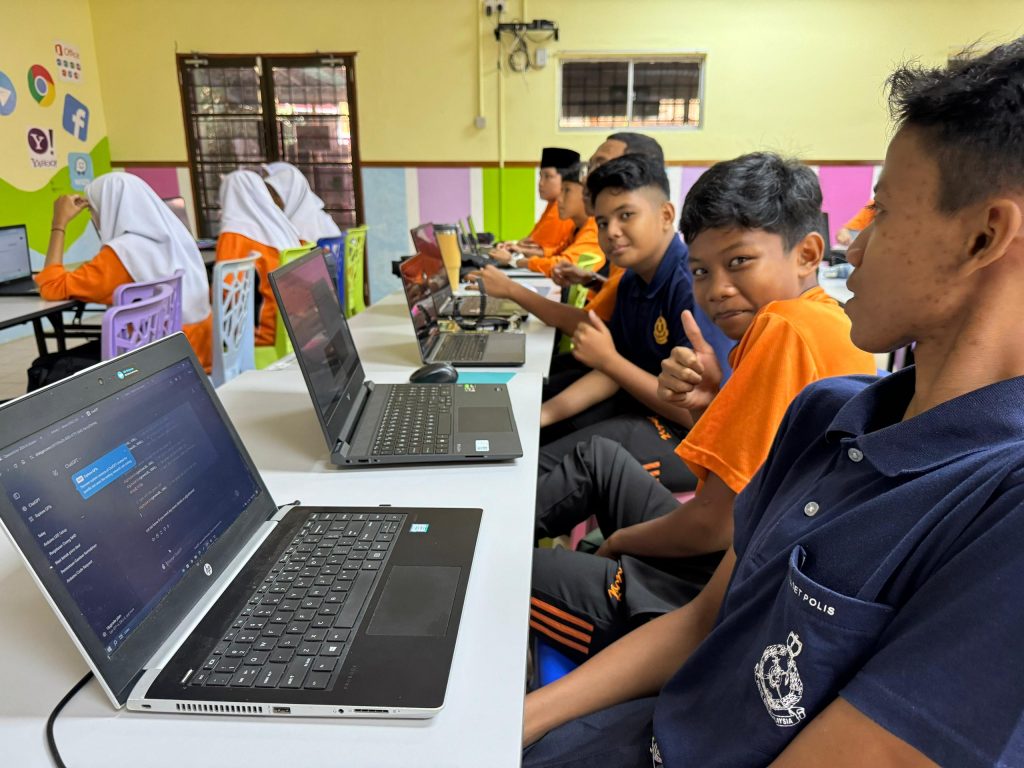
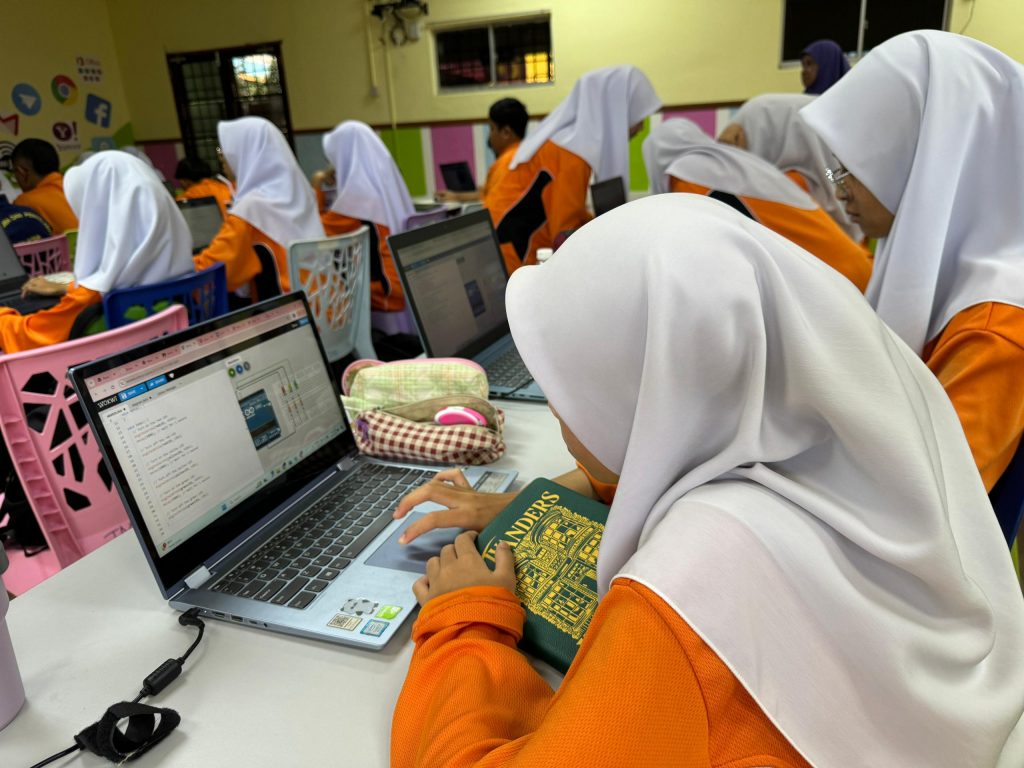
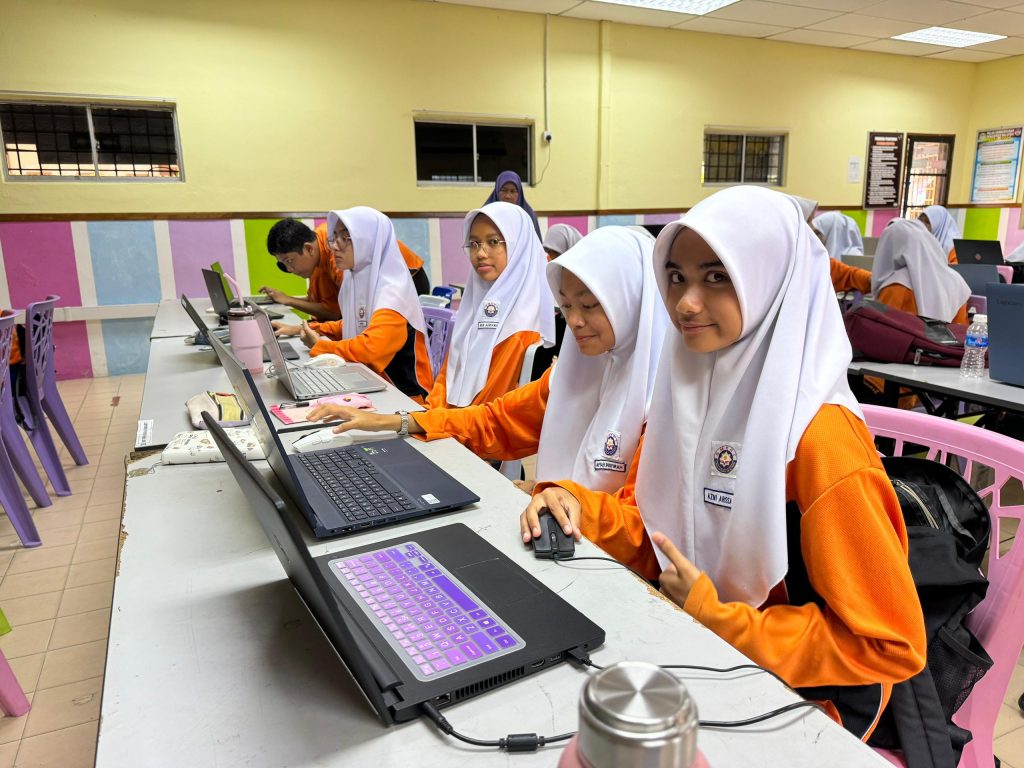
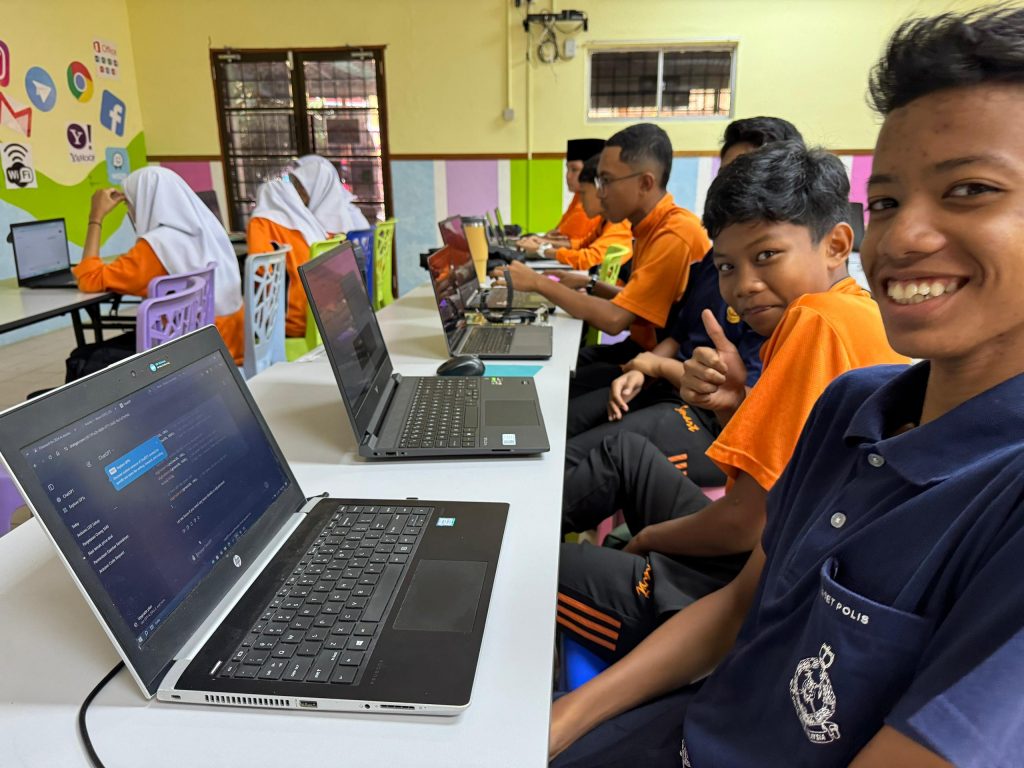
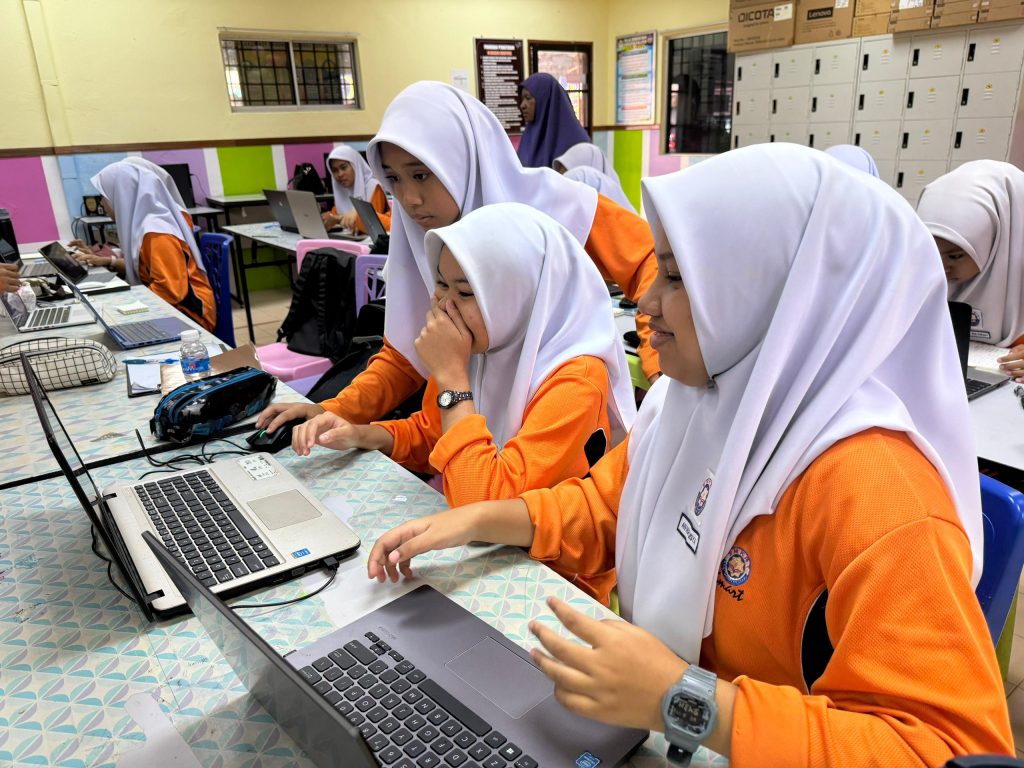
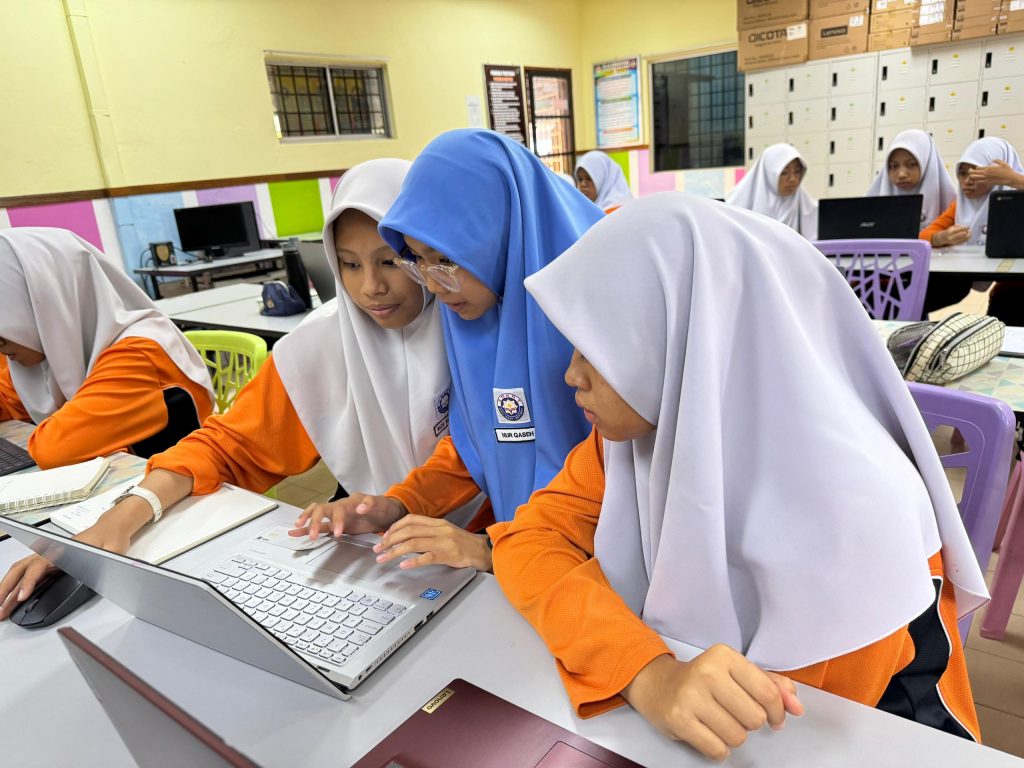
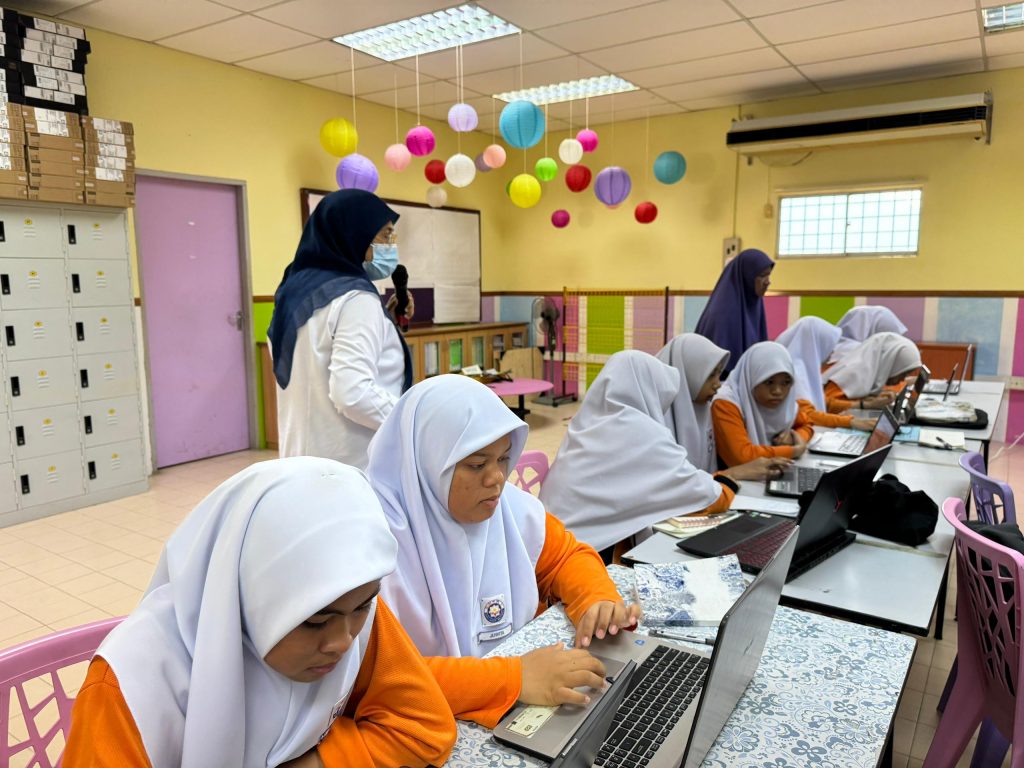
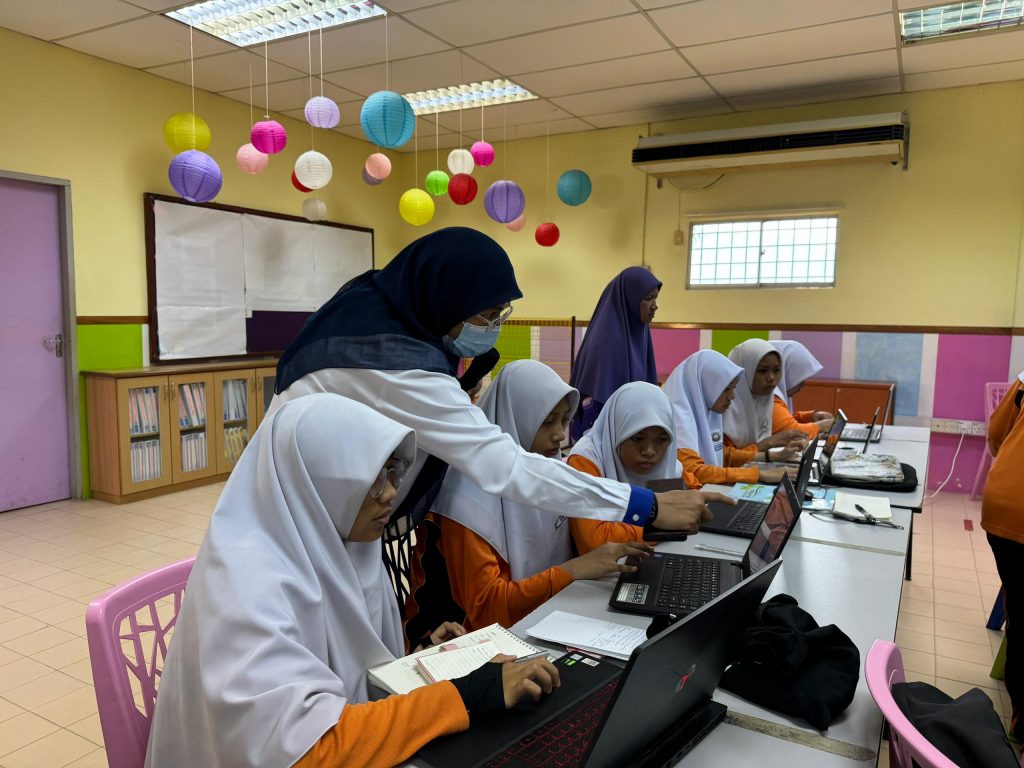
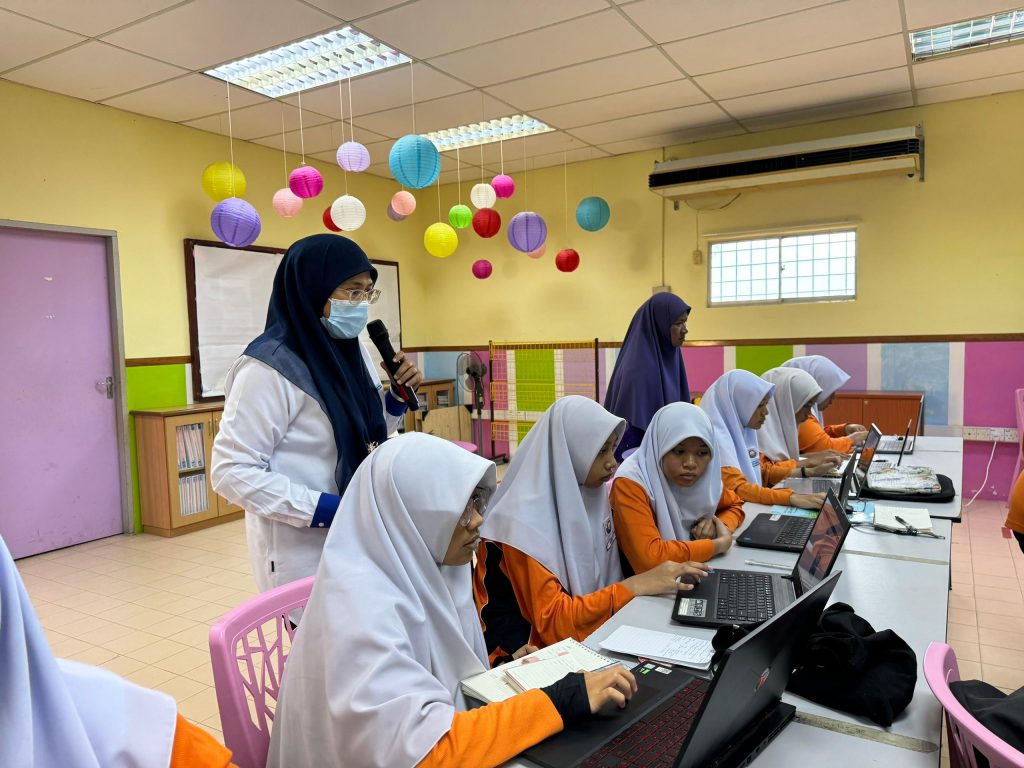
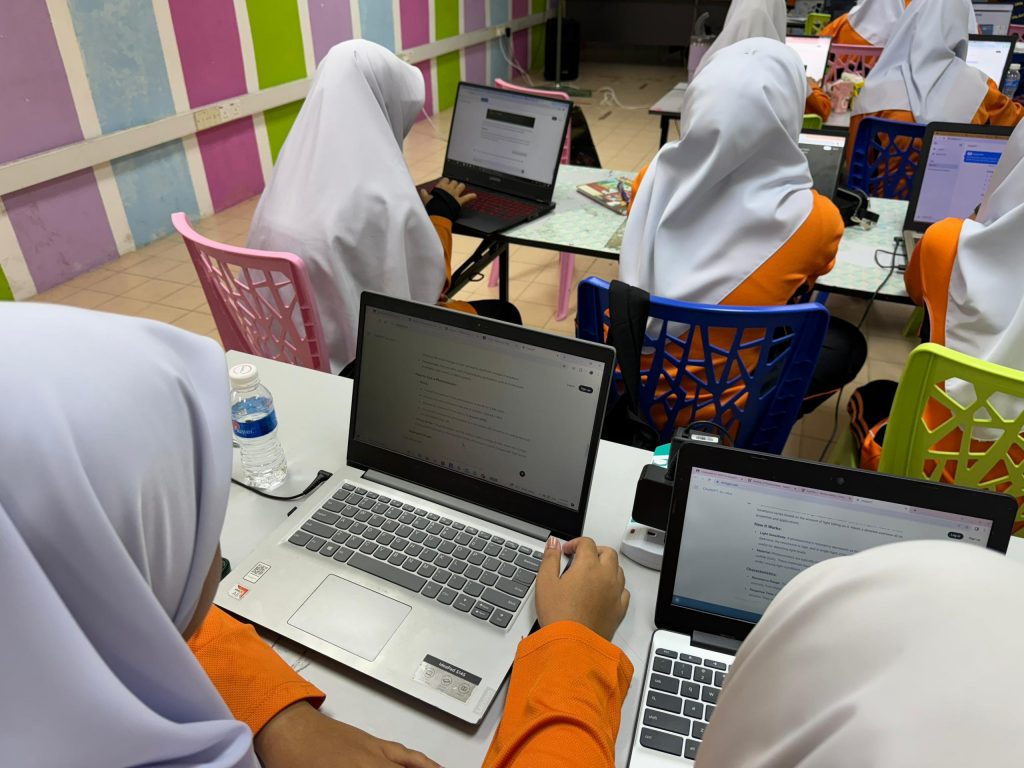
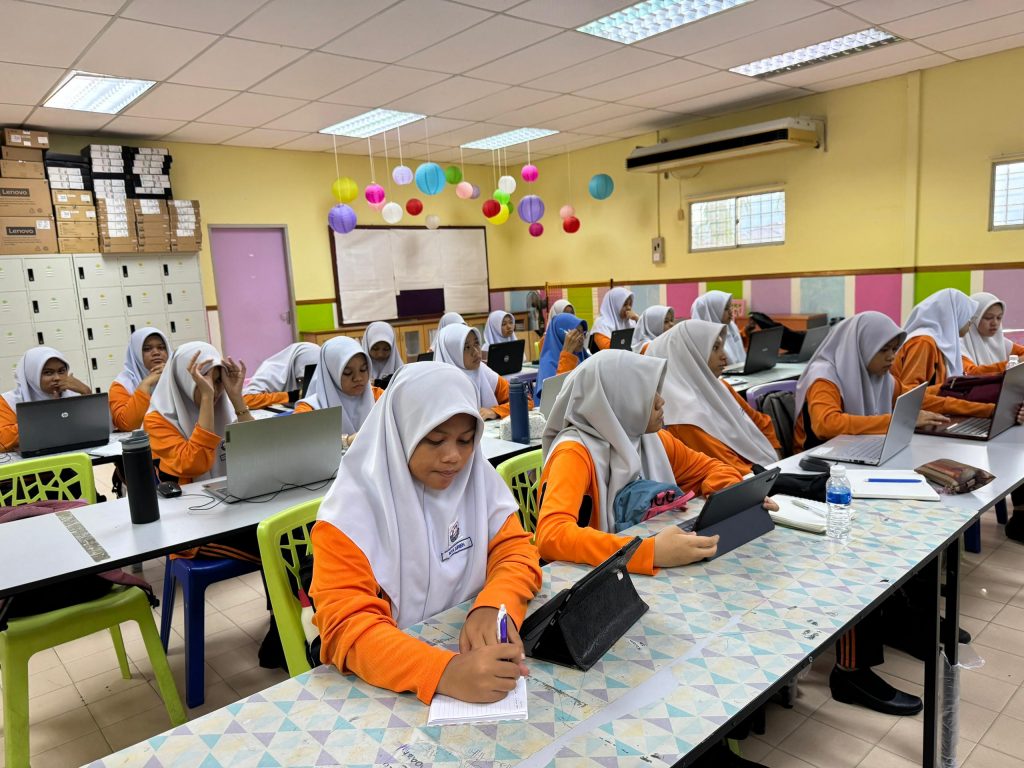
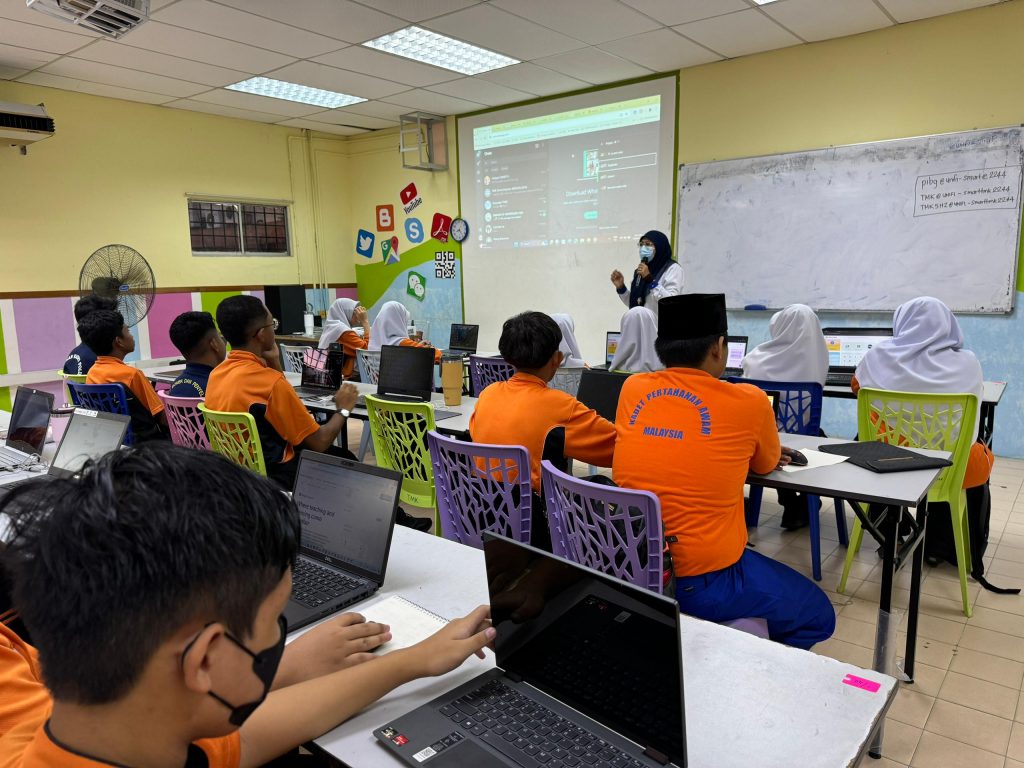
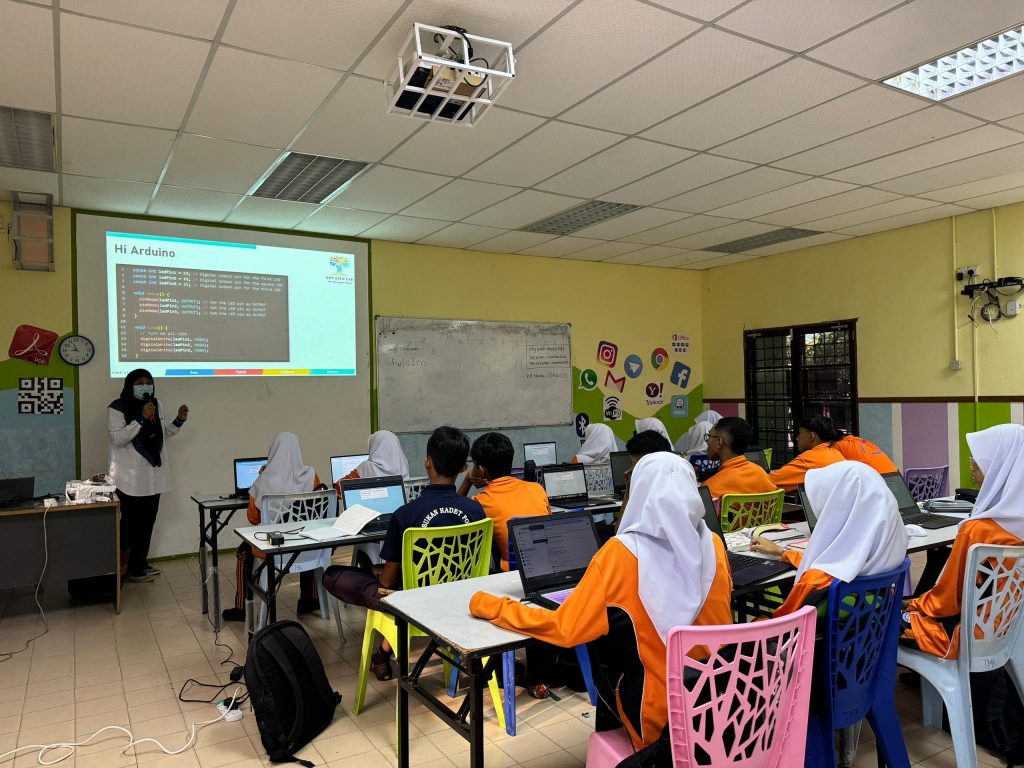
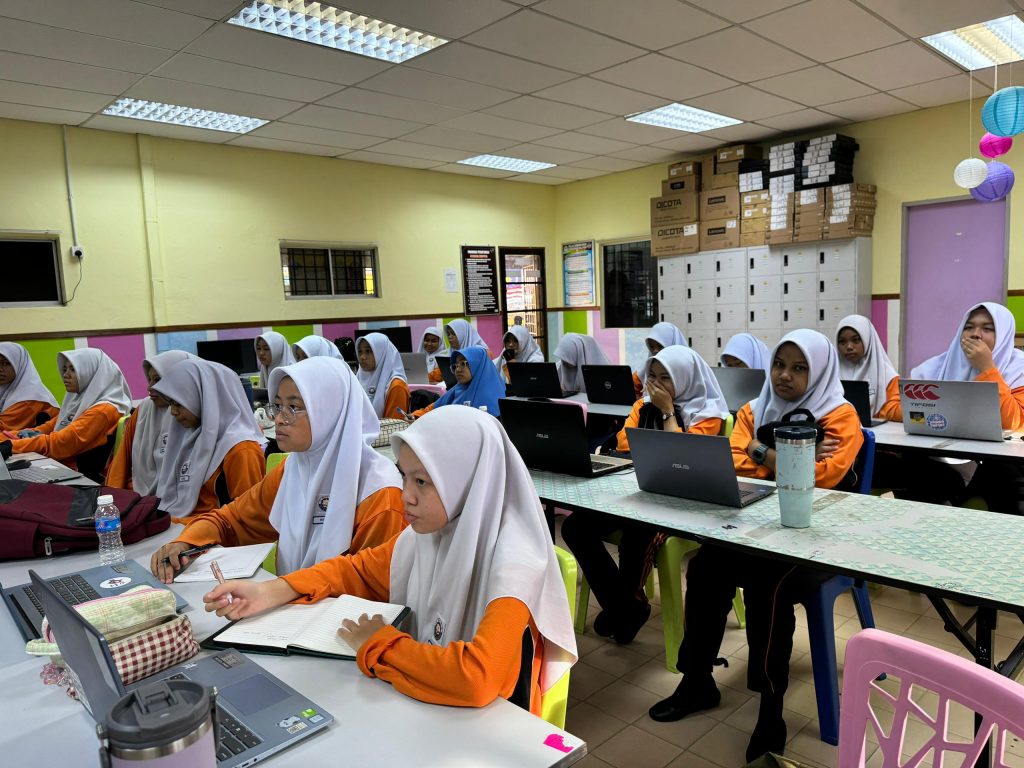
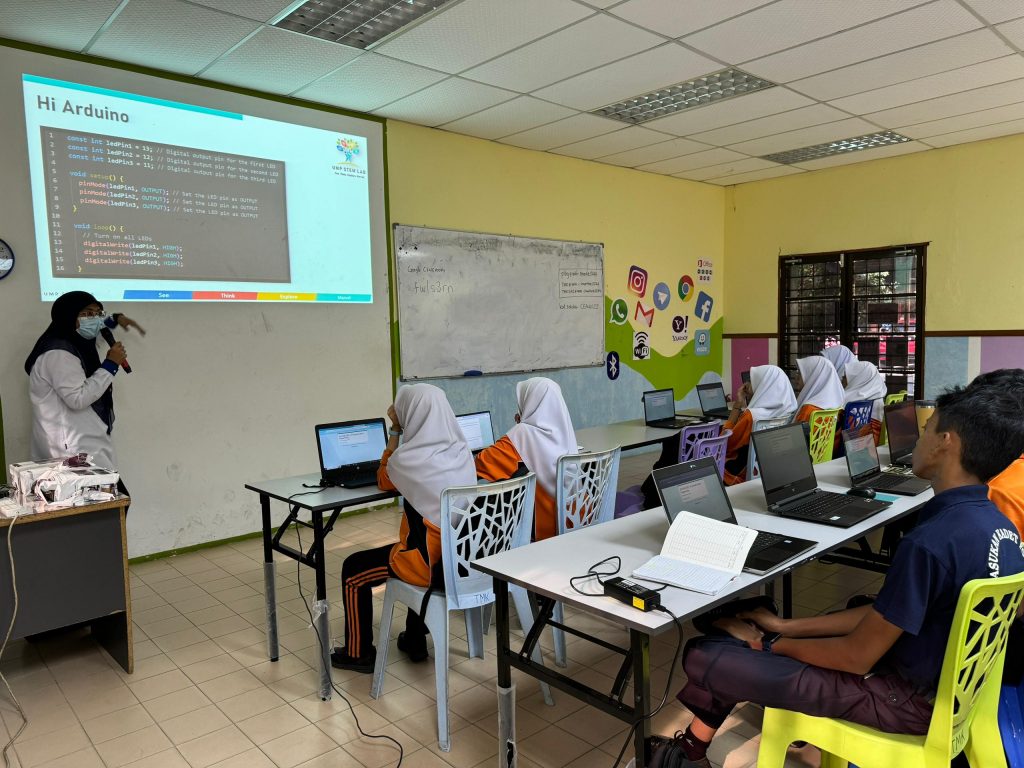
In this session, 38 Form 2 students and teachers explored the basics of Arduino programming, enhanced by AI tools like ChatGPT. Activities included coding projects like LED blinking, traffic light simulations, and working with photoresistors. Students were actively engaged, learning how AI can assist in coding and troubleshooting.
Thank you again, Cikgu Hayati, for helping us inspire the next generation of tech enthusiasts!